



Huawei G8 FAQs – Frequently Asked Questions
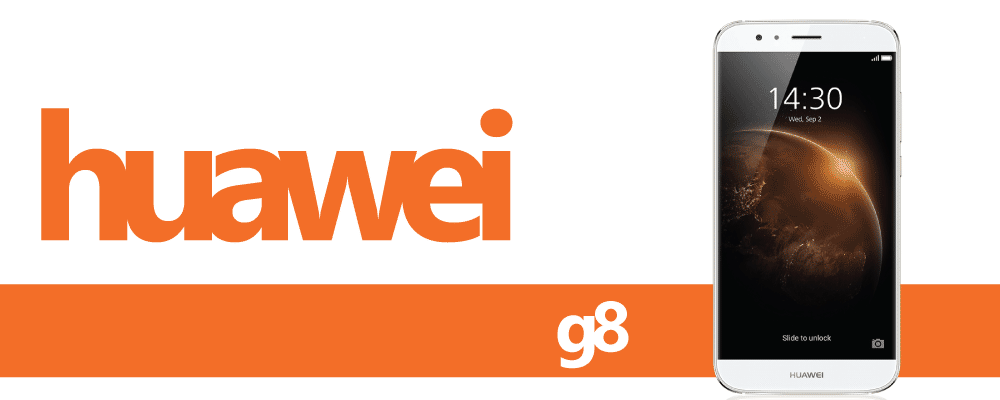
Are you a planning to get a Huawei G8 or currently own one? Do you have any questions about it? Here’s Sydney CBD Repair Team answering those queries.

How is my phone’s internal memory divided?
Phones, computers, tablets, and other devices are set up in a similar way. Physical ROM and RAM portions are all the same as described in the product specifications. However, the system may take up part of this memory.
System applications, files, database information, and more all use memory on your phone, in total about 6 GB. The space taken up by these things is not displayed to you by your phone.
Specific phones, like 16 GB phones, show about 9 GB of available memory. 32 GB phones show about 26 GB of available memory. 64 GB phones show about 52 GB of available memory.

What functions does the suspend button have? How do I use it?
After enabling the suspend button in Settings, the button will be displayed on most screens. You can move the button to the left or right side of the screen. Touch the suspend button and common functions will be displayed, including back, home, recent applications, lock screen, and optimization.
Turn on the suspend button on the Settings > Smart assistance/More screen.

How can I add a note?
Open Notepad, create a note, add events, and save the note.

Why is the weather information incorrect?
Go to the Weather screen. Swipe down on the screen to refresh the weather information.
Before you refresh the weather information, please confirm that the phone is connected to the mobile data network or Wi-Fi.
If the weather information is still incorrect after refreshing, it may be that the weather app’s data has not refreshed completely yet. Please check again later.
Download another similar weather app and check whether the information is correct.
Apps that provide weather data can’t be completely accurate. For more accurate information please refer to actual weather forecasts.

What can I do if the headset plug is loose, the headset won’t plug in all the way, or only the background music can be heard and the melody is too quiet?
Make sure the four metal sections on the headset plug are completely inserted into the headset plug opening. When the last section is plugged in there may be a popping sound as the plug is inserted into position. When the headset is completely plugged in, check if the sound is normal.

How do I reject calls when in smart cover mode?
In smart cover mode, after turning off the screen, you can press the power button to turn the screen back on and then reject the call. You can also open the case to reject the call.


Why can’t I mute incoming calls when using a smart case?
Touch Settings > Motion control > Flip, and turn on Mute incoming calls. When you have an incoming call, flip your phone over to mute the call and stop the vibration.

What functions does the leather case have?
If you use a leather case designed for the model of your phone, you can see various information through the small opening in the front of the case, including weather, incoming calls, the alarm on/off switch, music that is playing, and more.
The specific functions may be different for different phone models.

What is smart cover mode?
The smart cover mode requires a compatible Huawei leather case. After turning on smart cover mode, the case will display information from your phone’s Clock and Weather apps when in standby.
When in smart cover mode:
Incoming call screen: Supports showing phone numbers or contact information on the leather case. You can swipe left or right to answer or reject the call.
Alarm screen: Touch the alarm animation to use the snooze function and you can swipe in the display area to turn off the alarm.
Missed calls, SMS notifications: Supports visual notifications for unread messages, missed calls, and more.

How do I enable location services?
Go to Settings > Location access and turn on Access my location.

