



LG G3 Manual
Get to know your very own LG G3 with the help of Sydney CBD Repair Team. Read the manual to get the most out of your smartphone.


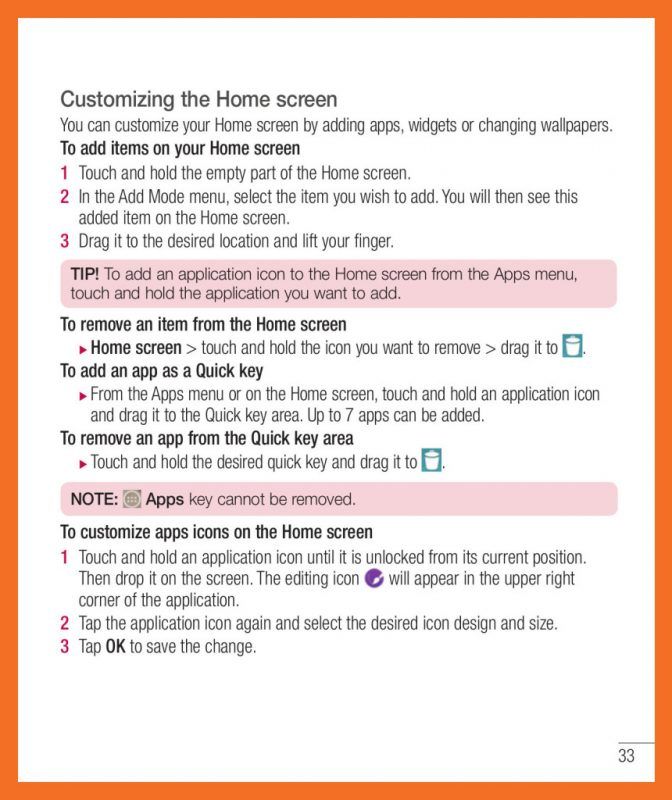


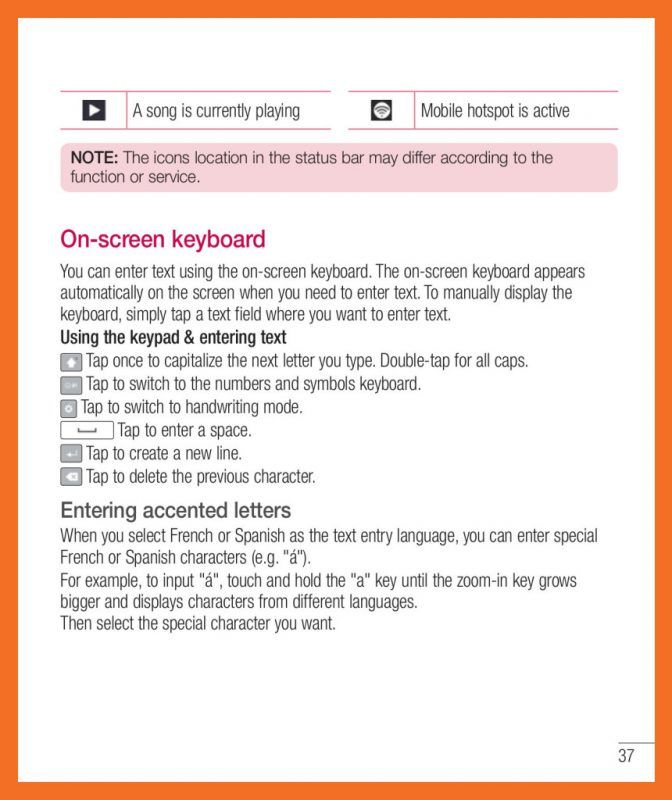


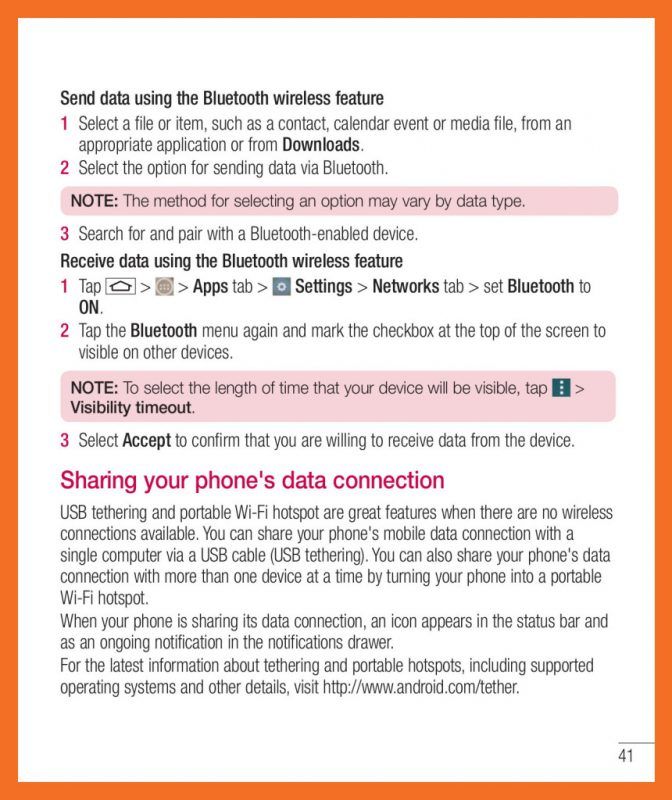


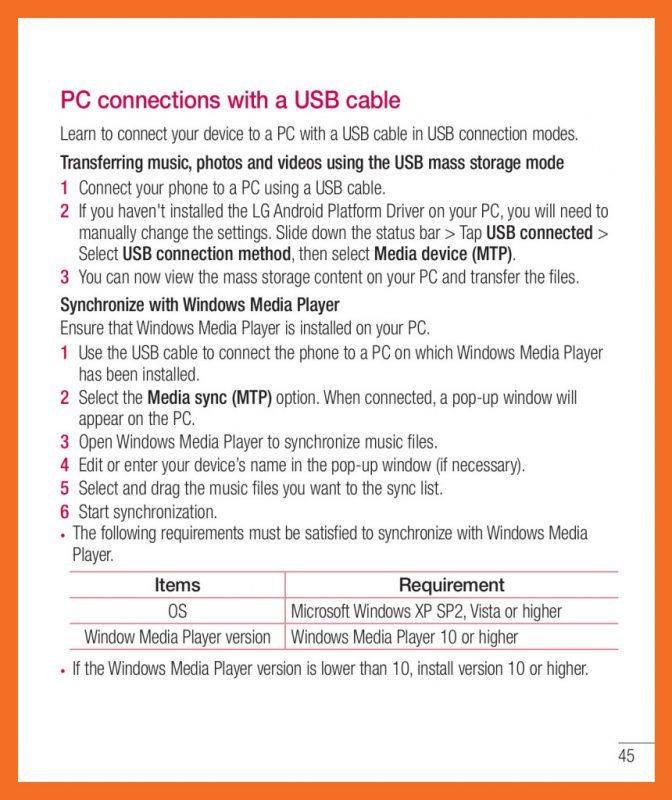









Download the PDF version of this manual here.
-
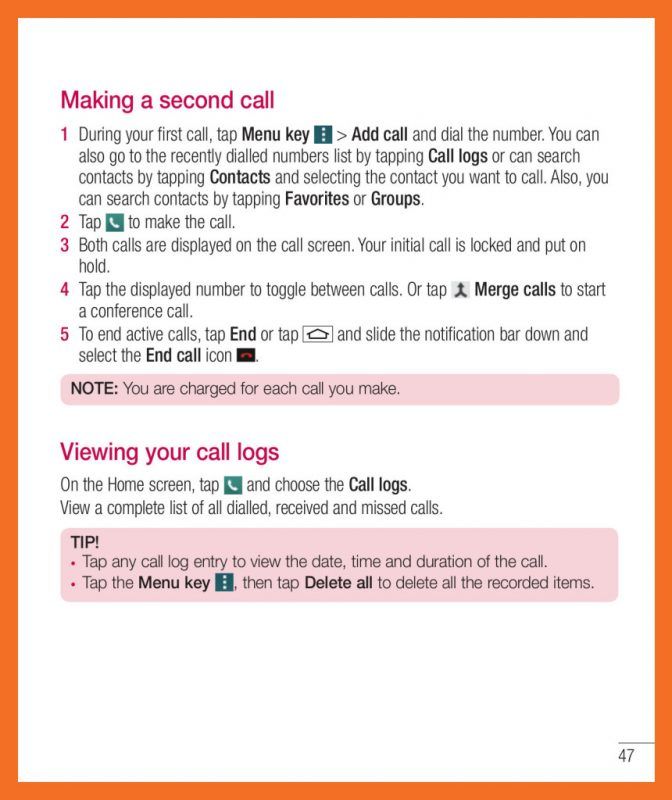
Making a call
1. Tap to Dialer open the keypad.
2. Enter the number using the keypad. To delete a digit, tap the backspace.
3. Tap green phone icon to make a call.
4. To end a call, tap the End icon red phone icon.Answering and rejecting a call
When you receive a call in Lock state, swipe the green icon in any direction to Answer the incoming call.
Swipe the red phone icon in any direction to Decline an incoming call.

