
Skip to content
Sydney CBD Repair Centre Logo 400x40
📢 Post Your Phone Today. 👀See How Fast It's Returned. | 📍Aussie Customers| 📍USA Customer
📢 Chat With A Human Not A Bot↗️❤️
🚈Convenient Sydney Light Rail - Please Get Off ❤️[Chinatown] Stop
📢 OPEN (6 Days) : Mon-Fri 10am-6pm Sat : 10am-2pm , Close: Sun ↗️.
Shop Opens 27th Of April, 10am
📢 Get It Now iPhone 17, iPhone 17 Pro , iPhone 17 Pro Max, iPhone Air Protection Cases Available - Limited Stocks Now.
Menu : 🎈 Galaxy 🎁 iPhone 💎 Pixel 'Pixel 10 Pro XL' 🛡️ OnePlus 🧬 Huawei 💊 Xiaomi 🌡️ ROG 💢 🎯 Motorola 🩹 OPPO +... 📷.GoPro. 📍
✅📣 📣 🥇 Nothing Phone* 📍 | Request Your Model To Repair🔻 Here !🧊
🎊 A Story Of Arthur's Galaxy Note 20 Ultra From Byron Bay.
🎊 A Story Of Mark's 2000km long distance ROG Phone 7 Repair.
🎊 A Story Of James Broken Huawei P30 Pro Phone.
🎊 A Story Of iPhone 13 Pro - Apple Said No, David Said Yes.
🎊 The Latest Stocks Only With Us: 📢 Fix Pixel 10 Pro XL Screen🎁 📢 Fix ROG Phone 7 Screen
Best Cell phone repair in Sydney Best Cell phone repair in Sydney Best Cell phone repair in Sydney Best Cell phone repair in Sydney Best Cell phone repair in Sydney Best Cell phone repair in Sydney Best Cell phone repair in Sydney Sydney CBD Repair Centre Logo 300x300

🎯 7 Years In A Row ! 👑🥇 Top 3 Mobile Phone Repair In Sydney


Click Here to See CERTIFICATE of EXCELLENCE 2026💢

🥇 The Best Phone Repair Store in City Of Sydney From Quality Business Awards in 2026


🥇 The Best Phone Repair Store in City Of Sydney From Quality Business Awards in 2025

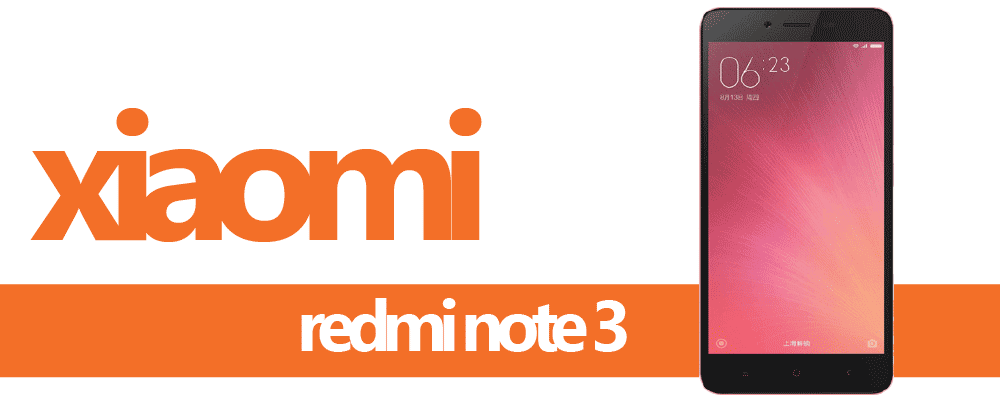
5 Best Features of Xiaomi Redmi Note 3

These are Xiaomi Redmi Note 3 best features that end users might not know existed brought to you by you Sydney CBD Repair Centre Team.

xiaomi-redmi-note3-banner
1

EASY ACCESS TO FLASHLIGHT

Xiaomi Redmi Note 3 lets you access the flashlight right from the lock screen by long pressing the home button. This is convenient for everyone who relies on their mobile phone for emergency flashlights.

2

AUTO ALIGN ICONS

In Xiaomi Redmi Note 3, arranging icons can be done easily just by long pressing the multi task button and shaking the smartphone until the icons gets aligned in a neat grid.

3

SMART MULTI-TASKER BUTTON

Xiaomi Redmi Note 3 have a smart feature that lets users kill all open apps but set some apps to be kept running even if the end all button is pressed. This is all customizable.

4

BUILT IN APP LOCKER

This has been a stable feature of the Xiaomi smartphone and the Xiaomi Redmi Note 3 have a very good implementation of the app locker with the new version of MIUI 7.1. It basically gives user the ability to lock certain apps from other people who might use the phone. App would require password or fingerprint to activate.

5

PRIVATE MESSAGING

Xiaomi Redmi Note 3 also have a feature that will separate messages from the unsecure ones to a separate private folder. This makes confidential chats safe from other users who might use the device.

Xiaomi Redmi Note 3 Full Specs

Know what powers the Xiaomi Redmi Note 3.

Read Specs

Xiaomi Redmi Note 3 Hard Reset

Reset your Xiaomi Redmi Note 3 with this Do-It-Yourself guide.

DIY Reset
Sydney CBD Repair Centre Log White
Sydney CBD Repair Centre Logo Dark