




Don’t Smash It: How to Safely Remove Cracked Camera Glass Without Further Damage

Don’t Smash It: How to Safely Remove Cracked Camera Glass Without Further Damage – 9 Proven Expert Steps
Introduction: Why Cracked Camera Glass Is a Serious Issue
Cracked camera glass isn’t just a cosmetic flaw. It’s a direct threat to your smartphone’s camera system. When the outer protective layer shatters, dust, moisture, and debris can enter the camera housing. That’s when minor damage becomes major trouble.
Modern devices like the iPhone 15 Pro Max and Samsung Galaxy S24 Ultra feature advanced multi-lens camera systems. These systems rely heavily on precision alignment and crystal-clear protection. Even a hairline crack can distort images, scatter light, and reduce photo clarity.
If you’ve noticed blurry photos, strange glare, or visible cracks around the camera module, it’s time to act. However, you must approach the problem carefully. Improper removal can damage the internal lens, autofocus motor, or optical image stabilization components.
Let’s explore exactly how to handle this situation safely.
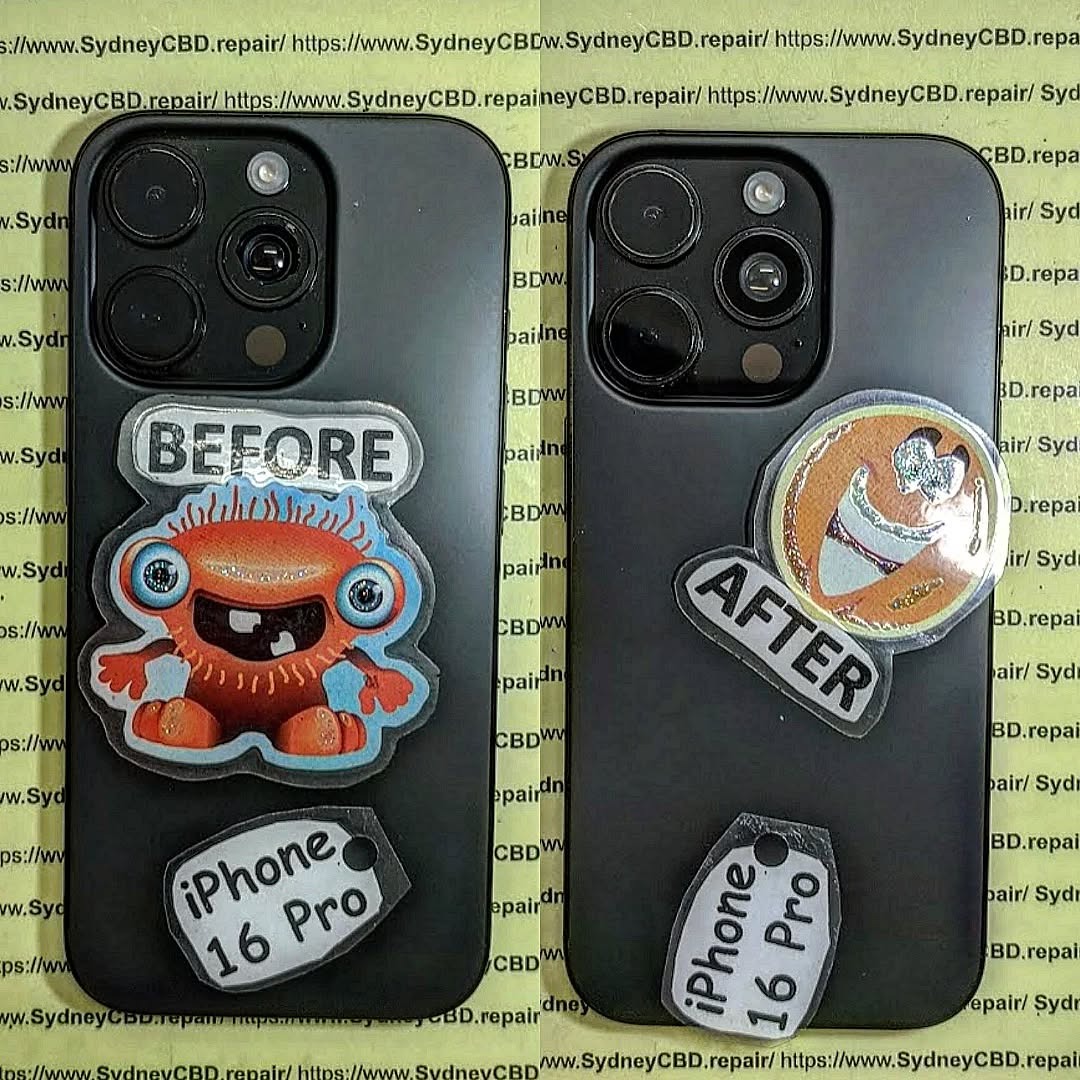
Understanding Smartphone Camera Glass and Lens Structure
Outer Glass vs Internal Lens
Smartphones have two important components in the camera module:
- Outer Camera Glass Cover – Protective layer
- Internal Camera Lens – Optical system beneath
The cracked camera glass refers only to the outer protective cover. The internal lens remains intact unless exposed to severe impact.
It’s crucial not to confuse the two. Damaging the internal lens may require full camera replacement, which is far more expensive.
Common Causes of Camera Glass Damage
Camera glass typically cracks due to:
- Drops onto hard surfaces
- Direct impact on raised camera bumps
- Pressure in tight pockets
- Poor-quality phone cases
- Sudden temperature changes
Even flagship phones are vulnerable if not protected properly.
Signs You Need to Remove Cracked Camera Glass
You should consider removing cracked camera glass if:
- Photos appear blurry despite clean lenses
- Light streaks appear in images
- You hear rattling near the camera
- Shards are visibly loose
- Moisture enters the lens area
If the crack is spreading, don’t delay. Broken fragments can scratch the internal lens permanently.
Tools Required to Safely Remove Cracked Camera Glass
To safely remove cracked camera glass, you’ll need:
- Heat gun or hair dryer
- Plastic pry tools
- Precision tweezers
- Isopropyl alcohol (90%+)
- Microfiber cloth
- Replacement camera glass
- Adhesive strips or B-7000 glue
DIY Tools vs Professional Equipment
While a hair dryer works for light adhesive, professionals use temperature-controlled heat pads. These minimize overheating risks.
Professionals also use microscope inspection tools. This ensures no micro-shards remain inside the module.
9 Proven Steps to Remove Cracked Camera Glass Safely

Step 1: Power Down the Device
Always turn off your phone before beginning. This prevents electrical damage and camera short circuits.
Step 2: Apply Controlled Heat
Use gentle heat around the cracked camera glass. Heat softens adhesive. Avoid overheating — 60–80°C is ideal.
Step 3: Protect the Camera Lens
Place masking tape over exposed areas. This catches small shards during removal.
Step 4: Remove Broken Glass Carefully
Using plastic tools, gently lift the cracked camera glass. Never use metal blades — they can scratch the housing.
Work slowly. Rushing is how lenses get damaged.
Step 5: Clean Adhesive Residue
Use isopropyl alcohol and a lint-free cloth to remove leftover adhesive. Ensure the surface is smooth.
Step 6: Inspect Internal Lens
Check for scratches, dust, or condensation. If the internal lens is damaged, professional repair is recommended.
Step 7: Apply New Adhesive
Apply thin, even adhesive around the housing. Avoid excess glue — it can seep into the lens.
Step 8: Install Replacement Glass
Carefully align the new camera glass. Press firmly but gently for proper bonding.
Step 9: Final Testing
Power the phone on. Open the camera. Test:
- Focus speed
- Photo clarity
- Video stability
- Flash performance
If everything looks sharp, you’ve done it right.
Risks of Improper Camera Glass Removal
Improper removal can cause:
- Lens scratching
- Autofocus failure
- Internal dust contamination
- Water resistance loss
- Camera module replacement
Replacing an entire camera module can cost significantly more than simply removing cracked camera glass properly.
When to Seek Professional Repair Services
If your phone is under warranty or features advanced camera systems, professional help is wise.
For example, high-end devices like the Google Pixel 8 Pro use complex AI-assisted imaging systems. Damaging internal sensors may affect computational photography.
Professional repair centers have:
- Temperature-controlled equipment
- Genuine replacement parts
- Waterproof sealing tools
- Warranty coverage
If you’re unsure, it’s better to be safe than sorry.
For additional technical guidance, you may review general smartphone repair best practices at Sydney CBD Repair Centre : https://SydneyCBD.repair/locate-us
Cost Comparison: DIY vs Professional Repair
| Repair Type | Estimated Cost | Risk Level | Warranty Impact |
|---|---|---|---|
| DIY Camera Glass Removal | Low | Medium–High | May void warranty |
| Professional Repair | Moderate | Low | Usually preserved |
While DIY seems cheaper upfront, mistakes can multiply costs.
Preventing Future Camera Glass Damage
To prevent cracked camera glass:
- Use raised-lip protective cases
- Apply camera lens protectors
- Avoid placing phones lens-down
- Keep device away from extreme heat
- Use padded pockets
Prevention is always cheaper than repair.
FAQs About Cracked Camera Glass
1. Can cracked camera glass affect photo quality?
Yes. It causes glare, blur, and light distortion.
2. Is cracked camera glass dangerous?
It can be. Loose shards may scratch the internal lens.
3. Can I use tape as a temporary fix?
Only briefly. Tape traps dust and moisture.
4. Will water enter through cracked camera glass?
Yes, especially in humid environments.
5. Does replacing camera glass restore image quality?
If the internal lens is undamaged, yes.
6. How long does professional repair take?
Most shops complete camera glass replacement within 1–2 hours.
Conclusion: Protect Your Camera Investment

Your smartphone camera is one of its most valuable features. When cracked camera glass appears, it’s tempting to ignore it. Don’t.
Address it early. Use careful methods. Or better yet, consult professionals. Taking action today prevents costly repairs tomorrow.
With the right approach, you can safely remove cracked camera glass and restore your phone’s full photographic potential.
David from Sydney CBD Repair Centre – The Best place to fix mobile phones as 7 Years In A Row! Top Mobile Phone Repair In Sydney. More than 2000 Positive Reviews on Google and Same Day Repairs.
We take pride in delivering exceptional repair services for all major phone brands including Apple, Samsung, Google, and more. Our expert technicians use only genuine parts and offer 90days warranty on repairs. Located in the heart of Sydney CBD, we’re your one-stop solution for all mobile device repairs.
Our commitment to excellence has earned us the trust of thousands of satisfied customers. Whether it’s a cracked screen, battery replacement, or water damage repair, we handle it all with professional care and expertise. Walk in today and experience why we’re Sydney’s #1 choice for mobile phone repairs.
Visit us for:
✓ Same Day Express Repairs
✓ Genuine Parts Guarantee
✓ Professional Technicians
✓ Competitive Pricing
✓ 2000+ 5-Star Google Reviews
✓ 7-Time Award Winner for Best Phone Repairs
Sydney CBD Repair Centre – Where Quality Meets Reliability.
Call : +61280114119
Website: https://SydneyCBD.repair/locate-us

