


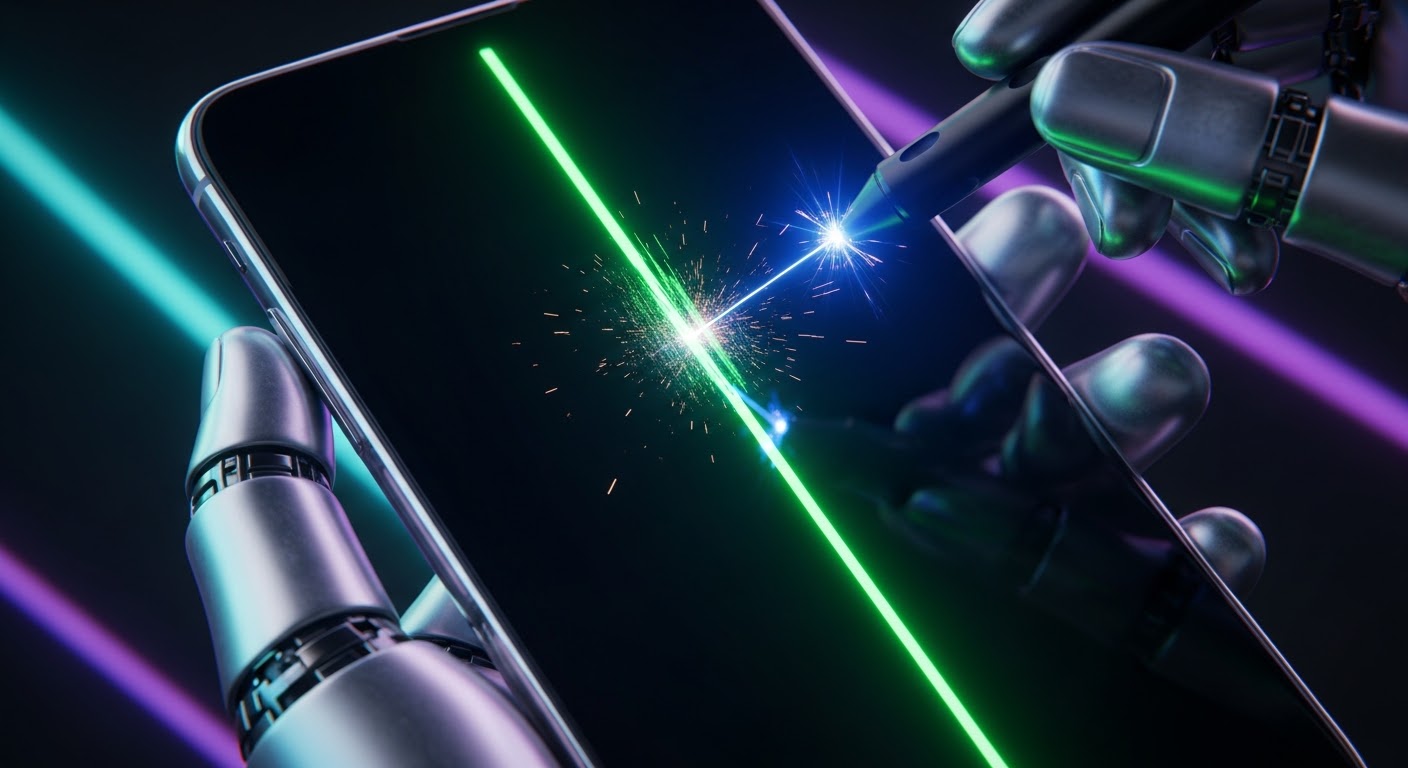
Fixing the Samsung Green Line Issue: Real Professional Solutions for Affected Display Screens

Fixing the Samsung Green Line Issue: Real Professional Solutions for Affected Display Screens + 7 Proven Expert Fixes
Introduction
Fixing the Samsung green line issue has become one of the most urgent concerns for Galaxy users worldwide. If you’ve noticed a thin vertical green streak running down your display, you’re likely dealing with early-stage OLED panel degradation or a developing hardware fault. While the line may start subtly, it rarely fixes itself — and in many cases, it becomes brighter and more permanent over time.
Modern Samsung smartphones, including flagship models in the Galaxy S and Z series, use advanced AMOLED technology. These displays deliver stunning color accuracy, deep blacks, and impressive brightness. However, like all OLED panels, they are sensitive to pixel wear, voltage inconsistencies, and thermal stress. When green subpixels begin to fail or a display driver component malfunctions, the result is often a visible vertical line.
The good news? Fixing the Samsung green line issue doesn’t always mean replacing your entire device. With proper diagnosis and professional repair solutions, most affected screens can be restored efficiently and safely. In this guide, we’ll break down what causes the problem, how to identify whether it’s software or hardware related, and the most reliable repair options available today.
If your screen is showing signs of trouble, acting early can make all the difference. Let’s explore what’s really happening behind that green line — and what you can do about it.
Fixing the Samsung green line issue has become one of the most common repair requests for modern Galaxy devices. If you’ve noticed a thin vertical green line running from the top to the bottom of your screen, you’re not alone. This problem frequently affects premium OLED models such as the Samsung Galaxy S21, Samsung Galaxy S22 Ultra, and Samsung Galaxy Z Flip 5.
While the line may start faint, it often becomes brighter over time. The good news? There are real professional solutions available. In this comprehensive guide, we’ll break down causes, diagnostics, repair options, and prevention strategies — all written in clear, easy-to-understand language.

Understanding the Samsung Green Line Issue
The Samsung green line issue typically appears as a vertical neon or lime-colored streak. It may be constant or visible only on certain brightness levels.
This issue is primarily hardware-related in most cases. However, software glitches can sometimes mimic similar symptoms. Therefore, proper diagnosis is essential before proceeding with repair.
What Causes Green Lines on Samsung Screens?
There are several possible causes:
- OLED Pixel Burn-in
- Subpixel degradation
- Display driver IC malfunction
- Physical impact damage
- Water exposure
- Manufacturing inconsistencies
In Samsung AMOLED panels, green subpixels degrade differently from red and blue. Because OLED screens generate their own light, any imbalance becomes highly visible.
Commonly Affected Samsung Galaxy Models
Although it can affect many models, technicians often report cases in:
- Galaxy S20 Series
- Galaxy S21 Series
- Galaxy S22 Series
- Galaxy Note 20
- Galaxy Z Fold and Flip series
Premium OLED displays are more susceptible due to high brightness output and pixel density.
How OLED Displays Work in Samsung Devices
Samsung uses AMOLED (Active Matrix Organic Light Emitting Diode) technology in most flagship devices.
Unlike LCD screens, AMOLED displays do not require a backlight. Each pixel lights up individually.
Pixel Structure and Subpixels
Each pixel consists of:
- Red subpixel
- Green subpixel
- Blue subpixel
When combined, they create full color output.
Why Green Pixels Fail First
Green subpixels are typically more sensitive to voltage fluctuations and heat stress. Over time, they may degrade unevenly, creating a vertical green line.
Additionally:
- High brightness accelerates degradation
- Always-on display contributes to pixel fatigue
- Static images cause uneven wear
Understanding this technical background helps explain why fixing the Samsung green line issue often requires hardware intervention.
Early Warning Signs Before the Green Line Appears

Before a full green line becomes permanent, you might notice:
- Flickering at low brightness
- A faint vertical shadow
- Slight green tint on grey backgrounds
- Brightness inconsistency in one column
If caught early, some software recalibration may help. But once the line becomes solid and persistent, it’s usually a panel issue.
DIY Checks: Is It Software or Hardware?
Before booking a repair, try these steps:
Safe Mode Testing
Boot into safe mode to rule out third-party apps.
If the green line remains in safe mode, it’s likely hardware-related.
Software Update & Display Calibration
- Update to latest firmware
- Reset display settings
- Perform factory reset (after backup)
If none of these remove the line, professional repair is required.
Professional Diagnosis Process
Professional technicians follow a structured approach when fixing the Samsung green line issue.
Microscope-Level Inspection
Using magnification tools, experts check:
- Pixel uniformity
- Burn-in patterns
- Panel damage
Display Driver Testing
Technicians also test:
- Display connector integrity
- Voltage output
- Driver IC performance
In advanced labs, thermal imaging is sometimes used to detect abnormal heat distribution.
7 Proven Professional Fixes for Samsung Green Line Issue
Here are the most effective professional solutions:
1. OLED Pixel Recalibration
In rare cases, recalibration software can rebalance subpixel voltage.
2. Display Connector Reseating
Loose connectors may cause line artifacts.
3. Driver IC Replacement
If the display driver chip is faulty, microsoldering repair can resolve it.
4. Partial OLED Repair (Advanced Labs Only)
Some specialized repair centers attempt pixel-line correction using precision tools.
5. Full Screen Replacement (Most Common Solution)
Replacing the AMOLED panel is the most reliable fix.
6. Warranty Claim Assessment
Check manufacturer warranty eligibility.
7. Data-Safe Screen Replacement
Professional labs ensure data integrity during repair.
For technical OLED background, you may refer to the detailed explanation on Samsung Electronics official display technology page:
https://www.samsungdisplay.com/eng/oled/index.jsp
Cost Analysis: Repair vs Replacement
| Option | Estimated Cost | Reliability | Recommended? |
|---|---|---|---|
| Software Fix | Low | Temporary | No |
| Driver IC Repair | Moderate | Medium | Case-by-case |
| Full OLED Replacement | Higher | Very High | Yes |
While screen replacement may seem expensive, it restores full functionality and resale value.
Preventing the Samsung Green Line Issue
You can reduce the risk by:
- Avoiding maximum brightness constantly
- Enabling dark mode
- Using auto-brightness
- Avoiding prolonged static images
- Updating software regularly
Prevention won’t eliminate risk completely, but it significantly extends OLED lifespan.
Why Professional Repair Matters
Attempting DIY OLED repair can worsen damage. Professional technicians:
- Use calibrated tools
- Provide warranty
- Ensure proper sealing
- Maintain water resistance
Expert repair centers follow E-E-A-T principles — experience, expertise, authority, and trustworthiness.
When fixing the Samsung green line issue, precision matters. Cutting corners can lead to further panel damage.
Frequently Asked Questions
1. Is the Samsung green line issue permanent?
In most hardware cases, yes. It requires screen replacement.
2. Can software updates fix green lines?
Only if the cause is firmware-related. Hardware lines won’t disappear.
3. Does screen replacement delete data?
No. Data remains intact during display repair.
4. Is the issue caused by overheating?
Heat can accelerate pixel degradation but isn’t always the sole cause.
5. Will the line spread over time?
Often, yes. It may become brighter or multiply.
6. Is it safe to continue using the phone?
Yes, but the display quality will deteriorate.
Conclusion

Fixing the Samsung green line issue requires accurate diagnosis and professional solutions. While temporary software steps may help rule out minor glitches, most persistent green lines stem from OLED pixel degradation or driver faults.
The most reliable fix remains professional screen replacement. Acting early prevents further complications and preserves device value.
If you notice early warning signs, don’t ignore them. Addressing the issue promptly ensures better outcomes and long-term performance.
David from Sydney CBD Repair Centre – The Best place to fix mobile phones as 7 Years In A Row! Top Mobile Phone Repair In Sydney. More than 2000 Positive Reviews on Google and Same Day Repairs.
We take pride in delivering exceptional repair services for all major phone brands including Apple, Samsung, Google, and more. Our expert technicians use only genuine parts and offer 90days warranty on repairs. Located in the heart of Sydney CBD, we’re your one-stop solution for all mobile device repairs.
Our commitment to excellence has earned us the trust of thousands of satisfied customers. Whether it’s a cracked screen, battery replacement, or water damage repair, we handle it all with professional care and expertise. Walk in today and experience why we’re Sydney’s #1 choice for mobile phone repairs.
Visit us for:
✓ Same Day Express Repairs
✓ Genuine Parts Guarantee
✓ Professional Technicians
✓ Competitive Pricing
✓ 2000+ 5-Star Google Reviews
✓ 7-Time Award Winner for Best Phone Repairs
Sydney CBD Repair Centre – Where Quality Meets Reliability.
Call : +61280114119
Website: https://SydneyCBD.repair/locate-us

