


How to Repair a Water Damaged Samsung Galaxy S23

How to Repair a Water Damaged Samsung Galaxy S23 | Step-by-Step Expert Guide + Pro Tips
How to Repair a Water Damaged Samsung Galaxy S23
Despite having an IP68 water resistance rating, the Samsung Galaxy S23 is not waterproof. If your device takes an accidental dive into water, your data—and your phone—could be at serious risk. Whether it fell in a pool, got splashed, or endured a rainy mishap, the key to saving it is fast and proper action.
At Sydney CBD Repair Centre, we’ve seen thousands of water-damaged phones and successfully brought them back to life. This article breaks down exactly what to do, how water affects your Galaxy S23, and how professional repair can help you avoid a costly replacement.
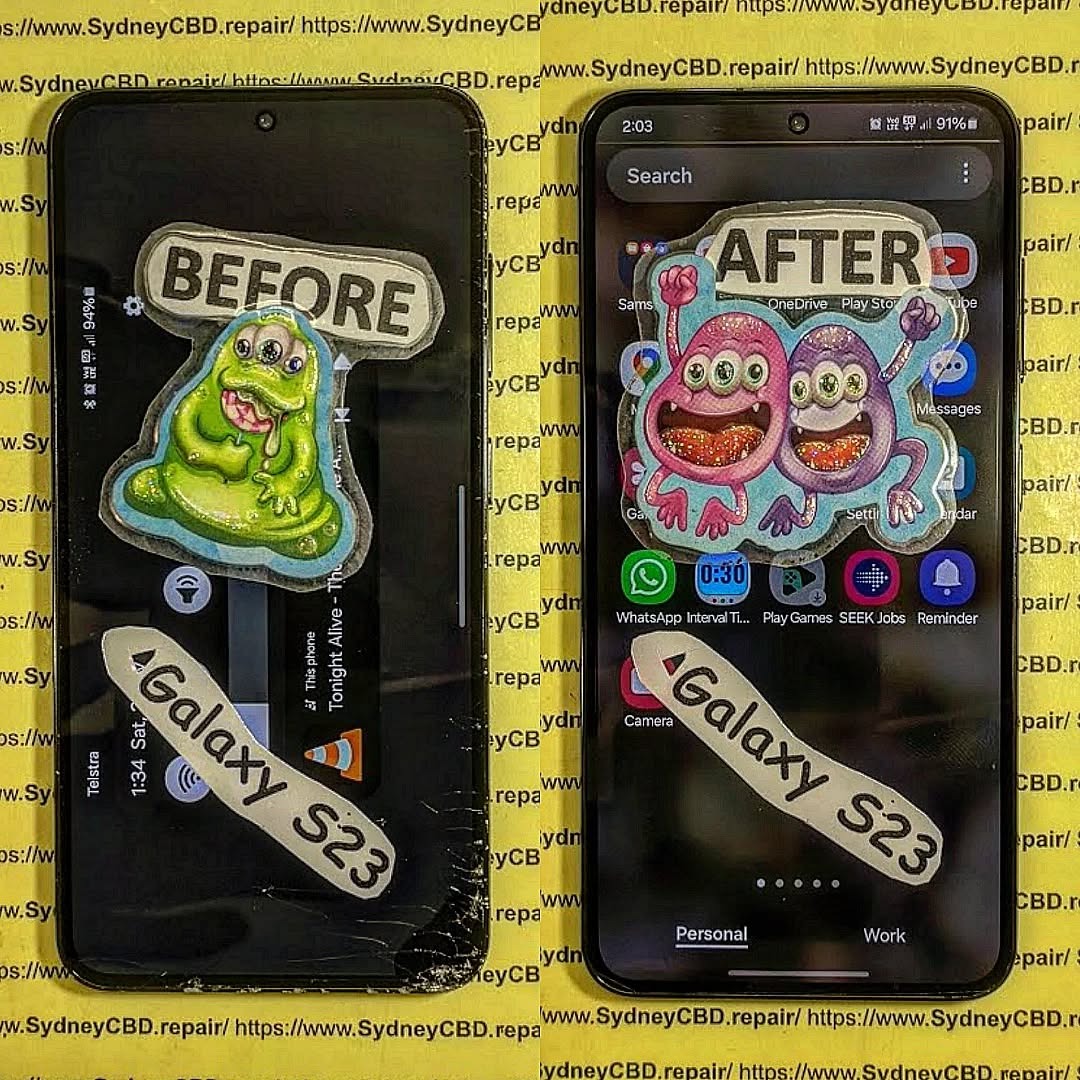
Understanding Water Resistance in the Galaxy S23
The Galaxy S23 has an IP68 rating, which means:
- 6 = Dust tight (no dust ingress)
- 8 = Protected against continuous immersion in water up to 1.5m for 30 minutes
However, this rating doesn’t guarantee protection against all types of water exposure. Here’s what can void it:
- Saltwater or pool chlorine
- Long submersion
- Cracked or damaged seals
- Prior screen replacements
- Exposure to high-pressure water (like a shower)
So, even though your Galaxy S23 is water-resistant, it’s not invincible.
What Happens When Water Gets Inside Your Phone
When water breaches the seals, it can affect critical components:
| Component | Effect of Water |
|---|---|
| Motherboard | Short-circuits, corrosion |
| Screen | Flickering, ghost touch, blackout |
| Battery | Swelling, failure to charge |
| Speakers | Muffled or distorted sound |
| Cameras | Foggy lenses, water spots |
| Charging Port | Unresponsive or error messages |
The worst part? Water damage is often invisible at first, making it crucial to act fast even if your phone seems fine.
Immediate Actions to Take After Water Exposure
If your Galaxy S23 gets wet, follow these steps immediately:
- Turn it off — Do NOT try to charge or power it on.
- Remove accessories — Take off the case, SIM card, and SD card.
- Wipe it dry — Use a soft cloth, avoid pressing buttons.
- Do NOT use rice — It’s a myth. Rice doesn’t absorb water inside.
- Bring it to a repair professional ASAP — Preferably within 24 hours.
Speed matters! The longer water sits inside, the more corrosion it causes.
Signs of Water Damage in Your Galaxy S23
Some signs appear instantly, while others show days later. Watch out for:
- Screen flickering or discoloration
- Sound distortion or no audio
- Charging issues
- Random restarts or shutdowns
- Camera fogging
- Unresponsive touch screen
If you notice any of these, your phone is likely water-damaged.
Why DIY Drying Methods Can Make Things Worse
Many people try to dry their phones at home. Common methods include:
- Using a hairdryer
- Leaving it in sunlight
- Sticking it in rice
⚠️ These methods don’t work and can cause:
- Heat damage to internal circuits
- Moisture being pushed deeper inside
- False sense of repair, while corrosion builds silently
The best option? A professional ultrasonic cleaning and inspection.
What Not to Do After Water Damage
Avoid these mistakes at all costs:
- Don’t power on the device
- Don’t plug it in to charge
- Don’t press buttons excessively
- Don’t delay taking it to a technician
- Don’t assume it’s fine because it still works
Water damage is a ticking time bomb—even if it seems okay now.
Internal Components Most Affected by Water
Water usually enters through the speaker grills, charging port, or SIM tray and affects:
| Component | Typical Damage |
|---|---|
| Charging Port | Rust, malfunction |
| Display Connector | Glitches or blank screen |
| Logic Board | Data loss, total failure |
| Camera Sensors | Blurred or non-functioning camera |
| Battery | Short-circuit, overheating |
Professional inspection is required to assess the full scope of internal damage.
Can a Water Damaged Galaxy S23 Be Repaired?
Yes—in most cases. With the right tools and experience, a technician can:
- Disassemble and dry all components
- Clean internal parts using ultrasonic baths
- Replace damaged modules (screen, battery, port, etc.)
- Restore the motherboard if not corroded
The sooner you act, the higher the success rate.
Professional Water Damage Repair: The Right Way
Step-by-Step Repair Process
Here’s what happens when you bring your S23 to Sydney CBD Repair Centre:
- Diagnosis — We inspect water exposure indicators and corrosion points.
- Disassembly — The device is carefully opened to prevent further damage.
- Ultrasonic Cleaning — Internal components are bathed to remove oxidation.
- Drying & Testing — Parts are dried using heat chambers, then tested.
- Component Replacement — Any failed parts are swapped with genuine Samsung ones.
- Final Quality Check — Functionality and safety are verified before return.
What Tools and Parts Are Needed?
We use:
- Precision disassembly tools
- Ultrasonic cleaning machines
- Industrial-grade dryers
- Multimeter diagnostics
- Genuine Samsung replacement parts
Why Choose Sydney CBD Repair Centre for Water Damage

Same Day Service and Genuine Samsung Parts
Most water damage repairs are completed on the same day. We also use authentic Samsung components to ensure:
- Optimal performance
- No compatibility issues
- Device longevity
Trusted Technicians with Years of Experience
With over a decade of experience, we’re proud to be Sydney’s #1 phone repair experts with 2000+ five-star reviews.
Cost to Repair Water Damaged Galaxy S23
The final cost depends on the extent of damage and parts replaced.
| Type of Repair | Estimated Cost (AUD) |
|---|---|
| Diagnostic + Ultrasonic Clean | $120 – $180 |
| Battery Replacement | $150 – $200 |
| Screen Replacement | $350 – $500 |
| Motherboard Repair | $300 – $700 |
| Full Restoration | $450 – $850 |
We offer free quotes and only proceed after you approve the price.
Preventing Future Water Damage
Protect your Galaxy S23 with these tips:
- Use a waterproof case (IP68 doesn’t cover all accidents)
- Avoid using your phone near pools or in rain
- Keep the charging port dry before plugging in
- Never expose it to saltwater or steam
- Inspect seals and corners after drops
Prevention is the cheapest repair you’ll ever do.
Galaxy S23 Water Damage FAQs
1. Can I still use my phone if it’s working after water exposure?
It might work now, but corrosion can cause failure days later. Get it checked professionally.
2. Will Samsung repair water damage under warranty?
No. Water damage voids warranty unless you have Samsung Care+ with accidental damage coverage.
3. How long does a water damage repair take?
Usually 4–6 hours. Severe cases may take up to 24 hours for full diagnostics and drying.
4. Can water damage be fixed without data loss?
Yes, if the motherboard is intact. We try to save all user data during repairs.
5. Does the rice trick actually work?
No. Rice can’t reach internal moisture and does nothing to stop corrosion.
6. How do I know if water reached the motherboard?
Only a professional teardown can confirm this through corrosion indicators and board inspection.
Final Thoughts: Should You Repair or Replace?
If your Galaxy S23 was water-damaged, don’t panic. In most cases, a full recovery is possible. Replacing the phone costs over $1300, while most repairs are under $500.
At Sydney CBD Repair Centre, we offer fast, honest, and high-quality water damage repairs. Trust our award-winning team to save your phone and your data.
📍 Visit Sydney CBD Repair Centre Today!
✅ Same Day Express Repairs
✅ Genuine Samsung Parts Guarantee
✅ Professional Technicians
✅ 2000+ 5-Star Google Reviews
✅ 6-Time Award Winner for Best Phone Repairs
📍 Locate Us in Sydney CBD
📞 Call: +61280114119

