


Original vs. Generic: Demystifying Samsung A55 Display Quality for Your Repair

Original vs. Generic: Demystifying Samsung A55 Display Quality for Your Repair – 10 Critical Insights
Introduction: Why Display Quality Matters
When it comes to smartphone maintenance, the display is arguably the most critical component of your device. For Samsung A55 users, choosing between an original or generic display during repairs can make a significant difference in long-term performance, user experience, and overall device reliability. Original screens guarantee color accuracy, touch responsiveness, and durability, while generic screens may offer cost advantages but come with potential risks.
Your Samsung A55 display doesn’t just show images; it defines how you interact with your phone. From streaming high-definition videos to playing games, navigating apps, and even reading text, a high-quality screen ensures clarity, brightness, and seamless touch functionality. Understanding the nuances between original and generic screens is vital for making informed repair decisions.
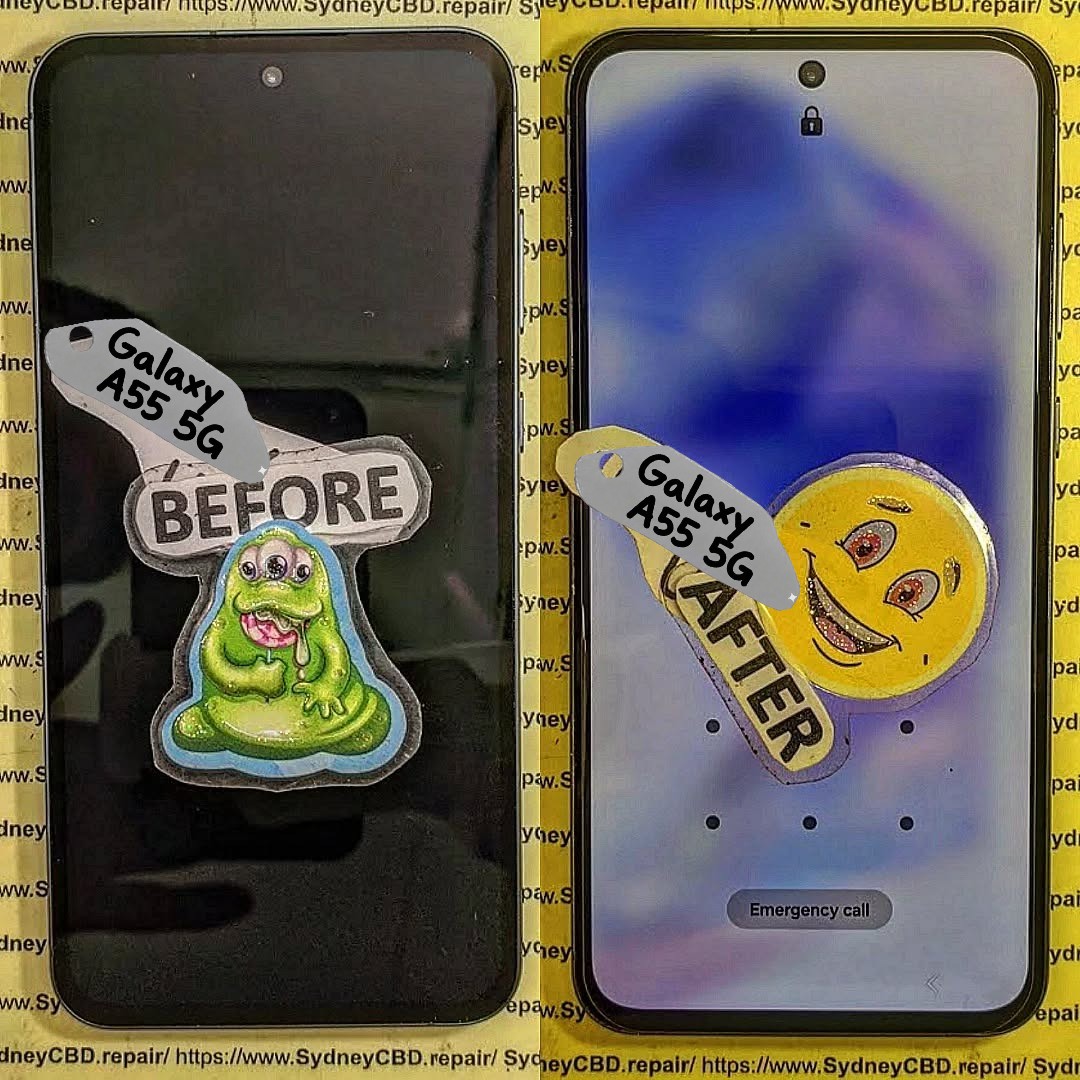
Understanding Samsung A55 Display Technology
Samsung A55 utilizes cutting-edge AMOLED technology, which is known for its vibrant colors, deep blacks, and energy efficiency. However, the display market is filled with imitation screens, making it essential to know the technology inside your device.
AMOLED vs. Super AMOLED
Samsung’s A55 screen is often referred to as Super AMOLED, an enhanced version of AMOLED technology. Unlike traditional AMOLED, Super AMOLED integrates the touch sensors directly into the display layer, improving touch sensitivity, reducing thickness, and offering better sunlight visibility.
Resolution and Pixel Density Explained
The A55 boasts a Full HD+ resolution with approximately 405 pixels per inch (PPI). This high pixel density ensures crisp visuals and sharp text, whether you’re browsing the web or watching videos. Generic replacements may not match this level of resolution, leading to blurred images and reduced screen quality.
Original Displays: Features and Benefits
Original Samsung A55 displays come directly from the manufacturer, ensuring optimal quality and performance. They’re engineered to meet Samsung’s rigorous standards, guaranteeing a seamless user experience.
Color Accuracy and Brightness
One of the most noticeable differences between original and generic displays is color reproduction. Original screens display more accurate colors and higher brightness levels, maintaining vibrancy even in bright outdoor settings.
Durability and Longevity
Original displays are tested for durability and can withstand everyday wear and tear. With proper care, an original screen can last for years, whereas generic screens may degrade faster, showing signs of discoloration, ghosting, or pixel damage.
Touch Responsiveness
Touch sensitivity is crucial for user experience. Original Samsung displays respond instantly to taps and swipes, while generic screens often have a slight delay, affecting navigation, typing, and gaming performance.
Generic Displays: Pros, Cons, and Risks

Generic displays are aftermarket replacements not produced by Samsung. They may seem attractive due to lower costs, but there are considerations you should be aware of.
Cost Advantages and Availability
The primary benefit of generic screens is affordability. They can cost 30–50% less than original replacements, and their availability is widespread. For users on a tight budget, they may seem like a practical option.
Common Issues with Generic Screens
Despite the lower cost, generic displays can have noticeable drawbacks. These include uneven brightness, washed-out colors, lower touch sensitivity, and a higher chance of screen flickering or dead pixels. In some cases, generic displays can even interfere with other phone functions such as fingerprint recognition.
Warranty and Support Considerations
Generic replacements rarely come with comprehensive warranties. If the screen fails shortly after installation, you may face additional costs for another replacement. Original screens, in contrast, typically offer a 90-day warranty or more, depending on the repair center.
How to Identify Original Samsung A55 Displays
Detecting original displays before repair is essential to avoid paying for subpar parts. There are several practical techniques to verify authenticity.
Visual Inspection Techniques
Look for manufacturer markings, serial numbers, and precise cutouts. Original displays usually have a cleaner finish, with no misaligned edges or irregular colors. Check the brightness and color uniformity as well, since originals are far more consistent.
Using Software Tools to Check Display Authenticity
Some apps can analyze display performance metrics like refresh rate, color gamut, and touch responsiveness. Tools like Samsung Members can also confirm if the screen is original after installation.
Repair Considerations: Choosing Between Original and Generic
Repair decisions often boil down to cost versus quality. Understanding long-term implications is critical.
Cost vs. Quality Analysis
While generic screens save money upfront, original displays are a better investment for long-term satisfaction. You avoid the risk of repeated repairs and enjoy consistent performance and visual clarity.
Long-Term Performance Implications
Original screens maintain their quality over time, providing reliable touch functionality and color accuracy. Generic screens may degrade, requiring replacements within months, negating any initial savings.
Step-by-Step Guide to Samsung A55 Screen Replacement
Replacing a Samsung A55 display requires precision and the right tools.
Required Tools and Safety Precautions
- Plastic pry tools
- Suction cup
- Precision screwdriver set
- Anti-static gloves
- Heat gun
Always power off the device and disconnect the battery before starting.
Detailed Replacement Procedure
- Remove the Back Cover: Apply heat to soften adhesive and gently pry open.
- Disconnect Battery and Cables: Safely detach all connectors.
- Remove the Broken Display: Use a heat gun to soften the adhesive and lift the screen.
- Install the New Screen: Align the new display carefully and press it into place.
- Reconnect Cables and Test: Ensure touch responsiveness and display quality before sealing.
- Seal the Back Cover: Use adhesive and clamps if necessary, then test again.
Professional assistance is recommended for first-time repairs to avoid permanent damage.
Maintaining Your Samsung A55 Display
Proper maintenance prolongs screen life, whether you have an original or generic display.
Best Practices to Extend Screen Life
- Use a high-quality screen protector and phone case.
- Avoid prolonged exposure to direct sunlight.
- Keep the screen clean with a microfiber cloth.
Avoiding Common Damage Causes
- Refrain from dropping or applying excessive pressure.
- Avoid contact with liquids.
- Prevent exposure to extreme temperatures.
Case Studies: Real-Life Repair Experiences
User Feedback on Original Displays
Users report excellent color accuracy, consistent touch response, and long-lasting performance. Original replacements typically maintain the phone’s resale value.
User Feedback on Generic Replacements
Some users experience lower brightness, color inconsistency, and early screen failures. While initial savings are attractive, frequent repairs can accumulate higher costs.
External Resources for Display Quality Verification
For official verification and guidance, Samsung’s support page provides detailed information: Samsung Support. Using verified resources ensures that you are getting genuine components and reliable repair instructions.
Frequently Asked Questions (FAQs)
How can I tell if my Samsung A55 display is original?
Check for manufacturer markings, use Samsung Members app, and inspect color consistency and touch sensitivity.
Are generic screens safe to use for daily operations?
Yes, but they may have reduced brightness, lower touch responsiveness, and a higher risk of early failure.
How long does an original Samsung A55 screen typically last?
With proper care, an original screen can last 3–5 years or more without noticeable degradation.
Can a generic display affect battery life?
Yes. Poor quality screens can draw more power, leading to faster battery drain.
Is it worth paying extra for an original screen replacement?
Absolutely. The long-term reliability, better performance, and warranty coverage justify the higher upfront cost.
Where can I find reliable Samsung A55 repair services?
Trusted repair centers like Sydney CBD Repair Centre offer expert technicians, genuine parts, and same-day service.
Conclusion: Making the Smart Choice for Your Samsung A55 Display

When it comes to Samsung A55 repairs, the choice between original and generic displays is more than just a budget decision. Original screens guarantee superior visual quality, touch responsiveness, and long-term durability, while generic replacements may offer short-term savings but carry risks of early degradation and reduced functionality. Investing in original displays ensures a smoother user experience, fewer repair issues, and the protection of your device’s longevity.
By following the proper installation techniques, maintaining your display, and consulting trusted repair services, you can enjoy the full potential of your Samsung A55 and make informed choices for any future repairs.
David from Sydney CBD Repair Centre – The Best place to fix mobile phones as 6 Years In A Row! Top Mobile Phone Repair In Sydney. More than 2000 Positive Reviews on Google and Same Day Repairs.
We take pride in delivering exceptional repair services for all major phone brands including Apple, Samsung, Google, and more. Our expert technicians use only genuine parts and offer 90days warranty on repairs. Located in the heart of Sydney CBD, we’re your one-stop solution for all mobile device repairs.
Our commitment to excellence has earned us the trust of thousands of satisfied customers. Whether it’s a cracked screen, battery replacement, or water damage repair, we handle it all with professional care and expertise. Walk in today and experience why we’re Sydney’s #1 choice for mobile phone repairs.
Visit us for:
✓ Same Day Express Repairs
✓ Genuine Parts Guarantee
✓ Professional Technicians
✓ Competitive Pricing
✓ 2000+ 5-Star Google Reviews
✓ 6-Time Award Winner for Best Phone Repairs
Sydney CBD Repair Centre – Where Quality Meets Reliability.
Call : +61280114119
Website: https://SydneyCBD.repair/locate-us

