


ROG Phone 5s Disassembly: Expert Repair Insights

ROG Phone 5s Disassembly: Expert Repair Insights
The ASUS ROG Phone 5s is one of the most powerful gaming smartphones ever built, combining cutting-edge performance with gamer-focused design. But when it comes to repairs, its complex internal layout can make disassembly a challenge for anyone without experience. At Sydney CBD Repair Centre, our technicians have handled countless ROG repairs, and here we’ll share expert insights into what’s really involved in disassembling this gaming beast.
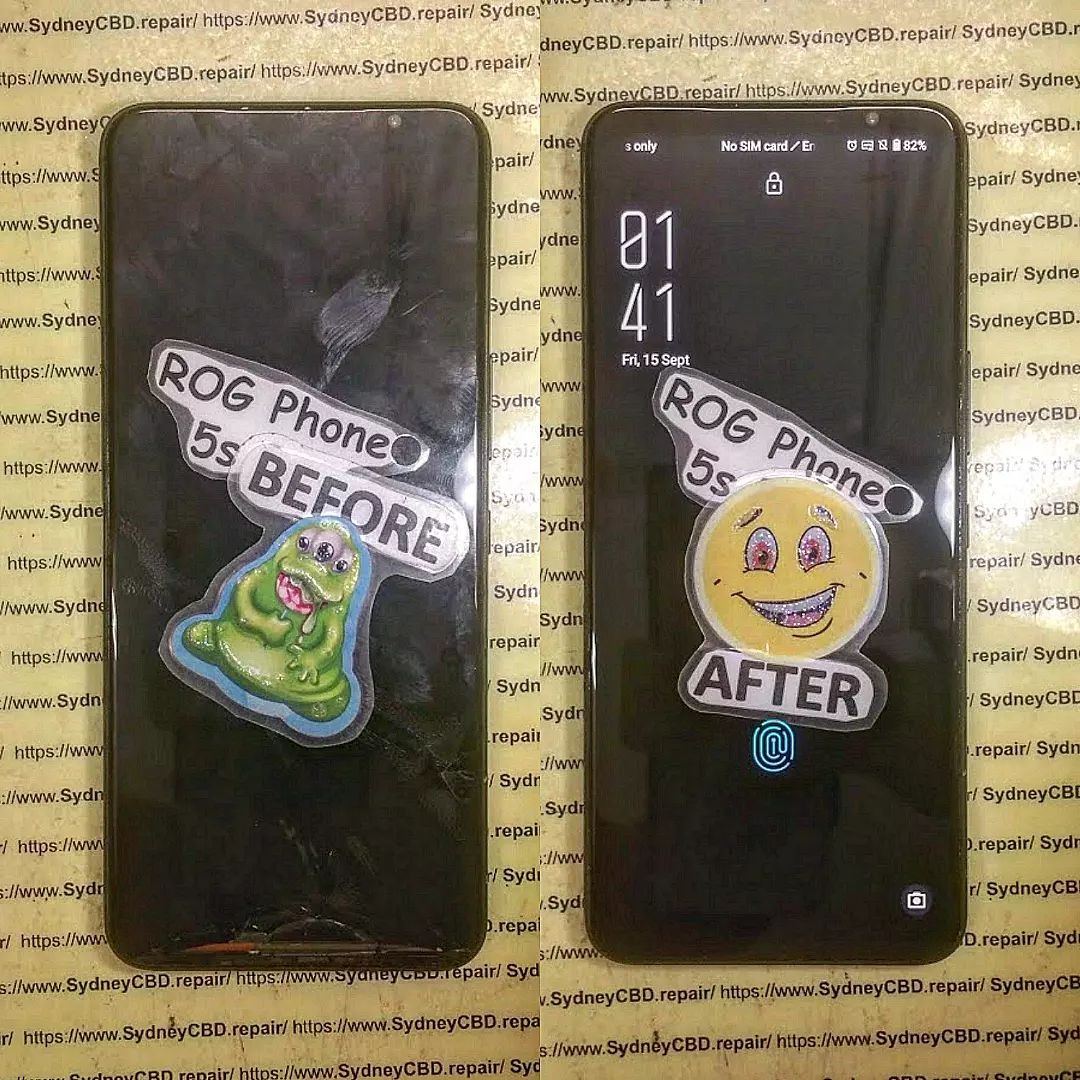
🔧 Why the ROG Phone 5s Is Tricky to Disassemble
Unlike regular smartphones, the ROG Phone 5s is designed with dual batteries, advanced cooling systems, and gaming triggers. These components make the phone more powerful but also more complicated to take apart safely.
Key challenges include:
- Dual-Battery Setup – Both batteries are glued in with strong adhesive.
- AeroActive Cooling System – Specialized heat dissipation layers must be carefully removed.
- Delicate Ribbon Cables – Easily damaged during disassembly if not handled with precision.
- Glass Back Panel – Requires careful heating to avoid cracks.
🛠 Step-by-Step Disassembly Overview
Here’s a simplified breakdown of how expert technicians approach the ROG Phone 5s:
- Power Down & SIM Removal
- Always switch off the device and remove the SIM tray first.
- Back Cover Heating & Removal
- Heat is applied around the glass back to soften adhesive.
- A suction tool and thin pry tools are used to lift it carefully.
- Disconnecting the Battery & Cables
- Multiple ribbon cables connect the mainboard, daughterboard, and battery packs.
- Extreme caution is required to avoid tearing flex connectors.
- Removing the Motherboard & Cooling Components
- The Snapdragon 888+ processor is housed under thermal paste and copper sheets.
- Proper handling ensures the cooling system remains intact for reassembly.
- Dual Battery Removal
- Each battery must be pried out carefully to prevent puncture or swelling.
- Screen & Charging Port Access
- To replace the display or USB-C charging port, the entire phone must be dismantled.
⚠️ Common Risks in ROG Phone 5s Disassembly
- Battery Damage – Piercing the battery can cause fire hazards.
- Display Cracks – The AMOLED screen is thin and fragile.
- Cooling System Misalignment – Improper reassembly can affect performance during gaming.
- Connector Breakage – Small flex connectors are easily torn if forced.
✅ Why Professional Repair Is Best

While disassembly guides exist online, the ROG Phone 5s isn’t a device recommended for DIY repair. Professional repair ensures:
- Use of genuine ASUS parts
- Specialized tools for heat management and adhesive removal
- Warranty-backed service
- Safe handling of fragile internal components
At Sydney CBD Repair Centre, we’ve successfully repaired ROG models for years, giving gamers peace of mind that their device is in expert hands.
💡 Final Thoughts
The ROG Phone 5s is a powerhouse of gaming technology, but its design makes it far more complex to repair than standard smartphones. If you attempt disassembly without proper tools and experience, you risk permanent damage.
👉 For fast, professional, and genuine ASUS ROG Phone repairs in Sydney, trust Sydney CBD Repair Centre—your #1 choice for safe, expert service.

