




ROG Phone 7 Power Button Repair Deep Dive

ROG Phone 7 Power Button Repair Deep Dive
The ASUS ROG Phone 7 is a powerhouse built for gamers, but like any smartphone, it can face hardware issues over time. One common problem is a faulty power button. Since the power button is used daily — to turn the device on, lock/unlock the screen, or perform resets — wear and tear is inevitable.
Repairing the power button on the ROG Phone 7 requires a careful approach because of the phone’s complex gaming-oriented design. Let’s take a deep dive into the process, challenges, and why professional help is often the smartest choice.
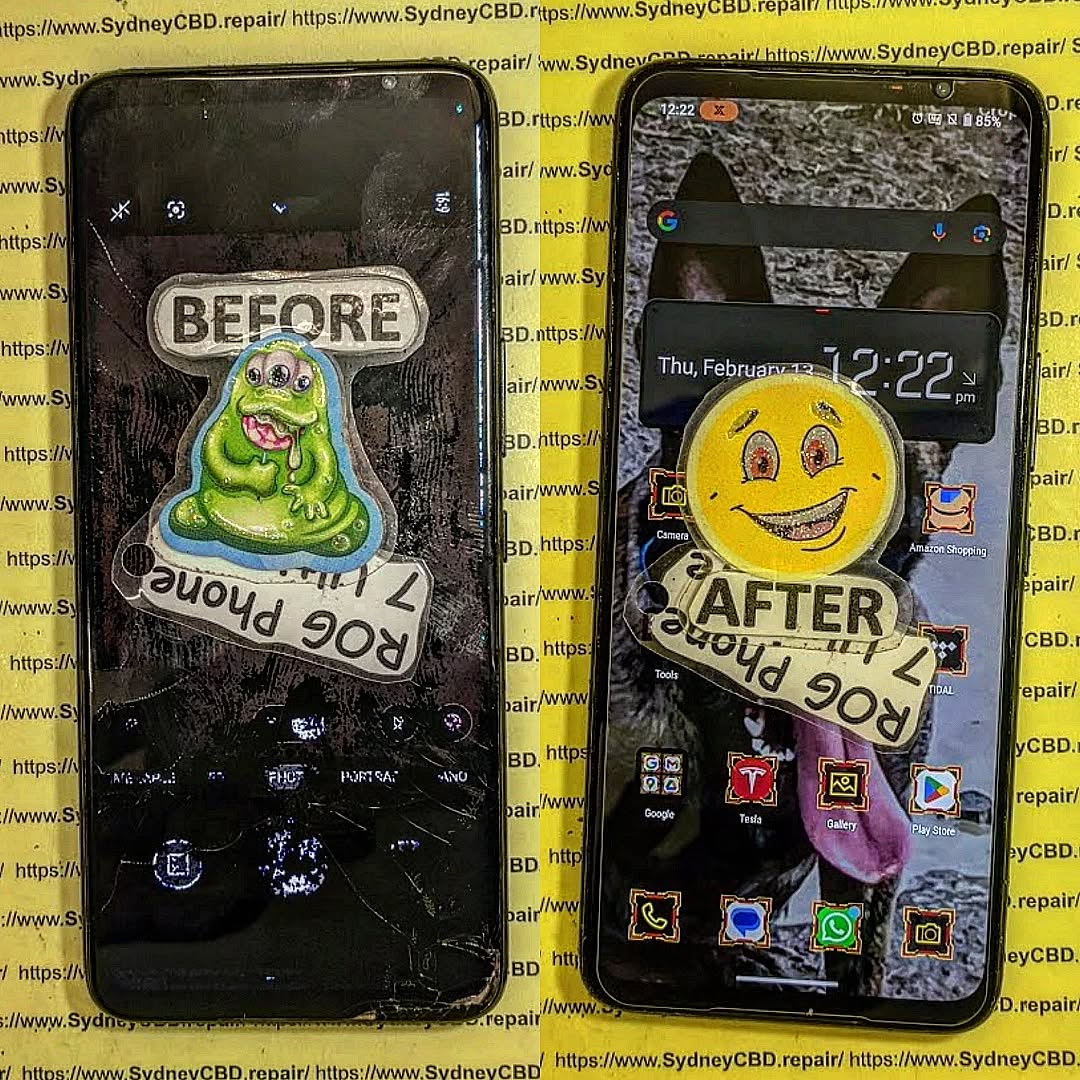
Common Issues with the ROG Phone 7 Power Button
- Unresponsive button – Pressing does nothing, often caused by a worn switch.
- Loose or stuck button – Physical misalignment after drops or heavy use.
- Intermittent functionality – Works sometimes, fails other times, due to flex cable issues.
- Secondary issues – A faulty power button can also interfere with volume buttons or fingerprint sensors, since they often share flex cable assemblies.
Anatomy of the Power Button Assembly
Unlike simple smartphones, the ROG Phone 7 integrates its power button into a flex cable that also manages other functions. Repairing it requires:
- Disassembling the phone’s frame
- Navigating through cooling systems and hardware layouts
- Disconnecting delicate flex cables connected to the motherboard
This makes it a high-risk DIY repair if attempted without the right tools or knowledge.
Tools Needed for Power Button Repair
- Precision screwdriver set
- Heat gun or heating pad (to soften adhesive)
- Plastic opening picks
- ESD-safe tweezers
- Replacement power button flex cable (genuine part recommended)
- Adhesive strips for reassembly
Step-by-Step Repair Overview
- Power off the device and remove the SIM tray.
- Heat the back panel edges to loosen adhesive.
- Use plastic tools to carefully pry open the glass back.
- Disconnect the battery to ensure safety.
- Locate the power button flex cable assembly.
- Remove the damaged flex cable and replace it with a genuine part.
- Reassemble the phone, reseal with adhesive, and test functionality.
⚠️ Warning: Improper handling can damage the motherboard, cooling system, or AMOLED display.
DIY vs. Professional Repair
DIY Repair Risks
- Breaking the glass back panel
- Damaging nearby flex cables
- Incorrect adhesive application leading to dust/water entry
- No warranty if repair fails
Professional Repair Advantages
- Access to genuine ASUS parts
- Proper tools for safe disassembly
- Warranty on both parts and labor
- Faster, stress-free turnaround
At Sydney CBD Repair Centre, expert technicians handle ROG Phone repairs with precision, ensuring your gaming device is restored to perfect working order.
When to Seek Professional Help

If your ROG Phone 7’s power button:
- Feels loose or jammed
- Only works intermittently
- Stops responding completely
…it’s best to let a professional technician diagnose and repair the issue before it worsens.
✅ Bottom line: The ROG Phone 7 power button is small but vital. Because it’s connected to intricate flex cables, replacing it requires precision and expertise. Unless you’re highly experienced with smartphone hardware, professional repair ensures safety, reliability, and peace of mind.
David from Sydney CBD Repair Centre – The Best place to fix mobile phones as 6 Years In A Row! Top Mobile Phone Repair In Sydney. More than 2000 Positive Reviews on Google and Same Day Repairs.
We take pride in delivering exceptional repair services for all major phone brands including Apple, Samsung, Google, and more. Our expert technicians use only genuine parts and offer 90 days warranty on repairs. Located in the heart of Sydney CBD, we’re your one-stop solution for all mobile device repairs.
Visit us for:
✓ Same Day Express Repairs
✓ Genuine Parts Guarantee
✓ Professional Technicians
✓ Competitive Pricing
✓ 2000+ 5-Star Google Reviews
✓ 6-Time Award Winner for Best Phone Repairs
📞 Call: +61280114119
🌐 Website: https://SydneyCBD.repair/locate-us

