


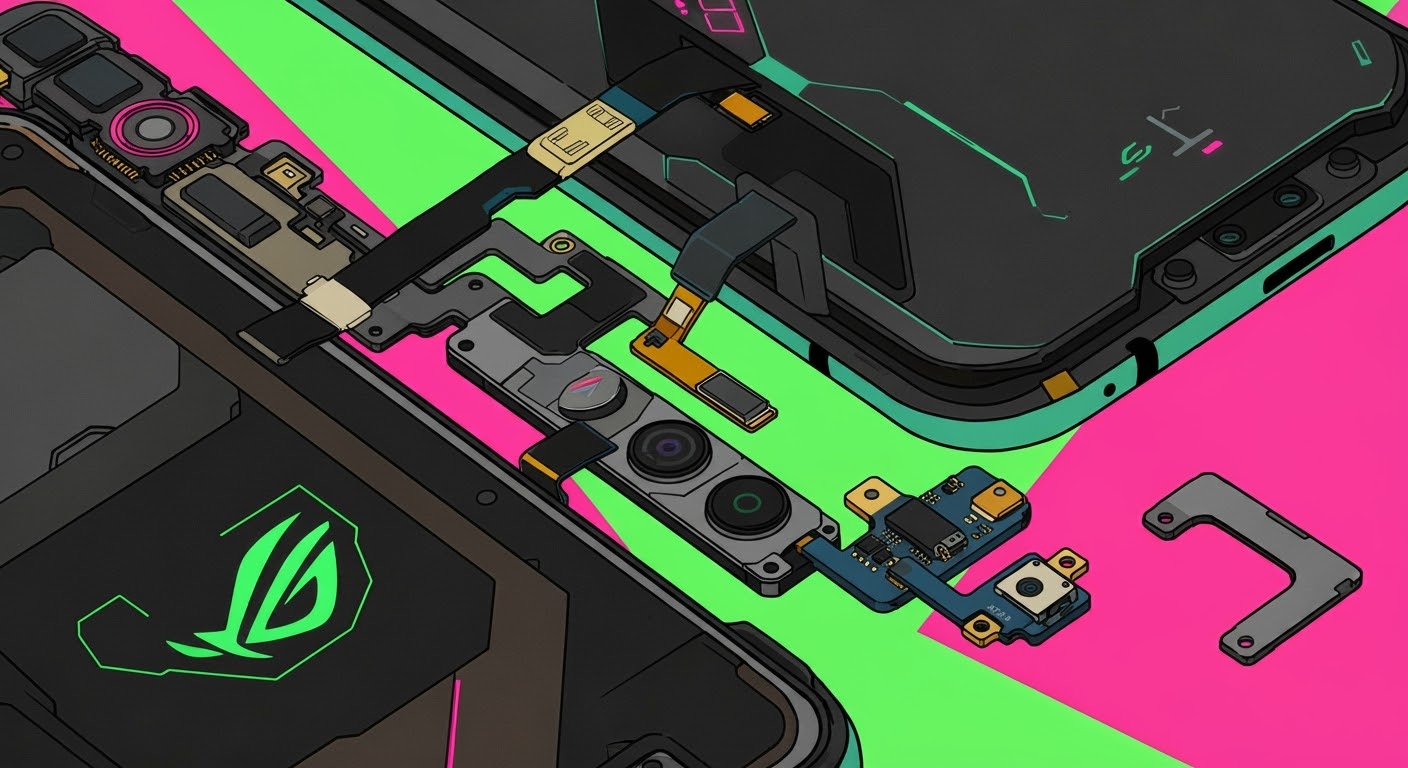
Beyond Screens: Fixing ROG Phone Buttons & Parts

Beyond Screens: Fixing ROG Phone Buttons & Parts + Expert Advice + 8 Essential Insights
🧩 Understanding the Anatomy of a ROG Phone
The ASUS ROG Phone is not your typical smartphone. It’s a gaming beast built with premium components like ultrasonic AirTriggers, precision power/volume buttons, and customizable USB-C ports that support side-mounted charging. This complexity is what makes ROG phones incredible—but also what makes repairing them a serious matter.
While screen repairs get all the attention, many users face issues with buttons, triggers, speakers, and connectors. Fixing these correctly is vital for restoring full functionality.
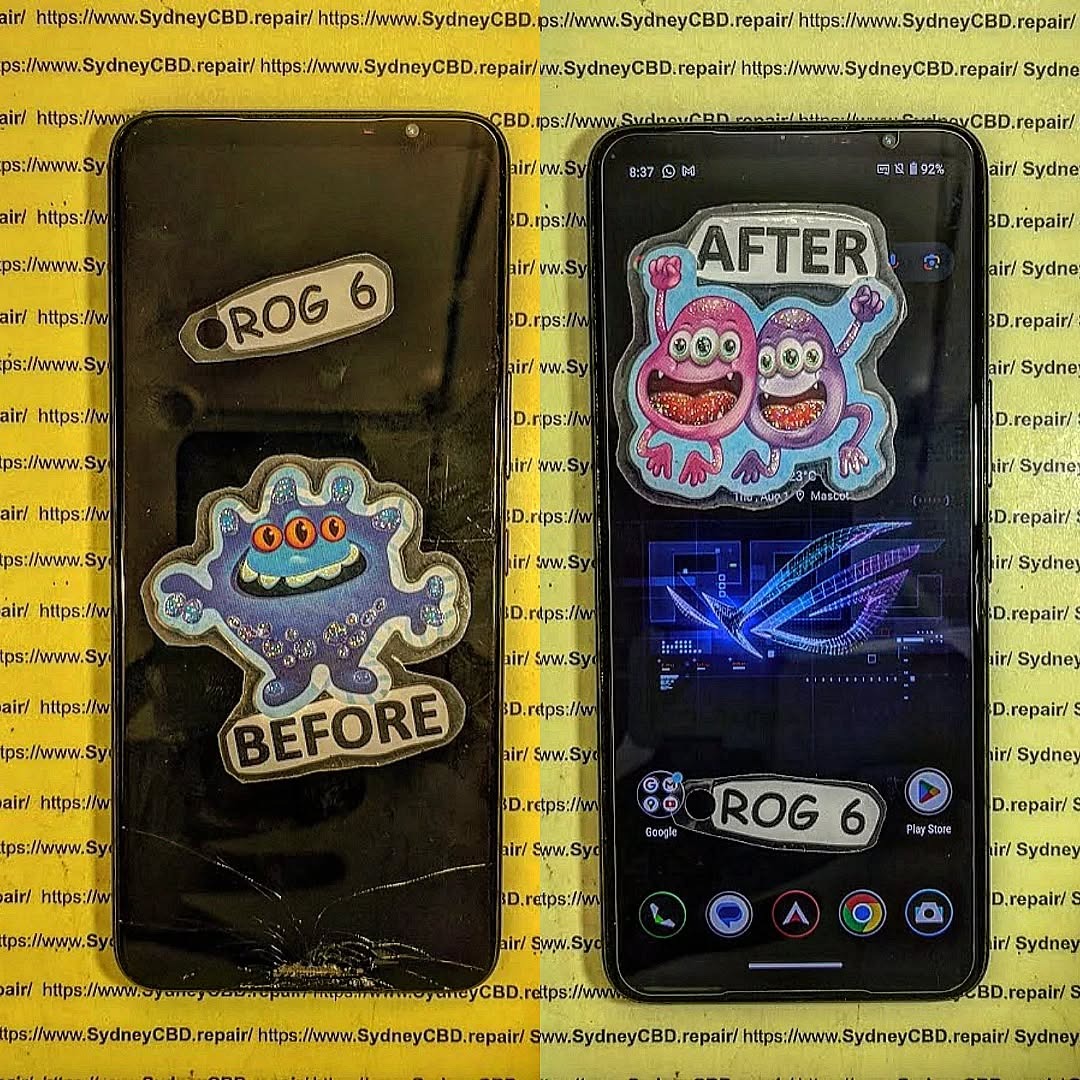
🔧 Common ROG Phone Hardware Issues
🔘 Faulty Power & Volume Buttons
These mechanical buttons can become:
- Unresponsive or stuck
- Loose or jammed
- Unstable when pressed
Common causes include dirt buildup, worn contact pads, or internal flex cable damage.
🎮 Malfunctioning Triggers & Sensors
The AirTriggers are a core part of the ROG gaming experience. They may:
- Fail to detect pressure
- Register phantom touches
- Lose sensitivity due to firmware glitches or sensor misalignment
🔌 Broken Charging Ports & Connectors
The dual USB-C charging system (including the side port) is known to loosen over time. Symptoms of a damaged port:
- Phone only charges at certain angles
- Loose cable connection
- No charging or data transfer at all
🔊 Audio Jack & Speaker Distortion
Loudspeaker buzzing, audio dropouts, or a failing 3.5mm jack can greatly hinder gaming and media playback.
🔍 Why Do These Issues Occur?
🔁 Wear and Tear From Intense Gaming
Prolonged use of physical controls, especially during competitive sessions, can strain components. Button assemblies and flex connectors are often the first to go.
🌊 Water, Dust, and Heat Exposure
- Moisture or humidity can corrode ports and internal pathways.
- Dust buildup affects speaker grills and charging pins.
- Heat from long gaming sessions can warp sensitive contact layers under buttons or around ports.
🚨 Signs You Need a Repair
Watch for these symptoms:
🔘 Unresponsive or Sticky Buttons
If your power or volume buttons don’t work unless you press extra hard—or not at all—it’s time to get them checked.
⚡ Loose Ports or Charging Interruptions
Your ROG phone should charge seamlessly with either port. If it feels loose, heats up, or charges slowly, you may have a port issue, not a battery one.
🛠️ The Importance of Using Genuine Parts
🏷️ Why OEM Parts Outperform Aftermarket Ones
ROG Phones feature intricate, gaming-optimized hardware. Using anything less than OEM components can:
- Reduce responsiveness
- Create compatibility issues with firmware
- Affect power regulation or sensor accuracy
⚠️ Avoiding Software Conflicts and Calibration Issues
Aftermarket parts can lead to:
- Software errors in the Armoury Crate or AirTrigger calibration
- Battery drain due to unoptimized connection points
- Unexpected overheating
Sydney CBD Repair Centre ensures all internal parts—buttons, ports, sensors—are replaced with high-grade or original parts compatible with ASUS firmware.
🤔 Repair or Replace: What’s Best for Your ROG Phone?
✔️ When Part Repair Makes Sense
- The rest of the phone is in great condition
- You want to keep your current gaming profile/apps intact
- Repairs cost under 50% of replacement price
❌ When It’s Time for a Device Upgrade
- Multiple parts (screen + buttons + port) are failing
- Battery life has degraded significantly
- Phone is over 3 years old and no longer receives updates
📍 Where to Repair ROG Phones in Sydney

🥇 Why Choose Sydney CBD Repair Centre
Located in the heart of Sydney, we offer:
- Expert ROG component repair
- Genuine ASUS-compatible parts
- Same-day service for most button/port fixes
- Warranty-backed repairs with over 2000+ 5-star reviews
📞 Call us at: +61280114119
🔗 Visit us here
🧑🔧 Customer Testimonials and Case Examples
“My AirTriggers stopped working mid-tournament. David’s team replaced the sensor panel within hours. I was back gaming the same night!” – Josh R., Sydney
“They fixed my charging port and volume buttons without resetting my data. Top service!” – Amanda L., Glebe
🧼 Post-Repair Care Tips
🎮 Keep Your Gaming Phone in Peak Condition
- Use a case with button and port protection
- Avoid cheap third-party cables
- Regularly clean ports and speaker grills with soft tools
- Don’t game while charging to reduce heat buildup
❓ FAQs About ROG Phone Component Repairs
1. Can you replace just one button on a ROG phone?
Yes, individual button assemblies can be replaced without affecting the rest of the phone.
2. How much does port repair cost?
Charging port repairs generally range from $120 to $250, depending on part availability and model.
3. Will a replacement part affect performance?
Not if OEM or high-quality parts are used—performance remains consistent post-repair.
4. Are ROG trigger repairs possible?
Yes, AirTrigger sensors and flex cables can be replaced professionally.
5. How long does a hardware repair take?
Most button and port repairs are completed within the same day at Sydney CBD Repair Centre.
6. Can repairs be done without deleting my data?
Absolutely. Hardware-only repairs don’t affect your phone’s storage or apps.
🏁 Conclusion: Upgrade Your Experience Without Replacing Your Phone
A faulty port, broken button, or damaged trigger doesn’t mean the end of your ROG Phone. With the right care—and the right team—you can keep your device running at full capacity without shelling out for a new one.
Sydney CBD Repair Centre is your trusted ROG repair expert, offering fast, genuine part replacements for any internal hardware issue.
🛠️ Visit: https://SydneyCBD.repair/locate-us
📞 Call: +61280114119

