



Repairing Smartphone Fingerprint Issues: Common Causes and Solutions

Repairing Smartphone Fingerprint Issues: Common Causes and Solutions You Shouldn’t Ignore
📱 Introduction: Why Your Fingerprint Scanner Matters
Fingerprint scanners have become a critical part of our daily digital lives — from unlocking your phone to authorizing payments and accessing secure apps. But when your fingerprint sensor fails, it’s more than just an inconvenience — it affects security, speed, and overall usability.
At Sydney CBD Repair Centre, we regularly help customers solve frustrating fingerprint issues with expert diagnostics and fast fixes. Let’s walk through common problems, causes, and professional solutions that bring your phone back to peak performance.
🔍 How Fingerprint Scanners Work
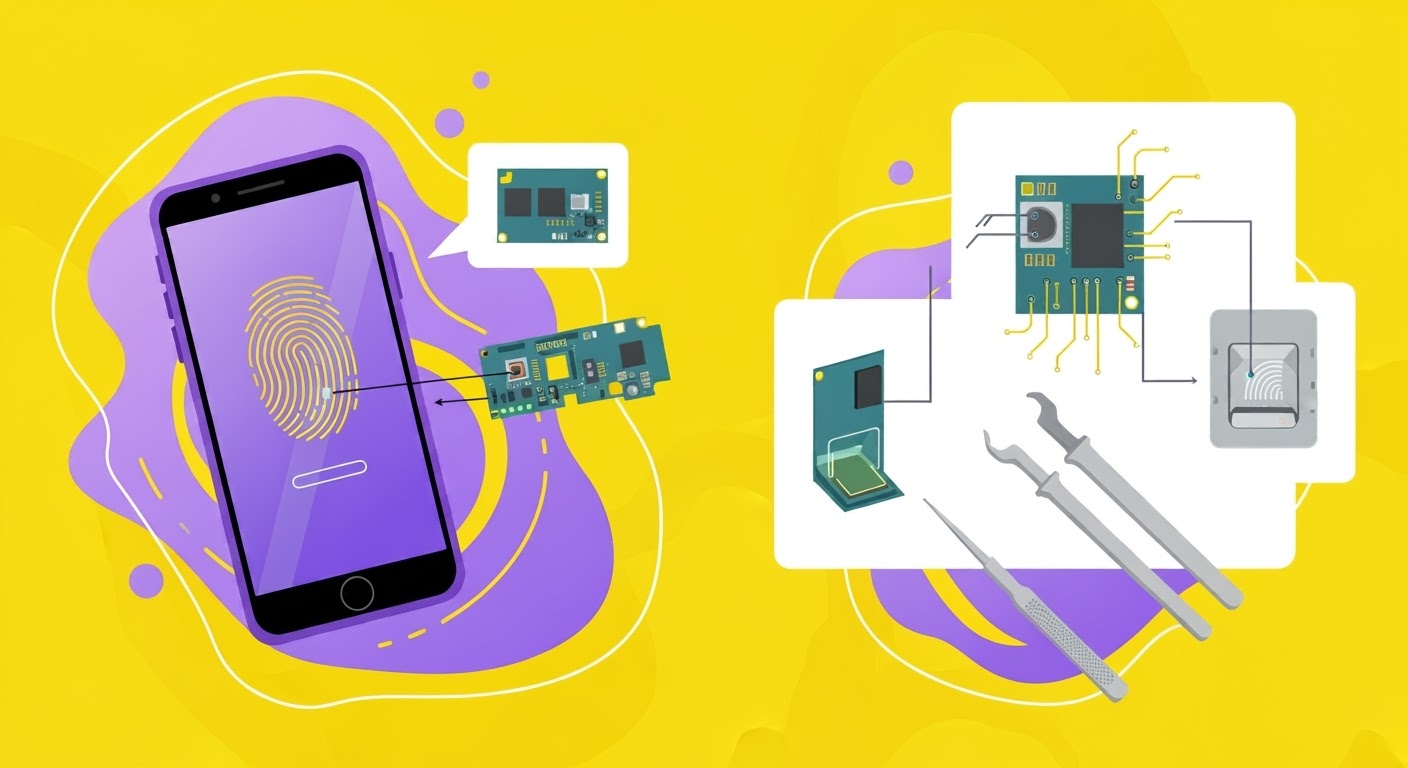
Fingerprint technology may look simple, but it’s a combination of advanced sensors, algorithms, and device integration.
🧲 Capacitive Scanners
These are common in older phones and some Android models. They use electrical current to map your fingerprint ridges.
🔦 Optical & Ultrasonic Scanners
Used in newer models like Samsung Galaxy and Google Pixel, they scan your print using light or sound waves under the display.
⚠️ Common Fingerprint Scanner Problems
❌ Fingerprint Not Recognized
Your phone may randomly fail to detect your registered print, asking you to try again.
🐌 Slow Response or Lag
Sometimes it works, but takes longer than it should — a sign of degraded performance.
🚫 Scanner Not Working at All
The most serious — the fingerprint section may disappear from settings, or tapping the scanner does nothing.
🛠️ Top Causes of Fingerprint Issues
🧼 Dirty or Damaged Sensor
Dust, oils, or scratches can prevent proper scanning.
💧 Moist or Oily Fingers
Too much moisture or sweat affects sensor accuracy.
🐞 Software or Firmware Bugs
A recent update could be incompatible or cause bugs in biometric systems.
💥 Hardware Failure After Drops
Physical trauma can loosen internal connectors or damage the sensor entirely.
🧱 Incompatible Screen Protectors
Some tempered glass or privacy protectors interfere with in-display fingerprint recognition.
🧰 DIY Fixes for Fingerprint Issues
🧽 Clean the Sensor
Use a microfiber cloth and a bit of isopropyl alcohol to gently clean the sensor area.
👆 Remove and Re-Add Fingerprints
Delete old fingerprint data and re-register your prints — ideally with clean, dry fingers.
🔄 Update Your OS and Firmware
Bug fixes are often included in system updates. Keep your phone up to date.
🧪 Test in Safe Mode (Android)
This disables third-party apps, which may be causing conflicts with biometric functions.
👨🔧 When to Seek Professional Repair
If your fingerprint scanner:
- Completely disappears from settings
- Shows no response even after rebooting
- Has visible cracks or damage
- Failed after a recent screen or battery replacement
…it’s time to call in the pros.
🔍 How Technicians Diagnose and Fix Fingerprint Problems
🧪 Diagnostic Tools
We use system-level diagnostics to check for:
- Hardware faults
- Connection failures
- Firmware mismatches
🔧 Part Replacement Process
If the sensor is damaged, we replace it with genuine OEM parts and ensure it’s calibrated properly.
For iPhones, biometric data is tied to the motherboard, so only original paired sensors will work.
📲 Repairing In-Screen Fingerprint Sensors
Phones like the Samsung Galaxy S22/S23, Google Pixel 7/8, and newer Oppo models use in-display sensors.
These repairs require:
- OLED screen removal
- Precise reinstallation
- Recalibration using brand-specific tools
Only trained professionals — like those at Sydney CBD Repair Centre — should attempt these repairs.
🍎 iPhone Fingerprint (Touch ID) Repairs
Apple uses a paired Touch ID system. That means:
- The sensor is tied to the logic board.
- Replacing it with non-original parts disables Touch ID permanently.
We offer:
- Paired part replacements (when available)
- Full home button replacements with functionality (minus Touch ID if needed)
💰 Cost of Fingerprint Scanner Repairs in Sydney
| Phone Brand | Average Cost Range |
|---|---|
| iPhone (Touch ID) | $120–$250* |
| Samsung Galaxy | $150–$280 |
| Google Pixel | $140–$260 |
| Oppo/Vivo | $130–$220 |
*Touch ID may not be restorable if original sensor is damaged beyond repair.
🏆 Why Choose Sydney CBD Repair Centre

With over 2000 5-star reviews and 6 years of excellence, we are Sydney’s trusted name for mobile repairs.
🛠️ Expert Repairs for All Phone Models
- Genuine parts only
- Same-day repairs available
- Advanced diagnostics
- Repairs covered by a 90-day warranty
- Centrally located in the heart of Sydney CBD
❓ FAQs
1. Why did my fingerprint scanner stop working suddenly?
Possible reasons include a software bug, water damage, or a failed sensor after a drop.
2. Can I replace a fingerprint sensor myself?
It’s possible on some phones, but not recommended. Improper repair can disable fingerprint features permanently.
3. Does a cracked screen affect fingerprint scanning?
Yes. Cracks, even if not over the sensor, can affect underlying components and cause malfunctions.
4. Will a factory reset fix my fingerprint sensor?
Only if the issue is software-related. Hardware problems won’t be fixed by resetting.
5. Is fingerprint repair covered under warranty?
Only if it’s a manufacturer defect — not if caused by drops, water damage, or third-party repairs.
6. How long does fingerprint sensor repair take?
At Sydney CBD Repair Centre, most repairs are done same day, often within 1–2 hours.
✅ Conclusion: Don’t Settle for a Broken Scanner
Fingerprint scanners are a key part of your phone’s security and convenience. If yours isn’t working, don’t ignore it — and don’t rely solely on a passcode for long.
From simple cleaning to complex part replacement, Sydney CBD Repair Centre has the experience, tools, and genuine parts to get your scanner working again — fast and affordably.

