


Charging Port FAIL? iPhone 15 Pro Max Fix

Charging Port FAIL? iPhone 15 Pro Max Fix That Works Fast (2025 Guide)
Introduction
When your iPhone 15 Pro Max charging port fails, it can feel like the end of the world. Suddenly, your premium device won’t power up, connect to your Mac, or respond to even the most reliable cable. Before panic sets in, take a deep breath — this problem is more common than you think and, thankfully, fixable.
The charging port is one of the most frequently used and most vulnerable components of any smartphone. Over time, dust, lint, or even moisture can build up inside, preventing a proper connection between your iPhone and the charger. Sometimes, it’s a minor blockage; other times, it’s a hardware fault that needs expert attention.
In this guide, we’ll walk you through why charging ports fail, how to diagnose the issue, and the best solutions — from simple DIY fixes to professional repair options. You’ll also learn how to prevent future problems and where to get the most reliable iPhone 15 Pro Max charging port repair in Sydney.
Whether your phone won’t charge, connects inconsistently, or stops charging halfway, this article will help you get your iPhone back to full power — fast.
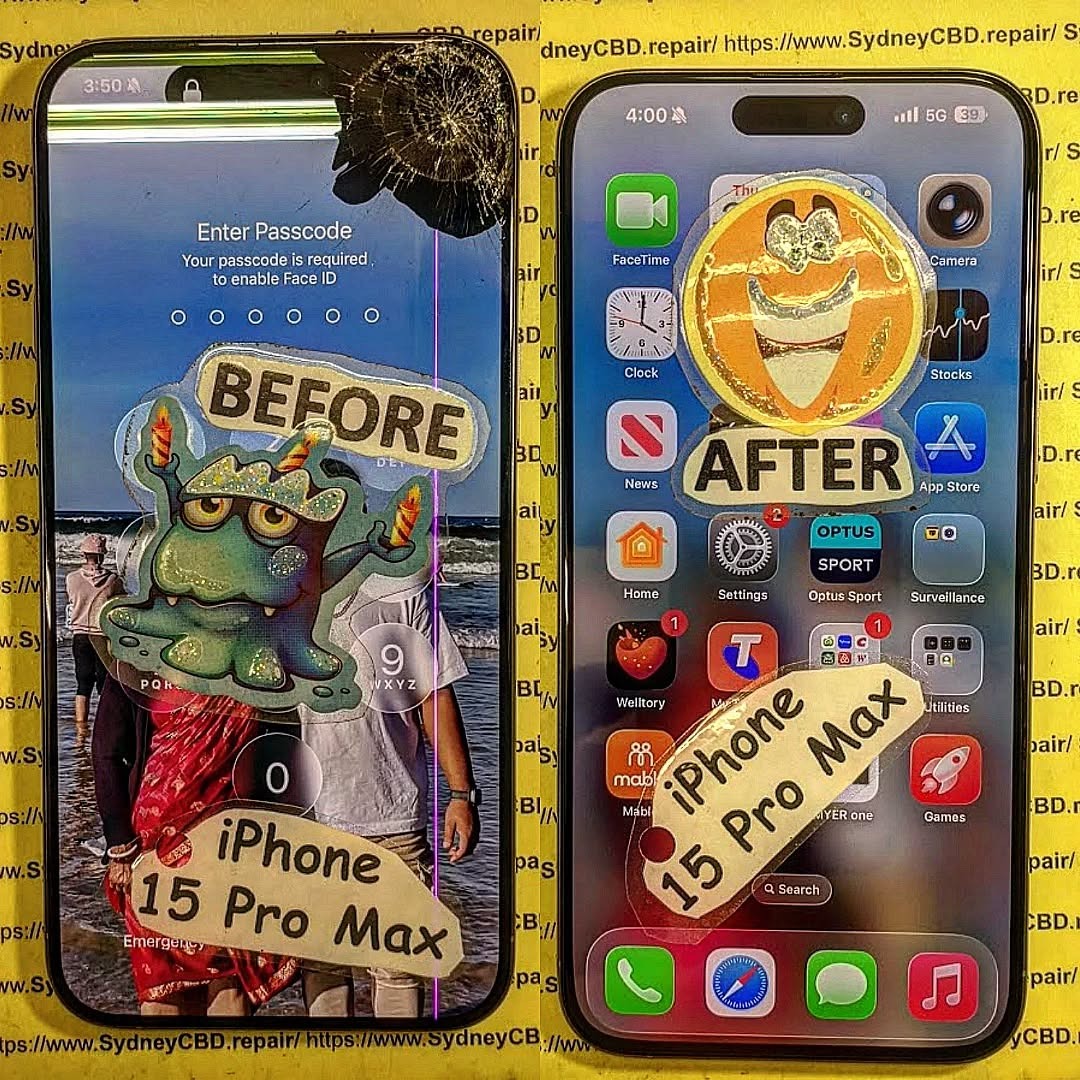
# Charging Port FAIL? iPhone 15 Pro Max Fix That Works Fast
The iPhone 15 Pro Max is a masterpiece of modern technology, but even high-end devices can face hardware troubles—especially with the charging port. Whether your phone won’t charge, connects inconsistently, or stops syncing with your Mac, it’s crucial to act fast. A damaged port can leave your iPhone useless when you need it most.
Let’s dive deep into the common reasons your iPhone 15 Pro Max charging port fails and how you can fix it quickly—without unnecessary stress or costs.
## Understanding iPhone 15 Pro Max Charging Issues
Before jumping into repairs, it’s vital to understand why the issue happens. The charging port (or USB-C port in the iPhone 15 Pro Max) is one of the most used and vulnerable components on the device.
Common Causes:
- Dust and lint buildup from pockets or bags
- Frequent cable insertion/removal, causing wear and tear
- Moisture or corrosion due to humidity or spills
- Using non-certified chargers that damage the port pins
- Software bugs interfering with power management
When the port malfunctions, it can mimic other problems like dead batteries or bad cables. Identifying the real issue saves you both time and money.
## Symptoms of a Faulty Charging Port
Wondering whether your iPhone 15 Pro Max needs a new port? Here are clear warning signs:
- The phone doesn’t charge even with a working charger
- You have to wiggle the cable to make it charge
- Data transfer via USB fails or is intermittent
- Overheating during charging
- Visible dirt, rust, or bent pins inside the port
If these issues sound familiar, the charging port might be failing.
## Quick DIY Checks Before Repair
Before rushing to a repair shop, try a few simple troubleshooting steps.
1. Clean the Charging Port
Use a soft brush, toothpick, or compressed air to remove lint and debris. Be gentle—avoid metal tools.
2. Inspect the Charger and Cable
Check for frayed or bent connectors. Use only Apple-certified (MFi) cables and adapters.
3. Restart or Force Restart the Device
Sometimes a simple reboot fixes temporary glitches.
4. Try Wireless Charging
If your iPhone charges wirelessly but not via cable, the issue is almost certainly the port.
## How to Fix iPhone 15 Pro Max Charging Port Issues

If the quick checks don’t help, follow these steps for a deeper fix.
### Step 1: Check Your Lightning Cable and Adapter
Even though the iPhone 15 Pro Max uses USB-C, many users still rely on older accessories.
Try a different adapter or cable, ideally from Apple or trusted brands like Belkin or Anker.
### Step 2: Inspect and Clean the Charging Port
- Use a flashlight to inspect the port for visible dirt or bent pins.
- Clean gently using a non-metallic tool.
- If corrosion or moisture is visible, stop using the device and take it to a professional repair centre.
### Step 3: Perform a Soft Reset
A soft reset can clear temporary power bugs.
To do this:
- Press and quickly release the Volume Up button.
- Press and quickly release the Volume Down button.
- Hold the Side button until the Apple logo appears.
### Step 4: Update iOS
Sometimes, charging failures occur after iOS updates or app conflicts.
Navigate to:
Settings → General → Software Update and install any pending updates.
## Professional Repair: When to Visit a Technician
If you’ve tried every fix but the problem persists, the port likely needs replacement. That’s when you should visit a trusted repair centre like Sydney CBD Repair Centre.
### Why Choose Sydney CBD Repair Centre
- ✅ 6 Years in a Row – Best Mobile Repair in Sydney
- ✅ Over 2000 5-Star Google Reviews
- ✅ Same Day Express Repairs
- ✅ Genuine Parts Guarantee
- ✅ Professional Technicians with extensive iPhone experience
- ✅ 90 Days Warranty on all repairs
With fast turnaround and premium parts, your iPhone 15 Pro Max will be charging like new in no time.
Visit Sydney CBD Repair Centre here.
## Cost of iPhone 15 Pro Max Charging Port Repair
Repair costs vary depending on your region and repair centre.
However, here’s a general pricing guide for Sydney:
| Service Type | Estimated Cost (AUD) | Time Required |
|---|---|---|
| Cleaning & Diagnostics | $49 – $79 | 30 minutes |
| Charging Port Replacement | $149 – $229 | 1–2 hours |
| Board-Level Repair (if damaged) | $199 – $299 | Same day |
## Preventing Future Charging Port Issues
Once your charging port is fixed, it’s smart to keep it that way.
Prevention Tips:
- Use wireless chargers when possible
- Avoid cheap cables and counterfeit adapters
- Keep your phone away from moisture and dust
- Don’t use your phone while charging
- Schedule annual cleanings for your device
These habits can extend your iPhone’s lifespan significantly.
## FAQs
1. How do I know if my charging port is broken?
If your iPhone 15 Pro Max doesn’t charge or connects intermittently, the port might be dirty, damaged, or corroded.
2. Can I fix the charging port myself?
Minor cleaning is safe, but for replacement or internal damage, always go to a professional technician.
3. How long does an iPhone 15 Pro Max charging port replacement take?
At Sydney CBD Repair Centre, most replacements are done within an hour.
4. Is charging port repair covered by Apple warranty?
Apple only covers it if it’s a manufacturing defect, not physical or liquid damage.
5. Can I still use wireless charging if my port is damaged?
Yes. Wireless charging works independently of the USB-C port, but it’s slower.
6. Where’s the best place in Sydney to fix my iPhone 15 Pro Max?
Sydney CBD Repair Centre is rated #1 for iPhone repairs in Sydney with over 2000+ 5-star reviews and genuine Apple parts.
## Conclusion

Charging port issues can be frustrating, but they’re not the end of your iPhone 15 Pro Max. From DIY cleaning to professional repair, there are reliable solutions for every problem.
If you’re in Sydney and want fast, professional, and affordable service, visit Sydney CBD Repair Centre today. Experience why thousands of Australians trust them as the best phone repair service in the city.
📍 Locate Sydney CBD Repair Centre here
📞 Call: +61 2 8011 4119
David from Sydney CBD Repair Centre — The Best place to fix mobile phones for 6 Years In A Row!
Top Mobile Phone Repair In Sydney with over 2000+ Positive Google Reviews and Same Day Repairs.

