



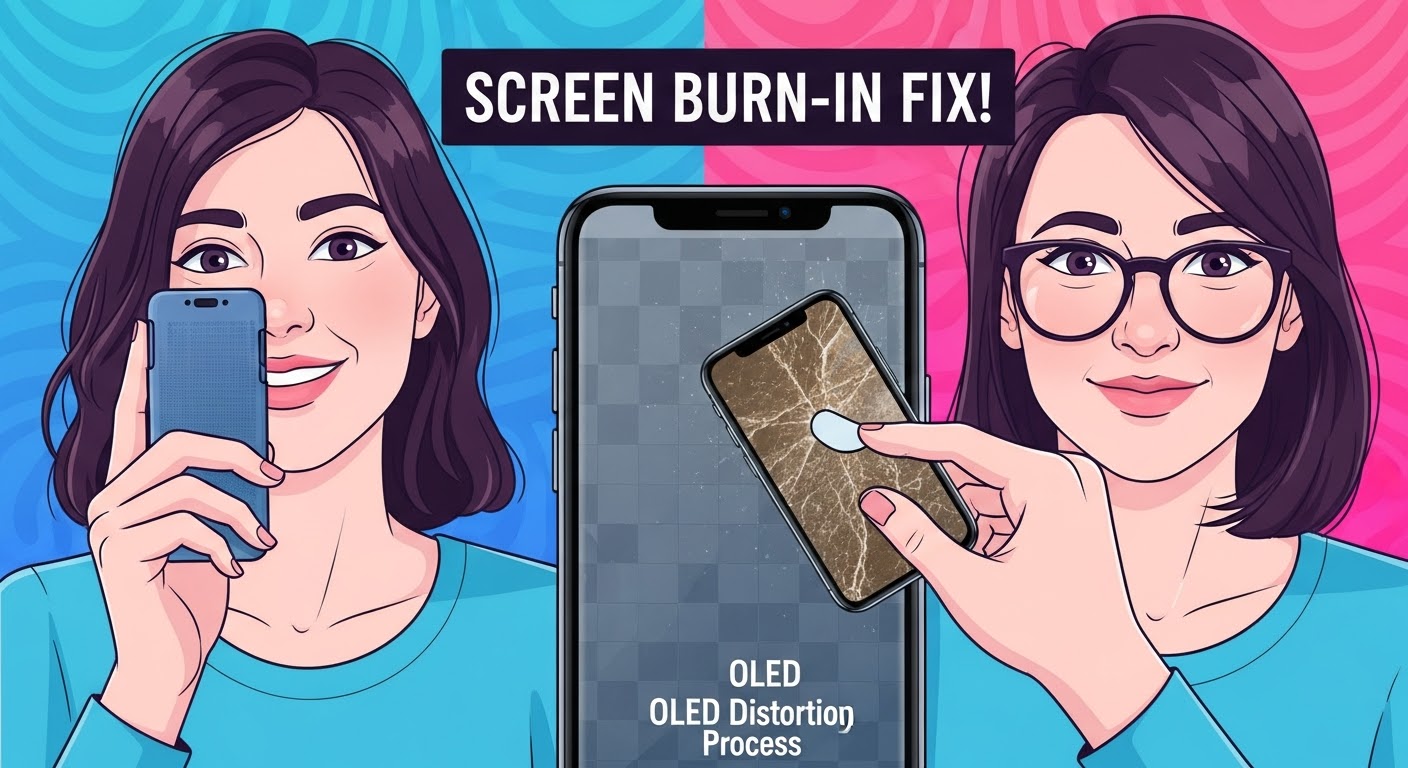
SCREEN BURN-IN FIX! OLED Display Restoration Process

SCREEN BURN-IN FIX! OLED Display Restoration Process That Actually Works (2025 Update)
Introduction
Screen burn-in has become one of the most common issues affecting modern OLED and AMOLED displays. Whether you’re using a high-end smartphone, tablet, or smart TV, prolonged exposure to static images can lead to ghosting effects and discoloration that ruin your viewing experience.
But here’s the good news — burn-in doesn’t always mean your screen is beyond repair. With the right restoration techniques and professional expertise, you can often reverse or minimize the effects and bring your display back to life.
In this article, we’ll dive deep into the OLED display restoration process, covering everything from DIY fixes to professional repair methods used by experts at Sydney CBD Repair Centre — the top-rated mobile repair shop in Sydney for six consecutive years. Whether you’re looking to prevent future burn-in or restore your screen’s brilliance today, this guide will show you exactly how to fix screen burn-in safely and effectively.
What Is Screen Burn-In and Why Does It Happen?
Screen burn-in is a permanent discoloration or ghost image that appears on a display when static elements — like icons, navigation bars, or notifications — remain visible for extended periods. This issue is especially common in OLED and AMOLED screens found in modern smartphones, TVs, and smartwatches.
Understanding OLED Technology
OLED (Organic Light-Emitting Diode) displays work by illuminating individual pixels with organic compounds that emit light when electricity passes through them. Each pixel produces its own color and brightness, offering superior contrast and vivid colors.
However, over time, certain pixels degrade faster due to uneven usage, causing image retention that eventually turns into burn-in.
Common Causes of OLED Burn-In
- Static UI elements such as navigation bars and app icons
- High brightness levels used over long durations
- Prolonged gaming sessions with static HUDs
- Always-on display (AOD) features
- Streaming apps with fixed subtitles or logos
🔍 Pro Tip: Reducing screen brightness and enabling dark mode can significantly minimize the risk of OLED burn-in.
Early Warning Signs of Screen Burn-In
Detecting burn-in early can help you prevent irreversible damage. Early signs may look subtle, but they’re crucial to act upon immediately.
How to Test for Screen Burn-In
- Use a solid color test image (red, blue, green, white).
- Open each color in full-screen mode.
- Observe if any faint outlines or shadows persist.
If you notice residual images, it’s likely temporary retention, but if it persists after several hours, burn-in may have started.
Difference Between Image Retention and Burn-In
| Feature | Image Retention | Screen Burn-In |
|---|---|---|
| Duration | Temporary | Permanent |
| Cause | Pixel memory effect | Pixel degradation |
| Fixability | Usually fixable | Often requires repair |
| Example | Ghost of keyboard | Persistent logo mark |
DIY Screen Burn-In Fix Methods (Step-by-Step)
Before you rush to a service centre, try these proven DIY burn-in remedies. While they may not reverse severe cases, they often help mild to moderate burn-in.
Pixel Refresher and Compensation Cycles
Many modern OLED devices (like Samsung Galaxy and LG OLED TVs) include built-in pixel refresher features.
These recalibrate and balance pixel brightness levels automatically.
Steps:
- Go to Settings → Display → Pixel Refresher (or similar).
- Run the cycle and let it complete (takes 5–10 minutes).
- Avoid using your device during the process.
Color Cycling and Screen Saver Techniques
Apps like “OLED Tools” or “Screen Burn Fixer” run color-shifting animations to recondition pixels.
Steps:
- Download a trusted color cycling app.
- Run it for 30–60 minutes.
- Repeat daily for a few days if burn-in persists.
Reducing Static Images and Brightness Levels
Reducing screen brightness to below 70% and using auto-dimming can slow further damage.
Enable auto-rotate and dark themes to distribute pixel wear more evenly.
Professional OLED Restoration Process

If DIY methods fail, it’s time to consult a professional technician for a thorough restoration.
How Expert Technicians Restore Burned Displays
Certified repair professionals use calibrated restoration equipment to rebalance pixel aging and eliminate ghosting.
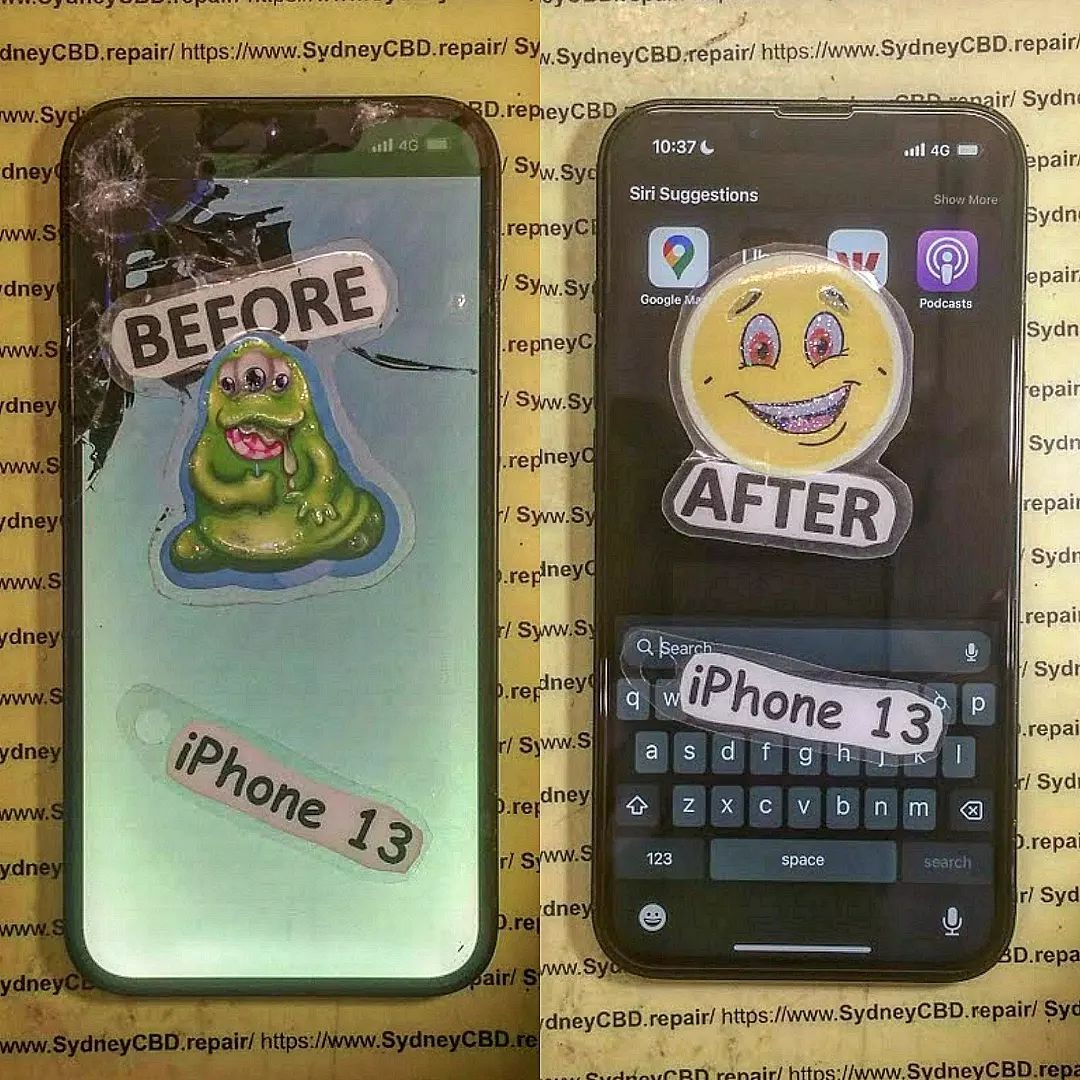
At Sydney CBD Repair Centre, technicians employ specialized pixel rejuvenation tools, thermal balancing, and firmware restoration to recover display uniformity without replacing the entire screen.
Tools and Techniques Used in Repair Centres
- Professional-grade pixel alignment systems
- OLED rejuvenation software
- Factory-level calibration tools
- Infrared balancing devices
⚙️ The goal is to restore screen consistency and extend OLED lifespan — often saving you hundreds of dollars compared to full screen replacement.
When to Replace Instead of Repair
Sometimes, severe burn-in or dead pixels make repair impractical.
Cost Comparison: Repair vs Replacement
| Service | Average Cost (AUD) | Duration | Success Rate |
|---|---|---|---|
| Pixel Restoration | $80–$150 | 1–2 hours | 85% |
| Full Display Replacement | $200–$450 | Same Day | 100% |
| New Phone | $1200+ | Immediate | 100% |
If restoration fails or the damage is widespread, a display replacement becomes the best option.
Choosing a Trusted Service Provider
When selecting a repair centre, always look for:
- Genuine OEM parts
- Experienced technicians
- Warranty on repairs
- Positive online reviews
💡 Sydney CBD Repair Centre has over 2000 positive Google reviews, genuine parts, and same-day repairs, making it Sydney’s #1 choice for phone screen restoration.
Preventing Future Burn-In Problems
Prevention is the most effective way to maintain your OLED screen’s quality.
Screen Management Tips
- Use auto-brightness settings.
- Enable screen timeout (1 minute or less).
- Change wallpapers regularly.
- Turn on dark mode system-wide.
Software Solutions and Updates
Manufacturers frequently release firmware updates that optimize pixel usage.
Ensure your device is running the latest software version to prevent uneven aging.
FAQs About Screen Burn-In Fix
1. Can OLED burn-in be fully repaired?
Minor burn-in can often be reduced or hidden, but severe cases may require screen replacement.
2. How long does burn-in take to appear?
It can take hundreds to thousands of hours of displaying static images before noticeable damage occurs.
3. Are OLED screens more prone to burn-in than LCDs?
Yes. OLED pixels emit their own light, making them more susceptible to uneven wear.
4. Will a factory reset fix screen burn-in?
No, burn-in is hardware-related, not a software issue.
5. Does warranty cover screen burn-in?
Most manufacturers do not cover burn-in under standard warranty, viewing it as user-induced wear.
6. What’s the best prevention method?
Avoid static content, reduce brightness, and update your device regularly.
Conclusion

Screen burn-in can be frustrating, but it’s not always permanent.
With proper maintenance, professional repair services, and smart usage habits, your OLED display can be restored and protected for years.
If you’re experiencing screen burn-in in Sydney, don’t wait — contact Sydney CBD Repair Centre, the city’s top-rated mobile repair service for six consecutive years.
Their expert team provides same-day OLED restoration and genuine part replacements, ensuring your phone looks brand new again.
📞 Call: +61280114119
🌐 Website: https://SydneyCBD.repair/locate-us
About Sydney CBD Repair Centre
Sydney CBD Repair Centre has earned a reputation as the most trusted phone repair shop in Sydney.
With over 2000 five-star Google reviews, they specialize in iPhone, Samsung, Google Pixel, and other major brands, offering:
- ✅ Same Day Express Repairs
- ✅ Genuine Parts Guarantee
- ✅ Professional Technicians
- ✅ Competitive Pricing
- ✅ 90-Day Warranty
Sydney CBD Repair Centre – Where Quality Meets Reliability.

