


Phone Not Charging? S22 Ultra Charge Port Repair

Phone Not Charging? S22 Ultra Charge Port Repair Guide + Proven Fixes (2025 Edition)
Introduction: Why Your Samsung Galaxy S22 Ultra Won’t Charge
If your Samsung Galaxy S22 Ultra isn’t charging, you’re not alone. Many users face this frustrating issue, which can stem from something as simple as a dirty port to something as complex as internal hardware failure. Since the S22 Ultra is a premium flagship phone, repairing it requires proper diagnosis and care to avoid further damage.
In this guide, we’ll break down the causes, DIY solutions, professional repair options, costs, and prevention tips so you’ll know exactly what to do when your phone stops charging.
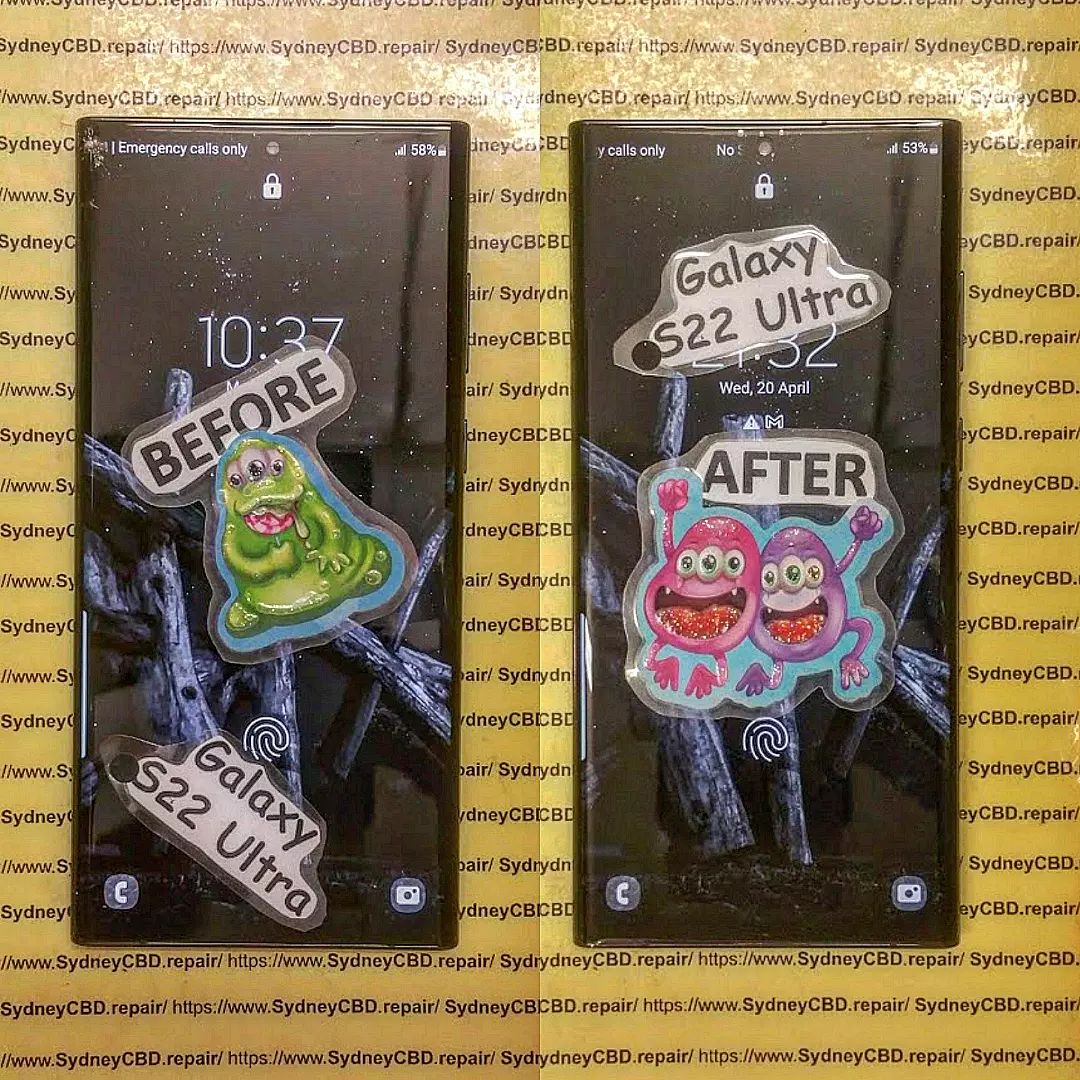
Common Causes of Charging Issues in S22 Ultra
There are multiple reasons why your S22 Ultra might not charge properly. Let’s go through the most common culprits.
Faulty Charging Cable or Adapter
Many charging problems trace back to damaged or counterfeit cables. Always use the original Samsung USB-C cable and 25W/45W charger for best results.
Dirty or Blocked Charging Port
Pocket lint, dust, and debris often block the charging port, preventing proper contact between the cable and the connector.
Software Glitches or Firmware Bugs
A minor system bug can interfere with charging detection. Restarting or updating the firmware often solves this.
Battery Health Decline
Over time, lithium-ion batteries degrade. If your phone drains quickly or struggles to hold charge, battery health may be the issue.
Hardware Damage to the Charge Port
Drops, liquid spills, or constant plugging/unplugging can physically damage the USB-C charge port, making professional repair necessary.
DIY Fixes You Can Try at Home
Before rushing to a repair shop, try these easy troubleshooting steps.
Inspecting Your Charging Accessories
- Test with a different Samsung-certified charger
- Avoid cheap third-party cables
- Check for frayed wires or bent connectors
Cleaning the Charging Port Safely
- Use a toothpick or SIM ejector tool gently
- Blow compressed air to remove dust
- Avoid metal objects that could scratch the port
Restarting or Resetting Your Device
Sometimes a simple restart fixes temporary charging glitches. If not, consider a factory reset after backing up data.
Testing Wireless Charging as a Backup
The S22 Ultra supports fast wireless charging. If it charges wirelessly but not via cable, the port is likely damaged.
When DIY Doesn’t Work: Signs You Need Professional Help
Loose or Wobbly Charging Port
If the cable feels loose, the internal connectors might be worn out.
Phone Only Charges at Certain Angles
Needing to “wiggle” the cable is a clear sign of port damage.
Overheating During Charging
Abnormal heat can indicate an electrical short inside the charge port.
Professional Charge Port Repair: What to Expect
At Sydney CBD Repair Centre, our technicians follow a step-by-step process to restore your S22 Ultra.
Diagnosis and Assessment
We first test the charger, cable, and phone to confirm if the issue is the USB-C port or battery.
Genuine Parts vs. Cheap Replacements
We only use genuine Samsung charge ports, ensuring long-lasting reliability compared to generic parts.
Step-by-Step Repair Process
- Carefully disassemble the device
- Remove damaged charge port
- Install new Samsung charge port
- Reassemble and run charging tests
Cost of Samsung S22 Ultra Charge Port Repair in Sydney
The price depends on parts and labor, but on average, charge port repairs cost between $150 – $250 in Sydney. Choosing a trusted repair center ensures you won’t pay twice due to poor workmanship.
Why Choose Sydney CBD Repair Centre

We’ve built a reputation as the #1 phone repair shop in Sydney for over 6 years.
Certified Technicians
Our experts handle complex Galaxy repairs daily.
Same Day Express Repairs
Most S22 Ultra charging repairs are done within the same day.
90-Day Warranty on All Repairs
Every repair is backed by a 3-month warranty for peace of mind.
👉 Visit us here: Sydney CBD Repair Centre – Locate Us
Preventing Future Charging Issues
Proper Charging Habits
- Avoid charging overnight daily
- Don’t use your phone while charging
Keeping Your Phone Clean and Dust-Free
Regularly clean the charging port and use protective cases.
Using Genuine Accessories Only
Counterfeit chargers can damage the motherboard over time.
FAQs – Samsung S22 Ultra Not Charging
1. How do I know if my S22 Ultra charging port is damaged?
If the cable feels loose, or the phone only charges intermittently, the port may be faulty.
2. Can water damage cause charging issues?
Yes, liquid can corrode the port and short-circuit connections. Immediate repair is recommended.
3. How long does a charge port repair take?
At Sydney CBD Repair Centre, most repairs take under 2 hours.
4. Is wireless charging safe as a permanent alternative?
Yes, but it’s slower and less efficient than cable charging.
5. Will a factory reset fix charging issues?
Only if the problem is software-related, not hardware.
6. Do I lose data during a charge port repair?
No, but we always recommend backing up your data before repairs.
Conclusion: Fast and Reliable Charging Repairs in Sydney
A Samsung Galaxy S22 Ultra not charging doesn’t always mean the end of your phone. Sometimes it’s a minor issue you can fix at home, but often it requires expert hands to restore full functionality.
At Sydney CBD Repair Centre, we provide same-day repairs, genuine parts, and a 90-day warranty, making us the most trusted repair shop in Sydney. Don’t risk your $1,500+ flagship phone with unqualified technicians—visit us today and get your phone charging like new.
📞 Call us at +61280114119
🌐 Visit: Sydney CBD Repair Centre – Locate Us

