


Can We Restore a Severely Damaged iPhone 16 Screen?

Can We Restore a Severely Damaged iPhone 16 Screen? Ultimate Guide with 7 Proven Solutions
Introduction
The iPhone 16 represents the pinnacle of smartphone technology, combining sleek design with cutting-edge display features. But despite its durability, even the most advanced devices are not immune to accidents. A severe screen crack, touchscreen malfunction, or display discoloration can turn your state-of-the-art phone into a frustrating, barely usable device.
If you’ve ever dropped your iPhone 16, spilled liquid on it, or noticed dead pixels appearing out of nowhere, you probably wondered: Can we restore a severely damaged iPhone 16 screen? The good news is that with the right knowledge, tools, and professional support, restoring your iPhone 16 to full functionality is entirely possible.
This guide is designed to walk you through everything you need to know: from identifying different types of screen damage, understanding causes, exploring DIY versus professional repair options, to step-by-step restoration procedures. We’ll also provide tips to prevent future damage and answer the most common questions about iPhone 16 screen repair.
By the end of this comprehensive guide, you’ll have a clear understanding of how to bring your iPhone 16 back to life—without compromising its performance or aesthetic appeal. Whether you choose to attempt a repair yourself or rely on expert technicians, this article ensures you’re fully prepared to make the best decision for your device.
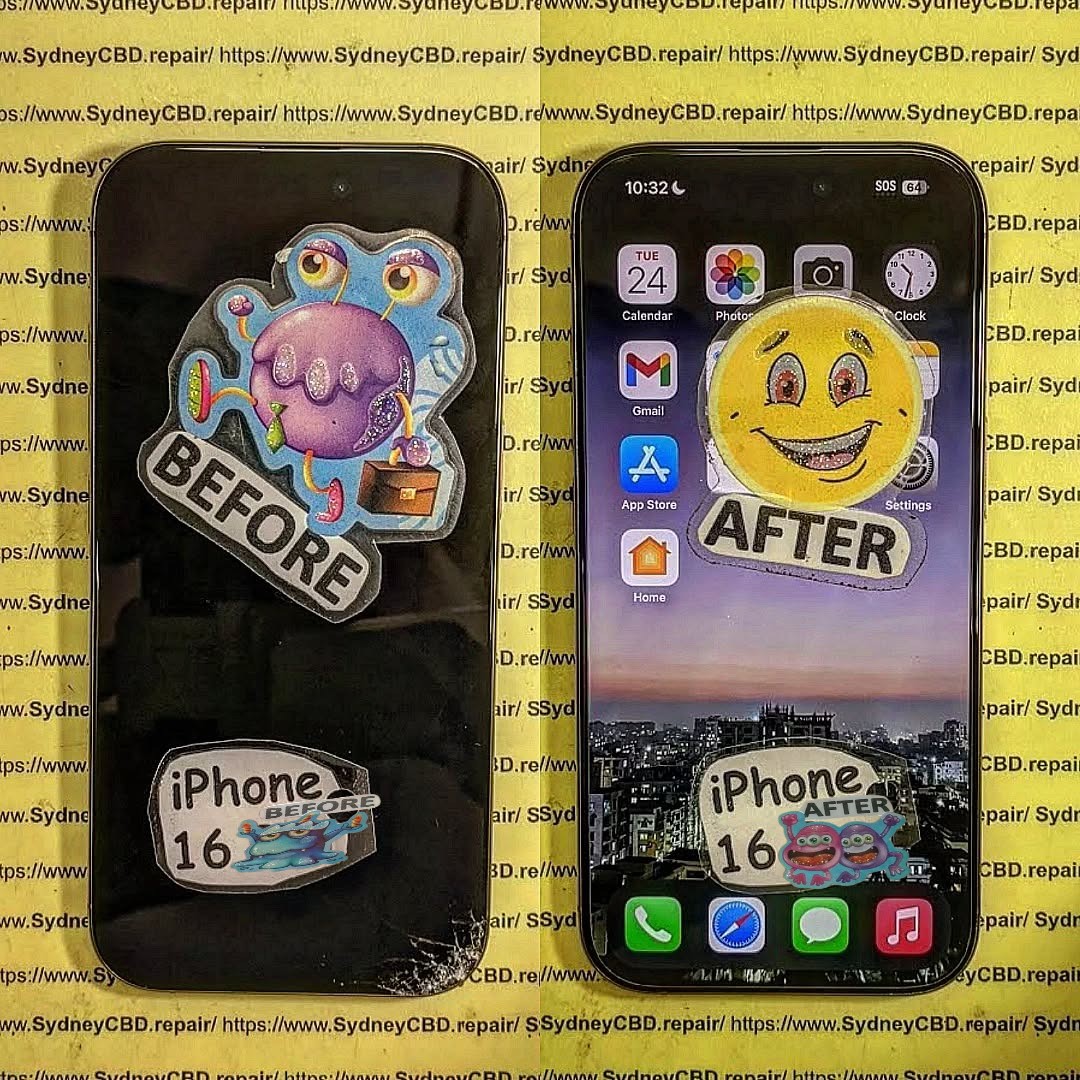
Understanding iPhone 16 Screen Damage
Modern smartphones, especially flagship models like the iPhone 16, come equipped with sophisticated displays that are both high-resolution and delicate. Understanding the types and severity of screen damage is crucial before attempting a repair. A severely damaged iPhone 16 screen can manifest in multiple ways, and addressing each type correctly is the first step to successful restoration.
Types of iPhone 16 Screen Damage
The iPhone 16 screen is composed of multiple layers: the outer glass, the digitizer (responsible for touch sensitivity), and the OLED display beneath. Damage can affect any of these layers.
Cracks and Shattered Glass
The most common form of damage is physical cracks or shattered glass. Even small cracks can worsen over time, potentially leading to further damage like touch malfunction or internal display issues. Severe cracks often require full glass or full-screen replacement rather than temporary fixes like adhesives or screen films.
Touchscreen Malfunction
If the touchscreen becomes unresponsive, erratic, or “ghost touches” occur, the digitizer layer is likely damaged. In some cases, this can be repaired without replacing the entire display, but severe cases usually require a complete screen replacement.
Display Discoloration and Dead Pixels
Damage to the OLED layer can cause discoloration, black spots, or dead pixels. Unlike glass cracks, these issues are internal and cannot be repaired by simple patching. Replacing the display module is often the only reliable solution.
Causes of Severe Screen Damage
Accidental Drops
Even minor drops can damage the screen depending on the surface and angle of impact. Screens might initially appear intact, but microscopic cracks can spread, leading to touch or display issues over time.
Water Exposure and Liquid Damage
The iPhone 16 has improved water resistance, but prolonged exposure to liquids can infiltrate the display, causing corrosion, touchscreen failure, or permanent discoloration.
Manufacturing Defects and Wear
Though rare, manufacturing defects or extended wear can lead to screen issues like touch latency, dead zones, or uneven color distribution. Early detection is key to preventing severe damage.
Signs Your iPhone 16 Screen Needs Repair

Knowing when to repair your screen prevents further damage.
Flickering or Unresponsive Display
Screen flickering or delayed responses indicate internal digitizer issues.
Visible Cracks or Chips
Even small cracks can compromise structural integrity and allow dirt or moisture to damage the internal display layers.
Color Distortions or Black Spots
Dark patches or distorted colors indicate OLED layer damage, which usually requires a full display replacement.
DIY vs Professional Screen Repair
Pros and Cons of DIY Repairs
DIY screen repairs can save money but carry risks. Using non-genuine parts or improper tools can worsen damage and void warranties.
Pros:
- Lower cost
- Flexibility of repair schedule
Cons:
- Risk of further damage
- Lack of warranty
- Requires technical skill
Why Choose Professional Technicians
Professional repair centers, like Sydney CBD Repair Centre, provide expert services using genuine parts. Their technicians ensure correct installation, testing, and warranty coverage, reducing the risk of future issues.
Step-by-Step Guide to Restoring Your iPhone 16 Screen
Step 1: Assess the Damage
Carefully inspect your iPhone screen. Identify cracked areas, unresponsive zones, and display discoloration. This helps determine if you need a full replacement or partial repair.
Step 2: Backup Your Data
Before any repair, back up your iPhone to iCloud or a computer. Screen replacement may cause temporary shutdowns or resets.
Step 3: Purchase Genuine Replacement Parts
Always use genuine Apple or certified replacement screens to ensure optimal functionality and longevity.
Step 4: Replace the Screen Carefully
If attempting a DIY repair, follow manufacturer instructions meticulously. Professional repair centers ensure proper disassembly, replacement, and reassembly.
Step 5: Test Functionality After Repair
After repair, check touch responsiveness, color accuracy, and display integrity. Minor misalignments or loose connections can cause long-term issues.
Tools Required for Screen Repair
Essential Tools for iPhone 16 Screen Replacement
- Precision screwdrivers
- Suction cups and spudgers
- Tweezers
- Anti-static mat
Optional Tools for Advanced Repairs
- Heat gun or iOpener for loosening adhesive
- Magnifying lamp
- Screen testing equipment
Cost of iPhone 16 Screen Repair
DIY Repair Costs
DIY repair kits cost between $100–$200, depending on whether you purchase a full display module or just the glass.
Professional Repair Costs
Professional repair costs at reputable centers range from $250–$400. The cost includes genuine parts, labor, and warranty coverage, making it a safer long-term investment.
Tips to Prevent Future Screen Damage
Use of Screen Protectors and Cases
High-quality tempered glass protectors and shock-resistant cases minimize the impact from drops and scratches.
Handling Your Phone with Care
Avoid placing your iPhone in pockets with keys or coins, and refrain from using it during physical activity.
Regular Maintenance and Cleaning
Clean your screen gently with microfiber cloths and avoid harsh chemicals to maintain clarity and prevent scratches.
Frequently Asked Questions (FAQs)
1. Can a cracked iPhone 16 screen be repaired without replacing the screen?
Minor scratches can be polished, but deep cracks usually require full replacement.
2. How long does it take to replace an iPhone 16 screen?
Professional repairs typically take 30–60 minutes for same-day service.
3. Are third-party screen replacements safe for iPhone 16?
Third-party screens may work, but they can reduce touch sensitivity and color accuracy. Genuine parts are recommended.
4. Will a screen replacement affect my iPhone warranty?
Using authorized repair centers preserves warranty. DIY or unauthorized repairs may void it.
5. Can water-damaged iPhone 16 screens be restored?
Minor water damage can be repaired, but extensive exposure often requires screen and internal component replacement.
6. Is it cheaper to repair or buy a new iPhone 16?
Screen repairs are usually less expensive than purchasing a new device, especially when using genuine parts.
Conclusion

Restoring a severely damaged iPhone 16 screen is possible with the right approach, tools, and expertise. While DIY repairs offer cost savings, professional services like Sydney CBD Repair Centre provide safety, efficiency, and long-term reliability. With careful handling, protective measures, and timely repair, your iPhone 16 can function like new, ensuring both performance and longevity.
David from Sydney CBD Repair Centre – The Best place to fix mobile phones as 6 Years In A Row! Top Mobile Phone Repair In Sydney. More than 2000 Positive Reviews on Google and Same Day Repairs.
Visit us for:
✓ Same Day Express Repairs
✓ Genuine Parts Guarantee
✓ Professional Technicians
✓ Competitive Pricing
✓ 2000+ 5-Star Google Reviews
✓ 6-Time Award Winner for Best Phone Repairs
Sydney CBD Repair Centre – Where Quality Meets Reliability.
Call : +61280114119
Website: https://SydneyCBD.repair/locate-us

