




Repairing a Cracked iPhone Screen: The DIY Approach

Repairing a Cracked iPhone Screen: The DIY Approach – 10 Things You Must Know Before Starting
🟦 Introduction: Is DIY Screen Repair Worth It?
Cracked your iPhone screen? If you’re handy with tools and looking to save money, the DIY route might be tempting. But repairing an iPhone screen is not like fixing a light switch—it’s delicate, technical, and comes with real risks.
In this article, you’ll learn 10 vital things before starting a DIY screen repair, helping you make an informed decision between rolling up your sleeves—or letting the professionals handle it.
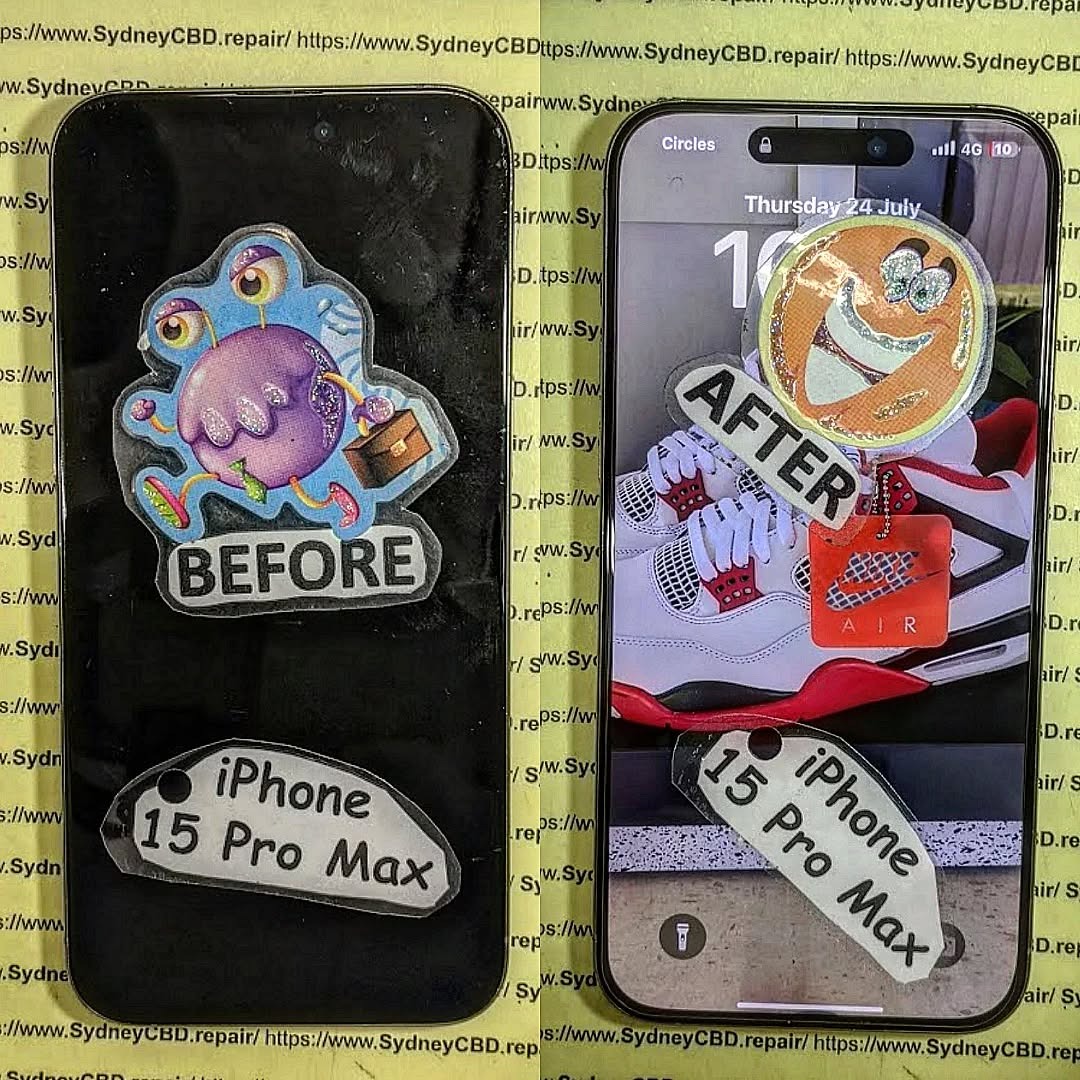
🟦 Understanding Your iPhone Model and Screen Type
Not all iPhone screens are created equal. Older models like the iPhone 6 have LCD panels, while newer models like the iPhone 12 and 13 use OLED displays, which are:
- More fragile
- More expensive
- Much harder to replace without special tools
Face ID models (iPhone X and later) add another layer of complexity, with proximity sensors and secure hardware paired to the screen.
🟦 Tools You’ll Need for a DIY iPhone Screen Repair
🧰 Essential Tools Checklist
- Pentalobe screwdriver (for opening iPhone screws)
- Phillips #000 screwdriver
- Suction cup or screen separator tool
- Plastic prying tools
- Spudger
- Tweezers
- Magnetic project mat
- Replacement screen
🧪 Optional but Helpful Tools
- Heat gun or iOpener (for loosening adhesive)
- Anti-static wrist strap
- Isopropyl alcohol (for cleaning)
- ESD-safe gloves
- iFixit Toolkit or similar precision toolset
🟦 Step-by-Step Overview of the DIY Screen Repair Process
1️⃣ Power Off and Open the Device
- Remove the bottom screws
- Use a suction cup to gently lift the screen
- Insert a prying tool and carefully open from the bottom up
2️⃣ Disconnect Battery and Components
- Always disconnect the battery first
- Unscrew the metal shields
- Detach screen connectors (LCD, digitizer, front camera, etc.)
3️⃣ Replace the Display Carefully
- Transfer necessary parts (e.g., earpiece speaker, sensor bracket) from the old screen
- Connect the new display connectors to the logic board
4️⃣ Reassemble and Test
- Reconnect the battery
- Power on the phone
- Test screen, touch, and sensors before sealing it back
🟦 Where to Buy a Replacement Screen
🔍 OEM vs Aftermarket Screens
- OEM (Original Equipment Manufacturer): Closest match to factory quality, but expensive and hard to find
- Aftermarket (Third-Party): Budget-friendly, but often lacks brightness, color accuracy, or durability
🛒 Trusted Online Sellers
- iFixit
- MobileSentrix
- Injured Gadgets
- Amazon (choose highly rated sellers)
Always check for:
- Return policy
- Warranty
- Screen quality grade (A++, A+, etc.)
🟦 Risks of DIY iPhone Screen Repair
❌ Common Mistakes to Avoid
- Forgetting to disconnect the battery first (can short-circuit the phone)
- Using metal tools near sensitive components
- Rushing the job or applying too much pressure
⚠️ What Can Go Wrong?
- Face ID or Touch ID may stop working permanently
- Incorrect placement of screws (can damage motherboard)
- LCD/OLED burn-in or failure
- Dust or fingerprints trapped inside the screen
🟦 How DIY Repairs Affect Warranty and Face ID
Apple’s warranty does not cover unauthorized repairs.
Replacing the screen on your own may void:
- AppleCare or extended warranties
- Official hardware support
- Face ID functionality (if not calibrated professionally)
Once you open the device, there’s no going back.
🟦 Tips for First-Time DIYers
✅ Work in a Clean, Static-Free Area
- Avoid carpets or high-dust environments
- Use a project mat to organize screws
✅ Follow Video Tutorials from Reputable Sources
- iFixit repair guides
- YouTube channels like JerryRigEverything or Mobile Repair Academy
Take your time—this is not a race.
🟦 When DIY is Not Recommended
🔄 Complex iPhone Models (Face ID, OLED)
iPhone X and newer devices contain:
- OLED panels prone to damage
- Face ID hardware paired to original screens
- Seals and waterproofing that can be compromised
🧰 Lack of Tools or Experience
If you don’t have the right tools or confidence:
- You may cause more harm than good
- You could void any existing warranty
- Repairs could end up costing more in the long run
🟦 Cost Comparison: DIY vs Professional Repair
| Option | Estimated Cost (AUD) | Pros | Cons |
|---|---|---|---|
| DIY (Aftermarket) | $80 – $150 | Cheap, hands-on | High risk, no warranty |
| DIY (OEM) | $180 – $300 | Better quality | Hard to find, costly |
| Sydney CBD Repair | $200 – $350 | Genuine parts, warranty, fast | Slightly more expensive upfront |
Professional repair = peace of mind
You get proper calibration, tested parts, and zero stress.
🟦 Why Choose Sydney CBD Repair Centre for iPhone Repairs

At Sydney CBD Repair Centre, we offer:
- Same-day screen repairs
- Genuine OEM parts
- 90-day warranty
- Over 2000+ 5-star reviews
- Professional tools and ESD-safe procedures
- Specialists in Apple devices
We’ve been voted Sydney’s best repair shop 6 years in a row—and we’re not slowing down.
📍 Find Us Here
📞 Call: +61280114119
🟩 Frequently Asked Questions
❓ Can I really fix my iPhone screen myself?
Yes, but it depends on your experience, tools, and model. It’s risky for beginners and complex devices.
❓ Is it cheaper to do it myself?
It can be, but mistakes may lead to extra costs—sometimes more than a professional repair.
❓ What happens if I mess up the repair?
You may lose Face ID, damage internal parts, or void your warranty. Reversing the damage may not always be possible.
❓ Can Apple tell if I replaced my screen?
Yes. Apple devices can detect non-genuine or third-party screens and will notify the user.
❓ Will I lose data during screen repair?
No—if done correctly. But accidental shorts or damage during DIY can corrupt your data. Always backup first.
❓ Why should I let professionals do it?
You get certified work, quality parts, a warranty, and no risk of DIY damage. Plus—it’s done in hours, not days.
🟦 Conclusion: Is DIY Right for You?
DIY iPhone screen repair can save you money—but it’s not for everyone. If you’re confident, have the tools, and understand the risks, go ahead. Just make sure you’re fully prepared.
But if you want your iPhone screen fixed quickly, safely, and with a guaranteed result, leave it to the pros. Sydney CBD Repair Centre is your trusted destination for high-quality iPhone screen replacements—with genuine parts and fast turnaround.
📍 Visit Sydney CBD Repair Centre – The Best Place to Fix Your Phone in Sydney
✅ Same Day Repairs | ✅ Genuine Parts | ✅ 2000+ 5-Star Reviews | ✅ 90-Day Warranty
📞 Call: +61280114119
🔗 https://SydneyCBD.repair/locate-us

