


ROG Phone 6 Disassembly & Repair Tips

ROG Phone 6 Disassembly & Repair Tips – Expert Advice + 10 Pro Techniques
Introduction to the ROG Phone 6 Repair Process
The ASUS ROG Phone 6 is a beast of a gaming smartphone, but it’s also one of the most complex to disassemble. With high-performance components like vapor chamber cooling, RGB lighting, ultrasonic triggers, and dual batteries, repairing it without proper technique can be risky.
If your ROG Phone 6 has a cracked screen, faulty charging port, or overheating issues, understanding the correct disassembly method is crucial. This guide will walk you through the safest practices and best repair tips used by professionals.
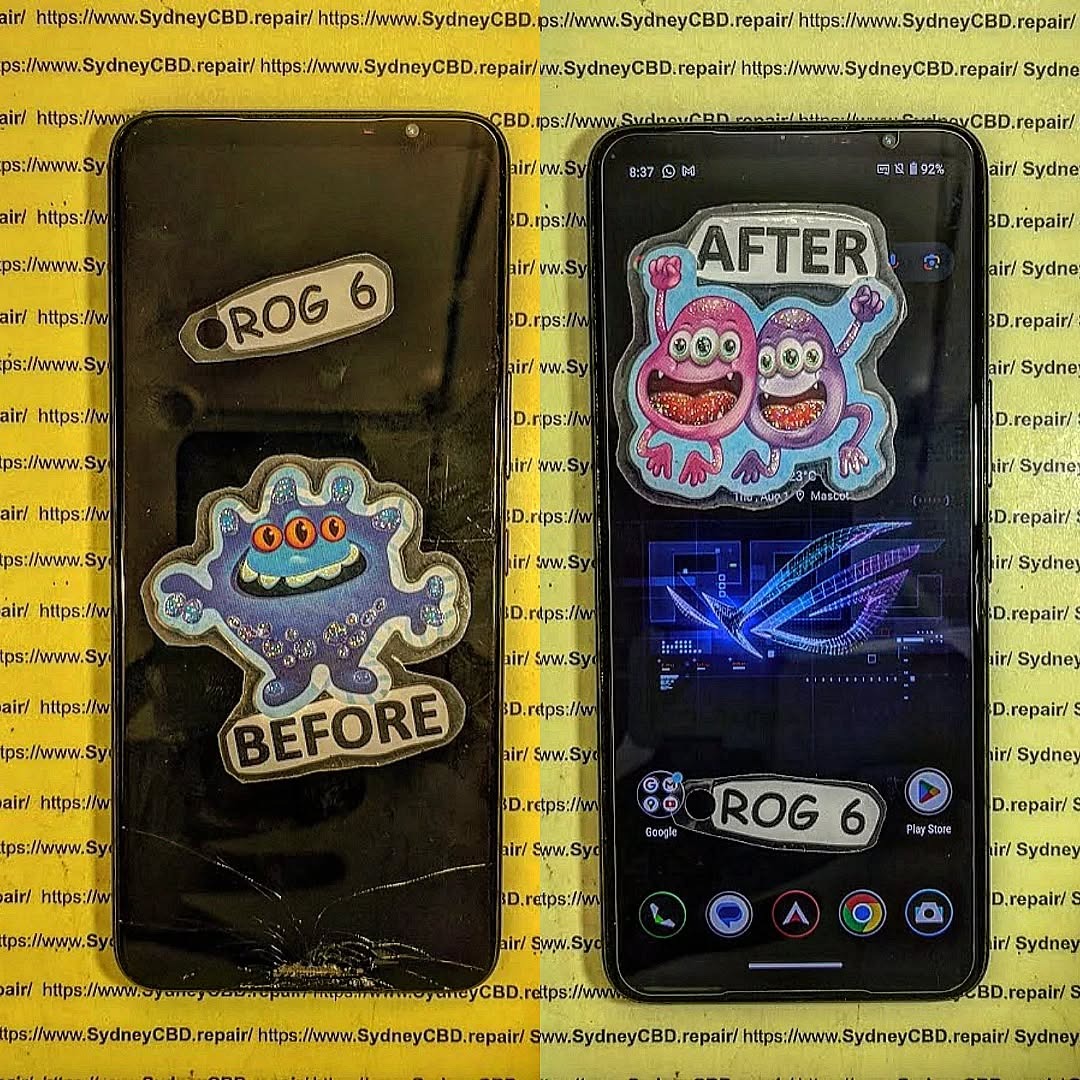
Essential Tools Needed for ROG Phone 6 Repairs
To repair the ROG Phone 6 correctly, you’ll need:
- Plastic pry tools and guitar picks
- Suction cup for screen or back panel removal
- Precision screwdriver kit (Torx T3/T4, Phillips)
- Isopropyl alcohol (≥90%)
- Heat gun or hot plate
- Tweezers
- Anti-static gloves or mat
- Adhesive strips or glue (for reassembly)
Without the proper tools, you risk damaging key components like the vapor cooling plate or internal flex cables.
Key Internal Components of the ROG Phone 6
Familiarize yourself with these parts before disassembly:
- Dual-cell battery (with separate connectors)
- High-refresh-rate AMOLED screen
- USB-C charging ports (2x – one side, one bottom)
- Dual stereo speakers
- RGB LED light panel
- Motherboard with Snapdragon 8+ Gen 1 SoC
- Cooling system with vapor chamber and thermal paste
Safety Precautions Before Starting Disassembly
Before beginning:
- Power off the device completely.
- Remove your SIM card and memory card.
- Place the phone on an ESD-safe work surface.
- Handle components with anti-static gloves to avoid electrostatic discharge damage.
- Always disconnect the battery first before touching the motherboard or display.
Step-by-Step Disassembly Guide for ROG Phone 6
Removing the SIM Tray and Back Cover
- Eject the SIM tray from the side of the phone.
- Heat the rear panel around the edges using a heat gun or hot plate.
- Use a suction cup and plastic picks to gently separate the glass back cover. Watch out for the RGB lighting flex cables — do not tear them.
Disconnecting the Battery and Internal Flex Cables
- Remove the protective shield covering the motherboard.
- Carefully disconnect the battery connectors (there are usually two).
- Detach all flex cables going to the display, charging port, and side USB port.
Accessing the Motherboard and Cooling System
- Unscrew and remove the motherboard.
- Clean and inspect the cooling system — including thermal pads and vapor chamber.
- If you’re addressing overheating, consider replacing thermal paste with a high-quality alternative.
Removing the Screen and Other Components
- Gently heat the screen and use pry tools to lift it.
- Remove the display carefully, watching for adhesive and flex cables.
- If replacing the charging port or speaker, unscrew and detach them from the frame.
10 Expert Tips for Successful ROG Phone 6 Repairs
- Label screws by area — the ROG Phone 6 uses various screw types.
- Always disconnect the battery before any other components.
- Never pull on flex cables directly — use tweezers to lift connectors.
- Replace both batteries together if one is faulty.
- Use OEM thermal paste or Arctic MX-4 for better heat transfer.
- Avoid cheap screens — they affect touch latency and RGB syncing.
- When reinstalling the back cover, reattach RGB flex cables carefully.
- Take photos of your teardown for easy reassembly.
- Don’t over-tighten screws — it can crack PCBs or components.
- Use a magnetic project mat to organize parts during repair.
Common Issues in ROG Phone 6 and Their Fixes
| Issue | Likely Cause | Recommended Fix |
|---|---|---|
| Cracked Screen | Drop or impact | Screen replacement with OEM AMOLED |
| Phone Not Charging (Bottom Port) | USB-C port damage | Replace charging port flex cable |
| RGB Lights Not Working | Torn back cover cable | Reattach or replace flex cable |
| Device Overheating | Bad thermal paste or dust buildup | Clean and reapply thermal interface material |
| Ghost Touch / Screen Glitches | Damaged digitizer or cheap replacement | Replace with OEM screen |
Why OEM Parts Matter for ROG Phone 6
Using non-OEM parts in a device like the ROG Phone 6 can result in:
- Touch lag during gaming
- Incompatible RGB sync
- Reduced cooling efficiency
- Shorter display life or color inconsistency
At Sydney CBD Repair Centre, we only use genuine ASUS parts to ensure peak performance and full compatibility.
Risks of DIY Repairs for Gaming Phones
Gaming phones like the ROG Phone 6 are not beginner-friendly due to their intricate design:
- More flex cables and delicate RGB lighting
- Custom vapor chamber and thermal layers
- Dual batteries and reinforced housing
DIY attempts often lead to broken screens, non-working buttons, or dead boards — making professional repair a safer choice.
Why Choose Sydney CBD Repair Centre for ROG Repairs

With over 2000 positive reviews, Sydney CBD Repair Centre is Sydney’s go-to location for expert repairs. Here’s why:
- Genuine ASUS parts only
- Technicians experienced with gaming phones
- Same-day turnaround for most repairs
- 90-day repair warranty
- Trusted by thousands across Sydney
🔗 Locate us today
📞 Call us: +61280114119
FAQs
1. Is the ROG Phone 6 difficult to disassemble?
Yes — it’s one of the more complex phones due to its dual batteries, cooling system, and RGB wiring. It’s recommended only for experienced technicians.
2. Can I use a third-party screen on the ROG Phone 6?
Technically yes, but it may result in poor display quality and loss of RGB lighting compatibility. OEM screens are always better.
3. How long does a typical screen replacement take?
At Sydney CBD Repair Centre, most ROG Phone 6 screen repairs are done same day, within 2–4 hours depending on the issue.
4. Will replacing the screen affect my game performance?
Yes, especially if a low-quality screen is used. Touch latency and refresh rate can be significantly impacted.
5. Is it worth repairing or should I upgrade?
The ROG Phone 6 is still a powerful phone. With quality repair, it can last another 2–3 years easily.
6. Do you offer battery replacement for ROG Phone 6?
Yes, we replace both batteries with original ASUS cells, ensuring full charging capacity and safety.
Conclusion
The ROG Phone 6 is a high-end gaming device that deserves high-end care. While DIY repair may seem tempting, the complexity of its design and sensitive components make it a high-risk task for most users. By following safe disassembly steps and professional tips, you can avoid common pitfalls — or better yet, let experts handle it.
For trusted repairs using genuine ASUS parts, visit Sydney CBD Repair Centre — Sydney’s most reviewed and reliable mobile phone repair shop.

