


DIY Battery Swap: Is ROG Phone 5 Easy?

DIY Battery Swap: Is ROG Phone 5 Easy?
Introduction
The ASUS ROG Phone 5 is a powerhouse for gamers, built with top-notch performance, a stunning AMOLED display, and a massive battery. But like all smartphones, its battery won’t last forever. Over time, you may notice it drains faster, overheats, or doesn’t charge to 100%. At that point, you’ll face a choice: attempt a DIY battery swap or head to a professional repair shop.
So, is the ROG Phone 5 easy to repair on your own? Let’s break it down step by step.
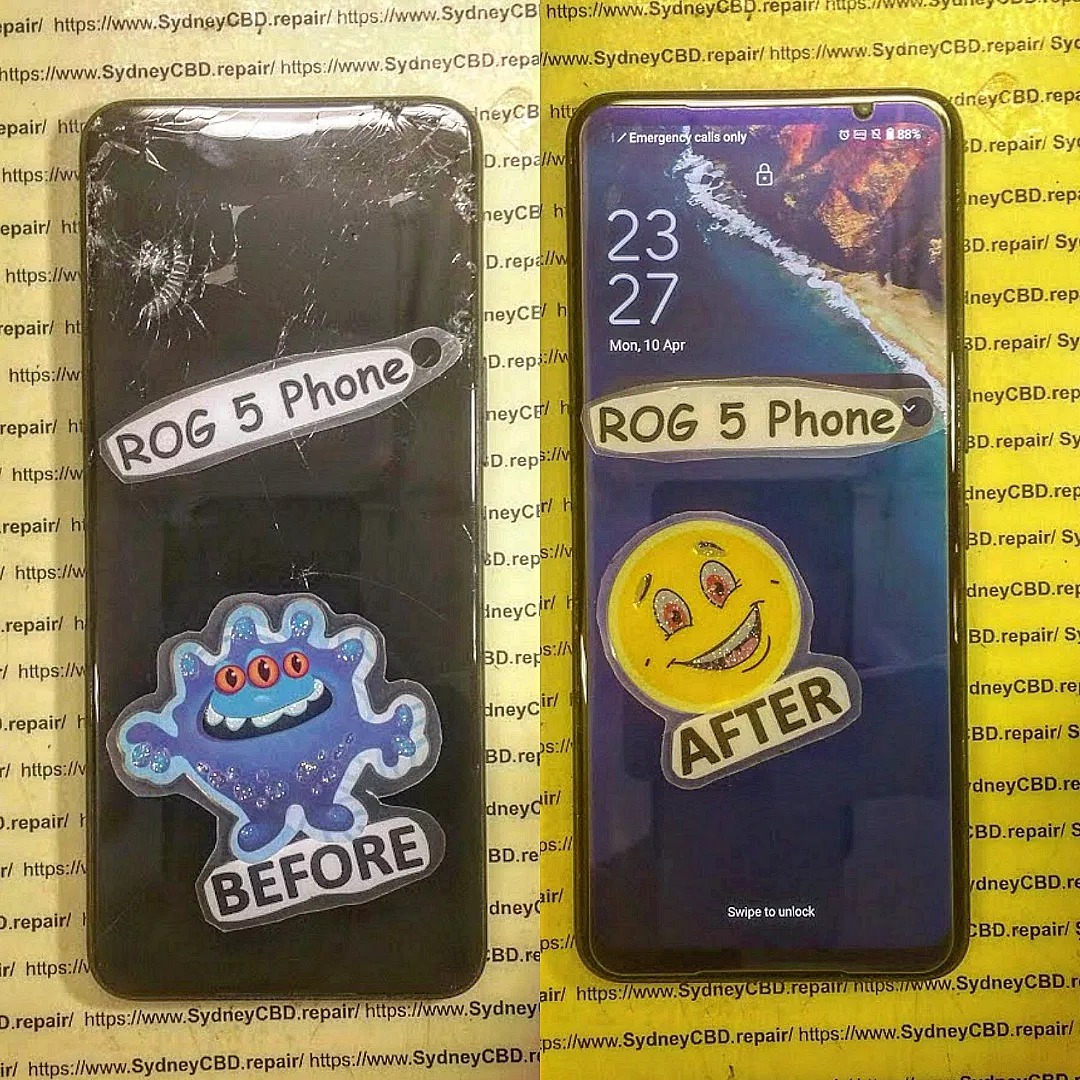
Understanding the ROG Phone 5’s Battery Setup
Unlike many standard phones, the ROG Phone 5 comes with a dual-cell battery system. This design helps with faster charging and longer gaming sessions. However, it also makes replacement more complicated compared to regular phones with single-cell batteries.
Can You Replace the ROG Phone 5 Battery Yourself?
Technically, yes—you can. But here’s what you should know:
✅ Pros of DIY Battery Swap
- Cheaper than professional repair
- Sense of achievement if you succeed
- Avoids downtime of leaving your phone in a shop
❌ Cons of DIY Battery Swap
- Dual-cell design is harder to replace
- Strong adhesive makes removal risky
- Requires special tools (heat gun, suction cups, anti-static gear)
- Risk of damaging internal components
Step-by-Step Overview (Simplified)
- Power off your phone and remove the SIM tray.
- Heat the back cover with a heat gun or hair dryer to soften adhesive.
- Pry open the glass back cover carefully without cracking it.
- Disconnect the battery connectors and remove protective shields.
- Gently pull out both battery cells, using adhesive remover if needed.
- Install the new battery, reconnect cables, and reapply adhesive.
- Seal the back cover and test the phone before finalizing.
⚠️ Note: This is a simplified guide. Each step requires precision, proper tools, and care to avoid breaking sensitive parts.
Is It Worth Attempting DIY?
If you’re an experienced DIY repairer, you might manage the ROG Phone 5 battery swap. But for most users, it’s not recommended because of:
- The dual-cell complexity
- High risk of damaging the motherboard
- Difficulty maintaining original waterproofing
Professional Repair: The Safer Choice
At Sydney CBD Repair Centre, we specialize in ROG Phone repairs, including tricky battery replacements. Our technicians use genuine ASUS parts and professional tools to ensure your phone is restored safely and efficiently—usually with same-day turnaround.
Conclusion

So, is the ROG Phone 5 easy for DIY battery replacement?
Not really. While possible, it’s a high-risk repair due to the dual-cell battery design and strong adhesives. For most users, professional repair is the best choice to save time, avoid damage, and guarantee quality results.
If your ROG Phone 5 is struggling with battery issues, visit Sydney CBD Repair Centre today—we’ll get you back to gaming in no time.
Sydney CBD Repair Centre – Where Quality Meets Reliability
David from Sydney CBD Repair Centre – The Best place to fix mobile phones as 6 Years In A Row! Top Mobile Phone Repair In Sydney. More than 2000 Positive Reviews on Google and same-day repairs.
We take pride in delivering exceptional repair services for all major phone brands including Apple, Samsung, Google, and ASUS ROG. Our expert technicians use only genuine parts and offer a 90-day warranty on repairs.
📍 Location: Sydney CBD Repair Centre
📞 Call: +61280114119
✓ Same Day Express Repairs
✓ Genuine Parts Guarantee
✓ Professional Technicians
✓ Competitive Pricing
✓ 2000+ 5-Star Google Reviews
✓ 6-Time Award Winner for Best Phone Repairs

