


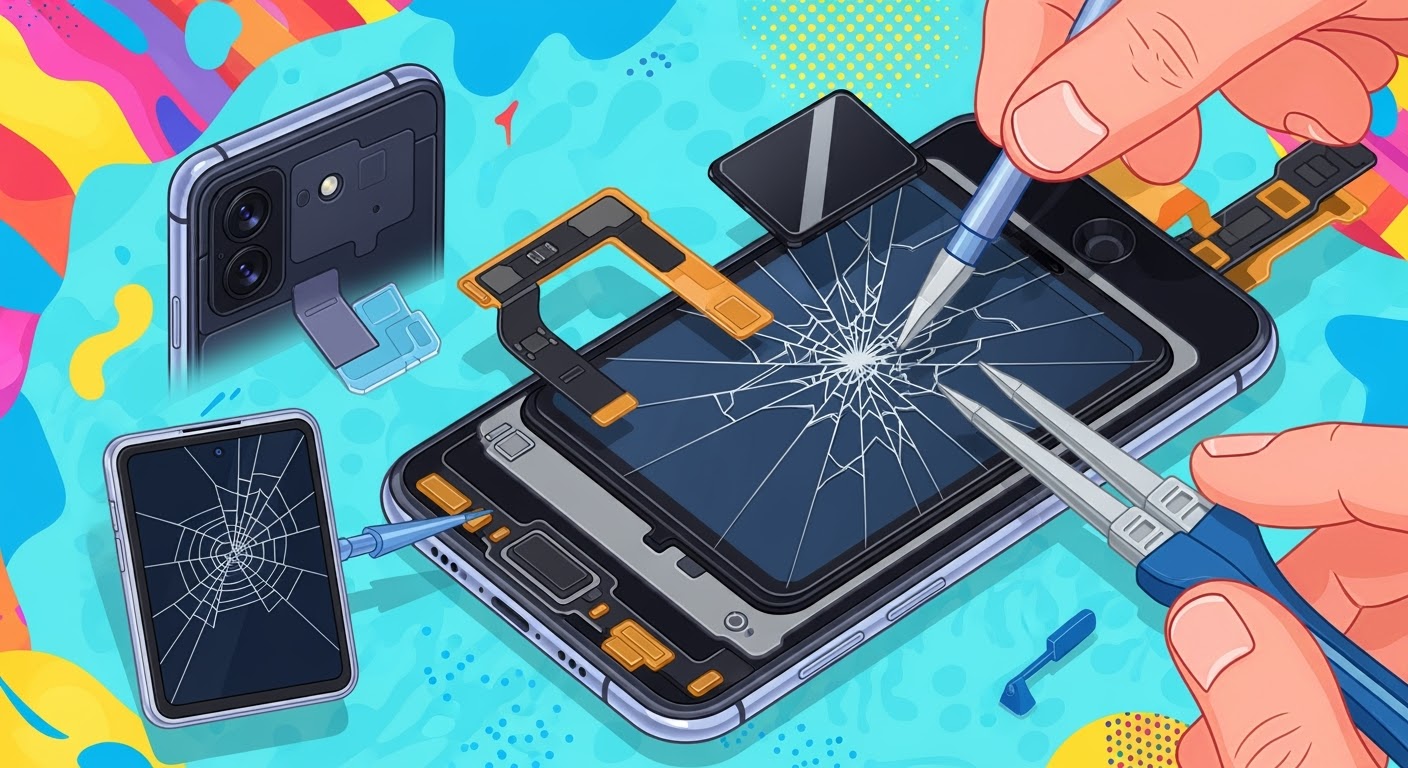
DIY Fix? Broken Z Flip Inner Screen

DIY Fix? Broken Z Flip Inner Screen – 7 Essential Things to Know Before You Try
Understanding the Z Flip’s Inner Screen Technology
The Samsung Galaxy Z Flip’s inner screen is not your standard smartphone display. It’s a complex piece of engineering designed to fold without compromising image quality or touch responsiveness. Before attempting any repair, you need to understand what you’re dealing with.
Ultra-Thin Glass (UTG) and Protective Layer
Samsung uses Ultra-Thin Glass (UTG) combined with a protective polymer coating to make the display flexible yet durable. This means the screen has multiple delicate layers:
- Glass substrate – ultra-thin, providing a smooth display surface.
- Polyimide protective layer – adds flexibility and impact resistance.
- OLED panel – generates the actual display output.
Any damage to one layer can affect the entire screen’s performance, making DIY repairs extremely challenging.
Common Causes of Inner Screen Damage
The Z Flip inner screen can fail for several reasons:
- Excessive folding pressure – forcing the hinge or snapping it shut aggressively.
- Foreign particles inside the fold – dust or debris can cause micro-scratches.
- Temperature extremes – heat and cold can weaken the UTG structure.
- Impact damage – drops and knocks can fracture internal layers.
The Risks of DIY Z Flip Inner Screen Repairs
Trying to fix a broken Z Flip screen yourself can be risky. Even experienced DIY enthusiasts often find foldable displays far more complex than standard smartphone screens.
Damage to the Fold Mechanism
The hinge is precisely engineered with multiple moving parts. Opening it incorrectly or applying uneven force can cause permanent damage, rendering the phone unusable.
Loss of Samsung Warranty
Once you open the device, Samsung’s warranty is voided. If you make an error, you’ll be paying out of pocket for a full repair—often more than what a professional service would have cost in the first place.
Risk of Further Screen Failure
Without the correct tools and environmental conditions (like a dust-free workspace), you could accidentally damage the OLED panel or flex cables, leading to a total display failure.
Tools and Materials Needed for a DIY Repair
Before you start, gather the correct tools. Attempting repairs with makeshift equipment increases your chances of causing more harm than good.
Essential Repair Tools
- Precision screwdriver set (Phillips and Torx bits)
- Plastic spudgers
- Heat gun or hair dryer (for adhesive softening)
- Suction cup tool
- Tweezers (ESD-safe)
Recommended Safety Gear
- Anti-static wrist strap
- Safety glasses
- Dust-free gloves
Step-by-Step DIY Inner Screen Replacement Guide
Disclaimer: This process is risky. Proceed only if you’re confident in your skills.
Pre-repair Preparations
- Backup all phone data.
- Power off the device completely.
- Work on a clean, well-lit surface.
Safely Removing the Damaged Screen
- Use a heat gun to warm the edges gently.
- Insert a plastic spudger to lift the adhesive layer slowly.
- Disconnect the flex cables without bending them sharply.
Installing the New Screen
- Place the new screen carefully, ensuring all connectors align.
- Apply light, even pressure to secure it in place.
- Reconnect all internal components.
Post-repair Testing
- Power on the phone and check touch responsiveness.
- Test fold and unfold motion for smooth operation.
Cost Comparison: DIY vs. Professional Repair
Average DIY Costs
A genuine Z Flip inner screen replacement can cost between $300–$400 for the part alone. Add in tool expenses, and you might spend nearly as much as a professional repair.
Professional Repair Costs
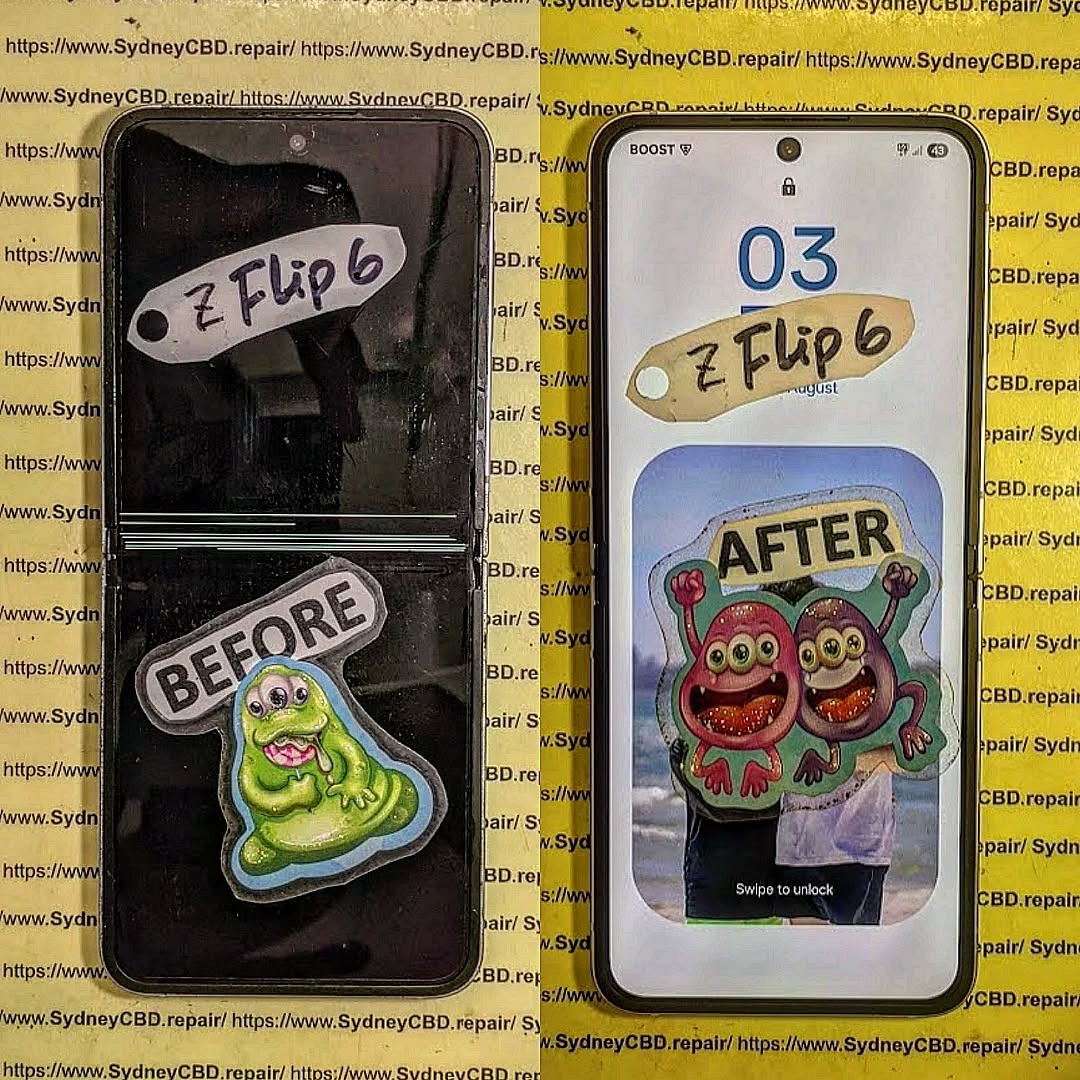
At Sydney CBD Repair Centre, you get genuine parts, expert installation, and a 90-day warranty—often for a similar or slightly higher price than DIY, but with far less risk.
Value Considerations
While DIY might seem cheaper, a botched repair could cost you hundreds more. Professional repairs offer peace of mind and better longevity.
When to Seek Professional Help
Signs the Damage is Beyond DIY Repair
- Screen doesn’t light up at all.
- Flickering or black lines appear.
- Fold mechanism feels stuck or misaligned.
Benefits of Expert Technicians
- Specialized tools and dust-free repair rooms.
- Years of experience with foldable devices.
- Guaranteed genuine replacement parts.
FAQs
Q1: Can I use a regular smartphone screen repair kit for a Z Flip?
No. Foldable screens require specialized tools and methods.
Q2: Is the Z Flip inner screen the same as the outer screen?
No. The inner screen is a foldable UTG display, while the outer screen is a rigid glass panel.
Q3: Will Samsung still repair my phone if I attempt DIY first?
Usually not—once you open it, the warranty is void.
Q4: How long does professional Z Flip screen replacement take?
At Sydney CBD Repair Centre, most repairs are done same day.
Q5: Is it safe to keep using my Z Flip with a cracked inner screen?
Not recommended—it can worsen the damage and affect touch sensitivity.
Q6: Where can I get a professional repair in Sydney?
Visit Sydney CBD Repair Centre for genuine parts, expert service, and a 90-day warranty.
Conclusion

While DIY repairs on a Samsung Galaxy Z Flip inner screen may seem tempting, the risks are high. With complex foldable technology, one wrong move can turn a repairable issue into a costly disaster.
If you want the job done right the first time, trust the award-winning experts at Sydney CBD Repair Centre—Sydney’s #1 choice for phone repairs, with over 2000 5-star reviews and 6 consecutive awards for best mobile repair service.

