


Troubleshooting common Samsung Galaxy S22 battery issues

Troubleshooting Common Samsung Galaxy S22 Battery Issues – Expert Fixes + 10 Proven Solutions
Introduction to Galaxy S22 Battery Technology
The Samsung Galaxy S22 features a 3700mAh lithium-ion battery, optimized for performance and battery life with intelligent power management. However, like any smartphone, the battery may develop issues over time — especially if exposed to heat, overcharging, or software glitches.
Understanding how your battery works and recognizing early warning signs can help prevent further damage and costly repairs.
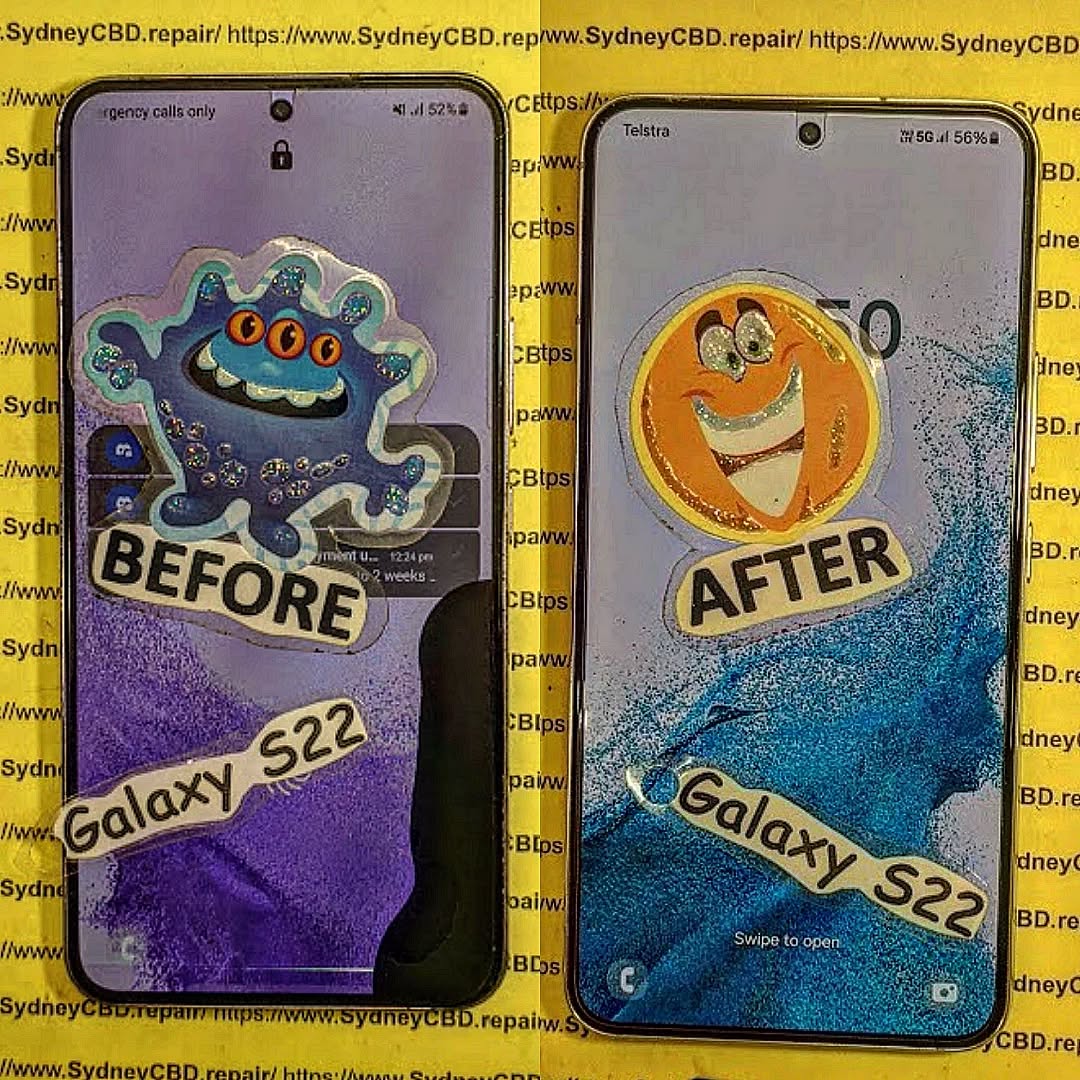
Signs of a Faulty or Failing Battery
Here are typical indicators that something’s not right:
- Battery drains rapidly even on standby
- Phone heats up during basic tasks
- Charging percentage jumps or gets stuck
- Unexpected shutdowns or boot loops
- Battery won’t charge past a certain point
If you’re experiencing one or more of these, it’s time to troubleshoot your Galaxy S22 battery.
Common Battery Issues in the Galaxy S22
Rapid Battery Drain
Many users report unusually fast battery drain after updates or new app installs. This can be due to:
- Background apps consuming resources
- High screen brightness or 120Hz refresh rate
- Poor signal reception causing constant network search
- Rogue apps using GPS or CPU power
Overheating While Charging or Using
Overheating can damage the battery and shorten its life. Causes include:
- Charging while gaming or multitasking
- Using non-OEM or faulty chargers
- Environmental heat exposure
- Internal component failure
Phone Not Charging or Charges Slowly
Your S22 should support 25W fast charging, but if it’s taking hours:
- Check cable and adapter for faults
- Inspect the charging port for lint or damage
- Disable fast charging in settings (it may be toggled off)
Battery Percentage Stuck or Inaccurate
The software might misread the battery level, showing 100% then dropping to 20%. This usually points to calibration issues or battery aging.
Troubleshooting Steps You Can Try at Home
Optimize Settings to Save Battery Life
- Reduce screen brightness or enable adaptive brightness
- Set refresh rate to 60Hz instead of 120Hz
- Turn off 5G if not needed
- Enable Power Saving Mode
- Disable Always-On Display if enabled
Calibrate Your Battery
- Charge the phone to 100% and let it rest for 30 minutes.
- Use the phone until it completely powers off.
- Charge again uninterrupted to 100%.
This recalibrates the software’s battery level detection.
Use Safe Charging Practices
- Always use Samsung-approved or OEM chargers
- Avoid charging overnight consistently
- Don’t use the phone intensively while charging
- Keep the phone on a hard surface to dissipate heat
Update Software and Clear App Cache
- Go to Settings > Software Update
- Wipe cache partition via recovery mode
- Uninstall or limit permissions for apps that cause drain
Apps That Drain Battery Fast
Some apps are known to be heavy on battery, especially when misconfigured:
| App Type | Examples | Solution |
|---|---|---|
| Social Media | Facebook, TikTok, Instagram | Set battery usage to “Restricted” in settings |
| Navigation | Google Maps, Waze | Turn off location when not needed |
| Games | PUBG, Genshin Impact | Lower graphic settings or reduce playtime |
| Video Streaming | YouTube, Netflix | Lower resolution and screen brightness |
Is Your Charging Cable or Adapter the Problem?
Many battery issues start with poor charging accessories. Check for:
- Frayed or damaged USB-C cables
- Inconsistent charging from 3rd-party adapters
- Loose or dirty USB-C port
- Lack of support for Samsung’s PPS fast charging protocol
Using Samsung’s original 25W charger ensures optimal charging speed and safety.
Hardware Issues That Affect Battery Performance
Sometimes, it’s not just software or usage habits. Faulty hardware can include:
- Damaged battery cells
- Warped battery from overheating
- Internal short circuits
- Board-level defects from drops or water damage
In these cases, a battery replacement or motherboard repair may be necessary.
When You Should Consider a Battery Replacement
Replace your Galaxy S22 battery if:
- It drains to 0% within hours of moderate use
- Phone shuts off before hitting 5%
- Battery health has dropped below 80% (check via apps or diagnostics)
- Battery swells or overheats consistently
- Phone no longer holds a charge or fails to boot
Why Choose OEM Battery Replacements from Sydney CBD Repair Centre

At Sydney CBD Repair Centre, we specialize in Samsung Galaxy S22 battery replacements using 100% genuine Samsung parts.
Why customers trust us:
- Same-day service for most battery replacements
- Expert technicians with years of Samsung repair experience
- No data loss guarantee during battery replacement
- Over 2000 five-star reviews and growing
- 90-day warranty on all parts and labor
📍 Visit us in Sydney CBD
🔗 Locate Us Here
📞 Call: +61280114119
FAQs
1. How long should a Samsung Galaxy S22 battery last?
Typically, around 2–3 years with regular use. Battery life depends on usage habits, charging cycles, and heat exposure.
2. Will replacing the battery affect my data?
No. Battery replacement doesn’t affect your storage. However, it’s always good practice to back up your phone.
3. How much does a Galaxy S22 battery replacement cost in Sydney?
At Sydney CBD Repair Centre, it ranges from $120 to $160, including parts and labor, depending on the condition.
4. Is fast charging bad for the battery?
Samsung’s adaptive fast charging is safe. But repeated overnight charging or using incompatible fast chargers may reduce battery health over time.
5. Can software updates fix battery issues?
Yes. Samsung often releases firmware updates to optimize power consumption. Always keep your phone updated.
6. Does a swollen battery need urgent replacement?
Absolutely. A swollen battery is a safety hazard and should be replaced immediately to avoid damage or injury.
Conclusion
Battery issues with your Samsung Galaxy S22 can be frustrating, but most are fixable with the right approach. From software tweaks to hardware fixes, there are plenty of solutions you can try — but if problems persist, professional repair is the safest and most reliable option.
At Sydney CBD Repair Centre, we’re proud to offer fast, safe, and affordable Galaxy S22 battery replacements using only genuine Samsung parts. Let our experts bring your phone back to life — hassle-free.

