


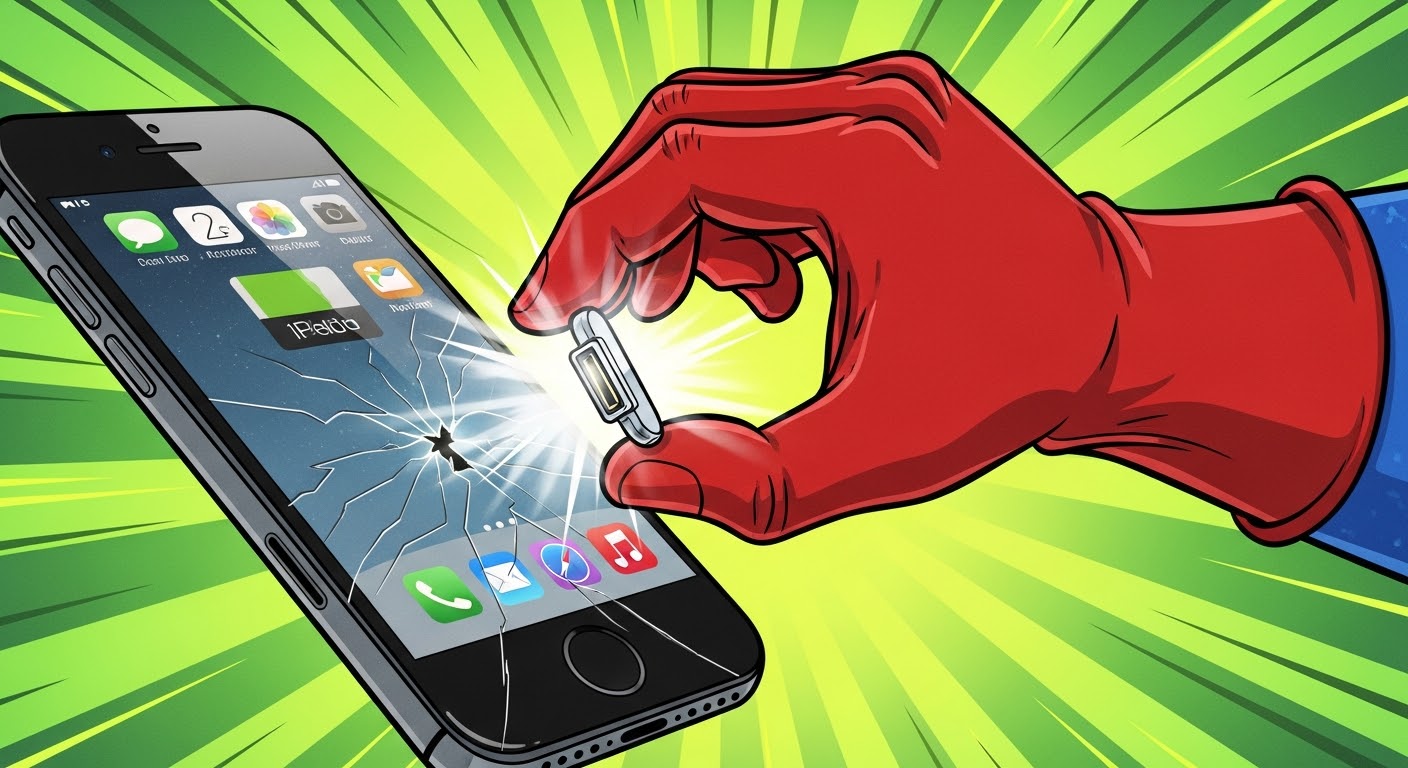
Beyond the Screen: Replacing iPhone Charging Ports Without Damage

Beyond the Screen: Replacing iPhone Charging Ports Without Damage + 10 Expert Tips
Introduction
In today’s fast-paced world, our iPhones are more than just communication devices—they’re essential tools for work, entertainment, and staying connected. But what happens when your iPhone stops charging properly? A faulty charging port can disrupt daily life, causing frustration and inconvenience. Replacing the charging port might sound like a simple fix, but without proper care, it can lead to permanent damage to your device.
This guide, “Beyond the Screen: Replacing iPhone Charging Ports Without Damage”, will walk you through everything you need to know to safely replace an iPhone charging port. From understanding common issues and necessary tools to step-by-step replacement instructions and post-repair care, we cover it all. Whether you’re a DIY enthusiast or considering professional repair services, this comprehensive guide ensures your iPhone remains safe, functional, and ready to power through your busy day.
By following expert tips and proven techniques, you can avoid costly mistakes, protect your device, and extend its lifespan. Let’s dive in and explore how to replace your iPhone charging port without causing damage.
Replacing an iPhone charging port might seem straightforward at first glance, but a misstep can lead to permanent damage. From loose connections to corrosion, charging port issues can disrupt daily phone use. In this guide, we explore expert strategies for replacing iPhone charging ports safely, ensuring your device remains fully functional and damage-free.
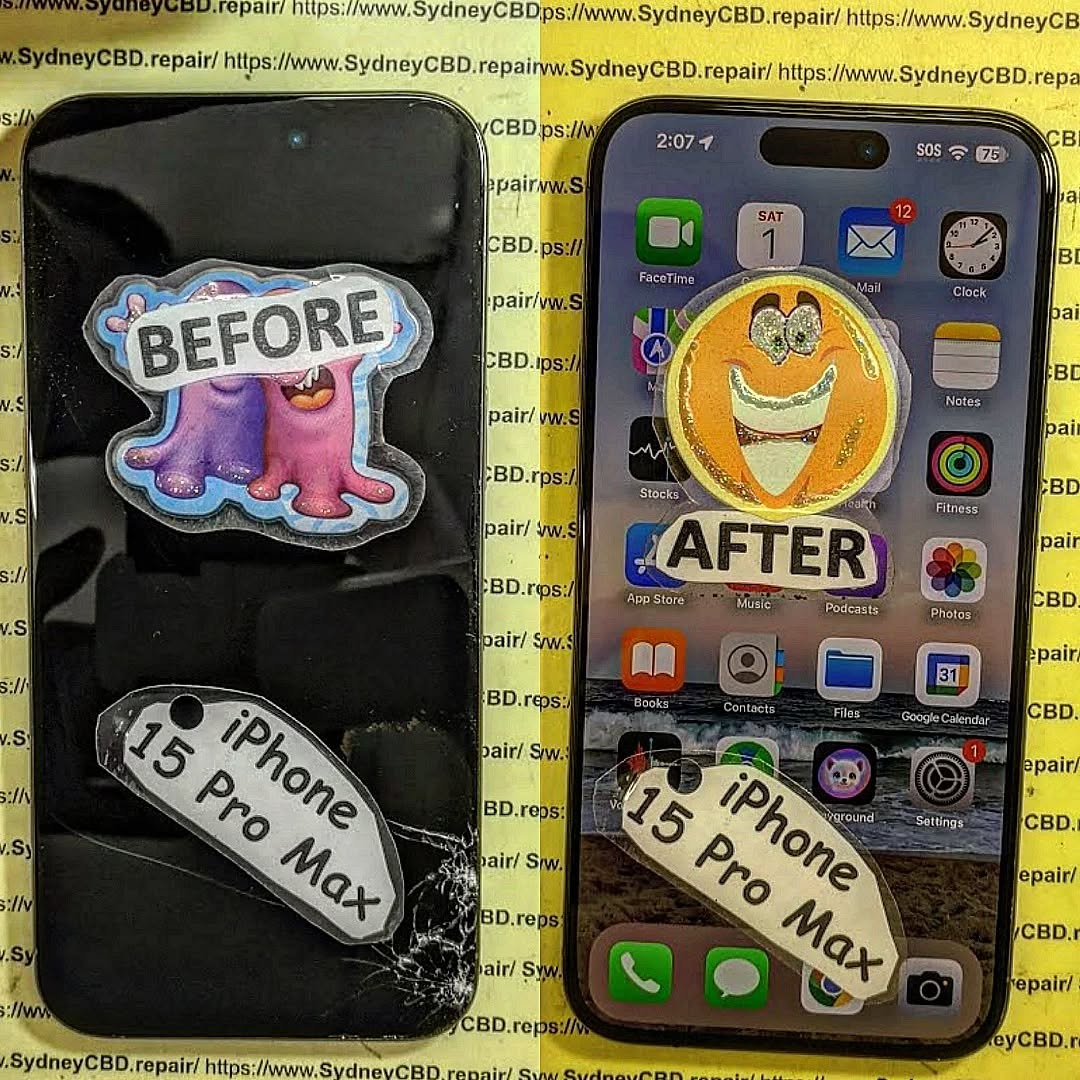
Understanding iPhone Charging Ports
iPhone charging ports serve as a vital bridge between your device and power source. Modern iPhones predominantly use the Lightning connector, though newer models have shifted toward USB-C. Understanding port types helps diagnose issues and plan repairs effectively.
Types of iPhone Charging Ports
- Lightning Port: Introduced in 2012, compact, reversible, used in iPhone 5–14 series.
- USB-C Port: Standard on iPhone 15 and later, faster data transfer, higher charging rates.
- Legacy 30-Pin Connector: Used in older iPhone models (iPhone 4s and prior).
Common Charging Port Problems
- Loose or wobbly connection
- Device not charging or intermittent charging
- Debris or lint accumulation
- Corrosion due to moisture exposure
- Inability to sync data via cable
Understanding these issues helps in deciding whether a full replacement is needed or a simple cleaning suffices.
Why Proper Replacement Matters
Replacing a charging port isn’t just about restoring functionality. Proper replacement ensures your iPhone’s long-term durability.
Risks of Improper Replacement
- Damage to the logic board
- Scratched connectors or cables
- Battery performance issues
- Permanent data loss
Benefits of Professional Repairs
- Use of genuine replacement parts
- Minimizing risk of internal damage
- Retaining device warranty
- Professional testing post-replacement
Professional technicians, like those at Sydney CBD Repair Centre, offer both expertise and reliability.
Tools and Materials Needed
Before attempting a replacement, gather the right tools to prevent accidental damage.
Recommended Repair Kits
- Precision screwdrivers
- Plastic pry tools
- Suction handles
- Tweezers
- Replacement charging port
Safety Equipment
- ESD (Electrostatic Discharge) mat
- Anti-static wrist strap
- Magnifying glass or microscope for inspection
Having the right setup reduces risk and ensures the job is done correctly.
Preparing Your iPhone for Repair
Preparation is key. This includes both protecting your data and creating a safe workspace.
Data Backup and Protection
- Use iCloud or iTunes to back up
- Save important documents to local storage
- Disable “Find My iPhone” if needed
Disassembly Steps Overview
- Power off the device
- Organize screws carefully
- Use gentle prying to avoid flex cable damage
Step-by-Step iPhone Charging Port Replacement
Following a methodical approach reduces the chance of mistakes.
Removing the Old Port
- Unscrew and lift the old port carefully
- Disconnect associated flex cables gently
- Avoid bending the logic board
Installing the New Port
- Align the port correctly
- Reconnect flex cables securely
- Reassemble screws without over-tightening
Testing the New Port
- Plug in charger to ensure proper function
- Test data transfer via computer
- Inspect for wobble or loose fit
Common Mistakes to Avoid
Even experienced DIYers can make errors.
Over-Tightening Screws
Too much pressure can crack the logic board. Always tighten screws just enough to secure components.
Ignoring ESD Precautions
Static discharge can fry circuits instantly. Always use wrist straps and mats.
Post-Repair Care
After replacement, proper maintenance extends port life.
Cleaning and Maintenance
- Use compressed air for debris
- Avoid inserting objects not designed for charging
Protecting the Port
- Choose cases with port protection
- Handle cables gently to prevent wear
DIY vs Professional Repair
Making the right choice can save time and money.
When to Attempt DIY
- Minor debris removal
- Cosmetic fixes
- Basic port cleaning
When to Seek Professionals
- Corrosion or water damage
- Complete port replacement
- Preserving warranty
Frequently Asked Questions (FAQs)

Q1: Can I replace the iPhone charging port myself?
A1: Yes, but it requires precision tools and knowledge of internal components. Mistakes may void warranties.
Q2: How much does professional replacement cost?
A2: Costs vary by model but typically range from $80–$150 at trusted repair centres.
Q3: How do I know if my charging port is damaged?
A3: Symptoms include slow or intermittent charging, loose cables, or no response when plugging in.
Q4: Will a new port improve charging speed?
A4: Only if the old port was damaged or corroded; otherwise, speeds remain the same.
Q5: How do I prevent future port damage?
A5: Use high-quality cables, clean regularly, and protect against moisture exposure.
Q6: Is it safe to use third-party ports?
A6: Third-party parts may work but can risk connectivity issues or void warranties. Genuine parts are recommended.
Conclusion

Replacing your iPhone charging port doesn’t have to be risky. With careful preparation, the right tools, and professional guidance, you can restore full functionality safely. Whether you opt for DIY minor fixes or expert repairs, prioritizing precision and caution ensures your device continues to perform optimally.
David from Sydney CBD Repair Centre – The Best place to fix mobile phones as 6 Years In A Row! Top Mobile Phone Repair In Sydney. More than 2000 Positive Reviews on Google and Same Day Repairs.
We take pride in delivering exceptional repair services for all major phone brands including Apple, Samsung, Google, and more. Our expert technicians use only genuine parts and offer 90days warranty on repairs. Located in the heart of Sydney CBD, we’re your one-stop solution for all mobile device repairs.
Visit us for:
✓ Same Day Express Repairs
✓ Genuine Parts Guarantee
✓ Professional Technicians
✓ Competitive Pricing
✓ 2000+ 5-Star Google Reviews
✓ 6-Time Award Winner for Best Phone Repairs
Sydney CBD Repair Centre – Where Quality Meets Reliability.
Call : +61280114119
Website: https://SydneyCBD.repair/locate-us

