


Extreme Stress Test: What it Takes to Break (and Fix) a Phone Screen

Extreme Stress Test: What it Takes to Break (and Fix) a Phone Screen + 10 Proven Methods
Introduction: Why Phone Screens Fail Under Stress
In today’s fast-paced world, smartphones are no longer just communication tools; they’re lifelines. But with great dependency comes great risk: phone screens are one of the most vulnerable components of modern devices. Whether it’s a slip from your hand, sitting on your phone in a rush, or exposing it to extreme conditions, screens can fail when stressed beyond their limits. Understanding why they break—and how to fix them—is crucial for anyone who wants their device to last.
Phone screens are surprisingly resilient, but even top-tier devices can succumb to accidental drops, flexing pressure, or environmental stress. Extreme stress tests simulate these real-world scenarios to identify weaknesses, helping manufacturers and users alike improve durability. In this guide, we’ll explore what it takes to break a phone screen, how to protect it, and step-by-step repair methods.
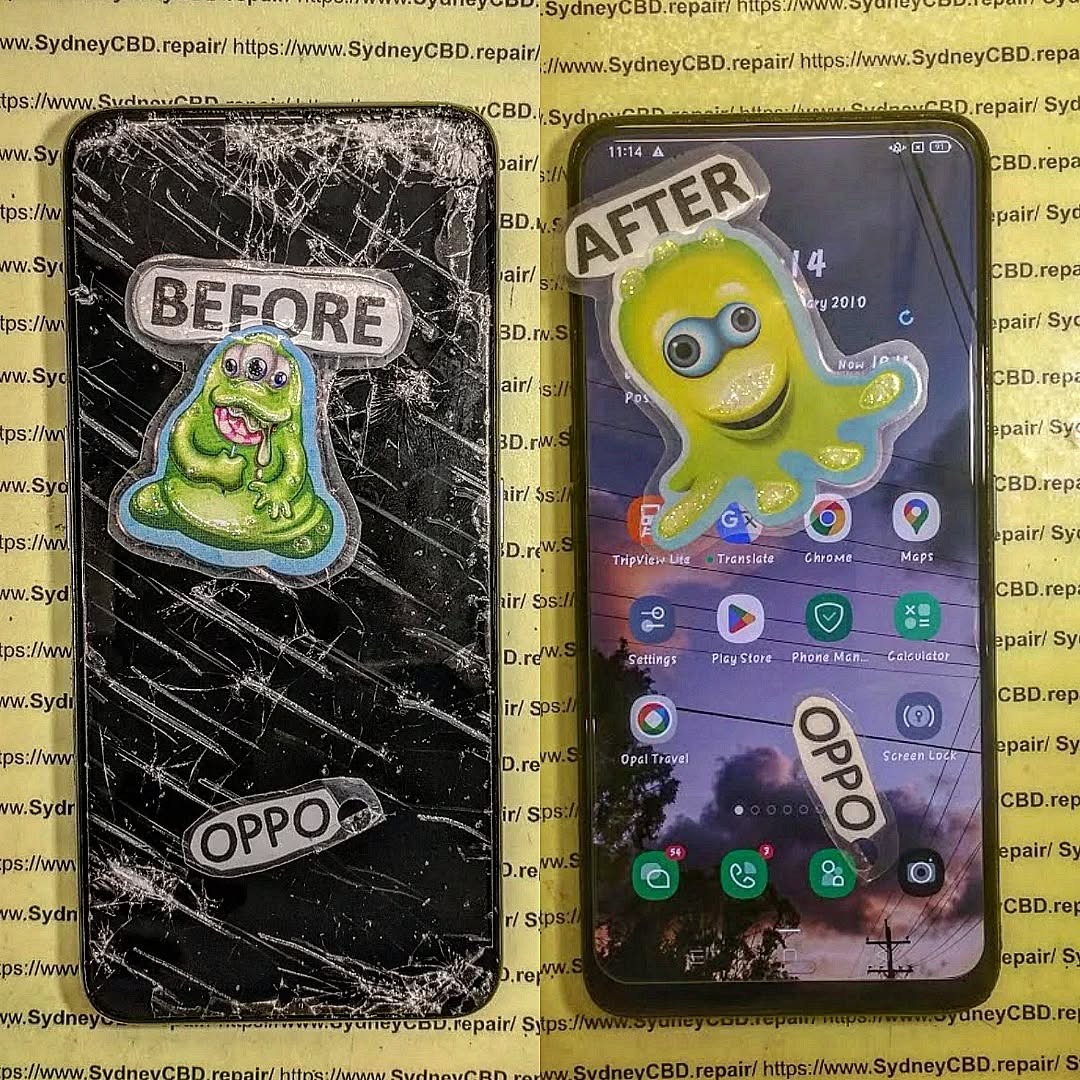
Understanding the Anatomy of a Phone Screen
LCD vs OLED: Differences in Durability
Most modern phones use either LCD (Liquid Crystal Display) or OLED (Organic Light Emitting Diode) technology. LCD screens are rigid, making them slightly more resistant to minor flexing but prone to shattering under direct impact. OLEDs, on the other hand, are flexible and offer deeper colors and better contrast, but their thin organic layers can crack under excessive pressure.
Understanding the screen type is essential before attempting repairs or protective measures.
Gorilla Glass and Other Protective Layers
Many smartphones now include Gorilla Glass or similar toughened glass layers. These chemically strengthened materials are designed to resist scratches and minor impacts. However, no glass is indestructible. Even the toughest screen protection can fail under extreme stress, such as a fall onto concrete from waist height or more.
Common Causes of Screen Damage
Accidental Drops and Impacts
The most frequent cause of screen damage is a simple drop. Factors like height, surface type, and the angle of impact drastically influence the likelihood of cracks.
Pressure and Flexing Stress
Sitting on a phone, placing heavy objects on it, or bending it inadvertently can cause the glass to fracture or delaminate. Thin devices are especially prone to these stresses.
Environmental Factors (Heat, Cold, Water)
Extreme temperatures can make the glass more brittle. Heat may warp internal layers, while cold can increase the risk of cracking. Water exposure, while not always immediately damaging, can corrode components under the glass and affect touchscreen responsiveness.
Extreme Stress Testing Methods
Drop Tests: Height, Surface, and Angle
Manufacturers often perform drop tests from 1-2 meters onto concrete or steel surfaces. They test various angles, as a phone landing corner-first experiences far more stress than one landing flat.
Pressure Tests: Weight and Flex
Flex and pressure tests measure how much bending a phone can tolerate before cracking. Heavy loads applied to the center of the screen or corners can simulate accidental sitting or pressing against sharp edges.
Thermal and Water Exposure Tests
Phones are exposed to rapid temperature changes, such as moving from cold outdoor conditions to a warm indoor environment. Water immersion or high humidity tests reveal weaknesses in screen lamination and sealant integrity.
Signs Your Phone Screen is at Risk

Visible Cracks and Spiderweb Patterns
Even minor cracks can spread over time. Look for hairline fractures, spiderweb patterns, or chips along edges. These small damages often lead to more severe breakage.
Touchscreen Responsiveness Issues
Unresponsive areas or “dead zones” indicate damage to the digitizer beneath the glass. Ignoring these signs can worsen the problem.
Discoloration and Dead Pixels
Spotting color inconsistencies, black spots, or flickering indicates underlying LCD/OLED damage. Early detection prevents a total screen failure.
How to Prevent Phone Screen Damage
Using High-Quality Screen Protectors
Tempered glass protectors absorb impact and prevent scratches. Ensure the protector is compatible with your device to maintain touch sensitivity.
Protective Cases and Shock Absorption
Shock-absorbing cases, especially those with reinforced corners, distribute impact forces to reduce fracture risk.
Handling and Storage Tips
Avoid keeping phones in back pockets or placing heavy objects on them. Store devices away from direct heat and water sources.
Repairing Your Phone Screen: DIY vs Professional
DIY Methods: Tools, Kits, and Risks
DIY kits allow users to replace screens at home. While cost-effective, they carry high risks, including further damage and voiding warranties.
Professional Repair Services: When to Choose Them
Certified technicians use genuine parts and specialized tools. They ensure proper alignment, color calibration, and touch responsiveness, which DIY kits rarely guarantee.
Cost Considerations and Warranty Impact
Repairs vary widely in cost. Authorized services preserve warranty coverage, while DIY fixes may save money but risk long-term device integrity.
Step-by-Step Guide to Professional Screen Repair
Diagnosis and Damage Assessment
Technicians perform thorough inspections to identify cracks, digitizer issues, and internal damage.
Screen Replacement Procedure
Damaged screens are removed carefully, internal connectors checked, and new screens installed. Precision is critical to prevent further stress or damage.
Post-Repair Testing and Quality Assurance
After replacement, the screen undergoes responsiveness tests, brightness calibration, and drop simulations to ensure reliability.
Advanced Tips to Extend Screen Lifespan
Regular Cleaning and Maintenance
Use microfiber cloths and avoid harsh chemicals. Clean screens reduce scratches and prevent buildup that weakens protective layers.
Software and Calibration Updates
Keeping software updated can prevent glitches affecting touchscreen accuracy and performance.
Avoiding Extreme Stress Situations
Mindful handling, avoiding weight on devices, and using protective gear extend lifespan and reduce the need for frequent repairs.
FAQs About Phone Screen Damage and Repair
1. Can a phone screen repair fix water damage?
Yes, but it depends on the severity. Minor exposure may only require a screen replacement, but severe damage might need internal component repair.
2. How long does a professional screen repair take?
Most repairs take 30–90 minutes, depending on the device and severity.
3. Will replacing my screen affect my warranty?
Authorized repairs preserve warranty, while unauthorized DIY replacements may void it.
4. Are all screen protectors equally effective?
No. Tempered glass protectors provide the best impact resistance; thin plastic films mainly prevent scratches.
5. Can cracked screens spread without further impact?
Yes, hairline fractures can expand due to temperature changes or minor pressure.
6. Is it worth repairing an old phone screen?
If the phone is otherwise functional and valuable, repairing the screen is cost-effective compared to buying a new device.
Conclusion: Protect, Test, and Repair for Longevity

Phone screens may be fragile, but with careful handling, protective measures, and timely repairs, their lifespan can be extended significantly. Extreme stress testing highlights vulnerabilities, guiding both manufacturers and users in safeguarding devices. Remember, prevention is easier than repair, but professional services ensure your device remains fully functional and visually flawless.
External Reference: For official phone durability standards, visit Gorilla Glass Testing Procedures.
David from Sydney CBD Repair Centre – The Best place to fix mobile phones 6 Years In A Row!
- Top Mobile Phone Repair In Sydney
- More than 2000 Positive Reviews on Google
- Same Day Repairs
Visit us for:
✓ Same Day Express Repairs
✓ Genuine Parts Guarantee
✓ Professional Technicians
✓ Competitive Pricing
✓ 2000+ 5-Star Google Reviews
✓ 6-Time Award Winner for Best Phone Repairs
Call: +61280114119
Website: SydneyCBD.repair

