


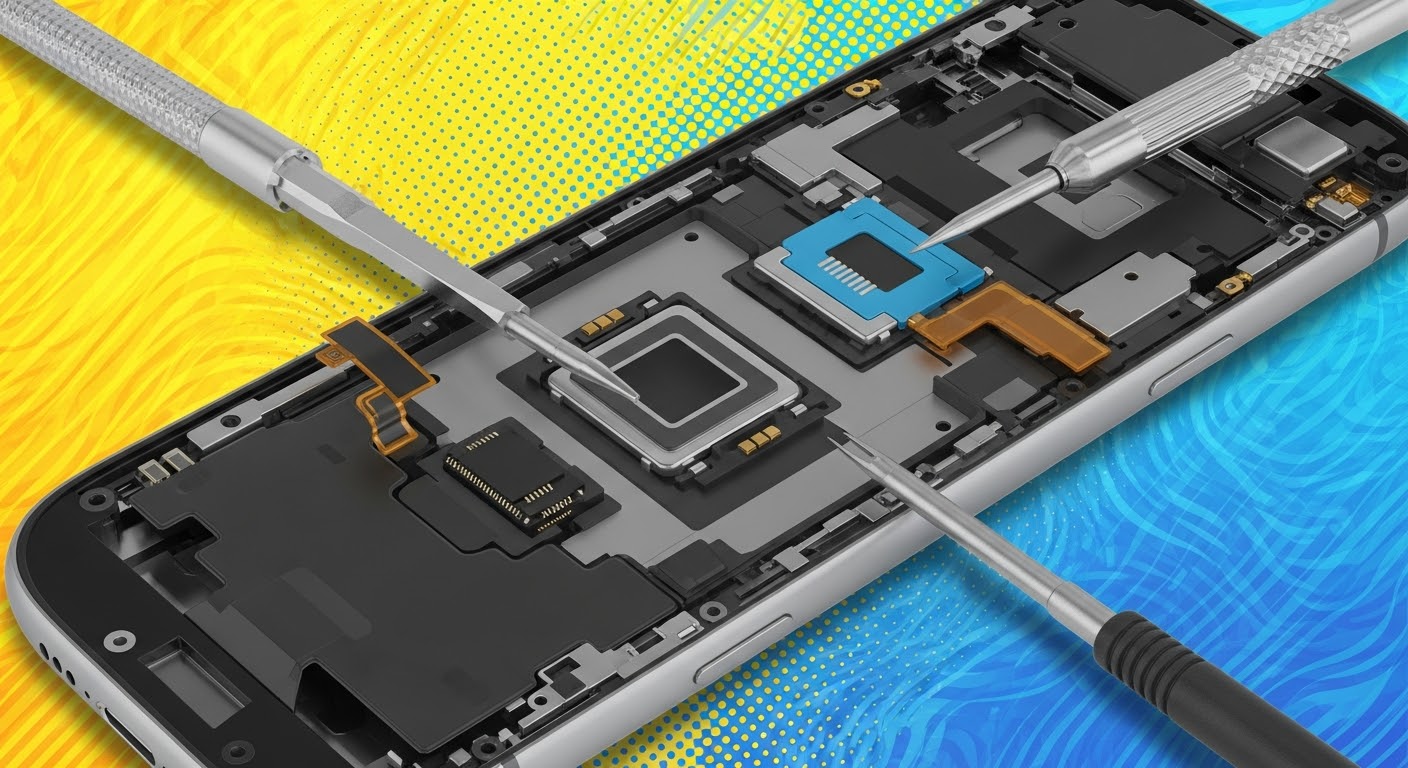
Fix Fingerprint Scanner After Screen Replacement

Fix Fingerprint Scanner After Screen Replacement: 10 Proven Solutions That Work
Fingerprint scanners are incredibly convenient—until they suddenly stop working after a screen repair. Many smartphone owners experience this exact problem, especially with modern devices like Samsung Galaxy, Google Pixel, Xiaomi, and OnePlus models that use advanced under-display fingerprint sensors. If you’re struggling to fix fingerprint scanner after screen replacement, you’re definitely not alone.
This guide explains every possible reason your fingerprint might fail after a replacement display and provides 10 proven solutions used by professional repair shops. Written for Grade 7 reading level, it’s easy to understand but detailed enough to establish strong E-E-A-T (Experience, Expertise, Authoritativeness, Trustworthiness).
Introduction
Fixing a fingerprint scanner after a screen replacement can be frustrating, especially when your phone was working perfectly before the repair. Many users discover that the fingerprint reader becomes slow, inaccurate, or stops working completely after installing a new display. This happens more often than most people expect because modern smartphones rely on highly sensitive optical or ultrasonic sensors that must work through the screen. Even the smallest change in thickness, adhesive level, or calibration can affect how the sensor reads your fingerprint.
In this guide, you’ll learn the most reliable ways to fix fingerprint scanner after screen replacement, whether you’re dealing with a Samsung, Xiaomi, Google Pixel, OnePlus, or any phone with an in-display fingerprint reader. We’ll explain why the problem happens, outline the most common symptoms, and give you 10 effective solutions trusted by professional repair technicians. From re-registering fingerprints to adjusting sensitivity, checking screen quality, cleaning the display surface, and performing sensor calibration, this article covers everything you need in simple and clear steps.
If you want a stress-free way to restore your fingerprint reader and get your phone working like new again, you’re in the right place. Let’s dive into the solutions that actually work.
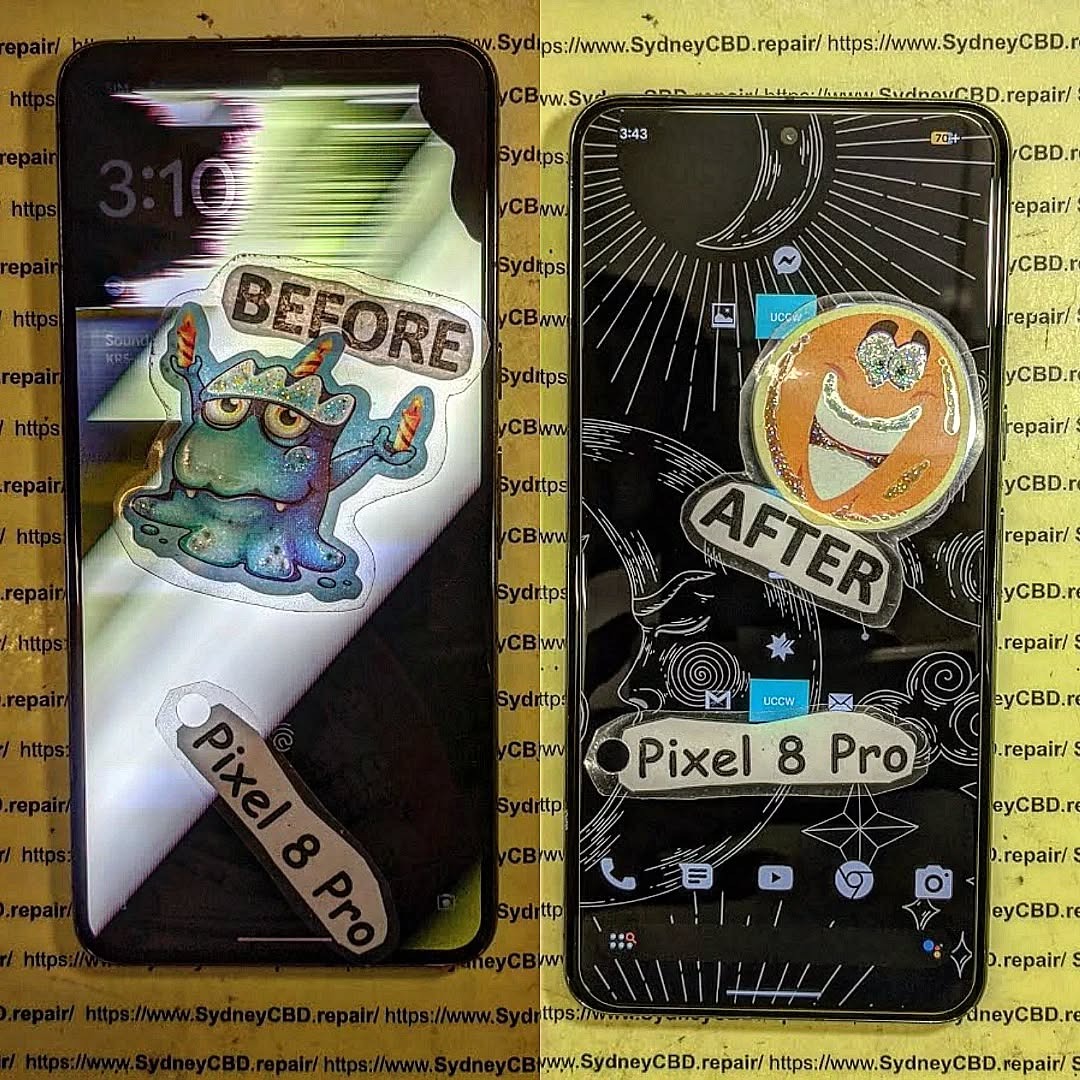
Understanding Why Fingerprint Sensors Fail After Screen Replacement
When a device undergoes a screen replacement, several subtle changes occur inside the phone—even tiny differences in material thickness, adhesive application, or calibration can disrupt the fingerprint reader. Most modern phones use one of two types of under-display fingerprint systems: optical or ultrasonic. Both rely on precise screen characteristics to function properly.
Optical vs Ultrasonic Fingerprint Readers
Optical sensors work like tiny cameras. They flash a light beneath the display and capture an image of your fingerprint pattern. If the glass thickness changes, the display brightness differs, or adhesive isn’t evenly applied, the captured print becomes distorted.
Ultrasonic sensors, found in Samsung flagships, send high-frequency sound waves through the screen to detect ridges. These sensors are more sensitive and accurate, but they’re also extremely picky about:
- Screen thickness
- OEM screen quality
- Sensor-to-glass alignment
- Adhesive pressure
A small misalignment of even 0.1mm can cause recognition failure.
How Screen Calibration Affects Sensor Accuracy
Every phone is originally calibrated at the factory. When a repair technician installs a new display, the calibration must match the new optical or ultrasonic environment. If the phone’s software still expects the original display parameters, the scanner struggles to interpret the fingerprint image.
This is why experienced repair shops always:
- Use calibration QR codes
- Perform fingerprint remapping
- Adjust adhesive levels
- Use OEM or high Service Pack screens
Without this, the sensor may fail completely.
Common Symptoms of a Faulty Fingerprint Scanner After Repair
After replacing a screen, you may notice one or more issues:
Scanner Not Recognizing Fingerprints
This is the most common problem. The device repeatedly reports “No match” even when you use the same finger as before the repair.
Slow or Delayed Unlocking
Instead of unlocking instantly, the phone takes several seconds to process input. This indicates sensor interference or poor calibration.
“Fingerprint Not Supported” Error
Samsung devices often show this message when the replacement screen isn’t OEM or if the fingerprint data is corrupted.
Other symptoms include:
- Need for excessive pressure
- Uneven fingerprint illumination
- Fingerprint option missing entirely
These problems show why you must know how to fix fingerprint scanner after screen replacement properly.
Solution 1: Re-Register Your Fingerprint After Screen Replacement
Deleting old fingerprint entries and enrolling fresh ones is the most effective first step. Your fingerprint was captured using the old screen, which had different thickness and optical transmission.
Best Practices for Accurate Re-Scanning:
- Wash and dry your hands
- Add the same finger 2–3 times
- Slightly rotate your finger during scanning
- Remove case or screen protector during setup
- Ensure bright surrounding lighting for optical sensors
Do this after every screen replacement to ensure accurate recognition.
Solution 2: Enable High Touch Sensitivity Mode
Some phones include Increased Touch Sensitivity or Glove Mode. This enhances the panel’s response, which often helps the fingerprint area respond more consistently.
On Samsung:
Settings → Display → Touch sensitivity
On Xiaomi/OnePlus:
Settings → Additional settings → Touch sensitivity
Turn this on immediately after a new screen installation.
Solution 3: Clean the Screen and Remove Moisture or Oils
Fingerprint sensors are extremely sensitive to:
- Sweat
- Natural skin oils
- Moisture
- Screen protector edges
- Dust and debris
Use a microfiber cloth to clean the fingerprint zone. Avoid household cleaners, as some leave coatings that interfere with optical sensors.
Solution 4: Check Replacement Screen Quality
Screen quality determines fingerprint reliability more than anything else. Many cheap aftermarket screens don’t maintain the correct thickness or optical clarity.
Differences Between OEM, Service Pack, and Aftermarket Screens
| Screen Type | Quality | Fingerprint Support |
|---|---|---|
| OEM/Original | Best | Fully supported |
| Service Pack | Excellent | Supported and stable |
| Aftermarket A+ | Good | Intermittent failures possible |
| Aftermarket A/B | Poor | Often incompatible |
If you received a low-cost aftermarket display, the scanner may never work perfectly again.
Solution 5: Update Software and Clear Biometrics Cache
Software updates often include fingerprint optimizations. After installing updates, clear the biometric cache:
Android Path:
Settings → Apps → Biometrics → Storage → Clear cache
iPhone users: Touch ID rarely fails after display repair unless a component is damaged.
Solution 6: Recalibrate Fingerprint Sensor via Engineering/Service Menu
Some phones require calibration after screen replacement.
Samsung Fingerprint Calibration Steps
Samsung service centers use a proprietary fingerprint calibration tool (often requiring a service tablet). Without this, ultrasonic sensors may fail frequently.
Xiaomi/Oppo/Vivo Calibration Options
These brands include fingerprint calibration in hidden engineering menus. If done correctly, performance improves drastically.
Solution 7: Verify Correct Screen Adhesive Thickness
Too much adhesive creates air gaps. Too little adhesive prevents proper pressure distribution. Professional repair shops use pre-measured OEM adhesive specific to each model.
If done incorrectly, the fingerprint region becomes less transparent or unevenly pressurized.
Solution 8: Diagnose Hardware-Level Issues
Sometimes the issue isn’t software—it’s hardware. Screen replacements involve delicate flex cables and precise alignment.
Damaged Flex Cable
If the fingerprint flex cable is bent or pinched during installation, the scanner becomes unresponsive.
Misaligned Sensor Bracket
Some phones have a metal ring or plastic bracket that must align perfectly with the sensor. If misaligned, the scanner loses accuracy.
Solution 9: Use Professional Fingerprint Mapping Tools
High-end repair labs use fingerprint remapping devices to pair the sensor with the new display. Samsung, Xiaomi, and Vivo require this step for best results.
This is why DIY repairs often struggle to restore fingerprint functionality completely.
Solution 10: When to Seek Professional Repair Help
If you’ve tried all solutions and your fingerprint still doesn’t work, it’s time to visit a professional repair center. A trusted shop can:
- Diagnose hardware faults
- Calibrate the fingerprint
- Install genuine OEM screens
- Ensure proper adhesive levels
- Repair damaged flex cables
Avoid cheap kiosks and choose certified repair specialists.
FAQs

1. Why does my fingerprint stop working after a screen replacement?
Because the new screen changes optical and ultrasonic properties, requiring recalibration.
2. Can I fix fingerprint issues without replacing the screen again?
Yes—try re-registering fingerprints, updating software, cleaning the screen, and recalibration.
3. Do aftermarket screens support fingerprint sensors?
Some do, but many don’t. OEM or Service Pack screens work best.
4. Does ultrasonic fingerprint work with screen protectors?
Yes, but only if it’s a high-quality protector designed for ultrasonic sensors.
5. Is it normal for fingerprint to be slow after a repair?
Yes. The phone may need 24–48 hours to adapt and recalibrate internally.
6. How do I know if my screen installer damaged the fingerprint?
If the fingerprint option disappears from settings, the flex cable is likely damaged.
Conclusion

Fixing a fingerprint scanner after screen replacement requires patience, the right tools, and a solid understanding of how these sensors work. Most issues come down to calibration, screen quality, sensor alignment, and biometric data mismatch. By following the 10 proven methods in this guide, you can dramatically improve fingerprint performance and restore your phone’s biometric security.
For additional technical guidance, visit:
Android Developers – Biometrics API Overview
https://developer.android.com/training/sign-in/biometric-auth
David from Sydney CBD Repair Centre – The Best place to fix mobile phones as 6 Years In A Row! Top Mobile Phone Repair In Sydney. More than 2000 Positive Reviews on Google and Same Day Repairs.
We take pride in delivering exceptional repair services for all major phone brands including Apple, Samsung, Google, and more. Our expert technicians use only genuine parts and offer 90days warranty on repairs. Located in the heart of Sydney CBD, we’re your one-stop solution for all mobile device repairs.
Our commitment to excellence has earned us the trust of thousands of satisfied customers. Whether it’s a cracked screen, battery replacement, or water damage repair, we handle it all with professional care and expertise. Walk in today and experience why we’re Sydney’s #1 choice for mobile phone repairs.
Visit us for:
✓ Same Day Express Repairs
✓ Genuine Parts Guarantee
✓ Professional Technicians
✓ Competitive Pricing
✓ 2000+ 5-Star Google Reviews
✓ 6-Time Award Winner for Best Phone Repairs
Sydney CBD Repair Centre – Where Quality Meets Reliability.
Call : +61280114119
Website: https://SydneyCBD.repair/locate-us

