


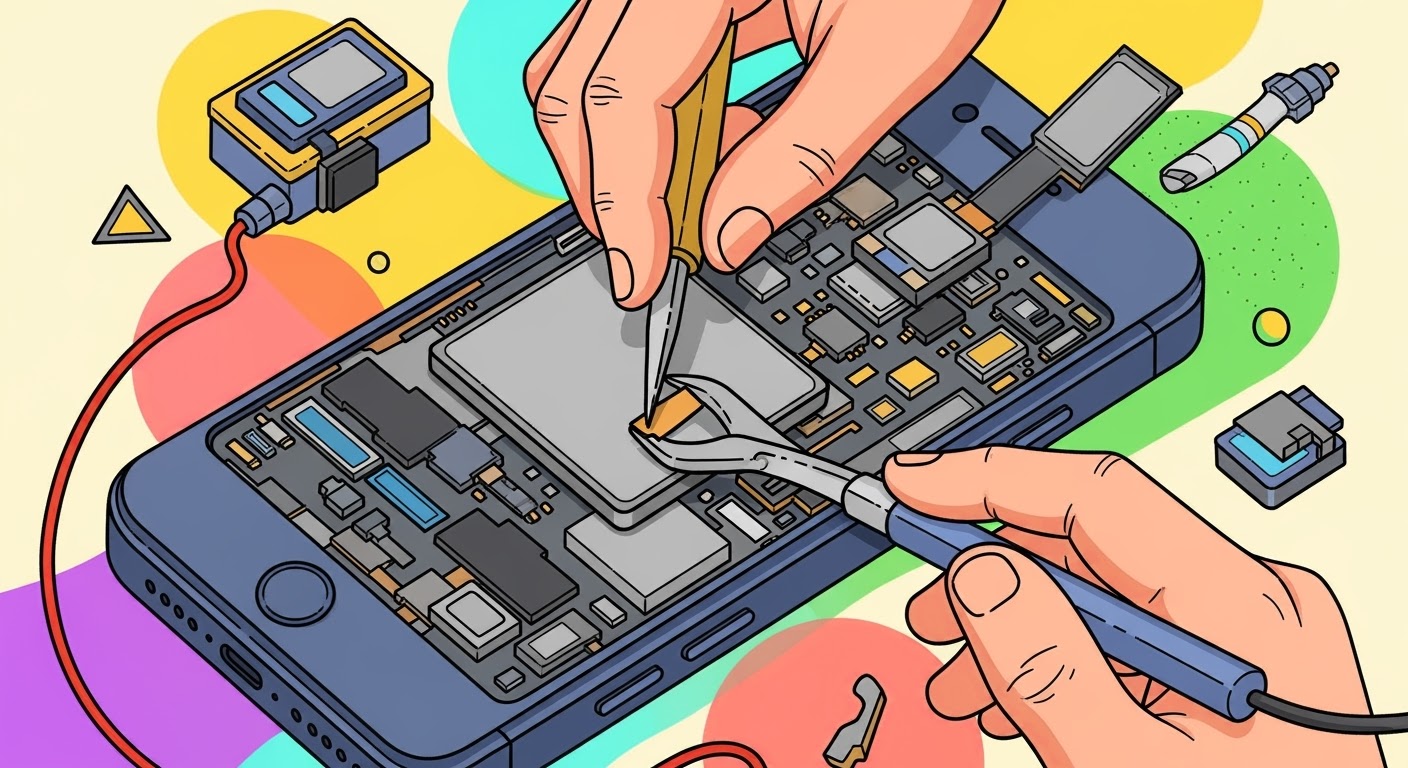
Fixing a Dead Pixel Phone with No Power

Fixing a Dead Pixel Phone with No Power: 10 Expert Tips to Revive Your Device
Understanding Dead Pixels and Power Issues
Smartphones are a vital part of everyday life, so when your device suddenly develops dead pixels and won’t power on, it can be frustrating and even alarming. These issues can be minor or a sign of deeper hardware failure. To properly fix them, you’ll need to understand what they are, why they happen, and the possible repair paths available.
What is a Dead Pixel?
A dead pixel is a tiny defect on your phone’s screen where one or more sub-pixels stop functioning. Instead of displaying color, the pixel may appear black, white, or stuck on one color. Although a single dead pixel may not affect usability, multiple dead pixels can make the screen hard to read or completely unusable.
Dead pixels occur due to:
- Manufacturing defects – Common in older LCD panels.
- Physical damage – Pressure, drops, or scratches may damage display layers.
- Aging hardware – Screens degrade over time, especially OLED displays.
Why Do Phones Lose Power Suddenly?
A phone refusing to power on may point to:
- Battery failure – Batteries lose efficiency after hundreds of charge cycles.
- Charging port issues – Dirt, dust, or loose connections may stop charging.
- Software crashes – Corrupt firmware or system files can cause boot loops.
- Motherboard damage – Liquid exposure, overheating, or impact damage may disable power circuits.
Understanding these problems is the first step toward reviving your device.
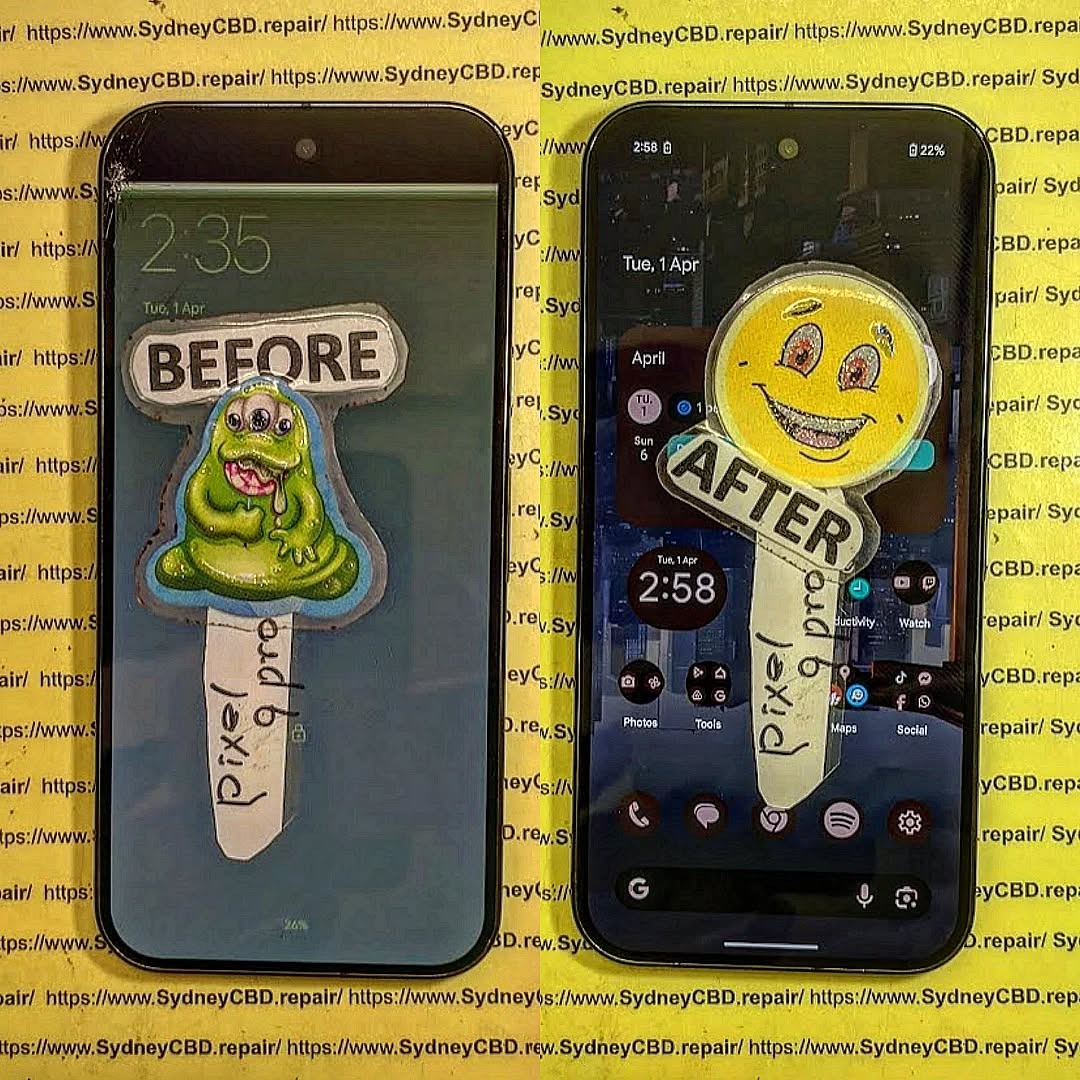
Common Causes of Dead Pixel Phone with No Power
When both issues occur simultaneously—dead pixels and power failure—it often signals a more severe problem than just a cosmetic defect.
Hardware Malfunctions
- Faulty display assembly
- Burnt-out circuits on the motherboard
- Loose flex cables connecting screen and board
Software Glitches
Sometimes, the phone powers on but the display doesn’t light up correctly. In such cases, a firmware update or reinstall may restore normal function.
Battery-Related Issues
Phones with swollen or degraded batteries may refuse to boot, tricking users into thinking the device is completely dead.
Step-by-Step Troubleshooting Guide
Before rushing to a repair shop, try these troubleshooting steps:
Step 1: Visual Pixel Test
Shine a flashlight on the display while pressing the power button. If faint images appear, the phone is on, but the backlight or screen may have failed.
Step 2: Soft Reset Your Device
- Hold the power button + volume down for 10–15 seconds.
- Many phones will restart even if the screen seems unresponsive.
Step 3: Safe Mode Boot
If the device powers on but displays glitches, boot into safe mode. This disables third-party apps and may reveal if software is the culprit.
Step 4: External Charging Solutions
Try:
- A wireless charger (if supported)
- A different wall adapter and USB cable
- Cleaning the charging port with compressed air
Step 5: Pixel Reviving Apps
For phones that still display faint or partial images, apps like Dead Pixel Detect and Fix can cycle colors rapidly to “unstick” defective pixels.
Advanced Repair Techniques
If the steps above don’t work, professional intervention may be necessary.
Screen Replacement
A dead pixel cluster often requires replacing the full display assembly. High-end models like Samsung Galaxy Z Fold or iPhone OLED panels can be costly but restore functionality.
Motherboard Diagnosis
Trained technicians can test logic boards for short circuits or damaged IC chips. This is often the case if the phone won’t power on at all.
Professional Data Recovery
Even if the phone can’t be revived, professional repair shops can often recover important files, photos, and contacts by bypassing the display.
DIY Fixes vs Professional Repair
Pros and Cons of DIY Repairs
- Pros: Low cost, self-satisfaction, immediate attempt.
- Cons: Risk of damaging delicate parts, voiding warranty, lack of proper tools.
When to Seek Professional Help
If the issue involves:
- Battery replacement in non-removable models
- Micro-soldering repairs
- Water-damaged devices
…it’s best to seek a professional repair service.
Tools and Equipment Needed for Repairs
- Precision screwdriver set
- Plastic prying tools
- Heat gun or hairdryer
- Anti-static gloves
- Replacement parts (OEM recommended)
Preventive Measures for Future Issues
Protecting Your Screen
Use a tempered glass protector and sturdy case to minimize impact damage.
Extending Battery Life
- Avoid overnight charging
- Keep your phone between 20%–80% charge
- Limit exposure to high heat
Regular Software Updates
Keeping your OS updated prevents bugs and improves hardware compatibility.
Cost of Fixing Dead Pixel Phone with No Power
| Repair Type | Estimated Cost (AUD) |
|---|---|
| Screen Replacement | $150–$450 |
| Battery Replacement | $80–$180 |
| Motherboard Repair | $200–$600 |
| Professional Diagnosis | Often free or $50–$100 |
Costs vary depending on brand, model, and service provider.
FAQs
Q1: Can dead pixels spread across my phone’s screen?
Dead pixels don’t usually spread, but screen pressure or heat can cause new ones.
Q2: Is it safe to use apps that claim to fix dead pixels?
Yes, they can work for stuck pixels but not for permanently dead ones.
Q3: How do I know if it’s a screen issue or motherboard issue?
If the phone vibrates or makes sounds but doesn’t show an image, it’s likely the display. No response at all points to the motherboard.
Q4: Can I fix my phone at home if it has no power?
Basic resets and battery swaps are possible, but advanced fixes require professional tools.
Q5: Is it worth fixing a phone with both dead pixels and no power?
If it’s a premium model, yes. For budget devices, replacement may be more cost-effective.
Q6: Where can I get reliable phone repairs in Sydney?
Sydney CBD Repair Centre is a trusted name, offering genuine parts, same-day service, and expert technicians. Learn more here.
Conclusion

Fixing a dead pixel phone with no power can be challenging, but with the right troubleshooting steps, many devices can be revived without costly repairs. Start with simple resets and charging checks, then move toward advanced fixes if needed.
When all else fails, professional repair services like Sydney CBD Repair Centre provide trusted solutions. With over 2000 positive reviews, genuine parts, and same-day repairs, they remain Sydney’s #1 choice for phone repairs.
David from Sydney CBD Repair Centre – The Best place to fix mobile phones as 6 Years In A Row! Top Mobile Phone Repair In Sydney. More than 2000 Positive Reviews on Google and Same Day Repairs.
We take pride in delivering exceptional repair services for all major phone brands including Apple, Samsung, Google, and more. Our expert technicians use only genuine parts and offer 90days warranty on repairs. Located in the heart of Sydney CBD, we’re your one-stop solution for all mobile device repairs.
Our commitment to excellence has earned us the trust of thousands of satisfied customers. Whether it’s a cracked screen, battery replacement, or water damage repair, we handle it all with professional care and expertise. Walk in today and experience why we’re Sydney’s #1 choice for mobile phone repairs.
Visit us for:
✓ Same Day Express Repairs
✓ Genuine Parts Guarantee
✓ Professional Technicians
✓ Competitive Pricing
✓ 2000+ 5-Star Google Reviews
✓ 6-Time Award Winner for Best Phone Repairs
Sydney CBD Repair Centre – Where Quality Meets Reliability.
📞 Call : +61280114119
🌐 Website: https://SydneyCBD.repair/locate-us

