




ROG Phone Ghost Touch Solved: Expert Diagnostics and Fixes

ROG Phone Ghost Touch Solved: 10 Expert Diagnostics and Fixes for Seamless Gaming
Introduction to ROG Phone Ghost Touch Issue
The ROG Phone is designed for hardcore gamers seeking unparalleled performance. But nothing kills your gaming experience faster than ghost touch issues. Ghost touches—phantom screen interactions without your input—can interfere with gameplay, typing, and app usage. In this guide, we’ll explore why it happens and how to fix it effectively. By understanding the causes and applying the right diagnostics, you can restore your ROG Phone to peak performance.
Understanding Ghost Touch: Causes and Risks
Ghost touches occur when your screen registers inputs that aren’t real. They can range from minor cursor jumps to full-on erratic tapping, impacting gameplay and daily phone use.
Software Glitches
Software is often the silent culprit behind ghost touches. Outdated firmware, conflicting apps, or corrupt system files can trick your touchscreen into responding incorrectly. A simple app update or firmware reinstall might solve the problem instantly.
Hardware Problems
Physical damage is a common factor. Cracks, bent screens, or faulty connectors can trigger phantom touches. Even a minor drop can misalign the digitizer, causing erratic responses.
Environmental Factors
External conditions—like humidity, extreme heat, or magnetic interference—can temporarily affect touch sensitivity. Moisture under the screen or a dirty screen protector can exacerbate ghost touches.
Diagnosing Your ROG Phone
Before diving into repairs, diagnosing the root cause is critical. Identifying whether it’s software, hardware, or environmental allows for a targeted solution.
Checking for Software Problems
Start with the simplest solutions: reboot your device, uninstall recent apps, or boot into safe mode. If ghost touches disappear, software is likely the culprit. A factory reset may be required for persistent issues.
Inspecting Hardware
Look for visible damage like cracks, bulges, or water ingress. Loose connectors between the display and motherboard can also cause phantom touches. Gently flexing the device should not trigger inputs; if it does, hardware inspection is needed.
Using Diagnostic Tools
Several apps and built-in ROG tools can monitor touchscreen input and detect irregularities. These diagnostics help confirm whether the issue is hardware- or software-related.
Quick Fixes for Ghost Touch

Sometimes, a few simple tweaks are enough to eliminate ghost touches.
Restart and Reset
Perform a soft restart first. If that doesn’t work, a factory reset may clear persistent software glitches. Clearing the cache partition can also help.
Screen Calibration and Settings
Adjust touch sensitivity in settings. Disabling high-sensitivity modes temporarily can reduce false inputs. Some ROG Phone models allow screen recalibration through developer options.
Cleaning and Protective Accessories
Dirt, dust, or a low-quality screen protector can trigger ghost touches. Clean your screen with a microfiber cloth and consider removing any case or protector to test responsiveness.
Advanced Fixes for Persistent Issues
If ghost touches persist after basic troubleshooting, professional intervention may be necessary.
Professional Screen Replacement
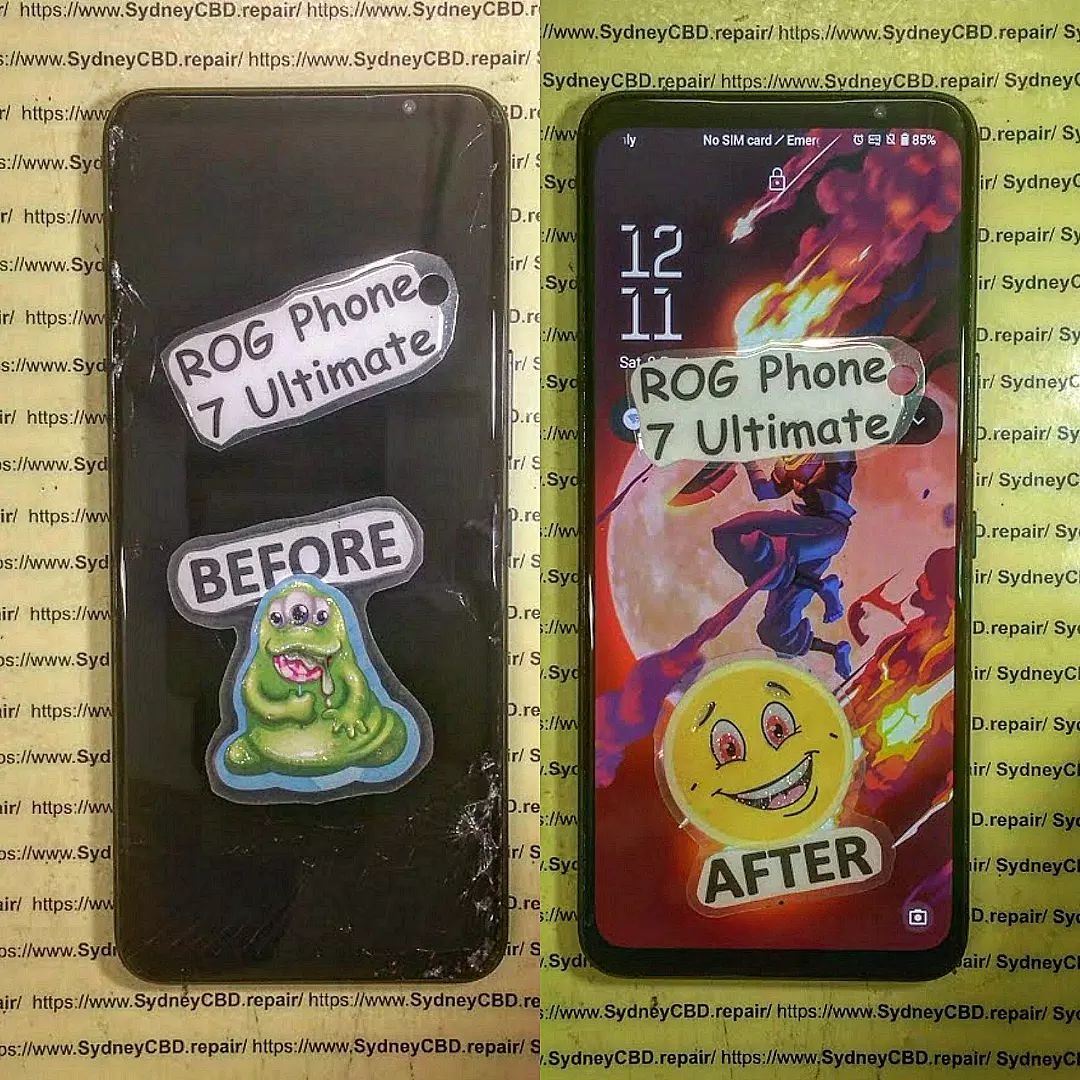
Damaged or defective screens require replacement. Use only genuine ROG Phone parts for reliability. Reputable repair centers, like Sydney CBD Repair Centre, guarantee quality parts and professional installation.
Motherboard or Connector Repair
Sometimes the problem lies deeper in the device. Loose ribbon cables, damaged touch ICs, or motherboard faults may need professional repair. Technicians can solder or replace components to restore proper functionality.
Software Reflashing and Updates
Corrupt firmware can be reflashed using official ROG tools. Reinstalling stock ROM or performing a firmware update often fixes persistent ghost touches caused by software bugs.
Preventing Future Ghost Touch Problems
Maintaining your ROG Phone reduces the likelihood of ghost touches returning.
Regular Software Updates
Always install system updates. Patches not only improve security but also enhance touchscreen stability.
Proper Handling and Accessories
Avoid drops, moisture, and cheap screen protectors. Invest in high-quality protective cases and tempered glass to shield your device.
Monitoring Device Performance
Use diagnostic apps to track touchscreen response. Early detection of abnormal inputs can prevent major issues.
FAQs
Q1: Can ghost touches occur after a minor drop?
Yes, even small impacts can misalign the screen or connectors, triggering ghost touches.
Q2: Is ghost touch repair covered under warranty?
It depends on the manufacturer’s terms. Physical damage often voids warranty, but software-related issues may be covered.
Q3: Can cleaning the screen eliminate ghost touches?
Yes, dirt, moisture, or low-quality protectors can cause phantom touches, and cleaning may help.
Q4: Are DIY screen replacements safe?
Not recommended unless you have experience. Incorrect installation can worsen the issue.
Q5: How do I know if it’s a software or hardware problem?
Boot into safe mode or use diagnostic apps. If the issue disappears, it’s software-related; if not, hardware is likely the cause.
Q6: Can environmental factors cause ghost touches temporarily?
Yes, humidity, extreme temperature, and magnetic interference can temporarily affect touchscreen performance.
Conclusion

ROG Phone ghost touches are frustrating but solvable. Start with basic troubleshooting, like restarts, cleaning, and software updates. If the issue persists, professional repairs such as screen replacement or motherboard fixes are your best bet. With proper care and maintenance, you can enjoy flawless touch responsiveness and immersive gaming again.
David from Sydney CBD Repair Centre – The Best place to fix mobile phones as 6 Years In A Row! Top Mobile Phone Repair In Sydney. More than 2000 Positive Reviews on Google and Same Day Repairs.
We take pride in delivering exceptional repair services for all major phone brands including Apple, Samsung, Google, and more. Our expert technicians use only genuine parts and offer 90days warranty on repairs. Located in the heart of Sydney CBD, we’re your one-stop solution for all mobile device repairs.
Visit us for:
✓ Same Day Express Repairs
✓ Genuine Parts Guarantee
✓ Professional Technicians
✓ Competitive Pricing
✓ 2000+ 5-Star Google Reviews
✓ 6-Time Award Winner for Best Phone Repairs
Sydney CBD Repair Centre – Where Quality Meets Reliability.
Call : +61280114119
Website: https://SydneyCBD.repair/locate-us

