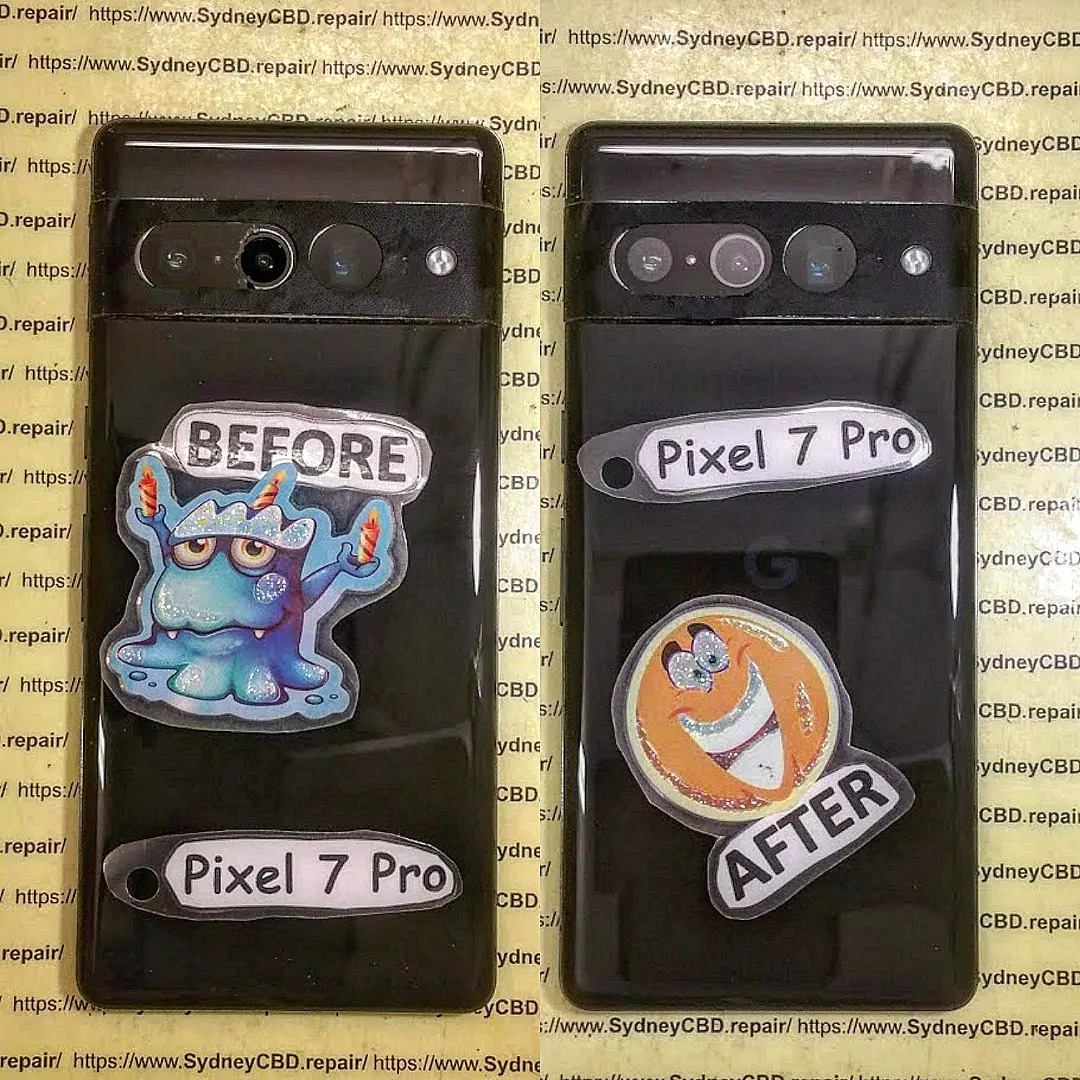
Pixel 7 Camera Glass Fix: Dealing With Small Cracks Between Lenses

Pixel 7 Camera Glass Fix: Dealing With Small Cracks Between Lenses Like a Pro (7 Proven Solutions)
Introduction to Pixel 7 Camera Glass Issues
The Google Pixel 7 is known for its sleek design and powerful camera system. However, one issue that users frequently encounter is the need for a Pixel 7 camera glass fix, especially when small cracks appear between the lenses.
At first glance, these cracks might seem minor. But over time, they can affect image quality, allow dust inside, and even damage internal components. So, it’s crucial to address the problem early.
Why Small Cracks Between Lenses Are Common
Unlike older phone designs, the Pixel 7 features a horizontal camera bar. This design looks premium, but it also creates pressure points—particularly between the lenses. When the phone is dropped or squeezed in a tight pocket, stress concentrates in these narrow areas.
Additionally, the glass used is durable but not indestructible. Even micro-fractures can expand with daily use.
How These Cracks Affect Camera Performance
You might think, “It’s just a tiny crack—no big deal.” But here’s the catch:
- Light distortion can occur
- Autofocus may struggle
- Photos may appear hazy or blurred
- Dust and moisture can enter
In short, delaying a Pixel 7 camera glass fix can turn a small issue into a costly repair.
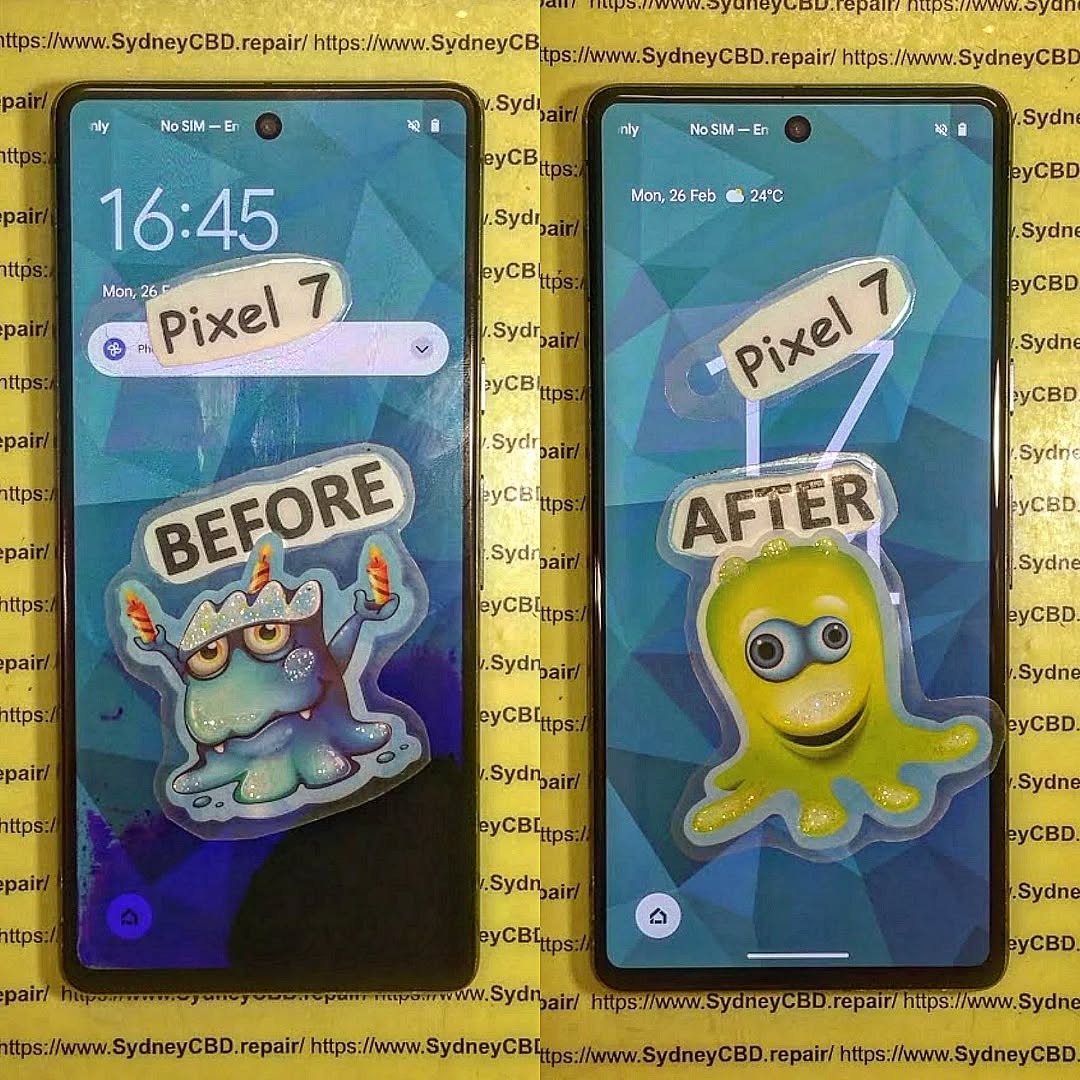
Understanding the Pixel 7 Camera Design
To properly handle a repair, it helps to understand how the device is built.
Materials Used in Camera Glass
The Pixel 7 uses hardened glass over its camera module. This glass is designed to resist scratches, but not necessarily impacts.
Key properties include:
- High clarity for image quality
- Scratch resistance
- Moderate impact resistance
However, once cracked, the integrity is compromised.
Structural Weak Points
The weakest areas are:
- Between lenses
- Along the edges of the camera bar
- Near adhesive bonding points
These spots are prone to cracking under pressure, making a Pixel 7 camera glass fix a common necessity.
Signs You Need a Pixel 7 Camera Glass Fix
Not sure if your phone needs repair? Here are the telltale signs.
Visible Cracks and Scratches
This is the most obvious indicator. Even small cracks between lenses shouldn’t be ignored.
Look for:
- Hairline fractures
- Chips in the glass
- Uneven reflections
Camera Distortion and Blurry Images
Sometimes the damage isn’t obvious until you use the camera.
Common symptoms:
- Foggy images
- Light flares
- Difficulty focusing
If you notice these issues, it’s time for a Pixel 7 camera glass fix.
Causes of Cracks Between Camera Lenses

Understanding the cause helps prevent future damage.
Accidental Drops
The most common culprit. Even a short drop can create enough force to crack the glass.
Pressure Damage
Sitting on your phone or placing it in a tight bag can apply uneven pressure.
Temperature Changes
Sudden shifts from hot to cold can expand and contract materials, leading to cracks.
DIY Pixel 7 Camera Glass Fix Methods
If you’re comfortable with tools, you can attempt a DIY repair.
Temporary Fixes
These won’t solve the problem permanently but can help short-term:
- Clear tape over the crack
- Lens protector application
- Cleaning debris regularly
Permanent Replacement Options
For a proper Pixel 7 camera glass fix, replacement is required.
Options include:
- Buying replacement glass kits
- Using adhesive-backed glass panels
- Following online repair guides
For additional repair insights, you can check resources like iFixit.
Professional Repair vs DIY: Which Is Better?
Let’s be honest—DIY isn’t always the best choice.
Cost Comparison
| Option | Cost Range |
|---|---|
| DIY Repair | $10 – $30 |
| Professional Repair | $80 – $150 |
Risk Factors
DIY risks include:
- Damaging the camera module
- Improper sealing
- Voiding warranty
Professional repair offers peace of mind, especially for delicate fixes.
Tools Required for Camera Glass Replacement
Before attempting a repair, gather the right tools.
Essential Repair Toolkit
- Heat gun or hair dryer
- Plastic pry tools
- Tweezers
- Replacement glass
- Adhesive
Safety Precautions
Always:
- Power off the device
- Work in a clean area
- Wear protective gloves
Step-by-Step Pixel 7 Camera Glass Fix Guide
Ready to fix it? Follow these steps carefully.
Removing Damaged Glass
- Heat the camera area gently
- Use a pry tool to lift broken glass
- Remove adhesive residue
- Clean the surface thoroughly
Installing New Glass
- Align replacement glass
- Apply adhesive evenly
- Press firmly into place
- Allow curing time
Take your time—precision matters.
Preventing Future Camera Glass Damage
Prevention is always better than repair.
Protective Cases
Choose cases with:
- Raised camera edges
- Shock absorption
- Durable materials
Camera Lens Covers
Lens protectors add an extra layer of defense.
They’re inexpensive and easy to install—definitely worth it.
Cost of Pixel 7 Camera Glass Repair
Let’s break down the numbers.
DIY Cost
- Replacement glass: $10–$20
- Tools (if needed): $10–$30
Professional Service Pricing
- Standard repair: $80–$120
- Premium service: $120–$150
Prices vary depending on location and service quality.
Common Mistakes to Avoid
Avoid these pitfalls:
- Using excessive heat
- Applying uneven adhesive
- Ignoring small cracks
- Using low-quality replacement parts
A careful approach ensures success.
FAQs About Pixel 7 Camera Glass Fix
1. Can I still use my camera with a cracked lens?
Yes, but image quality will degrade over time.
2. Is a Pixel 7 camera glass fix expensive?
Not necessarily. DIY is cheap, but professional repairs cost more.
3. Will cracks spread over time?
Absolutely. Small cracks can quickly worsen.
4. Can I replace just the glass, not the camera?
Yes, if the camera module isn’t damaged.
5. How long does the repair take?
DIY: 30–60 minutes
Professional: Same day
6. Is it worth repairing?
Definitely—especially if the phone is still in good condition.
Conclusion

A Pixel 7 camera glass fix might seem like a minor repair, but it plays a huge role in maintaining your phone’s performance and longevity. Whether you choose DIY or professional service, acting quickly is key.
Small cracks between lenses aren’t just cosmetic—they can compromise your photography experience and lead to bigger issues down the line. Fortunately, with the right tools, knowledge, and precautions, fixing the problem is entirely manageable.
So don’t wait. Take action, protect your device, and keep your camera performing at its best.
Post-Article Message:
If you found this guide helpful, consider sharing it or bookmarking it for future reference. Staying informed helps you save money and extend the life of your device.
David from Sydney CBD Repair Centre – The Best place to fix mobile phones as 7 Years In A Row! Top Mobile Phone Repair In Sydney. More than 2000 Positive Reviews on Google and Same Day Repairs.
We take pride in delivering exceptional repair services for all major phone brands including Apple, Samsung, Google, and more. Our expert technicians use only genuine parts and offer 90days warranty on repairs. Located in the heart of Sydney CBD, we’re your one-stop solution for all mobile device repairs.
Our commitment to excellence has earned us the trust of thousands of satisfied customers. Whether it’s a cracked screen, battery replacement, or water damage repair, we handle it all with professional care and expertise. Walk in today and experience why we’re Sydney’s #1 choice for mobile phone repairs.
Visit us for:
✓ Same Day Express Repairs
✓ Genuine Parts Guarantee
✓ Professional Technicians
✓ Competitive Pricing
✓ 2000+ 5-Star Google Reviews
✓ 7-Time Award Winner for Best Phone Repairs
Sydney CBD Repair Centre – Where Quality Meets Reliability.
Call : +61280114119
Website: https://SydneyCBD.repair/locate-us