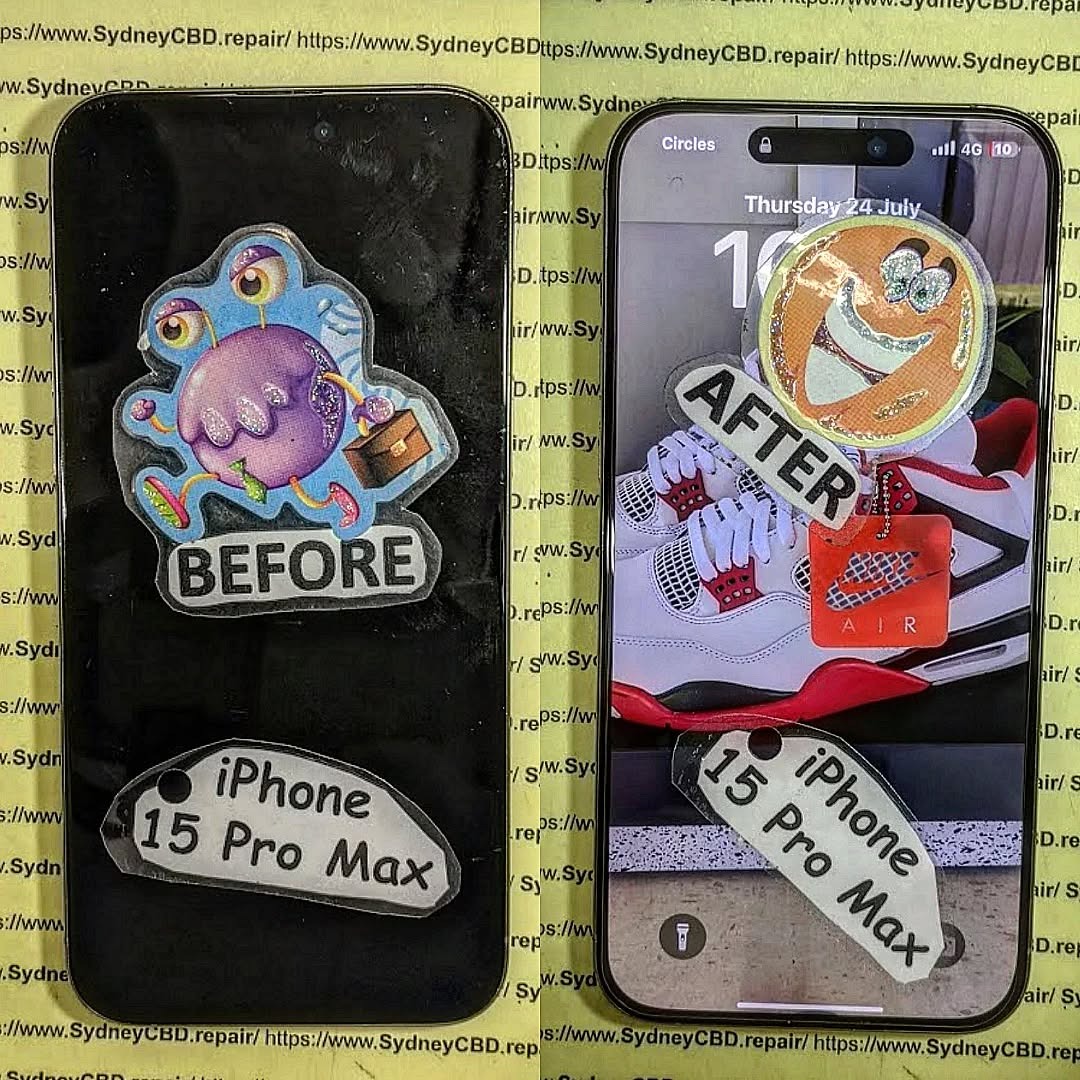
DIY Screen Replacement Fails Expert Troubleshooting for Common Issues

DIY Screen Replacement Fails: Expert Troubleshooting for Common Issues That Save You 💥 (7-Step Guide)
Introduction: Why DIY Screen Replacement Fails So Often
DIY screen replacement fails more often than most people expect. At first glance, replacing a cracked phone screen looks simple. After all, there are hundreds of videos promising “easy fixes in 10 minutes.” However, reality hits fast when the phone won’t turn on, the touch doesn’t respond, or strange lines appear across the display.
DIY screen replacement fails because modern smartphones are no longer designed for easy repairs. Screens are thinner, glued more aggressively, and tightly integrated with sensors, fingerprint readers, and Face ID components. As a result, one small mistake can cause big problems.
Still, people try DIY screen replacement to save money. That makes sense. But when a DIY screen replacement fails, the cost often doubles. You’re stuck buying another screen or paying a professional to fix the damage.
This guide explains why DIY screen replacement fails, how to troubleshoot common issues, and when it’s smarter to stop and seek expert help. More importantly, it’s written from real-world repair experience—not theory.
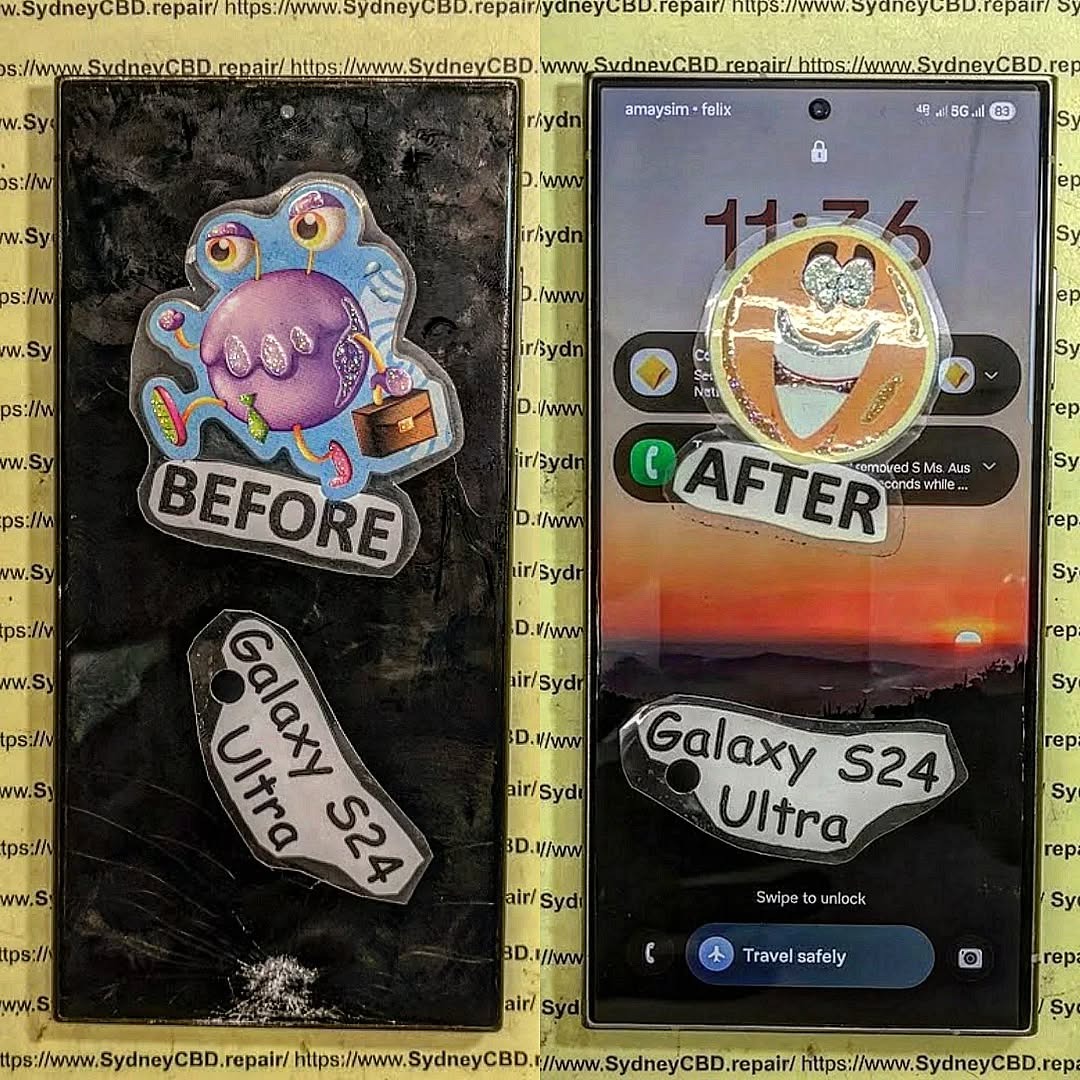
Understanding Smartphone Screen Technology Before You Start
Before troubleshooting, it helps to understand what you’re actually working with. Many DIY screen replacement fails start with misunderstanding screen technology.
Types of Phone Screens Explained
Modern smartphones mainly use:
- LCD (Liquid Crystal Display)
Found in older or budget models. These screens have separate layers for display and touch. - OLED / AMOLED
Used in most flagship phones like iPhone, Samsung Galaxy, and Google Pixel. OLED screens combine display and touch into a single delicate unit. - LTPO OLED
Advanced OLED with adaptive refresh rates. Extremely sensitive to damage.
OLED screens are thinner and more fragile. That’s why DIY screen replacement fails more often with newer phones.
Why Modern Screens Are Harder to Replace
Modern phones are engineered for performance, not repairability. Screens are:
- Glued with industrial-strength adhesive
- Integrated with biometric sensors
- Connected via ultra-thin flex cables
- Paired digitally to the motherboard (True Tone, Face ID)
Because of this, even a tiny slip can cause a DIY screen replacement fail instantly.
Main Reasons DIY Screen Replacement Fails
DIY screen replacement fails for predictable reasons. Understanding them helps you avoid repeating costly mistakes.
Poor Quality Replacement Screens
Low-cost screens are the #1 cause of DIY screen replacement fails. Cheap screens may:
- Have incorrect voltage ratings
- Lack proper shielding
- Use inferior touch digitizers
- Cause overheating or flickering
Even if they power on, performance is often poor. Touch lag, dull brightness, and ghost touches are common signs.
Incompatible Parts and Models
Not all screens are universal. A screen for “iPhone 13” may differ between regions or revisions. Installing the wrong version guarantees a DIY screen replacement fail.
Static Damage and Internal Short Circuits
Static electricity is invisible but deadly. One static discharge can kill:
- Display IC
- Touch controller
- Backlight circuit
This is why professionals use ESD protection. DIY users rarely do.
Expert Troubleshooting for Common DIY Screen Replacement Issues

This section covers the most common problems when DIY screen replacement fails—and how experts diagnose them.
Screen Not Turning On
If the screen stays black:
- Check flex cable alignment
- Inspect connectors for bent pins
- Test with the original screen (if possible)
- Look for motherboard backlight damage
In many cases, DIY screen replacement fails because the connector wasn’t seated evenly.
Touch Not Working or Ghost Touch
Ghost touch usually means:
- Poor digitizer quality
- Incompatible screen firmware
- Pinched flex cable
Unfortunately, no software fix exists. If DIY screen replacement fails here, replacement is the only solution.
Display Lines, Flickering, or Black Spots
These indicate:
- Cracked OLED panel
- Pressure damage during installation
- Faulty screen IC
Once damaged, OLED panels cannot be repaired.
For professional diagnostics, trusted repair resources like iFixit offer teardown guides and part validation tools that help reduce DIY screen replacement fails.
Step-by-Step Troubleshooting Checklist (7 Steps)
When DIY screen replacement fails, follow this expert checklist:
- Power off and disconnect battery
- Reseat all flex cables carefully
- Inspect connectors under magnification
- Test with known-good screen
- Check for torn flex cables
- Inspect motherboard for burn marks
- Decide whether to stop and seek help
Stopping early can save your phone from permanent damage.
When DIY Screen Replacement Is Not Worth It
DIY screen replacement fails are more likely when:
- Phone uses Face ID or under-display fingerprint
- OLED screens cost over 60% of phone value
- Water resistance is required
- Phone is under warranty
In these cases, professional repair is safer and often cheaper long-term.
Cost Comparison: DIY vs Professional Screen Repair
| Repair Type | Initial Cost | Risk Level | Long-Term Cost |
|---|---|---|---|
| DIY Repair | Low | High | Often Higher |
| Professional Repair | Moderate | Low | Predictable |
DIY screen replacement fails often erase the savings you expected.
Preventing DIY Screen Replacement Fails in the Future
To avoid future problems:
- Buy OEM or premium-grade screens
- Use ESD protection
- Follow model-specific guides
- Never force connectors
- Test before sealing the phone
Preparation reduces DIY screen replacement fails dramatically.
Frequently Asked Questions
Why does my phone screen stay black after replacement?
DIY screen replacement fails here due to loose connectors, faulty screens, or backlight damage.
Can a failed DIY screen replacement damage the motherboard?
Yes, short circuits and static damage are common risks.
Is it safe to try DIY screen replacement twice?
Only if no internal damage occurred the first time.
Why does touch work intermittently?
Usually poor digitizer quality or flex cable damage.
Can professionals fix a failed DIY screen replacement?
In most cases, yes—unless the motherboard is damaged.
Is DIY screen replacement worth it in 2026?
For older LCD phones, yes. For modern OLED phones, often no.
Conclusion: Repair Smart, Not Hard

DIY screen replacement fails are frustrating, expensive, and common. While DIY repairs may look easy online, modern smartphones demand precision, tools, and experience. Knowing when to troubleshoot—and when to stop—can save your device and your wallet.
Sometimes, the smartest DIY decision is knowing when not to DIY at all.
David from Sydney CBD Repair Centre – The Best place to fix mobile phones as 6 Years In A Row! Top Mobile Phone Repair In Sydney. More than 2000 Positive Reviews on Google and Same Day Repairs.
We take pride in delivering exceptional repair services for all major phone brands including Apple, Samsung, Google, and more. Our expert technicians use only genuine parts and offer 90 days warranty on repairs. Located in the heart of Sydney CBD, we’re your one-stop solution for all mobile device repairs.
Our commitment to excellence has earned us the trust of thousands of satisfied customers. Whether it’s a cracked screen, battery replacement, or water damage repair, we handle it all with professional care and expertise. Walk in today and experience why we’re Sydney’s #1 choice for mobile phone repairs.
Visit us for:
✓ Same Day Express Repairs
✓ Genuine Parts Guarantee
✓ Professional Technicians
✓ Competitive Pricing
✓ 2000+ 5-Star Google Reviews
✓ 6-Time Award Winner for Best Phone Repairs
Sydney CBD Repair Centre – Where Quality Meets Reliability.
📞 Call: +61280114119
🌐 Website: https://SydneyCBD.repair/locate-us