




DIY Screen Swap vs. Professional Repair: ROG Phone

DIY Screen Swap vs. Professional Repair: ROG Phone Showdown with 10 Critical Insights
Introduction: Why ROG Phone Repairs Demand Extra Attention
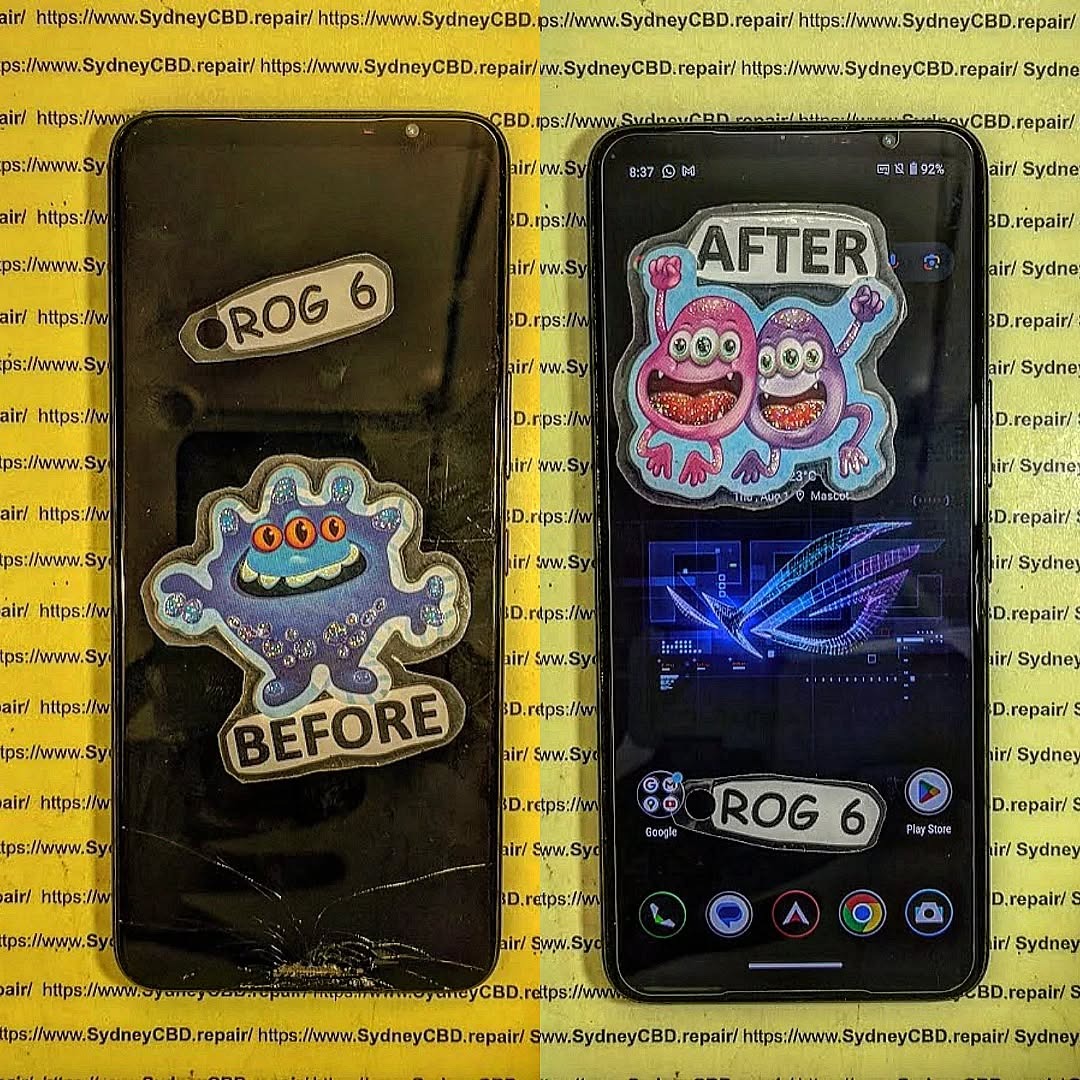
The ASUS ROG Phone is not your average smartphone. It’s a gaming powerhouse built with high-end hardware, custom cooling systems, and a fragile AMOLED display that delivers buttery-smooth refresh rates. With such premium features comes complexity, which makes screen repair a daunting challenge for many users.
Cracks, ghost touches, dead pixels, and display malfunctions can transform your cutting-edge gaming device into a frustrating experience. This is why deciding between a DIY screen swap and a professional repair service isn’t just about cost — it’s about ensuring your ROG Phone’s performance and longevity.
In this article, we’ll break down the pros, cons, costs, and risks of each approach while offering real-world insights. Whether you’re a tech-savvy gamer who loves tinkering or someone who values reliability, you’ll walk away knowing which repair path suits you best.
Understanding the ROG Phone’s Unique Build
Design Complexity and Gaming Hardware
The ROG Phone is engineered differently from most smartphones. Its dual charging ports, vapor chamber cooling, and performance-centric hardware mean there’s a lot more under the hood than just a screen and battery. Opening the phone without the right tools can damage delicate connectors and components.
Fragile Display Technology
The ROG Phone’s AMOLED display offers stunning visuals with refresh rates up to 165Hz. However, this makes it incredibly fragile and costly to replace. Even a minor mishap during DIY installation can ruin the panel entirely, making the device unusable.
DIY Screen Swap for ROG Phone
Many gamers are tempted to attempt a DIY repair after watching YouTube tutorials or reading online guides. While possible, it requires skill, patience, and the right tools.
Tools Required for Screen Replacement
- Precision screwdriver kit
- Heat gun or hairdryer (to loosen adhesive)
- Plastic pry tools
- Adhesive strips for resealing
- Replacement ROG Phone screen (preferably genuine)
Step-by-Step DIY Process
- Power off the device and remove the SIM tray.
- Heat the edges to soften the adhesive.
- Carefully pry open the back cover.
- Disconnect the battery and screen flex cables.
- Remove the damaged display and install the new one.
- Reconnect all components, reseal the phone, and test functionality.
Pros of DIY Screen Swap
- Lower upfront cost if successful
- Satisfaction of fixing your own device
- No waiting time for repair shops
Cons of DIY Screen Swap
- Risk of damaging sensitive components
- No warranty or service guarantee
- Sourcing genuine parts can be difficult
- Time-consuming and stressful
Professional Repair for ROG Phone
Choosing professional repair services means handing your device to experts who specialize in complex smartphones like the ROG Phone.
Expertise and Specialized Equipment
Technicians at certified centers, such as Sydney CBD Repair Centre, use advanced tools and follow manufacturer-approved procedures to ensure safe repairs without compromising device integrity.
Genuine Parts vs. Aftermarket
Professionals have access to genuine OEM parts, ensuring your ROG Phone retains its performance and resale value. DIYers often end up with cheaper aftermarket screens that affect touch response, brightness, and durability.
Warranty and Service Guarantees
Reputable repair centers provide warranties on parts and labor, giving you peace of mind. If something goes wrong, you’re covered — unlike with a failed DIY attempt.
Cost Comparison: DIY vs. Professional Repair
Upfront Expenses
- DIY: $150–$300 (depending on screen source, tools, and adhesive)
- Professional Repair: $350–$500 (with warranty and expert service included)
Long-Term Value
While DIY seems cheaper, failed attempts often lead to higher costs when professionals must fix additional damage. Professional repairs save money in the long run by ensuring your phone lasts longer.
Risk Factors in DIY Repairs
Screen Damage During Installation
The AMOLED screen is delicate. Applying too much heat, pressure, or bending during installation can permanently damage the panel.
Risk of Voiding Warranty
Opening your ROG Phone without authorization typically voids the manufacturer’s warranty. This can be costly if other issues arise later.
Impact on Device Performance
Improper installation can affect cooling systems, battery connections, and gaming performance, turning your powerful device into a sluggish one.
Benefits of Professional Repair Services
Time Efficiency
A professional can replace your screen in under an hour, while DIY repairs can take several frustrating hours or even days.
Safety and Reliability
Expert technicians minimize risks, ensuring your ROG Phone works flawlessly after repair.
Customer Support and Aftercare
Trusted centers like Sydney CBD Repair Centre offer aftercare support, troubleshooting, and advice to extend your device’s lifespan.
Real-World Case Studies: DIY Gone Wrong
- Case 1: A gamer attempted DIY repair but cracked the motherboard connector, leaving the phone unusable. Repair costs doubled.
- Case 2: An aftermarket screen from an online marketplace had poor touch response, forcing the user to seek professional repair anyway.
Key Considerations Before Choosing DIY or Professional
Skill Level and Patience
Are you experienced with electronics? If not, DIY is risky.
Availability of Tools and Parts
Do you have access to genuine parts and proper tools? Professionals do.
Value of Your Device
If your ROG Phone is your daily driver or main gaming device, professional repair offers more peace of mind.
FAQs: ROG Phone Screen Repair
1. How long does a professional ROG Phone screen replacement take?
Most professional repairs are completed within 1–2 hours.
2. Can I buy genuine ROG Phone screens online?
Genuine parts are difficult to source. It’s safer to rely on certified repair shops.
3. Will DIY repair void my warranty?
Yes, opening the phone without authorization usually voids the warranty.
4. Why are ROG Phone repairs more expensive than other smartphones?
The advanced display and complex design make the repair process costlier.
5. Can a cracked screen affect gaming performance?
Yes. Cracks can cause ghost touches, poor responsiveness, and even overheating.
6. Is professional repair worth the extra cost?
Yes. Professional repair ensures safety, quality, and long-term device performance.
Conclusion: Striking the Balance Between Cost and Quality

While a DIY screen swap for the ROG Phone might look appealing due to lower costs, it comes with significant risks — from voided warranties to permanent device damage. Professional repair services, especially from trusted providers like Sydney CBD Repair Centre, ensure your gaming phone remains in peak condition.
If your ROG Phone is central to your gaming lifestyle, professional repair isn’t just the safer choice — it’s the smarter investment.
David from Sydney CBD Repair Centre – The Best place to fix mobile phones as 6 Years In A Row! Top Mobile Phone Repair In Sydney. More than 2000 Positive Reviews on Google and Same Day Repairs.
We take pride in delivering exceptional repair services for all major phone brands including Apple, Samsung, Google, and more. Our expert technicians use only genuine parts and offer 90 days warranty on repairs. Located in the heart of Sydney CBD, we’re your one-stop solution for all mobile device repairs.
Visit us for:
✓ Same Day Express Repairs
✓ Genuine Parts Guarantee
✓ Professional Technicians
✓ Competitive Pricing
✓ 2000+ 5-Star Google Reviews
✓ 6-Time Award Winner for Best Phone Repairs
📞 Call: +61280114119
🌐 Website: https://SydneyCBD.repair/locate-us

