


Smartphone water damage: Can it be saved?

Smartphone Water Damage: Can It Be Saved? 7 Proven Solutions to Rescue Your Device
Understanding Smartphone Water Damage
Smartphone water damage is one of the most common yet most feared issues among users. Despite advancements in water-resistant designs, no phone is completely immune to water exposure. Whether it’s a sudden drop into the sink, accidental spills, or unexpected rain, water can seep into sensitive internal components, causing corrosion, short-circuits, and data loss.
Why Water and Electronics Don’t Mix
Water contains minerals and impurities that conduct electricity. When water enters your device, it creates pathways that disrupt normal electrical circuits. This leads to short circuits, damaged chips, and potentially permanent phone failure.
Common Types of Water Damage
- Corrosion of connectors and ports – especially charging ports and headphone jacks.
- Battery damage – swelling, overheating, or failure to hold charge.
- Display issues – black spots, flickering screens, or unresponsive touch.
- Speaker and microphone malfunction – muffled or distorted sound.
Immediate Steps to Take After Water Exposure
Acting quickly after water exposure significantly increases your phone’s survival chances.
Powering Off the Device
The first and most crucial step is to turn off your phone immediately. Keeping it powered on risks further short-circuiting.
Drying the Exterior Properly
- Wipe the phone with a microfiber cloth.
- Remove the SIM card, memory card, and case.
- Shake the device gently to expel excess water (never too hard).
Avoiding Common Mistakes (Rice Myth and More)
The popular “rice trick” is largely a myth. Rice absorbs some moisture but leaves behind tiny particles that can worsen damage. Instead, use silica gel packs or professional drying methods.
DIY Water Damage Recovery Techniques
While DIY methods don’t guarantee success, they can help in mild cases.
Using Silica Gel Packets
Silica gel packets are far more effective than rice. Place your phone in a sealed container filled with silica packs for at least 48 hours.
Isopropyl Alcohol Cleaning
High-purity isopropyl alcohol can clean corrosion from circuit boards. This method should be attempted with caution and ideally by someone experienced.
Air Drying vs. Vacuum Sealing
Leaving your phone in a well-ventilated space works, but vacuum-sealing with moisture absorbers speeds up drying by removing humidity.
When to Seek Professional Repair Services
Not every case can be fixed at home.
Signs That DIY Won’t Work
- Phone won’t turn on after 48 hours of drying.
- Screen flickers or stays black.
- Battery swells or overheats.
- Speaker and mic permanently distorted.
The Role of Professional Diagnostics
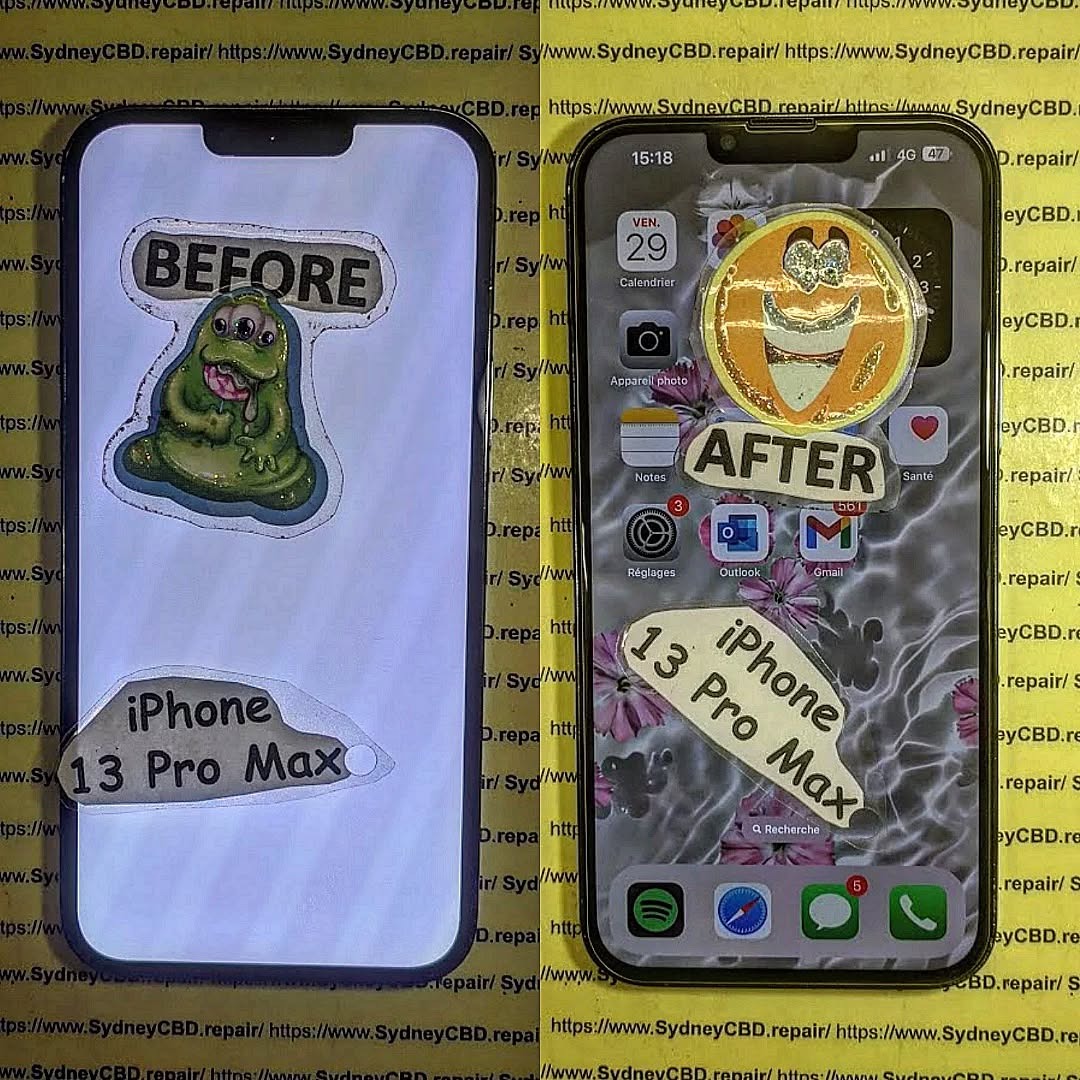
Repair centres like Sydney CBD Repair Centre use advanced diagnostic tools to test circuit health, battery stability, and display integrity.
Cost vs. Replacement Considerations
In some cases, the cost of repair is lower than buying a new phone, especially for premium devices like Samsung Galaxy or iPhones.
How Repair Shops Save Water-Damaged Phones
Professional repair centres have specialized techniques unavailable at home.
Specialized Cleaning Equipment
Technicians use ultrasonic cleaners to remove microscopic corrosion from circuit boards.
Component-Level Repairs
Instead of replacing the entire phone, professionals target damaged parts: charging ports, screens, batteries, or microphones.
Success Rates for Water Damage Restoration
On average, 60–80% of water-damaged phones can be revived with professional repair, depending on severity and response time.
Preventing Future Water Damage
Waterproof Cases and Accessories
Investing in certified waterproof cases and pouches is one of the best preventive steps.
Smart Usage Habits Near Water
- Avoid using your phone near pools, sinks, or bathrooms.
- Keep it in a secure pocket during outdoor activities.
Regular Maintenance and Check-Ups
Routine inspections by repair experts can catch early signs of corrosion before they cause long-term damage.
FAQs on Smartphone Water Damage
1. Is it worth repairing a water-damaged phone?
Yes, especially if it’s a high-end model. Repairs often cost less than replacement.
2. Can water damage be fully fixed?
In many cases, yes. But success depends on how quickly you act and the extent of the damage.
3. How long does professional water damage repair take?
Most shops, including Sydney CBD Repair Centre, offer same-day water damage repairs.
4. Does warranty cover water damage?
Most manufacturers exclude water damage from standard warranties, unless the device is marketed as waterproof.
5. Is putting a phone in rice helpful?
Not really. Silica gel or professional drying methods are far more effective.
6. How can I back up data if my phone is water damaged?
If the phone powers on, back up immediately to cloud storage or a computer. If not, professionals can often retrieve data during repair.
Conclusion: The Verdict on Water-Damaged Smartphones

Smartphone water damage doesn’t always mean the end of your device. Acting fast, avoiding common myths, and trusting professional repair services can significantly increase the chance of saving your phone.
Sydney CBD Repair Centre has been voted the Best Mobile Phone Repair Shop in Sydney for 6 years in a row, with over 2000+ positive Google reviews. From cracked screens to full water damage restoration, our expert team ensures your device gets the care it deserves.
📍 Visit us today: Sydney CBD Repair Centre
📞 Call: +61280114119

