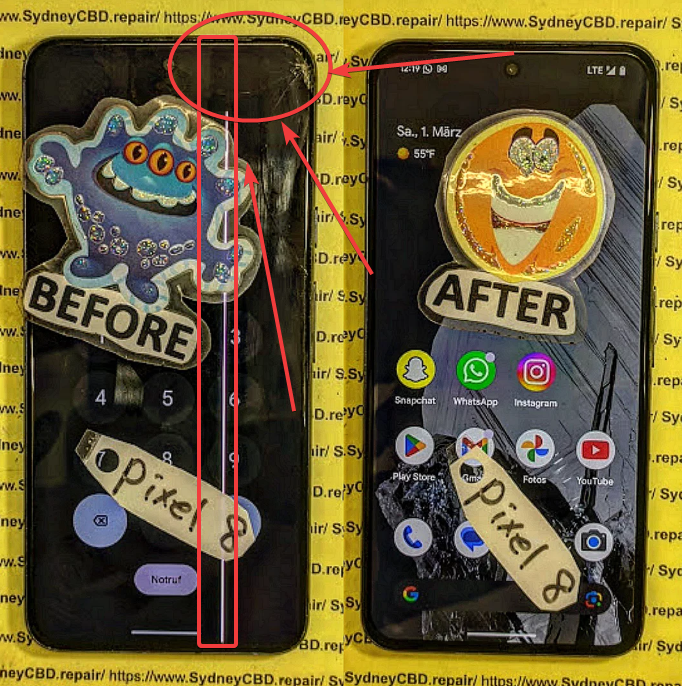
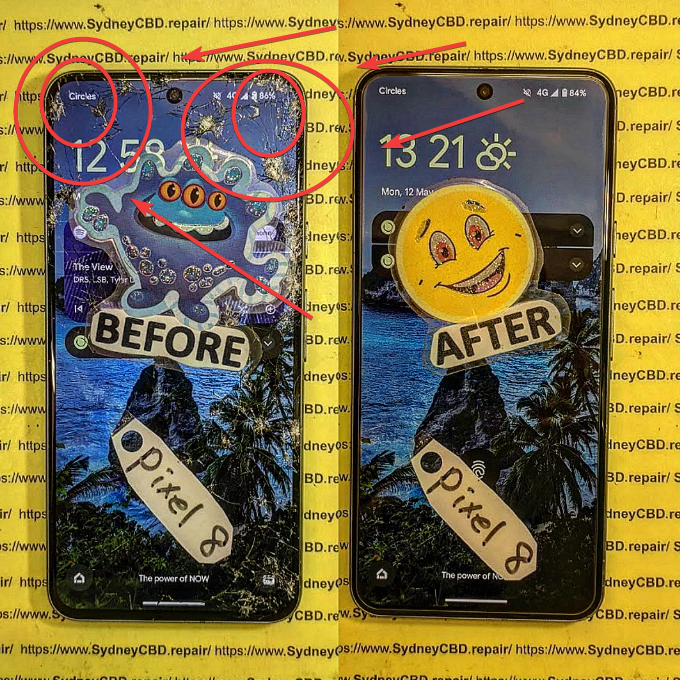
The Hidden Dangers of DIY Phone Repair: Pixel 8 Teardown

The Hidden Dangers of DIY Phone Repair: Pixel 8 Teardown Revealed + Shocking 17 Risks You Must Know
Introduction: Why DIY Phone Repair Is More Popular Than Ever
The hidden dangers of DIY phone repair are often overlooked in today’s fast-paced, tutorial-driven world. With countless videos promising “easy fixes” and “save hundreds in minutes,” it’s no surprise that many Pixel 8 owners feel confident opening their devices at home. After all, DIY culture is booming, and technology feels more approachable than ever.
However, smartphones like the Google Pixel 8 aren’t designed for casual disassembly. They’re compact, tightly sealed, and packed with delicate components. While a teardown video may look straightforward, reality tells a very different story. This article takes a deep dive into a Pixel 8 teardown and uncovers the real risks hiding beneath the glass.
By the end, you’ll understand why professional technicians strongly caution against DIY repairs—and why the hidden dangers of DIY phone repair can far outweigh the perceived benefits.
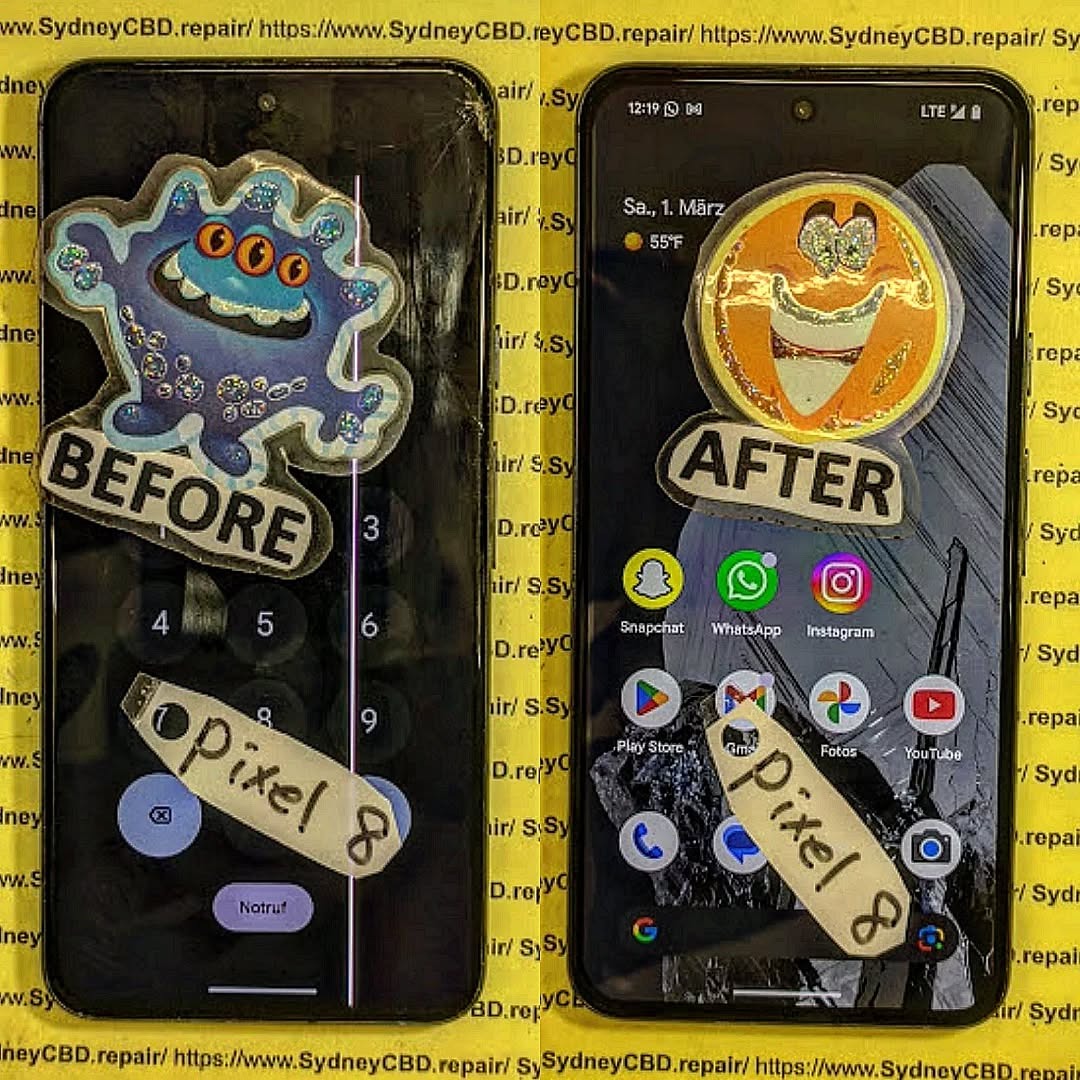
Understanding the Pixel 8: A Modern Smartphone Built for Precision
What Makes the Pixel 8 Different From Older Phones
The Pixel 8 represents a new generation of smartphones. It’s thinner, more powerful, and more integrated than its predecessors. Components are layered with minimal tolerance, leaving almost no room for error. Adhesives replace screws, and modular parts are increasingly rare.
Unlike older phones where batteries or screens could be swapped with basic tools, the Pixel 8 requires specialized equipment and controlled conditions. Even slight pressure in the wrong area can damage internal sensors or fracture micro-connectors.
Pixel 8 Internal Architecture Explained Simply
Inside the Pixel 8, you’ll find:
- A tightly bonded OLED display
- A high-density lithium-ion battery
- Multiple ribbon cables stacked in layers
- Sensitive biometric and camera modules
- Advanced thermal management systems
Each component depends on the others. During a teardown, disturbing one element can trigger a chain reaction of failures. This is where the hidden dangers of DIY phone repair truly begin.
Pixel 8 Teardown Overview: What You See vs. What You Risk
Tools Required for a Pixel 8 Teardown
A proper Pixel 8 teardown requires more than a screwdriver. Professionals use:
- Heat mats with precise temperature control
- Anti-static workstations
- OEM-grade pry tools
- Microscopes for connector alignment
DIY attempts often rely on household tools, which dramatically increases the risk of damage. Improvised tools may seem harmless, but they’re a leading cause of internal breakage.
Common Mistakes During DIY Disassembly
During DIY repairs, technicians frequently see:
- Overheating the display during adhesive removal
- Puncturing batteries with metal tools
- Tearing ribbon cables unintentionally
- Misaligning components during reassembly
These mistakes are common, costly, and often irreversible. The hidden dangers of DIY phone repair don’t always show up immediately—but they almost always surface later.
The Hidden Dangers of DIY Phone Repair

Risk 1–5: Physical Damage and Component Failure
- Cracked displays during removal
- Damaged fingerprint sensors
- Broken camera stabilization units
- Torn flex cables
- Bent internal frames
Even careful hands can cause damage. Pixel 8 components are fragile by design, optimized for performance—not repeated handling.
Risk 6–10: Electrical, Battery, and Fire Hazards
- Short-circuiting the logic board
- Battery puncture leading to swelling
- Thermal runaway and fire risk
- Improper grounding causing static damage
- Overheating critical chips
Lithium-ion batteries are particularly dangerous. According to safety data referenced by organizations like Sydney CBD Repair Centre, improper battery handling is one of the top causes of repair-related fires.
Risk 11–17: Long-Term Reliability and Data Risks
- Water resistance permanently compromised
- Reduced signal strength
- Face unlock and fingerprint failure
- Data loss during unexpected shutdowns
- Voided manufacturer warranty
- Inconsistent performance after reassembly
- Higher resale value loss
These long-term effects highlight why the hidden dangers of DIY phone repair extend far beyond the initial fix.
Why DIY Repairs Often Cost More in the Long Run
False Savings and Hidden Expenses
DIY repairs appear cheaper upfront. However, once replacement parts, tools, and potential mistakes are factored in, costs quickly add up. Many professional repair centers report that DIY-damaged phones cost significantly more to fix afterward.
Loss of Warranty and Manufacturer Support
Opening a Pixel 8 almost always voids its warranty. This means future issues—even unrelated ones—won’t be covered. That single decision can eliminate years of manufacturer support in minutes.
Professional Repair vs DIY: A Realistic Comparison
Skill, Tools, and Experience Gap
Professional technicians repair hundreds, sometimes thousands, of devices annually. They’re trained to spot subtle issues before they escalate. DIY guides can’t replicate that level of experience.
Time, Safety, and Peace of Mind
DIY repairs can take hours or days. Professional repairs are often completed the same day, safely and with warranty protection. When weighing options, peace of mind matters.
E-E-A-T Perspective: What Repair Experts See Every Day
From an Experience, Expertise, Authoritativeness, and Trustworthiness standpoint, professionals consistently see the same patterns:
- DIY repairs that damage multiple components
- Batteries replaced incorrectly
- Water seals destroyed unintentionally
These real-world cases reinforce why experts caution against home repairs on advanced devices like the Pixel 8.
Frequently Asked Questions About DIY Phone Repair
Is DIY phone repair safe for beginners?
Generally, no. Modern phones like the Pixel 8 are not beginner-friendly.
Can I replace a Pixel 8 battery myself?
It’s technically possible, but extremely risky without professional tools and experience.
Will DIY repair affect water resistance?
Yes. Water resistance is almost always lost after DIY disassembly.
Are online tutorials reliable?
They’re helpful for understanding, but they often oversimplify risks.
Does DIY repair void my warranty?
In most cases, yes.
When should I choose professional repair?
Anytime safety, data, or long-term reliability matters.
Conclusion: Making the Smart Choice for Your Pixel 8

The hidden dangers of DIY phone repair become clear when you look beyond surface-level tutorials. A Pixel 8 teardown reveals a device engineered for precision, not experimentation. While curiosity and cost savings are understandable, the risks—financial, physical, and technical—are significant.
Choosing professional repair isn’t about convenience alone. It’s about protecting your investment, your data, and your safety. When it comes to modern smartphones, expertise makes all the difference.
David from Sydney CBD Repair Centre – The Best place to fix mobile phones as 7 Years In A Row! Top Mobile Phone Repair In Sydney. More than 2000 Positive Reviews on Google and Same Day Repairs.
We take pride in delivering exceptional repair services for all major phone brands including Apple, Samsung, Google, and more. Our expert technicians use only genuine parts and offer 90days warranty on repairs. Located in the heart of Sydney CBD, we’re your one-stop solution for all mobile device repairs.
Our commitment to excellence has earned us the trust of thousands of satisfied customers. Whether it’s a cracked screen, battery replacement, or water damage repair, we handle it all with professional care and expertise. Walk in today and experience why we’re Sydney’s #1 choice for mobile phone repairs.
Visit us for:
✓ Same Day Express Repairs
✓ Genuine Parts Guarantee
✓ Professional Technicians
✓ Competitive Pricing
✓ 2000+ 5-Star Google Reviews
✓ 7-Time Award Winner for Best Phone Repairs
Sydney CBD Repair Centre – Where Quality Meets Reliability.
Call : +61280114119
Website: https://SydneyCBD.repair/locate-us