


Tricky Power Button Repair on a Gaming Phone

Tricky Power Button Repair on a Gaming Phone: 10 Proven Fixes That Actually Work
Introduction: Why Gaming Phones Face Power Button Issues
Gaming phones are designed to handle heavy loads, long hours of usage, and multiple button presses during intense gameplay. Despite their durability, one of the most common issues these devices face is a faulty power button. Unlike casual-use smartphones, gaming phones endure rapid on/off cycles, frequent restarts, and heavy wear — making power button malfunctions not just frustrating but sometimes inevitable.
In this article, we’ll break down 10 proven fixes for tricky power button repairs, ranging from simple do-it-yourself methods to advanced professional solutions. Whether you’re a gamer dealing with a non-responsive button or a tech enthusiast seeking preventative care, this comprehensive guide will help restore your device’s reliability.
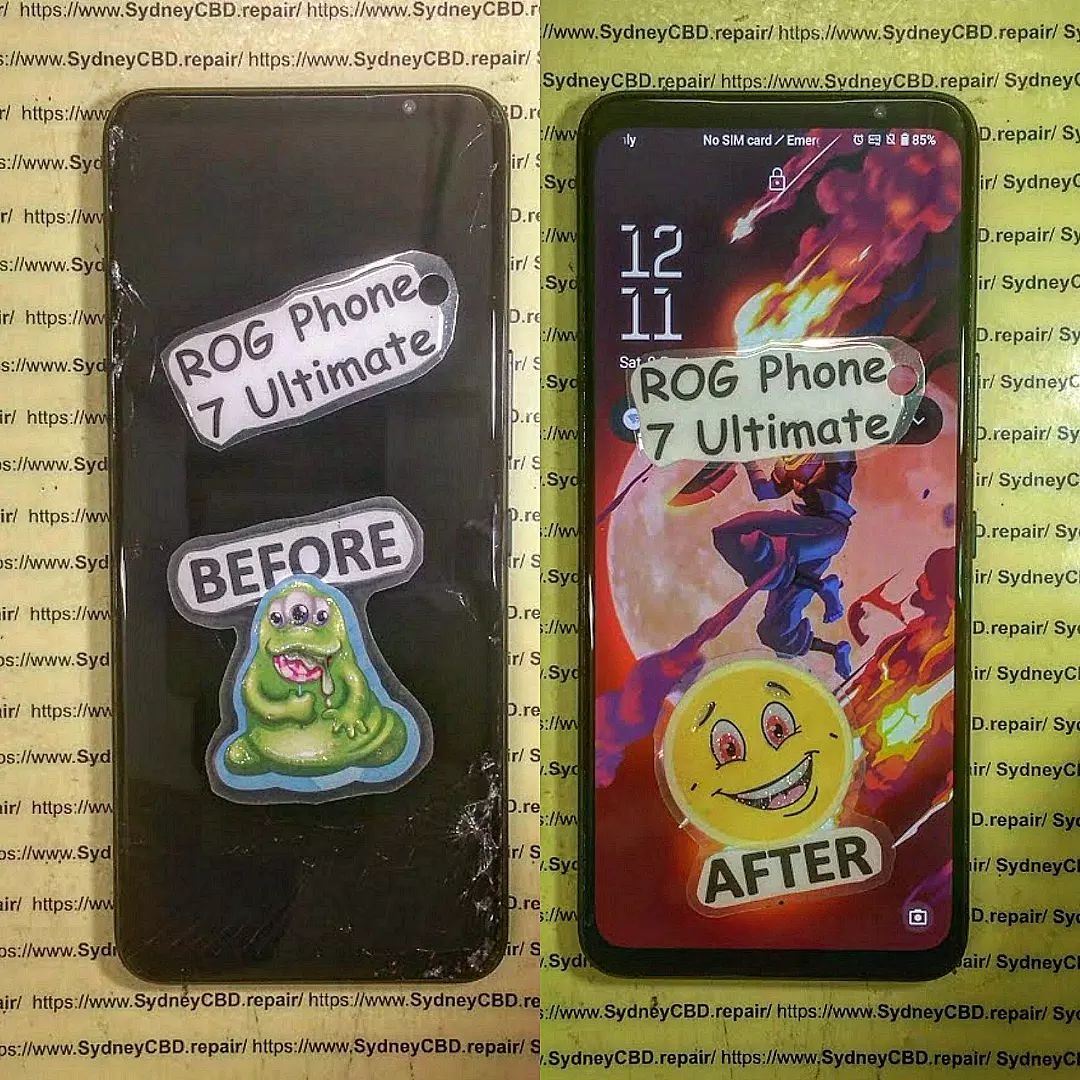
Understanding the Power Button Mechanism in Gaming Phones
To properly fix a power button issue, it’s important to understand how it works. The power button isn’t just a piece of plastic — it’s a mechanical and electronic system working together.
How the Power Button Works with the Motherboard
When you press the button, it pushes against a flex cable switch or a micro tactile switch soldered to the motherboard. That action closes the circuit, signaling the device to either power on, power off, or activate a restart.
Common Materials and Components Used
- Plastic or metal cap – what you physically press
- Conductive pad or switch – translates mechanical action into an electrical signal
- Flex cable – thin ribbon connecting the switch to the board
- Micro solder joints – secure the switch in place
If any part of this chain breaks down, the button becomes unresponsive or intermittent.
Top Causes of Power Button Malfunction in Gaming Phones
Gaming phones face more stress than average devices. Here are the most common culprits behind tricky power button issues:
Dust and Debris Accumulation
Dust, pocket lint, and tiny food particles can slip into the narrow gaps of a button, blocking its movement.
Frequent Usage and Wear
Hardcore gamers use their phones for hours daily. Power buttons can wear out quickly due to repeated pressing.
Water or Moisture Damage
Even splash-resistant phones aren’t immune to humidity, sweat, or accidental spills. Moisture corrodes the metal contacts underneath the button.
Manufacturing Defects
In rare cases, poorly designed switches or weak soldering points fail faster than expected.
Early Signs Your Gaming Phone’s Power Button Needs Repair
Recognizing early symptoms can save you from complete breakdowns. Look out for:
- Delayed response when pressing the button
- Needing extra force to make it work
- Phone not waking from sleep consistently
- Button feeling “loose” or stuck
- Occasional reboots without pressing anything
DIY Fixes: 10 Proven Techniques for Power Button Issues
Here are ten practical solutions you can try before heading to a repair shop.
1. Restarting the Phone with Key Combinations
Some gaming phones allow a reboot by holding volume keys + charging cable insertion. This bypasses the power button temporarily.
2. Using Accessibility Features (On-Screen Power Button)
Android’s Accessibility Menu or gaming phone overlays provide on-screen power button alternatives, letting you turn off or restart your device without physical pressing.
3. Cleaning the Button with Isopropyl Alcohol
Dip a cotton swab in 99% isopropyl alcohol, gently clean around the button, and press it repeatedly to loosen dirt.
4. External Button Replacement Kits
DIY kits available online include spare buttons and flex cables. If you’re handy with tools, you can replace the button yourself.
5. Adjusting Internal Flex Cable
Sometimes, the flex cable shifts out of alignment. Re-seating it inside the phone restores function. (⚠️ Advanced users only.)
6. Using a Toothpick or Compressed Air
Carefully push out trapped lint with a wooden toothpick, or blow compressed air into the button gap to clear blockages.
7. Re-mapping Buttons through Apps
Certain apps let you remap the volume down or gaming trigger buttons to act as power buttons.
8. Firmware Reset for Software-Linked Issues
Not all power button issues are hardware-related. Corrupt firmware may ignore button presses. A factory reset can resolve these.
9. Thermal Reflow for Loose Contacts
If solder joints have micro-cracks, technicians use heat guns or reflow stations to rebind connections.
10. Professional Micro-Soldering Repairs
When all else fails, professionals replace or re-solder the tactile switch on the motherboard using precision tools.
When to Seek Professional Help for Power Button Repair
DIY fixes are great for minor issues, but if your phone:
- Still doesn’t respond after cleaning
- Feels physically broken or sunken
- Has water damage signs
- Keeps restarting on its own
…it’s time to visit a trusted repair centre. Attempting advanced fixes without training risks damaging your gaming phone’s motherboard.
Cost of Power Button Repairs in Gaming Phones
On average, gaming phone power button repairs range from:
- $60 – $100 AUD for simple flex cable replacements
- $120 – $180 AUD for solder-level motherboard repairs
- Higher costs if water damage is involved
This depends on the brand (ASUS ROG, Black Shark, RedMagic, Lenovo Legion, etc.) and parts availability.
Preventative Tips to Extend Power Button Lifespan
- Avoid pressing the button with excessive force
- Use on-screen power controls when possible
- Keep your phone away from moisture and dust
- Invest in a quality protective case
- Clean ports and buttons regularly
FAQs About Power Button Repair on Gaming Phones
1. Can I still use my phone without a power button?
Yes. You can use on-screen features and charging tricks to power your device temporarily.
2. How much does professional power button repair cost?
Between $60 and $180 AUD, depending on the issue.
3. Will my warranty cover power button repairs?
If caused by a manufacturing defect, yes. But physical damage often isn’t covered.
4. Can a faulty power button affect gaming performance?
Indirectly, yes. Restart issues, random shutdowns, and poor accessibility can impact your gaming experience.
5. How long does a power button repair take?
Most repairs take 1–2 hours, unless motherboard soldering is required.
6. Should I attempt DIY repair or visit a technician?
Minor cleaning is safe to try. For anything deeper, a professional repair shop is strongly recommended.
Conclusion: Keeping Your Gaming Phone in Peak Condition

A faulty power button can feel like the end of your gaming phone, but with the right knowledge, it doesn’t have to be. From simple cleaning methods to professional micro-soldering repairs, there are solutions for every type of problem.
If you’re in Sydney and need expert help, look no further than Sydney CBD Repair Centre.
David from Sydney CBD Repair Centre – The Best place to fix mobile phones as 6 Years In A Row! Top Mobile Phone Repair In Sydney. More than 2000 Positive Reviews on Google and Same Day Repairs.
We take pride in delivering exceptional repair services for all major phone brands including Apple, Samsung, Google, and more. Our expert technicians use only genuine parts and offer 90days warranty on repairs. Located in the heart of Sydney CBD, we’re your one-stop solution for all mobile device repairs.
Our commitment to excellence has earned us the trust of thousands of satisfied customers. Whether it’s a cracked screen, battery replacement, or water damage repair, we handle it all with professional care and expertise. Walk in today and experience why we’re Sydney’s #1 choice for mobile phone repairs.
Visit us for:
✓ Same Day Express Repairs
✓ Genuine Parts Guarantee
✓ Professional Technicians
✓ Competitive Pricing
✓ 2000+ 5-Star Google Reviews
✓ 6-Time Award Winner for Best Phone Repairs
Sydney CBD Repair Centre – Where Quality Meets Reliability.
📞 Call : +61280114119
🌐 Website: https://SydneyCBD.repair/locate-us

