




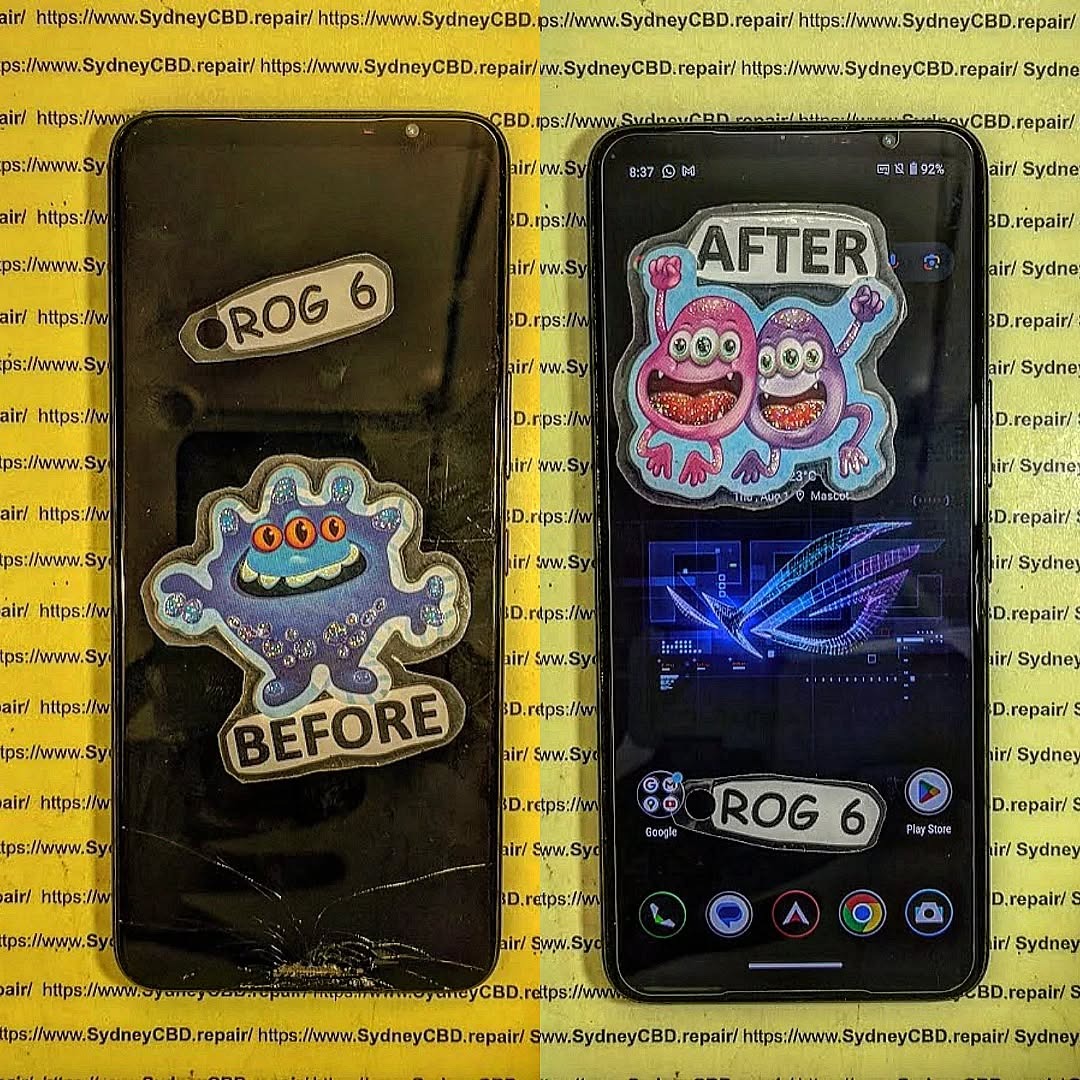
REVIVING THE ROG! Asus ROG 6 Power Button Fix

REVIVING THE ROG! Asus ROG 6 Power Button Fix
Introduction: The ROG 6 and Its Power Button Problem
The Asus ROG Phone 6 is built for gamers who demand raw power, smooth performance, and long-lasting hardware. Packed with a Snapdragon 8+ Gen 1, advanced cooling, and gamer-centric features, it’s one of the best gaming smartphones ever made.
But even the most powerful devices can stumble. One of the most common issues reported by ROG Phone 6 users is a faulty power button. When your phone doesn’t respond to presses, struggles to turn on, or randomly reboots, the gaming experience is cut short.
Fortunately, the power button issue can be repaired—and when done correctly, your ROG 6 can be revived to run like new.
Why Does the ROG 6 Power Button Fail?
Power button problems in the Asus ROG Phone 6 often stem from:
- Wear and Tear: Frequent pressing during daily use eventually weakens the button.
- Moisture Exposure: Even slight water ingress can corrode button connectors.
- Dust and Debris: Tiny particles can block the button mechanism.
- Flex Cable Damage: The ribbon cable connecting the button to the motherboard may tear or loosen.
Symptoms of a Faulty ROG 6 Power Button
- Phone doesn’t respond when pressing the power button
- Device randomly shuts down or restarts
- Button feels “stuck” or unresponsive
- Only works after applying strong pressure
If you’ve noticed any of these signs, it’s time to consider repair options.
DIY Fix vs Professional Repair
DIY Approach
Some users attempt quick fixes like:
- Cleaning the button area with compressed air
- Using software-based “screen-off” gestures instead of the button
- Hard resets to bypass faulty input
While these may work temporarily, they don’t solve underlying hardware damage.
Professional Repair
At Sydney CBD Repair Centre, we provide:
- ✅ Power button replacement with genuine parts
- ✅ Flex cable repair or replacement
- ✅ Full inspection for moisture or board damage
- ✅ Same-day turnaround for most repairs
Professional servicing ensures long-lasting results, saving your ROG 6 from repeated failures.
The ROG 6 Teardown: How the Power Button Is Fixed
Fixing the Asus ROG Phone 6 power button involves careful steps:
- Disassembly – Opening the back panel without damaging the cooling system.
- Inspection – Checking the power flex cable and button assembly.
- Replacement/Repair – Installing a new power button or repairing loose connections.
- Reassembly & Testing – Ensuring the button responds instantly and no other components are affected.
This process requires precision tools and experience, making DIY repairs risky without professional knowledge.
Repair Costs and Warranty
- DIY Parts Only: Around $40–$70, but with no guarantees.
- Professional Repair: $120–$200, including parts, labor, and warranty.
At Sydney CBD Repair Centre, we back all repairs with a 90-day warranty, so you can game with confidence again.
Final Thoughts: Keep Gaming Without Worry

The Asus ROG Phone 6 is designed for serious gamers, but a faulty power button can bring your sessions to an abrupt stop. Instead of risking further damage with DIY methods, trust experts who handle gaming phones daily.
At Sydney CBD Repair Centre, we specialize in Asus ROG Phone repairs, using only genuine replacement parts and delivering same-day service. With over 2000 5-star Google reviews, we’re Sydney’s most trusted repair centre.
📍 Visit us today: Locate Us Here
📞 Call: +61280114119

