



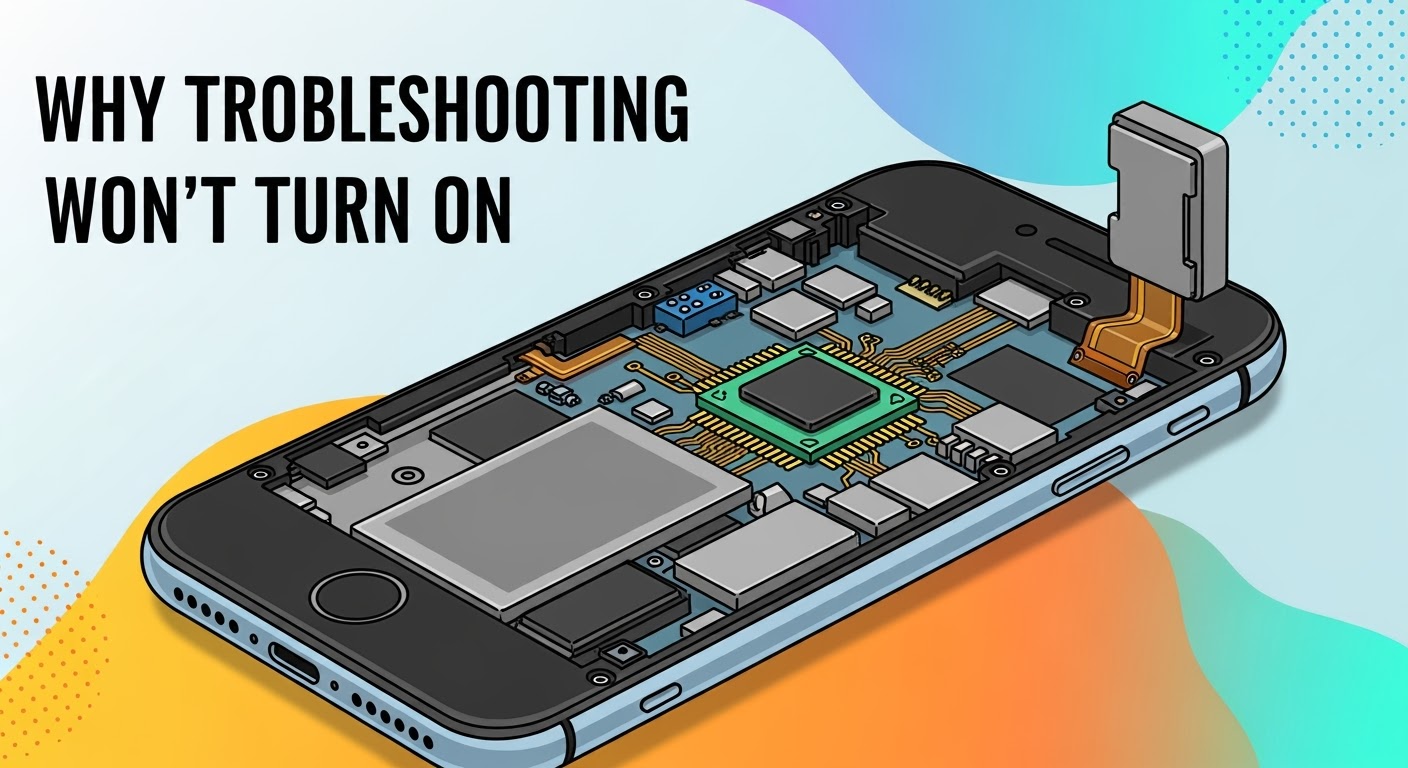
Diagnosing Why Your Phone Won’t Turn On

Diagnosing Why Your Phone Won’t Turn On
Few things are more frustrating than pressing the power button on your phone and being met with silence. A smartphone that won’t turn on doesn’t necessarily mean it’s dead—it could be suffering from anything between a simple drained battery to complex hardware damage. At Sydney CBD Repair Centre, we’ve diagnosed and repaired thousands of phones with this exact issue. Here’s a breakdown of the most common causes, how to troubleshoot them, and when to seek professional help.
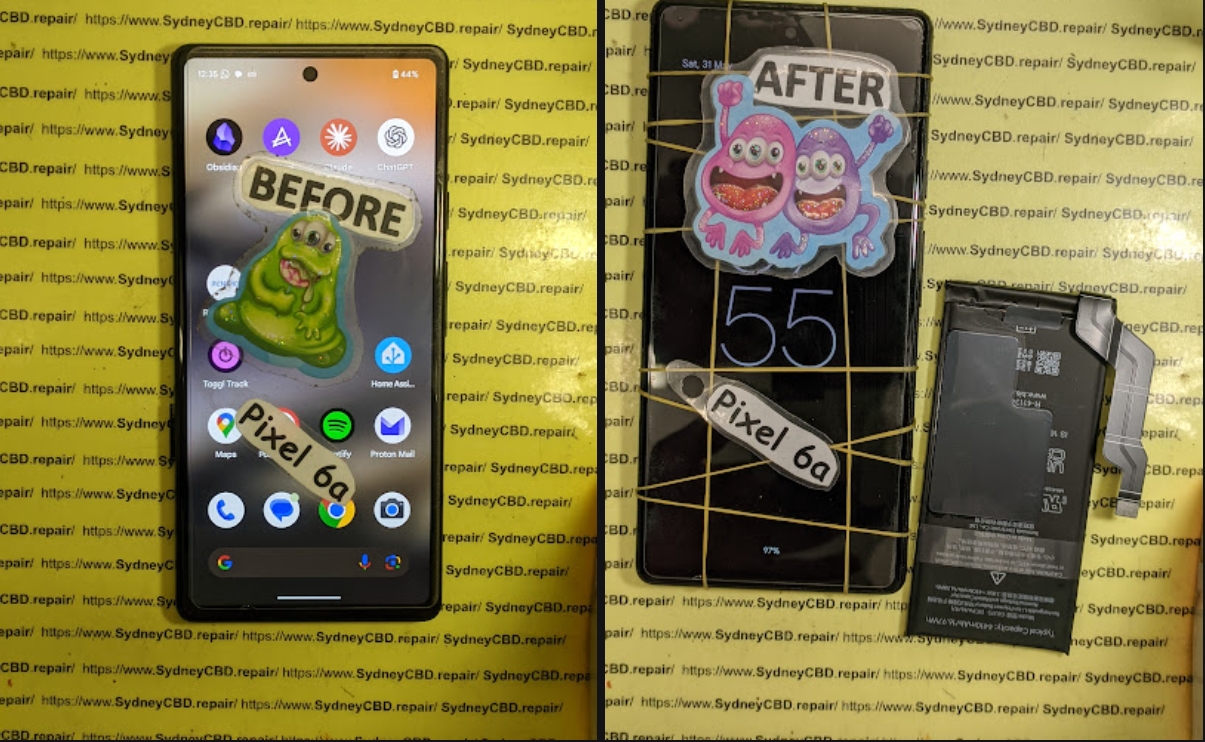
🔋 1. Battery-Related Issues
The most common reason a phone won’t turn on is a completely drained or faulty battery.
- Fully Drained Battery: If your phone hasn’t been charged for a long time, the battery may be so low it needs several minutes of charging before showing signs of life.
- Defective Battery: Over time, batteries lose their ability to hold charge, or may fail completely.
- Loose Connection: Sometimes, the internal battery connector can loosen after drops or heavy use.
Quick Fix: Try charging your device with a different cable and adapter for at least 15–20 minutes.
🔌 2. Charger or Cable Failure
Sometimes the phone isn’t the problem—it’s the charging equipment.
- Worn-out cables or adapters may not supply power.
- Dust or debris in the charging port can block the connection.
- Using non-certified accessories may cause inconsistent charging.
Quick Fix: Test your charger on another device or try a genuine charger. Clean your charging port gently with compressed air.
💻 3. Software Glitches and Crashes
A frozen operating system can also cause a phone to appear “dead.”
- System crashes may prevent the screen from lighting up.
- Corrupted software updates can cause boot failures.
- Malware infections can also brick a device.
Quick Fix: Try performing a force restart (varies by phone brand). For example, on most iPhones, press and quickly release the volume up button, then the volume down, then hold the power button until you see the Apple logo.
🔧 4. Hardware Damage
If your phone has been dropped or exposed to elements, physical damage may be the culprit.
- Cracked internal components from drops.
- Water damage short-circuiting the motherboard.
- Damaged buttons preventing power activation.
Quick Fix: Unfortunately, hardware damage often requires professional diagnosis and repair.
🌊 5. Water or Moisture Damage
Even water-resistant phones can fail after liquid exposure.
- Corrosion on connectors can block power flow.
- Short circuits may prevent the phone from booting.
Quick Fix: Do not attempt to charge the phone if you suspect water damage. Power it off, dry it as much as possible, and bring it to a technician immediately.
🛠 6. Motherboard or Component Failure
In rare cases, the problem lies with the logic board or smaller internal chips.
- Burnt-out circuits from power surges.
- Faulty IC (integrated circuits) chips.
- Long-term wear on solder joints.
These repairs are complex and require micro-soldering, something only trained technicians should attempt.
⚠️ When to Seek Professional Help

If your phone still won’t turn on after basic troubleshooting, it’s time to visit a trusted repair centre. Professional technicians can:
- Test internal components with specialized tools.
- Replace faulty batteries or charging ports.
- Perform advanced repairs like motherboard micro-soldering.
At Sydney CBD Repair Centre, we provide same-day express repairs, genuine parts, and expert diagnosis so you can get your device back quickly and reliably.
💡 Final Thoughts
A phone that won’t turn on doesn’t always mean it’s gone for good. From simple battery issues to complex hardware failures, there are multiple reasons behind this problem. Start with basic troubleshooting, but don’t risk making it worse—trust professionals when things get complicated.
👉 Need fast, reliable help? Visit Sydney CBD Repair Centre today. We’re Sydney’s #1 choice for phone repairs, diagnostics, and genuine part replacements.

