


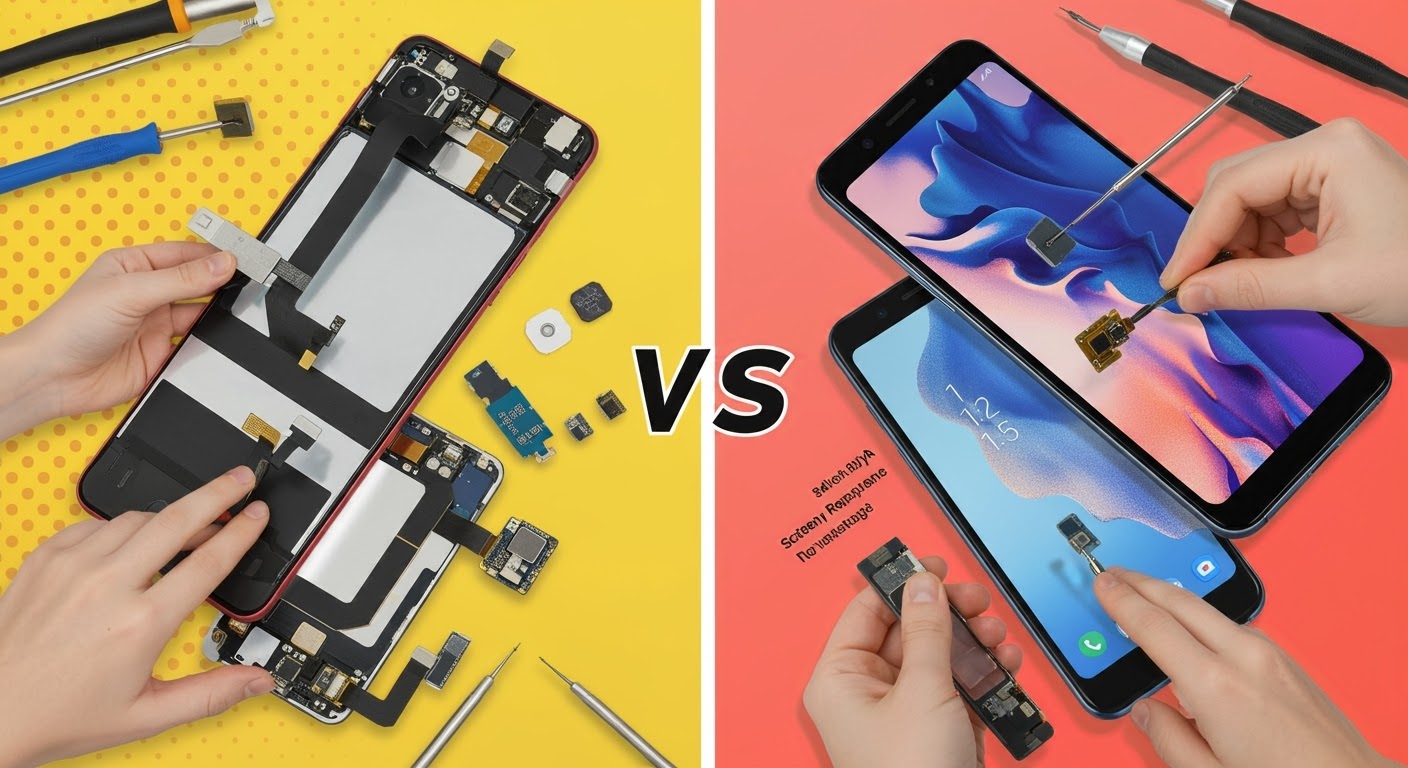
The Ultimate DIY Repair Challenge: Pixel 7a Screen Replacement vs. Galaxy S23 FE Screen Replacement

The Ultimate DIY Repair Challenge: Pixel 7a Screen Replacement vs. Galaxy S23 FE Screen Replacement
🧩 DIY Screen Repairs: A Battle of Tech and Tools
If you’re the hands-on type who loves tinkering with gadgets, you might have wondered: Can I replace my own smartphone screen?
Today, we pit two 2025 mid-range favourites against each other in the Ultimate DIY Repair Challenge:
- Google Pixel 7a
- Samsung Galaxy S23 FE
Which is easier to repair at home? Which one is a nightmare of glue, cables, and cracked dreams? Let’s break it down.
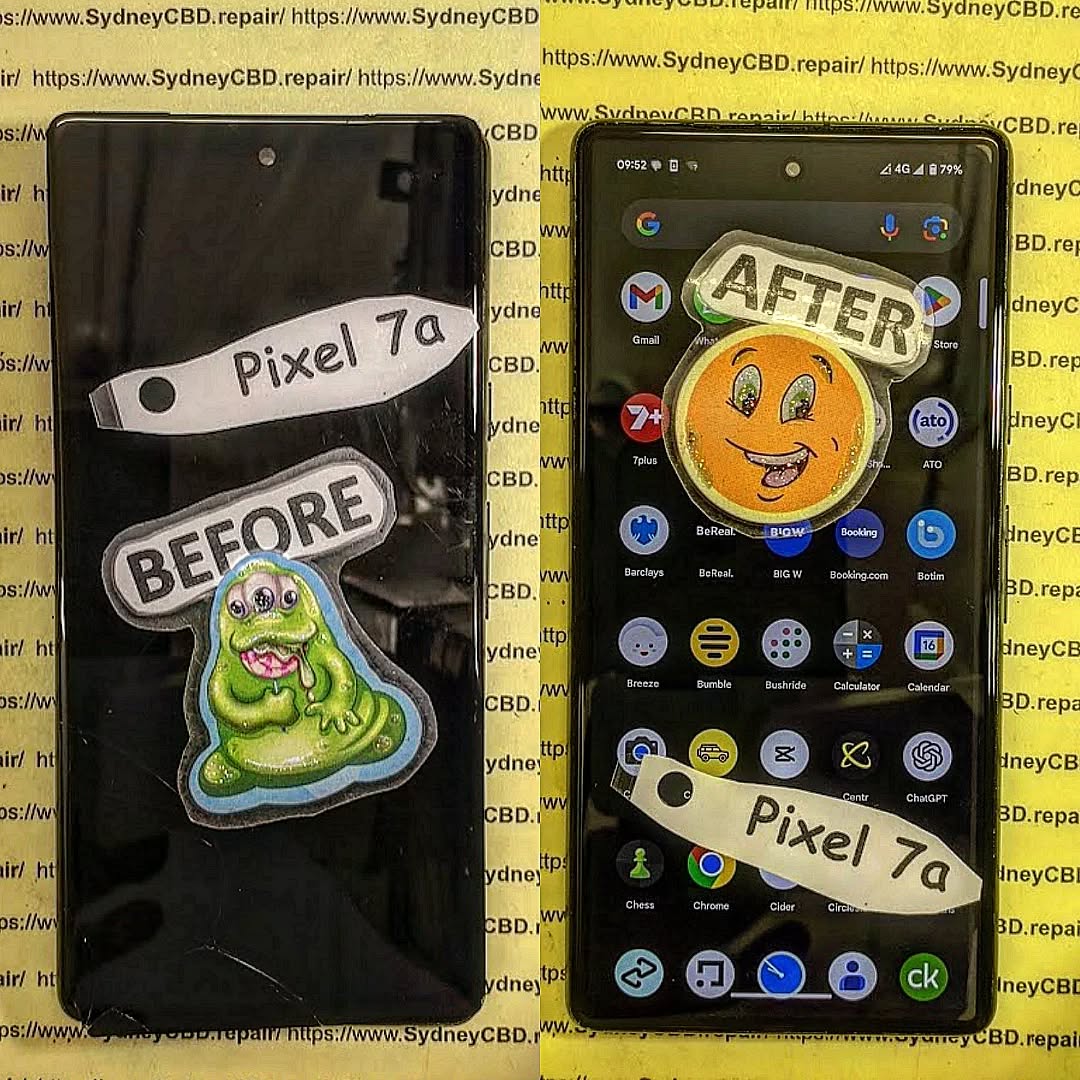
📱 Quick Comparison Table: Pixel 7a vs. Galaxy S23 FE DIY Repairs
| Feature | Google Pixel 7a | Samsung Galaxy S23 FE |
|---|---|---|
| Display Type | OLED, 90Hz | AMOLED, 120Hz |
| Replacement Screen Cost (AUD) | $349–$399 | $429–$479 |
| Repair Difficulty (DIY Scale) | Moderate | High |
| Adhesive Strength | Medium | Strong |
| Disassembly Tools Needed | Heat gun, suction, picks | Heat gun, suction, picks, curved pry tools |
| Time to Replace (DIY) | 1.5–2 hours | 2–3 hours |
| Water Resistance After Repair | Possible with sealing | Harder to restore fully |
🔧 Step-by-Step: Pixel 7a Screen Replacement
- Power Off & Remove SIM Tray
Standard step, no complications. - Heat the Front Screen
Apply even heat around the frame. Pixel 7a adhesive is moderately strong, easier than Samsung’s. - Pry & Lift the Screen
Use a suction cup and plastic picks. Patience is key to avoid flex cable damage. - Disconnect Battery and Screen
Undo screws and disconnect ribbon cables before lifting the broken OLED. - Install the New Display
Apply new adhesive, connect the new screen, reassemble, and test thoroughly.
💡 DIY Verdict: The Pixel 7a is more forgiving for first-timers, especially due to fewer internal layers and easier screen alignment.
🔨 Step-by-Step: Galaxy S23 FE Screen Replacement
- Remove Back Glass (Not the Front)
The screen connects through the back—unlike the Pixel 7a. You’ll need to remove the rear glass first using a heat gun and precision tools. - Detach Fingerprint Sensor
The sensor is embedded in the back—be very careful not to tear the cable. - Remove Internal Frame Screws
Dozens of tiny screws need to come out before reaching the screen flex. - Disconnect Battery and Screen Flex Cables
All cables route under the midframe—more complex than Google’s approach. - Replace Screen from Front (After Rear Disassembly)
You finally heat and remove the front screen. It’s bonded strongly with waterproof adhesive, so take your time.
💡 DIY Verdict: The S23 FE is significantly more difficult. It’s not beginner-friendly. Damaging the battery or sensor is easy if you’re not careful.
🧠 Key DIY Lessons: What You Should Know
✅ OEM Screens vs. Aftermarket
Only go with genuine parts if you want:
- Accurate colors
- Proper brightness
- Fingerprint sensor compatibility (especially on Galaxy)
✅ Tools Matter
Cheap kits from online marketplaces can cause more harm than good. Invest in a proper toolkit that includes:
- Heat gun
- Plastic picks
- Anti-static mat
- Magnetic screw pad
- Suction handle
✅ You Might Lose Water Resistance
Even if you seal the frame properly, DIY repairs often compromise water resistance. This is where professional repair services have an edge with factory-grade seals.
🛠 Why Most Users Still Choose Professional Repairs
We admire the DIY spirit—but when it comes to mid-range phones with flagship specs, most users eventually find it’s:
- Too time-consuming
- Risky (damaging internal components can cost more than the original screen)
- Warranty-voiding
That’s why thousands choose Sydney CBD Repair Centre:
- ✅ Same Day Screen Replacement
- ✅ Genuine Parts Only
- ✅ Certified Technicians
- ✅ 90-Day Warranty
- ✅ Water Resistance Re-Seal
- ✅ 2000+ 5-Star Google Reviews
📍 Fix Your Phone Professionally – Today!

Whether it’s a Pixel 7a or Galaxy S23 FE, don’t let a cracked screen slow you down. Our expert team can have you back up and running in just a few hours—with guaranteed results.
📌 Locate Us Here
📞 Call Now: +61280114119
🕘 Walk-ins Welcome | Open 6 Days a Week

