


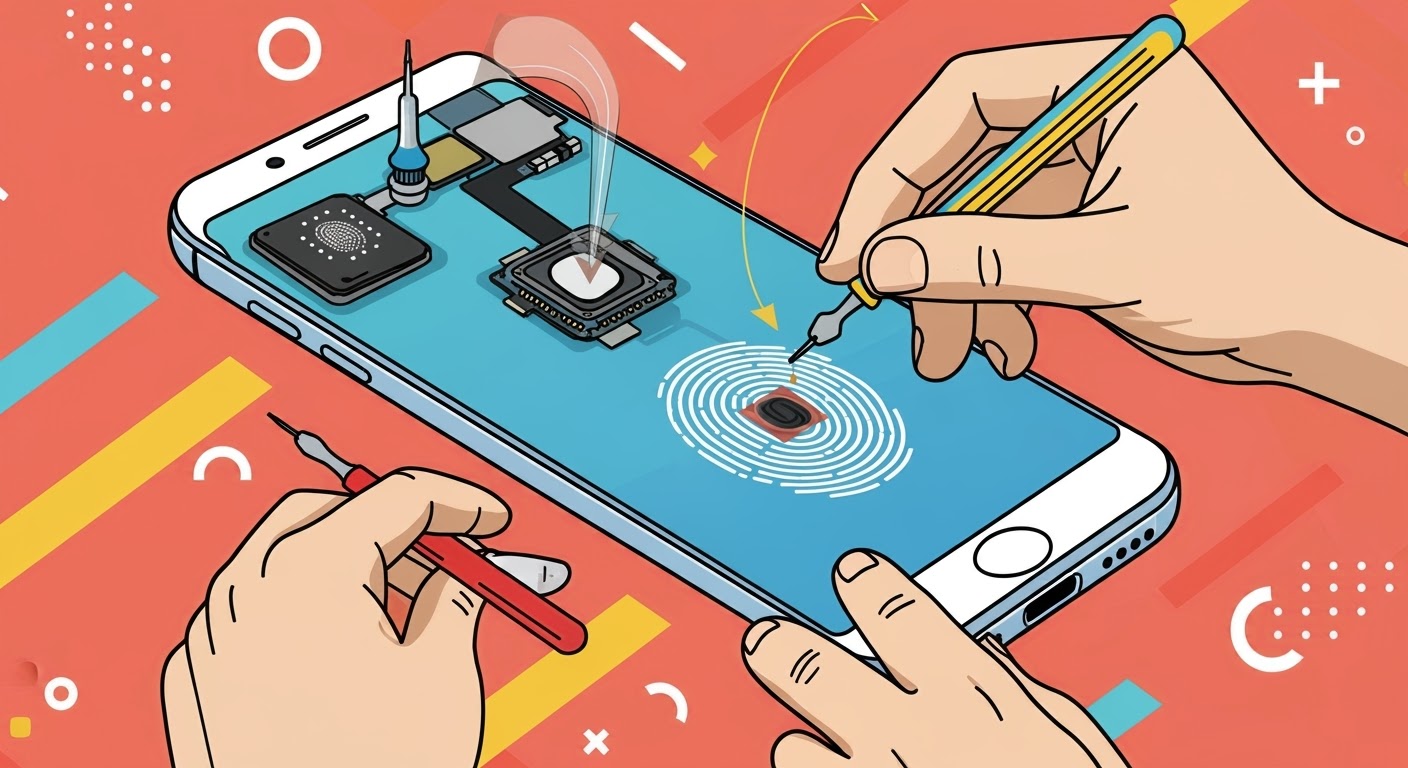
Fixing Fingerprint Sensor Issues After Screen Replacement

Fixing Fingerprint Sensor Issues After Screen Replacement – Complete Guide & 10 Expert Tips
🧠 Introduction: Why Fingerprint Sensors Fail After Repairs
Fingerprint scanners are now essential for fast and secure smartphone access. But after a screen replacement, many users notice their fingerprint sensors stop working, become inconsistent, or disappear entirely. This isn’t a coincidence—it’s often the result of improper handling, incompatible parts, or missed calibration steps.
At Sydney CBD Repair Centre, we’ve helped hundreds of customers fix fingerprint sensor problems post-repair—especially for high-end models like the Samsung Galaxy S series and Google Pixel devices.
In this article, we explain why fingerprint sensors fail after screen replacement, how to avoid it, and most importantly, how to fix it.

🔍 How In-Screen Fingerprint Sensors Work
Modern smartphones mostly use optical or ultrasonic fingerprint sensors embedded beneath the display.
- Optical (e.g. Pixel 6): Uses light to capture your fingerprint image.
- Ultrasonic (e.g. Galaxy S21 Ultra): Sends sound waves through the screen to map your finger’s ridges.
These sensors are highly sensitive to screen thickness, transparency, and alignment. If the replacement screen doesn’t match the original specs, the fingerprint sensor may stop functioning entirely.
⚠️ Common Issues After Screen Replacement
❌ Fingerprint Not Recognised
Even after enrolling your fingerprint again, the sensor fails to unlock the phone or gives “Try Again” repeatedly.
🛑 Fingerprint Option Missing in Settings
In some cases, the entire biometric menu disappears—indicating a software or hardware disconnect.
🐢 Slow or Laggy Fingerprint Detection
The phone takes longer than usual to scan your fingerprint or fails to respond until multiple tries.
📱 Device Brands Affected the Most
📱 Samsung Galaxy Phones
Samsung uses ultrasonic sensors, which are extremely sensitive. Any misalignment or use of non-OEM parts can render the sensor useless after repair.
📱 Google Pixel Devices
Models like Pixel 6 and Pixel 7 rely on optical sensors. If the screen’s transparency isn’t optimal, fingerprint data won’t be captured correctly.
📱 Oppo, Xiaomi, and Other Android Brands
Brands using in-display sensors (especially budget or mid-range models) often face sensor failure due to poor aftermarket screens or installation errors.
🔧 Key Reasons for Fingerprint Sensor Failure Post-Repair
🔁 Non-Genuine or Low-Quality Screens
Cheap screens might not allow the sensor’s signal to pass through properly—resulting in complete fingerprint failure.
🪛 Misalignment During Installation
Even a 1mm shift can misalign the sensor window under the screen, causing mismatched readings.
🧩 Calibration or Software Mismatch
Some phones require factory-level calibration post-screen replacement, which only professional centres like Sydney CBD Repair Centre can perform.
✅ Best Practices for Preserving Fingerprint Function
🧪 Use Genuine Screens Only
Always ask your repair technician to use OEM-grade displays designed for fingerprint transparency and sensor alignment.
🧑🔧 Let Experts Handle Calibration
Only certified repair centres have the right tools to recalibrate sensors for certain Samsung and Google models.
🔄 Ensure Firmware is Updated Post-Repair
Some devices require a software update or fingerprint module reset after screen replacement.
🛠️ How Sydney CBD Repair Centre Ensures Sensor Accuracy
✅ OEM-Grade Screens
We only use manufacturer-spec glass and displays, designed to work seamlessly with biometric sensors.
🧰 Factory Calibration Tools
For phones like Samsung and Pixel, we run post-repair calibration to sync the sensor with your new screen.
🧑🔬 Skilled Technicians with Sensor Expertise
Our team has extensive experience fixing screen + sensor combos, ensuring accurate, same-day results.
📚 Case Study: Fixing Fingerprint Failures on Samsung S21 Ultra
A customer brought in a Galaxy S21 Ultra with a non-functional fingerprint scanner after a third-party screen replacement. Upon inspection, the previous shop had used a non-transparent adhesive and poorly aligned screen.
After reapplying OEM adhesive, realigning the display with a precision tool, and recalibrating using Samsung’s official test software—we restored full fingerprint functionality in under 2 hours.
🔄 What To Do If Your Fingerprint Sensor Still Doesn’t Work
🔐 Backup Unlock Options
Use PIN, pattern, or facial recognition temporarily until a repair centre can recheck the screen installation.
🧭 Try Re-Enrollment After Repair
Delete all saved fingerprints and re-enroll them in a well-lit area using multiple finger angles.
🧼 Factory Reset as a Last Resort
Some sensor issues stem from mismatched software. A factory reset (after backup) may resolve lingering bugs.
🛡️ Preventative Measures Before a Screen Replacement
🗂️ Backup Fingerprint Data
Some phones lose fingerprint profiles during repair. Back up all data and reconfigure post-repair.
📣 Inform Technician of Sensor Sensitivity
Let the repair centre know your phone relies on under-display fingerprint unlocking, so they handle it with care.
❓ FAQs
1. Why did my fingerprint sensor stop working after replacing the screen?
Most likely, the new screen wasn’t OEM-grade or the installation wasn’t aligned properly, which blocks the sensor.
2. Can fingerprint sensors be re-calibrated after repair?
Yes. Professional centres like Sydney CBD Repair Centre have tools to recalibrate fingerprint sensors after screen replacement.
3. Do I need a software update after screen replacement?
Some phones require software or firmware reinitialisation to recognise the fingerprint sensor again.
4. Will using a third-party repair centre void my fingerprint sensor warranty?
Not if the centre uses genuine parts and performs proper calibration. Always choose certified technicians.
5. Can I still use other unlock methods if the fingerprint sensor fails?
Yes—PIN, pattern, and facial recognition will still work unless the biometric module is fully disabled.
6. Is fingerprint failure after repair permanent?
Usually not. With proper diagnosis and OEM parts, it can often be restored to full functionality.
✅ Conclusion: Get It Fixed Right the First Time

Fingerprint sensor issues after a screen replacement are frustrating—but avoidable. The key lies in choosing a trusted repair centre that understands the technology, uses the right parts, and applies professional techniques.
At Sydney CBD Repair Centre, we specialise in resolving fingerprint-related issues for Samsung, Pixel, and other major brands. With same-day service, genuine parts, and expert calibration—you can rest assured your fingerprint scanner will work just as it did before (if not better!).
📍 Visit Us Today
Sydney CBD Repair Centre – Where Quality Meets Reliability
📞 Call: +61280114119
🌐 Locate Us: https://SydneyCBD.repair/locate-us

