


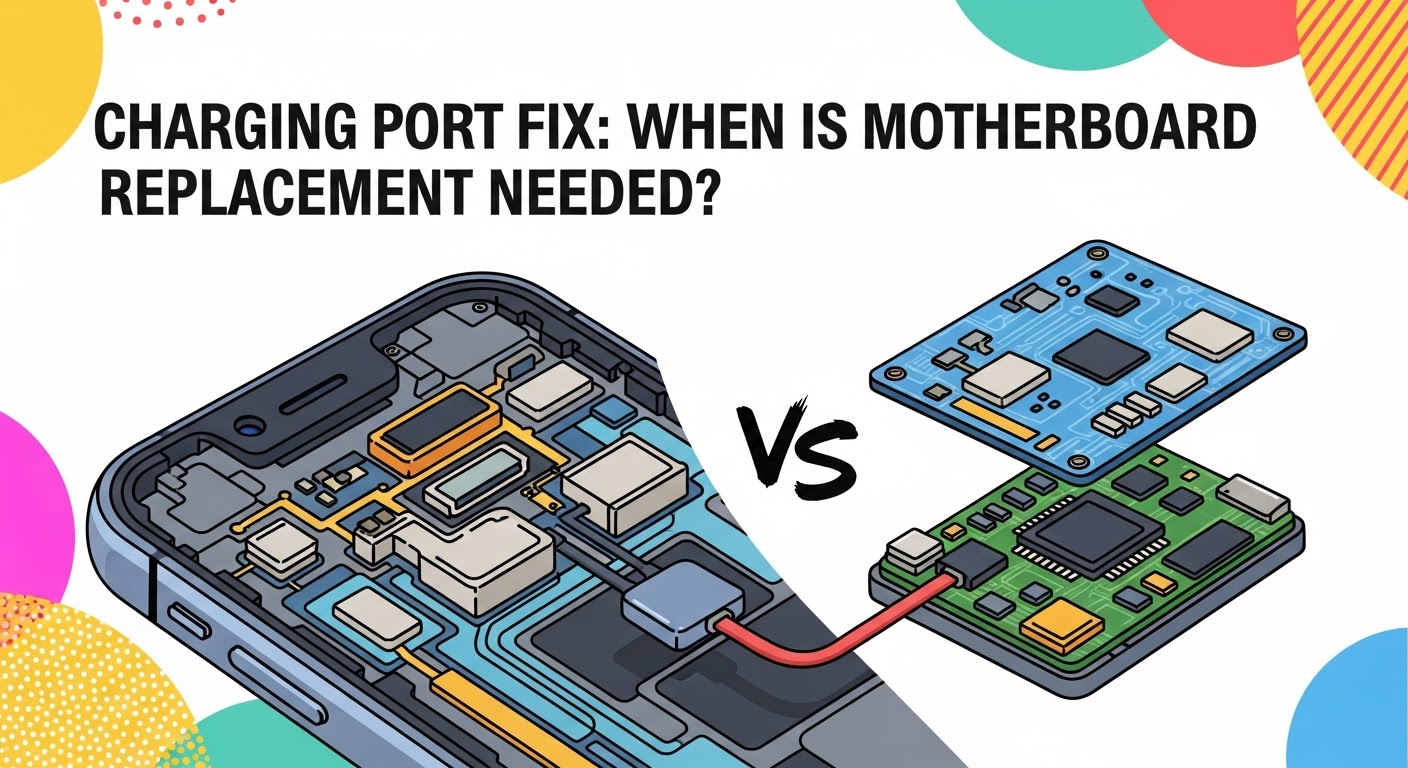
Charging Port Fix: When is Motherboard Replacement Needed?

Charging Port Fix: When is Motherboard Replacement Needed? (Ultimate 2025 Guide)
Introduction
Every smartphone relies on its charging port to stay powered, connected, and functional. It’s one of the most frequently used — and often abused — components in any device. Over time, you might notice your phone charging slowly, refusing to charge altogether, or losing connection unless the cable is positioned “just right.” While these symptoms often point to a faulty charging port, sometimes the underlying problem lies much deeper — within the motherboard, the central hub that manages your phone’s power and data flow.
Understanding when a simple charging port repair is enough and when a full motherboard replacement is necessary can save you hundreds of dollars and prevent unnecessary downtime. In this guide, we’ll explore how to diagnose charging issues accurately, the signs that indicate motherboard failure, cost comparisons between repairs, and expert tips for preventing future problems. Whether you’re a tech enthusiast or an everyday phone user, this comprehensive breakdown will help you make smarter, more confident repair decisions.
Charging Port Fix: When is Motherboard Replacement Needed?
When your phone suddenly refuses to charge, the first assumption is often a faulty charging port. But in some cases, the issue runs deeper — straight to the motherboard, the heart of your device. Understanding when a simple charging port fix is enough and when a motherboard replacement becomes necessary can save you time, frustration, and money.
This guide breaks down everything you need to know: from diagnosing charging port issues to identifying signs of motherboard failure, all while highlighting repair options that balance quality and cost.
Understanding the Charging Port
The charging port serves as the bridge between your power source and your phone’s internal circuitry. It handles not only electricity but also data transfer and accessory connections. Given its constant use, this tiny component experiences significant wear over time.
Functions of the Charging Port
- Power delivery for charging
- Data syncing via USB or Lightning cables
- Peripheral connections (earphones, keyboards, etc.)
- Communication with diagnostic tools during servicing
Why It’s a Vulnerable Component
Dust, moisture, or frequent plugging can degrade the port’s internal pins. Over time, this leads to loose connections or intermittent charging, making the port one of the most frequently replaced smartphone parts.
Common Signs of a Faulty Charging Port

Before jumping to conclusions about motherboard damage, it’s essential to identify charging port-specific symptoms:
- ⚠️ Charger only works at a certain angle
- 🔌 Device doesn’t recognize being plugged in
- ⚡ Slow or inconsistent charging speed
- 🔋 “Charging” icon flickers on and off
- 💡 Cable feels loose or wobbly inside the port
These indicators typically point to port wear, bent pins, or debris accumulation — all fixable issues that don’t require a motherboard replacement.
Causes Behind Charging Port Damage
Charging ports can fail for various reasons — some accidental, others due to gradual deterioration.
Common Causes Include:
- Physical Damage: Rough plugging/unplugging or using non-OEM cables.
- Moisture or Corrosion: Exposure to humidity or liquid spills.
- Dust and Lint Build-Up: Blocks the connector from making solid contact.
- Overheating: Prolonged charging cycles generating internal heat.
- Power Surge: Voltage fluctuations damaging internal connectors.
Routine maintenance — such as keeping the port clean and using certified chargers — can prevent most of these issues.
Testing if the Charging Port is the Problem
Before assuming motherboard failure, it’s important to test the charging system step by step.
DIY Methods
- Use a different charger and cable
- Try charging through a computer USB port
- Inspect the port using a flashlight for debris or corrosion
- Gently clean the port using compressed air or a toothpick (carefully!)
Professional Diagnosis
Repair technicians use multimeters and diagnostic tools to measure voltage continuity and determine if the fault lies in the port, flex cable, or motherboard IC.
When a Simple Charging Port Repair is Enough
Many cases can be resolved by replacing or re-soldering the charging port module, a cost-effective fix compared to motherboard work.
Scenarios Where Repair is Enough
- Physical damage to the connector
- Water damage isolated to the port area
- No other internal components affected
- Phone still boots normally when charged externally
Port replacement typically costs between $40–$120, depending on device brand and model.
Signs That Point to a Motherboard Problem
Sometimes, symptoms that look like charging port failures actually trace back to the motherboard — specifically, its power management IC (PMIC) or charging circuit pathways.
Indicators of Motherboard-Level Issues
- Device heats excessively during charging
- No charging response even with a new port
- Short-circuit detected on power line
- Device fails to power on at all
- Charging works intermittently despite port replacement
If your repair technician suspects a PMIC or U2 IC failure, the motherboard itself might need component-level repair or full replacement.
Motherboard vs Charging Port: Key Differences
| Feature | Charging Port | Motherboard |
|---|---|---|
| Function | Physical connector for power/data | Central circuit controlling power and data flow |
| Common Issues | Bent pins, debris, loose connector | IC failure, short circuit, voltage irregularities |
| Repair Difficulty | Easy to moderate | Advanced soldering/microsoldering required |
| Average Cost | $50–$120 | $150–$400+ |
| Replacement Time | 30–60 minutes | 2–5 hours |
Understanding these differences helps you make informed repair decisions and avoid unnecessary expenses.
Motherboard Replacement: When and Why It’s Needed
You might need a motherboard replacement if:
- Charging circuit or PMIC chip is permanently damaged
- Device has suffered severe liquid damage
- There’s no power response after port replacement
- Burn marks are visible on motherboard components
- Micro-soldering attempts have failed
Although costly, motherboard replacement restores your device’s full functionality when repair isn’t feasible.
Pro Tip: Always request a reconditioned original motherboard from a certified repair shop to ensure compatibility and reliability.
Cost Comparison: Charging Port Repair vs Motherboard Replacement
| Service Type | Average Cost (USD) | Time Required | Risk Level | Recommended When |
|---|---|---|---|---|
| Charging Port Repair | $40 – $120 | 30–60 mins | Low | Physical damage only |
| Motherboard Repair | $150 – $250 | 2–3 hrs | Medium | IC or circuit damage |
| Full Motherboard Replacement | $300 – $500+ | 3–5 hrs | High | Severe hardware failure |
Replacing the motherboard can cost 3–4 times more than fixing the charging port, so thorough diagnostics are crucial before proceeding.
DIY Fixes vs Professional Repair
While DIY fixes are tempting, improper attempts can worsen the damage.
DIY Pros
- Low cost
- Immediate action possible
DIY Cons
- Risk of short circuits
- May void warranty
- Incomplete diagnosis
Professional repair ensures the device is tested, repaired, and quality-assured, saving you from long-term complications.
How to Choose a Reliable Repair Center
Look for repair centers that offer:
- Certified technicians
- Warranty on repairs
- Genuine replacement parts
- Transparent pricing
- Positive customer reviews
👉 Example: Sydney CBD Repair Centre — a reputable shop specializing in charging port and motherboard repairs with same-day service options.
Preventing Future Charging Port and Motherboard Issues
Prevention saves you both money and frustration.
Maintenance Tips
- Avoid using your phone while charging
- Keep the port clean and dry
- Use certified chargers and cables
- Don’t overcharge overnight
- Perform periodic checkups every 6–12 months
Small preventive actions can significantly extend your device’s lifespan.
Real-World Case Studies
- Case 1: An iPhone 12 showing no charge after water exposure — solved by replacing the port and cleaning corrosion.
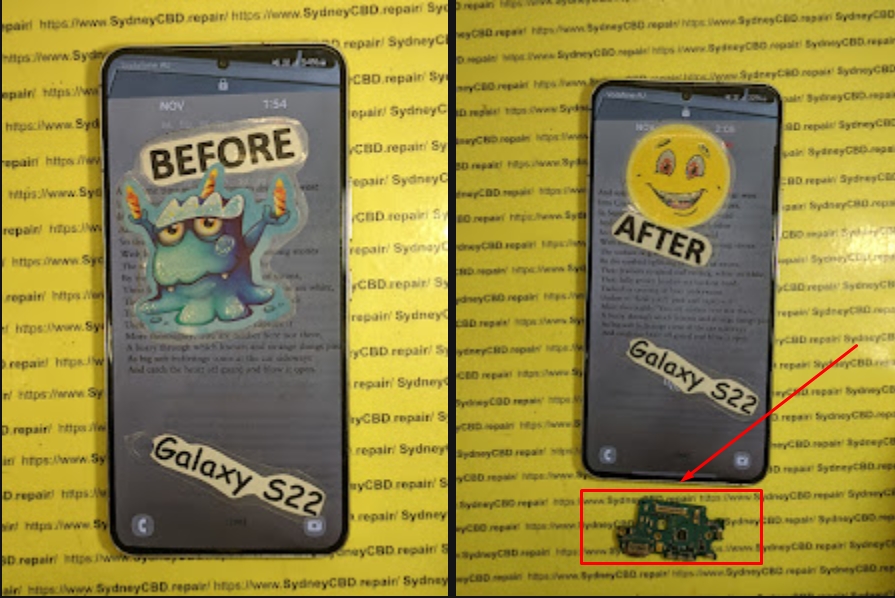
- Case 2: A Samsung Galaxy S21 with burnt charging IC — required partial motherboard repair.
- Case 3: A Google Pixel 7 with “no charging” error — fixed after connector re-soldering and voltage realignment.
These examples show how accurate diagnostics can mean the difference between a $100 fix and a $400 replacement.
FAQs About Charging Ports and Motherboards
1. Can a damaged charging port affect the motherboard?
Yes. A shorted or corroded port can send irregular voltage to the motherboard, leading to IC failure.
2. How long does charging port replacement take?
Usually under one hour, depending on model and technician experience.
3. Is it worth repairing the motherboard?
If the phone is high-end or new, yes. Replacing the motherboard can extend its life for years.
4. How can I tell if my charging port is dirty or damaged?
Use a flashlight — debris or bent pins usually indicate a port issue.
5. Do wireless chargers bypass a broken charging port?
Yes, but only if the motherboard and wireless charging circuit are still functional.
6. What should I do if my phone doesn’t charge after a port replacement?
Return to the technician — it might be a motherboard-level power IC issue.
Conclusion

A faulty charging port doesn’t always mean disaster — but if problems persist even after repair, the motherboard may be the real culprit. With the right diagnostics, expert repair, and proper maintenance, you can restore your device without unnecessary replacements or costs.
Always choose professional service providers that combine technical skill with transparent pricing and genuine parts. A smart repair today can save you hundreds tomorrow.
David from Sydney CBD Repair Centre – The Best place to fix mobile phones as 6 Years In A Row! Top Mobile Phone Repair In Sydney. More than 2000 Positive Reviews on Google and Same Day Repairs.
📍 Visit us today for:
✓ Same Day Express Repairs
✓ Genuine Parts Guarantee
✓ Professional Technicians
✓ Competitive Pricing
✓ 2000+ 5-Star Google Reviews
✓ 6-Time Award Winner for Best Phone Repairs
Sydney CBD Repair Centre – Where Quality Meets Reliability.
📞 Call : +61280114119
🌐 Website: https://SydneyCBD.repair/locate-us

