


Deconstructing One UI 8.5’s impact on Android phone repair

Deconstructing One UI 8.5’s Impact on Android Phone Repair: 10 Key Insights You Need
Introduction to One UI 8.5
Samsung’s One UI 8.5 represents a significant step forward in Android customization, blending aesthetics, performance, and user-centric design. This latest iteration focuses on smoother interactions, enhanced multitasking, and intelligent device management. But beyond its user-friendly appeal, One UI 8.5 also carries implications for Android phone repair, both for technicians and end-users.
In particular, the update brings changes to adaptive battery management, touch sensitivity adjustments, and security layers that influence hardware repair strategies. For repair centres like Sydney CBD Repair Centre, understanding these nuances ensures timely fixes, accurate diagnostics, and reduced risk of post-repair complications.
Evolution from Previous Versions
Compared to One UI 8.0 and earlier versions, 8.5 introduces subtle but meaningful enhancements:
- Smoother animations and gestures: Reduces UI lag but introduces new calibration challenges for touchscreens.
- Advanced multitasking features: Split-screen and pop-up windows are more seamless but add stress to processor-intensive tasks, occasionally affecting diagnostics.
- Improved security protocols: Stronger encryption and tighter bootloader restrictions make firmware repair more intricate.
These features collectively impact repair workflows, especially for software-dependent diagnostics or hardware swaps.
Key Features Affecting Hardware
One UI 8.5’s innovations extend to hardware behavior. For instance:
- Adaptive refresh rates: 120Hz or variable refresh modes can strain screen drivers.
- Battery optimization AI: Modifies charging cycles, affecting battery health and replacement intervals.
- Always-On Display: Continuous AMOLED activity may accelerate screen wear, influencing repair frequency.
Recognizing these hardware-related updates helps technicians preemptively address potential faults during routine repairs.
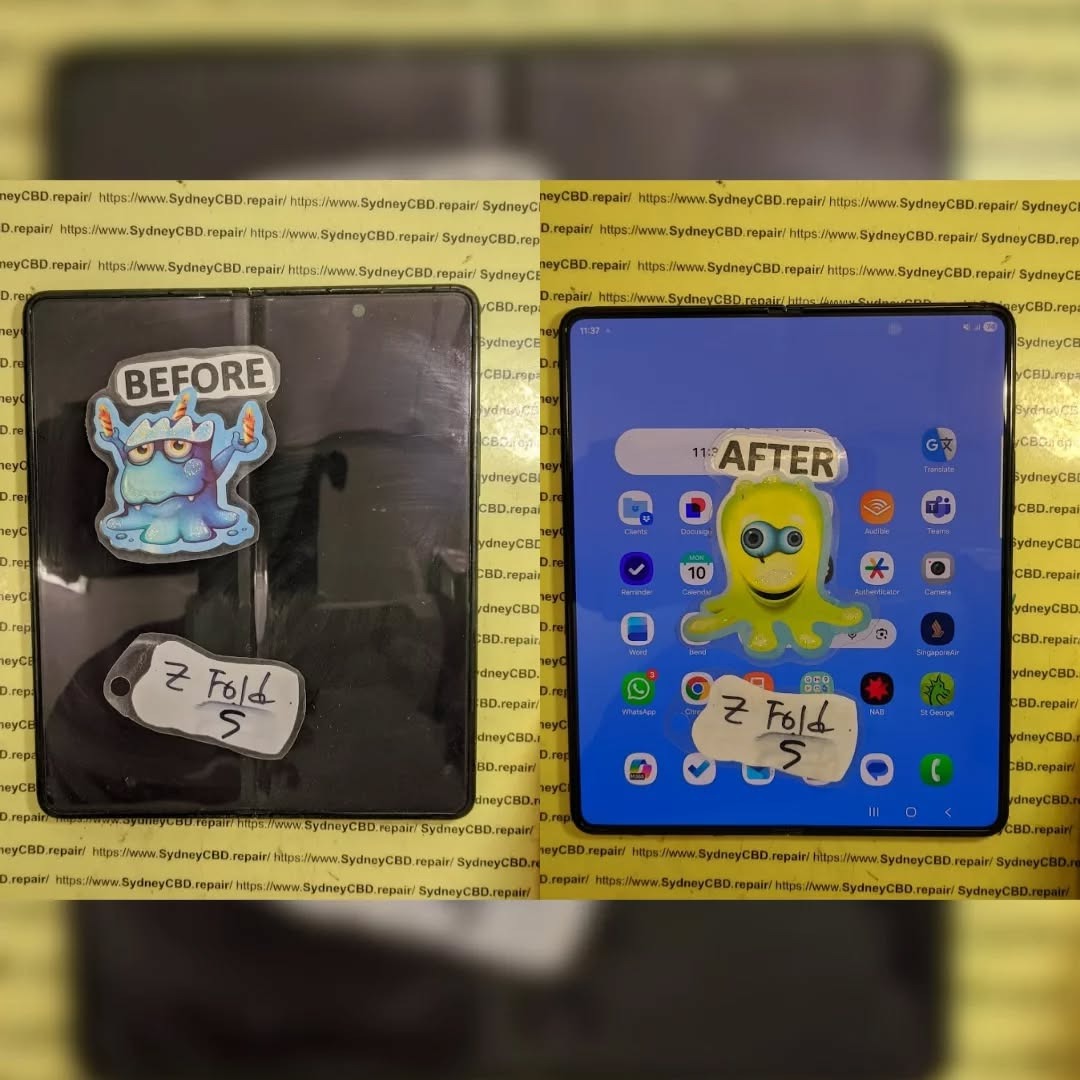
Understanding Android Phone Repairs
Repairing Android devices requires a mix of technical expertise, proper tools, and an understanding of both hardware and software dynamics. One UI 8.5, while primarily software-focused, intersects with hardware performance in ways that repair centres must consider.
Common Repair Types
The most frequent Android repairs impacted by One UI 8.5 include:
- Screen replacements: Especially for devices using variable refresh rate AMOLED displays.
- Battery swaps: Adaptive charging may affect longevity, altering replacement schedules.
- Software-related issues: Update-induced slowdowns, boot loops, or app crashes.
- Camera repairs: UI changes can affect sensor calibration.
Tools and Techniques
Repair tools need recalibration in some cases:
- Diagnostic software: Must support One UI 8.5 firmware.
- Touchscreen calibrators: To account for gesture and sensitivity changes.
- Battery testers: Adaptive charging AI requires different assessment metrics.
Understanding these changes is critical for delivering accurate repairs without inadvertently causing new problems.
Software-Driven Challenges in Repairs
While many repairs are hardware-focused, One UI 8.5 introduces software complexities that directly impact repair strategies.
Security Updates and Unlocking Devices
Samsung’s security protocols have strengthened in 8.5, making certain tasks more challenging:
- Unlocking bootloaders or accessing service menus may require updated credentials or specialized tools.
- Device encryption and Knox security limit unauthorized repairs or custom firmware installations.
Technicians need updated certifications and tools to navigate these protections safely.
Firmware Compatibility Issues
Firmware mismatches can result in:
- Malfunctioning touchscreen gestures
- Inaccurate battery calibration
- Performance slowdowns or random reboots
Repair centres must maintain the latest software libraries to avoid introducing complications post-repair.
One UI 8.5 and Battery Performance

Battery health is a critical aspect affected by One UI 8.5. The update optimizes power management, but this also affects repair timelines and diagnostic procedures.
Power Management Features
Key features impacting repairs include:
- Adaptive Battery AI: Adjusts app energy usage based on usage patterns.
- Smart Charging: Slows charging overnight to prolong battery life, altering diagnostic readings.
- Background optimization: Reduces energy consumption but can mask potential battery faults.
Battery Replacement Considerations
Technicians should account for:
- Pre-replacement calibration resets
- Post-replacement AI recalibration to avoid false readings
- Adjusted warranty procedures if software incorrectly reports battery health
Screen and Display Considerations
One UI 8.5 includes display-centric updates that can complicate screen replacements and calibration.
Touch Sensitivity Adjustments
- Gesture-based navigation may fail after replacement if the touch layer isn’t properly calibrated.
- Repair tools must mimic original firmware behavior for accurate restoration.
AMOLED Display Calibration
- Variable refresh rates (60Hz–120Hz) require specific driver recalibration.
- Always-On Display settings can accelerate pixel wear, necessitating preventive maintenance.
App and OS Integration
One UI 8.5’s integration with apps affects repair diagnostics.
- Certain system apps, like Samsung Health and Device Care, track battery and screen health.
- Misinterpretation of these readings during repair can lead to unnecessary part replacements.
Repair centres must use official diagnostic apps and tools to ensure accurate assessments.
Repair Technician Adaptation
To effectively repair One UI 8.5 devices, technicians must evolve their skills and toolsets.
Training and Certification
- Regular training sessions on software updates and UI behavior
- Certifications from Samsung or recognized repair authorities
- Hands-on experience with adaptive hardware features
Diagnostic Tools Updates
- Updated JTAG or service box software to accommodate firmware changes
- Touchscreen calibration tools compatible with One UI 8.5 gestures
- Battery analyzers that account for adaptive AI features
Common Issues Reported Post-Update
Performance Bugs
- Lag during high-resource tasks
- Unexpected app closures
- Overheating during heavy multitasking
User Interface Glitches
- Gesture recognition failure
- Display flicker at variable refresh rates
- Misalignment in Always-On Display widgets
Repair centres often see an uptick in visits after major updates due to these glitches.
Preventive Maintenance Tips
- Regular software updates: Ensure security patches are applied.
- Battery monitoring: Use official Samsung diagnostics.
- Screen protection: High-refresh rate displays benefit from tempered glass protection.
- Avoiding heavy apps immediately after update: Allows system to recalibrate AI features.
Cost Implications for Repairs
One UI 8.5 influences repair costs in several ways:
- Software updates: May require additional diagnostic time.
- Complex calibrations: Touchscreen and battery recalibration can increase labour costs.
- Specialized tools: Keeping software tools updated incurs operational costs.
Case Studies
- Samsung Galaxy S22 Battery Replacement: Adaptive battery AI caused post-replacement inaccurate readings; recalibration fixed the issue.
- Galaxy S23 Screen Repair: High-refresh AMOLED screen required firmware touch recalibration to restore smooth gestures.
These examples highlight how One UI 8.5 features intersect with hardware repairs.
FAQs
Q1: Does One UI 8.5 make screen repairs harder?
A1: Yes, due to adaptive refresh rates and gesture sensitivity, screen replacements require recalibration for optimal functionality.
Q2: Will battery replacement schedules change with One UI 8.5?
A2: Adaptive AI charging may extend battery life, but replacements must consider AI recalibration to avoid false readings.
Q3: Can all repair centres handle One UI 8.5 devices?
A3: Only centres with updated diagnostic tools and trained technicians can efficiently repair these devices.
Q4: Are there new security challenges for repairs?
A4: Yes, Knox and firmware encryption may limit unauthorized access, requiring certified tools.
Q5: How can users prevent post-update issues?
A5: Regularly update apps, monitor battery health, and avoid heavy multitasking immediately after installing the update.
Q6: Do repairs cost more with One UI 8.5?
A6: Slightly, due to additional calibration, software diagnostics, and updated tools required.
Conclusion

One UI 8.5 enhances the Android experience with smarter AI, smoother gestures, and optimized performance. However, these improvements come with a ripple effect on phone repair, necessitating updated tools, technician training, and careful diagnostic procedures.
Repair centres like Sydney CBD Repair Centre stay ahead of these challenges by leveraging expertise, certified tools, and detailed knowledge of software-hardware interplay. For users, understanding the implications of One UI 8.5 ensures smoother device maintenance, longer battery life, and reduced repair surprises.
For detailed repair assistance and certified One UI 8.5 support, visit Sydney CBD Repair Centre.
David from Sydney CBD Repair Centre – The Best place to fix mobile phones as 6 Years In A Row! Top Mobile Phone Repair In Sydney. More than 2000 Positive Reviews on Google and Same Day Repairs.
We take pride in delivering exceptional repair services for all major phone brands including Apple, Samsung, Google, and more. Our expert technicians use only genuine parts and offer 90days warranty on repairs. Located in the heart of Sydney CBD, we’re your one-stop solution for all mobile device repairs.
Our commitment to excellence has earned us the trust of thousands of satisfied customers. Whether it’s a cracked screen, battery replacement, or water damage repair, we handle it all with professional care and expertise. Walk in today and experience why we’re Sydney’s #1 choice for mobile phone repairs.
Visit us for:
✓ Same Day Express Repairs
✓ Genuine Parts Guarantee
✓ Professional Technicians
✓ Competitive Pricing
✓ 2000+ 5-Star Google Reviews
✓ 6-Time Award Winner for Best Phone Repairs
Sydney CBD Repair Centre – Where Quality Meets Reliability.
Call : +61280114119
Website: https://SydneyCBD.repair/locate-us

