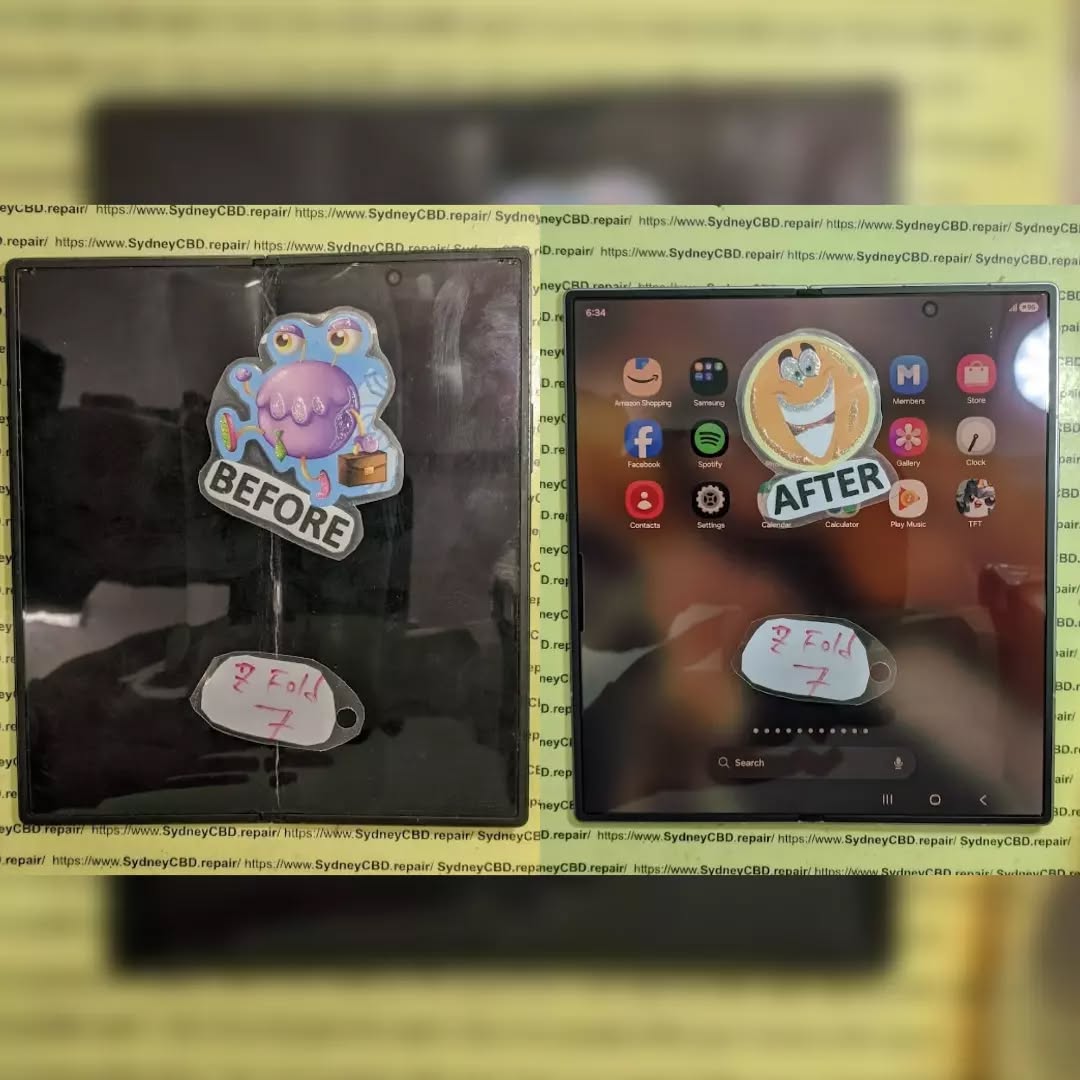
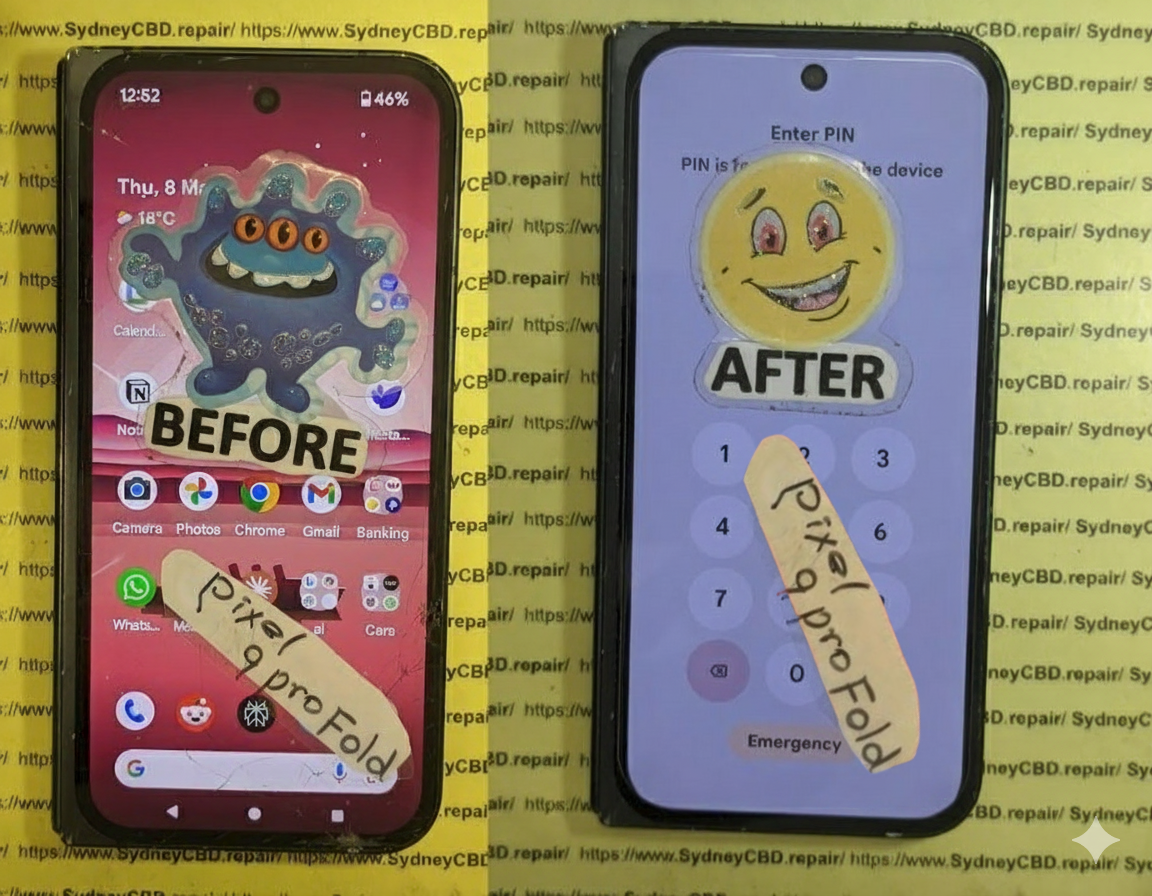
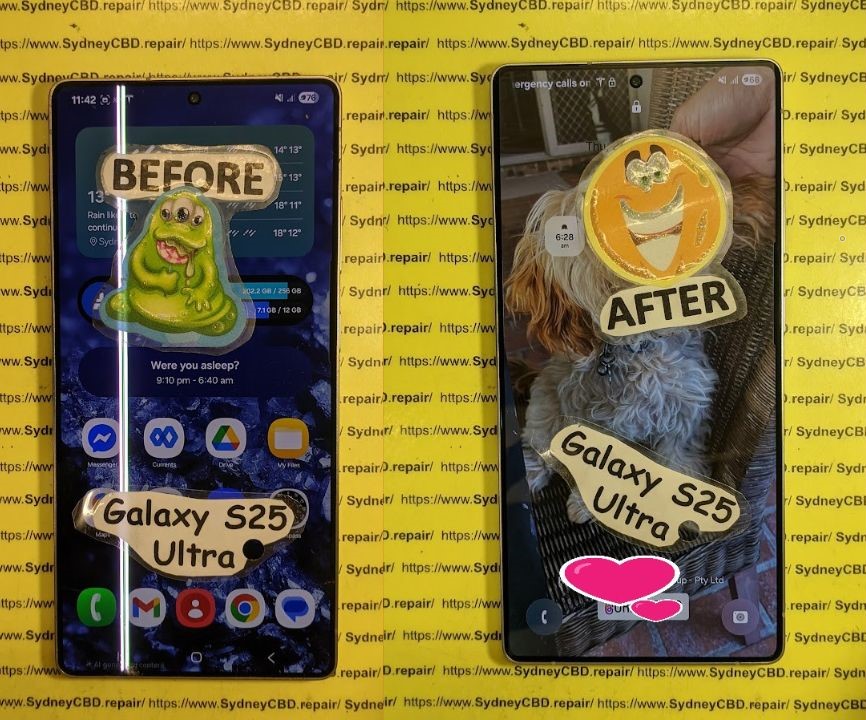
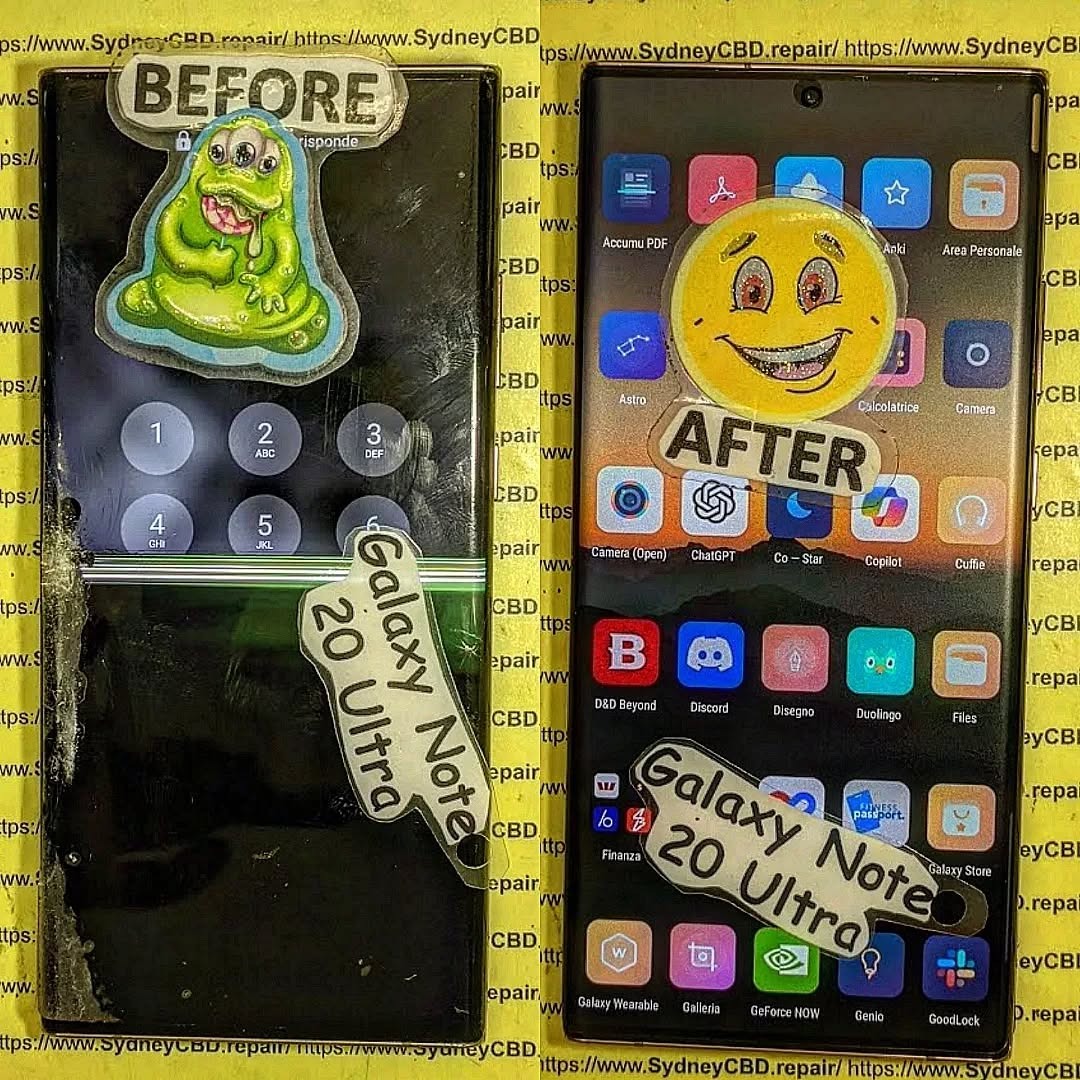
Cracked but NOT Crushed: Resurrecting a OnePlus 13’s Shattered Screen – Ultimate Recovery Guide + 7 Proven Fixes
Introduction:
A cracked OnePlus 13 screen can feel like a total disaster. One moment you’re enjoying flawless AMOLED visuals, and the next, your display looks like a spider web. However, here’s the good news: a cracked OnePlus 13 screen doesn’t mean your phone is finished. In fact, modern screen repair techniques make full restoration not only possible but practical.
The OnePlus 13 is a premium device with advanced display technology. Because of this, screen damage can look worse than it actually is. With the right approach, your OnePlus 13 screen repair can bring your device back to life without compromising performance. Let’s break it all down in plain English.
The OnePlus 13 features an advanced AMOLED display that delivers deep blacks, vibrant colors, and energy efficiency. This screen consists of multiple layers including protective glass, digitizer, and the AMOLED panel itself. When a cracked OnePlus 13 screen occurs, often only the top glass layer is damaged.
This layered design is why professional OnePlus 13 screen repair is so effective. Technicians can replace the damaged layers while preserving the internal display components.
Why the OnePlus 13 Screen Is Fragile
Despite Gorilla Glass protection, the OnePlus 13 screen remains vulnerable. Thin bezels, curved edges, and a large surface area increase the risk of cracking. Even minor drops can lead to significant visual damage.
Let’s be honest—drops happen. A single fall onto concrete can crack a OnePlus 13 screen instantly. Gravity doesn’t play favorites.
Pressure Damage
Sitting on your phone or keeping it in a tight pocket can cause internal stress fractures. These often start small but spread quickly.
Thermal Stress
Sudden temperature changes can weaken the glass, making the OnePlus 13 screen more susceptible to cracking.
Signs Your OnePlus 13 Screen Needs Immediate Repair
Visual Damage Indicators
Spiderweb cracks
Black spots or lines
Flickering display
These signs clearly indicate a cracked OnePlus 13 screen that requires attention.
Touch Sensitivity Issues
If your screen responds inconsistently or stops responding altogether, the digitizer may be damaged. Immediate OnePlus 13 screen repair prevents further complications.
DIY vs Professional OnePlus 13 Screen Repair
Pros and Cons of DIY Screen Repair
DIY repair kits are widely available and cheaper upfront. However, they require technical skill, patience, and proper tools.
Pros:
Lower cost
Immediate access
Cons:
High risk of further damage
No warranty
Reduced resale value
Risks of Home Repairs
Attempting a OnePlus 13 screen repair at home can damage internal components like the fingerprint sensor or AMOLED panel. One mistake and the cost doubles.
Professional OnePlus 13 Screen Repair: What to Expect
Repair Process Overview
Professional technicians follow a structured process:
Diagnostic testing
Safe disassembly
Screen replacement
Quality assurance
This ensures your cracked OnePlus 13 screen is restored to factory standards.
Repair Timeframes
Most professional repairs are completed the same day. In many cases, the OnePlus 13 screen repair takes less than two hours.
Cost Breakdown for OnePlus 13 Screen Repair
Repair Type
Estimated Cost
Glass Only Repair
Moderate
Full Display Replacement
Higher
DIY Kit
Low upfront, high risk
While DIY appears cheaper, professional OnePlus 13 screen repair often saves money long-term.
How to Protect Your OnePlus 13 After Repair
Use a tempered glass protector
Invest in a shockproof case
Avoid extreme temperatures
Handle with care
Prevention is always cheaper than another cracked OnePlus 13 screen.
Environmental Impact of Screen Repairs
Repairing instead of replacing your OnePlus 13 reduces electronic waste. According to environmental studies, extending device lifespan significantly lowers carbon footprint. Learn more about e-waste reduction from Apple’s environmental initiatives: https://www.apple.com/environment/
Frequently Asked Questions (FAQs)
1. Can I use my phone with a cracked OnePlus 13 screen?
Yes, but it’s risky. Cracks can worsen and cause internal damage.
2. Is OnePlus 13 screen repair worth it?
Absolutely. Repairs cost far less than replacing the device.
3. How long does professional OnePlus 13 screen repair take?
Typically 1–2 hours depending on damage severity.
4. Will my data be safe during repair?
Yes, reputable repair centers protect your data.
5. Does screen repair affect waterproofing?
Professional repairs restore seals, but water resistance may slightly reduce.
6. Can a cracked OnePlus 13 screen cause battery drain?
Yes, display damage can increase power consumption.
Conclusion: Restore, Don’t Replace
A cracked OnePlus 13 screen may look devastating, but it’s far from the end. With professional OnePlus 13 screen repair, your device can be restored quickly, safely, and affordably. Instead of replacing your phone, choose repair—it’s smarter, greener, and more cost-effective.
David from Sydney CBD Repair Centre – The Best place to fix mobile phones as 7 Years In A Row! Top Mobile Phone Repair In Sydney. More than 2000 Positive Reviews on Google and Same Day Repairs.
We take pride in delivering exceptional repair services for all major phone brands including Apple, Samsung, Google, and more. Our expert technicians use only genuine parts and offer 90days warranty on repairs. Located in the heart of Sydney CBD, we’re your one-stop solution for all mobile device repairs.
Our commitment to excellence has earned us the trust of thousands of satisfied customers. Whether it’s a cracked screen, battery replacement, or water damage repair, we handle it all with professional care and expertise. Walk in today and experience why we’re Sydney’s #1 choice for mobile phone repairs.
Visit us for:
✓ Same Day Express Repairs
✓ Genuine Parts Guarantee
✓ Professional Technicians
✓ Competitive Pricing
✓ 2000+ 5-Star Google Reviews
✓ 7-Time Award Winner for Best Phone Repairs
Precision Engineering: Replacing the Periscope Zoom Lens on a Samsung S25 Ultra – Ultimate Guide 2026
Introduction
Modern smartphone photography has evolved dramatically, and nowhere is that more evident than in the advanced camera system of the Samsung S25 Ultra. One of its most impressive features is the periscope zoom camera, which allows users to capture distant subjects with remarkable clarity.
However, when damage occurs, replacing the periscope zoom lens on a Samsung S25 Ultra becomes one of the most delicate and technically demanding smartphone repairs available today. Unlike traditional camera modules, the periscope assembly contains numerous precision-engineered optical components that must be aligned accurately to maintain image quality.
This guide explores everything you need to know about replacing the periscope zoom lens on a Samsung S25 Ultra, including the technology behind the system, common failures, repair procedures, costs, and professional recommendations.
Samsung continues to push smartphone camera technology forward with sophisticated zoom capabilities. The periscope camera differs significantly from standard smartphone lenses because it uses a folded optical path.
Instead of light traveling directly into the sensor, incoming light is redirected through prisms and specialized lens elements positioned horizontally inside the phone.
Benefits include:
Higher optical zoom levels
Improved image stabilization
Better long-distance photography
Enhanced low-light zoom performance
Reduced camera bump thickness
The complexity of this system makes precision engineering critical whenever repairs are necessary.
Why the Periscope Zoom Lens Matters
The periscope lens isn’t merely another camera sensor.
It serves several crucial functions:
Feature
Benefit
Optical Zoom
Preserves image quality
Telephoto Capability
Captures distant objects
OIS Support
Reduces camera shake
Advanced Focusing
Improves subject clarity
AI Enhancement
Better digital processing
Without a properly functioning periscope lens, users may experience blurry zoom images, autofocus issues, or complete camera failure.
Common Causes of Periscope Lens Failure
Physical Impact Damage
Drops remain the leading cause of camera module failures.
Even if the external glass appears intact, internal optical components may shift out of alignment.
Common symptoms include:
Shaking camera image
Clicking sounds
Focus hunting
Blurry zoom photos
Moisture and Liquid Exposure
Although Samsung devices offer water resistance, prolonged exposure can still affect sensitive camera components.
Moisture can cause:
Lens fogging
Corrosion
Electrical shorts
Stabilization motor failure
Manufacturing Defects
Occasionally, factory defects can contribute to camera issues. While uncommon, these failures may involve:
Defective optical stabilization units
Sensor communication errors
Ribbon cable faults
Internal lens misalignment
Signs Your Periscope Zoom Lens Needs Replacement
Several warning signs indicate that replacing the periscope zoom lens on a Samsung S25 Ultra may be necessary.
Look for:
Blurry zoom photographs
Black camera screen
Camera app crashes
Autofocus failure
Visible cracks near the camera area
Error messages in camera software
Distorted images
Rattling noises during movement
If multiple symptoms appear simultaneously, professional diagnosis is strongly recommended.
Traditional cameras extend outward from the device.
Periscope cameras instead use mirrors or prisms to bend incoming light by approximately 90 degrees.
Advantages include:
Longer focal lengths
Compact design
Improved zoom capabilities
Better image quality
This optical folding arrangement allows Samsung to achieve powerful zoom performance while maintaining a slim smartphone profile.
Stabilization Components
Optical Image Stabilization (OIS) relies on microscopic movements.
Tiny actuators constantly adjust lens positions to compensate for hand movement.
When damaged, symptoms may include:
Vibrating images
Blurred photos
Clicking sounds
Video instability
Sensor Alignment
Every lens element must align perfectly with the image sensor.
Even microscopic shifts can cause:
Soft focus
Distortion
Uneven sharpness
Poor low-light performance
This is why replacing the periscope zoom lens on a Samsung S25 Ultra requires specialized calibration equipment.
Tools Required for Periscope Zoom Lens Replacement
Professional technicians typically use:
Tool
Purpose
Heat Mat
Softens adhesive
Precision Screwdrivers
Internal disassembly
Suction Cups
Rear cover removal
Plastic Picks
Safe separation
Microscope
Detailed inspection
ESD Protection
Prevents static damage
Calibration Software
Camera alignment
Tweezers
Component handling
Without these tools, repair risks increase significantly.
Step-by-Step Repair Process
Device Preparation
The repair begins with powering down the device completely.
Technicians then:
Remove SIM tray
Heat rear glass
Separate adhesive
Disconnect battery
Access motherboard
Safety is essential because modern smartphones contain delicate flex cables and sensitive electronics.
Internal Disassembly
Once opened, technicians remove:
Wireless charging assembly
NFC components
Protective shields
Internal brackets
Camera connectors
Careful organization prevents misplaced screws and accidental damage.
Camera Module Removal
The damaged periscope camera assembly is disconnected and removed.
Inspection follows to identify:
Structural damage
Connector wear
Moisture contamination
Secondary failures
If only the lens assembly is damaged, replacement may be possible. In many cases, the entire module is replaced to ensure reliability.
Installation and Calibration
After installing the new module:
Reconnect camera cables
Reassemble device
Run diagnostics
Perform software calibration
Verify optical performance
Calibration ensures autofocus, zoom accuracy, and stabilization operate correctly.
Challenges During Replacement
Replacing the periscope zoom lens on a Samsung S25 Ultra presents numerous challenges.
Adhesive Removal Risks
Modern Samsung devices use strong waterproof adhesives.
Improper heating may cause:
Rear glass cracks
OLED damage
Frame warping
Component Density
The S25 Ultra contains densely packed internal components.
Accidental contact can damage:
Display flex cables
Battery connections
Wireless charging coils
Antenna assemblies
Camera Calibration
Perhaps the greatest challenge involves calibration.
Without proper software tools:
Zoom quality suffers
Autofocus becomes inconsistent
Stabilization malfunctions
Image sharpness declines
Professional repair centers invest heavily in calibration equipment to maintain factory-level performance.
Professional Repair vs DIY Repair
Many users wonder whether they should attempt the repair themselves.
DIY Advantages
Lower initial cost
Educational experience
Immediate repair attempt
DIY Risks
Permanent camera damage
Water resistance loss
Calibration issues
Warranty concerns
Professional Advantages
Specialized equipment
Genuine replacement parts
Calibration capability
Repair warranty
Faster completion
For complex camera systems, professional repair is generally the safer option.
Comparison
DIY
Professional
Cost
Lower
Moderate
Success Rate
Variable
High
Calibration
Limited
Professional
Warranty
None
Usually Included
Risk Level
High
Low
Cost of Replacing a Samsung S25 Ultra Periscope Lens
Repair pricing depends on several factors.
These include:
Part availability
Genuine versus aftermarket components
Labor complexity
Regional pricing
Additional damage
Typical costs may involve:
Repair Type
Estimated Range
Lens Glass Only
Low
Camera Module Replacement
Moderate
Full Camera System Repair
Higher
Water Damage Repair
Variable
Obtaining a professional diagnosis ensures accurate pricing.
Post-Repair Testing Procedures
Quality control is essential after replacing the periscope zoom lens on a Samsung S25 Ultra.
Technicians perform:
Camera Focus Testing
Testing verifies:
Fast autofocus
Accurate subject tracking
Macro functionality
Zoom performance
Image Quality Assessment
Images are examined for:
Sharpness
Color accuracy
Distortion
Noise levels
Stabilization Verification
Video recording tests confirm:
Smooth movement
Proper OIS function
Reduced vibration
Consistent performance
Thermal Evaluation
Extended camera use checks for:
Overheating
System instability
Performance throttling
Only after passing these tests should a repair be considered complete.
Preventing Future Camera Damage
Protecting your investment is easier than paying for repairs.
Consider these best practices:
Use a Quality Protective Case
A rugged case helps absorb impact energy during drops.
Install Camera Lens Protection
Additional lens protectors can reduce the likelihood of scratches and cracks.
Avoid Extreme Temperatures
Excessive heat or cold may affect optical components and adhesives.
Keep the Device Dry
While water-resistant, smartphones aren’t indestructible.
Schedule Early Repairs
Minor issues often become major problems when ignored.
Preventive maintenance can significantly extend camera lifespan.
Frequently Asked Questions
1. Can a periscope zoom lens be repaired instead of replaced?
In some situations, individual components can be repaired. However, complete module replacement often provides better reliability and image quality.
2. How long does replacing the periscope zoom lens on a Samsung S25 Ultra take?
Most professional repairs can be completed within several hours, depending on parts availability and calibration requirements.
3. Will image quality return to normal after replacement?
Yes. When genuine parts and proper calibration are used, image quality should closely match original factory performance.
4. Is water resistance maintained after repair?
Professional repair centers can restore sealing systems, but factory water resistance certification may not always be guaranteed.
5. Can camera software issues mimic hardware failure?
Absolutely. Software glitches may create symptoms similar to lens damage. Diagnostic testing should always occur before replacing hardware.
6. What happens if camera calibration is skipped?
Skipping calibration may result in blurry images, poor autofocus performance, stabilization problems, and reduced zoom quality.
7. Does replacing the camera affect stored photos?
No. Camera replacement does not normally impact user data or existing photographs.
8. Should I replace the entire camera module?
In most cases, yes. Full module replacement often provides greater reliability than attempting component-level repairs.
Conclusion
The Samsung S25 Ultra represents one of the most advanced smartphone camera platforms available today. Its periscope zoom technology delivers exceptional long-range photography, but the sophisticated design also makes repairs far more demanding than standard camera replacements.
Successfully replacing the periscope zoom lens on a Samsung S25 Ultra requires technical expertise, specialized tools, precision calibration, and a thorough understanding of modern smartphone optics. While DIY repairs may appear attractive, the risks associated with misalignment, calibration errors, and accidental damage are substantial.
For users seeking the highest repair quality and long-term reliability, professional service remains the most dependable solution. With proper replacement procedures and post-repair testing, the periscope camera can once again deliver the stunning zoom performance that makes the Samsung S25 Ultra stand out from the competition.
For additional information about Samsung smartphone support and camera technologies, visit the official Samsung website: Samsung Support
David from Sydney CBD Repair Centre – The Best place to fix mobile phones as 7 Years In A Row! Top Mobile Phone Repair In Sydney. More than 2000 Positive Reviews on Google and Same Day Repairs.
We take pride in delivering exceptional repair services for all major phone brands including Apple, Samsung, Google, and more. Our expert technicians use only genuine parts and offer 90days warranty on repairs. Located in the heart of Sydney CBD, we’re your one-stop solution for all mobile device repairs.
Our commitment to excellence has earned us the trust of thousands of satisfied customers. Whether it’s a cracked screen, battery replacement, or water damage repair, we handle it all with professional care and expertise. Walk in today and experience why we’re Sydney’s #1 choice for mobile phone repairs.
Visit us for:
✓ Same Day Express Repairs
✓ Genuine Parts Guarantee
✓ Professional Technicians
✓ Competitive Pricing
✓ 2000+ 5-Star Google Reviews
✓ 7-Time Award Winner for Best Phone Repairs
Glass Only vs Full AMOLED Assembly: When Can You Save Your Screen? 11 Powerful Facts Every Phone Owner Should Know
Introduction
Smartphone screen damage is one of the most common problems mobile users face. Whether you’ve dropped your device on concrete, accidentally sat on it, or experienced pressure damage inside a pocket, a cracked display can be frustrating.
One of the most common questions customers ask repair technicians is: Should I choose a glass only repair or a full AMOLED assembly replacement?
The answer depends on the condition of the screen beneath the glass. Understanding the differences between Glass Only vs Full AMOLED Assembly repairs can help you save money while ensuring your phone performs as expected.
In this comprehensive guide, we’ll explain how smartphone displays work, when a glass-only repair is possible, and when a full AMOLED assembly replacement becomes necessary.
Today’s premium smartphones use sophisticated display technology that combines several layers into a single assembly.
Many flagship devices from brands such as the Apple Inc., Samsung Electronics, and Google feature AMOLED or OLED displays that deliver vibrant colors, deep blacks, and exceptional brightness.
These displays are made of multiple bonded layers working together seamlessly.
What Is Glass Only Repair?
Glass-only repair involves replacing only the top protective glass while preserving the original AMOLED display underneath.
Specialized equipment separates the cracked glass from the display panel, followed by re-bonding a new glass layer using optical adhesive and vacuum lamination technology.
This repair method retains the original factory AMOLED screen.
What Is a Full AMOLED Assembly Replacement?
A full AMOLED assembly replacement involves replacing the complete display module, including:
Front glass
AMOLED display
Touch digitizer
Frame (in some models)
This method installs an entirely new screen assembly rather than salvaging the original display.
To understand Glass Only vs Full AMOLED Assembly, it’s important to know the layers involved.
Outer Glass Layer
The glass is the protective surface users touch daily. It shields the internal display from scratches and impacts.
Common protective materials include:
Gorilla Glass
Ceramic Shield
Tempered glass technologies
Touch Digitizer
The digitizer detects finger movements and touch gestures.
In many modern phones, the digitizer is integrated directly into the AMOLED panel.
AMOLED Panel
The AMOLED panel generates the image you see on-screen.
Features include:
Self-illuminating pixels
Superior contrast ratios
Better battery efficiency
Rich color reproduction
Damage to this layer often determines whether a repair can remain glass-only.
Glass Only vs Full AMOLED Assembly Explained
The debate surrounding Glass Only vs Full AMOLED Assembly repairs often comes down to cost versus necessity.
Major Differences
Feature
Glass Only Repair
Full AMOLED Assembly
Replaces Glass
Yes
Yes
Replaces AMOLED
No
Yes
Retains Original Screen
Yes
No
Lower Cost
Usually
Sometimes No
Repair Difficulty
Higher
Moderate
Factory Display Preserved
Yes
No
Repair Complexity
Glass-only repairs require:
Laser separation machines
Vacuum laminators
Bubble removal equipment
Highly trained technicians
Full assembly replacements generally involve removing and replacing the entire display module.
Although technically simpler, replacement parts can be significantly more expensive.
When Glass Only Repair Is Possible
Glass-only repair can save substantial money when the display underneath remains functional.
Signs the AMOLED Is Still Healthy
You may qualify for a glass-only repair if:
Screen displays images normally
Colors remain accurate
Brightness functions properly
Touch responsiveness is intact
No black spots appear
No green lines are visible
No screen flickering occurs
If these conditions are met, technicians may successfully separate the damaged glass and preserve the original AMOLED.
Common Eligible Devices
Many premium devices support glass-only refurbishment, including:
iPhone Pro models
Samsung Galaxy Ultra devices
Google Pixel Pro devices
Huawei flagship phones
Xiaomi premium smartphones
However, repair feasibility varies by model and damage severity.
When Full AMOLED Assembly Is Required
Unfortunately, not every cracked screen can be saved.
Black Spots and Dead Pixels
A full AMOLED assembly replacement becomes necessary when you notice:
Ink-like black spots
Dead pixel clusters
Bright colored lines
Screen bleeding
Internal cracks
These symptoms indicate physical damage to the AMOLED layer itself.
Once the display matrix is damaged, replacing only the glass won’t solve the problem.
Touch Issues and Display Failure
Other indicators requiring full replacement include:
Unresponsive touch areas
Complete display blackout
Ghost touching
Flickering screens
Severe burn-in combined with cracks
In these situations, the entire display assembly must be replaced.
Cost Comparison
One major reason customers ask about Glass Only vs Full AMOLED Assembly repairs is cost.
Labor and Equipment Costs
Glass-only repair requires advanced machinery and significant technician expertise.
Equipment often includes:
Laser separators
OCA laminators
Vacuum chambers
Bubble removal machines
Although labor-intensive, the repair avoids replacing expensive AMOLED panels.
Long-Term Value
Cost advantages may include:
Repair Type
Typical Cost Range
Glass Only Repair
Lower
Full AMOLED Assembly
Higher
Genuine AMOLED Replacement
Highest
Because AMOLED panels represent the most expensive component, preserving the original screen can dramatically reduce repair costs.
For many flagship phones, customers may save hundreds of dollars through glass-only refurbishment.
Advantages of Glass Only Repair
When applicable, glass-only repair offers several benefits.
Retains Factory Display Quality
The original display remains intact.
Benefits include:
Factory-calibrated colors
Original brightness performance
Manufacturer touch sensitivity
Genuine AMOLED quality
More Affordable
Since the AMOLED panel remains untouched, part costs are significantly reduced.
Environmentally Friendly
Glass-only repair reduces electronic waste.
Instead of discarding an entire display assembly, technicians reuse the functioning AMOLED panel.
Faster Parts Availability
Replacement glass is often easier to source than complete display assemblies.
This can shorten repair timelines.
Advantages of Full AMOLED Assembly Replacement
Although more expensive, full replacement offers important advantages.
Comprehensive Solution
Replacing the entire module eliminates:
AMOLED damage
Touch failures
Display artifacts
Internal cracks
Higher Success Rate
A complete assembly replacement generally has a predictable outcome.
Technicians do not need to separate delicate layers.
Suitable for Severe Damage
When internal display damage exists, full replacement is often the only viable option.
Manufacturer-Level Restoration
Using high-quality parts can restore the device close to original specifications.
Risks and Challenges
Every repair approach carries risks.
Glass Only Repair Risks
Potential challenges include:
AMOLED cracking during separation
Hidden display damage
Re-lamination defects
Dust contamination
This is why technician experience matters significantly.
Full AMOLED Assembly Risks
Possible concerns include:
Higher repair cost
Variable aftermarket part quality
Color calibration differences
Reduced brightness with low-grade replacements
Choosing reputable repair providers helps minimize these risks.
Choosing the Right Repair Provider
Not all repair centers offer true glass-only refurbishment.
Before proceeding, ask:
Do you perform in-house glass-only repairs?
What equipment is used?
Is the AMOLED tested beforehand?
Is a warranty provided?
Are genuine-quality parts available?
A qualified repair specialist should provide transparent answers and realistic expectations.
What to Look For
Choose a repair provider that offers:
Experienced technicians
Professional equipment
Positive customer reviews
Warranty coverage
Clear pricing
For additional information about display technology, visit the official AMOLED technology resource from Samsung Display.
Frequently Asked Questions
FAQ 1: Is glass-only repair as good as replacing the entire screen?
Yes, if the AMOLED panel remains undamaged. The repair preserves the original factory display, often providing excellent results.
FAQ 2: How do I know if my AMOLED is damaged?
Signs include black spots, colored lines, flickering, dead pixels, and display blackout.
FAQ 3: Can every cracked phone screen be repaired with glass-only replacement?
No. The underlying AMOLED panel must be fully functional.
FAQ 4: Is glass-only repair cheaper?
Generally, yes. Since the expensive AMOLED panel is retained, repair costs are often significantly lower.
FAQ 5: How long does glass-only repair take?
Repair times vary depending on the model and technician workload, but many repairs can be completed within the same day or a few business days.
FAQ 6: Does glass-only repair affect display quality?
When performed correctly by skilled technicians, display quality should remain virtually identical to the original factory screen.
FAQ 7: Which repair option lasts longer?
Both repairs can be durable when performed professionally using quality materials and proper installation techniques.
FAQ 8: Should I choose genuine AMOLED replacement parts?
Whenever possible, genuine or premium-quality AMOLED assemblies provide the best color accuracy, brightness, and reliability.
Conclusion
Understanding Glass Only vs Full AMOLED Assembly repairs can help smartphone owners make informed decisions when facing screen damage.
If the AMOLED display remains healthy and fully functional, glass-only repair can offer substantial savings while preserving the original factory screen. However, when internal display damage exists, a full AMOLED assembly replacement becomes the safest and most reliable solution.
The key is obtaining an accurate diagnosis from a reputable repair specialist. By evaluating the screen carefully, you can determine whether your display can be saved or whether a complete replacement is necessary.
Ultimately, choosing the right repair method ensures your device returns to peak performance while protecting your investment for years to come.
David from Sydney CBD Repair Centre – The Best place to fix mobile phones as 7 Years In A Row! Top Mobile Phone Repair In Sydney. More than 2000 Positive Reviews on Google and Same Day Repairs.
We take pride in delivering exceptional repair services for all major phone brands including Apple, Samsung, Google, and more. Our expert technicians use only genuine parts and offer 90days warranty on repairs. Located in the heart of Sydney CBD, we’re your one-stop solution for all mobile device repairs.
Our commitment to excellence has earned us the trust of thousands of satisfied customers. Whether it’s a cracked screen, battery replacement, or water damage repair, we handle it all with professional care and expertise. Walk in today and experience why we’re Sydney’s #1 choice for mobile phone repairs.
Visit us for:
✓ Same Day Express Repairs
✓ Genuine Parts Guarantee
✓ Professional Technicians
✓ Competitive Pricing
✓ 2000+ 5-Star Google Reviews
✓ 7-Time Award Winner for Best Phone Repairs
Invisible Damage: Is Your Phone’s Fingerprint Sensor Affected by Cracks? Uncover 10 Hidden Risks
Introduction to Fingerprint Sensor Technology
Smartphones have become extensions of our lives. From banking apps to personal photos, our devices often store the most sensitive information we own. That’s why the fingerprint sensor has grown from a luxury to a critical security feature. But what if the very glass protecting your screen—the seemingly minor scratches and cracks—could compromise this vital technology? Today, we’re uncovering the hidden risks that even minor screen damage can pose to fingerprint sensors and how to keep yours functioning optimally.
Fingerprint sensors fall into three main categories:
Optical Sensors – Use light to scan the ridges and valleys of your fingerprint. These sensors rely on a clear surface to capture accurate images. Even small scratches can distort light reflection, producing recognition errors.
Ultrasonic Sensors – Use high-frequency sound waves to create a 3D map of your fingerprint. These sensors are less affected by superficial scratches but can struggle with internal delamination or cracks beneath the screen.
Capacitive Sensors – Measure the electrical charge differences between your fingerprint ridges and valleys. Microcracks can interfere with the electrical field, causing inconsistent or failed readings.
Understanding the differences between sensor types is key when evaluating if a crack could be more than cosmetic.
You might think a tiny chip in your corner or a minor scratch is harmless. Unfortunately, damage is not always visible on the surface. Even hairline cracks can cause:
Optical distortion – Light reflecting through cracks can misalign images captured by optical sensors.
Internal delamination – Ultrasonic sensors may fail if the layers inside the glass separate.
Electrical interference – Capacitive sensors rely on precise conductivity; cracks disrupt this delicate balance.
Invisible damage is particularly insidious because the screen may look fine while the sensor gradually fails.
Optical Sensors and Surface Scratches
Even light scratches scatter light, reducing the sensor’s ability to distinguish ridges. Users may notice failed unlock attempts or repeated prompts to re-register fingerprints.
Ultrasonic Sensors and Internal Delamination
Internal cracks may not appear on the surface but create air pockets that interfere with ultrasonic pulse transmission. This leads to slower recognition or complete failure in certain areas of the screen.
Capacitive Sensors and Electrical Interference
Microfractures can subtly disrupt the electrical field, causing ghost touches or inconsistent unlocks. Capacitive sensors are highly sensitive, so even minor internal cracks are problematic.
Some warning signs that your fingerprint sensor may be affected include:
Delayed or inconsistent unlocks
“Fingerprint not recognized” errors even after re-registration
Ghost touches or phantom readings
Partial recognition only in certain areas of the sensor
Increased reliance on PINs or passwords
If you notice these issues following a drop or minor crack, your sensor could be silently damaged.
Real-World Case Studies
Case Study 1: A Samsung Galaxy S22 user reported intermittent sensor failure after a corner chip. Despite no visible damage to the central area, ultrasonic readings became inconsistent, requiring professional screen replacement.
Case Study 2: iPhone 13 owner experienced optical sensor errors after multiple minor scratches. Scratch patterns distorted light reflection, preventing accurate fingerprint recognition.
Case Study 3: Capacitive sensor failures in budget Android devices often trace back to undetected internal cracks caused by pressure or bending.
Diagnostic Methods for Detecting Invisible Damage
Professional repair shops have specialized tools, but you can do initial checks at home:
Sensor testing apps – Some apps assess scan accuracy and speed.
Visual inspection with magnification – Look for tiny cracks or delamination.
Keeping your device updated and using protective accessories helps extend sensor lifespan.
Frequently Asked Questions (FAQs)
FAQ 1: Can minor cracks really damage the sensor?
Yes. Even small surface scratches or internal microfractures can distort optical, ultrasonic, or capacitive readings.
FAQ 2: Will replacing the screen fix fingerprint issues?
Most of the time, yes. Professional replacement restores sensor alignment and removes underlying damage.
FAQ 3: How can I test my sensor at home?
Use built-in sensor calibration tools or third-party apps to measure recognition accuracy and speed.
FAQ 4: Are some phones more vulnerable than others?
Yes. Devices with optical sensors or thin glass layers are more prone to damage affecting fingerprint recognition.
FAQ 5: Can a tempered glass protector help?
Absolutely. It prevents scratches and minor impacts, reducing the risk of invisible damage.
FAQ 6: How do ultrasonic sensors differ from optical?
Ultrasonic sensors use sound waves for 3D mapping, making them less sensitive to surface scratches but more sensitive to internal delamination.
Conclusion
Invisible damage can quietly compromise your smartphone’s fingerprint sensor, impacting security and convenience. From optical to ultrasonic and capacitive sensors, each has unique vulnerabilities to cracks and scratches. Regular inspections, protective accessories, and professional repairs are crucial to maintaining full functionality. Don’t wait for errors to escalate—protect and monitor your device today to ensure smooth, secure fingerprint access.
David from Sydney CBD Repair Centre – The Best place to fix mobile phones as 7 Years In A Row! Top Mobile Phone Repair In Sydney. More than 2000 Positive Reviews on Google and Same Day Repairs.
We take pride in delivering exceptional repair services for all major phone brands including Apple, Samsung, Google, and more. Our expert technicians use only genuine parts and offer 90days warranty on repairs. Located in the heart of Sydney CBD, we’re your one-stop solution for all mobile device repairs.
Our commitment to excellence has earned us the trust of thousands of satisfied customers. Whether it’s a cracked screen, battery replacement, or water damage repair, we handle it all with professional care and expertise. Walk in today and experience why we’re Sydney’s #1 choice for mobile phone repairs.
Visit us for:
✓ Same Day Express Repairs
✓ Genuine Parts Guarantee
✓ Professional Technicians
✓ Competitive Pricing
✓ 2000+ 5-Star Google Reviews
✓ 7-Time Award Winner for Best Phone Repairs
THE ASPIRE REPAIR! Fixing the Asus ROG Phone’s Charging Port + Ultimate Guide + 7 Key Steps
Introduction
In today’s fast-paced digital world, a smartphone is more than just a communication device—it’s a lifeline. For gamers and power users, the Asus ROG Phone stands out as a high-performance device designed to handle intense gaming, multitasking, and heavy daily use. However, even the most advanced phones are not immune to wear and tear, and one of the most common yet frustrating issues is a faulty charging port.
A damaged charging port can prevent your phone from charging properly, disrupt your gaming sessions, or even leave you completely powerless at crucial moments. Whether the issue stems from dust accumulation, liquid exposure, physical damage, or simply wear and tear over time, addressing it promptly is essential to maintain your phone’s performance and longevity.
This comprehensive guide will walk you through everything you need to know about fixing the Asus ROG Phone’s charging port. From identifying common symptoms and understanding causes to performing a safe and effective repair, we’ll cover every step. You’ll also learn preventative tips to ensure your charging port stays in peak condition and discover when professional help is the smarter choice.
By the end of this guide, you’ll have the confidence to restore your phone’s charging functionality, extend its lifespan, and avoid future hassles—keeping your Asus ROG Phone ready for action, anytime, anywhere.
The charging port is arguably one of the most crucial components of your Asus ROG Phone. Without it, keeping your phone powered becomes a frustrating challenge. This ultimate guide will walk you through how to fix a faulty charging port, covering everything from identifying symptoms to performing the repair safely, along with preventative measures to avoid future problems.
The Asus ROG Phone is built for gamers, boasting high-performance specifications. But even the sturdiest devices can suffer from wear and tear, especially in the charging port.
Common Symptoms of a Faulty Charging Port
A malfunctioning charging port usually presents the following signs:
Slow or inconsistent charging: Your phone may take hours to charge fully or may stop charging unexpectedly.
Intermittent connection: Sometimes the phone charges only when the cable is held at a specific angle.
Overheating: Excessive heat near the charging area indicates electrical issues.
No charging at all: Complete failure to charge often signals physical damage or corrosion.
Causes of Charging Port Damage
Several factors contribute to port damage, including:
Accumulated dust and debris blocking the connector pins.
Liquid exposure, causing corrosion or short circuits.
Physical wear from frequent plugging and unplugging.
Poor quality cables causing bent or broken pins inside the port.
Repairing the charging port requires specific tools to avoid further damage.
Safety Precautions Before You Begin
Before starting, ensure you:
Power down the phone completely.
Remove the battery if possible or ensure it’s fully discharged.
Work on an anti-static surface and use anti-static wrist straps.
List of Required Tools
Precision screwdrivers (Philips, Torx)
Plastic spudgers or pry tools
Tweezers
Magnifying glass or microscope
Soldering iron and solder (if port is soldered)
Replacement charging port compatible with Asus ROG Phone
Step-by-Step Guide to Fix the Charging Port
Step 1: Power Down and Open the Device
Remove all screws securing the back panel.
Use a spudger to carefully detach the back cover, avoiding flex cables.
Step 2: Disconnect the Battery Safely
Locate the battery connector and disconnect it to prevent short circuits.
Ensure no residual power remains in the device.
Step 3: Remove the Old Charging Port
Inspect the port for soldering or clip mechanisms.
Carefully desolder or unclip the port using appropriate tools.
Avoid applying excessive heat that can damage the motherboard.
Step 4: Install the New Charging Port
Align the new port precisely.
Solder or clip it into place carefully, ensuring all pins are connected.
Inspect the connection with a magnifying glass to verify alignment.
Step 5: Reassemble the Phone
Reconnect the battery.
Secure the back cover and screws.
Double-check that no components are loose.
Step 6: Testing the Charging Functionality
Plug in the charger to verify connectivity.
Test for proper voltage and current flow using a multimeter.
Ensure the phone charges reliably under different angles and cables.
Preventing Future Charging Port Issues
Prevention is always better than repair.
Regular Cleaning Techniques
Use compressed air or a soft brush to remove dust.
Avoid inserting sharp objects that can bend pins.
Clean periodically, especially if you carry your phone in pockets or bags.
Protective Accessories
Invest in port covers or plugs.
Use cases that prevent dust accumulation.
Opt for high-quality charging cables and avoid forcing connectors.
When to Seek Professional Help
While DIY repairs are possible, some situations demand expert intervention.
Advantages of Professional Repair Services
Access to specialized tools and replacement parts.
Skilled technicians who minimize risk of damage.
Warranty support that ensures your repair is covered.
Cost Analysis: DIY vs Professional
Aspect
DIY
Professional
Cost
$15-$30 (parts only)
$50-$100 (parts + labor)
Time
1–3 hours
30–60 minutes
Risk
High
Low
Warranty
None
Typically 90 days
Frequently Asked Questions (FAQs)
Q1: Can I fix the charging port without soldering?
A1: Yes, if your Asus ROG Phone uses a modular clip port. Otherwise, soldering is often required.
Q2: How long does a charging port repair take?
A2: DIY repairs may take 1–3 hours, while professionals often finish in under an hour.
Q3: Will a faulty charging port damage my battery?
A3: Prolonged intermittent charging can degrade battery life, so it’s best to repair promptly.
Q4: How can I clean my charging port safely?
A4: Use compressed air or a soft brush; avoid liquids or metal objects.
Q5: Is using third-party chargers harmful to the charging port?
A5: Low-quality cables can damage pins or overheat the port. Always use certified chargers.
Q6: Does Asus provide official charging port replacement?
A6: Yes, you can check Asus support here for authorized service centers.
Conclusion
Fixing your Asus ROG Phone charging port might seem intimidating, but with the right tools, precautions, and step-by-step guidance, it’s entirely manageable. Whether you opt for DIY or professional repair, proper maintenance and protective habits will extend your phone’s life and prevent future issues.
David from Sydney CBD Repair Centre – The Best place to fix mobile phones as 7 Years In A Row! Top Mobile Phone Repair In Sydney. More than 2000 Positive Reviews on Google and Same Day Repairs.
We take pride in delivering exceptional repair services for all major phone brands including Apple, Samsung.
We take pride in delivering exceptional repair services for all major phone brands including Apple, Samsung, Google, and more. Our expert technicians use only genuine parts and offer 90days warranty on repairs. Located in the heart of Sydney CBD, we’re your one-stop solution for all mobile device repairs.
Visit us for:
✓ Same Day Express Repairs
✓ Genuine Parts Guarantee
✓ Professional Technicians
✓ Competitive Pricing
✓ 2000+ 5-Star Google Reviews
✓ 7-Time Award Winner for Best Phone Repairs
Expert Comparison: Repairing the Google Pixel 10 Pro XL vs Galaxy S25 Ultra Internals – 15 Powerful Insights Every Technician Should Know
Introduction to Modern Smartphone Repair Challenges
Smartphone repair has changed dramatically over the last few years. Devices are now thinner, faster, and packed with premium materials. While these upgrades improve user experience, they also make repairs more complicated. When comparing repairing the Google Pixel 10 Pro XL vs Galaxy S25 Ultra internals, technicians quickly notice how different engineering philosophies affect repairability.
Manufacturers are focusing heavily on waterproofing, slim designs, and camera performance. Unfortunately, these features often come at the cost of easy repairs. Adhesives are stronger, internal layouts are tighter, and delicate flex cables sit dangerously close to opening points.
Both flagship devices represent the peak of Android engineering. However, they differ significantly once you remove the rear glass and examine the internal structure. Understanding these differences is critical for repair technicians, DIY enthusiasts, and customers wanting reliable long-term ownership.
According to Google Official Store and Samsung Official Website, both devices prioritize premium durability and advanced AI features. Yet from a repair standpoint, those priorities create unique service challenges.
Why Repairability Matters More Than Ever
Repairability isn’t just about replacing a cracked screen anymore. Consumers now expect smartphones to last several years. As device prices rise, users want affordable repair options instead of expensive replacements.
Here’s why repairability matters:
Lower ownership costs
Reduced electronic waste
Faster repair turnaround
Better resale value
Longer device lifespan
The debate surrounding repairing the Google Pixel 10 Pro XL vs Galaxy S25 Ultra internals has become increasingly important because these are ultra-premium devices with equally premium repair costs.
Modern consumers also care more about sustainability. Companies like Sydney CBD Repair Centre have pushed manufacturers toward improving repairability scores. Even so, flagship smartphones remain difficult to service compared to older models.
The Google Pixel 10 Pro XL follows Google’s familiar minimalist internal design philosophy. Once opened, technicians immediately notice a relatively organized layout with modular sections.
Pixel 10 Pro XL Frame Construction
Google uses a reinforced aluminum frame combined with Gorilla Glass protection. The frame feels sturdy, but the rear glass remains vulnerable during opening procedures.
One advantage of the Pixel design is its cleaner cable routing. Flex cables are positioned more predictably compared to Samsung’s denser arrangement.
Internal highlights include:
Layered motherboard architecture
Centrally positioned battery
Independent camera housing
Modular charging assembly
These features make repairing the Google Pixel 10 Pro XL vs Galaxy S25 Ultra internals somewhat easier on the Google side for intermediate technicians.
Battery Placement and Adhesive Layout
The Pixel battery uses pull-tab adhesive strips that simplify removal. While adhesive remains strong, controlled heat and proper lifting techniques reduce battery puncture risks significantly.
Benefits include:
Pixel 10 Pro XL Battery Design
Advantage
Pull-tab adhesives
Easier extraction
Central battery location
Better access
Reduced cable overlap
Lower accidental damage risk
Camera Module Accessibility
Google’s camera modules are surprisingly accessible once the upper protective shields are removed. This helps technicians replace faulty cameras without fully dismantling the motherboard.
That modular approach saves time and lowers labor costs.
Samsung approaches flagship engineering differently. The Galaxy S25 Ultra emphasizes rigidity, thermal management, and dense component integration.
S25 Ultra Structural Reinforcement
Samsung reinforces the internal structure heavily. The titanium frame and additional support brackets improve durability but increase repair complexity.
Technicians often notice:
Multiple hidden screws
Strong perimeter adhesive
Layered shielding plates
Tighter cable pathways
This makes repairing the Google Pixel 10 Pro XL vs Galaxy S25 Ultra internals more challenging on Samsung devices, especially for beginners.
Samsung’s Display Assembly Design
Samsung’s display assembly is incredibly thin and expensive. Because of curved-edge technology and integrated digitizer layers, screen replacements require extreme caution.
A damaged OLED panel can cost hundreds of dollars alone.
Additionally, Samsung screens often integrate:
Ultrasonic fingerprint sensors
High-refresh LTPO technology
Flexible OLED connectors
Delicate ribbon cable assemblies
Cooling System and Heat Dissipation
Samsung includes an advanced vapor chamber cooling system. While excellent for gaming and thermal performance, it complicates motherboard removal.
Technicians must carefully disconnect thermal layers to avoid bending critical components.
Comparing Opening Procedures
Opening procedures reveal major differences between both phones.
Heat Application Requirements
The Galaxy S25 Ultra generally requires more heat because Samsung uses stronger adhesive around the rear panel.
The Pixel 10 Pro XL opens slightly easier because its adhesive softens more consistently under controlled temperatures.
Recommended repair temperatures:
Device
Suggested Opening Temperature
Pixel 10 Pro XL
75°C–80°C
Galaxy S25 Ultra
85°C–90°C
Too much heat can damage wireless charging coils and OLED layers.
Adhesive Strength Differences
Samsung prioritizes water resistance aggressively. As a result, the S25 Ultra’s adhesive can feel almost cement-like during first entry.
Google balances waterproofing with moderate repairability, making rear glass separation slightly safer.
Still, both devices demand:
Precision pry tools
Isopropyl alcohol
Controlled heat pads
Suction cups
Patience
Rushing repairs is where things go pear-shaped quickly.
Screen Repair Difficulty Comparison
Display repairs remain the most common smartphone repair worldwide.
When comparing repairing the Google Pixel 10 Pro XL vs Galaxy S25 Ultra internals, Samsung’s screen replacement is notably more difficult and expensive.
Google Pixel 10 Pro XL Screen Repairs
Advantages:
Flatter display profile
Easier frame alignment
Reduced OLED flex stress
Less edge cracking risk
Disadvantages:
Fragile under-display sensors
Strong display adhesive
Delicate flex connectors
Galaxy S25 Ultra Screen Repairs
Advantages:
Exceptional display quality
Strong structural frame
Disadvantages:
Curved edge vulnerability
Expensive OLED assembly
Difficult adhesive cleanup
Increased accidental crack risk
Technicians often spend longer calibrating Samsung displays after replacement due to fingerprint sensor integration.
Battery Replacement Analysis
Battery replacements are essential after years of charging cycles.
Google performs better here.
Pixel 10 Pro XL Battery Serviceability
The Pixel’s pull-tab system significantly reduces repair risk. Batteries can often be removed cleanly with less force.
This minimizes:
Battery swelling incidents
Frame bending
Internal punctures
Thermal runaway risks
Galaxy S25 Ultra Battery Serviceability
Samsung batteries use stronger adhesive layers without equally effective pull tabs. Removing them safely often requires additional solvent and careful prying.
That extra difficulty increases labor time and risk.
Motherboard and Component-Level Repair Accessibility
Component-level repair specialists care deeply about motherboard accessibility.
Google provides:
Cleaner shield layouts
Easier connector access
More logical screw placement
Samsung prioritizes compact engineering over repair simplicity.
Common Component Repairs
| Repair Type | Pixel Difficulty | Samsung Difficulty |
|—|—|
| Charging port | Moderate | Hard |
| Front camera | Easy | Moderate |
| Rear camera | Moderate | Hard |
| Power IC repair | Hard | Very Hard |
| Audio IC replacement | Hard | Very Hard |
The tighter Samsung layout means accidental cable damage occurs more frequently during disassembly.
Camera Repair and Lens Replacement
Camera technology is one of the biggest selling points for both phones.
However, camera repairs differ considerably.
Pixel Camera Repairs
Google’s modular camera design allows individual lens replacements more efficiently. Technicians can isolate defective units faster.
Samsung Camera Repairs
Samsung’s larger sensor array and integrated stabilization system complicate repairs.
Potential issues include:
Dust contamination
Autofocus calibration
Sensor alignment
OIS instability
Professional clean-room handling becomes increasingly important.
Water Resistance Challenges After Repairs
Both devices advertise strong IP ratings. However, maintaining waterproofing after repair is difficult.
Why Water Resistance Changes After Repair
Once opened:
Factory seals break
Adhesive consistency changes
Pressure equalization alters
Tiny gaps may appear
Even expert technicians can’t fully recreate factory conditions.
That’s why customers should understand realistic expectations after repairs.
Parts quality dramatically affects repair outcomes.
Genuine Parts Advantages
Genuine Components
Benefit
Better OLED quality
Improved visuals
Proper calibration
Stable performance
Accurate fitment
Easier installation
Reliable waterproofing
Better durability
Aftermarket Risks
Cheap parts may cause:
Ghost touch issues
Poor brightness
Battery overheating
Weak adhesives
Camera malfunctions
Repair technicians should always explain these trade-offs clearly to customers.
Repair Costs and Long-Term Value
Premium smartphones come with premium repair costs.
Typical Repair Cost Comparison
| Repair Type | Pixel 10 Pro XL | Galaxy S25 Ultra |
|—|—|
| Screen replacement | High | Very High |
| Battery replacement | Moderate | Moderate-High |
| Rear glass repair | Moderate | High |
| Charging port repair | Moderate | High |
Samsung repairs usually cost more because:
OLED panels are pricier
Labor time increases
Curved displays raise risks
Component density complicates work
Still, both phones offer excellent longevity when repaired properly.
Tools Technicians Need for Both Devices
Professional repairs require specialized equipment.
Essential Repair Tools
Precision screwdrivers
OLED-safe pry picks
Controlled heating pads
Microscope for board work
ESD protection
Adhesive removal tools
High-quality tweezers
Advanced technicians also use:
Thermal cameras
DC power supplies
Microsoldering stations
Without proper tools, expensive mistakes happen fast.
Common Repair Mistakes to Avoid
Many repair failures happen because technicians rush.
Frequent Errors
Overheating the Rear Glass
Too much heat weakens OLED layers and damages wireless charging coils.
Using Excessive Prying Force
This often snaps flex cables hidden beneath the glass.
Poor Adhesive Cleanup
Uneven adhesive creates waterproofing issues and frame gaps.
Installing Cheap Batteries
Low-quality batteries may swell prematurely or trigger thermal instability.
Forgetting Calibration Steps
Modern smartphones require calibration after repairs, especially fingerprint sensors and cameras.
Which Phone Is Easier to Repair?
When evaluating repairing the Google Pixel 10 Pro XL vs Galaxy S25 Ultra internals, the Google Pixel 10 Pro XL is generally easier to repair overall.
Why the Pixel Wins for Repairability
Simpler internal organization
Better battery adhesive system
Easier camera access
Reduced cable congestion
Less aggressive adhesive usage
Why Samsung Still Excels
Despite repair complexity, Samsung offers:
Outstanding structural durability
Premium thermal engineering
Exceptional display technology
Advanced camera systems
Ultimately, the better device depends on whether users prioritize repairability or cutting-edge engineering.
Frequently Asked Questions
Is the Google Pixel 10 Pro XL easier to repair than the Galaxy S25 Ultra?
Yes. The Pixel 10 Pro XL generally offers easier battery access, cleaner cable routing, and simpler modular repairs.
Why are Samsung screen repairs more expensive?
Samsung uses advanced curved OLED panels with integrated technologies that increase both parts cost and repair difficulty.
Can waterproofing remain after repairs?
Professional technicians can restore some water resistance using premium adhesives, but factory-level sealing is difficult to fully replicate.
Are genuine parts worth the extra cost?
Absolutely. Genuine parts improve reliability, performance, durability, and compatibility.
Which phone has better long-term repair value?
The Pixel 10 Pro XL often provides better repair value because labor times are shorter and component access is simpler.
Should DIY users attempt these repairs?
Only experienced DIY users should attempt flagship repairs. Modern smartphones contain fragile components that are easy to damage.
Conclusion
Modern flagship smartphones are engineering marvels, but they’re also increasingly difficult to repair. Comparing repairing the Google Pixel 10 Pro XL vs Galaxy S25 Ultra internals reveals two very different design philosophies.
Google prioritizes cleaner layouts and somewhat improved serviceability, while Samsung focuses heavily on durability, thermal management, and cutting-edge display technology.
For technicians, the Pixel 10 Pro XL offers a smoother repair experience overall. For consumers, both devices remain excellent choices if serviced properly using genuine parts and professional repair methods.
As smartphones continue evolving, repairability will remain a major factor influencing long-term ownership costs, sustainability, and customer satisfaction.
David from Sydney CBD Repair Centre – The Best place to fix mobile phones as 7 Years In A Row! Top Mobile Phone Repair In Sydney. More than 2000 Positive Reviews on Google and Same Day Repairs.
We take pride in delivering exceptional repair services for all major phone brands including Apple, Samsung, Google, and more. Our expert technicians use only genuine parts and offer 90days warranty on repairs. Located in the heart of Sydney CBD, we’re your one-stop solution for all mobile device repairs.
Our commitment to excellence has earned us the trust of thousands of satisfied customers. Whether it’s a cracked screen, battery replacement, or water damage repair, we handle it all with professional care and expertise. Walk in today and experience why we’re Sydney’s #1 choice for mobile phone repairs.
Visit us for:
✓ Same Day Express Repairs
✓ Genuine Parts Guarantee
✓ Professional Technicians
✓ Competitive Pricing
✓ 2000+ 5-Star Google Reviews
✓ 7-Time Award Winner for Best Phone Repairs
The Future of Foldables: Repairing Next-Gen Flexible Phone Screens – Ultimate Breakdown + 7 Key Insights
Introduction
Foldable smartphones are no longer prototypes or futuristic concepts—they’re rapidly becoming mainstream devices reshaping how we use mobile technology. As brands like Samsung, Google, Huawei, and Motorola push boundaries with sleeker hinges, tougher screens, and more immersive displays, users are beginning to ask the next big question: How do we repair these next-gen flexible phone screens when something goes wrong? The Future of Foldables: Repairing Next-Gen Flexible Phone Screens isn’t just a trending topic—it’s an essential discussion for anyone who owns, repairs, or plans to invest in a foldable device.
In recent years, foldable technology has evolved from fragile plastic displays to robust ultra-thin glass (UTG), offering improved durability and a smoother touch experience. But despite these innovations, the unique materials and mechanical structures in foldables mean repairs aren’t as straightforward as fixing traditional smartphone screens. Their complex layering, adhesive bonding, and hinge-display interaction require specialized techniques, advanced tools, and expert handling.
This introduction sets the stage for a deep dive into the world of flexible phone screen technology—how it works, why it fails, and what the future of repairability looks like. As foldables continue to gain popularity, understanding these concepts becomes increasingly important for consumers, technicians, and tech enthusiasts alike. The goal? To empower you with clear, practical, and forward-thinking insights into maintaining and repairing the mobile devices of tomorrow.
Foldable smartphones are becoming the new normal in mobile innovation, and as more users invest in futuristic devices with bending screens, repairability becomes a major concern. The Future of Foldables: Repairing Next-Gen Flexible Phone Screens is a topic that every smartphone user—especially early adopters—needs to understand. These devices look sleek and work beautifully, but fixing them isn’t as straightforward as repairing traditional flat screens.
In this guide, you’ll discover how foldable screens work, why they break, what it takes to repair them, and how future technology will make repairs easier, cheaper, and more accessible.
Foldable phones rely on advanced display engineering that allows screens to bend thousands of times without losing clarity or touch sensitivity. These displays combine flexibility with durability, though the balance is still evolving.
Types of Flexible Screens
There are two main types of foldable screens today:
1. AMOLED Foldable Displays
These screens use flexible AMOLED layers that maintain brightness and color accuracy even when bent.
2. Ultra-Thin Glass (UTG) Displays
UTG offers improved scratch resistance and reduced creasing compared to plastic OLED.
Materials Used in Modern Foldables
Next-gen displays use a combination of:
Ultra-thin glass
Flexible OLED panels
Polyimide layers
Multi-layer laminated protective coatings
These materials work together to deliver durability, but they also complicate the repair process.
Although foldable screens have improved dramatically, they still face recurring issues.
Creasing and Wrinkles
Even premium devices show slight crease marks after extended use. This happens due to consistent folding pressure on the middle hinge area.
OLED Pixel Damage
Damaged pixels or dark spots may appear after drops or pressure. Because the OLED layer is thin and flexible, it’s more vulnerable than rigid displays.
Why Flexible Screens Break Differently
Foldable screens use elastic materials not found in traditional displays.
Stress Points and Repeated Folding
Every fold creates mechanical stress. Over time, this can:
Loosen layers
Cause micro-fractures
Reduce touchscreen responsiveness
Thermal Impact on Flexible OLED Layers
Heat expands the layers unevenly, increasing the chance of delamination or screen bubbling.
Repair Challenges for Foldable Screens
Repairing foldable devices is not the same as fixing normal phones. There are several unique challenges.
High Cost of Replacement Panels
Foldable panels are more expensive because:
They require specialized manufacturing
There’s limited supply
Repairs must be done with advanced equipment
Adhesive and Lamination Complexity
Foldable screens use multiple bonding layers that need precise alignment during replacement—a process nearly impossible without professional tools.
Advancements Making Repairs Cheaper and Faster
The future looks promising thanks to ongoing technological improvements.
Modular Display Layers
Manufacturers are now designing foldable displays with independent layers, making repairs less invasive.
Improved Ultra-Thin Glass (UTG) Technology
Modern UTG is:
Tougher
More flexible
Less prone to cracking
This decreases repair frequency and cost.
DIY vs Professional Repairs
Why DIY Repairs Often Fail
Trying to repair a foldable screen at home can lead to:
Touchscreen failure
Creasing
Broken hinges
Total display damage
Benefits of Choosing Certified Technicians
Professionals offer:
Proper tools
Accurate lamination
Genuine replacement parts
Device-safe diagnostics
Future Trends in Foldable Screen Repair
Self-Healing Materials
Self-repairing polymers may soon fix small scratches or creases automatically—reducing service needs.
Magnetic or Snap-On Display Modules
Future foldables may allow easier panel swaps without full disassembly.
FAQs
1. Are foldable screens easier to break than regular screens?
Yes, because they contain flexible OLED layers that are thinner and more delicate.
2. Can a crease in a foldable screen be removed?
Not completely, although UTG improvements reduce visibility.
3. How much does a typical foldable screen repair cost?
It depends on the model, but repairs often range from $400 to $900.
4. How long do foldable displays last?
Most are tested for 200,000 folds—equivalent to 5+ years of normal use.
5. Can water damage ruin a foldable display?
Absolutely. Water can seep into layers and cause irreversible pixel failure.
6. What’s the best way to protect a foldable screen?
Use manufacturer-approved screen protectors and avoid applying pressure near the hinge.
Conclusion
Foldable technology continues to evolve, and so does the repair industry supporting it. While early foldables faced major durability issues, new models are stronger, more flexible, and more repair-friendly. As materials improve and modular designs become mainstream, repairs will get cheaper and faster—making foldable phones accessible to more users worldwide.
If you rely on your foldable phone daily, choosing skilled repair professionals ensures long-term performance, device safety, and cost savings.
David from Sydney CBD Repair Centre – The Best place to fix mobile phones as 7 Years In A Row! Top Mobile Phone Repair In Sydney. More than 2000 Positive Reviews on Google and Same Day Repairs.
We take pride in delivering exceptional repair services for all major phone brands including Apple, Samsung, Google, and more. Our expert technicians use only genuine parts and offer 90 days warranty on repairs. Located in the heart of Sydney CBD, we’re your one-stop solution for all mobile device repairs.
Visit us for:
✓ Same Day Express Repairs
✓ Genuine Parts Guarantee
✓ Professional Technicians
✓ Competitive Pricing
✓ 2000+ 5-Star Google Reviews
✓ 7-Time Award Winner for Best Phone Repairs
The Truth About Phone Repair Costs: 10 Essential Insights You Must Know
Understanding phone repair costs is more important than ever. With smartphones becoming more advanced and essential in our daily lives, a broken device can cause inconvenience, loss of data, and even financial strain. Many users often find themselves shocked by repair estimates, but the truth is that costs vary based on several factors, including the type of repair, the device model, and whether you choose professional service or attempt a DIY fix.
In this comprehensive guide, we’ll break down everything you need to know about phone repair costs, explore ways to save money, and provide actionable tips to ensure your device is repaired safely and efficiently.
Introduction: The Truth About Phone Repair Costs
In today’s fast-paced digital world, our smartphones are more than just devices—they’re lifelines. From managing work emails and social media to navigating our daily schedules, we rely heavily on these gadgets. But what happens when your phone breaks, suffers water damage, or the screen shatters unexpectedly? Suddenly, understanding phone repair costs becomes crucial.
Many users are often surprised by how much repairs can cost, with prices varying widely depending on the device model, type of repair, and whether you opt for professional service or attempt a DIY fix. Knowing what influences these costs can save you time, money, and frustration.
This comprehensive guide will explore everything you need to know about phone repair costs, including common repairs, hidden charges, factors affecting pricing, and ways to save money. By the end, you’ll be equipped to make informed decisions, protect your device, and avoid costly mistakes.
Whether you own an iPhone, Samsung, Google Pixel, or any other smartphone, this guide provides valuable insights to ensure your device is repaired safely, efficiently, and cost-effectively.
Cracked screens are the most common repair. Costs depend on the phone model and screen type (LCD, OLED, AMOLED). For example, replacing an iPhone 14 Pro Max screen can cost up to $450, while a budget Android phone may be under $100.
Battery Replacement
Battery issues reduce device performance. Professional replacement ensures proper installation and calibration. Costs typically range:
iPhone: $80 – $120
Samsung Galaxy: $70 – $110
Other Android: $50 – $90
Charging Port Repairs
Charging ports are prone to wear and tear. Repair costs include parts and labor:
Average: $60 – $150 depending on brand and complexity.
Water Damage Repairs
Water exposure is unpredictable. Costs vary depending on severity:
Minor damage: $80 – $150
Severe damage: $200 – $400 (may require motherboard repair or replacement)
Camera Repair
Camera malfunctions can be costly due to small, intricate parts:
Rear camera: $80 – $200
Front camera: $60 – $150
Factors Affecting Repair Costs
Device Model & Age
Older phones may be cheaper to repair, but replacement parts could be scarce. Newer models with advanced technology often have higher repair costs due to complex assembly.
Parts Quality
High-quality parts last longer and maintain device performance. Cheaper parts may save money initially but could result in repeated repairs.
Labor Charges
Expert technicians charge more, but they reduce the risk of errors. Labor costs can range from $30 for minor repairs to $150+ for complex fixes.
Warranty Considerations
Repairs covered under warranty are usually cheaper or free. Third-party repairs may void manufacturer warranties. Always check before proceeding.
DIY vs Professional Phone Repairs
Pros and Cons of DIY
Pros: Lower cost, immediate action.
Cons: Risk of further damage, no warranty, technical challenges.
Risks of DIY Repairs
Improper installation, static damage, and loss of small parts can permanently damage your device.
Advantages of Professional Repairs
Trained technicians with experience
Use of genuine parts
Warranty on service
Quick and safe solutions
How to Save Money on Phone Repairs
Comparing Repair Shops
Check multiple repair centers for pricing, reviews, and warranty offers. Don’t just pick the cheapest option.
Using Genuine Parts
While third-party parts are cheaper, genuine parts may prevent repeated issues and maintain resale value.
Timing Your Repair
Avoid waiting until damage worsens. Immediate repair can prevent more costly problems like motherboard damage.
Understanding Warranty and Insurance Coverage
Manufacturer Warranty
Covers defects but usually excludes accidental damage.
Third-Party Insurance
Covers accidental damage and water exposure. Policies vary in coverage and deductibles.
Extended Warranties
Extended warranties can cover repairs for an extra fee but read the terms carefully.
Hidden Costs You Might Not Expect
Diagnostic Fees
Some repair shops charge a diagnostic fee, which may or may not be applied to the repair cost.
Additional Damage
Often, a visible issue is accompanied by hidden damage, increasing the total repair cost.
Software Issues
Sometimes, repairs involve software fixes or updates, which may incur additional charges.
Tips for Choosing the Best Repair Service
Reputation and Reviews
Check Google reviews or local forums for trustworthy repair centers.
Certification of Technicians
Certified technicians ensure quality repair work and proper handling of devices.
Genuine Parts Guarantee
Confirm that the repair center uses genuine parts to prevent recurring issues.
These real-life examples highlight cost variations and factors affecting total charges.
Emerging Trends in Phone Repairs
Mobile Repair Kiosks
Quick repairs at malls and airports, often for minor issues.
Remote Diagnostics
Technicians can sometimes diagnose problems remotely, saving time.
Eco-Friendly Repairs
Recycling old components and offering refurbished parts are gaining popularity.
FAQs About Phone Repair Costs
1. How much does an iPhone screen repair cost?
Depending on the model, $100 to $450. Higher-end models are more expensive.
2. Is it cheaper to replace my phone than repair it?
For minor repairs, fixing is usually cheaper. For extensive damage, replacement may be more cost-effective.
3. Can DIY repairs void my warranty?
Yes. Unauthorized repairs often void manufacturer warranties.
4. Are third-party parts reliable?
Quality varies. Genuine OEM parts are always safer.
5. How long does a typical repair take?
Minor repairs: 1–2 hours; Major repairs: 2–4 hours.
6. Does insurance cover all repair types?
Coverage varies. Accidental damage is usually included, but manufacturer defects may not be.
Conclusion: Making Smart Decisions About Phone Repairs
Understanding phone repair costs empowers you to make informed decisions, avoid scams, and protect your investment. Whether choosing a professional service or weighing a DIY repair, consider parts quality, labor expertise, and warranty coverage. By comparing options and acting promptly, you can maintain your device efficiently and cost-effectively.
David from Sydney CBD Repair Centre – The Best place to fix mobile phones as 7 Years In A Row! Top Mobile Phone Repair In Sydney. More than 2000 Positive Reviews on Google and Same Day Repairs.
We take pride in delivering exceptional repair services for all major phone brands including Apple, Samsung, Google, and more. Our expert technicians use only genuine parts and offer 90days warranty on repairs. Located in the heart of Sydney CBD, we’re your one-stop solution for all mobile device repairs.
Our commitment to excellence has earned us the trust of thousands of satisfied customers. Whether it’s a cracked screen, battery replacement, or water damage repair, we handle it all with professional care and expertise. Walk in today and experience why we’re Sydney’s #1 choice for mobile phone repairs.
Visit us for:
✓ Same Day Express Repairs
✓ Genuine Parts Guarantee
✓ Professional Technicians
✓ Competitive Pricing
✓ 2000+ 5-Star Google Reviews
✓ 7-Time Award Winner for Best Phone Repairs
The mobile phone repair industry in 2026 is experiencing unprecedented growth, fueled by the increasing sophistication of smartphones, rising device costs, and a growing consumer preference for repair over replacement. For repair businesses, this trend translates into significant opportunities for profitability, but also presents new challenges that require strategic planning, technical expertise, and efficient operations.
In today’s competitive market, understanding the key factors that drive profit—from sourcing genuine parts and optimizing labor efficiency to implementing effective marketing strategies—is essential for success. This article dives deep into real-world success stories and challenging cases, illustrating how repair shops are navigating the evolving landscape, maximizing revenue, and building lasting customer loyalty.
Whether you’re a seasoned business owner or considering entering the mobile repair industry, this comprehensive guide offers insights, practical tips, and strategies to help you thrive in 2026’s dynamic repair market. By examining market trends, operational best practices, and customer behavior, you’ll gain the knowledge needed to boost profitability while managing the risks inherent in complex phone repairs.
The mobile phone repair industry has evolved dramatically over the past decade. In 2026, phone repair profitability is influenced by a mix of technology trends, customer behavior, and operational efficiency. While the market presents significant revenue opportunities, navigating challenges like counterfeit parts, rising labor costs, and complex repairs is crucial for business sustainability. This article explores real-world success stories, analyzes challenging cases, and provides actionable insights to help repair businesses maximize profitability.
The mobile phone repair market in 2026 is estimated to exceed $15 billion globally. With smartphones becoming more sophisticated and costly, consumers increasingly opt for repairs over replacement. Key trends shaping profitability include:
Advanced devices: Foldable phones, 5G-enabled devices, and modular components.
Repair-as-a-service: Subscription-based maintenance programs for frequent repairs.
AI diagnostics: Tools that help detect issues quickly, improving turnaround time.
According to IBISWorld, repair shops that leverage technology and optimize service workflows experience higher profit margins than traditional competitors.
Subscription services: Regular maintenance plans for businesses and individuals.
Shops embracing technology and adapting to consumer needs will lead the market.
FAQs
1. How profitable is a phone repair business in 2026?
Profitability varies, but shops leveraging technology and skilled labor can achieve margins of 20–40%.
2. Should I use OEM or third-party parts?
OEM parts are more expensive but increase trust. Third-party parts can reduce costs but risk customer complaints.
3. What is the most common high-risk repair?
Water damage and motherboard issues are typically the most complex and high-risk.
4. How can I reduce labor costs without affecting quality?
Cross-training technicians and optimizing workflow can increase efficiency while maintaining quality.
5. Are mobile repair startups profitable?
Yes, especially with on-demand services and subscription models.
6. How do I attract repeat customers?
Offer quality repairs, warranty guarantees, loyalty programs, and excellent customer service.
Conclusion
2026 presents lucrative opportunities for phone repair businesses willing to adapt and innovate. Success depends on managing costs, understanding customer behavior, leveraging technology, and differentiating services. By learning from real-world success stories like Sydney CBD Repair Centre and embracing future trends, repair shops can maximize profitability and sustain growth.
David from Sydney CBD Repair Centre – The Best place to fix mobile phones as 7 Years In A Row! Top Mobile Phone Repair In Sydney. More than 2000 Positive Reviews on Google and Same Day Repairs.
Visit us for:
✓ Same Day Express Repairs
✓ Genuine Parts Guarantee
✓ Professional Technicians
✓ Competitive Pricing
✓ 2000+ 5-Star Google Reviews
✓ 7-Time Award Winner for Best Phone Repairs
The Elusive Green Line Fix: Display Panel Restoration + Proven 7-Step Method
Introduction
Few things are as frustrating for smartphone and tablet users as noticing a stubborn green line slicing across the display. It disrupts the viewing experience, affects touch sensitivity, and often signals a deeper issue with the device’s display panel. Whether it’s caused by accidental drops, water exposure, faulty connectors, or failing display ICs, the green line is more than just a cosmetic annoyance—it’s a warning sign that your device may need professional attention or a careful DIY fix.
In this comprehensive guide, we’ll explore everything you need to know about tackling this common display problem. From understanding the root causes and diagnosing the issue to following a proven 7-step restoration process, this article equips you with practical knowledge and actionable solutions. We’ll also cover preventive measures to avoid future screen problems, cost estimates for repairs, and when it’s wise to seek professional help.
By the end of this guide, you’ll not only know how to restore your device’s display to its former clarity but also gain confidence in preventing similar issues in the future. Whether you’re a tech-savvy DIY enthusiast or someone looking to make an informed decision on professional repairs, this guide has got you covered.
If you’ve ever noticed a stubborn green line appearing across your phone or tablet screen, you know how distracting it can be. Green lines are a common display panel problem that can indicate anything from a minor connection issue to serious hardware failure. Understanding what causes these lines and recognizing the warning signs early can save you a lot of time, money, and frustration.
Common Causes of Green Lines on Screens
Green lines typically appear due to hardware issues, although software problems can occasionally contribute. The main culprits include:
Damaged flex cables: These thin connectors transmit data from the motherboard to the display. A tear or bend can trigger lines.
Faulty display driver IC: The integrated circuit responsible for screen signals may fail.
Screen or panel damage: Dropping the device, pressure, or water exposure can damage the panel, producing green streaks.
Software glitches: Though less common, firmware bugs or improper updates can create display artifacts.
Understanding the root cause is critical before attempting any repairs.
Signs Your Display Panel Needs Restoration
Before diving into restoration, check for these common symptoms:
Vertical or horizontal green lines appearing constantly or intermittently.
Flickering or ghosting along the line’s path.
Touchscreen unresponsiveness in affected areas.
Color distortion or patches of discolored pixels.
Identifying these early ensures a smoother restoration process and reduces the risk of further damage.
Proper diagnosis is the foundation of a successful green line fix. This involves differentiating between software and hardware issues.
Visual Inspection Techniques
Start with a careful visual inspection:
Examine the screen for cracks, dents, or signs of water damage.
Check connectors for bent pins or corrosion.
Inspect flex cables for signs of wear, folds, or improper seating.
A simple magnifying glass can help detect subtle damage that’s otherwise easy to miss.
Software vs Hardware Diagnosis
To determine whether the issue is software-related:
Boot the device in safe mode to bypass third-party apps.
Update your firmware to the latest version.
Perform a factory reset if necessary (back up data first).
If the green line persists after software checks, the problem is almost certainly hardware-related, requiring hands-on restoration.
Step-by-Step Green Line Fix
Repairing a green line is delicate work. Follow these seven steps carefully.
Step 1: Power Off and Safety Measures
Before touching internal components:
Power off the device completely.
Disconnect from any charging source.
Ground yourself with an anti-static wrist strap.
Prepare a clean, well-lit workspace.
Step 2: Disassembly of Device
Disassembly must be precise to avoid further damage:
Remove screws using the correct size screwdriver.
Pry open the screen gently, using plastic tools to avoid scratching.
Keep a small container for screws and tiny components.
Step 3: Cleaning Connectors and Flex Cables
Dirty or oxidized connectors are common culprits:
Use 90–99% isopropyl alcohol with a lint-free cloth.
Gently clean connector pins.
Inspect for visible corrosion; minor corrosion can often be carefully removed.
Step 4: Reflowing or Replacing the Display Panel
Depending on the damage:
Reflowing: Heat specific areas of the display IC with a hot air station to re-establish solder connections. Only attempt if experienced.
Replacement: If reflowing fails or damage is severe, replace the display panel with a genuine or high-quality OEM part.
Step 5: Reassembly and Testing
Once the panel is repaired or replaced:
Reassemble the device carefully.
Test the screen before closing completely to ensure the green line is gone.
Check touch functionality and display brightness.
Step 6: Calibration and Software Check
After hardware repair:
Run any available screen calibration tools.
Update firmware and perform diagnostic tests.
Verify color accuracy and touchscreen responsiveness.
Step 7: Final Quality Assurance
Stress-test the screen over several hours.
Look for any recurring lines or flickering.
Ensure all connectors are tight and the device is functioning optimally.
Preventive Measures to Avoid Green Lines
Once your device is restored, prevent future issues by:
Using a durable screen protector.
Avoiding excessive pressure or bending of the screen.
Keeping the device away from liquids.
Handling charging cables carefully to avoid flex cable stress.
Cost and Time Estimates for Repairs
Repair costs vary:
Repair Type
Approximate Cost
Time Required
DIY Cleaning & Connector Fix
$10–$30
30–60 min
Professional Reflow
$40–$80
1–2 hours
Display Replacement
$80–$250
1–3 hours
Professional repairs are recommended if you are inexperienced, as improper handling can worsen the damage.
When to Seek Professional Help
Even with step-by-step instructions, some scenarios require professional intervention:
The green line persists after cleaning and reflowing.
The display shows multiple colors or is cracked.
You lack tools or experience to safely disassemble the device.
Sydney CBD Repair Centre offers same-day repairs using genuine parts, with a 90-day warranty, ensuring safe and reliable restoration. Visit Sydney CBD Repair Centre for expert assistance.
Frequently Asked Questions (FAQs)
1. Can a green line disappear on its own?
Rarely. Most green lines indicate physical damage and will persist until repaired.
2. Is it safe to continue using a device with a green line?
Temporary use is possible, but long-term use may worsen the damage or lead to complete screen failure.
3. Can software updates fix green lines?
Only in rare cases. Persistent lines usually indicate hardware failure.
4. Are aftermarket screens reliable for repair?
Quality varies. Always choose OEM or high-grade aftermarket screens to ensure performance and durability.
5. How long does a professional repair take?
Most professional repairs, including screen replacement, take 1–3 hours depending on device complexity.
6. Will warranty cover green line issues?
It depends on the manufacturer and the cause. Physical or liquid damage is often excluded.
Conclusion
Fixing the elusive green line on your device’s display panel requires careful diagnosis, precision, and sometimes professional help. By following this 7-step method—covering disassembly, cleaning, reflowing, replacement, and final calibration—you can restore your device’s screen and prevent future issues. If in doubt, rely on trusted professionals like Sydney CBD Repair Centre for same-day, guaranteed repairs.
David from Sydney CBD Repair Centre – The Best place to fix mobile phones as 6 Years In A Row! Top Mobile Phone Repair In Sydney. More than 2000 Positive Reviews on Google and Same Day Repairs.
Visit us for:
✓ Same Day Express Repairs
✓ Genuine Parts Guarantee
✓ Professional Technicians
✓ Competitive Pricing
✓ 2000+ 5-Star Google Reviews
✓ 6-Time Award Winner for Best Phone Repairs