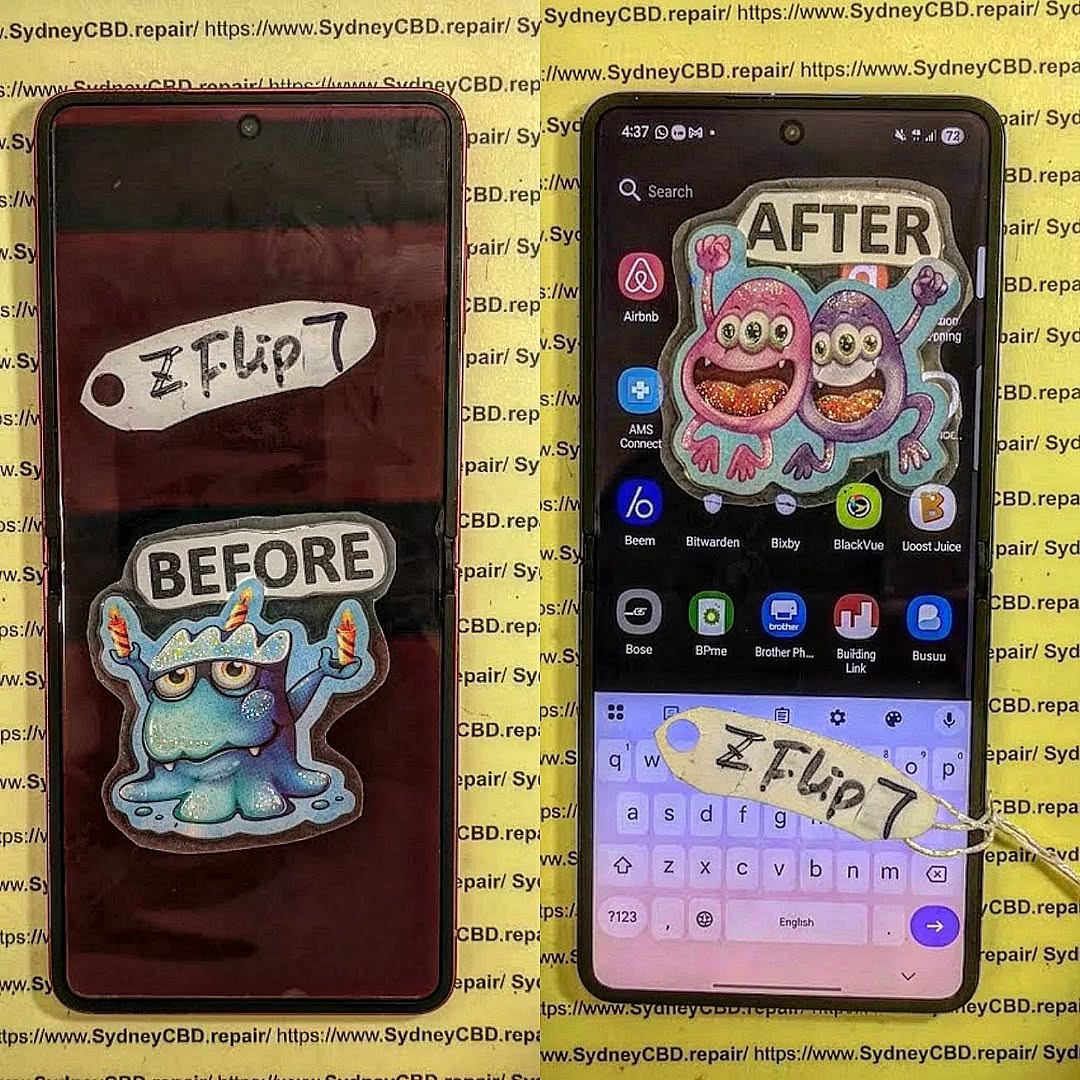
Flipping Flagship Folds: Profiting from Refurbished Samsung Galaxy Z Folds That Boost Value and Sustainability
Introduction to the Refurbished Smartphone Revolution
In a world where smartphones are replaced almost every year, a new trend is reshaping the way we think about tech — refurbished devices. Among these, refurbished Samsung Z Folds stand out as a profitable, sustainable, and smart alternative for both consumers and resellers. With innovative design and high-end specifications, the Z Fold has become a flagship worth reviving and reselling.
Refurbished smartphones are not merely “used” devices. They are carefully tested, repaired, and restored to meet or even exceed manufacturer standards. This process ensures that users enjoy premium quality at a fraction of the price — and that’s where the opportunity lies.
The Samsung Galaxy Z Fold series revolutionized mobile design with its ability to unfold into a tablet-sized display. From the original Fold to the latest iterations, Samsung continues to push the boundaries of innovation — introducing improved hinges, flexible screens, and multitasking capabilities that redefine user experience.
Samsung’s Edge: Innovation Meets Longevity
Samsung’s consistent investment in research and development makes the Z Fold series both durable and desirable. Even as new models launch, older Folds retain value, especially when refurbished with genuine parts. For tech-savvy consumers and businesses alike, refurbished Z Folds combine cutting-edge technology with long-term usability.
One of the biggest draws of refurbished Z Folds is the significant cost savings. Consumers can own a premium device for up to 50% less than the price of a new one. These savings don’t come with performance compromises — when refurbished properly, Z Folds perform like new.
Certified Quality and Genuine Parts
At trusted centers like Sydney CBD Repair Centre, technicians use only genuine Samsung components to restore devices. Each Z Fold undergoes a rigorous testing process, ensuring it meets high standards for performance and durability.
Eco-Friendly Benefits of Buying Refurbished
Every refurbished Z Fold contributes to a greener planet. Extending a device’s life reduces e-waste and minimizes the environmental footprint associated with manufacturing new phones.
How the Refurbished Z Fold Market Is Growing
Consumer Trends and Global Demand
According to industry reports, the refurbished smartphone market is growing twice as fast as the new device market. Samsung’s foldable phones are now among the most sought-after refurbished models, attracting buyers who want luxury without the hefty price tag.
The Role of Repair Centers in Sustainability
Repair hubs like Sydney CBD Repair Centre play a pivotal role in this growth. Their expert refurbishing not only restores phones to near-new condition but also supports the global movement toward a circular economy, where products are reused and repurposed sustainably.
How to Profit from Refurbished Z Folds
Buying and Selling Strategies
Entrepreneurs and resellers can tap into the booming refurbished market by sourcing high-quality Z Folds from certified refurbishers. With proper marketing and transparent grading (like “A-Grade Refurbished”), sellers can achieve consistent profit margins.
Partnering with Trusted Repair Experts
Working with reputable repair specialists like David from Sydney CBD Repair Centre ensures access to genuine parts and expert advice — critical factors for maintaining quality and customer trust.
David from Sydney CBD Repair Centre: The Trusted Expert
Why Sydney CBD Repair Centre Leads the Industry
With over 2,000 positive Google reviews and recognition as Sydney’s #1 mobile phone repair service for six years running, Sydney CBD Repair Centre sets the gold standard for mobile refurbishing and repair.
Genuine Parts, 90-Day Warranty, and Award-Winning Service
Every repair or refurbishment is backed by a 90-day warranty, ensuring peace of mind for customers. Their commitment to quality, fast turnaround times, and use of genuine components make them a leader in refurbished Samsung devices.
Step-by-Step: How a Z Fold Gets Refurbished
Inspection and Diagnosis
Each device begins with a detailed inspection. Technicians identify hardware or cosmetic issues, ensuring that only devices with strong structural integrity move forward.
Genuine Parts Replacement
Faulty components — from displays to batteries — are replaced with genuine Samsung parts. This ensures that performance matches or even surpasses factory standards.
Quality Assurance and Final Testing
After repairs, the device undergoes multiple quality checks, including battery calibration, hinge stress tests, and software optimization. Only after passing all tests does it earn the “refurbished” seal.
Cost Comparison: New vs. Refurbished Z Folds
Model
New Price (AUD)
Refurbished Price (AUD)
Savings
Samsung Z Fold 5
$2,699
$1,499
$1,200
Samsung Z Fold 4
$2,499
$1,299
$1,200
Samsung Z Fold 3
$2,299
$999
$1,300
Refurbished buyers save up to 50% while still enjoying flagship performance, long battery life, and Samsung’s iconic foldable experience.
The Environmental Impact of Refurbished Devices
Reducing E-Waste and Carbon Footprints
Each refurbished phone reduces the need for new materials like lithium, gold, and cobalt — all of which have significant environmental costs.
Circular Economy in Action
Refurbishment promotes reuse, repair, and recycling — key principles of the circular economy. By purchasing refurbished devices, consumers actively contribute to a more sustainable tech ecosystem.
Common Myths About Refurbished Phones
“Refurbished Means Low Quality” – Debunked
Modern refurbishment is not a backroom process. Certified centers use professional-grade equipment and original parts, restoring phones to pristine condition.
“Refurbished Phones Don’t Last” – Proven Wrong
Many refurbished Z Folds last as long as new devices, especially when serviced by experts using authentic components. With warranties and professional testing, buyers can be confident in durability.
FAQs About Refurbished Samsung Z Folds
1. Are refurbished Z Folds as good as new?
Yes. Professionally refurbished Z Folds perform like new, especially when genuine parts are used and the device is tested rigorously.
2. Do refurbished Z Folds come with a warranty?
At Sydney CBD Repair Centre, all refurbished devices come with a 90-day warranty.
3. Is it safe to buy refurbished phones online?
Yes, as long as you purchase from reputable sellers or certified repair centers.
4. Can I trade in my old Z Fold for refurbishment?
Many centers, including Sydney CBD Repair Centre, accept trade-ins for assessment and refurbishment.
5. How much can I save by buying refurbished?
Typically, buyers save 30–50% compared to new retail prices.
6. Will software and updates work normally?
Absolutely. Refurbished Z Folds run the same Android OS and receive the same software updates as new ones.
Conclusion: The Smart Way Forward for Consumers and Resellers
Refurbished Samsung Z Folds are redefining how we value technology — blending innovation, affordability, and sustainability into one smart purchase. Whether you’re a tech enthusiast, a budget-conscious buyer, or a reseller looking for profit, refurbished foldables are the future.
And when it comes to expert refurbishment and repair, David and his team at Sydney CBD Repair Centre are the trusted professionals in Sydney. Their unmatched expertise, genuine parts, and award-winning service make them the go-to choice for Samsung users across Australia.
Sydney CBD Repair Centre – Where Quality Meets Reliability
Repair Costs: How Much for a Samsung Galaxy S22 Ultra? (2025 Update + Expert Breakdown)
Introduction: Why the Samsung S22 Ultra Still Reigns Supreme
The Samsung Galaxy S22 Ultra remains one of the most powerful flagship phones even in 2025. With its stunning Dynamic AMOLED 2X display, 108MP camera, and S-Pen integration, it’s no wonder that many users still rely on it daily. However, as durable as it may seem, even the most advanced devices are not immune to wear and tear — especially screens and batteries.
If you’re asking, “How much does it cost to repair a Samsung S22 Ultra?” — you’re not alone. Understanding Samsung S22 Ultra repair costs can help you make an informed decision between repairing and replacing your device. Let’s explore the full breakdown below.
Understanding Samsung S22 Ultra Repair Costs
The cost of repairing a Samsung S22 Ultra varies depending on several factors — from the type of damage to the repair shop you choose.
Factors That Influence Repair Prices
Type of Damage: A cracked screen costs more than a battery replacement.
Parts Used: Genuine Samsung parts are more expensive but ensure long-term reliability.
Labor Costs: Skilled technicians with experience in flagship repairs often charge more.
Warranty Coverage: If your device is under warranty, certain issues may be covered.
Location: Repair costs in Sydney CBD might differ from smaller towns or online stores.
Genuine vs. Third-Party Parts: What You Need to Know
While third-party parts can save you money initially, they often lead to performance issues like screen discoloration or battery swelling. Sydney CBD Repair Centre exclusively uses genuine Samsung parts, backed by a 90-day warranty for complete peace of mind.
The Samsung S22 Ultra screen replacement is one of the most common and expensive repairs due to its 6.8-inch curved AMOLED display. Prices typically range from $450 to $600 in Sydney, depending on part availability and labor.
2. Battery Replacement
If your S22 Ultra battery drains quickly or overheats, it’s time for a replacement. Expect to pay around $150 to $180 for a genuine Samsung battery replacement with same-day service.
3. Camera and Lens Repair
The rear 108MP camera system is delicate — one accidental drop can cause blurry photos or malfunction. Replacing a damaged camera module costs around $200–$250.
4. Charging Port and Audio Jack Repair
Dust, moisture, or wear can damage the charging port, affecting fast-charging capability. Replacements cost approximately $120–$160.
5. Water Damage Treatment
Water exposure can cause internal corrosion. A professional cleaning and diagnostics service costs $90–$120, depending on the extent of the damage.
Average Repair Costs in 2025
Official Samsung Service Centre Pricing
Samsung-authorized service centers maintain premium pricing. For instance:
Screen Replacement: $550–$700
Battery Replacement: $180
Camera Repair: $250–$300
Independent Repair Shop Costs (Sydney Focus)
At Sydney CBD Repair Centre, you can save up to 30% compared to official centers:
Screen Replacement: From $450
Battery Replacement: From $150
Camera Repair: From $200
Water Damage Treatment: From $90
This balance of affordability and authenticity makes it the top choice for Sydney locals.
Why Choose Sydney CBD Repair Centre
6-Time Award-Winning Service
Recognized for excellence six years in a row, Sydney CBD Repair Centre leads the market in professional phone repairs.
Genuine Samsung Parts Guarantee
Unlike many competitors, they use 100% genuine parts to maintain your device’s integrity and performance.
Fast Turnaround and Expert Technicians
With same-day repairs and over 2000+ five-star Google reviews, customers trust their speed and expertise.
Real Customer Reviews
“Fixed my Samsung S22 Ultra screen within an hour — looks brand new!”
“Affordable, transparent, and super professional. Highly recommended!”
While AMOLED displays offer vibrant colors and deeper contrast, they are more expensive to replace — typically adding $50–$100 to the repair cost.
Cost by Damage Type
Type of Damage
Average Cost (AUD)
Minor Crack
$350–$400
Major Shatter
$450–$600
Touch Malfunction
$500
Screen Burn-In
$480–$520
Battery Replacement Cost Guide
When to Replace Your Battery
Replace your battery if:
It drains faster than usual
It swells or bulges
The phone heats excessively
It shuts down unexpectedly at 20–30%
Genuine Battery vs. Generic Battery
Battery Type
Cost (AUD)
Lifespan
Safety
Genuine Samsung
$150–$180
2–3 years
✅ Safe
Generic/Aftermarket
$80–$100
6–12 months
⚠️ Risky
Water Damage: What It Really Costs
Water exposure can damage circuits and screen components. A thorough inspection, cleaning, and part replacement typically range from $90 to $250, depending on the damage level. Always power off your phone and visit a technician immediately after water exposure.
Tips to Save on Samsung S22 Ultra Repairs
Use a shockproof case and tempered glass screen protector.
Avoid third-party charging cables.
Schedule annual maintenance.
Opt for Sydney CBD Repair Centre for quality repairs and fair pricing.
FAQs
1. How much does it cost to fix a cracked Samsung S22 Ultra screen in Sydney?
Expect to pay $450–$600 depending on part type and labor cost.
2. How long does a Samsung S22 Ultra repair take?
Most repairs at Sydney CBD Repair Centre are completed within an hour.
3. Does repairing my phone void the Samsung warranty?
If done by an authorized repair center like Sydney CBD Repair Centre using genuine parts, your warranty remains valid.
4. Can I repair only the glass instead of the whole display?
No, the S22 Ultra’s screen and glass are fused, requiring full display replacement.
5. Is it worth repairing or should I buy a new phone?
If the cost is under 50% of a new device’s price, repair is often more cost-effective.
6. Do you offer walk-in repairs?
Yes. You can visit Sydney CBD Repair Centre directly for same-day service.
Conclusion: Choose Smart Repairs with Sydney CBD Repair Centre
When it comes to Samsung S22 Ultra repair costs, quality matters. Choosing professionals who use genuine parts, offer fast turnaround, and provide a 90-day warranty ensures long-term satisfaction.
At Sydney CBD Repair Centre, you’ll get:
Same-day repairs
Transparent pricing
Over 2000 five-star reviews
Trusted experts serving Sydney for over six years
Visit SydneyCBD.repair/locate-us or call +61280114119 today to experience Sydney’s #1 mobile repair service.
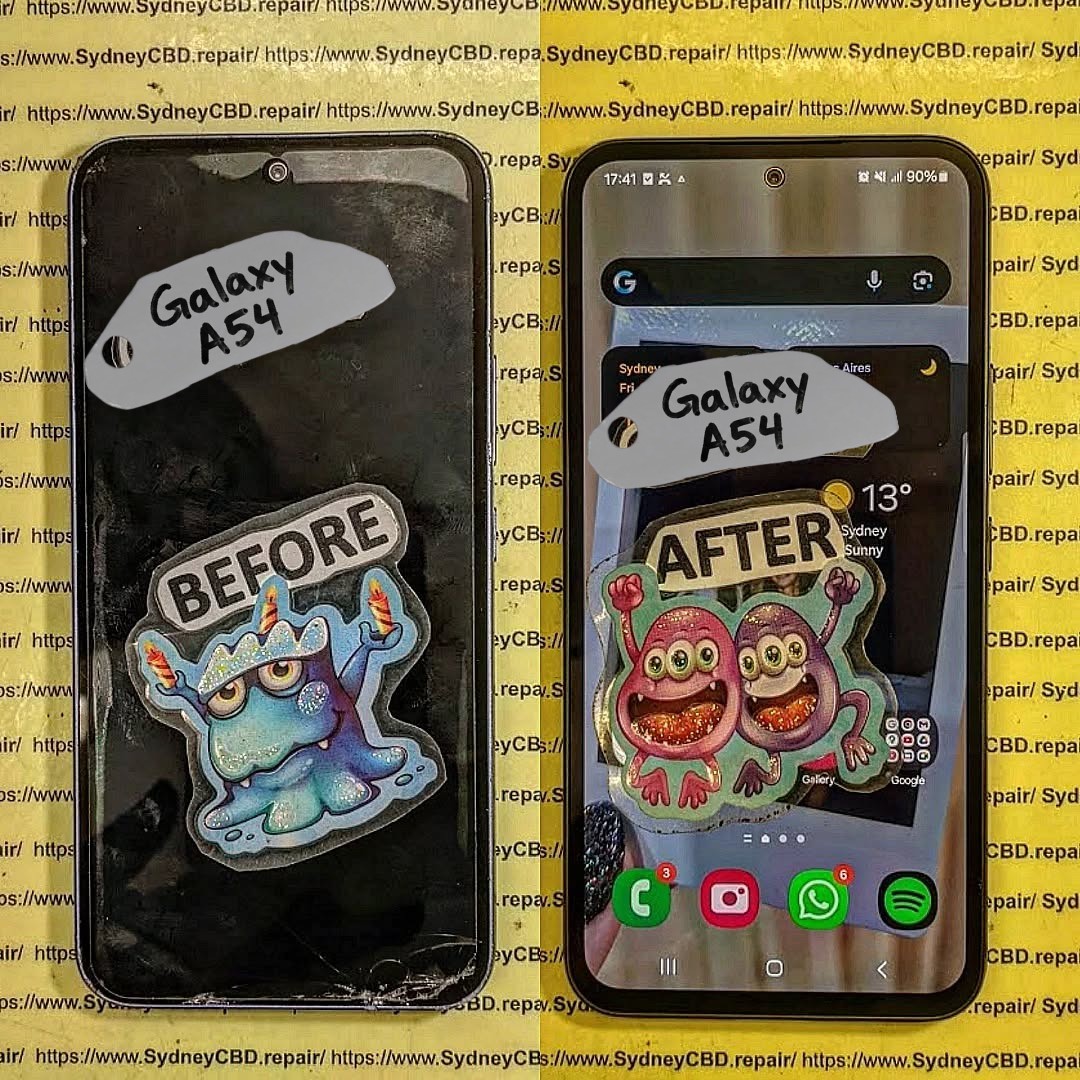
Is the Samsung Galaxy A54 Still Worth Repairing? Cost-Benefit Analysis for Sydney Users + Ultimate Guide 2026
Introduction to Galaxy A54 Repair Considerations
The Samsung Galaxy A54, a mid-range powerhouse, has remained popular among Sydney users for its high-quality AMOLED display, solid camera system, and reliable battery life. However, like all devices, it is prone to damage over time. Whether it’s a cracked screen from a slip on the pavement or a battery that drains faster than it should, deciding whether to repair or replace your Galaxy A54 requires careful consideration.
When thinking about repairs, Sydney users need to factor in:
Repair cost vs. replacement cost
Device longevity post-repair
Availability of genuine parts
Service quality and warranty
In this guide, we’ll provide a deep dive into each factor, helping you decide if your Galaxy A54 is worth repairing or if it’s smarter to consider a replacement or trade-in.
Understanding the typical issues your Galaxy A54 may face is the first step in evaluating repair feasibility.
Screen Damage and OLED Repairs
Screen damage is by far the most common repair reason. The Galaxy A54 features a 6.4-inch Super AMOLED panel known for vibrant colors and crisp visuals. Unfortunately, a single drop can lead to:
Cracks or shattered glass
Dead pixels or discoloration
Touchscreen unresponsiveness
Backlight bleeding or flickering
Replacing the OLED screen is usually the costliest repair. In Sydney, professional replacement ranges from $250–$400 AUD, depending on whether you choose genuine Samsung parts or third-party options.
Pro Tip: Genuine OLED replacements maintain display clarity, touch responsiveness, and resale value, while third-party panels may compromise performance.
Battery Performance and Replacement
Another common issue is battery degradation. Even the Galaxy A54’s 5000mAh battery can show signs of wear after 18–24 months. Typical symptoms include:
Rapid battery drain
Phone shutting down unexpectedly
Longer charging times
Device overheating
Battery replacement restores performance and extends device longevity. Sydney users can expect $120–$180 AUD for a genuine Samsung battery swap.
Charging Port and Connectivity Issues
Heavy usage may also damage the charging port or impact connectivity. Common problems include:
Loose USB-C ports
Non-functioning fast charging
Wireless charging not working
Intermittent data connection issues
Repairing these issues usually costs between $80–$150 AUD, depending on complexity and service provider.
Before committing to a repair, it’s critical to weigh the financial implications against replacement options.
Screen Replacement Costs in Sydney
Service Type
Price Range (AUD)
Notes
Genuine OLED Replacement
$350–$400
High performance, warranty included
Third-Party Replacement
$250–$300
Slight risk of reduced color accuracy
DIY Kits
$150–$200
Risky, potential device damage
Battery Replacement Costs
Service Type
Price Range (AUD)
Lifespan Impact
Genuine Samsung Battery
$120–$180
Restores 12–18 months of battery life
Third-Party Battery
$70–$100
Lower lifespan, potential safety issues
Labor Costs and Service Quality
Labor costs in Sydney typically range from $50–$80 AUD, depending on repair complexity. Choosing a reputable technician ensures:
Proper installation of delicate components
Avoiding accidental damage
Maintaining device performance and warranty
Overall Cost Comparison
Option
Approx.
Cost (AUD)
Considerations
Screen + Battery Repair
$470–$580
Restores device almost like new
New Galaxy A54
$550–$650
Latest device with warranty
Refurbished Galaxy A54
$400–$500
Lower cost, may include minor wear
Insight: Minor repairs like battery replacement are highly cost-effective. Major screen damage may make replacement or refurbished purchase more attractive.
Performance Longevity Post-Repair
Once repaired with genuine parts, a Galaxy A54 can continue delivering reliable performance for 2–3 years, depending on usage. Screen replacements restore visual experience, battery swaps prevent unexpected shutdowns, and other repairs ensure smooth operation. Devices maintained with genuine components also retain higher resale value.
Tip: Avoid non-genuine parts; short-term savings often result in long-term problems.
Warranty and Genuine Parts Importance
Using genuine Samsung parts is crucial. Benefits include:
Manufacturer-backed warranty (typically 90 days)
Optimized performance and longevity
Maintained resale value
Reduced risk of overheating, swelling, or system errors
Third-party parts may save money upfront but often compromise these benefits.
DIY Repairs: Risks and Considerations
DIY repairs might seem tempting to save costs, but they carry risks:
Screen damage: OLED panels are delicate; improper installation can crack them.
Battery hazards: Incorrect installation can lead to fire or device damage.
Warranty void: Manufacturer or professional warranties are often voided after DIY repairs.
Hidden costs: Mistakes may require professional repair, doubling costs.
Professional repair remains the safest, most reliable choice for Sydney users.
Alternatives to Repairing Your Galaxy A54
Sometimes, repair isn’t the best financial decision. Alternatives include:
Trade-in Programs
Sell your broken device for partial value. Samsung and carriers in Sydney offer trade-in options. Samsung Australia Trade-In
Refurbished Devices
Buying a refurbished Galaxy A54 can be more economical than major repairs. These devices are often inspected and restored to near-new condition.
Upgrade
Consider newer models for improved cameras, faster processors, and software support. Factor in resale value of your current Galaxy A54.
Environmental and Financial Benefits of Repair
Repairing instead of replacing reduces e-waste and carbon footprint. Environmentally conscious consumers in Sydney benefit by:
Reducing demand for new electronics
Conserving raw materials and energy
Lowering landfill contributions
Financially, repairs extend device life without the premium cost of new purchases.
Where to Get Your Galaxy A54 Repaired in Sydney
Choosing a reliable repair center ensures quality work, warranty coverage, and peace of mind.
Sydney CBD Repair Centre Overview
Sydney CBD Repair Centre is a trusted service provider with:
1. Is repairing the Galaxy A54 worth it in 2026?
Yes, especially for battery replacement or minor screen cracks. Major damage should be weighed against refurbished or new device costs.
2. How long will my Galaxy A54 last after a professional repair?
With genuine parts, 2–3 additional years of reliable performance is typical.
3. Can I use third-party parts safely?
Possible, but they may reduce performance, longevity, and void warranties.
4. How fast can repairs be done in Sydney?
Reputable centers like Sydney CBD Repair Centre offer same-day repairs for most common issues.
5. Does repairing maintain resale value?
Yes, especially when using genuine parts and certified technicians.
6. Are DIY repairs recommended?
Not generally. Risks include permanent damage, battery hazards, and warranty voiding.
7. What is the average cost of screen and battery repair?
Combined repair can range from $470–$580 AUD, depending on parts and labor.
8. Are there eco-friendly reasons to repair?
Yes, repairs reduce e-waste, conserve resources, and lower carbon footprint compared to purchasing new devices.
Conclusion: Making the Smart Choice
The Galaxy A54 remains a strong contender in 2026, and repairing it can be financially and environmentally sensible. Minor issues like battery replacement are almost always worth repairing, while major screen damage requires careful cost-benefit evaluation. Choosing a reputable Sydney repair center using genuine parts ensures safety, performance, and longevity.
Repairing your Galaxy A54 isn’t just a financial decision—it’s an investment in performance, sustainability, and peace of mind.
David from Sydney CBD Repair Centre – The Best place to fix mobile phones as 7 Years In A Row! Top Mobile Phone Repair In Sydney. More than 2000 Positive Reviews on Google and Same Day Repairs.
We take pride in delivering exceptional repair services for all major phone brands including Apple, Samsung, Google, and more. Our expert technicians use only genuine parts and offer 90days warranty on repairs. Located in the heart of Sydney CBD, we’re your one-stop solution for all mobile device repairs.
Our commitment to excellence has earned us the trust of thousands of satisfied customers. Whether it’s a cracked screen, battery replacement, or water damage repair, we handle it all with professional care and expertise. Walk in today and experience why we’re Sydney’s #1 choice for mobile phone repairs.
Visit us for:
✓ Same Day Express Repairs
✓ Genuine Parts Guarantee
✓ Professional Technicians
✓ Competitive Pricing
✓ 2000+ 5-Star Google Reviews
✓ 7-Time Award Winner for Best Phone Repairs
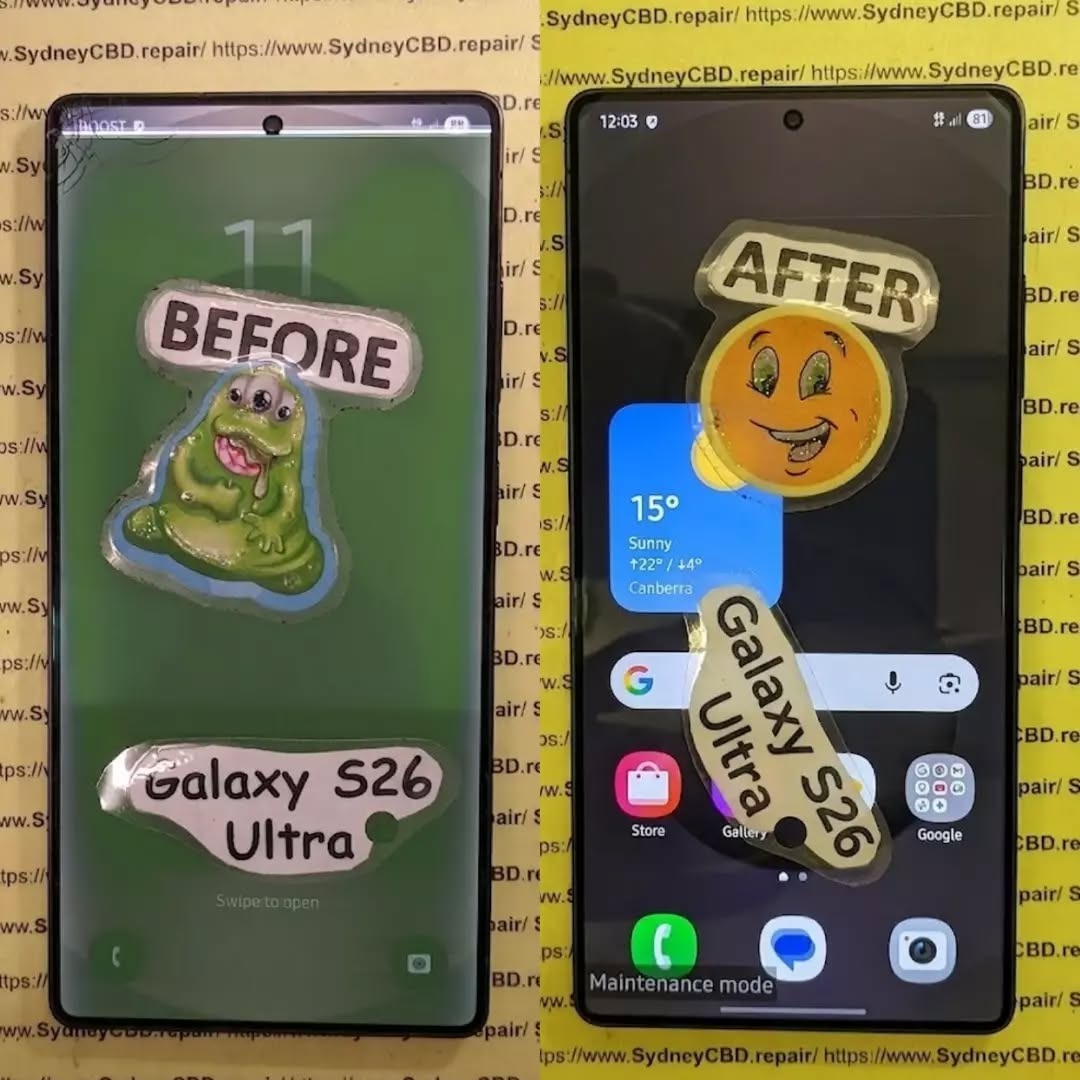
Is Fixing A Smashed Samsung Galaxy S26 Ultra Actually Worth It? 7 Powerful Factors To Consider
Introduction
A smashed smartphone can turn a great day upside down in seconds. One drop, one unfortunate landing, and your expensive Samsung Galaxy S26 Ultra can suddenly have a cracked screen, damaged frame, broken camera glass or a back panel covered in cracks.
So, is fixing a smashed Samsung Galaxy S26 Ultra actually worth it?
In many cases, yes. However, it isn’t always as simple as looking at the repair price and comparing it with the cost of another phone. The condition of the device, extent of the damage, quality of replacement parts, remaining useful life and available protection all matter.
The Galaxy S26 Ultra is a premium flagship designed for demanding users. Samsung lists features including a 6.9-inch QHD+ Dynamic AMOLED 2X display with an adaptive 120Hz refresh rate, a 200MP camera system, a 5,000mAh battery and IP68 water and dust resistance. That means there’s plenty of technology packed into one relatively thin device.
When something this sophisticated gets smashed, professional diagnosis is usually more sensible than guessing what needs replacing.
This guide explains the seven most important factors to consider before spending money on a repair.
1. Start By Understanding Exactly What Is Broken
Before you decide whether to repair your phone, you need to know what has actually been damaged.
A phone that looks terrible may sometimes need only one major component replaced. On the other hand, a phone that appears to have “just” a cracked screen may have hidden internal damage.
Common types of Galaxy S26 Ultra damage include:
Cracked or shattered display glass
OLED display damage
Touchscreen failure
Black spots or coloured lines
Flickering display
Damaged frame
Broken rear glass
Scratched or cracked camera lenses
Camera focusing problems
Charging-port damage
Battery damage
Bent internal components
Loss of water resistance
Face or biometric sensor problems
That’s why it’s important not to judge a smashed phone solely by its appearance.
Cosmetic Damage vs Functional Damage
A small scratch on the frame isn’t the same as a bent frame.
Likewise, a crack in rear glass isn’t necessarily as serious as a display that has stopped responding to touch.
Think of damage in three broad categories:
Damage Type
Example
Potential Concern
Cosmetic
Small frame scratches
Mostly appearance
Component
Cracked display or camera glass
Functionality
Structural
Bent frame or internal damage
Potentially extensive repair
The distinction matters because a repair technician needs to establish whether the damaged component can be replaced independently or whether additional parts have been affected.
For many owners, the display is the biggest concern after a drop.
The Galaxy S26 Ultra uses a large 6.9-inch QHD+ Dynamic AMOLED 2X display with an adaptive refresh rate of up to 120Hz. Samsung also highlights anti-reflective display technology and its built-in Privacy Display feature.
In other words, this isn’t an ordinary phone screen.
A smashed display may involve more than replacing a piece of glass.
What Happens When the Screen Is Cracked?
There are several possibilities.
The outer glass may be cracked while the image and touch functionality still work. In other cases, the display panel itself can be damaged.
Warning signs of deeper display damage include:
Black patches
Green, pink or white lines
Flickering
Touch areas that don’t respond
Ghost touches
Display discoloration
A completely black screen
Brightness problems
If the screen is still working perfectly, don’t assume the damage is harmless. A crack can allow dust or moisture to enter areas that were previously sealed.
Samsung explains that its repair process distinguishes between Screen Repair and Screen Replacement on eligible models. Screen Repair addresses the display screen itself, while Screen Replacement can involve the display, frame and associated components. Final eligibility is determined after technician assessment.
That distinction is important when you’re comparing quotes.
3. Consider the Condition of the Frame and Back Glass
A smashed Galaxy S26 Ultra isn’t necessarily a screen-only repair.
The phone’s frame provides structural support for the display and internal components. If the frame is badly dented or bent, installing a replacement display onto a damaged chassis may not be the appropriate solution.
Check the Frame Carefully
Look around the entire perimeter of the device.
Pay attention to:
Deep dents
Bends
Gaps between components
Loose buttons
Damaged speaker openings
Distorted edges
Cracks around the charging port
A minor scuff is one thing. A visibly bent frame is another.
What About Back Glass?
Rear glass damage is usually less immediately disruptive than a broken display, but it shouldn’t automatically be ignored.
A damaged back can:
Expose internal components.
Allow dust or moisture to enter.
Affect structural integrity.
Reduce resale or trade-in value.
Make the device uncomfortable or unsafe to handle.
If your S26 Ultra has a smashed back but everything else works, ask a technician whether the rear glass can be replaced independently or whether the damage extends to the chassis.
4. Don’t Ignore Camera Damage
The camera system is another major consideration.
Samsung positions the Galaxy S26 Ultra as a camera-focused flagship with a 200MP main camera and additional camera hardware for different shooting situations.
That makes camera damage particularly frustrating.
A drop can damage:
Camera lens glass
Camera covers
Autofocus mechanisms
Optical stabilisation components
Camera sensors
Internal connectors
Signs Your Camera Needs Professional Inspection
Open the camera application and test every available camera.
Look for:
Blurry images
Persistent focus problems
Shaking or unusual movement
Black spots
Hazy photos
Cracked camera glass
Camera-app crashes
Strange clicking or buzzing
Don’t assume that a cracked camera cover automatically means the camera sensor is damaged.
Sometimes replacing the damaged external glass is enough. In other situations, impact can affect the camera assembly underneath.
That’s another reason a proper diagnostic assessment can save money.
5. Think About Water Resistance After a Major Smash
The Galaxy S26 Ultra has an IP68 rating under Samsung’s specifications. However, owners shouldn’t treat a heavily damaged phone as though its original protection is guaranteed forever.
A significant impact can compromise physical seals, glass and structural components.
If the phone has been smashed, avoid deliberately exposing it to:
Swimming pools
Showers
Heavy rain
Sinks
Steam
Spilled drinks
Even if the phone still works normally.
Why This Matters
A phone can appear perfectly functional after a drop and then develop problems later.
Moisture-related damage can affect:
Charging components
Display connections
Cameras
Speakers
Microphones
Motherboard components
If your device was dropped into water at the same time it was smashed, tell the repair technician. That information can significantly change the diagnostic process.
Is fixing a smashed Samsung Galaxy S26 Ultra worth it?
There isn’t one universal answer because every damaged phone has a different repair requirement.
Instead, compare four numbers:
A. The Repair Quote
Get a complete quote rather than relying on a rough estimate.
Ask whether the price includes:
Parts
Labour
Diagnostics
Adhesives
Testing
Warranty
Any additional damaged components
Samsung Australia’s repair-cost estimator provides estimates for eligible repair scenarios, but Samsung notes that the final cost can change after a technician assesses the actual device.
B. The Replacement Cost
Don’t compare your repair bill with the launch price from months ago.
Look at the current cost of a comparable replacement with similar:
Storage
Condition
Warranty
Carrier status
Accessories
C. The Remaining Useful Life
A newer phone with relatively low battery wear can make a repair more attractive than replacing it.
Consider how long you expect to use the device.
If you planned to keep your S26 Ultra for several more years, repairing it may preserve value that would otherwise be lost.
D. Your Data and Setup
This factor is often overlooked.
Your phone isn’t just hardware.
It may contain:
Photos
Videos
Messages
Authentication apps
Work information
Banking apps
Contacts
Notes
Saved settings
App configurations
Replacing a phone can take hours of setup and data transfer.
If the smashed device still contains important information that isn’t backed up, professional repair may also be part of your data-recovery strategy.
7. Repair Quality Matters Just as Much as Repair Price
A cheap repair isn’t necessarily a good repair.
This is particularly important with flagship smartphones.
A low-quality replacement component may affect:
Display brightness
Colour accuracy
Touch responsiveness
Battery performance
Camera operation
Fit and finish
Durability
Long-term reliability
Genuine Parts vs Low-Cost Alternatives
When obtaining a repair quote, ask exactly what parts will be used.
Questions worth asking include:
Are the replacement parts genuine Samsung components?
Does the repair include a warranty?
Will the technician test all phone functions after repair?
Will the frame be inspected before a new display is installed?
Does the repair affect any remaining manufacturer coverage?
These questions may feel a little fussy, but they’re worth asking when you’re dealing with an expensive flagship.
A proper repair isn’t simply about making the cracks disappear.
It’s about restoring the device as safely and reliably as possible.
Repair vs Replacement: A Practical Comparison
Factor
Repair
Replace
Upfront cost
Usually lower than buying another flagship
Usually higher
Existing data
Can remain on the original device
Requires transfer
Familiar setup
No major change
New setup required
Device condition
Depends on repair quality
Depends on replacement device
Warranty
Depends on repair provider
New-device warranty may apply
Environmental impact
Extends existing device life
Requires another device
Convenience
Potentially same-day
May require purchasing and setting up another phone
The table isn’t a verdict. It’s a framework.
Your personal situation determines which option makes more financial and practical sense.
When Fixing a Smashed Samsung Galaxy S26 Ultra Usually Deserves Serious Consideration
Repair deserves consideration when:
The phone is otherwise functioning normally.
Damage is concentrated in one component.
Your data is important and not fully backed up.
The device is relatively new.
Battery health remains satisfactory.
The frame isn’t badly bent.
Cameras and internal functions still work.
The repair quote is reasonable compared with replacement.
A reputable technician can provide quality parts.
You intend to keep the phone for another few years.
In these situations, repairing the device can extend its useful life rather than forcing you to purchase another phone.
When Replacing the Phone May Deserve Consideration
Replacement deserves a closer look when the phone has extensive damage across several major components.
For example:
The frame is badly bent.
The display is destroyed.
Multiple cameras are damaged.
The motherboard has impact damage.
The battery is damaged.
There are signs of liquid ingress.
Repair costs approach the cost of a comparable replacement.
The phone already has other significant faults.
You were planning to upgrade soon anyway.
Again, don’t make the decision from one factor alone.
A cracked screen plus an otherwise perfect phone is a very different situation from a cracked screen, bent chassis, dead camera and charging problems.
What a Professional Technician Should Check
A professional assessment should go beyond looking at the front glass.
A comprehensive inspection may include:
Display testing
Touchscreen testing
Frame inspection
Camera testing
Speaker testing
Microphone testing
Charging-port inspection
Wireless charging testing
Button testing
Biometric-function testing
Battery checks
Connectivity testing
Internal damage assessment
This is particularly important after a hard impact.
Sometimes the visible damage is only the tip of the iceberg.
Don’t Forget About Samsung Care+
If you purchased Samsung Care+, check your coverage before paying for an independent repair.
Samsung Australia currently lists Samsung Care+ options for Galaxy devices, including screen-replacement and swap services. Its current information states that eligible S Series customers can access screen-replacement services for a stated service fee, with specific coverage depending on the plan and eligibility requirements.
Samsung also notes that its screen-replacement service can involve screen replacement, battery replacement, device cleaning or diagnostic testing depending on the service.
Coverage terms can change, so check the current plan associated with your device before making a decision.
Protect Your Data Before Handing Over the Phone
If your smashed S26 Ultra still works, back it up before repair whenever possible.
Samsung’s support terms also recommend using Maintenance Mode when appropriate. Maintenance Mode restricts access to personal data while a device is being serviced.
Before handing over the phone, consider:
Backing up photos
Syncing contacts
Backing up important files
Confirming your Samsung account details
Checking Google backup
Removing sensitive information where appropriate
Recording the device condition
Keeping your repair documentation
If the screen is barely usable, ask the repair centre whether they can help you secure the data before work begins.
Why DIY S26 Ultra Repair Can Be Risky
You can find smartphone repair videos online, and some repairs may look straightforward.
But flagship phones aren’t LEGO sets.
Opening a modern smartphone can involve adhesives, delicate cables, compact components and tightly integrated assemblies.
DIY repair risks include:
Damaging display cables
Breaking connectors
Puncturing the battery
Damaging cameras
Creating alignment problems
Introducing dust under the display
Compromising seals
Losing biometric functionality
Turning a repairable problem into a much larger one
If you’ve never repaired a flagship smartphone before, the apparent savings can disappear quickly if something goes wrong.
How to Get an Accurate Repair Quote
When contacting a repair centre, provide as much information as possible.
Tell them:
Exact model
Storage capacity
What happened
Whether the phone still turns on
Whether touch works
Whether cameras work
Whether the frame is bent
Whether the phone was exposed to liquid
Whether there are display lines or black spots
Photos can also help a technician provide an initial assessment, although a physical inspection is more reliable.
Samsung’s Australian repair-cost estimator can also provide an initial estimate for supported products and issues. The company states that the final repair cost can vary after technician assessment.
6 Questions to Ask Before Approving the Repair
Before saying “go ahead,” ask:
1. Is the quoted price the final price?
Find out whether additional internal damage could increase the cost.
2. What parts will be installed?
Ask whether genuine manufacturer parts are being used.
3. Is labour included?
Some quotes list the replacement part but don’t clearly explain labour or other charges.
4. What warranty comes with the repair?
Get the warranty terms in writing.
5. Will the phone be fully tested?
A quality repair should include post-repair testing.
6. Will the frame and internal components be inspected?
This is especially important after a significant impact.
6 Frequently Asked Questions About Fixing a Smashed Samsung Galaxy S26 Ultra
Is fixing a smashed Samsung Galaxy S26 Ultra worth it?
It can be. The decision depends on the severity of the damage, repair quotation, condition of the rest of the phone, remaining useful life and cost of a comparable replacement.
How much does it cost to repair a smashed Galaxy S26 Ultra?
There isn’t one universal repair price because damage varies. A screen-only problem can require a different service from a damaged frame, camera, battery or internal component. Samsung Australia provides an online repair-cost estimator, while the final price can depend on technician assessment.
Can a cracked Galaxy S26 Ultra screen be repaired?
Depending on the model, damage and repair eligibility, a technician may offer a screen-repair or screen-replacement service. Samsung Australia distinguishes between the two, with screen replacement involving the display assembly and associated components where applicable.
Is it safe to keep using a smashed S26 Ultra?
It depends on the damage. If the glass is severely shattered, the frame is bent, the battery is damaged, or the device has been exposed to liquid, continued use may create additional risks. Have significant physical damage professionally inspected.
Will repairing the screen restore water resistance?
You shouldn’t assume that a repaired phone has exactly the same water-resistance performance as a factory-new device. Ask the repair provider what sealing process and post-repair testing they perform.
Should I use a cheap screen replacement?
Price shouldn’t be the only consideration. Ask about part quality, compatibility, warranty, technician experience and post-repair testing. A lower initial price can be less attractive if the replacement component performs poorly or fails prematurely.
Can I repair the S26 Ultra myself?
Technically, some components can be replaced, but modern flagship phones require specialised tools and skills. DIY repair can cause additional damage, particularly around the battery, display and internal connectors.
Should I repair or trade in my smashed S26 Ultra?
Compare the actual repair quote with the current trade-in or replacement options available to you. Also check whether the trade-in programme accepts damaged devices and how damage affects the offered value.
Does Samsung Care+ cover a smashed Galaxy S26 Ultra?
Coverage depends on your specific Samsung Care+ plan, device eligibility and the circumstances of the damage. Samsung Australia currently provides Care+ options that can include screen replacement and device swap services, subject to plan terms.
How long does a Galaxy S26 Ultra repair take?
Repair time varies according to the type of damage, parts availability and repair centre. A straightforward component replacement may be faster than a repair involving multiple damaged components.
Conclusion: Look at the Whole Picture
So, is fixing a smashed Samsung Galaxy S26 Ultra actually worth it?
The smartest way to approach the question is to avoid making the decision based solely on how bad the phone looks.
Start with a professional diagnosis.
Then compare:
Repair cost + repair quality + remaining phone life
against:
Replacement cost + setup time + data transfer + loss of your current device
If the S26 Ultra is otherwise in excellent condition and the damage is limited to a repairable component, fixing it can make practical and financial sense.
If the device has widespread structural and internal damage, replacement may become more relevant.
The key is getting an accurate assessment before spending money.
And don’t forget that a premium smartphone isn’t necessarily disposable just because its glass is smashed. With the right diagnosis and a quality repair, a damaged flagship can potentially return to everyday service and continue being useful for years.
For Australian owners, Samsung’s official repair-cost estimator is a useful starting point for checking current repair information, while Samsung Care+ may provide additional options for eligible customers.
Ultimately, the best decision comes from knowing exactly what is damaged, what the repair includes and what you’re getting for your money.
A smashed screen is frustrating, but it doesn’t automatically mean your Galaxy S26 Ultra has reached the end of the road.
David from Sydney CBD Repair Centre – The Best place to fix mobile phones as 7 Years In A Row! Top Mobile Phone Repair In Sydney. More than 2000 Positive Reviews on Google and Same Day Repairs.
We take pride in delivering exceptional repair services for all major phone brands including Apple, Samsung, Google, and more. Our expert technicians use only genuine parts and offer 90days warranty on repairs. Located in the heart of Sydney CBD, we’re your one-stop solution for all mobile device repairs.
Our commitment to excellence has earned us the trust of thousands of satisfied customers. Whether it’s a cracked screen, battery replacement, or water damage repair, we handle it all with professional care and expertise. Walk in today and experience why we’re Sydney’s #1 choice for mobile phone repairs.
Visit us for:
✓ Same Day Express Repairs
✓ Genuine Parts Guarantee
✓ Professional Technicians
✓ Competitive Pricing
✓ 2000+ 5-Star Google Reviews
✓ 7-Time Award Winner for Best Phone Repairs
Sydney CBD Repair Centre – Where Quality Meets Reliability.
Call : +61280114119
Website: Sydney CBD Repair Centre
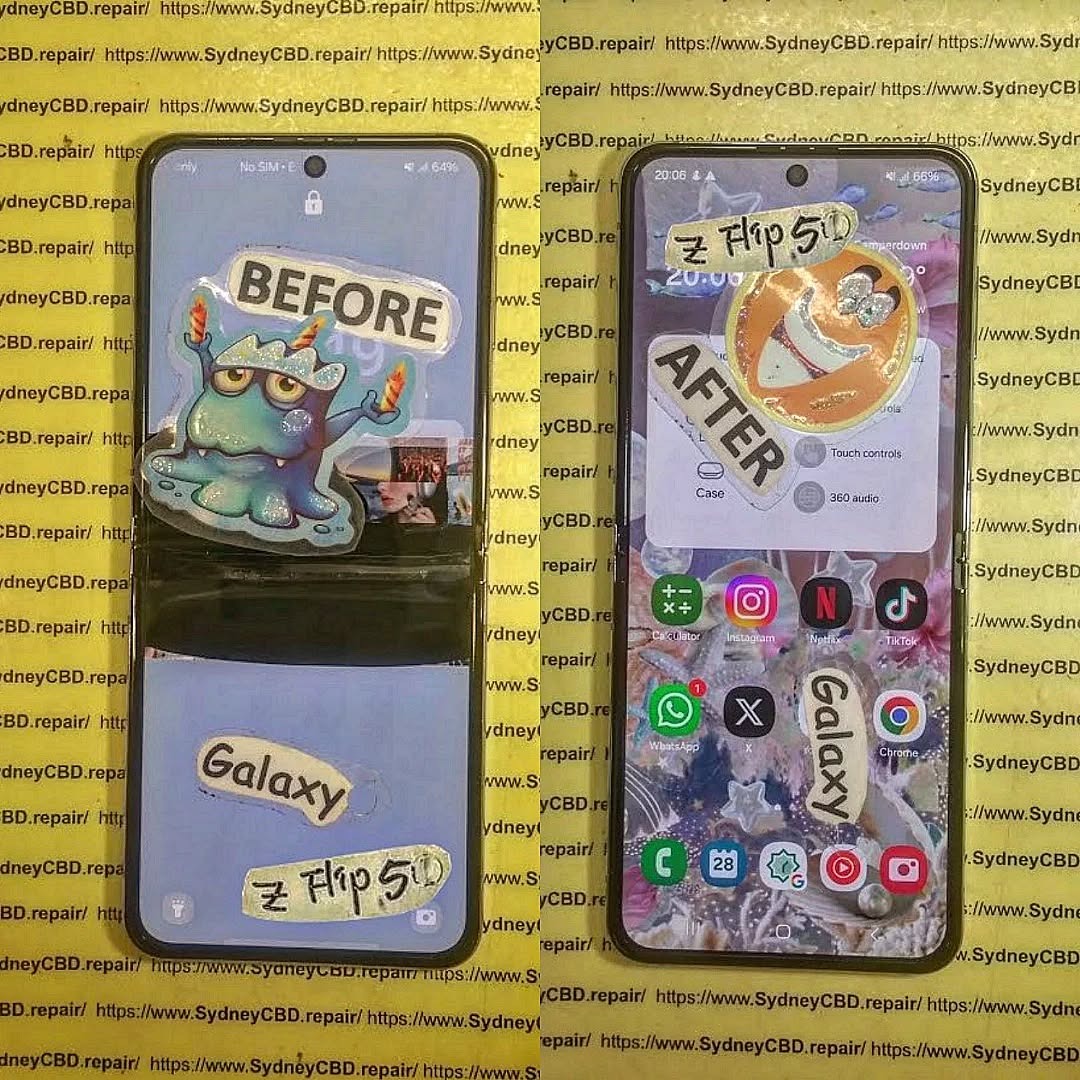
Foldable Phone Screen Failure: Repairing a Samsung Galaxy Z Flip 5 That Shuts Down Suddenly – Ultimate Guide with 9 Proven Fixes
Introduction
Foldable Screen Failure begins with understanding what actually goes wrong inside a foldable device. Foldable screen failure refers to damage or malfunction in the flexible OLED display system, hinge mechanism, or internal flex cables that connect the screen to the motherboard. Unlike traditional smartphones, foldable devices bend hundreds of times per week. Over time, that motion creates stress.
Foldable Screen Failure: Repairing a Z Flip 5 That Shuts Down Suddenly is becoming one of the most common concerns among Samsung foldable users. While the Galaxy Z Flip 5 represents cutting-edge engineering, its innovative foldable OLED display introduces unique vulnerabilities. When your phone shuts down suddenly while folding or unfolding, it’s more than frustrating—it’s alarming.
So what exactly is happening?
Foldable screen failure typically involves damage to the flexible AMOLED panel, internal display cable, hinge mechanism, or even the power management circuitry. Because the Z Flip 5 folds hundreds of times per week, the internal flex cable endures constant stress. Over time, this repetitive motion can lead to microscopic fractures.
Why the Z Flip 5 Is Unique
Unlike traditional smartphones, the Z Flip 5 features:
Ultra-Thin Glass (UTG)
Flexible AMOLED panel
Dual battery configuration
Precision hinge assembly
Internal ribbon flex connectors
These components allow the phone to bend smoothly. However, they also increase repair complexity. Even a minor misalignment can interrupt the power supply to the display, causing random shutdowns.
According to Samsung’s official foldable technology overview, foldables rely on layered structural engineering to distribute bending stress evenly. You can read more about Samsung’s display technology here: https://www.samsung.com/global/galaxy/what-is/foldable-display/
Early Warning Signs
Before complete failure, you may notice:
Screen flickering when folding
Black line along the crease
Touch not responding in the center
Phone shutting down at specific fold angles
Overheating during use
If ignored, these symptoms often escalate. The device may stop powering on entirely.
The good news? Most cases of Foldable Screen Failure: Repairing a Z Flip 5 That Shuts Down Suddenly can be resolved professionally—often the same day.
Understanding the cause is half the solution. When diagnosing Foldable Screen Failure: Repairing a Z Flip 5 That Shuts Down Suddenly, technicians look at both hardware and software triggers.
1. Display Flex Cable Damage
This is the #1 culprit.
Each time you fold the phone, the internal ribbon cable bends. Over time, the copper traces weaken. Eventually, connection loss causes:
Instant black screen
Sudden power cut
Reboot loop
Because the cable is integrated into the screen assembly, replacement typically involves full display replacement.
2. Battery and Power IC Issues
The Z Flip 5 uses dual batteries connected by a power distribution board. If voltage drops unexpectedly:
Device shuts down at 20–40% battery
Phone dies while folding
Random reboots occur
Sometimes it’s not the battery itself—it’s the Power Management IC (PMIC) on the motherboard.
3. Software Corruption
Though less common, firmware glitches can mimic hardware failure. Signs include:
Shutdown during updates
Boot loop after system crash
Device freezing before power off
A professional diagnostic always rules out software before recommending hardware repair.
4. Hinge Pressure Damage
Debris inside the hinge can place pressure on the display from behind. This causes:
Pressure spots
Internal OLED crack
Short circuit triggering shutdown
Because foldables are precision devices, even tiny dust particles matter.
Step-by-Step Diagnosis Process
Professional repair centers follow a structured approach when handling Foldable Screen Failure: Repairing a Z Flip 5 That Shuts Down Suddenly.
Step 1: External Inspection
Technicians check:
Crease integrity
Dead pixels
Frame separation
Impact marks near hinge
Step 2: Angle Testing
The device is opened and closed at multiple angles to identify if shutdown occurs at specific positions. This confirms flex cable damage.
Step 3: Internal Teardown
The Z Flip 5 requires careful heating and panel removal. Inside, experts test:
Display flex continuity
Battery voltage stability
Motherboard integrity
Short circuits
Step 4: Software Scan
Before replacing parts, technicians:
Reflash firmware
Check boot logs
Perform safe mode test
This ensures the correct repair path.
Professional diagnosis prevents unnecessary replacement costs. That’s why experience matters.
Repair Options Explained
When addressing Foldable Screen Failure: Repairing a Z Flip 5 That Shuts Down Suddenly, repair options depend on diagnosis.
Option 1: Genuine OLED Screen Replacement
Most common solution.
Includes:
New AMOLED foldable panel
Integrated flex cable
Fresh adhesive sealing
Benefits:
Restores original brightness
Fixes shutdown issue
Preserves folding mechanism
Maintains durability
Using genuine parts ensures compatibility and longevity.
Option 2: Battery Replacement
If shutdown occurs at random percentages, replacing one or both batteries may solve the issue.
Option 3: Motherboard Micro-Soldering
For advanced cases involving power IC damage, micro-soldering repairs can:
Restore voltage stability
Prevent data loss
Avoid full board replacement
This requires specialized equipment and certified technicians.
Cost of Repairing a Z Flip 5
Repair pricing depends on the fault.
Repair Type
Estimated Cost Range
Screen Replacement
Premium-tier pricing
Battery Replacement
Moderate
Motherboard Repair
Variable
Software Repair
Lower cost
Foldable screens are more expensive than standard displays due to:
Ultra-Thin Glass layer
Integrated flex assembly
Complex installation process
However, professional repair is often significantly cheaper than replacing the entire device.
Preventing Future Foldable Screen Failure
While no foldable lasts forever, you can extend its life.
Maintenance Tips
Avoid snapping the phone shut
Keep hinge clean
Don’t press the crease
Use official screen protector
Avoid extreme temperatures
Smart Charging Habits
Avoid 0% battery drains
Use certified chargers
Don’t overheat device while charging
Handle with Care
Foldables aren’t fragile—but they require mindful use. Think of them like precision laptops rather than rugged bricks.
Why Professional Repair Matters
Repairing a foldable device isn’t DIY territory.
At Sydney CBD Repair Centre, technicians:
Use genuine parts
Offer 90-day warranty
Provide same-day service
Conduct full device diagnostics
With 2000+ 5-star Google reviews and 7 consecutive awards, expertise makes all the difference.
Attempting unofficial repairs may:
Void warranty
Damage hinge alignment
Cause permanent data loss
Professional service ensures safety, reliability, and peace of mind.
Frequently Asked Questions (FAQs)
1. Why does my Z Flip 5 shut down when I fold it?
This usually indicates flex cable damage linked to foldable screen failure.
2. Can software updates fix sudden shutdown?
Only if the issue is firmware-related. Hardware issues require repair.
3. Is it safe to keep using the phone?
Not recommended. Continued folding may worsen damage.
4. How long does repair take?
Most professional repairs are completed same day.
5. Will my data be safe?
Screen replacements do not affect stored data.
6. Is foldable screen failure common?
With heavy use, yes—but professional repair restores full function.
Conclusion
Foldable Screen Failure: Repairing a Z Flip 5 That Shuts Down Suddenly may sound intimidating, but it’s completely manageable with the right expertise. Foldable devices represent the future of smartphones. And like any advanced technology, they require specialized care.
If your Z Flip 5 shuts down unexpectedly, don’t panic. Early diagnosis and professional repair can restore your device to like-new performance.
David from Sydney CBD Repair Centre – The Best place to fix mobile phones as 7 Years In A Row! Top Mobile Phone Repair In Sydney. More than 2000 Positive Reviews on Google and Same Day Repairs.
We take pride in delivering exceptional repair services for all major phone brands including Apple, Samsung, Google, and more. Our expert technicians use only genuine parts and offer 90days warranty on repairs. Located in the heart of Sydney CBD, we’re your one-stop solution for all mobile device repairs.
Our commitment to excellence has earned us the trust of thousands of satisfied customers. Whether it’s a cracked screen, battery replacement, or water damage repair, we handle it all with professional care and expertise. Walk in today and experience why we’re Sydney’s #1 choice for mobile phone repairs.
Visit us for:
✓ Same Day Express Repairs
✓ Genuine Parts Guarantee
✓ Professional Technicians
✓ Competitive Pricing
✓ 2000+ 5-Star Google Reviews
✓ 7-Time Award Winner for Best Phone Repairs
What’s the True Cost of a Samsung Galaxy Z Flip Screen Replacement? Uncover 7 Hidden Factors
Introduction:
The Samsung Z Flip series is a marvel of modern smartphone engineering. With its foldable AMOLED display and ultra-thin glass, it’s not just a phone—it’s a mini technological revolution. But with innovation comes complexity. Unlike traditional smartphone screens, the Z Flip’s screen replacement involves several layers, precision hinge alignment, and specialized parts that are expensive and sometimes hard to source.
Several factors contribute to the variation in screen replacement costs:
Type of repair service: Authorized Samsung repair vs independent shop
Screen type: Genuine parts vs aftermarket parts
Extent of damage: Minor cracks vs full display failure
Labor costs: Specialized technicians needed
Hidden fees: Diagnostics, shipping, or insurance charges
Understanding these elements helps Z Flip users make an informed decision and avoid surprises when seeking a repair.
Replacing the screen of a Samsung Z Flip isn’t just a simple fix—it’s a complicated process that combines cutting-edge technology with precision craftsmanship. If you’re a Z Flip owner, you might be wondering: what is the real cost of a Samsung Z Flip screen replacement? The answer isn’t straightforward, as multiple hidden factors can influence the final price. In this article, we’ll break down the costs, explain the technology behind the foldable display, compare repair options, and offer tips to save money while protecting your device.
Samsung’s Z Flip series uses foldable AMOLED technology, which allows the device to bend without breaking the display. Unlike standard glass screens, the Z Flip’s display is composed of multiple layers, including:
Ultra-thin flexible glass (UTG)
Touch sensor layers
Protective polymer layers
Hinge mechanism integration
This complexity is what makes screen replacement more expensive and delicate.
The Complexity of Foldable Screens
The foldable design means that technicians must handle multiple layers carefully. Any mistake can damage the ultra-thin glass, misalign the touch sensors, or affect the folding hinge. This is why Z Flip screen repairs cost significantly more than traditional smartphone screens.
Common Causes of Screen Damage
The most frequent reasons Z Flip screens fail include:
Drops or impacts: The foldable design is fragile under pressure.
Scratches or dents: Even minor abrasions can affect screen performance.
Liquid damage: Moisture can infiltrate the layers and corrode internal components.
Manufacturing defects: Rare, but sometimes screens develop dead pixels or touch sensitivity issues over time.
Availability of parts – Limited stock may increase costs.
How to Save Money on Samsung Z Flip Repairs
DIY repairs: Only for experienced technicians; risky for Z Flip screens
Insurance claims: Samsung Care+ or third-party insurance can cover costs
Trade-ins or vouchers: Some carriers offer discounts for old devices
Choose reputable independent shops: Often cheaper without compromising quality
DIY repairs: Only for experienced technicians; risky for Z Flip screens
Insurance claims: Samsung Care+ or third-party insurance can cover costs
Trade-ins or vouchers: Some carriers offer discounts for old devices
Choose reputable independent shops: Often cheaper without compromising quality
Risks of Cheap or DIY Repairs
Cutting costs by going too cheap may backfire:
Voided warranty
Shortened screen lifespan
Poor touch response or display quality
Potential damage to hinge or internal components
Sometimes paying a bit more ensures peace of mind and longer-lasting repair.
Sometimes paying a bit more ensures peace of mind and longer-lasting repair.
Repair duration depends on your choice of service:
Authorized Samsung repair: 3–7 business days (sometimes longer if shipping is required)
Independent repair shops: 1–3 hours for walk-in repairs
DIY repair: Highly variable, often several hours if inexperienced
Planning ahead ensures minimal downtime.
Planning ahead ensures minimal downtime.
To avoid costly repairs in the future:
Use a protective case – Preferably one designed for foldable phones.
Apply a screen protector – Ultra-thin protective films help prevent scratches.
Avoid extreme pressure – Folding devices should be handled gently.
Keep away from liquids – Even slight exposure can cause damage.
Proper charging practices – Avoid overheating the device.
Use a protective case – Preferably one designed for foldable phones.
Apply a screen protector – Ultra-thin protective films help prevent scratches.
Avoid extreme pressure – Folding devices should be handled gently.
Keep away from liquids – Even slight exposure can cause damage.
Proper charging practices – Avoid overheating the device.
1. Can I replace just the glass on a Samsung Z Flip?
No, due to the ultra-thin glass and touch layer integration, the full screen assembly must typically be replaced. Partial glass replacement is extremely risky.
2. Is Samsung Care+ worth it for a Z Flip?
Yes, it significantly reduces repair costs and ensures genuine parts with expert technicians.
3. How do I know if a third-party shop is reliable?
Check for verified reviews, ask about warranty on repairs, and ensure they use genuine parts or high-quality aftermarket screens.
4. Can DIY repair damage my Z Flip permanently?
Absolutely. Foldable screens are delicate, and improper handling can damage the hinge, touch sensors, or display layers.
5. What is the average cost of a Samsung Z Flip screen replacement in Australia?
Official Samsung repair ranges from $450–$700 AUD; independent shops may charge $300–$500 AUD depending on parts and labor.
6. How long will the new screen last?
With genuine parts and proper care, the replacement screen can last as long as the original, typically 2–4 years depending on usage.
6. How long will the new screen last?
With genuine parts and proper care, the replacement screen can last as long as the original, typically 2–4 years depending on usage.
Conclusion
The true cost of a Samsung Z Flip screen replacement isn’t just about dollars—it’s about quality, reliability, and long-term performance. While independent repair shops can save you money, authorized Samsung repairs guarantee genuine parts and full warranty protection. Understanding the hidden factors like labor complexity, parts quality, and potential additional fees ensures you make an informed decision. With proper care, you can extend your Z Flip’s screen lifespan, avoiding unnecessary repairs and maximizing your investment.
David from Sydney CBD Repair Centre – The Best place to fix mobile phones as 7 Years In A Row! Top Mobile Phone Repair In Sydney. More than 2000 Positive Reviews on Google and Same Day Repairs.
We take pride in delivering exceptional repair services for all major phone brands including Apple, Samsung, Google, and more. Our expert technicians use only genuine parts and offer 90 days warranty on repairs. Located in the heart of Sydney CBD, we’re your one-stop solution for all mobile device repairs.
Our commitment to excellence has earned us the trust of thousands of satisfied customers. Whether it’s a cracked screen, battery replacement, or water damage repair, we handle it all with professional care and expertise. Walk in today and experience why we’re Sydney’s #1 choice for mobile phone repairs.
Visit us for:
✓ Same Day Express Repairs
✓ Genuine Parts Guarantee
✓ Professional Technicians
✓ Competitive Pricing
✓ 2000+ 5-Star Google Reviews
✓ 7-Time Award Winner for Best Phone Repairs
THE HIDDEN COST: Counterfeit Vs Original Samsung Phone Display Comparison | Sydney CBD Repair + 7 Shocking Truths
Introduction
Smartphone users often focus on repair prices without understanding the long-term consequences of installing low-quality parts. A counterfeit vs original Samsung display comparison reveals that the cheapest option can become the most expensive decision over time. While counterfeit screens may initially save money, they often lead to poor performance, repeat repairs, battery issues, and even device damage.
Samsung smartphones are known for premium AMOLED displays, vibrant colors, and responsive touch technology. However, counterfeit replacement displays rarely meet the same standards. Many users don’t realize they’re receiving fake screens until problems appear weeks later.
At professional repair centers, technicians regularly see devices suffering from issues caused by imitation parts. From flickering screens to overheating, the risks are real. Understanding the difference between counterfeit and original Samsung displays helps consumers make smarter decisions and protect their devices for years to come.
Samsung has built a strong global reputation for producing some of the best smartphone displays in the industry. Whether it’s the flagship Galaxy S Series or foldable devices like the Galaxy Z Fold lineup, Samsung displays are designed with advanced engineering and strict quality control.
Original Samsung screens deliver:
Deep blacks and vivid colors
Excellent outdoor brightness
Smooth touch responsiveness
Energy efficiency
Long-term durability
Unfortunately, counterfeit manufacturers attempt to imitate these features using cheaper materials and inferior technology. At first glance, fake screens may appear acceptable. Yet once users begin daily use, the difference becomes obvious.
A counterfeit vs original Samsung display comparison clearly shows that genuine parts outperform fake alternatives in almost every category.
The global smartphone repair market continues to grow rapidly. Because of this, counterfeit component suppliers have flooded the market with imitation Samsung displays. These screens are often marketed as “OEM quality,” “AAA grade,” or “premium compatible.”
However, these labels can be misleading.
Many repair shops purchase cheaper parts to maximize profit margins or advertise lower repair prices. Consumers searching for bargain repairs may unknowingly accept counterfeit components simply because they cost less upfront.
Several factors contribute to the rise of fake Samsung screens:
Increasing smartphone repair demand
High price of genuine AMOLED displays
Lack of consumer awareness
Online marketplaces selling imitation parts
Difficulty distinguishing fake from genuine
As a result, more customers are experiencing poor-quality repairs that fail prematurely.
Understanding Original Samsung Displays
Original Samsung displays are manufactured to precise engineering standards. Every component works together to ensure optimal performance and reliability.
AMOLED Technology Explained
Samsung’s AMOLED technology is widely regarded as industry-leading. Unlike LCD screens, AMOLED displays illuminate individual pixels independently. This creates:
Better contrast
Richer colors
Improved battery efficiency
Superior viewing angles
Samsung invests heavily in research and development to maintain this display quality. Genuine displays undergo strict calibration to ensure accurate color reproduction and touch performance.
Samsung Factory Calibration
Every original Samsung display is factory-tested before installation. Calibration ensures:
Uniform brightness
Accurate touch response
Proper fingerprint sensor compatibility
Correct refresh rate operation
Counterfeit screens rarely receive this level of testing. Consequently, users often notice inconsistencies almost immediately.
What Makes a Counterfeit Display Different
Counterfeit displays are designed primarily to reduce manufacturing costs. While they may resemble genuine screens physically, their internal construction is significantly different.
Inferior Materials Used
Most fake Samsung displays use lower-quality glass and weaker internal components. These materials scratch more easily and crack under minor impact.
Common problems include:
Poor adhesive quality
Weak flex cables
Cheap digitizers
Fragile OLED layers
These weaknesses reduce the overall lifespan of the screen.
Fake OLED and TFT Panels
Many counterfeit “OLED” screens are actually low-cost TFT LCD panels designed to imitate AMOLED appearance. While they may function initially, performance is noticeably worse.
A counterfeit vs original Samsung display comparison often reveals:
Feature
Original Samsung Display
Counterfeit Display
Display Type
Genuine AMOLED
TFT LCD or Fake OLED
Brightness
Very High
Low to Moderate
Color Accuracy
Excellent
Inconsistent
Battery Efficiency
Optimized
Poor
Touch Response
Smooth
Delayed
Durability
Long-lasting
Short lifespan
This table highlights why authentic displays remain the superior option.
Counterfeit Vs Original Samsung Display Comparison
The differences become clearer during everyday use.
Brightness and Color Accuracy
Original Samsung displays offer vibrant colors and excellent visibility even in direct sunlight. Counterfeit screens often appear washed out or overly saturated.
Users commonly report:
Yellow tinting
Uneven brightness
Blue light imbalance
Dull blacks
These issues reduce the premium feel of Samsung devices.
Touch Sensitivity Differences
Touch performance is critical for gaming, typing, and navigation. Genuine screens provide fast and accurate response times.
Fake displays may suffer from:
Ghost touches
Delayed typing
Unresponsive corners
Lag during scrolling
This creates frustration during normal phone use.
Durability and Lifespan
Original Samsung screens are engineered for long-term reliability. Counterfeit displays frequently fail within months.
Common failures include:
Flickering
Random shutdowns
Dead touch areas
Screen separation
In many cases, customers end up paying for multiple repairs.
Battery Consumption
A counterfeit vs original Samsung display comparison also reveals major battery differences.
Fake displays typically consume more power because:
They lack efficient AMOLED technology
Poor calibration increases energy usage
Incompatible drivers strain the motherboard
Consequently, users notice faster battery drain after repair.
Hidden Financial Costs of Fake Displays
At first glance, counterfeit repairs seem affordable. However, hidden costs quickly accumulate.
Consider the following expenses:
Hidden Cost
Potential Impact
Repeat Repairs
Additional labor and parts
Battery Drain
Earlier battery replacement
Device Damage
Motherboard repair risk
Warranty Loss
Manufacturer support voided
Reduced Resale Value
Lower market price
Consumers who choose cheaper repairs often spend more money overall.
Furthermore, counterfeit screens can damage other internal components. A poorly made flex cable may short the motherboard, resulting in expensive repairs that exceed the original savings.
Performance Problems Users Commonly Experience
Many users notice issues shortly after installing fake screens.
Green Lines and Flickering
Green line problems are increasingly associated with low-quality replacement displays. Flickering may occur due to:
Poor OLED quality
Weak display connectors
Incompatible firmware
These symptoms usually worsen over time.
Dead Pixels and Burn-In
Counterfeit displays are more vulnerable to:
Permanent image retention
Dead pixels
Uneven brightness patches
Original Samsung AMOLED screens include advanced burn-in protection systems that counterfeit versions lack.
Fingerprint Scanner Issues
Modern Samsung devices use under-display fingerprint technology. Fake screens often interfere with sensor accuracy.
Users may experience:
Failed fingerprint registration
Slow unlocking
Complete scanner malfunction
This compromises both convenience and security.
Safety Risks of Counterfeit Displays
Many consumers overlook the safety risks associated with counterfeit smartphone parts.
Poorly manufactured screens may:
Overheat excessively
Damage battery performance
Cause internal short circuits
Fail during charging
In extreme situations, defective components can increase fire risks.
Professional repair centers prioritize safety by using genuine parts tested to manufacturer standards. This helps protect both the device and the user.
How Genuine Samsung Repairs Protect Your Device
Professional repair providers understand the importance of authentic components.
Benefits of genuine Samsung repairs include:
Reliable performance
Longer screen lifespan
Better touch accuracy
Manufacturer compatibility
Improved device value
Technicians using original displays can also ensure proper sealing and water resistance restoration.
Consumers should always ask repair shops:
Are the screens genuine Samsung parts?
Is there a repair warranty?
Will biometric features work properly?
Is waterproof sealing restored?
These questions help avoid low-quality repairs.
How to Identify an Original Samsung Display
Spotting fake screens can be difficult, but several indicators help identify authentic displays.
Serial Number Verification
Original Samsung components usually contain traceable serial numbers and factory markings. Professional repair centers can verify authenticity using supplier documentation.
Display Quality Indicators
Signs of a genuine Samsung display include:
Deep black colors
High brightness outdoors
Smooth scrolling
Accurate touch response
Consistent color temperature
Counterfeit screens often reveal flaws immediately when compared side by side.
Why Professional Repair Matters
Choosing a trusted repair center matters just as much as choosing genuine parts.
Experienced technicians understand:
Proper installation procedures
Samsung calibration requirements
Waterproof sealing techniques
Safe battery handling
Improper installation can damage even authentic components. Therefore, professional expertise is essential.
Consumers should look for repair providers with:
Strong customer reviews
Warranty coverage
Genuine part transparency
Experienced technicians
Reliable repair shops prioritize quality over shortcuts.
The Environmental Impact of Fake Parts
Counterfeit electronics contribute significantly to electronic waste. Because fake screens fail more frequently, they increase landfill waste and environmental pollution.
Original Samsung displays generally last longer, reducing unnecessary replacements.
Environmental benefits of genuine repairs include:
Reduced electronic waste
Longer device lifespan
Lower resource consumption
Improved sustainability
Repairing devices correctly the first time is both economically and environmentally responsible.
Installing counterfeit components may void manufacturer warranties. Samsung service policies typically require genuine parts for official support eligibility.
Consumers should request:
Detailed invoices
Repair warranties
Genuine part confirmation
Transparent documentation protects customers from disputes later.
A counterfeit vs original Samsung display comparison proves that genuine repairs offer stronger long-term value, reliability, and peace of mind.
FAQs
1. How can I tell if my Samsung screen is counterfeit?
Signs include poor brightness, inaccurate colors, laggy touch response, battery drain, and fingerprint sensor issues. Genuine screens feel smoother and more responsive.
2. Are counterfeit Samsung displays cheaper?
Yes, counterfeit screens usually cost less upfront. However, they often fail sooner and may lead to additional repair costs.
3. Do fake Samsung screens damage phones?
They can. Poor-quality screens may cause overheating, motherboard stress, battery drain, and connection issues.
4. Is AMOLED better than TFT LCD?
Yes. AMOLED displays provide deeper blacks, better color accuracy, improved energy efficiency, and superior viewing angles.
5. Why do some repair shops use counterfeit screens?
Some businesses prioritize lower pricing and higher profit margins. Unfortunately, many customers aren’t aware of the differences.
6. Does a genuine Samsung display improve resale value?
Absolutely. Devices repaired with original parts usually maintain higher resale value and buyer confidence.
7. Can counterfeit displays affect waterproofing?
Yes. Improper installation and low-quality adhesives may compromise water resistance and internal protection.
8. Should I always choose genuine Samsung parts?
For long-term reliability and performance, genuine parts are strongly recommended.
Conclusion
A counterfeit vs original Samsung display comparison highlights the real cost behind cheap smartphone repairs. While counterfeit displays may appear attractive due to lower pricing, they frequently result in performance problems, reduced lifespan, safety risks, and expensive repeat repairs.
Original Samsung displays provide superior brightness, color accuracy, touch sensitivity, battery efficiency, and durability. More importantly, they preserve the overall health and value of the device.
Consumers should prioritize reputable repair providers that use authentic components and professional installation methods. Quality repairs protect both smartphones and long-term budgets.
When it comes to Samsung display replacements, investing in genuine parts is the smarter and safer choice.
David from Sydney CBD Repair Centre – The Best place to fix mobile phones as 7 Years In A Row! Top Mobile Phone Repair In Sydney. More than 2000 Positive Reviews on Google and Same Day Repairs.
We take pride in delivering exceptional repair services for all major phone brands including Apple, Samsung, Google, and more. Our expert technicians use only genuine parts and offer 90days warranty on repairs. Located in the heart of Sydney CBD, we’re your one-stop solution for all mobile device repairs.
Our commitment to excellence has earned us the trust of thousands of satisfied customers. Whether it’s a cracked screen, battery replacement, or water damage repair, we handle it all with professional care and expertise. Walk in today and experience why we’re Sydney’s #1 choice for mobile phone repairs.
Visit us for:
✓ Same Day Express Repairs
✓ Genuine Parts Guarantee
✓ Professional Technicians
✓ Competitive Pricing
✓ 2000+ 5-Star Google Reviews
✓ 7-Time Award Winner for Best Phone Repairs
How to Identify Authentic Samsung Phone Parts During a Professional Screen Replacement Process: Ultimate 9-Step Expert Guide
Introduction to Samsung Screen Authenticity
Understanding How to identify authentic Samsung parts during a professional screen replacement process is critical for anyone repairing modern smartphones. Samsung devices, especially flagship models like Galaxy S and Z series, rely heavily on precision-engineered OLED displays. A counterfeit or low-quality replacement screen can affect touch response, color accuracy, brightness, and even battery life.
In today’s repair market, counterfeit components have become more sophisticated. That’s why both technicians and customers must know how to distinguish genuine Samsung parts from imitation ones. This guide will walk you through expert-level verification steps used in professional repair environments.
When you follow How to identify authentic Samsung parts during a professional screen replacement process, you’re not just protecting your phone—you’re preserving its resale value and performance integrity.
Fake screens often fail within months, show poor brightness calibration, or even cause motherboard strain due to voltage inconsistencies.
Counterfeit Samsung displays may look similar externally but differ internally. Common risks include:
Flickering brightness
Green or yellow tint issues
Dead touch zones
Fast battery drain
Incompatibility with software updates
Many users unknowingly accept refurbished screens labeled as “original pull” parts. While refurbished parts can sometimes be functional, they are not equal to factory-new OEM components.
Step-by-Step Guide to Identifying Genuine Samsung Parts
This section is the core of How to identify authentic Samsung parts during a professional screen replacement process.
Step 1: Checking OEM Packaging
Authentic Samsung parts come in sealed, branded packaging with:
QR codes
Samsung part numbers
Anti-tamper seals
If packaging looks generic or unbranded, it’s a red flag.
Step 2: Verifying Serial Numbers
Every genuine Samsung screen has a unique serial identifier. Professionals cross-check this number with Samsung’s internal database or authorized distributors.
Step 3: Using Samsung Service Mode
Technicians often activate service diagnostics mode to verify:
Display calibration data
Factory color settings
Touch matrix integrity
Fake screens usually fail these checks or show inconsistent readings.
Step 4: Inspecting Display Quality
A key step in How to identify authentic Samsung parts during a professional screen replacement process is visual inspection:
True blacks (no backlight bleed)
Uniform brightness
Accurate HDR response
No pixel distortion at angles
Step 5: Examining Flex Cables and Connectors
OEM Samsung parts use precision-engineered flex cables. Look for:
Clean laser markings
Smooth connector edges
No glue residue
Step 6: Confirming Supplier Certification
Always ensure the supplier is:
Samsung authorized
OEM-certified distributor
Registered repair partner
Tools Used by Professionals for Authentication
Technicians use advanced tools such as:
Optical microscopes
Multimeter testers
OLED calibration devices
Samsung diagnostic software
These tools help verify whether a screen meets OEM specifications.
Role of Authorized Samsung Service Centers
Authorized centers are the safest option when dealing with How to identify authentic Samsung parts during a professional screen replacement process.
These ensure the replacement meets Samsung factory standards.
Keyword Integration Guide Section
To fully understand How to identify authentic Samsung parts during a professional screen replacement process, always remember:
Check packaging first
Verify serial numbers
Inspect display quality
Use diagnostic tools
Rely on certified technicians
Repeating this process ensures consistent authenticity verification.
Expert Tips to Avoid Counterfeit Parts
Avoid unverified online sellers
Always request warranty proof
Ask for part origin documentation
Compare display brightness with original device
Prefer walk-in professional repair centers
Real-World Case Study Example
A Galaxy S21 Ultra user replaced a broken screen with a cheap aftermarket part. Within 3 months:
Touch lag developed
Battery drained faster
Screen flickering occurred
After switching to an OEM Samsung screen, all issues were resolved instantly. This highlights why How to identify authentic Samsung parts during a professional screen replacement process is essential knowledge.
FAQs
1. How can I quickly check if a Samsung screen is original?
Look for OEM packaging, serial numbers, and display quality consistency.
2. Are refurbished Samsung screens safe?
They can work but are not as reliable as factory-new OEM parts.
3. What is the biggest sign of a fake Samsung screen?
Poor color accuracy and inconsistent brightness are major indicators.
4. Do all repair shops use genuine parts?
No, only authorized or reputable shops guarantee OEM components.
5. Can software detect fake Samsung screens?
In some cases, diagnostic tools can identify mismatches.
6. Is it worth paying more for OEM screens?
Yes, because they ensure long-term performance and durability.
Conclusion
Mastering How to identify authentic Samsung parts during a professional screen replacement process protects your smartphone investment and ensures long-term performance. With counterfeit parts becoming more advanced, awareness is your strongest defense. Always verify packaging, serial numbers, supplier credentials, and use professional diagnostics when possible.
Choosing authenticity today saves you from costly repairs tomorrow.
David from Sydney CBD Repair Centre – The Best place to fix mobile phones as 7 Years In A Row! Top Mobile Phone Repair In Sydney. More than 2000 Positive Reviews on Google and Same Day Repairs.
We take pride in delivering exceptional repair services for all major phone brands including Apple, Samsung, Google, and more. Our expert technicians use only genuine parts and offer 90days warranty on repairs. Located in the heart of Sydney CBD, we’re your one-stop solution for all mobile device repairs.
Our commitment to excellence has earned us the trust of thousands of satisfied customers. Whether it’s a cracked screen, battery replacement, or water damage repair, we handle it all with professional care and expertise. Walk in today and experience why we’re Sydney’s #1 choice for mobile phone repairs.
Visit us for:
✓ Same Day Express Repairs
✓ Genuine Parts Guarantee
✓ Professional Technicians
✓ Competitive Pricing
✓ 2000+ 5-Star Google Reviews
✓ 7-Time Award Winner for Best Phone Repairs
The Mail-In Marvel: Reviving a Critically Damaged Samsung Galaxy Z Flip 5 – Ultimate Recovery Power Guide 7
Introduction
The Samsung Galaxy Z Flip 5 represents a bold leap in smartphone innovation. However, when disaster strikes—such as hinge failure, display blackout, or liquid exposure—many owners fear the worst. This Mail-In Marvel story proves that even a critically damaged Samsung Galaxy Z Flip 5 isn’t the end of the road. With professional mail-in repair services, advanced tools, and experienced technicians, full restoration is often achievable.
In the first 10% of this article, it’s important to highlight the keyword Mail-In Marvel as a symbol of modern repair excellence. Today’s repair ecosystem has evolved, blending convenience with precision. Instead of replacing your device outright, expert mail-in repair solutions breathe new life into it—saving money, time, and valuable data.
The Samsung Galaxy Z Flip 5 is engineered around a foldable AMOLED display, reinforced hinge system, and compact dual-battery layout. While the design is elegant, it’s also complex. Foldable phones rely on ultra-thin glass, flexible circuits, and micro-tolerance components that demand expert handling.
Because of this complexity, even minor damage can escalate quickly. A small drop may affect hinge alignment, while moisture can creep into layered display components. That’s why professional repair knowledge is critical for successful restoration.
A critically damaged Samsung Galaxy Z Flip 5 often shows multiple failure points, such as:
Unresponsive foldable display
Visible crease distortion or black spots
Hinge grinding or failure to close fully
Water or corrosion damage
Boot loops or no power
These issues usually require more than surface-level fixes. They demand in-depth diagnostics, microsoldering, and sometimes full display or hinge replacement.
Why Mail-In Repair Services Are a Game-Changer
Mail-in repair services redefine convenience. Instead of traveling or waiting in-store, customers ship their device securely to certified technicians. This approach offers several advantages:
Access to specialized tools and experts
Consistent repair standards
Faster turnaround for complex repairs
Ideal for customers outside major cities
For foldable phones like the Z Flip 5, mail-in repair ensures the device is handled in a controlled, professional environment.
Step-by-Step Mail-In Repair Process Explained
The mail-in repair journey is straightforward yet meticulous:
Booking & Assessment – Customers describe the issue online.
Secure Shipping – Devices are packed with protective materials.
Professional Diagnostics – Technicians evaluate visible and hidden faults.
Repair Authorization – Clear quotes and timelines are provided.
Precision Repair – Genuine parts and calibrated tools are used.
Safe Return Shipping – The restored device is sent back.
This structured process ensures transparency and trust throughout the repair.
Diagnostics: Identifying Hidden Internal Failures
One of the most critical stages is diagnostics. Foldable devices can suffer from unseen issues such as micro-cracks in display layers or damaged flex cables. Advanced diagnostic tools allow technicians to pinpoint these faults accurately.
According to industry insights from Samsung’s official repair guidelines , proper diagnostics significantly increase repair success rates for foldable devices.
Genuine Parts vs Aftermarket Components
Using genuine Samsung parts ensures:
Correct display brightness and touch response
Long-term hinge durability
Maintained resale value
Aftermarket parts may be cheaper upfront, but they often compromise performance. Professional services prioritize authenticity to guarantee reliability.
Data Protection and Privacy During Repairs
Reputable repair centers follow strict data protection protocols. Devices are tested without accessing personal files, and customers are encouraged to back up data beforehand. Secure handling builds confidence and protects sensitive information.
Real-World Success Stories and Case Analysis
Many Galaxy Z Flip 5 owners have seen near-total device recovery after severe damage. Hinges restored, displays replaced, and water-damaged boards revived—all through expert intervention. These success stories highlight the value of skilled technicians and proper tools.
Cost, Timeframes, and Value Comparison
Repairing a critically damaged Z Flip 5 typically costs significantly less than replacement. While repairs may take a few days, the savings and sustainability benefits are substantial. Moreover, professional repairs often include warranties for peace of mind.
Preventing Future Damage to Foldable Phones
To extend device life:
Avoid debris in hinge areas
Use manufacturer-approved cases
Keep devices away from moisture
Fold gently without pressure
Simple habits can dramatically reduce future repair needs.
Environmental Benefits of Repair Over Replacement
Repairing instead of replacing reduces electronic waste. Extending device lifespan conserves resources and lowers carbon footprints. Choosing repair is both economical and environmentally responsible.
Expert Tips from Professional Technicians
Don’t delay repairs—early intervention matters.
Avoid DIY fixes on foldable screens.
Choose repair centers with foldable phone experience.
Expert insight ensures smarter decisions and better outcomes.
Frequently Asked Questions (FAQs)
1. Can a water-damaged Galaxy Z Flip 5 really be repaired?
Yes, if treated quickly by professionals with proper tools.
2. How long does a mail-in repair usually take?
Typically 3–7 business days, depending on damage severity.
Absolutely. They ensure performance and longevity.
5. Is mail-in repair safe for expensive devices?
Yes, when using insured shipping and trusted repair providers.
6. Does repair affect resale value?
Professional repairs often preserve or even improve resale value.
Conclusion: Why Professional Mail-In Repair Matters
The Mail-In Marvel of reviving a critically damaged Samsung Galaxy Z Flip 5 demonstrates the power of expertise, precision, and trust. Instead of discarding an innovative device, professional mail-in repair services restore functionality, protect the environment, and save money. With the right technicians, even severe damage doesn’t have to be permanent.
David from Sydney CBD Repair Centre – The Best place to fix mobile phones as 7 Years In A Row! Top Mobile Phone Repair In Sydney. More than 2000 Positive Reviews on Google and Same Day Repairs.
We take pride in delivering exceptional repair services for all major phone brands including Apple, Samsung, Google, and more. Our expert technicians use only genuine parts and offer 90days warranty on repairs. Located in the heart of Sydney CBD, we’re your one-stop solution for all mobile device repairs.
Our commitment to excellence has earned us the trust of thousands of satisfied customers. Whether it’s a cracked screen, battery replacement, or water damage repair, we handle it all with professional care and expertise. Walk in today and experience why we’re Sydney’s #1 choice for mobile phone repairs.
Visit us for:
✓ Same Day Express Repairs
✓ Genuine Parts Guarantee
✓ Professional Technicians
✓ Competitive Pricing
✓ 2000+ 5-Star Google Reviews
✓ 7-Time Award Winner for Best Phone Repairs
BUDGET CHAMPION SMASHED! Samsung Galaxy A16 5G Screen Replacement Sydney CBD Repair Centre: 7 Powerful Reasons to Repair Instead of Replace
Introduction to Samsung Galaxy A16 5G Repairs
The Samsung Galaxy A16 5G has quickly become one of Samsung’s most popular budget smartphones. It offers excellent value, modern features, and reliable performance without the premium price tag. However, even budget champions can suffer accidents. A drop onto concrete, pressure inside a bag, or unexpected impact can easily damage the screen.
When this happens, many people search for Samsung Galaxy A16 5G screen replacement Sydney CBD Repair Centre because they want a fast, affordable, and trustworthy repair solution.
A damaged display affects more than just appearance. Cracks can spread over time, touch sensitivity may fail, and internal components could become vulnerable to dust and moisture. Therefore, repairing a broken screen promptly is important.
Professional repair services offer several benefits:
Restored display quality
Improved touchscreen response
Enhanced device protection
Longer phone lifespan
Better resale value
At Sydney CBD Repair Centre, experienced technicians perform repairs using high-quality parts and industry-standard procedures. This helps customers avoid the risks associated with low-quality components and DIY repair attempts.
Modern smartphones, including the Galaxy A16 5G, contain delicate components that require careful handling. Attempting repairs without proper tools can lead to additional damage, higher costs, and permanent device issues.
That’s why many Sydney users prefer professional repair services instead of replacing their phones entirely.
Samsung has become famous for offering feature-rich devices at competitive prices. The Galaxy A16 5G continues this tradition by delivering excellent value.
Some standout features include:
Feature
Benefit
5G Connectivity
Faster internet speeds
Large Display
Better viewing experience
Long Battery Life
Extended daily use
Modern Design
Premium appearance
Samsung Software Support
Improved longevity
Despite being affordable, the Galaxy A16 5G uses advanced display technology. Unfortunately, this also means repairs require skill and precision.
Many users wonder whether it’s worth repairing a budget phone. In most cases, the answer is yes. A professional screen replacement costs significantly less than purchasing a new device.
Additionally, repairing a phone supports sustainability. Electronic waste continues to grow globally, and extending the life of existing devices helps reduce environmental impact.
Organizations such as the United Nations E-Waste Coalition emphasize the importance of reducing electronic waste through repair and reuse.
Cracked glass is the most common issue. Even minor cracks can worsen over time, especially when pressure is applied during daily use.
Signs include:
Spiderweb cracks
Sharp edges
Reduced visibility
Finger injuries
Touchscreen Failure
Sometimes the display appears normal, but touch functions stop working.
Symptoms include:
Delayed response
Dead touch areas
Ghost touches
Unresponsive screen sections
Display Lines and Dead Pixels
Internal damage can create:
Green lines
Purple spots
Black patches
Flickering images
These problems typically require a full display replacement rather than a simple glass repair.
Why Professional Screen Replacement Matters
A phone screen is more than just glass. It contains several layers:
Protective glass
Digitizer
OLED or LCD panel
Adhesive components
Internal connectors
Professional technicians understand how these layers work together.
Benefits of expert repair include:
Proper installation
Accurate diagnostics
High-quality parts
Warranty protection
Reduced risk of additional damage
DIY repairs might appear cheaper at first. However, mistakes can damage:
Motherboards
Battery connectors
Cameras
Charging ports
Professional services often save money in the long run.
Genuine vs Aftermarket Samsung Screens
Choosing between genuine and aftermarket parts affects performance and longevity.
Feature
Genuine Screen
Aftermarket Screen
Color Accuracy
Excellent
Varies
Touch Response
Original Quality
May differ
Brightness
Factory Standard
Often lower
Durability
High
Variable
Compatibility
Perfect
May vary
High-quality parts provide a better experience and maintain device performance.
Customers seeking Samsung Galaxy A16 5G screen replacement Sydney CBD Repair Centre often prioritize reliability, making genuine-quality components an excellent investment.
The Samsung Galaxy A16 5G Screen Replacement Process
Diagnostic Testing
Technicians begin by examining:
Display functionality
Touch response
Camera operation
Battery condition
Frame integrity
Screen Removal
Specialized tools help remove damaged screens without harming internal components.
Important steps include:
Device heating
Adhesive softening
Connector protection
Careful lifting
Installation and Testing
The replacement screen undergoes extensive testing:
Brightness checks
Touch testing
Camera verification
Sensor calibration
Final quality checks ensure the phone performs like new.
Repair Costs Compared With Buying a New Device
Many customers compare repair costs with replacement costs.
Option
Estimated Cost
Screen Repair
Lower
New Phone Purchase
Higher
Data Transfer Costs
Additional
Accessories
Extra Expense
Repairing offers several advantages:
Keep your existing data
Avoid setup time
Reduce costs
Maintain familiarity
For budget-conscious users, professional repair is often the smarter financial choice.
Why Sydney Customers Choose Sydney CBD Repair Centre
Finding a trusted repair provider is essential.
Customers often choose Sydney CBD Repair Centre because of:
Same-day repairs
Experienced technicians
Genuine-quality parts
Competitive pricing
Warranty coverage
The repair process is transparent and efficient. Customers receive clear explanations, accurate diagnostics, and professional service.
Experience matters in smartphone repair. Skilled technicians understand common issues and use proven techniques to deliver reliable outcomes.
This commitment to quality has helped establish a strong reputation among Sydney smartphone users.
Preventing Future Screen Damage
After repairing your Galaxy A16 5G, protecting it becomes important.
Recommended accessories include:
Tempered glass protectors
Shockproof cases
Protective pouches
Good habits also help:
Avoid sitting on your phone
Keep it away from sharp objects
Use both hands when carrying it
Store it safely during travel
Preventive measures can significantly reduce future repair costs.
Frequently Asked Questions
1. How long does a Samsung Galaxy A16 5G screen replacement take?
Most repairs can be completed on the same day, depending on parts availability.
2. Is it worth repairing a budget phone?
Yes. Repairing is often much cheaper than buying a new device.
3. Will my data be safe during repair?
Professional technicians generally preserve customer data, although backups are always recommended.
4. Do genuine screens perform better?
Yes. Genuine screens usually provide superior brightness, color accuracy, and touch response.
5. Does screen replacement affect phone performance?
A high-quality repair restores normal functionality without reducing performance.
6. Is there a warranty on repairs?
Many professional repair providers offer warranties for added peace of mind.
Conclusion
The Samsung Galaxy A16 5G proves that affordable smartphones can deliver excellent performance and value. However, accidents happen, and screen damage remains one of the most common smartphone problems.
Choosing Samsung Galaxy A16 5G screen replacement Sydney CBD Repair Centre allows users to restore their devices quickly, affordably, and professionally. Repairing instead of replacing saves money, reduces waste, and extends the life of a valuable device.
With experienced technicians, high-quality parts, and same-day service, professional repair remains the best solution for keeping the Galaxy A16 5G performing at its best.
David from Sydney CBD Repair Centre – The Best place to fix mobile phones as 7 Years In A Row! Top Mobile Phone Repair In Sydney. More than 2000 Positive Reviews on Google and Same Day Repairs.
We take pride in delivering exceptional repair services for all major phone brands including Apple, Samsung, Google, and more. Our expert technicians use only genuine parts and offer 90days warranty on repairs. Located in the heart of Sydney CBD, we’re your one-stop solution for all mobile device repairs.
Our commitment to excellence has earned us the trust of thousands of satisfied customers. Whether it’s a cracked screen, battery replacement, or water damage repair, we handle it all with professional care and expertise. Walk in today and experience why we’re Sydney’s #1 choice for mobile phone repairs.
Visit us for:
✓ Same Day Express Repairs
✓ Genuine Parts Guarantee
✓ Professional Technicians
✓ Competitive Pricing
✓ 2000+ 5-Star Google Reviews
✓ 7-Time Award Winner for Best Phone Repairs
Sydney CBD Repair Centre – Where Quality Meets Reliability.