The Truth About Phone Repair Costs: 10 Essential Insights You Must Know
Understanding phone repair costs is more important than ever. With smartphones becoming more advanced and essential in our daily lives, a broken device can cause inconvenience, loss of data, and even financial strain. Many users often find themselves shocked by repair estimates, but the truth is that costs vary based on several factors, including the type of repair, the device model, and whether you choose professional service or attempt a DIY fix.
In this comprehensive guide, we’ll break down everything you need to know about phone repair costs, explore ways to save money, and provide actionable tips to ensure your device is repaired safely and efficiently.
Introduction: The Truth About Phone Repair Costs
In today’s fast-paced digital world, our smartphones are more than just devices—they’re lifelines. From managing work emails and social media to navigating our daily schedules, we rely heavily on these gadgets. But what happens when your phone breaks, suffers water damage, or the screen shatters unexpectedly? Suddenly, understanding phone repair costs becomes crucial.
Many users are often surprised by how much repairs can cost, with prices varying widely depending on the device model, type of repair, and whether you opt for professional service or attempt a DIY fix. Knowing what influences these costs can save you time, money, and frustration.
This comprehensive guide will explore everything you need to know about phone repair costs, including common repairs, hidden charges, factors affecting pricing, and ways to save money. By the end, you’ll be equipped to make informed decisions, protect your device, and avoid costly mistakes.
Whether you own an iPhone, Samsung, Google Pixel, or any other smartphone, this guide provides valuable insights to ensure your device is repaired safely, efficiently, and cost-effectively.
Cracked screens are the most common repair. Costs depend on the phone model and screen type (LCD, OLED, AMOLED). For example, replacing an iPhone 14 Pro Max screen can cost up to $450, while a budget Android phone may be under $100.
Battery Replacement
Battery issues reduce device performance. Professional replacement ensures proper installation and calibration. Costs typically range:
iPhone: $80 – $120
Samsung Galaxy: $70 – $110
Other Android: $50 – $90
Charging Port Repairs
Charging ports are prone to wear and tear. Repair costs include parts and labor:
Average: $60 – $150 depending on brand and complexity.
Water Damage Repairs
Water exposure is unpredictable. Costs vary depending on severity:
Minor damage: $80 – $150
Severe damage: $200 – $400 (may require motherboard repair or replacement)
Camera Repair
Camera malfunctions can be costly due to small, intricate parts:
Rear camera: $80 – $200
Front camera: $60 – $150
Factors Affecting Repair Costs
Device Model & Age
Older phones may be cheaper to repair, but replacement parts could be scarce. Newer models with advanced technology often have higher repair costs due to complex assembly.
Parts Quality
High-quality parts last longer and maintain device performance. Cheaper parts may save money initially but could result in repeated repairs.
Labor Charges
Expert technicians charge more, but they reduce the risk of errors. Labor costs can range from $30 for minor repairs to $150+ for complex fixes.
Warranty Considerations
Repairs covered under warranty are usually cheaper or free. Third-party repairs may void manufacturer warranties. Always check before proceeding.
DIY vs Professional Phone Repairs
Pros and Cons of DIY
Pros: Lower cost, immediate action.
Cons: Risk of further damage, no warranty, technical challenges.
Risks of DIY Repairs
Improper installation, static damage, and loss of small parts can permanently damage your device.
Advantages of Professional Repairs
Trained technicians with experience
Use of genuine parts
Warranty on service
Quick and safe solutions
How to Save Money on Phone Repairs
Comparing Repair Shops
Check multiple repair centers for pricing, reviews, and warranty offers. Don’t just pick the cheapest option.
Using Genuine Parts
While third-party parts are cheaper, genuine parts may prevent repeated issues and maintain resale value.
Timing Your Repair
Avoid waiting until damage worsens. Immediate repair can prevent more costly problems like motherboard damage.
Understanding Warranty and Insurance Coverage
Manufacturer Warranty
Covers defects but usually excludes accidental damage.
Third-Party Insurance
Covers accidental damage and water exposure. Policies vary in coverage and deductibles.
Extended Warranties
Extended warranties can cover repairs for an extra fee but read the terms carefully.
Hidden Costs You Might Not Expect
Diagnostic Fees
Some repair shops charge a diagnostic fee, which may or may not be applied to the repair cost.
Additional Damage
Often, a visible issue is accompanied by hidden damage, increasing the total repair cost.
Software Issues
Sometimes, repairs involve software fixes or updates, which may incur additional charges.
Tips for Choosing the Best Repair Service
Reputation and Reviews
Check Google reviews or local forums for trustworthy repair centers.
Certification of Technicians
Certified technicians ensure quality repair work and proper handling of devices.
Genuine Parts Guarantee
Confirm that the repair center uses genuine parts to prevent recurring issues.
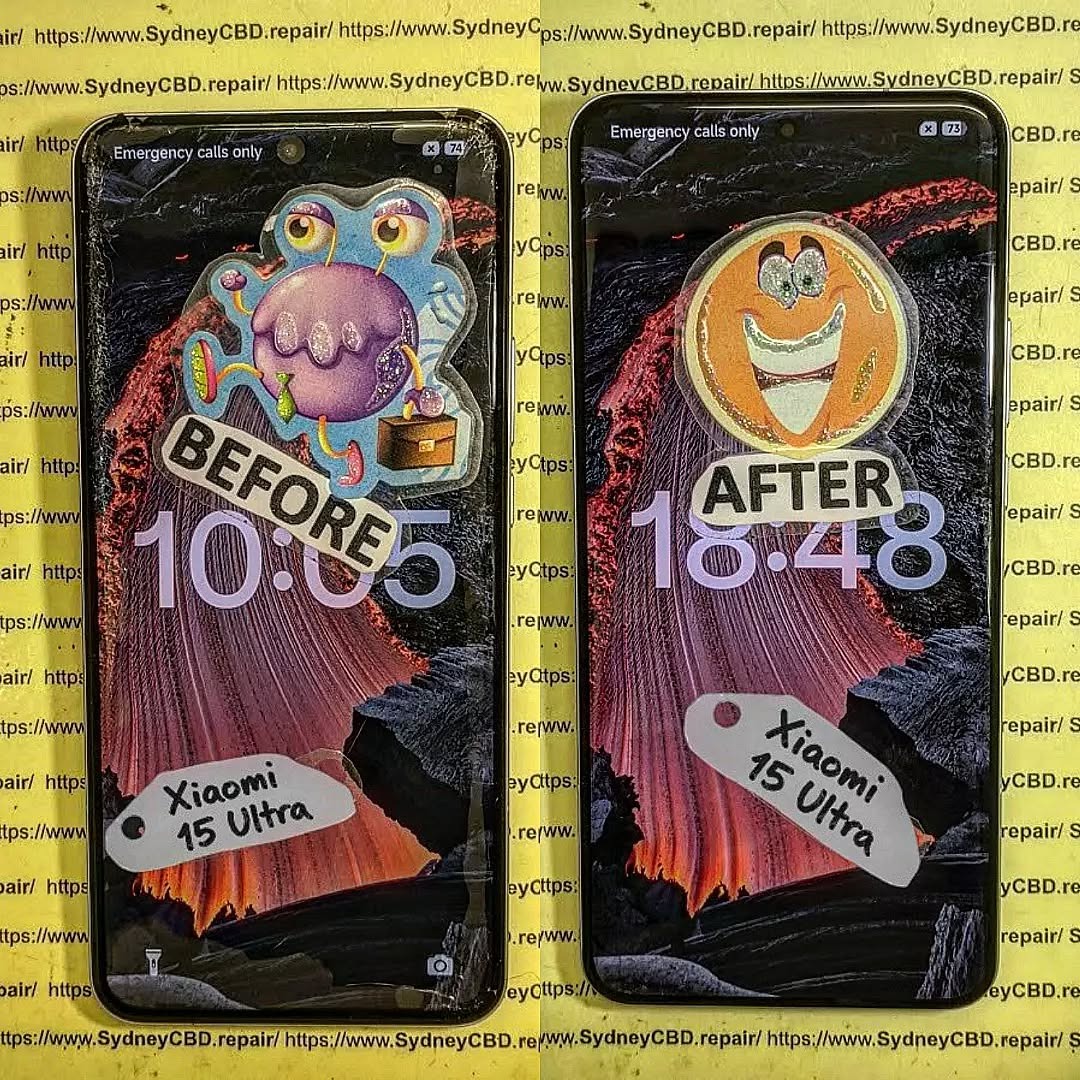
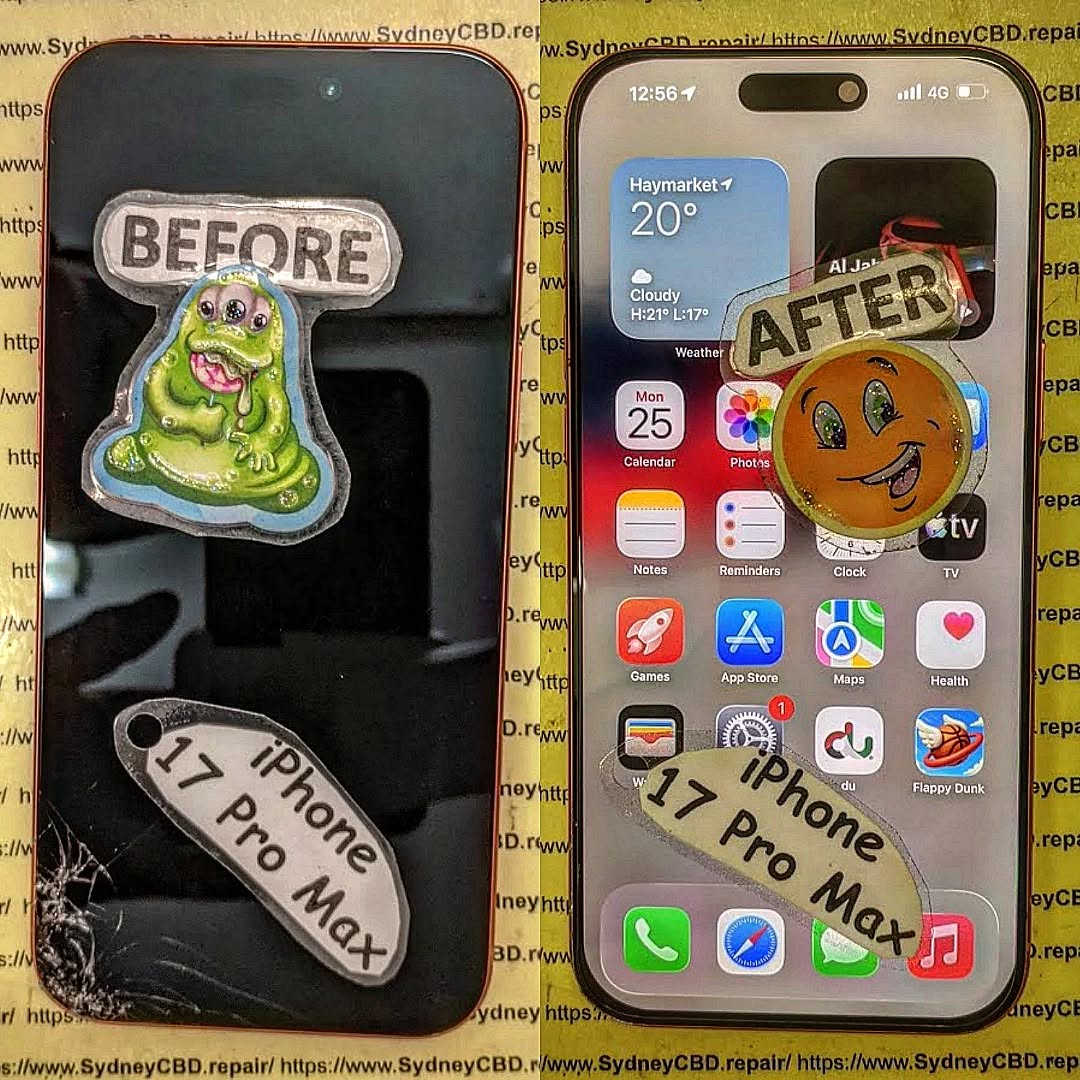
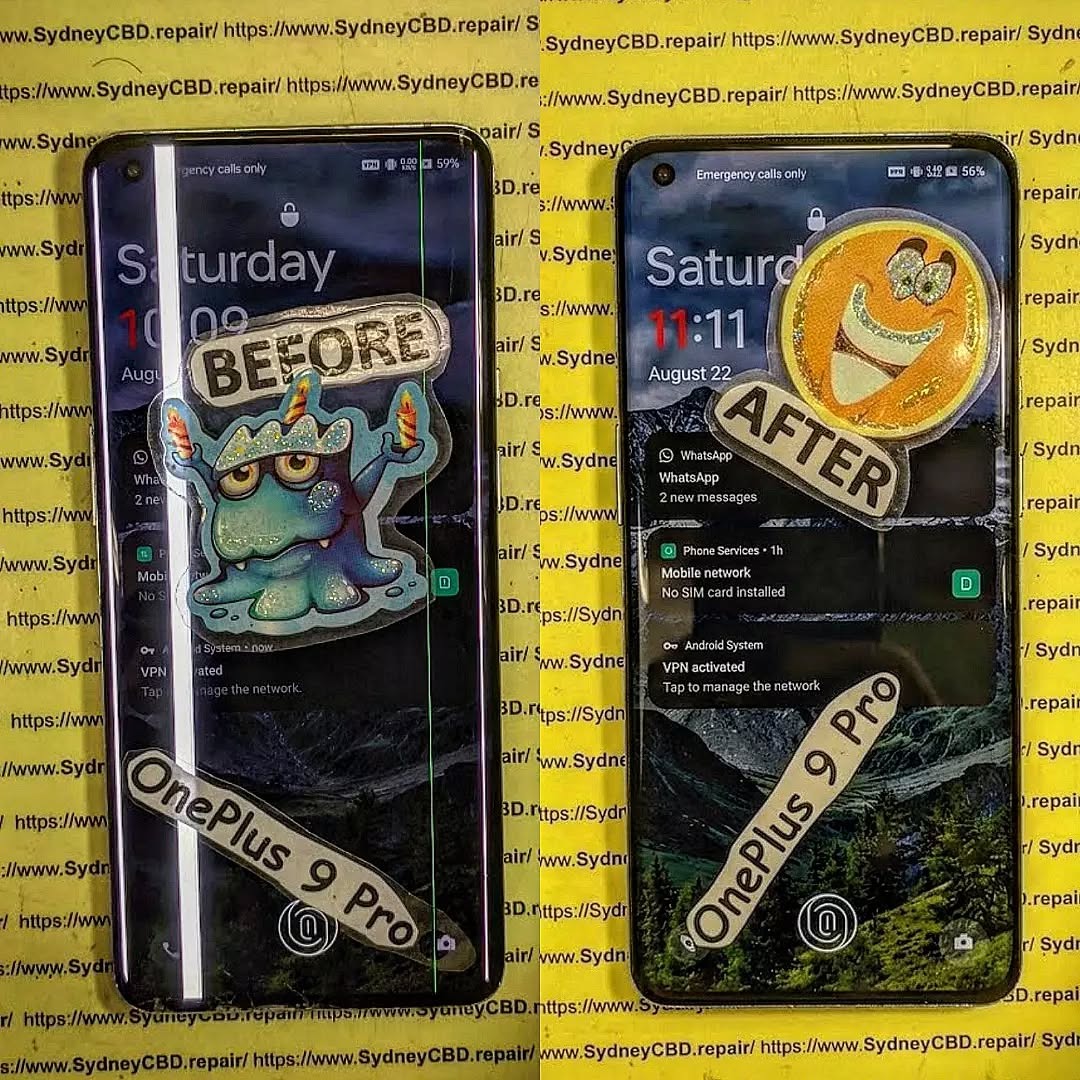
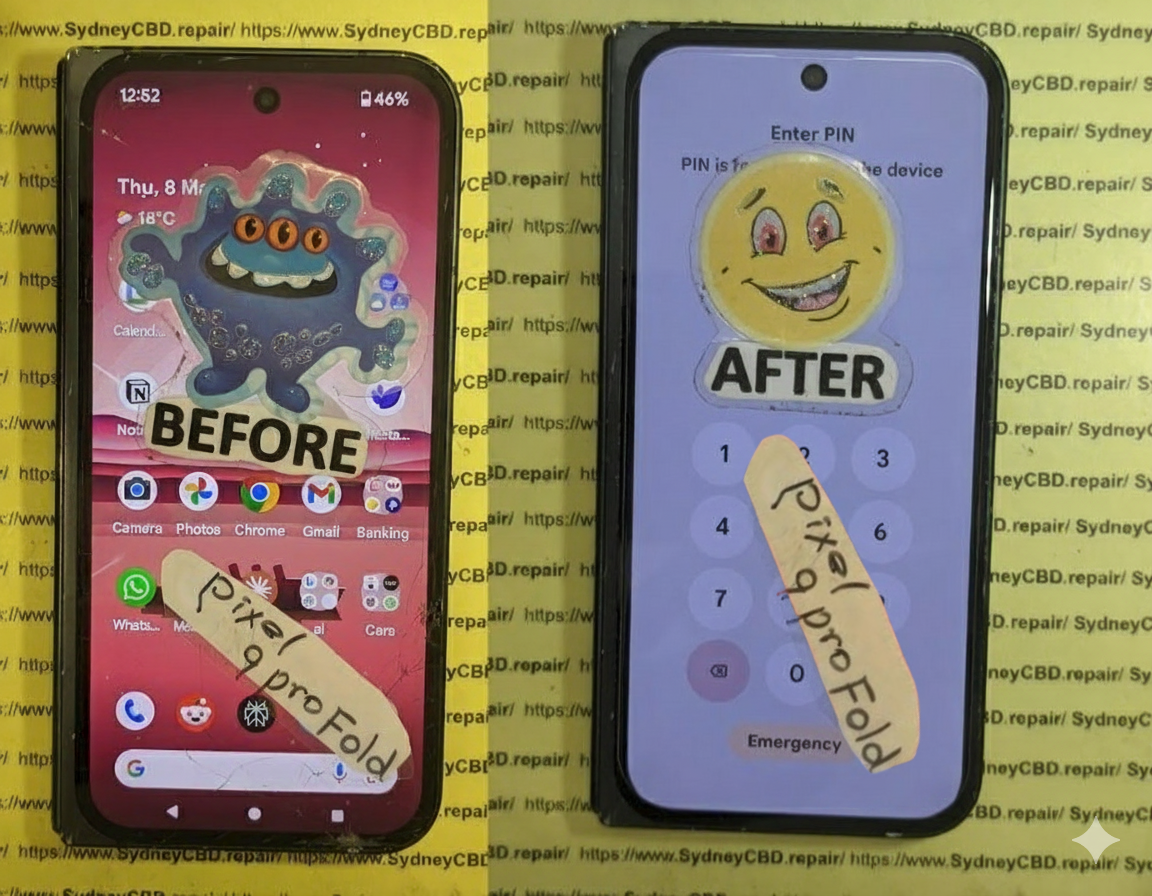
These real-life examples highlight cost variations and factors affecting total charges.
Emerging Trends in Phone Repairs
Mobile Repair Kiosks
Quick repairs at malls and airports, often for minor issues.
Remote Diagnostics
Technicians can sometimes diagnose problems remotely, saving time.
Eco-Friendly Repairs
Recycling old components and offering refurbished parts are gaining popularity.
FAQs About Phone Repair Costs
1. How much does an iPhone screen repair cost?
Depending on the model, $100 to $450. Higher-end models are more expensive.
2. Is it cheaper to replace my phone than repair it?
For minor repairs, fixing is usually cheaper. For extensive damage, replacement may be more cost-effective.
3. Can DIY repairs void my warranty?
Yes. Unauthorized repairs often void manufacturer warranties.
4. Are third-party parts reliable?
Quality varies. Genuine OEM parts are always safer.
5. How long does a typical repair take?
Minor repairs: 1–2 hours; Major repairs: 2–4 hours.
6. Does insurance cover all repair types?
Coverage varies. Accidental damage is usually included, but manufacturer defects may not be.
Conclusion: Making Smart Decisions About Phone Repairs
Understanding phone repair costs empowers you to make informed decisions, avoid scams, and protect your investment. Whether choosing a professional service or weighing a DIY repair, consider parts quality, labor expertise, and warranty coverage. By comparing options and acting promptly, you can maintain your device efficiently and cost-effectively.
David from Sydney CBD Repair Centre – The Best place to fix mobile phones as 7 Years In A Row! Top Mobile Phone Repair In Sydney. More than 2000 Positive Reviews on Google and Same Day Repairs.
We take pride in delivering exceptional repair services for all major phone brands including Apple, Samsung, Google, and more. Our expert technicians use only genuine parts and offer 90days warranty on repairs. Located in the heart of Sydney CBD, we’re your one-stop solution for all mobile device repairs.
Our commitment to excellence has earned us the trust of thousands of satisfied customers. Whether it’s a cracked screen, battery replacement, or water damage repair, we handle it all with professional care and expertise. Walk in today and experience why we’re Sydney’s #1 choice for mobile phone repairs.
Visit us for:
✓ Same Day Express Repairs
✓ Genuine Parts Guarantee
✓ Professional Technicians
✓ Competitive Pricing
✓ 2000+ 5-Star Google Reviews
✓ 7-Time Award Winner for Best Phone Repairs
THE ASSEMBLING A CUSTOMER’S PHONE FROM SCRATCH TO HATCH! The Ultimate 10-Step Guide to Perfect Phone Restoration
Introduction: The Art and Precision of Phone Assembly
Assembling a customer’s phone from scratch is both an art and a science. It requires a deep understanding of microelectronics, patience, and surgical precision. Whether you’re a professional technician or a DIY enthusiast, mastering this process ensures longevity and reliability for every device you touch.
At Sydney CBD Repair Centre, our technicians have perfected this craft, rebuilding thousands of smartphones from the ground up — from iPhones to Samsung Galaxy and Google Pixel devices. We don’t just repair; we restore phones to their original performance using genuine parts and proven methods.
Before touching a single screw, preparation is key.
A clean, static-free environment ensures components stay dust-free and safe from electrostatic discharge. Use an ESD mat, grounded wrist strap, and magnetic screw mat to keep things organized.
Checklist for preparation:
Clean microfiber cloth
Screw organizers
Precision screwdriver set
Tweezers and spudgers
Heat gun or iOpener for adhesive removal
ESD-safe gloves
Proper preparation not only prevents mistakes but also boosts efficiency during the reassembly process.
Every smartphone follows a similar architecture — but with brand-specific nuances. Knowing how each component interconnects helps avoid costly errors.
Core components include:
Motherboard – the brain of the phone
Battery – supplies power
Display Assembly – touchscreen and digitizer
Camera Modules – front and rear optics
Housing/Frame – supports internal structure
Buttons and Sensors – manage user input
Referencing official teardown guides or manufacturer schematics can be invaluable, especially when dealing with unfamiliar models.
Step 3: Gathering Genuine Parts and Tools
Using genuine parts is not just about performance — it’s about safety and durability. Third-party components may look similar but often fail faster or even cause short circuits.
At Sydney CBD Repair Centre, every component used in a rebuild is sourced from verified suppliers, ensuring:
Compatibility with original software
Stable power delivery
Proper heat dissipation
Recommended tools:
iFixit Pro Toolkit
Digital multimeter
Microscope or magnifying lamp
Heat-resistant gloves
A reliable toolkit and authentic parts form the foundation of professional-grade assembly.
Step 4: Installing the Motherboard
The motherboard is the heart of any smartphone. Installing it requires attention to connector alignment and screw placement.
Steps:
Position the motherboard gently within the housing.
Ensure camera, display, and button flex cables are routed properly.
Secure with manufacturer-specified screws.
Double-check grounding points and shielding plates.
Pro Tip: Avoid over-tightening screws — it can crack the board or warp the frame.
Step 5: Connecting the Battery and Power Systems
Next, attach the battery — but only after confirming the motherboard is secure.
Key considerations:
Use original battery adhesives.
Never bend or puncture lithium cells.
Verify power connection via multimeter before booting.
Once connected, perform a soft power test to confirm the motherboard and screen activate correctly.
Step 6: Mounting the Display Assembly
A phone’s display is its most delicate component. Aligning it requires patience and precision.
Installation steps:
Clean all contact surfaces with isopropyl alcohol.
Align the display flex cables.
Press gently from the center outward to avoid air gaps.
Reapply waterproof adhesive if applicable.
Using original displays ensures accurate touch response and brightness consistency.
Step 7: Attaching Cameras, Buttons, and Sensors
Each sensor and camera module has a specific alignment. Misplacement can affect autofocus or touch sensitivity.
Checklist:
Inspect camera lens for dust.
Ensure button click mechanisms feel natural.
Verify Face ID or fingerprint sensors align correctly.
After connection, take a few test photos and confirm responsiveness before sealing the device.
Step 8: Securing Frame and Screws
A solid frame ensures long-term durability. Use torque-appropriate screwdrivers to secure all components.
Tips:
Follow manufacturer torque guidelines.
Avoid mixing screw sizes.
Use a torque driver for consistency.
A structurally sound frame guarantees the phone won’t creak or flex under pressure.
Step 9: Software Installation and Testing
With hardware complete, it’s time to install software.
Process:
Flash the original firmware using official tools (e.g., Odin, iTunes, or Android Flash Tool).
Run diagnostics for battery, Wi-Fi, sensors, and cameras.
Calibrate screen and battery cycles.
This step ensures the phone functions like new and remains fully compatible with future updates.
Step 10: Final Quality Check
Before returning the device, every system must be tested.
Checklist includes:
Display brightness and color uniformity
Microphone and speaker clarity
Charging and USB functionality
Camera focus and stabilization
Network signal strength
Document all tests in a service report — a mark of true professionalism.
Common Mistakes to Avoid When Assembling a Phone
Using non-genuine parts
Forgetting grounding precautions
Overheating components during adhesive removal
Skipping waterproof seal reapplication
Misplacing screws or using wrong sizes
Avoiding these errors not only prevents rework but also enhances customer satisfaction.
Frequently Asked Questions (FAQs)
1. How long does it take to assemble a phone from scratch?
On average, a professional can complete the process in 1–2 hours, depending on the model and complexity.
2. Can I use aftermarket parts to save money?
It’s not recommended. Genuine parts ensure proper fit, performance, and longevity — especially for flagship devices.
3. What tools are essential for beginners?
Start with a precision screwdriver set, tweezers, ESD mat, and magnetic tray.
4. Is software flashing mandatory after assembly?
Yes, to ensure compatibility and eliminate firmware issues that can arise from component replacements.
5. How can I tell if a part is genuine?
Check for OEM markings, QR codes, and purchase only from authorized suppliers.
6. Where can I get professional phone assembly and repair in Sydney?
Visit Sydney CBD Repair Centre — Sydney’s trusted destination for same-day, expert repairs using genuine parts.
Conclusion: Why Expert Assembly Matters
Rebuilding a smartphone from scratch isn’t just about technical skill — it’s about trust, precision, and quality. Each screw, connector, and adhesive layer plays a crucial role in ensuring the device performs flawlessly.
That’s why professionals like David and his team at Sydney CBD Repair Centre have become Sydney’s top choice for mobile phone restoration. With over 2000 positive Google reviews and 7 consecutive awards, they exemplify what genuine craftsmanship looks like in the modern tech repair world.
Whether it’s a simple battery swap or a full rebuild from scratch — choose reliability, authenticity, and expertise.
David from Sydney CBD Repair Centre – The Best place to fix mobile phones as 6 Years In A Row! Top Mobile Phone Repair In Sydney. More than 2000 Positive Reviews on Google and Same Day Repairs.
📍 Visit us today for:
✓ Same Day Express Repairs
✓ Genuine Parts Guarantee
✓ Professional Technicians
✓ Competitive Pricing
✓ 2000+ 5-Star Google Reviews
✓ 7-Time Award Winner for Best Phone Repairs
Is Fixing A Smashed Samsung Galaxy S26 Ultra Actually Worth It? 7 Powerful Factors To Consider
Introduction
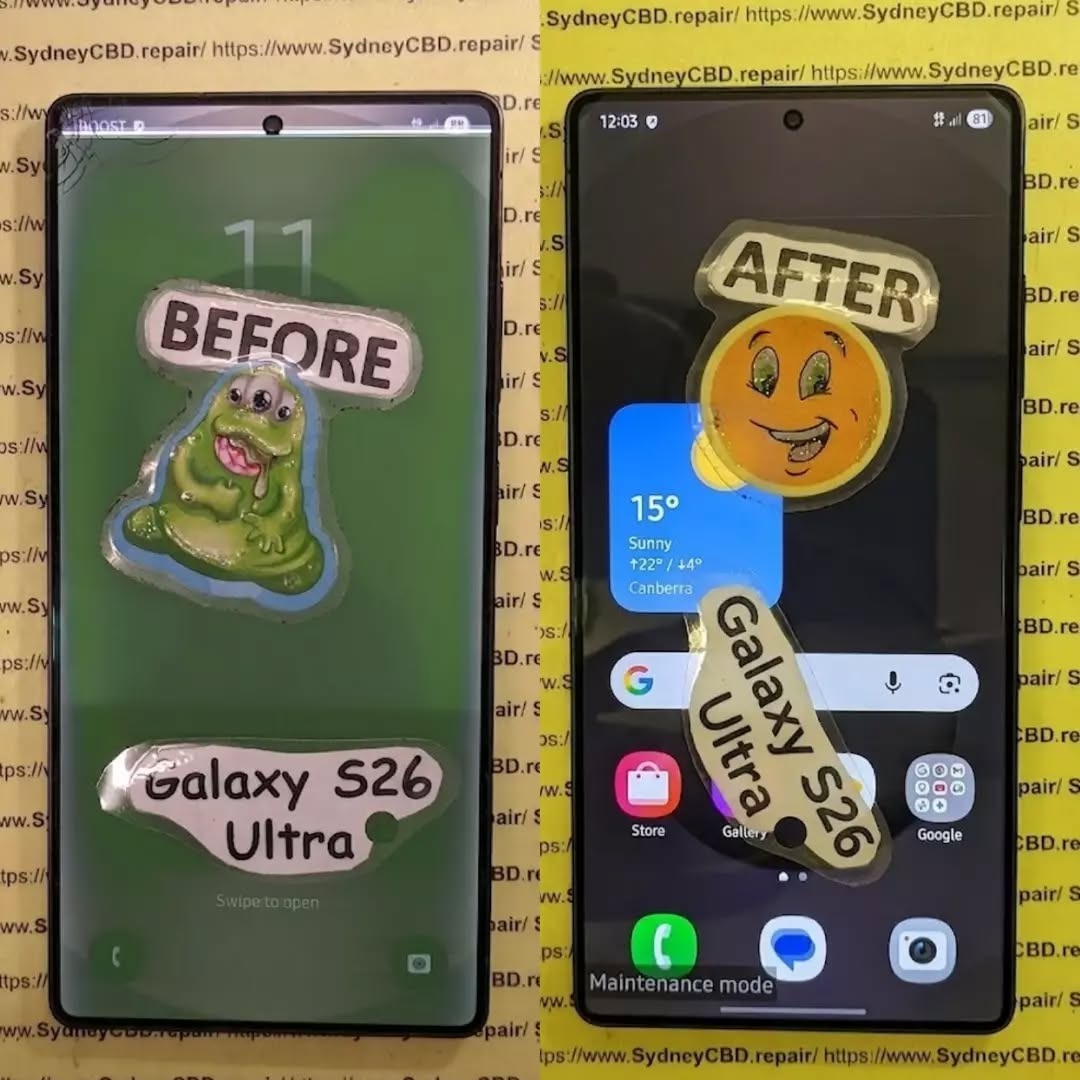
A smashed smartphone can turn a great day upside down in seconds. One drop, one unfortunate landing, and your expensive Samsung Galaxy S26 Ultra can suddenly have a cracked screen, damaged frame, broken camera glass or a back panel covered in cracks.
So, is fixing a smashed Samsung Galaxy S26 Ultra actually worth it?
In many cases, yes. However, it isn’t always as simple as looking at the repair price and comparing it with the cost of another phone. The condition of the device, extent of the damage, quality of replacement parts, remaining useful life and available protection all matter.
The Galaxy S26 Ultra is a premium flagship designed for demanding users. Samsung lists features including a 6.9-inch QHD+ Dynamic AMOLED 2X display with an adaptive 120Hz refresh rate, a 200MP camera system, a 5,000mAh battery and IP68 water and dust resistance. That means there’s plenty of technology packed into one relatively thin device.
When something this sophisticated gets smashed, professional diagnosis is usually more sensible than guessing what needs replacing.
This guide explains the seven most important factors to consider before spending money on a repair.
1. Start By Understanding Exactly What Is Broken
Before you decide whether to repair your phone, you need to know what has actually been damaged.
A phone that looks terrible may sometimes need only one major component replaced. On the other hand, a phone that appears to have “just” a cracked screen may have hidden internal damage.
Common types of Galaxy S26 Ultra damage include:
Cracked or shattered display glass
OLED display damage
Touchscreen failure
Black spots or coloured lines
Flickering display
Damaged frame
Broken rear glass
Scratched or cracked camera lenses
Camera focusing problems
Charging-port damage
Battery damage
Bent internal components
Loss of water resistance
Face or biometric sensor problems
That’s why it’s important not to judge a smashed phone solely by its appearance.
Cosmetic Damage vs Functional Damage
A small scratch on the frame isn’t the same as a bent frame.
Likewise, a crack in rear glass isn’t necessarily as serious as a display that has stopped responding to touch.
Think of damage in three broad categories:
Damage Type
Example
Potential Concern
Cosmetic
Small frame scratches
Mostly appearance
Component
Cracked display or camera glass
Functionality
Structural
Bent frame or internal damage
Potentially extensive repair
The distinction matters because a repair technician needs to establish whether the damaged component can be replaced independently or whether additional parts have been affected.
For many owners, the display is the biggest concern after a drop.
The Galaxy S26 Ultra uses a large 6.9-inch QHD+ Dynamic AMOLED 2X display with an adaptive refresh rate of up to 120Hz. Samsung also highlights anti-reflective display technology and its built-in Privacy Display feature.
In other words, this isn’t an ordinary phone screen.
A smashed display may involve more than replacing a piece of glass.
What Happens When the Screen Is Cracked?
There are several possibilities.
The outer glass may be cracked while the image and touch functionality still work. In other cases, the display panel itself can be damaged.
Warning signs of deeper display damage include:
Black patches
Green, pink or white lines
Flickering
Touch areas that don’t respond
Ghost touches
Display discoloration
A completely black screen
Brightness problems
If the screen is still working perfectly, don’t assume the damage is harmless. A crack can allow dust or moisture to enter areas that were previously sealed.
Samsung explains that its repair process distinguishes between Screen Repair and Screen Replacement on eligible models. Screen Repair addresses the display screen itself, while Screen Replacement can involve the display, frame and associated components. Final eligibility is determined after technician assessment.
That distinction is important when you’re comparing quotes.
3. Consider the Condition of the Frame and Back Glass
A smashed Galaxy S26 Ultra isn’t necessarily a screen-only repair.
The phone’s frame provides structural support for the display and internal components. If the frame is badly dented or bent, installing a replacement display onto a damaged chassis may not be the appropriate solution.
Check the Frame Carefully
Look around the entire perimeter of the device.
Pay attention to:
Deep dents
Bends
Gaps between components
Loose buttons
Damaged speaker openings
Distorted edges
Cracks around the charging port
A minor scuff is one thing. A visibly bent frame is another.
What About Back Glass?
Rear glass damage is usually less immediately disruptive than a broken display, but it shouldn’t automatically be ignored.
A damaged back can:
Expose internal components.
Allow dust or moisture to enter.
Affect structural integrity.
Reduce resale or trade-in value.
Make the device uncomfortable or unsafe to handle.
If your S26 Ultra has a smashed back but everything else works, ask a technician whether the rear glass can be replaced independently or whether the damage extends to the chassis.
4. Don’t Ignore Camera Damage
The camera system is another major consideration.
Samsung positions the Galaxy S26 Ultra as a camera-focused flagship with a 200MP main camera and additional camera hardware for different shooting situations.
That makes camera damage particularly frustrating.
A drop can damage:
Camera lens glass
Camera covers
Autofocus mechanisms
Optical stabilisation components
Camera sensors
Internal connectors
Signs Your Camera Needs Professional Inspection
Open the camera application and test every available camera.
Look for:
Blurry images
Persistent focus problems
Shaking or unusual movement
Black spots
Hazy photos
Cracked camera glass
Camera-app crashes
Strange clicking or buzzing
Don’t assume that a cracked camera cover automatically means the camera sensor is damaged.
Sometimes replacing the damaged external glass is enough. In other situations, impact can affect the camera assembly underneath.
That’s another reason a proper diagnostic assessment can save money.
5. Think About Water Resistance After a Major Smash
The Galaxy S26 Ultra has an IP68 rating under Samsung’s specifications. However, owners shouldn’t treat a heavily damaged phone as though its original protection is guaranteed forever.
A significant impact can compromise physical seals, glass and structural components.
If the phone has been smashed, avoid deliberately exposing it to:
Swimming pools
Showers
Heavy rain
Sinks
Steam
Spilled drinks
Even if the phone still works normally.
Why This Matters
A phone can appear perfectly functional after a drop and then develop problems later.
Moisture-related damage can affect:
Charging components
Display connections
Cameras
Speakers
Microphones
Motherboard components
If your device was dropped into water at the same time it was smashed, tell the repair technician. That information can significantly change the diagnostic process.
Is fixing a smashed Samsung Galaxy S26 Ultra worth it?
There isn’t one universal answer because every damaged phone has a different repair requirement.
Instead, compare four numbers:
A. The Repair Quote
Get a complete quote rather than relying on a rough estimate.
Ask whether the price includes:
Parts
Labour
Diagnostics
Adhesives
Testing
Warranty
Any additional damaged components
Samsung Australia’s repair-cost estimator provides estimates for eligible repair scenarios, but Samsung notes that the final cost can change after a technician assesses the actual device.
B. The Replacement Cost
Don’t compare your repair bill with the launch price from months ago.
Look at the current cost of a comparable replacement with similar:
Storage
Condition
Warranty
Carrier status
Accessories
C. The Remaining Useful Life
A newer phone with relatively low battery wear can make a repair more attractive than replacing it.
Consider how long you expect to use the device.
If you planned to keep your S26 Ultra for several more years, repairing it may preserve value that would otherwise be lost.
D. Your Data and Setup
This factor is often overlooked.
Your phone isn’t just hardware.
It may contain:
Photos
Videos
Messages
Authentication apps
Work information
Banking apps
Contacts
Notes
Saved settings
App configurations
Replacing a phone can take hours of setup and data transfer.
If the smashed device still contains important information that isn’t backed up, professional repair may also be part of your data-recovery strategy.
7. Repair Quality Matters Just as Much as Repair Price
A cheap repair isn’t necessarily a good repair.
This is particularly important with flagship smartphones.
A low-quality replacement component may affect:
Display brightness
Colour accuracy
Touch responsiveness
Battery performance
Camera operation
Fit and finish
Durability
Long-term reliability
Genuine Parts vs Low-Cost Alternatives
When obtaining a repair quote, ask exactly what parts will be used.
Questions worth asking include:
Are the replacement parts genuine Samsung components?
Does the repair include a warranty?
Will the technician test all phone functions after repair?
Will the frame be inspected before a new display is installed?
Does the repair affect any remaining manufacturer coverage?
These questions may feel a little fussy, but they’re worth asking when you’re dealing with an expensive flagship.
A proper repair isn’t simply about making the cracks disappear.
It’s about restoring the device as safely and reliably as possible.
Repair vs Replacement: A Practical Comparison
Factor
Repair
Replace
Upfront cost
Usually lower than buying another flagship
Usually higher
Existing data
Can remain on the original device
Requires transfer
Familiar setup
No major change
New setup required
Device condition
Depends on repair quality
Depends on replacement device
Warranty
Depends on repair provider
New-device warranty may apply
Environmental impact
Extends existing device life
Requires another device
Convenience
Potentially same-day
May require purchasing and setting up another phone
The table isn’t a verdict. It’s a framework.
Your personal situation determines which option makes more financial and practical sense.
When Fixing a Smashed Samsung Galaxy S26 Ultra Usually Deserves Serious Consideration
Repair deserves consideration when:
The phone is otherwise functioning normally.
Damage is concentrated in one component.
Your data is important and not fully backed up.
The device is relatively new.
Battery health remains satisfactory.
The frame isn’t badly bent.
Cameras and internal functions still work.
The repair quote is reasonable compared with replacement.
A reputable technician can provide quality parts.
You intend to keep the phone for another few years.
In these situations, repairing the device can extend its useful life rather than forcing you to purchase another phone.
When Replacing the Phone May Deserve Consideration
Replacement deserves a closer look when the phone has extensive damage across several major components.
For example:
The frame is badly bent.
The display is destroyed.
Multiple cameras are damaged.
The motherboard has impact damage.
The battery is damaged.
There are signs of liquid ingress.
Repair costs approach the cost of a comparable replacement.
The phone already has other significant faults.
You were planning to upgrade soon anyway.
Again, don’t make the decision from one factor alone.
A cracked screen plus an otherwise perfect phone is a very different situation from a cracked screen, bent chassis, dead camera and charging problems.
What a Professional Technician Should Check
A professional assessment should go beyond looking at the front glass.
A comprehensive inspection may include:
Display testing
Touchscreen testing
Frame inspection
Camera testing
Speaker testing
Microphone testing
Charging-port inspection
Wireless charging testing
Button testing
Biometric-function testing
Battery checks
Connectivity testing
Internal damage assessment
This is particularly important after a hard impact.
Sometimes the visible damage is only the tip of the iceberg.
Don’t Forget About Samsung Care+
If you purchased Samsung Care+, check your coverage before paying for an independent repair.
Samsung Australia currently lists Samsung Care+ options for Galaxy devices, including screen-replacement and swap services. Its current information states that eligible S Series customers can access screen-replacement services for a stated service fee, with specific coverage depending on the plan and eligibility requirements.
Samsung also notes that its screen-replacement service can involve screen replacement, battery replacement, device cleaning or diagnostic testing depending on the service.
Coverage terms can change, so check the current plan associated with your device before making a decision.
Protect Your Data Before Handing Over the Phone
If your smashed S26 Ultra still works, back it up before repair whenever possible.
Samsung’s support terms also recommend using Maintenance Mode when appropriate. Maintenance Mode restricts access to personal data while a device is being serviced.
Before handing over the phone, consider:
Backing up photos
Syncing contacts
Backing up important files
Confirming your Samsung account details
Checking Google backup
Removing sensitive information where appropriate
Recording the device condition
Keeping your repair documentation
If the screen is barely usable, ask the repair centre whether they can help you secure the data before work begins.
Why DIY S26 Ultra Repair Can Be Risky
You can find smartphone repair videos online, and some repairs may look straightforward.
But flagship phones aren’t LEGO sets.
Opening a modern smartphone can involve adhesives, delicate cables, compact components and tightly integrated assemblies.
DIY repair risks include:
Damaging display cables
Breaking connectors
Puncturing the battery
Damaging cameras
Creating alignment problems
Introducing dust under the display
Compromising seals
Losing biometric functionality
Turning a repairable problem into a much larger one
If you’ve never repaired a flagship smartphone before, the apparent savings can disappear quickly if something goes wrong.
How to Get an Accurate Repair Quote
When contacting a repair centre, provide as much information as possible.
Tell them:
Exact model
Storage capacity
What happened
Whether the phone still turns on
Whether touch works
Whether cameras work
Whether the frame is bent
Whether the phone was exposed to liquid
Whether there are display lines or black spots
Photos can also help a technician provide an initial assessment, although a physical inspection is more reliable.
Samsung’s Australian repair-cost estimator can also provide an initial estimate for supported products and issues. The company states that the final repair cost can vary after technician assessment.
6 Questions to Ask Before Approving the Repair
Before saying “go ahead,” ask:
1. Is the quoted price the final price?
Find out whether additional internal damage could increase the cost.
2. What parts will be installed?
Ask whether genuine manufacturer parts are being used.
3. Is labour included?
Some quotes list the replacement part but don’t clearly explain labour or other charges.
4. What warranty comes with the repair?
Get the warranty terms in writing.
5. Will the phone be fully tested?
A quality repair should include post-repair testing.
6. Will the frame and internal components be inspected?
This is especially important after a significant impact.
6 Frequently Asked Questions About Fixing a Smashed Samsung Galaxy S26 Ultra
Is fixing a smashed Samsung Galaxy S26 Ultra worth it?
It can be. The decision depends on the severity of the damage, repair quotation, condition of the rest of the phone, remaining useful life and cost of a comparable replacement.
How much does it cost to repair a smashed Galaxy S26 Ultra?
There isn’t one universal repair price because damage varies. A screen-only problem can require a different service from a damaged frame, camera, battery or internal component. Samsung Australia provides an online repair-cost estimator, while the final price can depend on technician assessment.
Can a cracked Galaxy S26 Ultra screen be repaired?
Depending on the model, damage and repair eligibility, a technician may offer a screen-repair or screen-replacement service. Samsung Australia distinguishes between the two, with screen replacement involving the display assembly and associated components where applicable.
Is it safe to keep using a smashed S26 Ultra?
It depends on the damage. If the glass is severely shattered, the frame is bent, the battery is damaged, or the device has been exposed to liquid, continued use may create additional risks. Have significant physical damage professionally inspected.
Will repairing the screen restore water resistance?
You shouldn’t assume that a repaired phone has exactly the same water-resistance performance as a factory-new device. Ask the repair provider what sealing process and post-repair testing they perform.
Should I use a cheap screen replacement?
Price shouldn’t be the only consideration. Ask about part quality, compatibility, warranty, technician experience and post-repair testing. A lower initial price can be less attractive if the replacement component performs poorly or fails prematurely.
Can I repair the S26 Ultra myself?
Technically, some components can be replaced, but modern flagship phones require specialised tools and skills. DIY repair can cause additional damage, particularly around the battery, display and internal connectors.
Should I repair or trade in my smashed S26 Ultra?
Compare the actual repair quote with the current trade-in or replacement options available to you. Also check whether the trade-in programme accepts damaged devices and how damage affects the offered value.
Does Samsung Care+ cover a smashed Galaxy S26 Ultra?
Coverage depends on your specific Samsung Care+ plan, device eligibility and the circumstances of the damage. Samsung Australia currently provides Care+ options that can include screen replacement and device swap services, subject to plan terms.
How long does a Galaxy S26 Ultra repair take?
Repair time varies according to the type of damage, parts availability and repair centre. A straightforward component replacement may be faster than a repair involving multiple damaged components.
Conclusion: Look at the Whole Picture
So, is fixing a smashed Samsung Galaxy S26 Ultra actually worth it?
The smartest way to approach the question is to avoid making the decision based solely on how bad the phone looks.
Start with a professional diagnosis.
Then compare:
Repair cost + repair quality + remaining phone life
against:
Replacement cost + setup time + data transfer + loss of your current device
If the S26 Ultra is otherwise in excellent condition and the damage is limited to a repairable component, fixing it can make practical and financial sense.
If the device has widespread structural and internal damage, replacement may become more relevant.
The key is getting an accurate assessment before spending money.
And don’t forget that a premium smartphone isn’t necessarily disposable just because its glass is smashed. With the right diagnosis and a quality repair, a damaged flagship can potentially return to everyday service and continue being useful for years.
For Australian owners, Samsung’s official repair-cost estimator is a useful starting point for checking current repair information, while Samsung Care+ may provide additional options for eligible customers.
Ultimately, the best decision comes from knowing exactly what is damaged, what the repair includes and what you’re getting for your money.
A smashed screen is frustrating, but it doesn’t automatically mean your Galaxy S26 Ultra has reached the end of the road.
David from Sydney CBD Repair Centre – The Best place to fix mobile phones as 7 Years In A Row! Top Mobile Phone Repair In Sydney. More than 2000 Positive Reviews on Google and Same Day Repairs.
We take pride in delivering exceptional repair services for all major phone brands including Apple, Samsung, Google, and more. Our expert technicians use only genuine parts and offer 90days warranty on repairs. Located in the heart of Sydney CBD, we’re your one-stop solution for all mobile device repairs.
Our commitment to excellence has earned us the trust of thousands of satisfied customers. Whether it’s a cracked screen, battery replacement, or water damage repair, we handle it all with professional care and expertise. Walk in today and experience why we’re Sydney’s #1 choice for mobile phone repairs.
Visit us for:
✓ Same Day Express Repairs
✓ Genuine Parts Guarantee
✓ Professional Technicians
✓ Competitive Pricing
✓ 2000+ 5-Star Google Reviews
✓ 7-Time Award Winner for Best Phone Repairs
Sydney CBD Repair Centre – Where Quality Meets Reliability.
Call : +61280114119
Website: Sydney CBD Repair Centre
The Unseen Damage: The Hidden Truths of Smartphone Rear Cover Repairs – Ultimate Guide + 21 Expert Insights
Introduction
Smartphones are built to look sleek and feel durable, but appearances can be deceiving. A cracked or damaged rear cover often seems like a minor, cosmetic issue—something you can live with until your next upgrade. However, the reality is far more complex. Beneath the surface, unseen damage can quietly develop, putting your phone’s internal components, performance, and safety at risk. What starts as a small crack can lead to moisture intrusion, battery stress, signal problems, and costly repairs down the line.
As modern smartphones rely on precision engineering and tightly sealed designs, the rear cover plays a critical protective role. When that protection is compromised, even slightly, the entire device can be affected. That’s why understanding the hidden truths of smartphone rear cover repairs is essential for every phone user, whether you own the latest flagship or a trusted older model.
In this article, we’ll uncover what really happens when a phone’s rear cover is damaged, why these issues are often overlooked, and how professional repairs can restore both function and peace of mind. By the end, you’ll have clear, practical insight into why timely rear cover repair isn’t just smart—it’s necessary.
Smartphones look tough, sleek, and dependable. Yet, unseen damage often lurks beneath the surface, especially after rear cover damage. Smartphone rear cover repairs aren’t just cosmetic fixes. They protect internal components, preserve resale value, and maintain safety. In the first moments after a drop, hairline cracks may seem harmless. However, they can trigger moisture ingress, heat retention, and internal stress.
This guide breaks down the hidden truths of smartphone rear cover repairs in plain, practical language. You’ll learn why ignoring rear cover damage is risky, when professional repair matters, and how to prevent repeat issues. Let’s get into it.
The rear cover seals and protects your phone’s internals—battery, logic board, cameras, antennas. Modern phones rely on tight tolerances. Even minor rear cover damage can compromise water resistance and signal strength. That’s why unseen damage from a cracked rear panel can snowball fast.
A single drop may not shatter glass, but micro-fractures form. Over time, pressure from pockets or heat cycles spreads cracks. That’s classic unseen damage—invisible until it’s a problem.
Heat, Moisture, and Chemical Exposure
Heat weakens adhesives. Moisture creeps in through cracks. Cleaning chemicals degrade coatings. Together, they accelerate internal corrosion.
Unseen Damage Explained
Structural Weakness Beneath the Surface
Cracks reduce structural rigidity. This shifts stress to the frame and battery. Adhesives fail, causing separation and rattles.
Internal Component Risks
Battery swelling and thermal issues
Camera dust ingress and focus errors
Antenna misalignment causing signal drops
These aren’t obvious at first, but they’re costly later.
Why Rear Cover Damage Is Often Ignored
Cosmetic vs Functional Misconceptions
Many assume rear cover damage is “just cosmetic.” In reality, it’s a protective shell failure. Ignoring unseen damage can void warranties and reduce trade-in value.
Professional vs DIY Rear Cover Repairs
Risks of DIY Fixes
DIY kits look tempting. However, improper heat application can damage batteries. Poor sealing ruins water resistance. Misaligned cameras are common.
Benefits of Professional Repair
Professionals use calibrated heat, genuine parts, and resealing techniques that restore integrity. Shops like Sydney CBD Repair Centre follow manufacturer-grade procedures and provide warranties.
The Repair Process Step-by-Step
Diagnosis and Disassembly
Technicians inspect for unseen damage, test components, and safely remove the rear cover using controlled heat.
Replacement and Resealing
A new rear cover is fitted, adhesives cured, and pressure-tested to ensure durability.
Costs, Value, and Longevity
Short-Term Savings vs Long-Term Costs
Skipping repair saves money today but risks expensive failures tomorrow. Professional rear cover repairs extend device life and protect resale value.
Preventing Future Rear Cover Damage
Protective Habits and Accessories
Use shock-absorbing cases
Avoid extreme heat
Clean with phone-safe solutions
Don’t pocket phones with keys
For general device care guidance, see Apple’s official iPhone safety and handling advice
FAQs
1. Is rear cover damage purely cosmetic?
No. It often leads to unseen damage like moisture ingress and battery issues.
2. Can I keep using my phone with a cracked back?
You can, but it’s risky and may worsen internal damage.
3. How long does a rear cover repair take?
Usually same day with professional service.
4. Will repair restore water resistance?
A professional reseal can restore protection close to factory standards.
5. Are genuine parts necessary?
Yes. They ensure fit, durability, and safety.
6. Is DIY repair ever recommended?
Only for experienced technicians. For most users, professional repair is safer.
Conclusion
Smartphone rear cover repairs address more than looks. They stop unseen damage, protect vital components, and extend device lifespan. Acting early saves money, stress, and data. If your phone’s back is cracked—even slightly—don’t wait. Professional repair is an investment in reliability and peace of mind.
David from Sydney CBD Repair Centre – The Best place to fix mobile phones as 7 Years In A Row! Top Mobile Phone Repair In Sydney. More than 2000 Positive Reviews on Google and Same Day Repairs.
We take pride in delivering exceptional repair services for all major phone brands including Apple, Samsung, Google, and more. Our expert technicians use only genuine parts and offer 90days warranty on repairs. Located in the heart of Sydney CBD, we’re your one-stop solution for all mobile device repairs.
Our commitment to excellence has earned us the trust of thousands of satisfied customers. Whether it’s a cracked screen, battery replacement, or water damage repair, we handle it all with professional care and expertise. Walk in today and experience why we’re Sydney’s #1 choice for mobile phone repairs.
Visit us for:
✓ Same Day Express Repairs
✓ Genuine Parts Guarantee
✓ Professional Technicians
✓ Competitive Pricing
✓ 2000+ 5-Star Google Reviews
✓ 7-Time Award Winner for Best Phone Repairs
Reason why are some phone screens so expensive to replace? The breakdown + Ultimate Guide + 7 Insights
Introduction
Smartphone screens are the gateway to your digital world. From checking emails to streaming videos, your screen is the most-used part of your device—and also the most vulnerable. But have you ever wondered why replacing a cracked or damaged phone screen can cost hundreds of dollars, sometimes even more than the device itself?
The answer isn’t as simple as “glass is expensive.” Modern phone screens are sophisticated pieces of technology, combining high-resolution displays, touch-sensitive layers, protective glass, and advanced features like high refresh rates, HDR support, and under-display fingerprint sensors. Each layer and feature adds complexity—and cost—to repair or replacement.
In this comprehensive guide, we’ll break down why some phone screens are so expensive to replace, explore the technology behind these screens, examine factors driving repair costs, and share expert tips on protecting your device. Whether you’re considering a DIY fix or professional service, understanding these factors will help you make informed choices and potentially save hundreds on repairs.
Smartphone screens are one of the most fragile and essential components of modern devices. Yet, replacing a cracked or damaged screen can sometimes cost more than you’d expect. If you’ve ever wondered why, this guide will unpack the hidden complexities behind screen prices, explain technology-driven costs, and provide practical advice for maintenance and repair.
A phone screen isn’t just a slab of glass. It’s a sophisticated assembly that integrates multiple layers and technologies, each contributing to cost and repair complexity.
Display Types: LCD vs. OLED vs. AMOLED
The display panel is the heart of the screen. There are three primary types:
LCD (Liquid Crystal Display): Traditional and cost-effective. Used in older phones. Requires a backlight.
OLED (Organic Light-Emitting Diode): Offers deeper blacks and higher contrast. Each pixel emits its own light, which allows thinner displays but costs more to manufacture.
AMOLED (Active Matrix OLED): An advanced version of OLED with faster refresh rates and improved efficiency. Premium devices like high-end Samsung Galaxy models use this, driving up replacement prices.
Touch Sensor Technology
Most modern screens integrate touch sensors directly with the display (in-cell or on-cell technology). Repairing or replacing these screens requires high precision to ensure touch sensitivity remains accurate.
Protective Glass Layers
Tempered glass or Gorilla Glass adds durability but also increases replacement complexity. Higher-end models may have multiple layers, including anti-reflective or scratch-resistant coatings, adding to costs.
Multiple factors beyond just the materials affect why screens are pricey to replace.
Brand Premiums and Original Parts
High-demand brands such as Apple and Samsung charge a premium for original parts. Non-genuine or third-party parts are cheaper but may compromise display quality or touch responsiveness.
Labor Costs and Technician Expertise
Replacing modern smartphone screens isn’t as simple as swapping glass. Technicians must carefully disassemble devices, separate delicate components, and reassemble without damaging internal hardware. Skilled labor contributes significantly to overall costs.
Supply Chain and Availability
Some devices have limited production or use proprietary components. For example, the latest foldable phones often have screens that are only produced in small batches, which drives up prices due to scarcity.
Advanced Features Increasing Complexity
Features such as:
High refresh rate (120Hz+)
HDR support
Under-display fingerprint sensors
Curved or edge-to-edge designs
…all make screens more expensive to manufacture and repair. Even slight misalignment during replacement can cause malfunctions.
Repair vs. Replacement: What You Need to Know
Risks of DIY Repairs
While tempting to save money, DIY screen repairs carry risks:
Damage to other components
Reduced touch responsiveness
Warranty voiding
DIY repair kits often lack precision tools or quality materials, increasing the chance of failure.
Warranty Implications
Most manufacturers only honor warranties if original parts are used and repairs are done by certified technicians. Replacing the screen with non-genuine parts can void coverage.
Choosing Professional Repair Services
Professional services like Sydney CBD Repair Centre ensure genuine parts, expert labor, and warranties. Choosing the right repair service reduces risk and often saves money in the long run.
Technology Trends Affecting Screen Prices
Smartphone screens evolve rapidly, and new tech often increases costs.
Foldable Screens and New Materials
Foldable devices use ultra-thin flexible OLED panels that are challenging to produce. Repairs are complex and costly due to fragile layers and hinge mechanisms.
Under-Display Fingerprint Sensors
Embedding sensors under the screen adds layers of precision. Misalignment or damage during replacement can make fingerprint recognition fail, requiring expensive fixes.
High Refresh Rate and HDR Displays
Modern flagship phones offer buttery-smooth 120Hz refresh rates and HDR content. Replacing these screens isn’t just swapping glass—it requires precise calibration for color accuracy and performance.
Cost Breakdown by Phone Model
Screen replacement costs vary significantly depending on brand and model.
Apple iPhones
iPhone SE / older models: $150–$200
iPhone 13/14: $300–$400
iPhone Pro/Pro Max: $450–$700
Apple’s premium components and tight integration increase costs.
Samsung Galaxy Devices
Mid-range Galaxy A series: $150–$250
Galaxy S series: $300–$500
Galaxy Z Fold / Flip: $800–$1,200
Foldable displays and AMOLED technology are major contributors to high costs.
Google Pixel and Other Android Phones
Pixel 6/7: $250–$400
Pixel 8 Pro: $450–$650
Other brands vary widely depending on screen technology and availability of genuine parts.
How to Extend Your Screen’s Lifespan
Using Screen Protectors and Cases
Tempered glass protectors and rugged cases absorb shocks and prevent scratches, delaying expensive replacements.
Proper Handling and Maintenance Tips
Avoid leaving phones in pockets with keys or coins
Keep away from extreme temperatures
Clean screens gently with microfiber cloths
Small preventive steps can save hundreds in repair costs over time.
FAQs
1. Why is an OLED screen more expensive than an LCD?
OLED panels emit light per pixel, allowing for superior color and contrast but requiring complex manufacturing, making them pricier.
2. Can third-party replacement screens void my warranty?
Yes. Using non-genuine parts often voids manufacturer warranties and may affect future support.
3. Are repair costs worth it for older devices?
Depends on device value. For older models, costs may approach the phone’s resale value, making replacement or upgrade a better option.
4. How do under-display sensors affect repair complexity?
They add extra layers under the glass. Misalignment or damage can render the sensor useless, increasing labor costs.
5. Is DIY repair ever a safe option?
Only for experienced technicians with proper tools. Most users risk further damage and reduced functionality.
6. Why do foldable screens cost significantly more?
They use ultra-thin flexible materials, complex hinge mechanisms, and have smaller production runs, driving up costs.
Conclusion
Smartphone screens are more than just glass—they’re sophisticated technology that balances display quality, touch sensitivity, and durability. Replacement costs reflect the complexity of materials, labor, and brand premiums. While DIY repairs can seem tempting, professional services with genuine parts often save money and frustration in the long run. Protecting your device with proper handling, cases, and screen protectors is a cost-effective way to extend its life.
David from Sydney CBD Repair Centre – The Best place to fix mobile phones as 7 Years In A Row! Top Mobile Phone Repair In Sydney. More than 2000 Positive Reviews on Google and Same Day Repairs.
We take pride in delivering exceptional repair services for all major phone brands including Apple, Samsung, Google, and more. Our expert technicians use only genuine parts and offer 90days warranty on repairs. Located in the heart of Sydney CBD, we’re your one-stop solution for all mobile device repairs.
Visit us for:
✓ Same Day Express Repairs
✓ Genuine Parts Guarantee
✓ Professional Technicians
✓ Competitive Pricing
✓ 2000+ 5-Star Google Reviews
✓ 7-Time Award Winner for Best Phone Repairs
Why Your “Fixed” Phone Screen Isn’t Working: DIY Troubleshooting Guide + 7 Pro Tips
Introduction
Getting your phone screen repaired is supposed to bring relief—no more cracks, unresponsive touch, or flickering displays. But what happens when your “fixed” screen still doesn’t work properly? It can be frustrating, confusing, and sometimes expensive to deal with repeated issues. Post-repair problems like ghost touches, flickering, or color distortion are more common than many realize, even when you trust a professional repair service.
This comprehensive guide is designed to help you understand why your “fixed” screen isn’t working, how to troubleshoot it safely at home, and when it’s time to seek professional assistance. We’ll walk you through practical DIY steps, advanced solutions, and preventive measures, ensuring you can get your device back in perfect working order. Whether you’re a tech-savvy user or just looking for clear, step-by-step guidance, this article has everything you need to tackle post-repair screen issues confidently.
By the end, you’ll not only know how to solve most common screen problems but also how to prevent them in the future—saving you time, money, and frustration.
If you recently got your phone screen repaired but still face issues like unresponsiveness, flickering, or ghost touches, you’re not alone. Even after a “successful” repair, many users encounter post-repair problems. This guide will walk you through why your “fixed” screen isn’t working and what you can do to troubleshoot it yourself before seeking professional help.
Repairing a phone screen isn’t always foolproof. While repair centers aim for perfection, several factors can cause issues even after the screen has been replaced. Understanding these factors helps you identify whether the problem is minor, fixable at home, or requires professional attention.
Types of Screen Issues
After a screen repair, common issues include:
Unresponsive touch: The touch doesn’t register consistently.
Flickering screen: Random flashes or brightness changes.
Ghost touches: Screen reacts without input.
Black spots or lines: Dead pixels or LCD damage.
Screen not turning on: Device powers up, but display remains blank.
Color distortion: Incorrect hues, washed-out colors, or strange tints.
These problems may appear immediately or days after a repair.
Common Causes of Screen Failure After Repair
Several reasons explain why your “fixed” screen might misbehave:
Poor installation: Misaligned cables or connectors can cause erratic behavior.
Defective replacement parts: Low-quality or non-genuine screens may fail quickly.
Software conflicts: Operating system bugs or incompatible apps may prevent proper screen functionality.
Battery or power issues: Low voltage or poor connections affect touchscreen performance.
Physical damage during installation: Accidental bending or stress can damage components.
Post-repair screen issues can often be avoided with proper care and maintenance.
Using Quality Parts
Always insist on genuine replacement screens.
Avoid cheap third-party alternatives that may fail quickly.
Proper Installation Techniques
Ensure connectors are fully seated and secured.
Avoid over-tightening screws that can warp the screen.
Regular Maintenance Tips
Keep your screen clean and dry.
Update your OS regularly to prevent software conflicts.
Use a protective case and tempered glass to reduce physical damage.
FAQs
1. Why is my new screen not responding to touch?
This is often due to loose connectors, defective screens, or software conflicts. Rebooting, safe mode testing, or reconnecting the display may fix it.
2. Can software updates fix screen flickering?
Yes. Some flickering issues are software-related. Updating your OS can resolve compatibility problems.
3. Are cheap replacement screens worth it?
Cheap screens may save money initially but often fail sooner, have poor color reproduction, or cause touch issues.
4. How do I know if my repair is under warranty?
Most reputable repair centers provide written proof or receipts indicating warranty terms. Always ask before repair.
5. What is ghost touch and how do I fix it?
Ghost touch occurs when the screen registers input without contact. Reconnecting the display or calibration can sometimes fix it.
6. Can a battery problem affect my touchscreen?
Yes. Inconsistent power can cause unresponsive or erratic touch behavior. Ensure battery connections are secure.
Conclusion
A “fixed” screen that still misbehaves can be frustrating, but many issues are manageable with careful troubleshooting. Start with simple inspections and software checks, then move to advanced DIY solutions if needed. Always prioritize genuine parts and proper handling to avoid recurring problems. When in doubt, professional technicians like those at Sydney CBD Repair Centre can provide reliable solutions with genuine parts and a warranty-backed service.
By understanding common causes, troubleshooting effectively, and maintaining your device properly, you can extend the life of your phone screen and avoid repeated repairs.
David from Sydney CBD Repair Centre – The Best place to fix mobile phones as 7 Years In A Row! Top Mobile Phone Repair In Sydney. More than 2000 Positive Reviews on Google and Same Day Repairs.
We take pride in delivering exceptional repair services for all major phone brands including Apple, Samsung, Google, and more. Our expert technicians use only genuine parts and offer 90 days warranty on repairs. Located in the heart of Sydney CBD, we’re your one-stop solution for all mobile device repairs.
Visit us for:
✓ Same Day Express Repairs
✓ Genuine Parts Guarantee
✓ Professional Technicians
✓ Competitive Pricing
✓ 2000+ 5-Star Google Reviews
✓ 7-Time Award Winner for Best Phone Repairs
Phone Price vs. Phone Repair: When Is a Phone Repair Worth It? (Budget Breakdown) – Ultimate Guide + 7 Smart Decisions
Introduction: Price vs. Repair – Making the Smart Choice for Your Phone
In today’s fast-paced digital world, our smartphones are more than just communication devices—they’re our calendars, wallets, entertainment hubs, and even workstations. With so much reliance on these pocket-sized gadgets, the moment a phone suffers damage—whether it’s a cracked screen, a failing battery, or water exposure—it triggers a critical question: should I repair it or replace it?
The price vs. repair dilemma is more than just a financial decision. It involves evaluating the phone’s current value, the cost of repair, potential resale value, and even environmental impact. Many people default to replacing their phones without fully understanding how repairs can often extend the device’s life while saving money. On the other hand, some choose repairs that exceed the phone’s actual value, which can be an inefficient use of funds.
This article aims to guide you through the complex landscape of phone repairs, offering a detailed budget breakdown, practical frameworks, and expert advice to help you make informed decisions. From understanding depreciation to evaluating repair costs for screens, batteries, and logic boards, this guide covers everything you need to weigh costs, benefits, and long-term value.
By the end of this guide, you’ll have the knowledge to confidently decide when a repair is worth it and when it’s time to replace your phone, ensuring you maximize both your budget and your phone’s performance.
Smartphones are expensive. These days, the price vs. repair debate isn’t just about money—it’s about value, longevity, and smart budgeting. If you’ve ever stared at a cracked screen and wondered whether it’s worth fixing or time to upgrade, you’re not alone.
In the first 10% of this article, let’s be clear: a phone repair is often worth it, but only when the numbers, usage, and future value line up. This guide breaks it all down in plain English, using real-world examples, practical frameworks, and expert insight from years in the mobile repair industry.
By the end, you’ll know exactly when repairing your phone makes financial sense—and when replacing it is the smarter move.
Most people focus on the upfront cost of a phone, but that’s just the beginning. A $1,500 flagship phone isn’t expensive if it lasts four or five years with minor repairs. On the other hand, replacing a $600 phone every 18 months quickly adds up.
When considering price vs. repair, long-term ownership cost matters more than sticker price.
Ask yourself:
How long have you owned the phone?
How many repairs has it already had?
Does it still receive software updates?
A phone that’s still supported by the manufacturer usually deserves a second chance.
Depreciation of Smartphones Over Time
Phones lose value fast—often 20–30% in the first year alone. By year three, many devices are worth less than half their original price.
Here’s where repairs shine:
A $150 screen repair on a phone still worth $600 is a smart investment.
The same repair on a phone worth $150? Not so much.
Understanding depreciation helps you make rational decisions instead of emotional ones.
How Repairs Affect Resale Value
A professionally repaired phone with genuine parts often sells for significantly more than a damaged one. In many cases, a repair pays for itself at resale.
For example:
Cracked-screen iPhone resale value: low
Same phone after professional screen repair: up to 40% higher resale
Screen damage is the most common issue—and often the easiest to justify fixing.
Typical screen repair costs:
Budget phones: $80–$150
Mid-range phones: $150–$250
Flagship phones: $250–$450
If the phone works perfectly otherwise, screen repairs are almost always worth it, especially for premium devices.
Battery Replacement Economics
Batteries degrade naturally. After two years, most phones operate at 70–80% capacity.
Battery replacement costs are relatively low:
$60–$120 for most models
A new battery can make your phone feel brand new. From a price vs. repair perspective, battery replacement is one of the highest-value repairs you can make.
Water Damage and Logic Board Repairs
These are more complex and riskier. Costs vary widely depending on damage severity.
When water damage repair is worth it:
Phone is less than 2 years old
High-end or flagship model
Data recovery is critical
If the repair cost approaches replacement cost, replacement may be wiser.
The 50% Rule: A Simple Budget Framework
When the Rule Works
A common industry guideline is the 50% rule:
If repair costs exceed 50% of the phone’s current value, replacement may be better.
This rule works well for:
Older phones
Budget models
Devices near end-of-life software support
When to Break the Rule
However, rules aren’t laws.
Break the 50% rule if:
The phone is still under warranty
You rely on it for work
Replacement would require expensive accessories
In real life, convenience and reliability matter just as much as numbers.
Repair vs Replace: Budget Scenarios Explained
Budget Phones
Budget phones depreciate quickly. Repairs are only worth it if:
The repair is inexpensive
The phone is less than a year old
Otherwise, replacement often offers better value.
Mid-Range Phones
Mid-range devices hit the sweet spot. Repairs are often worthwhile for:
Screen replacements
Battery issues
These phones usually have 3–4 years of usable life.
Flagship Devices
Flagships are built to last. From a price vs. repair standpoint, repairing high-end phones is almost always the smarter choice.
A $350 repair on a $1,500 phone still makes financial sense.
Hidden Costs People Forget to Calculate
Data Transfer and Setup Costs
Replacing a phone isn’t free:
Time spent setting up
App reinstallation
Authentication headaches
Your time has value—don’t ignore it.
Accessories and Add-ons
New phones often mean:
New cases
New chargers
New screen protectors
These hidden costs add up fast.
Environmental and Sustainability Considerations
E-Waste Impact
According to global environmental data, millions of phones end up in landfills every year. Repairing instead of replacing significantly reduces e-waste.
For more insight, see this sustainability resource from the United Nations Environment Programme: https://www.unep.org
Repair as a Sustainable Choice
Choosing repair isn’t just cheaper—it’s responsible. Extending your phone’s life by even one year reduces carbon emissions tied to manufacturing.
Professional Repair vs DIY: Cost Comparison
Risks of DIY Repairs
DIY repairs seem cheaper but often cost more long-term:
Incorrect installation
Damaged components
Voided warranties
One mistake can turn a small repair into a total loss.
Warranty and Quality Differences
Professional repairs:
Use proper tools
Offer warranties
Use genuine or premium-grade parts
That peace of mind matters.
Frequently Asked Questions (FAQs)
1. Is phone repair really worth it in 2026?
Yes, especially for mid-range and flagship phones with ongoing software support.
2. How much should I spend on a phone repair?
Ideally under 50% of the phone’s current market value.
3. Are genuine parts important?
Absolutely. They ensure performance, longevity, and resale value.
4. Does repairing a phone void warranty?
Not if done by an authorized or professional repair centre using approved parts.
5. Is battery replacement better than buying a new phone?
In most cases, yes. It’s one of the most cost-effective repairs.
6. How long should a repaired phone last?
With quality repairs, another 1–3 years is common.
Conclusion: Making the Smart Choice
The price vs. repair decision isn’t black and white. It’s about understanding value, usage, and long-term cost. In many cases, phone repair is worth it, saving you hundreds of dollars while extending your device’s life.
When in doubt, consult a professional repair expert who can assess your phone honestly—without pushing unnecessary replacements.
David from Sydney CBD Repair Centre – The Best place to fix mobile phones as 7 Years In A Row! Top Mobile Phone Repair In Sydney. More than 2000 Positive Reviews on Google and Same Day Repairs.
We take pride in delivering exceptional repair services for all major phone brands including Apple, Samsung, Google, and more. Our expert technicians use only genuine parts and offer 90 days warranty on repairs. Located in the heart of Sydney CBD, we’re your one-stop solution for all mobile device repairs.
Our commitment to excellence has earned us the trust of thousands of satisfied customers. Whether it’s a cracked screen, battery replacement, or water damage repair, we handle it all with professional care and expertise. Walk in today and experience why we’re Sydney’s #1 choice for mobile phone repairs.
Visit us for:
✓ Same Day Express Repairs
✓ Genuine Parts Guarantee
✓ Professional Technicians
✓ Competitive Pricing
✓ 2000+ 5-Star Google Reviews
✓ 7-Time Award Winner for Best Phone Repairs
Fixing The Black Screen of Death: Why Your Modern Smartphone’s Won’t Turn On – 11 Powerful Solutions That Actually Work
Introduction
Modern smartphones are incredibly powerful. They’ve replaced cameras, laptops, gaming systems, wallets, and even TVs for many people. However, despite their advanced technology, one issue still terrifies smartphone owners everywhere: the Black Screen of Death.
You press the power button, but nothing happens. No vibration. No logo. No charging symbol. Just a cold, lifeless black screen.
It’s frustrating, stressful, and sometimes expensive.
Thankfully, not every black screen problem means your phone is permanently dead. In many cases, there are practical solutions that can bring your device back to life. Understanding the real reasons behind the issue can also help you avoid future failures.
In this detailed guide, we’ll explore why your smartphone won’t turn on, what causes the black screen of death, how to troubleshoot the issue safely, and when it’s time to seek professional repair services.
The Black Screen of Death refers to a smartphone that appears completely unresponsive. The display remains black even though the phone may still have internal power.
Sometimes the device vibrates, rings, or receives notifications while the screen stays dark. Other times, the entire phone becomes non-functional.
This problem affects almost every major smartphone brand, including:
Before diagnosing the problem, it’s important to identify the warning signs associated with the black screen of death.
Typical Symptoms Include
Symptom
Possible Cause
Black display with vibration
OLED/display failure
Phone won’t charge
Battery or charging IC issue
Boot loop
Software corruption
Overheating before shutdown
Motherboard failure
Flickering display
Damaged flex cable
Random shutdowns
Battery degradation
Green or purple lines
OLED damage
No response to buttons
Power IC malfunction
These symptoms often appear gradually before total failure occurs.
Why Modern Smartphones Suddenly Stop Turning On
Today’s smartphones are thinner, more powerful, and more fragile than ever before. Several internal components work together perfectly until one critical failure disrupts the entire system.
Battery-Related Failures
The battery is one of the most common reasons behind the black screen of death.
Lithium-ion batteries naturally degrade over time. After hundreds of charging cycles, the battery may fail to provide stable voltage to the motherboard.
Common battery-related causes include:
Swollen batteries
Deep discharge
Charging IC failure
Low-quality chargers
Extreme heat exposure
A severely drained battery may also prevent the phone from booting entirely.
Display and OLED Damage
Modern OLED displays are stunning, but they’re delicate.
Sometimes the phone is still functioning normally internally, but the display itself has failed. This creates the illusion of a dead device.
Signs of OLED failure include:
Green flashes
Purple lines
Flickering brightness
Partial image display
Touch still working while screen stays black
Foldable smartphones are especially vulnerable because flexible OLED panels experience repeated stress over time.
Software Corruption
Software bugs can also trigger the black screen of death.
Failed updates, corrupted apps, or operating system crashes may prevent the device from booting correctly.
Common software triggers include:
Interrupted firmware updates
Malware infections
Rooting or jailbreaking
Storage corruption
Incompatible applications
Fortunately, software-related black screen problems are often repairable without hardware replacement.
Water and Moisture Damage
Even water-resistant smartphones aren’t fully waterproof.
Moisture can enter through:
Cracked screens
Damaged seals
SIM tray gaps
Charging ports
Once liquid reaches the motherboard, corrosion may begin almost immediately.
Interestingly, many phones continue working temporarily before suddenly developing the black screen of death days later.
Motherboard and Power IC Issues
The motherboard acts as the brain of the smartphone.
When key components fail, the device may stop powering on completely.
Common motherboard issues include:
Burned capacitors
CPU separation
Power management IC failure
NAND storage damage
Short circuits
Unfortunately, motherboard repairs are among the most complex smartphone repair procedures.
First Things to Do Before Panicking
Seeing a black screen can feel alarming, but don’t rush to assume the worst.
Before visiting a repair center, try these simple steps:
Leave the phone charging for 30 minutes
Use an original charging cable
Remove phone cases or accessories
Try a force restart
Inspect for physical damage
Check if the phone vibrates
Sometimes the solution is surprisingly simple.
Step-by-Step Troubleshooting Guide
Now let’s go deeper into practical troubleshooting methods.
Force Restart Your Device
A force restart can clear temporary software crashes.
iPhone Force Restart
For newer iPhones:
Press Volume Up
Press Volume Down
Hold the Side Button
Samsung Force Restart
Hold Power + Volume Down
Wait 10–15 seconds
This method often restores frozen devices instantly.
Check the Charging Port
Pocket lint and debris can block charging connections.
Use:
A flashlight
Soft brush
Wooden toothpick
Avoid using metal objects because they can damage the charging pins.
Try Another Charger
Cheap or damaged chargers frequently cause power issues.
Use:
Certified cables
Original adapters
Wireless charging (if supported)
If the phone responds to wireless charging but not USB charging, the charging port may require repair.
Use Recovery Mode
Recovery mode can restore corrupted operating systems.
For Android devices:
Power off device
Hold Power + Volume Up
Select Recovery Mode
For iPhones:
Connect to a computer and enter recovery mode through iTunes or Finder.
Connect to a Computer
A computer may still detect a phone with a black screen.
If detected, immediately:
Back up data
Update firmware
Restore operating system
This step can save important files before further failure occurs.
iPhone Black Screen Problems Explained
iPhones commonly experience black screen problems after:
iOS updates
Hard drops
Battery degradation
Water exposure
On OLED iPhones, display connector damage is especially common after impact.
In some cases, the device still powers on normally, but the display backlight or OLED panel no longer functions.
Popular affected models include:
iPhone 13 Pro Max
iPhone 14 Pro
iPhone 15 series
Older iPhone X models
Apple’s tightly integrated hardware design improves performance but also increases repair complexity.
Samsung and Android Black Screen Problems
Samsung and Android phones experience black screen issues for different reasons.
Common Android-specific causes include:
AMOLED burn-in
System crashes
Faulty firmware
Third-party launcher conflicts
Overheating
Samsung foldable devices also experience stress damage near hinge areas.
Meanwhile, gaming phones can suffer overheating-related motherboard failure due to heavy processing loads.
Android phones vary greatly in repairability depending on manufacturer design.
Can Water Damage Cause the Black Screen of Death?
Absolutely.
Water damage remains one of the biggest causes of smartphone failure worldwide.
Even a few drops of liquid can create serious electrical shorts inside modern smartphones.
Common Liquids That Cause Damage
Liquid
Damage Severity
Fresh water
Moderate
Salt water
Severe
Coffee
Severe
Soft drinks
Severe
Alcohol
Moderate
Humid air
Mild but dangerous
The biggest mistake users make is trying to charge a wet phone.
Electricity combined with moisture accelerates corrosion dramatically.
Instead:
Turn off the device immediately
Do not charge it
Seek professional cleaning quickly
Time matters enormously after liquid exposure.
Professional Repair vs DIY Repair
DIY repair videos are everywhere online. However, modern smartphone repairs require specialized tools and experience.
DIY Repair Risks
Face ID damage
Fingerprint sensor failure
Battery puncture
Waterproof seal loss
Flex cable tearing
Professional technicians use:
Thermal cameras
Microsoldering stations
Diagnostic power supplies
Microscope inspection tools
These tools help identify precise failures without unnecessary part replacement.
How Repair Technicians Diagnose Dead Phones
Professional diagnosis follows a systematic process.
Step 1: External Inspection
Technicians check for:
Cracks
Water indicators
Burn marks
Bent frames
Step 2: Power Consumption Testing
Special equipment measures current draw behavior.
Different current patterns indicate different faults.
Step 3: Display Testing
Technicians connect test screens to verify OLED functionality.
Step 4: Board-Level Diagnosis
Microscope inspection identifies:
Corrosion
Short circuits
Damaged IC chips
Step 5: Functional Testing
After repair, the device undergoes:
Charging tests
Camera tests
Signal tests
Thermal monitoring
This ensures long-term reliability.
Preventing the Black Screen of Death
Prevention is always cheaper than repair.
Best Practices for Smartphone Health
Avoid Cheap Chargers
Low-quality chargers can damage charging IC components.
Keep Your Phone Cool
Heat is one of the biggest enemies of smartphone longevity.
Even tiny cracks allow moisture intrusion over time.
The Future of Smartphone Reliability
Smartphones continue evolving rapidly.
Manufacturers are introducing:
Stronger glass
Better thermal management
Improved waterproofing
Advanced battery technology
However, ultra-thin designs still create repair challenges.
Consumers increasingly expect devices that are:
Durable
Repairable
Sustainable
The growing “Right to Repair” movement is also pushing manufacturers toward easier repair access.
Learn more about repairability advocacy through iFixit.
Frequently Asked Questions
Why is my phone screen black but still vibrating?
This usually indicates display failure rather than total phone failure. The motherboard may still be functioning normally.
Can a dead phone be repaired?
Yes. Many black screen issues are repairable depending on the damaged component.
Does water damage always destroy phones?
Not always. Fast professional cleaning can prevent permanent motherboard corrosion.
Why won’t my phone charge after getting wet?
Moisture may trigger charging port protection or create internal short circuits.
Is replacing the motherboard worth it?
It depends on the phone’s value and data importance. High-end devices are often worth repairing.
Can software updates cause the black screen of death?
Yes. Corrupted firmware installations can prevent proper booting.
How long should I charge a completely dead phone?
Leave it charging for at least 30 minutes using a certified charger before troubleshooting further.
Conclusion
The black screen of death can feel catastrophic, but many smartphones are repairable with proper diagnosis and professional care.
Modern devices are incredibly complex, combining fragile OLED displays, high-density batteries, and advanced motherboards into ultra-thin designs. As a result, failures can occur from drops, water exposure, software corruption, or simple wear and tear.
The key is acting quickly and avoiding common mistakes like forcing the device to charge after water exposure or attempting risky DIY repairs without experience.
By understanding the warning signs, troubleshooting carefully, and seeking expert repair when necessary, you can often restore your smartphone and protect your valuable data.
Most importantly, preventative care goes a long way. Quality chargers, protective cases, regular backups, and prompt repairs can significantly extend your device’s lifespan.
Your smartphone may seem dead today, but with the right approach, there’s a very good chance it can be brought back to life.
David from Sydney CBD Repair Centre – The Best place to fix mobile phones as 7 Years In A Row! Top Mobile Phone Repair In Sydney. More than 2000 Positive Reviews on Google and Same Day Repairs.
We take pride in delivering exceptional repair services for all major phone brands including Apple, Samsung, Google, and more. Our expert technicians use only genuine parts and offer 90days warranty on repairs. Located in the heart of Sydney CBD, we’re your one-stop solution for all mobile device repairs.
Our commitment to excellence has earned us the trust of thousands of satisfied customers. Whether it’s a cracked screen, battery replacement, or water damage repair, we handle it all with professional care and expertise. Walk in today and experience why we’re Sydney’s #1 choice for mobile phone repairs.
Visit us for:
✓ Same Day Express Repairs
✓ Genuine Parts Guarantee
✓ Professional Technicians
✓ Competitive Pricing
✓ 2000+ 5-Star Google Reviews
✓ 7-Time Award Winner for Best Phone Repairs
The Unseen Horrors: What Water Damage Really Does to Your Phone + Shocking Truths + 7 Facts
Introduction
Water damage is one of the most misunderstood smartphone issues today. At first glance, a phone that’s been dropped in water might seem fine after drying out. However, what water damage really does to your phone goes far beyond a blank screen or a dead battery. The real trouble often starts days or even weeks later.
In this guide, we’ll break down the hidden effects of water damage, explain why even “water-resistant” phones aren’t safe, and show how professional repair can save your device. The goal is simple: help you understand the risks and make smarter decisions when accidents happen.
Water damage doesn’t always mean total failure. In fact, many phones continue working temporarily after exposure. That’s what makes it dangerous.
Modern smartphones are packed with delicate components: microchips, sensors, connectors, and batteries. Even a tiny amount of moisture can disrupt these parts. While manufacturers advertise water resistance, they don’t guarantee full protection.
Why Modern Phones Aren’t Truly Waterproof
Most devices today carry an IP rating, such as IP67 or IP68. These ratings indicate resistance, not immunity. Over time, seals degrade due to heat, drops, and normal wear. Once that happens, water finds a way in.
To truly understand what water damage really does to your phone, you need to look at the science.
How Liquid Interacts with Phone Components
Water conducts electricity. When it enters your phone, it can create unintended electrical paths, leading to short circuits. Additionally, minerals in tap water or seawater leave residues that accelerate corrosion.
Key affected components include:
Logic board
Battery connectors
Display cables
Charging port
Immediate Effects of Water Damage
Some effects appear right away, while others stay hidden.
Short Circuits and Power Failure
As soon as moisture bridges electrical contacts, your phone may shut down. Sometimes it restarts, giving a false sense of security. Unfortunately, internal damage may already be underway.
Long-Term Consequences You Can’t See
This is where things get serious. Even if your phone works after drying, internal corrosion continues silently.
Corrosion and Mineral Buildup
Corrosion eats away at metal contacts. Over time, this leads to:
Random shutdowns
Touchscreen failures
Camera malfunctions
Complete motherboard failure
This delayed damage explains why many users return weeks later asking why their “fixed” phone suddenly died.
Common Myths About Water-Damaged Phones
Let’s clear up a few myths:
“If it turns on, it’s fine.” Not true.
“Rice dries phones completely.” Ineffective.
“Water-resistant means waterproof.” Incorrect.
These myths often cause more harm than good.
Early Warning Signs After Water Exposure
Watch for these red flags:
Foggy camera lens
Distorted speaker sound
Overheating
Battery draining fast
Unresponsive buttons
If you notice any of these, seek professional help immediately.
Why Rice Is Not a Reliable Fix
Rice absorbs surface moisture but does nothing for internal corrosion. Worse, rice dust can clog ports. According to repair experts and resources like iFixit , proper drying requires controlled heat and professional tools.
Professional Water Damage Repair Explained
Professional repair involves:
Full disassembly
Ultrasonic cleaning
Corrosion treatment
Component-level diagnostics
This process dramatically improves survival rates, especially when done quickly.
Preventing Water Damage in the Future
Prevention tips:
Use waterproof cases
Avoid charging near water
Keep phones away from steam
Get seals checked after repairs
A little caution goes a long way.
Frequently Asked Questions
1. Can a water-damaged phone be fully repaired?
Yes, if treated early. Delays reduce success rates.
2. How long after water exposure can damage appear?
Anywhere from hours to several weeks.
3. Is saltwater worse than fresh water?
Absolutely. Salt accelerates corrosion.
4. Should I turn my phone on to check it?
No. Powering it on can cause shorts.
5. Does warranty cover water damage?
Most manufacturers exclude liquid damage.
6. Is data recovery possible from water-damaged phones?
In many cases, yes—especially with professional tools.
Conclusion
Understanding what water damage really does to your phone can save you money, data, and frustration. The damage isn’t always immediate, but it’s almost always serious. Acting fast and choosing professional repair makes all the difference.
David from Sydney CBD Repair Centre – The Best place to fix mobile phones as 7 Years In A Row! Top Mobile Phone Repair In Sydney. More than 2000 Positive Reviews on Google and Same Day Repairs.
We take pride in delivering exceptional repair services for all major phone brands including Apple, Samsung, Google, and more. Our expert technicians use only genuine parts and offer 90days warranty on repairs. Located in the heart of Sydney CBD, we’re your one-stop solution for all mobile device repairs.
Our commitment to excellence has earned us the trust of thousands of satisfied customers. Whether it’s a cracked screen, battery replacement, or water damage repair, we handle it all with professional care and expertise. Walk in today and experience why we’re Sydney’s #1 choice for mobile phone repairs.
Visit us for:
✓ Same Day Express Repairs
✓ Genuine Parts Guarantee
✓ Professional Technicians
✓ Competitive Pricing
✓ 2000+ 5-Star Google Reviews
✓ 7-Time Award Winner for Best Phone Repairs
The 2026 Phone Repair Profitability Real-world success stories and challenging cases + Ultimate Guide
Introduction
The mobile phone repair industry in 2026 is experiencing unprecedented growth, fueled by the increasing sophistication of smartphones, rising device costs, and a growing consumer preference for repair over replacement. For repair businesses, this trend translates into significant opportunities for profitability, but also presents new challenges that require strategic planning, technical expertise, and efficient operations.
In today’s competitive market, understanding the key factors that drive profit—from sourcing genuine parts and optimizing labor efficiency to implementing effective marketing strategies—is essential for success. This article dives deep into real-world success stories and challenging cases, illustrating how repair shops are navigating the evolving landscape, maximizing revenue, and building lasting customer loyalty.
Whether you’re a seasoned business owner or considering entering the mobile repair industry, this comprehensive guide offers insights, practical tips, and strategies to help you thrive in 2026’s dynamic repair market. By examining market trends, operational best practices, and customer behavior, you’ll gain the knowledge needed to boost profitability while managing the risks inherent in complex phone repairs.
The mobile phone repair industry has evolved dramatically over the past decade. In 2026, phone repair profitability is influenced by a mix of technology trends, customer behavior, and operational efficiency. While the market presents significant revenue opportunities, navigating challenges like counterfeit parts, rising labor costs, and complex repairs is crucial for business sustainability. This article explores real-world success stories, analyzes challenging cases, and provides actionable insights to help repair businesses maximize profitability.
The mobile phone repair market in 2026 is estimated to exceed $15 billion globally. With smartphones becoming more sophisticated and costly, consumers increasingly opt for repairs over replacement. Key trends shaping profitability include:
Advanced devices: Foldable phones, 5G-enabled devices, and modular components.
Repair-as-a-service: Subscription-based maintenance programs for frequent repairs.
AI diagnostics: Tools that help detect issues quickly, improving turnaround time.
According to IBISWorld, repair shops that leverage technology and optimize service workflows experience higher profit margins than traditional competitors.
Subscription services: Regular maintenance plans for businesses and individuals.
Shops embracing technology and adapting to consumer needs will lead the market.
FAQs
1. How profitable is a phone repair business in 2026?
Profitability varies, but shops leveraging technology and skilled labor can achieve margins of 20–40%.
2. Should I use OEM or third-party parts?
OEM parts are more expensive but increase trust. Third-party parts can reduce costs but risk customer complaints.
3. What is the most common high-risk repair?
Water damage and motherboard issues are typically the most complex and high-risk.
4. How can I reduce labor costs without affecting quality?
Cross-training technicians and optimizing workflow can increase efficiency while maintaining quality.
5. Are mobile repair startups profitable?
Yes, especially with on-demand services and subscription models.
6. How do I attract repeat customers?
Offer quality repairs, warranty guarantees, loyalty programs, and excellent customer service.
Conclusion
2026 presents lucrative opportunities for phone repair businesses willing to adapt and innovate. Success depends on managing costs, understanding customer behavior, leveraging technology, and differentiating services. By learning from real-world success stories like Sydney CBD Repair Centre and embracing future trends, repair shops can maximize profitability and sustain growth.
David from Sydney CBD Repair Centre – The Best place to fix mobile phones as 7 Years In A Row! Top Mobile Phone Repair In Sydney. More than 2000 Positive Reviews on Google and Same Day Repairs.
Visit us for:
✓ Same Day Express Repairs
✓ Genuine Parts Guarantee
✓ Professional Technicians
✓ Competitive Pricing
✓ 2000+ 5-Star Google Reviews
✓ 7-Time Award Winner for Best Phone Repairs