Are Budget Phone’s Screens Worth the Risk A Deep Dive

Are “Budget” Phone’s Screens Worth the Risk? A Deep Dive Into 7 Hidden Costs You Must Know
Introduction
A cracked phone screen is more than just an inconvenience—it’s a decision point. Do you pay extra for a high-quality replacement, or do you take the cheaper route and opt for a so-called budget phone screen? At first glance, the savings can look appealing. After all, if it fits and lights up, how bad can it be?
But here’s the thing: budget phone screens often come with hidden trade-offs that don’t show up on the receipt. From reduced display quality and weaker glass to battery drain and long-term performance issues, the real cost may surface weeks or months later. For many users, what seemed like a smart financial move quickly turns into frustration, repeat repairs, or even safety concerns.
In this article, we’ll take a clear, no-nonsense look at whether budget phone screens are worth the risk. We’ll break down how they differ from OEM and premium aftermarket options, uncover the hidden costs most people overlook, and help you decide when a cheaper screen might be acceptable—and when it’s a gamble you shouldn’t take.
When your phone screen cracks, the first thing you usually ask is simple: How much will it cost to fix? That’s where budget phone screens start to look tempting. They’re cheaper, widely available, and often promised as “just as good” as the original. But are budget phone screens worth the risk, really?
Short answer? Sometimes—but often not.
In this deep dive, we’ll break down what budget phone screens actually are, why they exist, and the hidden costs most people don’t think about. We’ll also explain when choosing a cheaper option might make sense and when it’s a gamble you shouldn’t take. Let’s get into it.
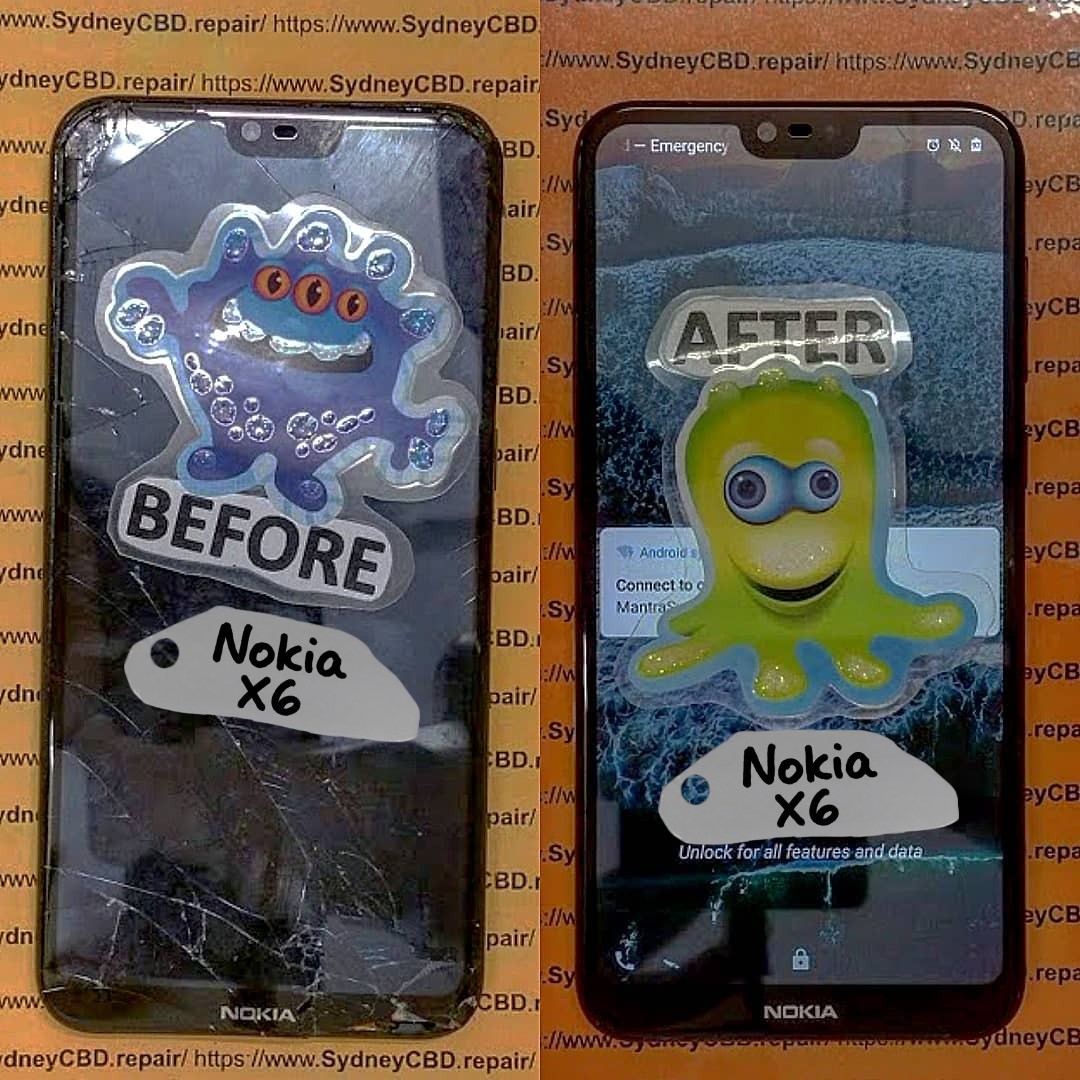
Understanding What “Budget” Phone Screens Really Are
OEM vs Aftermarket vs Budget Screens
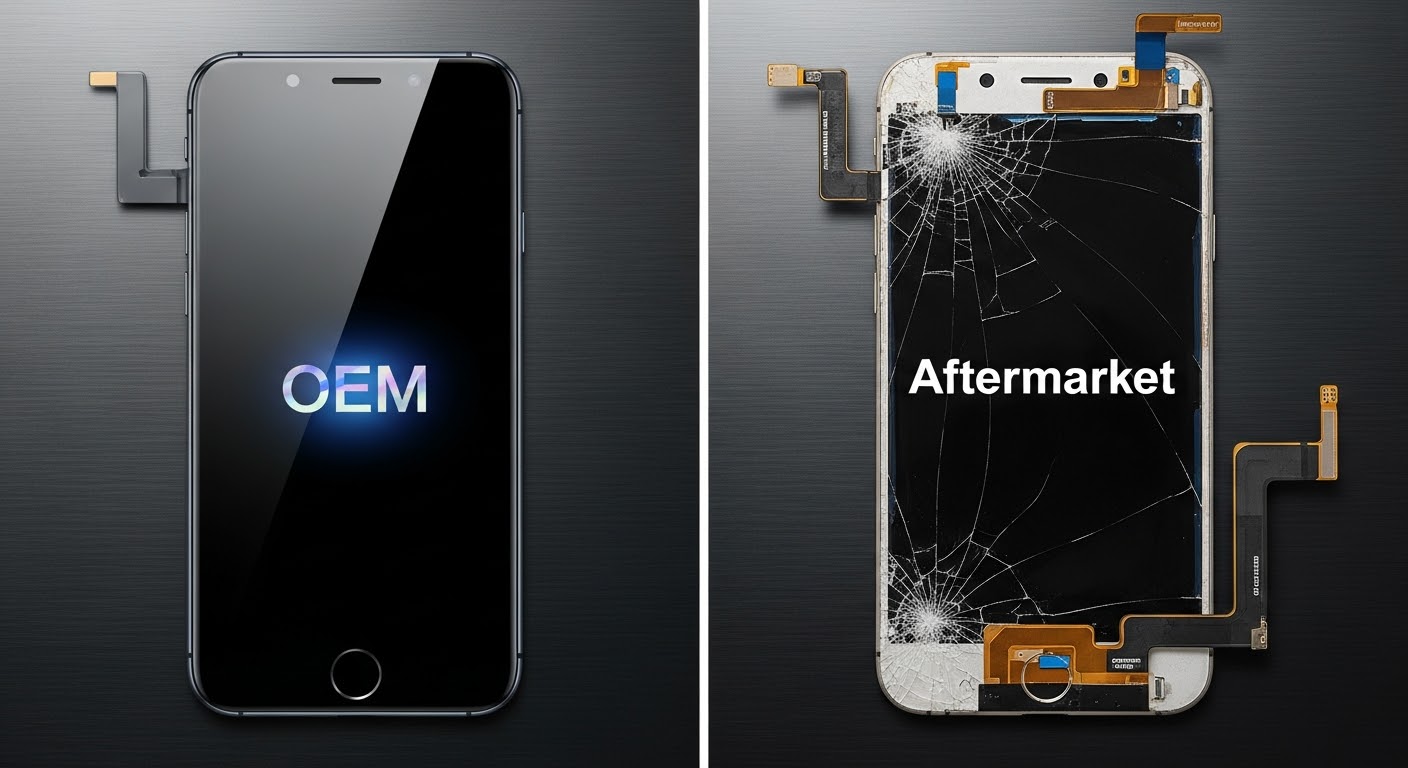
Not all replacement screens are created equal. Generally, they fall into three categories:
- OEM (Original Equipment Manufacturer) screens
These are identical to the screen your phone came with. Same materials, same specs, same quality. - Aftermarket (Premium) screens
High-quality alternatives made by third-party manufacturers. They’re close to OEM but slightly cheaper. - Budget phone screens
These are the lowest-cost option. They use cheaper materials, simplified manufacturing, and often lower display specifications.
The key thing to understand is this: budget phone screens are designed to reduce cost first, quality second. That trade-off matters more than most people realize.
Why Budget Screens Exist in the Market
Budget screens exist because there’s demand. Not everyone wants to spend a premium fixing an older phone. Manufacturers respond by producing screens with:
- Lower-grade glass
- Simplified OLED or LCD panels
- Reduced quality control
For quick fixes, they can look fine at first. But over time, issues start to show.
The Real Cost Behind Cheap Phone Screen Replacements
Upfront Savings vs Long-Term Expenses
Yes, a budget phone screen can save you money upfront. But here’s the catch—those savings often disappear within months.
Common long-term costs include:
- Earlier screen failure
- Reduced touch accuracy
- Increased battery drain
- Repeat repairs
What starts as a “cheap” fix can turn into multiple repair visits, costing more than a single quality replacement.
Repair Frequency and Compounding Costs
A high-quality screen may last years. Budget phone screens? Sometimes only months. Each replacement adds labor costs, downtime, and frustration. Over time, you’re paying more—not less.
Display Quality: What You Actually See and Feel
Resolution, Brightness, and Color Accuracy
One of the biggest differences with budget phone screens is display quality. You may notice:
- Duller colors
- Lower brightness outdoors
- Poor contrast
- Inaccurate whites and blacks
On OLED devices especially, budget replacements often lack true OLED panels. That means your phone simply won’t look or feel the same.
Touch Sensitivity and Lag Issues
Touch response is another major issue. Budget phone screens often suffer from:
- Missed taps
- Delayed response
- Ghost touches
For daily use, this gets old fast. Typing, gaming, or even scrolling can feel off.
Durability and Structural Integrity Concerns

Glass Strength and Scratch Resistance
Budget screens usually use lower-grade glass. That means:
- Scratches appear faster
- Cracks spread more easily
- Drop resistance is reduced
In short, you’re more likely to be back for another repair.
Frame Fitment and Flex Issues
Poor fitment is common with cheap screens. If the screen doesn’t sit perfectly in the frame:
- Dust can enter
- Moisture resistance is compromised
- Pressure points form, leading to cracks
That’s a big risk, especially for modern slim phones.
Battery Drain and Performance Side Effects
Power Consumption Differences
Many budget phone screens aren’t optimized for your device’s power management. As a result:
- Battery drains faster
- Standby time drops
- Charging cycles increase
This is especially noticeable on OLED phones.
Heat and Performance Throttling
Poor-quality screens can generate extra heat. Over time, that heat may:
- Affect internal components
- Trigger performance throttling
- Shorten battery lifespan
These are hidden costs most people never connect to a cheap screen replacement.
Impact on Phone Value and Warranty
Resale Value Reduction
If you plan to sell or trade in your phone, budget phone screens hurt resale value. Buyers and trade-in programs can spot non-original screens quickly.
That often means:
- Lower offers
- Rejections from trade-in programs
Manufacturer and Repair Warranty Risks
Many manufacturers void certain warranties once a non-approved screen is installed. Budget screens almost always fall into that category.
Reputable repair centres, on the other hand, offer their own warranty—something cheap repairs often lack.
Safety Risks You Shouldn’t Ignore
Shattering Patterns and Injury Risk
High-quality glass breaks in controlled patterns. Cheap glass? Not so much.
Budget phone screens are more likely to:
- Shatter into sharp shards
- Crack unpredictably
- Cause cuts to fingers or face
Safety alone is a strong reason to think twice.
Poor Adhesives and Screen Detachment
Low-grade adhesives are another issue. Screens can lift, detach, or fail after exposure to heat or humidity. That’s not just annoying—it’s dangerous.
When Budget Phone Screens Might Make Sense
Older Devices and Temporary Fixes
There are situations where budget screens are acceptable:
- Very old phones
- Backup devices
- Temporary repairs before upgrading
If expectations are realistic, they can serve a purpose.
Low-Usage Scenarios
If a phone is rarely used—say, for basic calls only—a budget phone screen might be sufficient. Just don’t expect premium performance.
How to Choose a Safe, Quality Screen Replacement
Questions to Ask Your Repair Technician
Before any repair, ask:
- Is this OEM, premium aftermarket, or budget?
- What warranty is included?
- Will touch sensitivity and brightness be affected?
Transparency is key.
Signs of a Trustworthy Repair Centre
A reliable repair centre will:
- Explain screen options clearly
- Offer written warranties
- Use quality adhesives
- Stand by their work
You can also check independent resources like iFixit’s repairability guides for general device insights: https://SydneyCBD.repair/locate-us
Frequently Asked Questions (FAQs)
1. Are budget phone screens safe to use?
They can be safe, but risks are higher due to lower-quality glass and adhesives.
2. Do budget phone screens affect battery life?
Yes, many consume more power and reduce battery efficiency.
3. Can people tell if my phone has a budget screen?
Often, yes—especially through brightness, color, and touch response.
4. Are budget phone screens more likely to crack?
Absolutely. They generally use weaker glass.
5. Do budget screens void manufacturer warranties?
In most cases, yes.
6. Is it better to replace or upgrade instead?
If repair costs stack up, upgrading is often the smarter move.
Conclusion: Are Budget Phone Screens Worth the Risk?

So, are budget phone screens worth the risk? For most people, the answer is no.
While they offer short-term savings, the long-term downsides—poor durability, reduced performance, safety risks, and lower resale value—often outweigh the initial discount. Investing in a quality screen replacement usually means fewer problems, better performance, and peace of mind.
When it comes to your phone, cutting corners can cost more than you think.
David from Sydney CBD Repair Centre – The Best place to fix mobile phones as 7 Years In A Row! Top Mobile Phone Repair In Sydney. More than 2000 Positive Reviews on Google and Same Day Repairs.
We take pride in delivering exceptional repair services for all major phone brands including Apple, Samsung, Google, and more. Our expert technicians use only genuine parts and offer 90days warranty on repairs. Located in the heart of Sydney CBD, we’re your one-stop solution for all mobile device repairs.
Our commitment to excellence has earned us the trust of thousands of satisfied customers. Whether it’s a cracked screen, battery replacement, or water damage repair, we handle it all with professional care and expertise. Walk in today and experience why we’re Sydney’s #1 choice for mobile phone repairs.
Visit us for:
✓ Same Day Express Repairs
✓ Genuine Parts Guarantee
✓ Professional Technicians
✓ Competitive Pricing
✓ 2000+ 5-Star Google Reviews
✓ 7-Time Award Winner for Best Phone Repairs
Sydney CBD Repair Centre – Where Quality Meets Reliability.
Call: +61280114119
Website: https://SydneyCBD.repair/locate-us