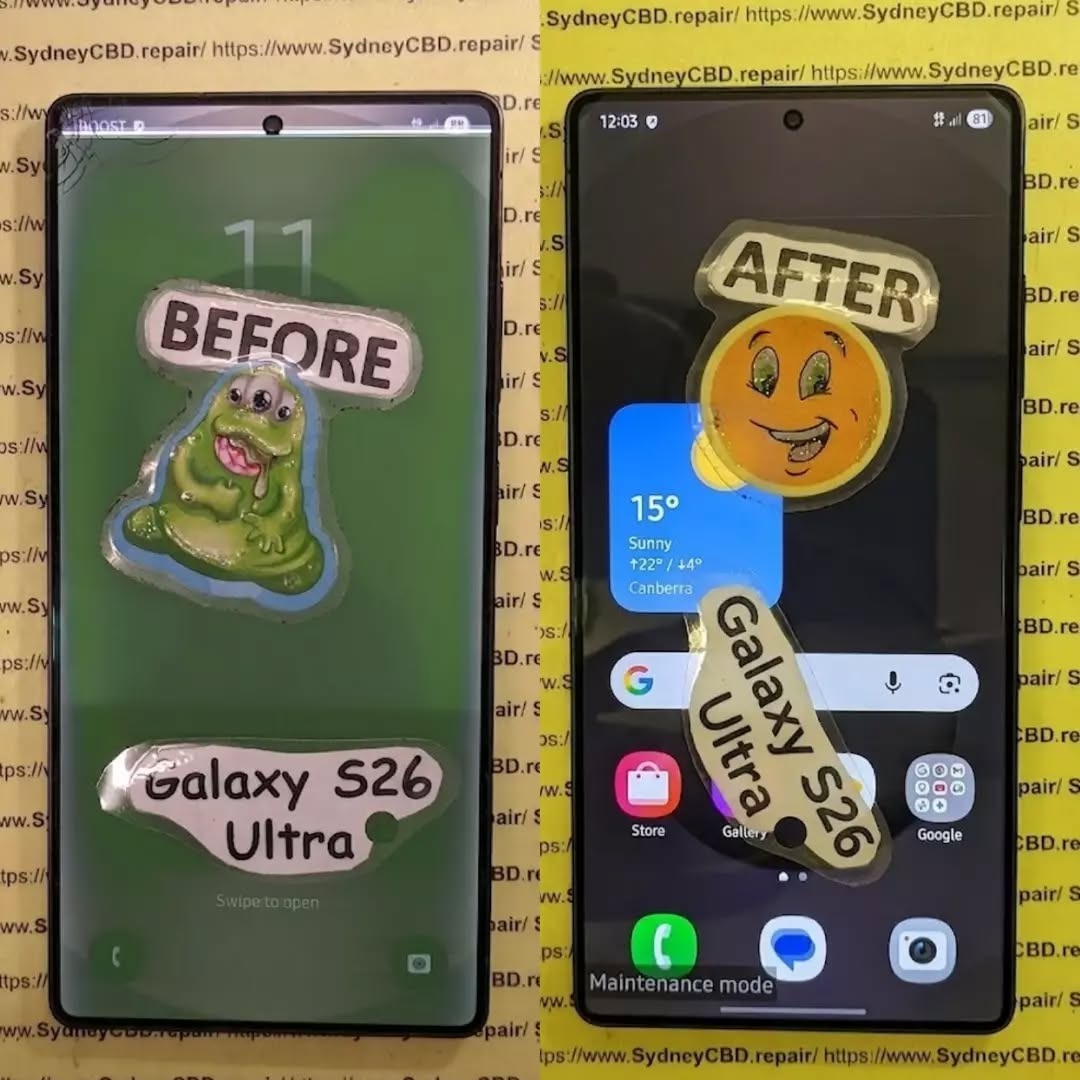
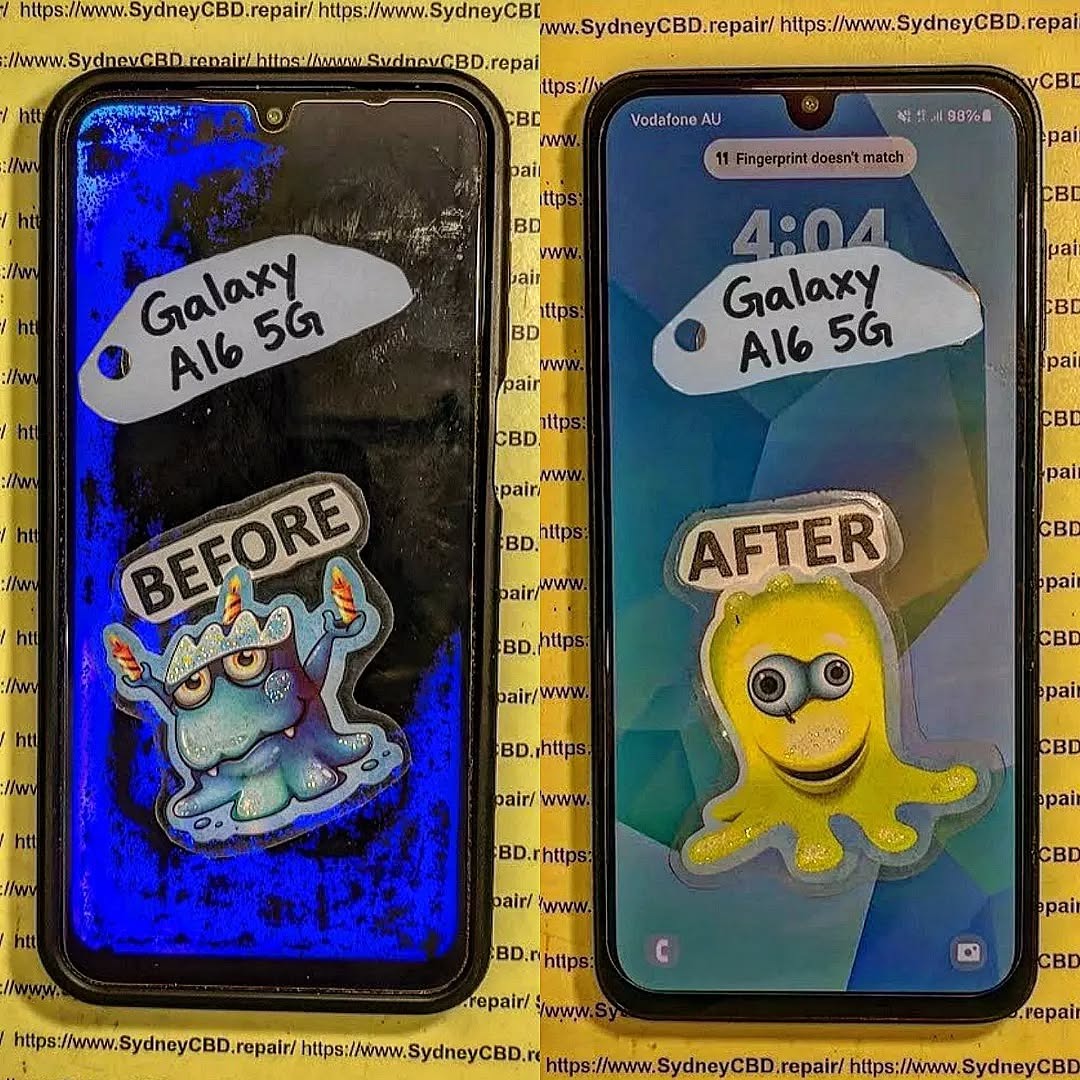
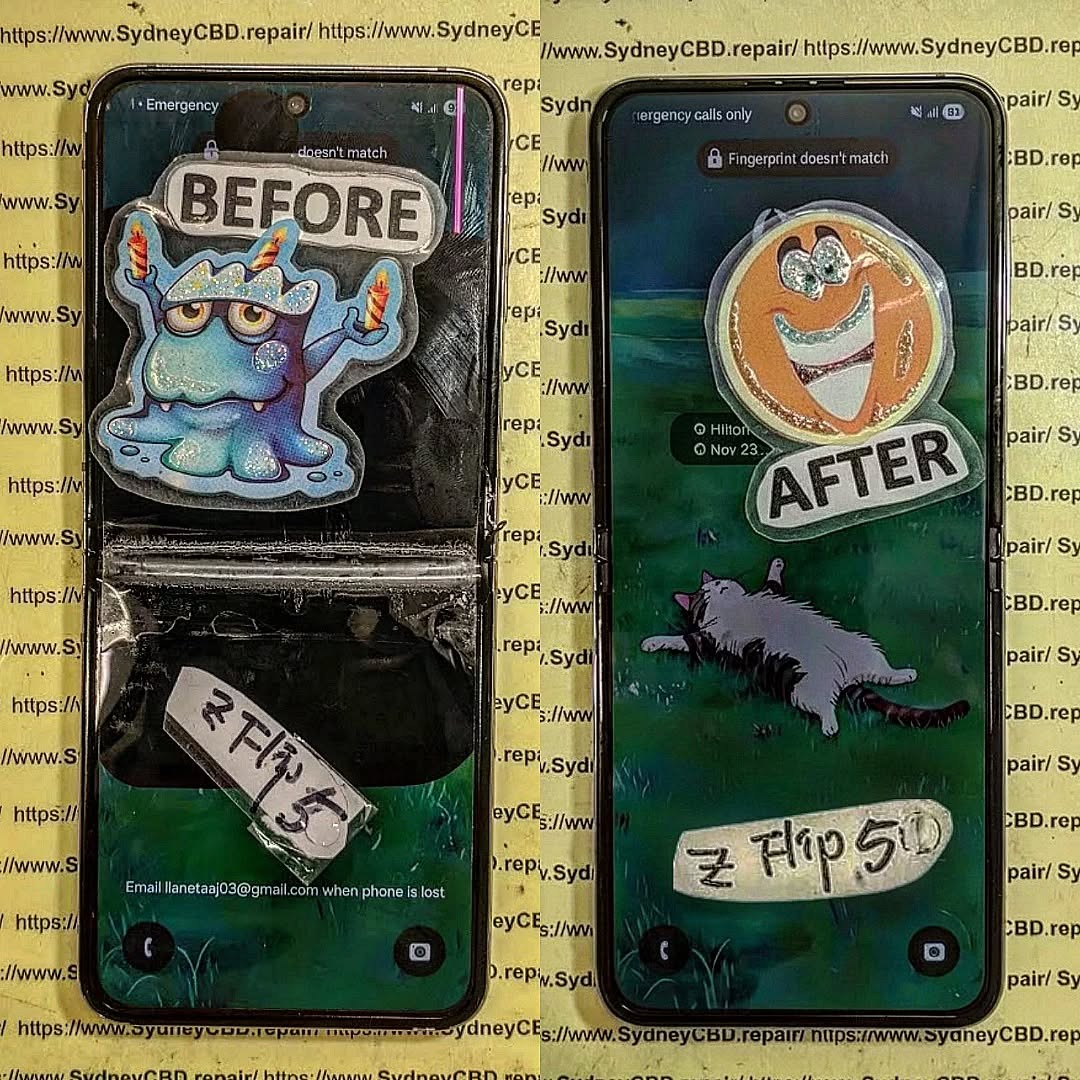
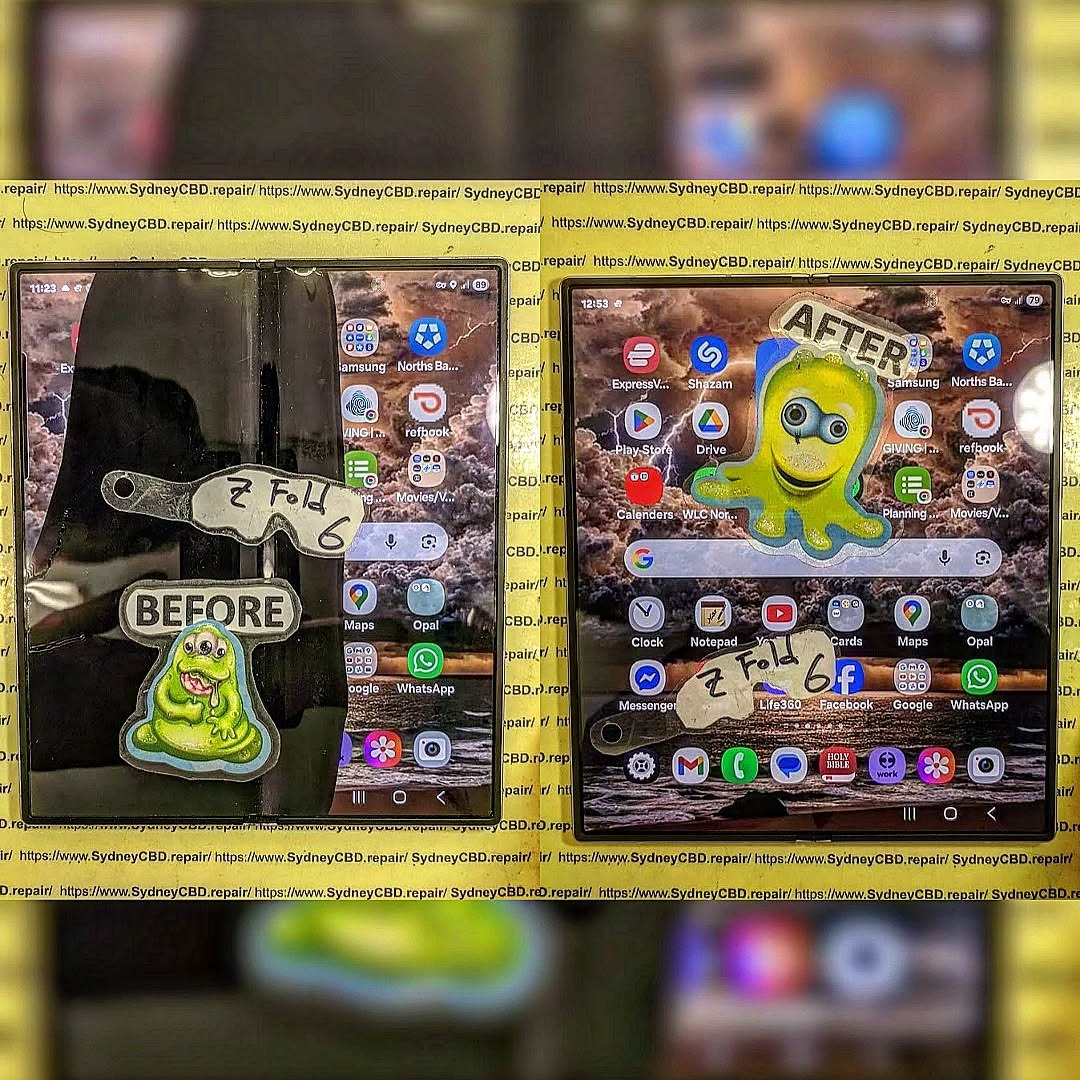
📱 Know the hidden dangers of cheap screen replacement.: 7 Shocking Facts Every Smartphone Owner Must Know
🛠️ Introduction: Why Cutting Costs Can Cut More Than Corners
Smartphone repairs can be expensive, especially screen replacements. So, it’s tempting to go with the cheapest quote available. But what many don’t realize is that cheap screen repairs often come with hidden dangers—ones that can lead to permanent damage, data loss, or even serious safety risks.
In this article, we’ll explore 7 shocking truths behind cheap screen repairs and why choosing a trusted repair center, like Sydney CBD Repair Centre, could save you time, money, and your phone.
You might think you’re saving money by choosing a low-cost repair. But many customers end up paying twice—once for the cheap repair, and again when it fails or causes further damage.
Low-grade adhesive can cause the screen to lift within days.
Non-calibrated screens may have inaccurate touch responses.
Often, cheap parts void manufacturer warranties, leaving you without support when the real issues begin.
Real-world example: Customers who got $80 screen repairs often returned to Sydney CBD Repair Centre to fix what the budget shops botched—at full price.
Counterfeit parts are low-quality copies of OEM (Original Equipment Manufacturer) components. They look similar but lack the durability and compatibility of genuine parts.
How Non-Genuine Parts Affect Device Performance
Dull or off-color displays
Inconsistent brightness
Lower responsiveness
Shorter lifespan of the screen
Even worse, fake screens can interfere with your phone’s internal sensors, causing issues like auto-brightness failure or battery drain.
📲 3. Risk of Touchscreen Malfunctions
Dead Zones and Ghost Touches Explained
Cheap repairs often fail to properly align or calibrate the touchscreen, leading to:
Dead zones (areas that don’t respond)
Ghost touches (screen reacting without input)
This is more than just annoying—it’s disruptive. Imagine typing a message and your screen randomly presses keys or opens apps.
🔐 4. Compromised Device Security
Data Theft from Unauthorized Technicians
When you leave your phone with a budget repair shop, do you know who’s working on it? Or what access they have?
Risks include:
Data theft
Installation of spyware
SIM card cloning
Unlike Sydney CBD Repair Centre, many shops don’t background-check their technicians or protect your data.
🚫 5. No Warranty, No Peace of Mind
What Happens When Things Go Wrong?
Cheap repair shops rarely offer warranties—or they offer ones they don’t honor. When your phone stops working a week later, you’re out of luck and money.
With Sydney CBD Repair Centre:
90-day warranty included
Free diagnosis if issues arise
Peace of mind with every repair
⚠️ 6. Damage to Internal Components
Botched Repairs That Cause More Harm Than Good
Inexperienced technicians may damage:
Motherboards
Connectors
Cameras
Speakers
We’ve seen phones come in with missing screws, ripped flex cables, or loose battery connections after a cheap screen repair.
🔥 7. Fire Hazards and Battery Issues
Overheating from Incorrect Assembly
Improper installation can cause the battery to shift, swell, or short-circuit. That’s not just a tech problem—it’s a safety hazard.
Signs of battery-related issues from poor repair:
Phone gets unusually hot
Screen lifts after a few days
Swelling or battery draining fast
Fact: Low-quality replacement screens can lack proper shielding, allowing heat to build up.
🛠️ How to Identify a Trustworthy Repair Shop
Credentials, Reviews, and Questions to Ask
Not all repair shops are created equal. Look for:
Google reviews (2000+ is a good sign!)
Years of experience
Genuine part guarantee
Clear warranty terms
Questions to ask:
Do you use OEM parts?
Do you offer a warranty?
Are your technicians certified?
⭐ Sydney CBD Repair Centre: Trusted Experts You Can Count On
David from Sydney CBD Repair Centre and his expert team have built a reputation for excellence—6 years in a row!
Why choose Sydney CBD Repair Centre?
✅ Genuine Parts Guarantee
✅ 90-Day Warranty
✅ Same Day Repairs
✅ Professional, Background-Checked Technicians
✅ 2000+ 5-Star Google Reviews
✅ Located in the Heart of Sydney CBD
1. Is it safe to get a screen repair from a market stall or kiosk?
Not always. Many use low-grade parts and untrained staff, which can cause damage or security issues.
2. Can a cheap screen damage my phone’s internals?
Yes. Incorrect fitting and non-OEM parts can harm sensors, connectors, and other internal components.
3. Why do cheap repairs void my phone’s warranty?
Most manufacturers require genuine parts and authorized technicians. Cheap repairs often violate those terms.
4. How can I know if a part is genuine?
Ask the technician. Reputable shops will show you the part and its packaging or certification.
5. What’s the average lifespan of a cheap screen repair?
Some last weeks; some fail within days. Genuine parts, on the other hand, match factory quality.
6. Will my phone be water-resistant after a cheap repair?
Unlikely. Many budget repairs skip proper resealing, which voids water resistance.
✅ Conclusion: Cheap Can Be Costly
What seems like a good deal upfront could cost you your device—or your data. When it comes to screen repairs, cutting corners often leads to cutting ties with your phone altogether.
Choose safety, quality, and reliability. Choose Sydney CBD Repair Centre.
Reasons Why Your Screen Repair Costs as Much as a new Samsung Phone: 7 Shocking Reasons
Introduction
If you’ve ever looked at the cost of repairing a cracked or shattered Samsung phone screen, you might have done a double take. In many cases, the repair can cost nearly as much as a brand-new device. At first glance, this seems absurd—but when you dig deeper, the price begins to make sense. Understanding why your screen repair costs as much as a new Samsung phone requires breaking down components, labor, and other hidden factors.
From foldable phones to curved-edge displays, modern Samsung devices are marvels of engineering—but they come at a premium. Whether you own a Galaxy S23, Galaxy Z Flip 5, or any other model, the investment you make in screen repair reflects the complexity behind these sleek devices.
Original Equipment Manufacturer (OEM) screens are the gold standard for Samsung devices. They ensure perfect color accuracy, touch responsiveness, and durability. Aftermarket or third-party screens may cost less but often compromise on quality, risking uneven brightness, ghost touches, or rapid deterioration.
Screen Type
Cost Range
Pros
Cons
OEM
$250-$450
Guaranteed quality, warranty
Expensive
Aftermarket
$100-$200
Cheaper upfront
May fail sooner, lower touch sensitivity
Choosing OEM parts is a major factor in why repair costs approach the price of a new phone.
Labour Intensity
Samsung screen repair isn’t as simple as swapping parts. Technicians often perform microsurgery-level work, especially for devices like the Galaxy Z Fold or phones with under-display fingerprint sensors. The labor involves:
Removing delicate adhesive without cracking components
Detaching glass layers from AMOLED displays
Reassembling multi-layer components with precision
Highly skilled technicians command higher fees because mistakes can render the device unusable. Microsurgery-level repairs may take 1-3 hours, reflecting in the overall cost.
Foldable Samsung phones, like the Galaxy Z Flip series, feature flexible OLED displays. These displays require precise calibration and pressure-sensitive lamination. Even minor errors during repair can cause visible creases or permanent damage, justifying higher repair fees.
AMOLED vs Super AMOLED vs Dynamic AMOLED
Different screen technologies impact pricing:
AMOLED – Early-generation technology; slightly cheaper to repair
Super AMOLED – Integrated touch sensor; more expensive
Each layer adds labor complexity and increases the chance of errors, pushing repair costs higher.
Tools and Technology Required
Specialized tools are non-negotiable for Samsung repairs. These include:
Microsoldering equipment for circuit connections
UV adhesive curing machines
Precision heat plates
Microscopes for microscopic alignment
High-tech equipment adds to overhead costs, which technicians pass on to customers. Without proper tools, repairs are risky and often impossible.
Risks and Quality Control
Warranty Considerations
Using genuine Samsung screens ensures warranty protection. If you opt for aftermarket parts, Samsung may refuse to honor warranty claims. High repair costs often reflect the added assurance of warranty coverage.
Risk of DIY Repairs
DIY or low-cost repair attempts carry significant risks:
Further screen damage
Water and dust ingress
Invalidated device warranty
The cost of fixing mistakes often exceeds professional repair fees, making skilled labor a safer, though pricier, option.
When availability is limited, prices naturally increase, especially for rare foldable panels.
Hidden Fees and Service Charges
Many repair costs include:
Diagnostic fees
Labor markups
Disposal of damaged components
Quality testing
These “hidden” fees ensure the repair meets Samsung’s rigorous standards, but they also inflate the overall price.
Comparing Screen Repair vs Buying New
Long-Term Value
While repair costs may seem steep, repairing a device preserves its data, settings, and personal apps. A new device requires transferring data and adapting to new software—sometimes a hassle that justifies the cost of repair.
Environmental Considerations
Repairing instead of replacing reduces e-waste, conserving resources and helping the planet. A small premium for repair can be seen as an eco-conscious investment.
How to Reduce Repair Costs
Tips to save money include:
Using reputable repair centers like Sydney CBD Repair Centre
Checking if insurance covers accidental damage
Considering trade-in programs for old devices
Comparing OEM and high-quality aftermarket screens carefully
Finding a balance between quality and affordability can make repairs less painful.
FAQ
1. Why is Samsung screen repair so expensive?
Samsung screens are technologically advanced, requiring OEM parts, skilled labor, and specialized tools. Foldable and curved screens increase complexity.
2. Can I use a cheaper third-party screen?
Yes, but risks include lower touch responsiveness, faster wear, and voided warranty.
3. How long does a professional screen repair take?
Typically 1-3 hours for most models; foldables may take longer due to delicate assembly.
4. Will insurance cover my Samsung screen repair?
It depends on your provider. Many plans cover accidental damage but require proof of repair at authorized centers.
5. Is repairing better than buying a new phone?
Repairing preserves your device, personal data, and is environmentally friendly, but the cost can approach a new phone for high-end models.
6. How can I ensure a quality repair?
Always choose certified technicians using genuine parts, and ask for warranty coverage on the repair.
Conclusion
Samsung screen repairs may seem shockingly expensive, but understanding the reasons behind the cost sheds light on the value provided. From advanced screen technology to skilled labor, specialized tools, and warranty assurance, every factor contributes to why repair prices sometimes rival the cost of a new phone. Investing in professional repair not only protects your device but also reduces environmental impact while extending the life of your phone.
For professional Samsung screen repairs in Sydney, trust Sydney CBD Repair Centre for genuine parts, expert service, and a 90-day warranty on all repairs.
David from Sydney CBD Repair Centre – The Best place to fix mobile phones as 7 Years In A Row! Top Mobile Phone Repair In Sydney. More than 2000 Positive Reviews on Google and Same Day Repairs.

We take pride in delivering exceptional repair services for all major phone brands including Apple, Samsung, Google, and more. Our expert technicians use only genuine parts and offer 90days warranty on repairs. Located in the heart of Sydney CBD, we’re your one-stop solution for all mobile device repairs.
Our commitment to excellence has earned us the trust of thousands of satisfied customers. Whether it’s a cracked screen, battery replacement, or water damage repair, we handle it all with professional care and expertise. Walk in today and experience why we’re Sydney’s #1 choice for mobile phone repairs.
Visit us for:
✓ Same Day Express Repairs
✓ Genuine Parts Guarantee
✓ Professional Technicians
✓ Competitive Pricing
✓ 2000+ 5-Star Google Reviews
✓ 7-Time Award Winner for Best Phone Repairs
The $2,000 Mistake: Rescuing a Crushed iPhone 17 Pro in Sydney CBD – 17 Essential Lessons That Could Save Your Device
Introduction to the Costly Smartphone Disaster
Imagine spending over $2,000 on a premium smartphone only to watch it get crushed in a matter of seconds. Unfortunately, that’s exactly what happens to many users every year. Whether it’s accidentally run over by a vehicle, dropped from a construction site, trapped in heavy machinery, or crushed inside a backpack, severe smartphone damage can happen when least expected.
An iPhone 17 Pro repair often becomes the difference between saving an expensive investment and purchasing a brand-new device. Many users initially assume a heavily damaged phone is beyond repair. However, modern repair techniques have evolved dramatically, allowing skilled technicians to recover devices that appear completely destroyed.
In Sydney CBD, professional technicians regularly encounter crushed smartphones that arrive with shattered screens, bent frames, damaged cameras, and non-functional components. Surprisingly, a large percentage of these devices can still be restored successfully.
The key is acting quickly. Delays can worsen internal damage, particularly if moisture enters exposed components. Seeking professional assistance immediately increases the chances of successful restoration while protecting valuable personal data.
The iPhone 17 Pro represents one of Apple’s most advanced devices. With premium materials, advanced cameras, powerful processors, and significant storage capabilities, it’s more than just a phone.
Users often store:
Family photos
Business documents
Banking applications
Authentication credentials
Personal messages
Work-related files
When a device becomes crushed, the concern isn’t only the hardware cost. The potential loss of irreplaceable data can be even more devastating.
This is why professional iPhone 17 Pro repair services focus on both physical restoration and data preservation. For many customers, recovering years of memories is just as important as restoring device functionality.
How an iPhone Gets Completely Crushed
Common Real-Life Accidents
Many severe damage cases involve everyday situations that escalate unexpectedly.
Common causes include:
Vehicle accidents
Construction site incidents
Heavy object impacts
Industrial machinery accidents
Furniture-related crushing
Bicycle and motorcycle mishaps
Airport luggage compression
Although Apple devices are engineered for durability, no smartphone is designed to withstand extreme crushing forces.
Hidden Internal Damage
The external appearance rarely tells the full story.
A crushed device may suffer:
OLED display damage
Battery deformation
Camera module displacement
Logic board fractures
Connector damage
Face ID component failure
Wireless charging coil damage
Professional diagnostics are necessary because internal issues can remain invisible during a basic visual inspection.
The Emergency Assessment Process
External Inspection
When technicians receive a severely damaged phone, they begin with a detailed external evaluation.
This process typically examines:
Component
Inspection Focus
Display
Cracks and OLED damage
Housing
Frame deformation
Cameras
Lens and sensor condition
Buttons
Physical functionality
Charging Port
Structural integrity
Documenting visible damage establishes a repair strategy and helps identify areas requiring immediate attention.
Internal Diagnostics
After external assessment, technicians conduct internal diagnostics.
Advanced tools evaluate:
Battery health
Power delivery circuits
Logic board communication
Charging performance
Data accessibility
Camera operation
Sensor functionality
These tests provide a roadmap for successful iPhone 17 Pro repair procedures.
Why DIY Repairs Often Make Things Worse
Many users search online tutorials after damaging their phones. While this may seem cost-effective, severe damage cases require specialized expertise.
DIY attempts frequently result in:
Torn flex cables
Damaged connectors
Lost screws
Additional board damage
Water resistance failure
Battery punctures
A crushed iPhone contains numerous fragile components. Without professional equipment, even simple disassembly can cause permanent damage.
Furthermore, lithium-ion batteries present safety risks if mishandled. A compromised battery may swell, leak, or become a fire hazard.
Professional repair centres possess the proper tools, training, and safety procedures necessary for complex restoration projects.
The display is often the most visibly damaged component.
Repair specialists assess whether:
Glass replacement is possible
OLED replacement is required
Touch functionality remains intact
Display connectors are damaged
Premium repair facilities use precision equipment to ensure proper screen installation and calibration.
Frame Reconstruction
A bent frame creates multiple complications.
Frame restoration may involve:
Structural reshaping
Housing replacement
Alignment correction
Component repositioning
Proper frame geometry is essential for display installation, camera alignment, and long-term reliability.
Logic Board Recovery
The logic board serves as the device’s brain.
Crushing forces can cause:
Microfractures
Solder joint separation
Connector damage
Power circuit failures
Experienced microsoldering technicians can often repair board-level damage that appears catastrophic at first glance.
This advanced aspect of iPhone 17 Pro repair frequently determines whether valuable data can be recovered.
Data Recovery from Severely Damaged Devices
For many customers, data recovery is the primary concern.
Professional technicians employ specialized procedures to:
Stabilize damaged boards
Restore temporary functionality
Access encrypted storage
Transfer files safely
Successful recovery may include:
Photos
Videos
Contacts
Documents
Messages
Application data
In numerous cases, even devices that won’t power on can still yield recoverable information when handled by experienced professionals.
The sooner recovery begins, the greater the chances of success.
Genuine Parts vs Aftermarket Components
Choosing replacement parts significantly impacts repair quality.
Genuine Components
Advantages include:
Better compatibility
Improved reliability
Accurate performance
Enhanced longevity
Aftermarket Components
Potential drawbacks include:
Reduced brightness
Lower durability
Inconsistent quality
Compatibility concerns
While aftermarket parts may reduce upfront costs, premium repairs typically prioritize quality and long-term performance.
Consumers should always ask repair providers about component sourcing and warranty coverage before authorizing repairs.
The Financial Comparison: Repair vs Replacement
One of the most compelling reasons to pursue repair is cost savings.
Consider the following comparison:
Option
Estimated Expense
New iPhone 17 Pro
$2,000+
Data Loss Recovery Efforts
Significant
Professional Repair
Often substantially lower
In many situations, repair costs represent only a fraction of replacement expenses.
Additionally, repairing a device avoids:
Data migration challenges
Application reconfiguration
Account recovery hassles
Productivity interruptions
This makes professional restoration a practical and financially responsible solution.
Why Sydney CBD Customers Choose Professional Repair Centres
Sydney CBD remains one of Australia’s busiest commercial districts. Professionals, students, tourists, and business owners depend heavily on their smartphones.
Leading repair centres offer:
Same-day diagnostics
Advanced microsoldering
Data recovery expertise
Genuine replacement parts
Warranty-backed repairs
Transparent pricing
Customers appreciate quick turnaround times because modern life depends on uninterrupted connectivity.
A trusted repair provider combines technical expertise with excellent customer service, ensuring peace of mind throughout the repair process.
For additional information about smartphone protection and maintenance, visit the official Apple Support website.
While no accessory guarantees complete protection, quality products significantly improve impact resistance.
Safe Handling Habits
Simple habits can prevent expensive accidents.
Best practices include:
Avoid placing phones on vehicle roofs
Keep devices away from heavy equipment
Use secure pockets
Avoid overstuffed bags
Maintain regular backups
These precautions help minimize the likelihood of severe damage.
Signs Your iPhone Needs Immediate Attention
Following an impact event, seek professional evaluation if you notice:
Flickering display
Random shutdowns
Overheating
Battery swelling
Charging issues
Camera malfunction
Distorted audio
Face ID failure
Ignoring these symptoms can lead to escalating damage and more expensive repairs.
Prompt diagnosis often results in simpler and more affordable solutions.
Customer Success Story
One Sydney CBD customer arrived with what appeared to be an unrecoverable device. Their iPhone 17 Pro had been accidentally run over by a commercial vehicle.
The damage included:
Completely shattered display
Bent titanium frame
Non-functional cameras
Charging failure
No power response
After comprehensive diagnostics, technicians performed board-level repairs, replaced damaged components, restored the housing, and recovered all customer data.
The final repair cost was substantially lower than purchasing a replacement device and rebuilding years of digital information.
The customer walked away with a fully functional smartphone and priceless peace of mind.
Frequently Asked Questions
1. Can a completely crushed iPhone 17 Pro be repaired?
Yes. Many severely damaged devices can be restored depending on the extent of internal component damage.
2. How long does an iPhone 17 Pro repair usually take?
Repair times vary. Minor repairs may be completed the same day, while complex board-level repairs can require additional time.
3. Is data recovery possible from a crushed phone?
In many cases, yes. Professional technicians often recover photos, contacts, and important files from damaged devices.
4. Is repairing cheaper than replacing an iPhone 17 Pro?
Generally, yes. Professional repair is often significantly less expensive than purchasing a brand-new flagship device.
5. Will Face ID continue working after repair?
If the original Face ID components remain intact or can be properly restored, functionality may be preserved.
6. Should I attempt to charge a crushed phone?
No. A damaged battery or charging circuit may pose safety risks. Professional evaluation is recommended first.
7. What should I do immediately after crushing my iPhone?
Power it off if possible, avoid charging it, and seek professional assessment as soon as possible.
8. Can water damage occur after the phone is crushed?
Yes. Structural damage often compromises water resistance, making the device vulnerable to moisture intrusion.
Conclusion
A crushed smartphone doesn’t automatically mean the end of its life. Modern repair technology has made remarkable progress, enabling technicians to restore devices that once would have been considered beyond saving.
Whether the damage involves a shattered display, bent frame, failed battery, or complex logic board issues, professional iPhone 17 Pro repair services provide a cost-effective alternative to replacement. More importantly, they can preserve valuable personal and professional data that might otherwise be lost forever.
If disaster strikes, acting quickly and choosing an experienced repair specialist can transform a seemingly hopeless situation into a successful recovery story. What initially looks like a $2,000 mistake may ultimately become a repair success that saves both money and memories.
David from Sydney CBD Repair Centre – The Best place to fix mobile phones as 7 Years In A Row! Top Mobile Phone Repair In Sydney. More than 2000 Positive Reviews on Google and Same Day Repairs.
We take pride in delivering exceptional repair services for all major phone brands including Apple, Samsung, Google, and more. Our expert technicians use only genuine parts and offer 90days warranty on repairs. Located in the heart of Sydney CBD, we’re your one-stop solution for all mobile device repairs.
Our commitment to excellence has earned us the trust of thousands of satisfied customers. Whether it’s a cracked screen, battery replacement, or water damage repair, we handle it all with professional care and expertise. Walk in today and experience why we’re Sydney’s #1 choice for mobile phone repairs.
Visit us for:
✓ Same Day Express Repairs
✓ Genuine Parts Guarantee
✓ Professional Technicians
✓ Competitive Pricing
✓ 2000+ 5-Star Google Reviews
✓ 7-Time Award Winner for Best Phone Repairs
Rescuing a Google Pixel 10 Pro Crushed by a Sydney Light Rail Tram: 11 Remarkable Lessons from an Extreme Phone Recovery
Introduction to the Incident
Few smartphone accidents are as dramatic as watching a premium device disappear beneath the wheels of a moving tram. Yet that was exactly the situation involving a Google Pixel 10 Pro in Sydney. What began as a routine commute quickly transformed into a major recovery challenge when the device slipped onto the tracks and was subsequently crushed by a Sydney light rail tram.
At first glance, the phone appeared beyond saving. The display was shattered, the frame was twisted, and several internal components had suffered severe impact damage. However, modern smartphones are more resilient than many people realize. Through careful handling, advanced diagnostic procedures, and professional repair techniques, even a severely damaged device can sometimes be restored.
This article explores the complete journey of rescuing a Google Pixel 10 Pro crushed by a Sydney light rail tram, highlighting the repair process, lessons learned, and the importance of expert intervention.
Urban transportation systems move thousands of people every day. Busy stations, crowded platforms, and rushed commuters create countless opportunities for accidents involving personal devices.
The Moment Everything Went Wrong
The incident occurred during a typical weekday rush. While boarding the light rail, the owner attempted to place the phone into a pocket. Unfortunately, the device slipped free and landed near the platform edge.
Before retrieval was possible, the tram began moving. Within seconds, the Google Pixel 10 Pro found itself directly beneath several tonnes of moving rail equipment.
The result was catastrophic physical damage.
Initial Assessment of the Damage
Upon recovery, technicians observed:
Completely shattered front glass
Cracked rear panel
Bent aluminum frame
Damaged camera housing
Screen separation from chassis
Potential motherboard stress
Battery deformation concerns
Despite the destruction, there remained hope for recovering both functionality and valuable data.
Battery assessment remains one of the most important steps.
A damaged battery can:
Swell unexpectedly
Lose capacity
Overheat
Present safety hazards
Replacement is usually recommended after severe crush events.
Data Recovery from a Crushed Smartphone
One of the most encouraging aspects of a Google Pixel 10 Pro crushed by a Sydney light rail tram is that data often survives even when the phone appears destroyed.
Photos, videos, contacts, documents, and application data are frequently stored on memory chips that remain intact despite extensive physical damage.
Professional recovery methods include:
Logic Board Restoration
Technicians may repair:
Broken traces
Damaged connectors
Cracked solder joints
This temporary restoration can allow data extraction.
Temporary Screen Installation
In some situations, technicians install:
Test displays
Diagnostic batteries
Temporary charging assemblies
This enables phone access long enough to create a complete backup.
Chip-Level Techniques
Advanced recovery sometimes involves:
Microsoldering
Board reconstruction
Data extraction procedures
These methods require specialized equipment and extensive experience.
Fortunately, modern Google cloud synchronization also provides an additional layer of protection.
Why Professional Repair Matters
When facing severe smartphone damage, DIY repairs rarely succeed.
Professional repair centers provide:
Specialized Equipment
Experts use:
Thermal cameras
Microscopes
Precision soldering stations
Diagnostic software
Professional calibration tools
These resources significantly improve repair outcomes.
Experience with Complex Cases
Repair specialists have encountered:
Vehicle-crushed phones
Water-damaged devices
Fire-damaged electronics
Extreme impact failures
This experience helps identify practical recovery options.
Cost Savings
Replacing a flagship smartphone is expensive.
Repairing a Google Pixel 10 Pro crushed by a Sydney light rail tram can often cost substantially less than purchasing a new device while preserving important personal data.
Preventing Similar Accidents
Although accidents happen, several precautions can reduce risk.
Use Secure Storage
Avoid placing phones loosely in shallow pockets.
Better options include:
Zippered compartments
Secure bags
Dedicated phone sleeves
Install Protective Cases
A quality case offers:
Improved grip
Shock absorption
Reduced slipping risk
While a case won’t stop tram damage, it can prevent the drop that causes the accident.
Enable Automatic Backups
Regular backups are essential.
Consider:
Google Drive synchronization
Cloud photo backup
Automatic contacts syncing
Data protection should never depend solely on physical device survival.
Stay Aware During Commuting
Busy transport environments demand extra attention.
Simple habits can prevent costly accidents:
Hold devices securely
Avoid multitasking near platform edges
Use both hands when boarding
Small precautions often make a big difference.
Frequently Asked Questions
1. Can a Google Pixel 10 Pro survive being crushed by a tram?
While severe damage is expected, internal components and stored data may survive. Professional assessment is necessary to determine repairability.
2. Is data recovery possible after tram damage?
Yes. In many cases, technicians can recover photos, contacts, and documents even when the phone itself appears destroyed.
3. Should I try charging a crushed phone?
No. Charging a physically damaged smartphone may create safety risks, especially if the battery has been compromised.
4. How long does the repair process take?
Repair times vary depending on parts availability and damage severity. Simple repairs may take hours, while complex recoveries can require several days.
5. Is repairing a tram-crushed Google Pixel 10 Pro worth it?
If valuable data can be recovered or the motherboard remains functional, repair may be considerably more economical than replacement.
6. Can a bent frame be repaired?
Minor bends may be corrected. Severe deformation often requires complete housing replacement.
7. Will waterproofing remain intact after repairs?
Professional technicians can install new seals, although original factory water resistance may not always be fully restored.
8. What is the most important step after recovering the phone?
Avoid using or charging the device and seek professional diagnostic assessment immediately.
Conclusion
The story of rescuing a Google Pixel 10 Pro crushed by a Sydney light rail tram demonstrates both the vulnerability and resilience of modern smartphones. While tram-related accidents can inflict devastating physical damage, professional repair techniques continue to advance, allowing many devices to be restored or at least yield their valuable data.
The key lessons are straightforward: act quickly, prioritize safety, avoid DIY experimentation, and consult experienced technicians. Even when a phone appears beyond hope, expert diagnostics may reveal surprising recovery possibilities.
Most importantly, maintaining regular backups ensures that no accident—no matter how dramatic—results in the permanent loss of important memories, documents, or personal information.
For additional information about smartphone safety and device protection, visit the official Android support resources at Android Help Center.
David from Sydney CBD Repair Centre – The Best place to fix mobile phones as 7 Years In A Row! Top Mobile Phone Repair In Sydney. More than 2000 Positive Reviews on Google and Same Day Repairs.
We take pride in delivering exceptional repair services for all major phone brands including Apple, Samsung, Google, and more. Our expert technicians use only genuine parts and offer 90days warranty on repairs. Located in the heart of Sydney CBD, we’re your one-stop solution for all mobile device repairs.
Our commitment to excellence has earned us the trust of thousands of satisfied customers. Whether it’s a cracked screen, battery replacement, or water damage repair, we handle it all with professional care and expertise. Walk in today and experience why we’re Sydney’s #1 choice for mobile phone repairs.
Visit us for:
✓ Same Day Express Repairs
✓ Genuine Parts Guarantee
✓ Professional Technicians
✓ Competitive Pricing
✓ 2000+ 5-Star Google Reviews
✓ 7-Time Award Winner for Best Phone Repairs
ULTIMATE REFINEMENT! Nothing Phone 2a Glyph Interface Screen Repair | Sydney CBD Repair Centre – 7 Powerful Reasons to Fix Your Device Fast
Introduction to Nothing Phone 2a Screen Repairs
The Nothing Phone 2a has quickly become one of the most talked-about smartphones on the market. With its futuristic design, stunning OLED display, and signature Glyph Interface, it’s a device that stands out from the crowd. However, like any premium smartphone, accidents can happen. Cracked glass, unresponsive touchscreens, dead pixels, and display flickering are all common issues users face after drops or impacts.
That’s where professional Nothing Phone 2a Glyph Interface Screen Repair services become essential. A damaged display doesn’t just affect the appearance of your device. It can also interfere with touch sensitivity, display clarity, battery performance, and even the functionality of the iconic Glyph lighting system.
At Sydney CBD Repair Centre, experienced technicians specialize in restoring devices to their best condition using high-quality replacement parts and precise repair methods. Whether your phone has suffered a shattered screen or internal OLED damage, getting it fixed quickly can save you from bigger problems down the line.
In today’s fast-paced world, smartphones are essential tools for communication, work, entertainment, and navigation. Consequently, a damaged screen can disrupt your daily routine. Fortunately, professional repair services provide fast turnaround times, reliable workmanship, and warranty-backed repairs that give customers peace of mind.
The standout feature of the Nothing Phone 2a is undoubtedly its Glyph Interface. Unlike traditional smartphones, the device uses LED lighting patterns on the back panel to provide notifications, charging indicators, timers, and visual alerts.
What Makes the Glyph Interface Unique
The Glyph Interface transforms the user experience by making notifications more interactive and less intrusive. Instead of constantly checking the display, users can rely on custom lighting signals to stay informed.
Some key features include:
Visual notification alerts
Charging progress indicators
Camera fill-light assistance
Timer countdown animations
Music synchronization lighting
Because the Glyph Interface is integrated closely with the phone’s internal components, screen repairs require careful handling. Poor-quality repairs may damage internal connectors or affect LED synchronization.
That’s why choosing a qualified repair specialist is critical.
Common Causes of Screen Damage
Even though the device uses durable materials, accidents still happen. Some of the most common causes of damage include:
Cause
Resulting Damage
Accidental Drops
Cracked glass and OLED damage
Pressure in Bags or Pockets
Display discoloration
Water Exposure
Touchscreen malfunction
Impact Damage
Frame bending and screen separation
Heat Exposure
Flickering and display burnout
Many users continue using their phones despite visible cracks. However, this can worsen the problem over time. Tiny fractures may spread across the screen, while exposed internal components become vulnerable to dust and moisture.
Recognizing repair symptoms early can help prevent expensive motherboard or display failures.
Touchscreen Malfunctions
One major warning sign is poor touch response. If the screen becomes sluggish, registers ghost touches, or stops responding entirely, the display assembly may already be damaged internally.
Symptoms include:
Delayed touch response
Random screen taps
Frozen applications
Multi-touch failures
These issues often develop after drops, even if the glass appears intact.
OLED Display Issues
OLED technology produces vibrant colors and deep blacks. However, it’s more delicate than traditional LCD panels.
Common OLED issues include:
Green lines
Purple blotches
Black screen despite phone vibration
Burn-in shadows
Brightness inconsistency
If left untreated, OLED damage can spread further.
Flickering and Dead Pixels
Screen flickering usually points to loose connectors or display panel damage. Dead pixels appear as tiny black or colored dots that remain permanently visible.
Professional Nothing Phone 2a Glyph Interface Screen Repair technicians can accurately diagnose whether the issue affects only the glass, the OLED panel, or deeper motherboard components.
Why Professional Screen Repair Matters
Many people consider cheap repair options or DIY kits after cracking their screens. While this might seem cost-effective initially, it often creates larger problems later.
Risks of DIY Repairs
Modern smartphones are incredibly complex. The Nothing Phone 2a contains delicate flex cables, adhesive layers, biometric components, and advanced display technology.
DIY repair risks include:
Damaging internal connectors
Breaking the OLED panel completely
Water resistance failure
Poor adhesive application
Fingerprint sensor malfunction
Without specialized equipment, repairs can quickly become disastrous.
Benefits of Expert Technicians
Professional technicians use advanced tools and proper repair procedures to ensure device safety and reliability.
Benefits include:
Accurate diagnostics
Genuine-quality parts
Safe disassembly techniques
Proper adhesive sealing
Thorough testing procedures
Repair warranties
Additionally, experienced repair specialists understand how to preserve the functionality of the Glyph Interface during screen replacements.
According to Nothing Technology Official Website, the design architecture of Nothing devices is intentionally engineered for unique hardware integration, which makes skilled repair work especially important.
The Sydney CBD Repair Centre Advantage
When it comes to Nothing Phone 2a Glyph Interface Screen Repair, choosing the right repair center makes all the difference.
Genuine-Quality Parts
At Sydney CBD Repair Centre, repairs are performed using premium replacement parts designed for excellent display quality, durability, and touch responsiveness.
Inferior aftermarket screens often suffer from:
Low brightness
Poor color accuracy
Weak touch sensitivity
Fast battery drain
Short lifespan
Using high-quality components helps maintain the premium feel of the device.
Same-Day Repairs
Nobody wants to be without their phone for days. Fortunately, many screen repairs can be completed the same day, depending on parts availability and device condition.
This fast turnaround is ideal for:
Students
Business professionals
Travelers
Content creators
Everyday users
Efficient service minimizes downtime and restores convenience quickly.
Warranty Protection
Reliable repair centers stand behind their work. Warranty-backed repairs provide confidence that any post-repair issues will be addressed professionally.
A quality warranty generally covers:
Warranty Coverage
Included
Screen defects
Yes
Touch functionality
Yes
Installation faults
Yes
Accidental damage
No
Water damage after repair
Usually No
Always ask about warranty terms before approving repairs.
Step-by-Step Nothing Phone 2a Repair Process
Understanding the repair process helps customers feel more informed and comfortable.
Diagnosis
The first step involves a complete device assessment. Technicians inspect:
Display condition
Frame integrity
Internal connectors
Touch responsiveness
OLED functionality
Glyph Interface operation
This ensures no hidden issues are overlooked.
Screen Replacement
Once diagnosed, the damaged display is carefully removed using specialized heating and separation tools.
The replacement process typically includes:
Device disassembly
Battery isolation
Screen removal
Adhesive cleaning
New screen installation
Reassembly
Professional alignment is crucial because improper installation can cause light bleeding or touch issues.
Quality Testing
Before returning the device, technicians perform extensive testing.
Testing includes:
Touch accuracy
Display brightness
Face unlock functionality
Speaker performance
Charging operation
Glyph Interface synchronization
Only after all functions pass inspection is the phone considered ready for pickup.
Cost Factors for Nothing Phone 2a Repairs
Repair costs can vary depending on several factors.
These include:
Factor
Impact on Price
OLED panel damage
Higher cost
Glass-only repair availability
Lower cost
Genuine part quality
Moderate increase
Frame damage
Additional labor
Water damage complications
Higher repair complexity
While cheap repairs may appear attractive, they often use low-grade screens with inferior longevity.
Investing in professional Nothing Phone 2a Glyph Interface Screen Repair services helps protect the overall lifespan of your device.
How to Protect Your Nothing Phone 2a Screen
Preventing future damage is just as important as repairing current issues.
Protective Cases
A high-quality shockproof case absorbs impact energy during accidental drops.
Look for features such as:
Raised screen edges
Reinforced corners
Anti-slip texture
Durable TPU materials
Cases significantly reduce crack risks.
Tempered Glass Protection
Tempered glass protectors provide an additional defensive layer against scratches and impacts.
Benefits include:
Scratch resistance
Crack absorption
Fingerprint reduction
Easier screen cleaning
Replacing a screen protector is far cheaper than replacing an OLED display.
Additionally, avoiding excessive heat exposure and keeping phones away from moisture can help preserve long-term screen health.
Frequently Asked Questions
How long does Nothing Phone 2a screen repair take?
Most repairs can be completed the same day, depending on technician workload and part availability.
Will the Glyph Interface still work after repair?
Yes. Professional technicians ensure the Glyph Interface remains fully functional after the screen replacement process.
Is it worth repairing a cracked Nothing Phone 2a screen?
Absolutely. Repairing the device restores usability, prevents further damage, and extends the phone’s lifespan.
Can OLED damage spread over time?
Yes. Black spots, green lines, and flickering often worsen if ignored.
Do repairs include warranty coverage?
Many professional repair centers provide warranties covering workmanship and replacement parts.
Will my data be deleted during repair?
In most cases, no. However, customers should always back up important files before repairs.
Can a tempered glass protector prevent cracks?
It can reduce damage severity significantly, although no protector guarantees total protection.
Why should I avoid cheap replacement screens?
Low-quality screens often have poor brightness, inaccurate colors, weak durability, and unreliable touch performance.
Conclusion
The Nothing Phone 2a is an innovative smartphone that combines futuristic design with impressive performance. However, its sophisticated OLED display and Glyph Interface require professional attention when damage occurs.
Choosing expert Nothing Phone 2a Glyph Interface Screen Repair services ensures your device receives proper care, accurate diagnostics, premium-quality parts, and dependable warranty support.
Whether your phone suffers from cracked glass, dead pixels, touch issues, or display flickering, professional technicians can restore it quickly and safely. Investing in quality repairs not only improves device performance but also protects your smartphone’s long-term value.
For trusted repair services, fast turnaround times, and experienced technicians, Sydney CBD Repair Centre remains a reliable destination for premium smartphone repairs.
David from Sydney CBD Repair Centre – The Best place to fix mobile phones as 7 Years In A Row! Top Mobile Phone Repair In Sydney. More than 2000 Positive Reviews on Google and Same Day Repairs.
We take pride in delivering exceptional repair services for all major phone brands including Apple, Samsung, Google, and more. Our expert technicians use only genuine parts and offer 90days warranty on repairs. Located in the heart of Sydney CBD, we’re your one-stop solution for all mobile device repairs.
Our commitment to excellence has earned us the trust of thousands of satisfied customers. Whether it’s a cracked screen, battery replacement, or water damage repair, we handle it all with professional care and expertise. Walk in today and experience why we’re Sydney’s #1 choice for mobile phone repairs.
Visit us for:
✓ Same Day Express Repairs
✓ Genuine Parts Guarantee
✓ Professional Technicians
✓ Competitive Pricing
✓ 2000+ 5-Star Google Reviews
✓ 7-Time Award Winner for Best Phone Repairs
MICROSCOPIC ACCURACY! Fixing a Shattered Nothing Phone 3a Pro Screen in Sydney CBD Shop + Ultimate Precision Guide 2026
Introduction
A shattered smartphone screen can instantly turn a premium device into a frustrating daily problem, especially when it involves the advanced Nothing Phone 3a Pro. Known for its sleek transparent aesthetics, powerful OLED display, and futuristic engineering, this smartphone demands far more than a basic repair approach when damage occurs. Even a minor crack can affect touch responsiveness, fingerprint functionality, display clarity, and overall device performance.
In a fast-paced city like Sydney, smartphone users rely heavily on their devices for work, communication, navigation, and entertainment. That’s why professional Nothing Phone 3a Pro screen repair services have become increasingly important. Modern repair specialists now use microscopic inspection tools, precision calibration equipment, and advanced adhesive technology to restore damaged devices with exceptional accuracy.
This article explores the complete process of fixing a shattered Nothing Phone 3a Pro screen in a Sydney CBD repair shop. From diagnosing hidden damage to installing a premium OLED replacement, you’ll discover why expert technicians focus on microscopic precision to achieve reliable, long-lasting results. Whether your phone has suffered a sudden drop, pressure crack, or display malfunction, understanding the professional repair process can help you make smarter decisions and protect your investment.
The Nothing Phone 3a Pro stands out in today’s smartphone market because of its futuristic transparent design, premium OLED display, and sophisticated internal engineering. While it looks stunning, the device also demands microscopic accuracy during repairs. A shattered display on this model isn’t just cosmetic damage—it can affect touch responsiveness, fingerprint recognition, display brightness, and even internal board connectivity.
Modern smartphones are becoming thinner and more compact. Because of this, replacing a cracked screen requires advanced tools and technical expertise. In a busy city like Sydney, many users rely on professional technicians rather than risking costly DIY mistakes.
The Nothing Phone 3a Pro screen repair process is especially delicate due to:
Flexible OLED connectors
Thin frame tolerances
Embedded biometric sensors
High-strength display adhesive
Precision-aligned internal screws
Repair technicians in Sydney CBD shops use advanced heat separation tools, anti-static workstations, and microscopic inspection equipment to ensure flawless results. Without these professional methods, even a tiny installation error can damage the motherboard or create display flickering issues later on.
Moreover, the transparent design of the phone means imperfections become more noticeable. Dust particles trapped beneath the screen or uneven adhesive application can ruin the visual appearance. That’s why experienced repair specialists focus heavily on detail-oriented workmanship.
Even premium smartphones aren’t immune to accidents. The Nothing Phone 3a Pro screen repair industry has seen a sharp rise in cracked OLED displays caused by daily mishaps.
Impact Damage
Most shattered screens happen because of accidental drops. Smartphones frequently slip from:
Pockets
Car mounts
Office desks
Gym equipment
Bathroom counters
Even when using protective cases, direct corner impacts can crack OLED layers underneath the glass. In many cases, the outer glass appears lightly damaged while the internal display suffers severe pixel bleeding.
A drop onto concrete can create:
Black ink spots
Green lines
Ghost touch problems
Touchscreen dead zones
Complete display failure
Interestingly, many customers continue using damaged devices for weeks before seeking professional help. Unfortunately, delayed repair can worsen internal damage.
Liquid Exposure
Water exposure is another major reason for Nothing Phone 3a Pro screen repair services. Moisture can seep beneath cracked glass and corrode display connectors.
Common liquid-related issues include:
Symptom
Possible Cause
Flickering display
Corroded OLED connector
Random touch activity
Moisture contamination
Screen discoloration
Water-damaged pixels
No display output
Shorted display circuitry
Although many modern phones advertise water resistance, cracked screens compromise protective seals. Once the seal is broken, even light rain can become dangerous.
Signs You Need Immediate Repair
Some users ignore small cracks, thinking they’re harmless. However, professional technicians recommend immediate Nothing Phone 3a Pro screen repair when any of the following symptoms appear:
Display flickering
Black spots spreading
Green vertical lines
Touchscreen delays
Unresponsive fingerprint sensor
Glass splinters
OLED burn patterns
Sudden battery drain
A damaged display may also expose internal components to dust and moisture. Over time, contamination can affect charging systems and motherboard functionality.
Another overlooked issue is eye strain. Cracked OLED screens sometimes produce unstable brightness levels that make prolonged usage uncomfortable.
In Sydney CBD repair environments, technicians often use microscopic diagnostic tools to inspect hidden structural fractures around the frame. These tiny fractures can compromise future repair quality if not addressed early.
Professional Diagnostic Process
Before replacing any component, professional repair technicians perform a complete device assessment.
Microscopic Inspection Tools
Modern repair shops use:
Digital microscopes
OLED testing systems
Thermal imaging cameras
Precision voltage meters
Anti-static inspection mats
These tools help identify hidden issues that ordinary users can’t see. For example, a shattered display may have also damaged nearby flex cables or loosened board connectors.
Professional inspection ensures technicians don’t simply replace the screen while missing deeper hardware faults.
Internal Hardware Testing
A proper Nothing Phone 3a Pro screen repair includes testing:
Battery health
Charging port stability
Motherboard voltage
Front camera alignment
Face recognition sensors
Internal antennas
This comprehensive process prevents repeat visits and guarantees long-term reliability.
Professional shops in Sydney CBD often complete diagnostics before providing repair quotes. That transparency helps customers understand exactly what’s damaged.
Step-by-Step Screen Replacement
Nothing Phone 3a Pro screen repair requires patience, precision, and professional equipment.
Device Opening Procedure
The repair begins with controlled heating. Technicians use calibrated heat pads to soften industrial adhesive around the frame.
Next steps include:
Removing the rear panel carefully
Disconnecting the battery
Protecting internal flex cables
Separating the damaged OLED assembly
This stage is extremely delicate. Excessive force can bend the frame or damage nearby components.
OLED Panel Installation
Once the damaged screen is removed, technicians clean the frame thoroughly. Any leftover adhesive or glass fragments can create uneven pressure points.
The new OLED assembly is then aligned with microscopic precision.
Important installation considerations include:
Flex cable positioning
Touch calibration
Fingerprint sensor alignment
Pressure distribution
Dust prevention
Professional repairers use specialized clamps to maintain proper screen seating during adhesive curing.
Adhesive Sealing Process
The final step restores structural integrity and helps maintain water resistance.
Technicians apply precision-cut adhesive seals designed specifically for the Nothing Phone 3a Pro. Cheap glue alternatives often fail within weeks.
After sealing, the device undergoes:
Display brightness testing
Touch responsiveness checks
Camera alignment inspection
Frame pressure verification
This detailed process ensures the repaired device functions like new.
Why DIY Repairs Often Fail
Online tutorials make screen replacement look simple. In reality, DIY Nothing Phone 3a Pro screen repair attempts frequently cause additional damage.
Common DIY mistakes include:
Overheating the battery
Tearing OLED flex cables
Using low-quality replacement parts
Damaging waterproof seals
Misaligning biometric sensors
Without professional tools, separating shattered OLED glass becomes extremely risky.
Many DIY users also underestimate electrostatic discharge. A tiny static shock can permanently damage motherboard components.
Another issue is adhesive quality. Cheap adhesive strips may cause the screen to lift after a few days of use.
Professional repair shops invest heavily in:
Controlled repair environments
OEM-grade tools
High-quality replacement components
Technician training
Safety procedures
These factors significantly improve repair success rates.
Benefits of Professional Repair
Choosing professional Nothing Phone 3a Pro screen repair offers several important advantages.
Reliable Workmanship
Experienced technicians understand the phone’s internal layout and repair challenges. Their expertise minimizes risks during disassembly and reassembly.
Quality Components
Professional shops typically use premium-grade OLED panels with accurate brightness, refresh rates, and touch sensitivity.
Faster Turnaround
Many Sydney CBD repair centres offer same-day service for screen replacements. That convenience matters greatly for busy professionals and students.
Warranty Protection
A reputable repair centre usually provides warranty coverage on both parts and labour.
Data Safety
Professional technicians focus on preserving customer data during repairs. DIY mistakes sometimes result in complete data loss.
Genuine vs Aftermarket Screens
One major factor in Nothing Phone 3a Pro screen repair quality is the replacement screen itself.
Feature
Genuine-Quality OLED
Cheap Aftermarket OLED
Brightness
Excellent
Inconsistent
Color Accuracy
True-to-life
Oversaturated
Touch Sensitivity
Smooth
Laggy
Durability
Long-lasting
Fragile
Battery Efficiency
Optimized
Higher drain
Low-quality aftermarket screens may initially look acceptable, but long-term performance often declines rapidly.
Users sometimes notice:
Screen flickering
Weak brightness outdoors
Poor fingerprint detection
Ghost touch problems
Professional repair centres generally recommend premium-quality parts to maintain device performance.
Repair Time and Cost Expectations
Repair times vary depending on damage severity and parts availability.
Typical Nothing Phone 3a Pro screen repair timelines include:
Repair Type
Estimated Time
Basic screen replacement
1–2 hours
Screen with frame repair
2–3 hours
Liquid-damaged display repair
3–5 hours
Costs depend on:
OLED quality
Additional component damage
Frame condition
Water exposure severity
Professional repair shops in Sydney CBD often provide upfront quotes after diagnostics.
Protecting Your Nothing Phone 3a Pro
After completing a Nothing Phone 3a Pro screen repair, prevention becomes essential.
Recommended protection strategies include:
Use a Quality Case
Shock-absorbing cases reduce impact force during drops.
Install Tempered Glass
Premium tempered glass protectors add an extra defensive layer.
Avoid Extreme Temperatures
Excessive heat weakens adhesives and OLED durability.
Keep Away From Water
Even water-resistant devices can fail after repeated moisture exposure.
Handle Carefully During Charging
Many cracked screens happen when phones fall from charging cables.
Preventive habits can significantly extend device lifespan.
Why Sydney CBD Customers Choose Experts
Customers in Sydney expect high-quality service, fast turnaround, and reliable results. Professional repair centres in Sydney CBD meet these expectations through technical expertise and customer-focused support.
In competitive repair markets, reputation matters enormously. Repair businesses with strong customer reviews and consistent workmanship often become trusted local leaders.
Is the Nothing Phone 3a Pro screen difficult to repair?
Yes. The device uses advanced OLED technology and precision internal engineering, making professional repair strongly recommended.
How long does Nothing Phone 3a Pro screen repair take?
Most professional screen replacements are completed within 1–2 hours, depending on damage severity.
Can a cracked screen affect phone performance?
Absolutely. Cracked displays can impact touch sensitivity, fingerprint recognition, brightness, and even motherboard stability.
Should I repair or replace my phone?
If the motherboard remains functional, screen replacement is usually far more affordable than purchasing a new device.
Will water resistance remain after repair?
Professional repair centres attempt to restore protective sealing, but original factory waterproof ratings can’t always be guaranteed.
Are aftermarket OLED screens reliable?
Higher-quality aftermarket OLEDs can perform well, but cheaper versions often develop flickering and touch issues over time.
Can data be lost during screen repair?
Professional technicians typically preserve all user data during repairs unless severe motherboard damage exists.
Why do OLED screens cost more?
OLED displays provide superior brightness, color accuracy, and thinness, but they’re significantly more complex to manufacture and replace.
Conclusion
The Nothing Phone 3a Pro is a beautifully engineered smartphone that demands microscopic accuracy during repairs. From OLED calibration to adhesive sealing, every repair stage requires professional skill and specialized equipment.
While DIY repair videos may seem tempting, the risks often outweigh the savings. Professional Nothing Phone 3a Pro screen repair services in Sydney CBD deliver safer, faster, and more reliable results.
By choosing experienced technicians, using premium-quality parts, and practicing proper device care afterward, users can restore their smartphones to excellent working condition and extend their lifespan significantly.
David from Sydney CBD Repair Centre – The Best place to fix mobile phones as 7 Years In A Row! Top Mobile Phone Repair In Sydney. More than 2000 Positive Reviews on Google and Same Day Repairs.
We take pride in delivering exceptional repair services for all major phone brands including Apple, Samsung, Google, and more. Our expert technicians use only genuine parts and offer 90days warranty on repairs. Located in the heart of Sydney CBD, we’re your one-stop solution for all mobile device repairs.
Our commitment to excellence has earned us the trust of thousands of satisfied customers. Whether it’s a cracked screen, battery replacement, or water damage repair, we handle it all with professional care and expertise. Walk in today and experience why we’re Sydney’s #1 choice for mobile phone repairs.
Visit us for:
✓ Same Day Express Repairs
✓ Genuine Parts Guarantee
✓ Professional Technicians
✓ Competitive Pricing
✓ 2000+ 5-Star Google Reviews
✓ 7-Time Award Winner for Best Phone Repairs
Is Your Smartphone Waterproof After Repair Testing Sealing Integrity at Sydney CBD Repair + Ultimate Guide 2026
Introduction
Water resistance is one of the most misunderstood features in modern smartphones. Many users assume their device remains fully waterproof after repair, but that is not always the case. In reality, the process of restoring sealing integrity is complex and requires professional testing. This is where Is Your Smartphone Waterproof After Repair Testing Sealing Integrity at Sydney CBD Repair becomes an essential topic for anyone relying on their device in wet or unpredictable environments.
At Sydney CBD Repair Centre, technicians emphasize that water resistance is not guaranteed after any repair unless proper sealing restoration and pressure testing are completed.
Let’s break everything down in detail so you can understand what really happens behind the scenes.
Waterproof smartphones are designed with protective seals that prevent liquid from entering sensitive internal components. However, “waterproof” is often misunderstood.
Most devices are actually water-resistant, not fully waterproof. This distinction matters because resistance can degrade over time, especially after repairs.
Key Water Resistance Ratings
IP67: Can survive brief submersion
IP68: Higher protection but still limited
No rating: No guaranteed protection
Even high-end phones lose sealing efficiency after screen replacement, battery repair, or internal servicing.
This is why Is Your Smartphone Waterproof After Repair Testing Sealing Integrity at Sydney CBD Repair is critical knowledge for users.
When a phone is opened for repair, its original factory seal is broken. This directly affects its resistance to water and dust.
Common Repairs That Affect Sealing
Screen replacement
Battery replacement
Charging port repair
Camera module servicing
Each of these repairs requires re-sealing, but the effectiveness depends on technician skill and materials used.
Without proper restoration, water can enter even during light rain or humidity exposure.
Testing Waterproof Integrity
Professional repair centers use specialized equipment to evaluate sealing integrity after repairs.
Common Testing Methods
Vacuum pressure testing
Air leak detection systems
Moisture sensor analysis
Controlled humidity chambers
These tests simulate real-world water exposure conditions without risking damage to the phone.
At this stage, Is Your Smartphone Waterproof After Repair Testing Sealing Integrity at Sydney CBD Repair becomes more than a question—it becomes a technical evaluation process.
Sealing Restoration Techniques
Restoring water resistance is not just about closing the phone again. It requires precision.
Techniques Used by Experts
OEM-grade adhesive replacement
Heat sealing for frame bonding
Rubber gasket realignment
Ultrasonic cleaning before sealing
Technicians at professional centers ensure every layer is properly aligned before final assembly.
If done correctly, the phone can regain partial or near-original resistance.
Risks of Water Damage After Repair
Many users assume their phone is safe after repair, but risks still exist.
Major Risks Include
Micro gaps in sealing
Weak adhesive bonding
Dust trapped inside seals
Pressure imbalance in casing
Even a tiny imperfection can lead to long-term damage.
This is why understanding Is Your Smartphone Waterproof After Repair Testing Sealing Integrity at Sydney CBD Repair is so important for preventing costly failures.
How Sydney CBD Repair Ensures Protection
Professional repair services take a structured approach to waterproof restoration.
Step-by-Step Process
Device disassembly
Component inspection
Seal replacement
Pressure testing
Final quality check
At Sydney CBD Repair Centre, technicians follow strict quality protocols to ensure maximum sealing reliability after repair.
This reduces the chances of accidental water damage significantly.
DIY vs Professional Waterproof Testing
Many users try to test water resistance at home, but this is risky.
DIY Methods
Water drop tests
Tissue moisture checks
Sink submersion (not recommended)
Professional Methods
Controlled pressure chambers
Diagnostic humidity testing
Industrial sealing verification tools
DIY testing can void warranties and permanently damage devices. Professional testing is always safer and more reliable.
Maintenance Tips After Repair
Even after sealing restoration, proper care is essential.
Best Practices
Avoid swimming with your phone
Keep away from steam and hot showers
Use protective waterproof cases
Avoid charging when wet
Regular maintenance ensures your device stays protected for longer periods.
Following these tips reinforces the importance of Is Your Smartphone Waterproof After Repair Testing Sealing Integrity at Sydney CBD Repair in everyday device care.
Frequently Asked Questions (FAQs)
1. Is my phone still waterproof after screen replacement?
No, most phones lose factory water resistance after being opened unless professionally resealed and tested.
2. Can waterproofing be restored after repair?
Yes, but only partially. Professional sealing and testing improve resistance but may not fully restore factory levels.
3. How do repair shops test water resistance?
They use vacuum pressure systems, humidity tests, and leak detection tools.
4. Does every repair affect waterproofing?
Most internal repairs do, especially screen and battery replacements.
5. Is water damage covered after repair?
Usually not, unless the repair shop provides a specific waterproof warranty.
6. How often should sealing be checked?
Only after major repairs or if the device is exposed to moisture frequently.
Conclusion
Water resistance is one of the most valuable yet fragile features of modern smartphones. Once a device is opened, its sealing integrity is compromised and must be professionally restored.
Understanding Is Your Smartphone Waterproof After Repair Testing Sealing Integrity at Sydney CBD Repair helps users make informed decisions about device care and repair safety.
With proper testing, expert sealing techniques, and responsible usage, your smartphone can still maintain strong resistance against everyday moisture exposure.
Always trust professional technicians for critical repairs to ensure long-term protection and performance.
David from Sydney CBD Repair Centre – The Best place to fix mobile phones as 7 Years In A Row! Top Mobile Phone Repair In Sydney. More than 2000 Positive Reviews on Google and Same Day Repairs.
We take pride in delivering exceptional repair services for all major phone brands including Apple, Samsung, Google, and more. Our expert technicians use only genuine parts and offer 90days warranty on repairs. Located in the heart of Sydney CBD, we’re your one-stop solution for all mobile device repairs.
Our commitment to excellence has earned us the trust of thousands of satisfied customers. Whether it’s a cracked screen, battery replacement, or water damage repair, we handle it all with professional care and expertise. Walk in today and experience why we’re Sydney’s #1 choice for mobile phone repairs.
Visit us for:
✓ Same Day Express Repairs
✓ Genuine Parts Guarantee
✓ Professional Technicians
✓ Competitive Pricing
✓ 2000+ 5-Star Google Reviews
✓ 7-Time Award Winner for Best Phone Repairs
Repairing Foldables: A Look Inside the Galaxy Z Fold 6’s Complex Design + 7 Expert Insights
Introduction to the Galaxy Z Fold 6
The Galaxy Z Fold 6 represents the pinnacle of Samsung’s foldable phone evolution, blending cutting-edge technology with sleek design. Unlike traditional smartphones, foldables introduce a level of complexity in both hardware and software, which makes repairs far more intricate. Samsung’s Z Fold series has consistently pushed the envelope with ultra-thin displays, robust hinge mechanisms, and software optimized for multitasking. For repair technicians and foldable enthusiasts, understanding the inner workings of this device is crucial.
With the Galaxy Z Fold 6, users gain a device that can seamlessly transform from a compact phone to a tablet-sized screen, making it perfect for productivity and entertainment alike. However, this versatility comes with higher sensitivity to physical stress, potential hinge issues, and display vulnerabilities. As foldable technology matures, the importance of professional repair knowledge grows, making this guide an essential resource for anyone looking to maintain or repair their Z Fold 6.
Understanding Foldable Phone Technology
Foldable smartphones like the Galaxy Z Fold 6 rely on innovative display and hinge technology. Unlike standard smartphones with rigid screens, foldables use flexible AMOLED panels covered with ultra-thin glass, allowing the screen to bend without breaking.
The Foldable Display
Samsung’s ultra-thin glass (UTG) is designed to balance flexibility and durability. While it can withstand thousands of folds, repeated stress may cause faint creases or micro-damage over time. A key concern in repairs is handling this delicate display without applying excessive force or causing scratches. Additionally, the display’s adhesive layer must be carefully managed to ensure proper alignment and touch sensitivity after repairs.
Hinge Design and Mechanics
The Z Fold 6 incorporates a multi-gear hinge that ensures smooth folding and unfolding. This hinge system is reinforced with tiny metal gears, cushioning springs, and protective barriers against dust and debris. Hinge maintenance is critical; misalignment or dirt accumulation can lead to folding resistance, uneven pressure on the screen, or even mechanical failure. Repairing this component demands precision tools and expert handling to avoid permanent damage.
Despite its technological sophistication, the Z Fold 6 is susceptible to a few recurring problems, primarily due to its foldable design.
Screen Creasing and Folding Marks
One of the most noticeable issues is crease formation along the fold. While slight creases are normal, pronounced lines may indicate damage or misalignment. Factors contributing to creasing include frequent folding, external pressure, and exposure to heat. Repairing screen creases often involves either partial adhesive realignment or complete display replacement, depending on severity.
Hinge Malfunctions
Hinge problems manifest as stiffness, grinding noises, or uneven folding. Causes range from dust particles lodged in the mechanism to internal spring wear. While some hinge lubrication may temporarily alleviate minor issues, full repairs usually require professional disassembly and gear replacement. Attempting DIY fixes without the right tools can worsen the problem.
Software Glitches
Foldables also pose unique software challenges. Apps may behave unpredictably during fold transitions, and screen calibration can drift over time. While many software issues are resolved through updates, certain glitches require recalibration during physical repairs.
Repairing a Z Fold 6 is not like swapping out a battery in a standard phone. It requires precision, experience, and specialized equipment.
Essential Tools
Heat guns and UV light for loosening adhesive
Fine precision screwdrivers
Suction handles and prying tools
Anti-static mats and wrist straps
Lubricants and hinge cleaning kits
Professional vs DIY Repairs
While some enthusiasts attempt DIY repairs, the risk of damaging the screen, hinge, or internal components is high. Professional repair services provide trained technicians, calibrated tools, and genuine parts. DIY attempts may void warranties and significantly reduce the device’s resale value.
Step-by-Step Repair Processes
Galaxy Z Fold 6 repair procedures vary by component. Here’s a closer look:
Screen Replacement Guide
Power down the device and remove any protective casing.
Heat the edges with a heat gun to soften adhesive.
Carefully pry the screen using precision tools to lift the panel without cracking.
Disconnect flex cables connecting the display to the motherboard.
Install a new screen, reconnecting all cables and applying fresh adhesive.
Test touch sensitivity and folding alignment before final sealing.
Hinge Mechanism Repair
Disassemble rear casing using screwdrivers and pry tools.
Inspect gears and springs for dust or misalignment.
Clean and lubricate the hinge using manufacturer-approved lubricants.
Replace worn parts with genuine components.
Reassemble carefully, ensuring smooth folding.
Battery and Internal Component Maintenance
Foldable phones often face stress on internal components due to folding action. The battery, located along the spine, may require careful replacement if swelling occurs. Proper maintenance includes avoiding overheating, preventing water ingress, and regular software checks to ensure battery health. Repairing the motherboard or internal connections should only be performed by professionals due to the risk of short circuits or permanent damage.
Software Troubleshooting
Even after physical repairs, the Galaxy Z Fold 6 may require software recalibration. Tasks include:
Updating to the latest firmware
Recalibrating the touch screen
Adjusting fold-sensitive apps
Clearing system cache
Many issues resolve with official Samsung tools or via Smart Switch software, but persistent glitches often correlate with hardware damage.
Cost Considerations for Galaxy Z Fold 6 Repairs
Repairing foldable phones is generally more expensive than traditional smartphones due to:
High-cost replacement parts (screen: $500-$700)
Specialized labor for hinge and display alignment
Limited aftermarket options for genuine components
Samsung’s warranty may cover certain defects, but physical damage typically requires out-of-pocket expenses. Choosing certified repair centers ensures longevity and preserves resale value.
Tips to Extend the Lifespan of Your Foldable
Use protective cases designed for foldables
Avoid excessive folding or pressure along the hinge
Keep device away from heat or moisture
Clean hinge regularly with dust-free cloths
Update software to maintain foldable functionality
Proactive care reduces repair frequency and ensures a smooth folding experience over time.
FAQs
Q1: Can I replace the Z Fold 6 screen myself?
A1: While technically possible, it’s risky. Screens are delicate, and improper installation can damage touch sensitivity or the fold mechanism. Professional repair is recommended.
Q2: How long does a hinge repair take?
A2: Depending on damage, it can take between 1-3 hours. Professional centers ensure proper alignment and lubrication to prevent future issues.
Q3: Are third-party parts safe for Z Fold 6 repairs?
A3: Genuine Samsung parts are highly recommended. Third-party alternatives may compromise durability, touch sensitivity, or fold alignment.
Q4: How can I prevent screen creasing?
A4: Avoid sharp pressure on the folded screen, use foldable-specific cases, and keep the device clean from dust particles.
Q5: Will warranty cover foldable screen damage?
A5: Physical damage, including folds or cracks, typically isn’t covered. Manufacturer defects are, so check your warranty carefully.
Q6: How often should hinge maintenance be performed?
A6: Every 6-12 months, depending on usage. Regular inspection and cleaning extend the life of the folding mechanism.
Conclusion
Repairing foldables like the Galaxy Z Fold 6 requires a deep understanding of complex display and hinge technology. From delicate screen handling to precise hinge maintenance, each step demands professional tools, experience, and patience. While DIY efforts may save short-term costs, certified technicians guarantee device longevity and functionality.
For Samsung users in Sydney, Sydney CBD Repair Centre offers expert Galaxy Z Fold 6 repairs, genuine parts, and a 90-day warranty, making it the best choice for foldable device maintenance.
David from Sydney CBD Repair Centre – The Best place to fix mobile phones as 7 Years In A Row! Top Mobile Phone Repair In Sydney. More than 2000 Positive Reviews on Google and Same Day Repairs.
We take pride in delivering exceptional repair services for all major phone brands including Apple, Samsung, Google, and more. Our expert technicians use only genuine parts and offer 90days warranty on repairs. Located in the heart of Sydney CBD, we’re your one-stop solution for all mobile device repairs.
Visit us for:
✓ Same Day Express Repairs
✓ Genuine Parts Guarantee
✓ Professional Technicians
✓ Competitive Pricing
✓ 2000+ 5-Star Google Reviews
✓ 7-Time Award Winner for Best Phone Repairs
Comprehensive Outline: “TITANIUM TOUGH! iPhone 16 Pro Max Rear Camera Module Replacement Sydney CBD Repair + 7 Key Benefits”
Introduction to iPhone 16 Pro Max Rear Camera Repairs
When your iPhone 16 Pro Max camera starts acting up—whether it’s blurry photos, malfunctioning sensors, or complete camera failure—it’s not just frustrating; it can seriously disrupt your daily life. At Sydney CBD Repair, we specialize in iPhone 16 Pro Max rear camera module replacements that restore your phone to its original titanium-tough performance. With the rapid evolution of Apple’s camera technology, professional handling is crucial to maintain your phone’s top-tier image quality and functionality.
The iPhone 16 Pro Max features a sophisticated rear camera system, including LiDAR sensors, advanced optical zoom, and cinematic video capabilities. While these innovations provide stunning photo and video output, they also require precision engineering when repair is needed. Attempting a DIY repair can risk damaging delicate components or voiding warranties. That’s why expert services like Sydney CBD Repair are a must for anyone seeking reliable, professional, and long-lasting repairs.
Sydney CBD Repair has built a reputation as Sydney’s #1 mobile repair center. With over seven years of consistent service excellence, our team combines technical skill with customer-first care.
Expertise of Technicians
Our certified technicians have extensive hands-on experience with Apple devices, including the latest iPhone 16 Pro Max models. They undergo regular training on hardware upgrades, diagnostic procedures, and the latest repair techniques. This ensures that every repair, from lens replacement to sensor calibration, is executed with precision.
Genuine Parts and Warranty
We use only manufacturer-approved parts, guaranteeing that your iPhone retains its original performance standards. Every camera module replacement comes with a 90-day warranty, giving you peace of mind. Using genuine components ensures durability, prevents software conflicts, and maintains your iPhone’s resale value.
Understanding common camera problems helps you recognize when professional repair is necessary.
Physical Damage
Cracked or shattered lens: Often caused by drops or impacts.
Scratches affecting image clarity: Can blur photos or reduce light sensitivity.
Software-Related Issues
App crashes or freezing: Camera app may fail to open or close unexpectedly.
Sensor calibration errors: Affects focus, exposure, and stabilization.
Step-by-Step Process of Camera Module Replacement
Replacing a rear camera module is a delicate process that requires precision.
Diagnostic Phase
The first step is diagnosing the exact issue. Technicians run a series of tests to determine if the problem is hardware-related or software-based. This ensures an accurate and cost-effective repair plan.
Disassembly and Removal
After diagnostics, the phone is carefully disassembled. Protective procedures prevent damage to the screen, battery, or motherboard. The damaged camera module is safely removed.
Installation of New Module
A brand-new rear camera module is installed using precise alignment techniques. All connections are checked to ensure perfect sensor integration, maintaining the iPhone’s original performance.
Testing & Quality Assurance
Finally, the camera undergoes rigorous testing. Photos, videos, and sensor functionalities are thoroughly evaluated. Only after passing these tests is the device returned to the customer.
Benefits of Professional Camera Replacement
Image Quality Restoration
Professional replacements restore your camera to factory-level quality, ensuring sharp, vibrant photos and videos.
Cost vs DIY Repairs
While DIY kits may seem cheaper, they carry risks of permanent damage or voided warranties. Professional services provide efficiency, accuracy, and guaranteed results.
Speed and Efficiency
Sydney CBD Repair offers same-day repairs, minimizing downtime and keeping your digital life uninterrupted.
Understanding the Costs Involved
Repair costs can vary depending on the severity of damage, model type, and parts required. On average, an iPhone 16 Pro Max rear camera module replacement at Sydney CBD Repair includes:
Component
Cost Estimate
Rear Camera Module
$350-$450 AUD
Labor
$100-$150 AUD
Total
$450-$600 AUD
Using genuine parts and certified technicians ensures that the investment delivers long-term value.
Maintenance Tips Post-Replacement
To prolong camera life and performance:
Use a protective case to prevent drops.
Clean the lens gently with microfiber cloths.
Keep iOS updated to ensure optimal camera software performance.
Avoid exposure to extreme temperatures.
FAQs About iPhone 16 Pro Max Camera Replacement
1. How long does a camera module replacement take?
Most repairs are completed within 2–3 hours, with same-day service available.
2. Will the repair affect my iPhone warranty?
Using genuine parts from Sydney CBD Repair ensures your device warranty remains intact.
3. Can software issues be fixed without replacing the module?
Yes, diagnostic tests can differentiate between software and hardware issues.
4. Do I need to back up my data before repair?
While data loss is rare, we recommend a backup as a precaution.
5. How much does a typical camera module replacement cost?
Costs range from $450 to $600 AUD, depending on the parts and labor involved.
6. Can I book a walk-in repair?
Absolutely, walk-ins are welcome, and priority service is available.
Conclusion
TITANIUM TOUGH! iPhone 16 Pro Max rear camera module replacement at Sydney CBD Repair guarantees precision, efficiency, and long-lasting performance. Our certified technicians, genuine parts, and 90-day warranty make us the top choice for Sydney residents seeking reliable, professional iPhone repairs. Don’t compromise your photos or device quality—experience the peace of mind that comes with expert service.
For more information on iPhone camera technology and repair insights, visit Apple Support.
David from Sydney CBD Repair Centre – The Best place to fix mobile phones as 7 Years In A Row! Top Mobile Phone Repair In Sydney. More than 2000 Positive Reviews on Google and Same Day Repairs.
We take pride in delivering exceptional repair services for all major phone brands including Apple, Samsung, Google, and more. Our expert technicians use only genuine parts and offer 90days warranty on repairs. Located in the heart of Sydney CBD, we’re your one-stop solution for all mobile device repairs.
Our commitment to excellence has earned us the trust of thousands of satisfied customers. Whether it’s a cracked screen, battery replacement, or water damage repair, we handle it all with professional care and expertise. Walk in today and experience why we’re Sydney’s #1 choice for mobile phone repairs.
Visit us for:
✓ Same Day Express Repairs
✓ Genuine Parts Guarantee
✓ Professional Technicians
✓ Competitive Pricing
✓ 2000+ 5-Star Google Reviews
✓ 7-Time Award Winner for Best Phone Repairs
Folding Phone Nightmare: Restoring a Catastrophic Samsung Z Flip 5 – 10 Proven Fixes
Introduction
Foldable smartphones have redefined mobile technology, offering sleek designs and innovative features that make everyday tasks more convenient and stylish. Among these cutting-edge devices, the Samsung Z Flip 5 stands out as a marvel of engineering, combining a full-sized smartphone experience with the portability of a compact, foldable form factor. However, with its revolutionary design comes a unique set of challenges. One accidental drop, an exposed hinge to dust, or minor water exposure can transform your high-tech device into a folding phone nightmare.
For many users, facing a damaged Z Flip 5 can feel overwhelming. The delicate foldable screen, hinge mechanisms, and internal components require careful handling, and improper repairs may lead to permanent damage. That’s why understanding the proper steps for diagnosis, repair, and maintenance is crucial.
In this guide, we’ll take you through everything you need to know to restore a catastrophic Samsung Z Flip 5. From immediate troubleshooting and DIY repair options to professional services and long-term maintenance strategies, you’ll discover 10 proven fixes that can bring your foldable phone back to life. Whether you’re a tech enthusiast attempting a careful repair at home or a user seeking trusted professional assistance, this article will provide the knowledge, tips, and confidence needed to tackle even the most severe Z Flip 5 issues.
By the end, you’ll understand not only how to fix your device but also how to maintain it, ensuring that your Samsung Z Flip 5 continues to perform flawlessly for years to come.
Foldable smartphones have revolutionized mobile technology, and the Samsung Z Flip 5 is a prime example of engineering brilliance. Its sleek design and flexible screen make it both futuristic and functional. However, this sophistication comes with fragility. One misstep—a drop, a spill, or an excessive bend—can turn your high-end phone into a folding phone nightmare.
In this comprehensive guide, we’ll explore how to restore a catastrophic Samsung Z Flip 5, covering everything from diagnosing damage to DIY repair tips, professional fixes, and long-term maintenance. With 10 proven fixes, you can regain full functionality while protecting your device for the future.
The Samsung Z Flip 5 is more than just a phone; it’s a technological statement. Its foldable OLED display allows a full-sized smartphone to collapse into a compact form, blending portability with power. But the very features that make it remarkable also make it delicate.
The Anatomy of the Foldable Screen
The Z Flip 5’s screen is a marvel of flexible engineering:
Ultra-thin glass layer: Provides a smooth touch experience but is prone to cracking if stressed.
Plastic protective layer: Guards the OLED, but scratches easily.
Flexible OLED panel: The core display that bends along the hinge.
Hinge mechanism: Allows folding but is susceptible to dust and misalignment.
Understanding these components is crucial for any repair strategy.
Why Foldable Phones Fail: Common Issues
Foldable phones, especially the Z Flip 5, face unique challenges:
Screen crease or crack: Frequent folding may cause permanent lines or breaks.
Hinge malfunction: Misalignment or stiffness can affect folding and cause internal damage.
Water or dust ingress: Even with IPX8 water resistance, particles can penetrate the hinge.
Battery or connector damage: A drop may disconnect or puncture internal components.
Reacting quickly is essential. A wrong move can worsen damage or void warranties.
Diagnosing Physical vs. Software Damage
Not all issues are obvious. For instance, a phone that refuses to boot might have:
Software glitches: Corrupted apps, failed updates, or system crashes.
Hardware damage: Broken display, damaged connectors, or hinge issues.
Check for:
Visible screen cracks
Unusual sounds from the hinge
Overheating
Error messages
Power Cycling and Safe Reboot Methods
To prevent further harm:
Hold the power and volume down buttons for 10 seconds to force reboot.
If the screen is unresponsive, connect the phone to a charger or a PC to see if it powers up.
Avoid attempting to fold or unfold the device forcefully.
Repair Options: DIY vs Professional
Essential Tools for DIY Foldable Phone Repair
For those daring to repair at home, you’ll need:
Precision screwdrivers
Plastic pry tools
ESD-safe tweezers
Suction cups
Heat gun (for adhesive loosening)
Caution: DIY repairs are risky; a single misstep can damage the OLED beyond repair.
When to Seek Expert Technicians
Professional repair is recommended when:
The screen is shattered
The hinge is misaligned or jammed
Water damage is suspected
Internal components appear damaged
Sydney CBD Repair Centre, for instance, provides same-day express repairs and uses genuine parts with 90-day warranty—ideal for foldable phone emergencies.
Step-by-Step Guide to Restoring a Damaged Z Flip 5
Screen Replacement Techniques
Screen replacement is delicate due to the foldable OLED:
Heat the frame gently to soften the adhesive.
Use a suction cup and plastic pry tool to lift the screen.
Disconnect the ribbon cables carefully.
Align and install the new screen, then test before sealing.
Tip: Only use genuine Samsung replacement screens to avoid touch sensitivity issues.
Hinge Adjustment and Lubrication
Hinges can get stiff or loose over time:
Inspect for dust or debris.
Apply a small amount of precision hinge lubricant.
Align screws and test folding movement.
Misaligned hinges can damage the OLED if ignored.
Battery and Internal Component Checks
After physical repair:
Inspect battery connectors and ribbon cables.
Check for bulges or liquid damage.
Replace damaged components to prevent future failures.
Software Troubleshooting After Hardware Repair
Even after physical repairs, software issues may persist.
Factory Reset and Data Backup
Always backup your data to Samsung Cloud or a PC.
Perform a factory reset if apps misbehave or the system crashes.
Firmware Updates and Calibration
Update to the latest software to fix bugs.
Calibrate foldable sensors for smooth folding animations and battery optimization.
Maintaining Your Samsung Z Flip 5 to Prevent Future Damage
Protective Cases and Screen Guards
Use a custom-fit flip case to prevent drops.
Apply a screen protector designed for foldable displays.
Regular Maintenance and Cleaning
Remove dust from the hinge every few weeks.
Clean screen with a microfiber cloth.
Avoid extreme heat or moisture exposure.
Cost Analysis: Repair vs Replacement
Issue
DIY Cost
Professional Cost
Replacement Cost
Screen Replacement
$250-$350
$400-$500
$1200+
Hinge Repair
$50-$100
$150-$250
N/A
Battery Replacement
$30-$50
$80-$120
N/A
Full Replacement
N/A
N/A
$1200+
Professional repair often saves money long-term, as it ensures genuine parts and avoids repeated damage.
FAQs About Samsung Z Flip 5 Repair
Q1: Can a foldable phone fully recover after a screen crease?
A: Minor creases may fade over time, but deep creases typically require a screen replacement.
Q2: Is DIY screen replacement safe?
A: Only if you have experience. Otherwise, professional repair is strongly recommended.
Q3: How long does Samsung Z Flip 5 repair take?
A: Simple fixes like battery or hinge adjustment may take 1–2 hours, full screen replacement 2–4 hours.
Q4: Does repair void the warranty?
A: Yes, unauthorized repairs can void warranty. Use certified centers like Sydney CBD Repair Centre.
Q5: Can water damage be repaired?
A: Yes, if addressed quickly. Components must be cleaned, dried, and replaced if needed.
Q6: How can I prevent hinge damage in the future?
A: Clean regularly, avoid forceful folding, and use protective cases designed for foldables.
Conclusion: Restoring Confidence in Your Foldable Phone
A catastrophic Samsung Z Flip 5 doesn’t have to spell disaster. With the right diagnosis, repair strategy, and maintenance, you can restore your foldable phone to near-original condition. Whether you choose DIY repair or professional service, following these 10 proven fixes ensures longevity, performance, and peace of mind.
Invest in protective accessories, maintain the hinge, and update software regularly. Foldable phones are marvels of technology—but even marvels need care.
David from Sydney CBD Repair Centre – The Best place to fix mobile phones as 6 Years In A Row! Top Mobile Phone Repair In Sydney. More than 2000 Positive Reviews on Google and Same Day Repairs.
We take pride in delivering exceptional repair services for all major phone brands including Apple, Samsung, Google, and more. Our expert technicians use only genuine parts and offer 90days warranty on repairs. Located in the heart of Sydney CBD, we’re your one-stop solution for all mobile device repairs.
Our commitment to excellence has earned us the trust of thousands of satisfied customers. Whether it’s a cracked screen, battery replacement, or water damage repair, we handle it all with professional care and expertise. Walk in today and experience why we’re Sydney’s #1 choice for mobile phone repairs.
Visit us for:
✓ Same Day Express Repairs
✓ Genuine Parts Guarantee
✓ Professional Technicians
✓ Competitive Pricing
✓ 2000+ 5-Star Google Reviews
✓ 6-Time Award Winner for Best Phone Repairs