



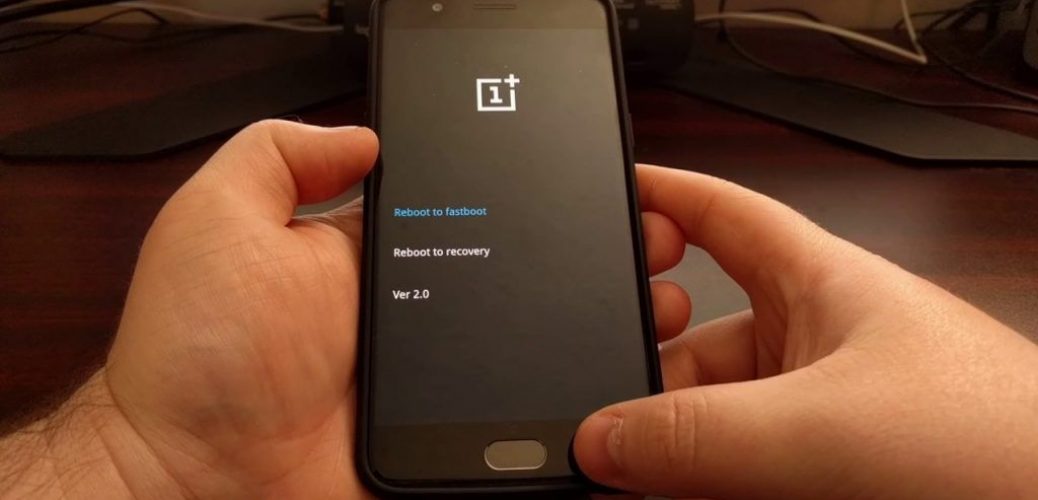

OnePlus: 4 ways on how to restore your OnePlus 5
You know how to reset your OnePlus 5 in the settings menu, but did you know there are 4 ways on you go about doing this? Here’s the list for you to see.
1. Soft reset
-
If your display is off, turn it back on using the power key.
-
Open the “Settings” application.
-
Scroll down until you find “Backup & Reset.”
-
Tap on “Factory data reset.”
-
Select “Reset phone.”
-
Tap on the box “Erase everything.”
-
The device should automatically reboot
2. Hard reset
-
Turn your phone off by pressing down the power key for five seconds.
-
Turn the phone back on while keeping the volume down button pressed in.
-
When the phone vibrates, release the volume down button.
-
Your phone should enter a mode called Simple Recovery.
-
Choose the option that reads “Wipe Cache Partition” using the power button.
-
You should get a message that says “Cache wipe complete.”
-
Continue to choose the option “Wipe Data/ Factory reset.”
-
The phone should automatically reboot.
3. Wipe cache partition
-
Turn your phone off by pressing down the power key for five seconds
-
Turn the phone back on while keeping the volume down button pressed in
-
When the phone vibrates, release the volume down button
-
Your phone should enter a mode called “Simple Recovery.”
-
Choose the option that reads “Wipe Cache Partition” using the power button
-
You should get a message that says “Cache wipe complete.”
4. Booting into Safe Mode
-
Turn off the device.
-
Once off, press and hold the power button until the device starts booting up.
-
As soon as it starts loading, press and hold the volume up and volume down keys simultaneously.
-
Continue holding these buttons until the boot up is complete.
-
Unlocking the device, you should see it having booted up into Safe Mode.
SYDNEY CBD REPAIR CENTRE IS OPEN 6 DAYS A WEEK
Weekdays: 10am – 6pm
Saturday: 10am – 6pm
Sunday : Closed
After Business Hours, By Appointment only.
CALL 8011 4119 or 043 777 4119
ask@SydneyCBDrepairCentre.com.au

