


Repairing a Shattered iPhone 17 Display Without Losing Face ID Sensor Function

Repairing a Shattered iPhone 17 Display Without Losing Face ID Sensor Function: 9 Proven Methods
Introduction
Cracking your iPhone 17 display is one of those frustrating moments every smartphone user dreads. Beyond the obvious cosmetic damage, the iPhone 17’s sophisticated TrueDepth camera system adds another layer of concern—how to repair the screen without compromising Face ID functionality. Face ID isn’t just a convenience; it’s a security feature tied directly to the front-facing camera and sensor system. A misaligned or improperly installed screen can disable it completely, leaving your phone less secure and less functional.
In this comprehensive guide, we’ll walk you through step-by-step methods to repair a shattered iPhone 17 display while preserving Face ID. From DIY approaches to professional services and Apple-authorized repairs, you’ll learn how to handle each option safely. We’ll also cover pre-repair preparation, testing procedures, common challenges, and maintenance tips to prevent future damage. By following these expert recommendations, you can restore your device’s screen and maintain its cutting-edge facial recognition without worry.
This article is designed for anyone looking to confidently tackle iPhone 17 screen damage—from tech enthusiasts attempting a DIY repair to users seeking professional solutions. With detailed guidance, practical tips, and a focus on preserving critical features, you’ll gain the knowledge needed to make an informed decision and keep your iPhone 17 fully functional.
Repairing your iPhone 17 display can feel like a high-stakes operation, especially if you rely on Face ID daily. The iPhone 17’s advanced TrueDepth camera system is integrated tightly with the front display, making screen replacements delicate. In this guide, we’ll walk you through 9 proven methods to restore your display without compromising Face ID functionality, ensuring your device stays as secure and responsive as ever.
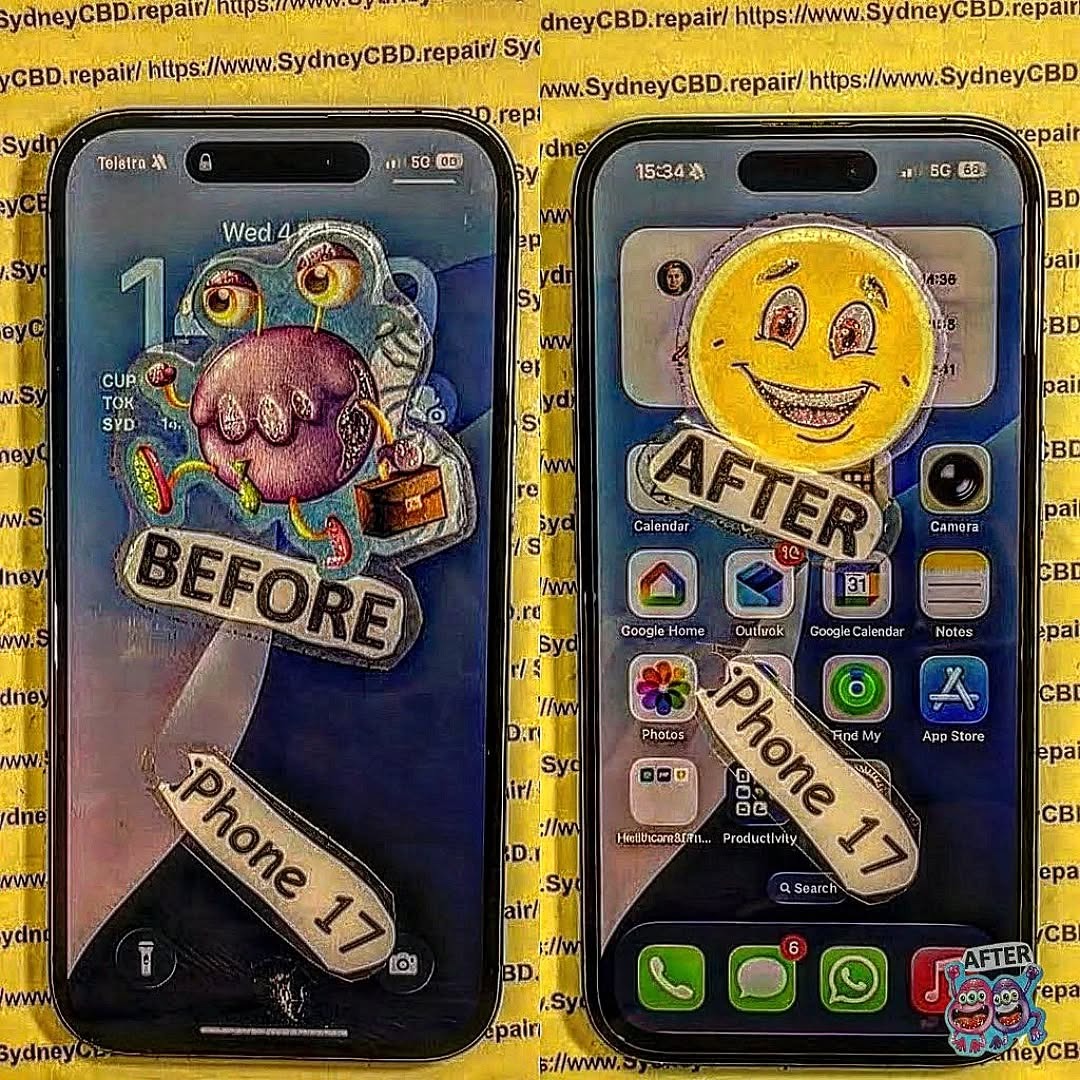
Understanding the iPhone 17 Display and Face ID System
The iPhone 17 features Apple’s most advanced display and Face ID system yet. The Super Retina XDR display combined with the TrueDepth camera ensures both stunning visuals and secure facial recognition.
How the TrueDepth Camera Works
The TrueDepth camera uses infrared sensors, flood illuminators, and a dot projector to map your face in 3D. Any misalignment during screen replacement can prevent Face ID from functioning. Maintaining its precise placement is crucial.
Common Causes of iPhone 17 Screen Damage
Most screen damage stems from:
- Accidental drops: Even small falls can shatter the glass.
- Pressure points: Sitting on or bending the phone.
- Water exposure: Can weaken the adhesive and affect the digitizer.
- Temperature extremes: Can warp the screen and compromise the sensors.
Assessing the Damage Before Repair
Before attempting a repair, accurately assess the damage.
Visual Inspection Techniques
Use bright lighting and magnification to identify:
- Glass cracks
- LCD pixel damage
- Separation between screen layers
Software Diagnostics
Apple devices include built-in diagnostics to check:
- Touch responsiveness
- Display uniformity
- Sensor alignment
Preparing for a Screen Replacement
Proper preparation is the difference between a successful repair and permanent Face ID failure.
Backing Up Your iPhone
- iCloud Backup: Ensure all photos, apps, and settings are saved.
- Local Backup via iTunes/Finder: Offers a secondary safety net.
Gathering the Right Tools and Parts
- Genuine Apple screens are ideal for preserving Face ID.
- Precision screwdrivers, suction cups, spudgers, and anti-static mats reduce risk.
- Avoid cheap aftermarket parts—they may fail or misalign sensors.
Step-by-Step Screen Replacement Methods

Method 1: DIY Screen Replacement
- Power off the device and remove the screws near the Lightning port.
- Use a suction cup to lift the display carefully.
- Disconnect battery and display connectors in proper sequence.
- Transfer the TrueDepth camera carefully to the new screen.
- Reassemble in reverse order and test functionality.
Tip: Work slowly. One slip can misalign the Face ID module.
Method 2: Professional Repair Services
- Certified technicians have experience preserving Face ID.
- Warranty coverage often included.
- Costs vary depending on parts and labor.
Method 3: Using Authorized Apple Repair
- Apple stores guarantee original parts and precise calibration.
- Face ID functionality is fully preserved.
- Usually more expensive but safest for critical sensors.
Preserving Face ID During Repair
Avoiding TrueDepth Camera Misalignment
- Never force the sensor into place.
- Keep dust and debris away.
- Use alignment guides if available.
Calibrating Face ID Post-Repair
- If Face ID fails, reset it in Settings → Face ID & Passcode → Reset Face ID.
- Re-scan your face carefully under good lighting.
Testing Your iPhone After Repair
Screen Responsiveness and Display Quality
- Swipe across all edges to check touch sensitivity.
- Adjust brightness to test color uniformity.
Face ID Accuracy and Performance
- Test unlocks, Apple Pay, and app authentication.
- Ensure multiple angles are recognized.
Common Challenges and How to Overcome Them
Cracked Digitizer or LCD Damage
- Look for dead pixels or color lines.
- Replace the LCD if necessary; a glass-only replacement may not suffice.
Face ID Not Working After Repair
- Check sensor alignment.
- Clean connectors.
- Reinstall software updates if needed.
Maintenance Tips to Prevent Future Damage
Screen Protectors and Cases
- Tempered glass protectors absorb impact.
- Rugged cases reduce stress on edges.
Handling and Storage Tips
- Avoid placing phones in tight pockets.
- Keep away from extreme heat or cold.
Cost Analysis: DIY vs Professional Repair
| Option | Average Cost | Pros | Cons |
|---|---|---|---|
| DIY | $150-$250 | Lower cost, learning experience | Risk of Face ID failure |
| Professional | $250-$400 | Preserves Face ID, faster | Higher cost |
| Apple Authorized | $400+ | Original parts, warranty | Expensive, may require appointment |
External Resources and References
FAQs
1. Can I replace my iPhone 17 screen without affecting Face ID?
Yes, but you must handle the TrueDepth camera with care or opt for professional repair.
2. How much does it cost to replace the iPhone 17 screen professionally?
Prices typically range from $250 to $400 depending on parts and labor.
3. Will Apple repair Face ID if it stops working after a DIY repair?
Apple may require a full sensor/module replacement, which could be costly.
4. Are aftermarket screens safe for Face ID?
Not always. Only high-quality replacements maintain accurate sensor alignment.
5. Can I calibrate Face ID myself after screen replacement?
Yes, via Settings → Face ID & Passcode → Reset Face ID, then re-scan your face.
6. How long does a professional repair take?
Most professional repairs take 30–60 minutes for screen and sensor replacements.
Conclusion

Repairing a shattered iPhone 17 display without losing Face ID functionality is doable if approached carefully. Whether you choose DIY, professional services, or Apple authorized repair, understanding the TrueDepth camera, preparing properly, and testing post-repair are key steps. By following these 9 proven methods, you can restore your phone’s display and secure authentication while extending the device’s lifespan.
David from Sydney CBD Repair Centre – The Best place to fix mobile phones as 7 Years In A Row! Top Mobile Phone Repair In Sydney. More than 2000 Positive Reviews on Google and Same Day Repairs.
We take pride in delivering exceptional repair services for all major phone brands including Apple, Samsung, Google, and more. Our expert technicians use only genuine parts and offer 90days warranty on repairs. Located in the heart of Sydney CBD, we’re your one-stop solution for all mobile device repairs.
Visit us for:
✓ Same Day Express Repairs
✓ Genuine Parts Guarantee
✓ Professional Technicians
✓ Competitive Pricing
✓ 2000+ 5-Star Google Reviews
✓ 7-Time Award Winner for Best Phone Repairs
Sydney CBD Repair Centre – Where Quality Meets Reliability.
Call : +61280114119
Website: https://SydneyCBD.repair/locate-us

