


Samsung Z Fold 6 Hinge Deep Clean: Solving the Gritty Folding Screen Crunch

Samsung Z Fold 6 Hinge Deep Clean: Solving the Gritty Folding Screen Crunch + 7 Proven Maintenance Tips
Introduction: Why Hinge Maintenance is Critical
The Samsung Z Fold 6 represents a pinnacle in foldable smartphone technology, but its innovative hinge system can accumulate dust, grit, and debris over time. A small buildup may seem harmless at first, yet it can lead to audible crunching, stiff folds, or even long-term hinge damage. Understanding how to perform a Samsung Z Fold 6 Hinge Deep Clean ensures your device remains smooth, functional, and visually pristine.
Many users overlook this crucial maintenance, which can shorten the hinge’s lifespan and affect the overall folding experience. By addressing the problem early, you can prevent costly repairs and maintain optimal performance.
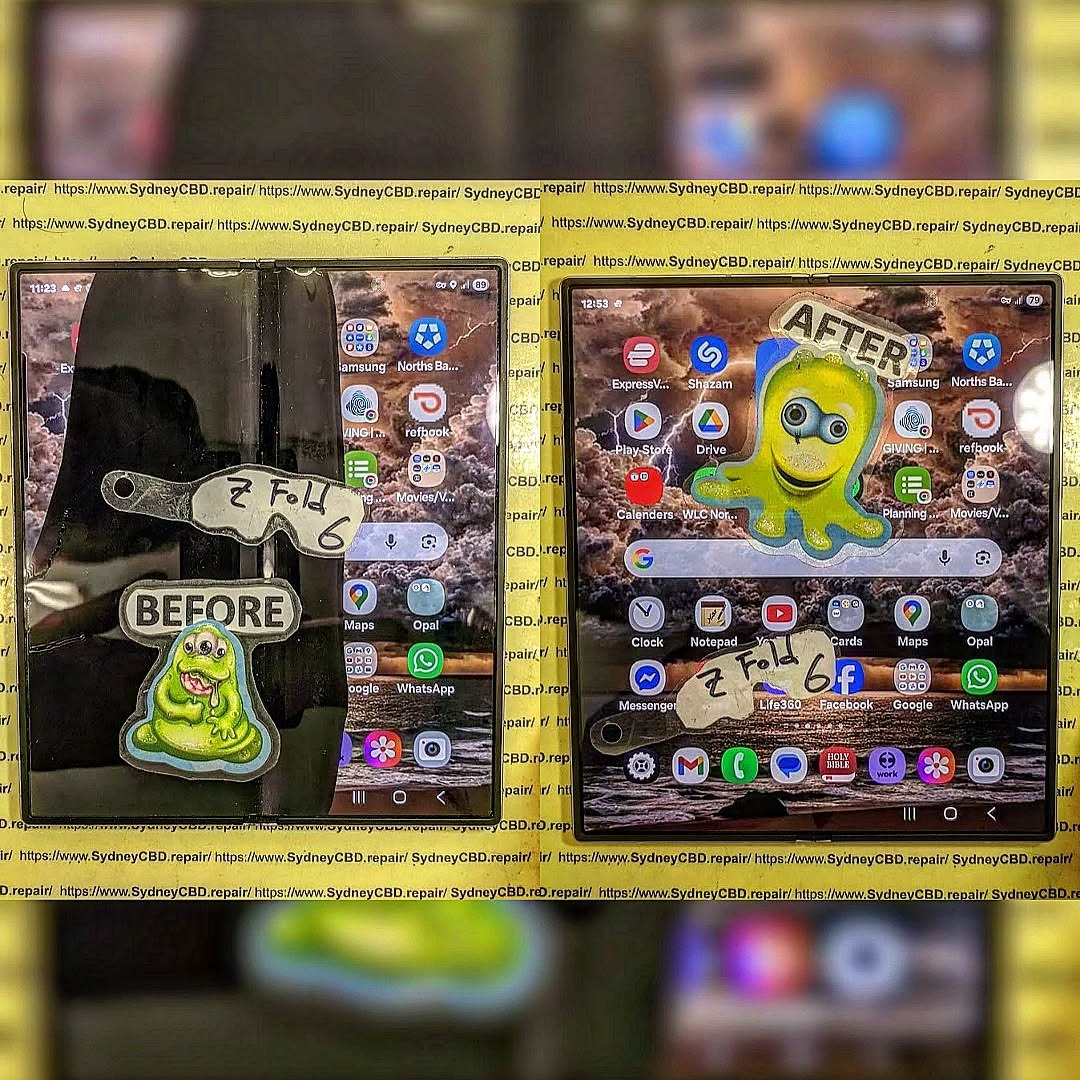
Understanding the Samsung Z Fold 6 Hinge Mechanism
The Samsung Z Fold 6 hinge is a complex, multi-roller mechanism designed to provide fluid folding and unfolding while maintaining screen integrity. Unlike traditional smartphones, foldables require precision engineering to prevent screen creases and mechanical stress.
The Multi-Roller Hinge System
This hinge uses multiple miniature rollers, each with a precise spring and gear assembly, to evenly distribute folding forces. The rollers allow the foldable screen to pivot smoothly while preventing unnecessary strain on the flexible display. However, the compact design also creates narrow gaps where dust and grit can accumulate.
Common Grit and Dust Accumulation Areas
Key areas where debris collects include:
- The inner crease of the fold
- Gaps between roller tracks
- Edges of the hinge near the display
Neglecting these areas can cause friction, audible crunching, and even screen misalignment over time.
Signs Your Hinge Needs a Deep Clean
Proper hinge maintenance begins with identifying early warning signs. Here are common indicators that your Samsung Z Fold 6 hinge needs attention:
Audible Crunching or Clicking
When you hear small clicks or a gritty sound while folding or unfolding, it usually indicates debris trapped inside the hinge.
Reduced Folding Smoothness
If the hinge feels stiff or less fluid than before, accumulated dirt may be causing friction between rollers and pins.
Screen Misalignment
A misaligned display can result from uneven pressure on the hinge due to trapped particles.
Tools & Materials Needed for Hinge Deep Cleaning

Maintaining your hinge safely requires specialized tools and cleaning solutions.
Microfiber Cloths & Brushes
- Soft microfiber cloths prevent scratches
- Small anti-static brushes reach tight spaces without causing damage
Isopropyl Alcohol & Lubricants
- 90%+ isopropyl alcohol is safe for cleaning hinge tracks
- Light silicone-based lubricants maintain smooth operation without damaging components
Avoiding DIY Pitfalls
Never use sharp objects, water, or household oils, as these can irreparably harm the hinge and flexible display.
Step-by-Step Samsung Z Fold 6 Hinge Cleaning Guide
Powering Down and Preparing Your Device
Always power off your Z Fold 6 and place it on a clean, flat surface to prevent accidental damage during cleaning.
Removing Surface Dust
Use a microfiber cloth and soft brush to gently sweep away dirt from the hinge exterior and inner crease.
Deep Hinge Cleaning Techniques
- Compressed Air: Blow air into the hinge gaps to dislodge fine debris
- Alcohol Swabs: Lightly moisten swabs with isopropyl alcohol and clean roller tracks
- Precision Tools: Optional plastic picks for stubborn particles, handled gently
Lubricating Without Damage
Apply a small amount of silicone-based lubricant along hinge rollers. Fold and unfold slowly to evenly distribute, avoiding excess which can attract more dust.
Final Inspection & Testing
Check for smooth folding and ensure no sticky residue remains. Listen for crunching — the absence of sound indicates successful cleaning.
Preventive Maintenance Tips to Avoid Hinge Crunch
Keeping Folds Clean
Always check your pockets or bags for lint and debris. Wipe the hinge weekly with a soft cloth.
Regular Checkups
Perform light cleaning every 2–3 months, depending on usage and environment.
Protective Cases & Accessories
A dedicated Z Fold 6 case with hinge protection can minimize dust entry and accidental knocks.
Common Mistakes During Hinge Maintenance
Using Sharp Objects
Avoid metal picks or knives which can scratch the hinge or screen.
Over-Lubricating
Too much lubricant causes dust adhesion and sticky folds.
Ignoring Manufacturer Guidelines
Samsung advises against water exposure and DIY disassembly — follow official maintenance tips.
Professional Repair vs. DIY Cleaning
Warranty Considerations
DIY hinge repairs may void warranty. Always consult official guidelines.
Signs You Need Professional Help
- Persistent crunching after cleaning
- Screen misalignment
- Hinge stiffness that doesn’t improve with light maintenance
For these, professional repair ensures safety and longevity.
FAQs
1. How often should I clean the Samsung Z Fold 6 hinge?
Every 2–3 months for regular use, or sooner if you notice crunching or stiffness.
2. Can I use water to clean my hinge?
No, water can damage internal components. Use isopropyl alcohol and microfiber cloths only.
3. What lubricant is safe for my Z Fold 6?
Silicone-based lubricants recommended for foldable hinges.
4. Will DIY cleaning void my warranty?
Minor cleaning is safe, but full disassembly may void warranty. Always follow Samsung guidelines.
5. Why is my hinge making a grinding sound?
Debris trapped between rollers causes friction. Deep cleaning usually resolves this.
6. Can protective cases prevent hinge issues?
Yes, cases reduce dust entry and accidental knocks that can damage hinges.
Conclusion: Keep Your Samsung Z Fold 6 Hinge Crunch-Free

Regular maintenance and careful cleaning ensure your Samsung Z Fold 6 folds smoothly for years. By understanding hinge mechanics, using safe tools, and applying preventive practices, you can avoid the gritty crunch that frustrates many foldable phone owners.
For detailed official guidance, visit Samsung Support to check maintenance tips and warranty recommendations.
David from Sydney CBD Repair Centre – The Best place to fix mobile phones as 7 Years In A Row! Top Mobile Phone Repair In Sydney. More than 2000 Positive Reviews on Google and Same Day Repairs.
We take pride in delivering exceptional repair services for all major phone brands including Apple, Samsung, Google, and more. Our expert technicians use only genuine parts and offer 90days warranty on repairs. Located in the heart of Sydney CBD, we’re your one-stop solution for all mobile device repairs.
Our commitment to excellence has earned us the trust of thousands of satisfied customers. Whether it’s a cracked screen, battery replacement, or water damage repair, we handle it all with professional care and expertise. Walk in today and experience why we’re Sydney’s #1 choice for mobile phone repairs.
Visit us for:
✓ Same Day Express Repairs
✓ Genuine Parts Guarantee
✓ Professional Technicians
✓ Competitive Pricing
✓ 2000+ 5-Star Google Reviews
✓ 7-Time Award Winner for Best Phone Repairs
Sydney CBD Repair Centre – Where Quality Meets Reliability.
Call : +61280114119
Website: https://SydneyCBD.repair/locate-us

