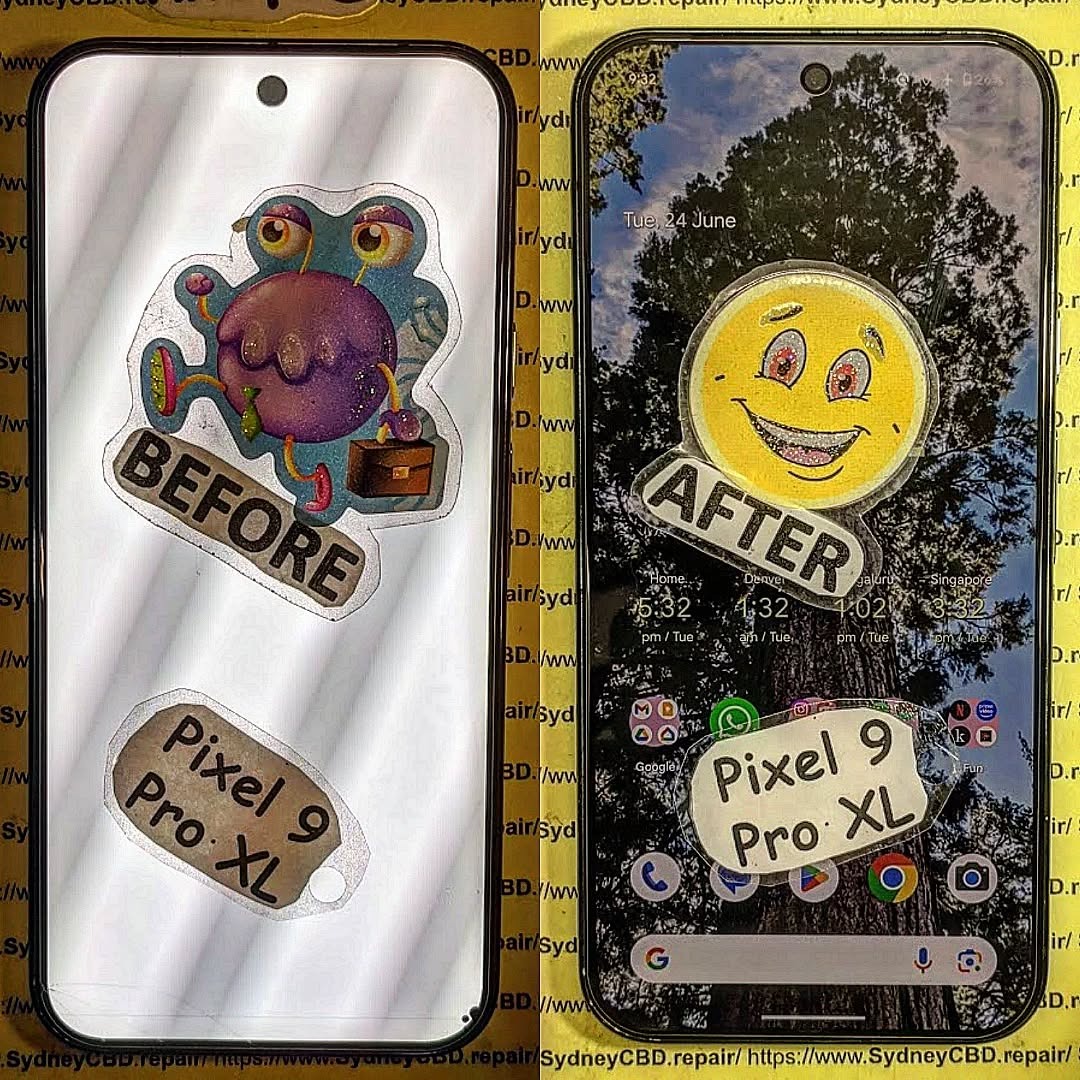
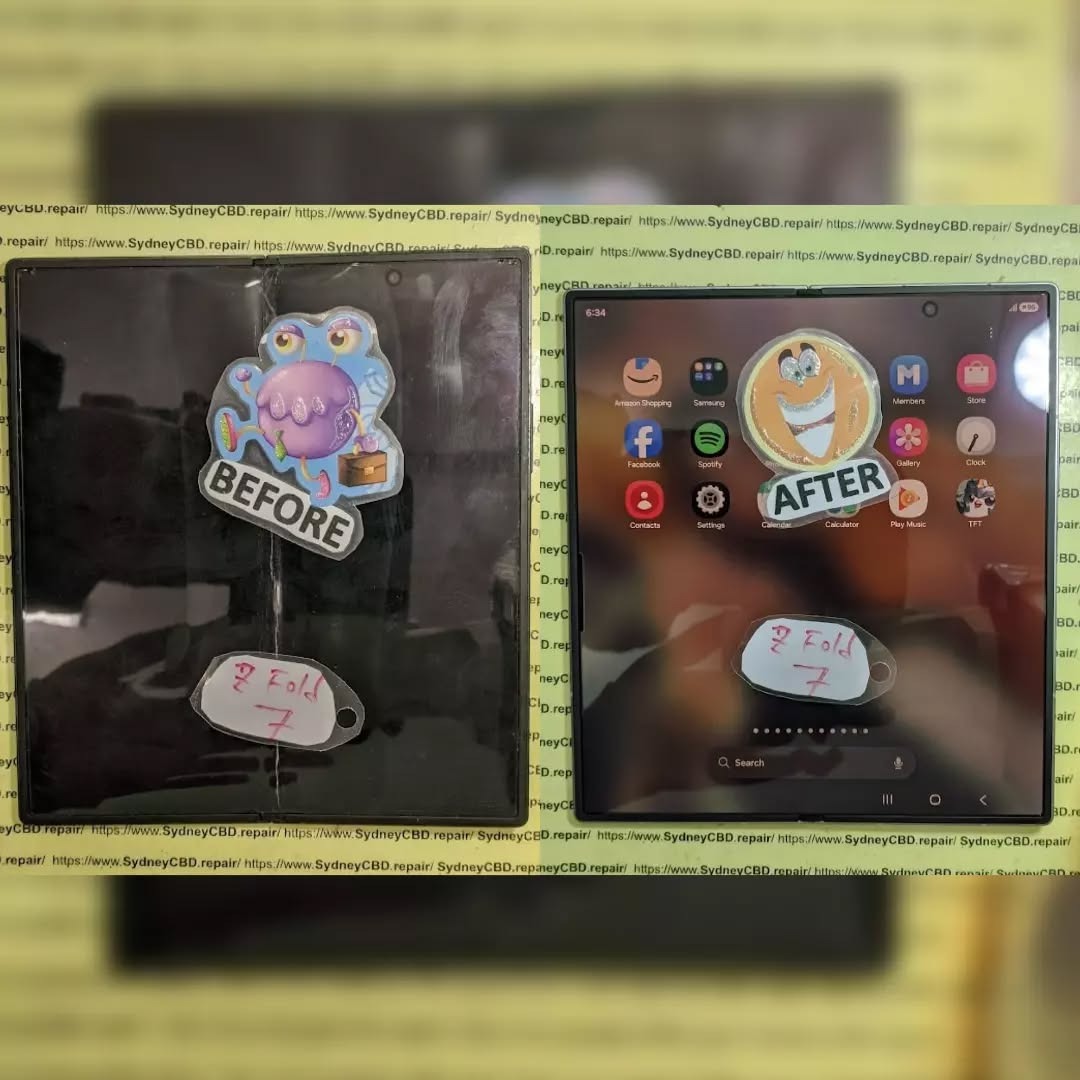
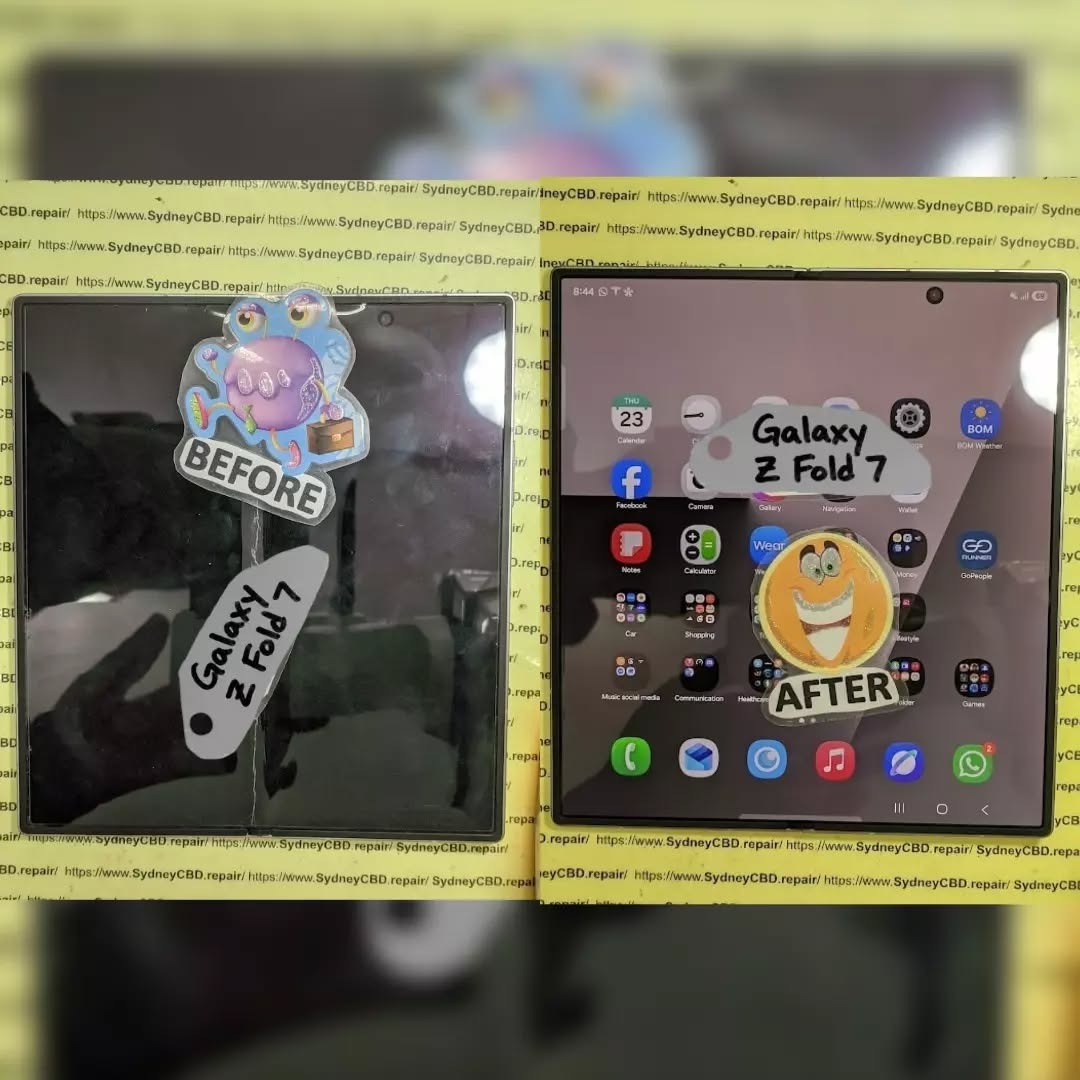
The Impossible Fix? The Rescue of a Crushed Google Pixel 9 Pro XL Hinge – Ultimate Repair Guide 2026
Introduction to Google Pixel 9 Pro XL Hinge Damage
The Google Pixel 9 Pro XL hinge repair process might sound like something straight out of a technician’s nightmare. After all, foldable devices are marvels of engineering—but when they fail, they fail hard. A crushed hinge isn’t just cosmetic damage; it affects the entire usability of the device.
Nowadays, foldable smartphones are becoming more common, and so are hinge-related issues. While manufacturers have improved durability, real-world conditions—drops, pressure, debris—still push these devices beyond their limits.
So, what happens when your Pixel 9 Pro XL hinge gets crushed? Is it truly impossible to fix? Surprisingly, the answer isn’t always “no.” With the right tools, patience, and expertise, many seemingly “dead” hinges can be revived.
Foldable hinges are complex. They rely on multiple moving parts working in harmony. Over time, friction, dust, and stress can wear down these components.
Some common reasons include:
Repeated folding cycles
Dust and debris infiltration
Structural fatigue
Accidental drops
Even though manufacturers design hinges to withstand thousands of folds, real-life usage is rarely ideal.
Common Causes of Crushing
A crushed hinge typically occurs due to:
Sitting on the device accidentally
Heavy objects placed on it
Drops onto hard surfaces
Improper storage in tight spaces
Once crushed, the hinge may misalign, jam, or completely fail.
The hinge mechanism in foldable devices is an intricate assembly of:
Micro gears
Flexible plates
Springs
Lubrication layers
These parts allow smooth folding while maintaining screen integrity. The Google Pixel 9 Pro XL hinge repair becomes tricky because even slight misalignment can disrupt the entire system.
Components Inside the Mechanism
Inside the hinge, you’ll typically find:
Component
Function
Metal Spine
Structural support
Gear Tracks
Controlled movement
Flex Cables
Signal transmission
Protective Brushes
Dust prevention
Each component plays a crucial role. Damage to one can affect all.
Initial Damage Assessment
Before attempting any Google Pixel 9 Pro XL hinge repair, assessment is key.
Visual Inspection Checklist
Look for:
Visible dents or warping
Gaps when folded
Uneven alignment
Screen lifting near hinge
These signs indicate structural issues.
Functional Testing
Test the device:
Does it open fully?
Is there resistance?
Does the screen flicker?
If yes, the hinge likely needs repair.
Tools Required for Hinge Repair
Professional vs DIY Tools
Here’s what you’ll need:
Essential Tools
Precision screwdrivers
Heat gun
Plastic pry tools
Tweezers
Advanced Tools
Microscope (for precision work)
Ultrasonic cleaner
Replacement hinge assembly
While DIY repairs are possible, professional-grade tools significantly increase success rates.
Step-by-Step Repair Process
Disassembly Procedures
First, power off the device. Then:
Heat the back panel to soften adhesive
Carefully pry open the casing
Disconnect battery and flex cables
Remove internal shielding
Take your time—rushing can cause more damage.
Hinge Reconstruction
This is the most delicate part of Google Pixel 9 Pro XL hinge repair.
Steps include:
Removing the damaged hinge
Cleaning debris and dust
Realigning internal components
Replacing bent parts
In severe cases, replacing the entire hinge assembly is necessary.
Reassembly
Once repaired:
Reconnect all components
Test before sealing
Apply fresh adhesive
Close device securely
Always double-check functionality before final sealing.
Challenges and Risks
Repairing a crushed hinge isn’t easy.
Irreversible Damage Signs
Some damage can’t be fixed:
Cracked internal frame
Severely bent hinge spine
Torn flex cables
Screen damage
If you notice these, replacement may be the better option.
Preventive Measures
Proper Usage Tips
To avoid future issues:
Avoid overextending the hinge
Keep device clean
Use protective cases
Don’t place heavy objects on it
Simple habits can extend your phone’s life significantly.
Cost vs Replacement Analysis
Repair costs vary depending on damage severity.
Scenario
Estimated Cost
Recommendation
Minor Misalignment
Low
Repair
Moderate Damage
Medium
Repair
Severe Crushing
High
Replace
Sometimes, replacing the device is more cost-effective.
Expert Repair Tips
Work in a clean, dust-free environment
Use proper lighting
Document each step during disassembly
Don’t force components
Professional technicians often succeed where DIY attempts fail.
FAQs
1. Can a crushed hinge really be fixed?
Yes, but it depends on the severity. Minor to moderate damage is often repairable.
2. Is DIY repair safe?
It can be risky. Without proper tools and experience, you might worsen the damage.
3. How long does hinge repair take?
Typically 2–4 hours for experienced technicians.
4. Will the phone be as good as new?
Not always, but a well-done repair can restore most functionality.
5. How much does repair cost?
Costs vary widely but are usually cheaper than full replacement.
6. What’s the biggest risk during repair?
Damaging the flexible display or internal cables.
Conclusion
The idea of fixing a crushed foldable hinge might seem impossible at first glance. However, as we’ve explored, Google Pixel 9 Pro XL hinge repair is achievable under the right conditions. With careful assessment, proper tools, and a methodical approach, even heavily damaged hinges can sometimes be restored.
That said, not every case is salvageable. Knowing when to repair and when to replace is just as important as the repair itself. If you’re unsure, consulting a professional is always a smart move.
For those willing to take on the challenge, patience and precision are your best allies. And who knows? What once seemed impossible might just turn into a satisfying success story.
David from Sydney CBD Repair Centre – The Best place to fix mobile phones as 7 Years In A Row! Top Mobile Phone Repair In Sydney. More than 2000 Positive Reviews on Google and Same Day Repairs.
We take pride in delivering exceptional repair services for all major phone brands including Apple, Samsung, Google, and more. Our expert technicians use only genuine parts and offer 90days warranty on repairs. Located in the heart of Sydney CBD, we’re your one-stop solution for all mobile device repairs.
Our commitment to excellence has earned us the trust of thousands of satisfied customers. Whether it’s a cracked screen, battery replacement, or water damage repair, we handle it all with professional care and expertise. Walk in today and experience why we’re Sydney’s #1 choice for mobile phone repairs.
Visit us for:
✓ Same Day Express Repairs
✓ Genuine Parts Guarantee
✓ Professional Technicians
✓ Competitive Pricing
✓ 2000+ 5-Star Google Reviews
✓ 7-Time Award Winner for Best Phone Repairs
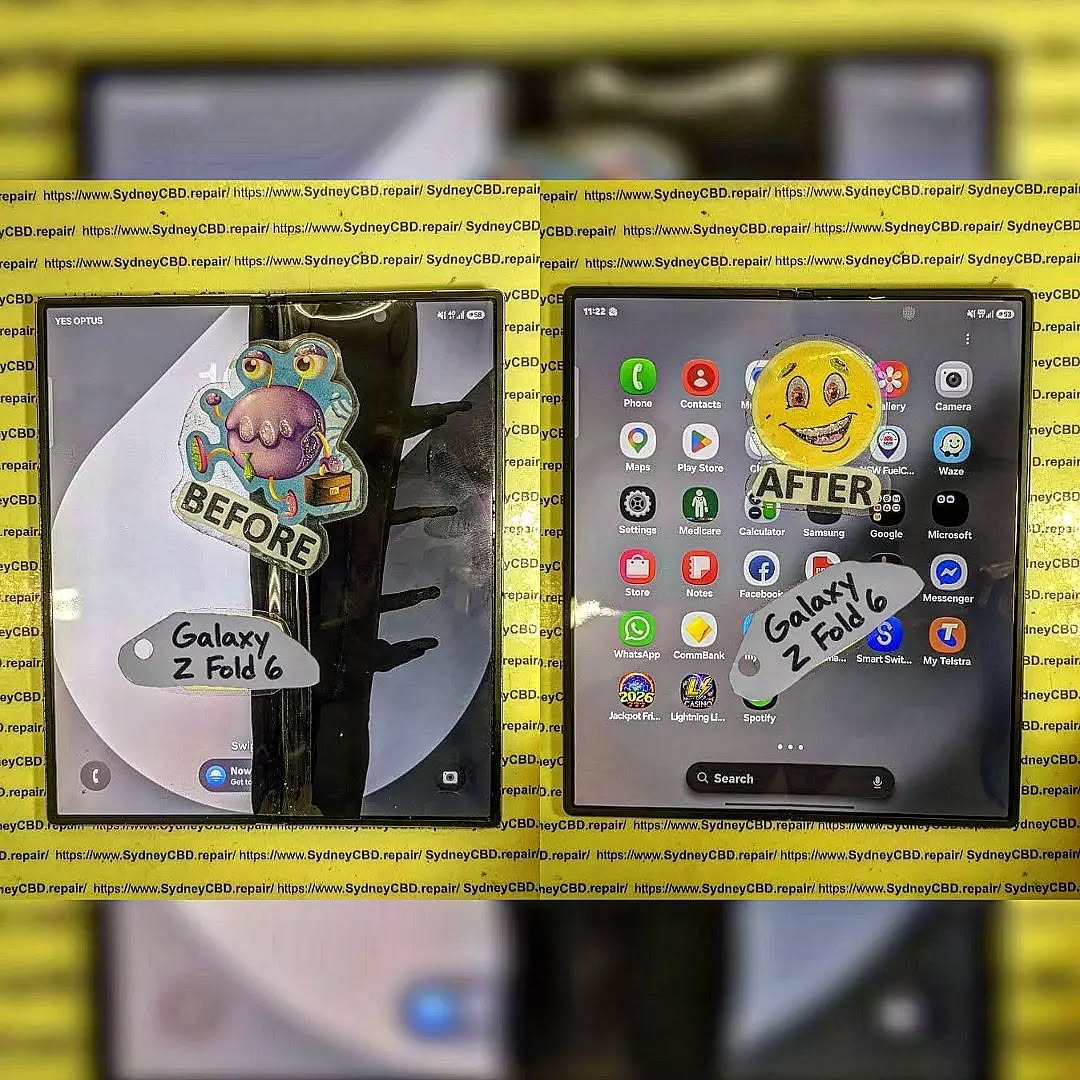
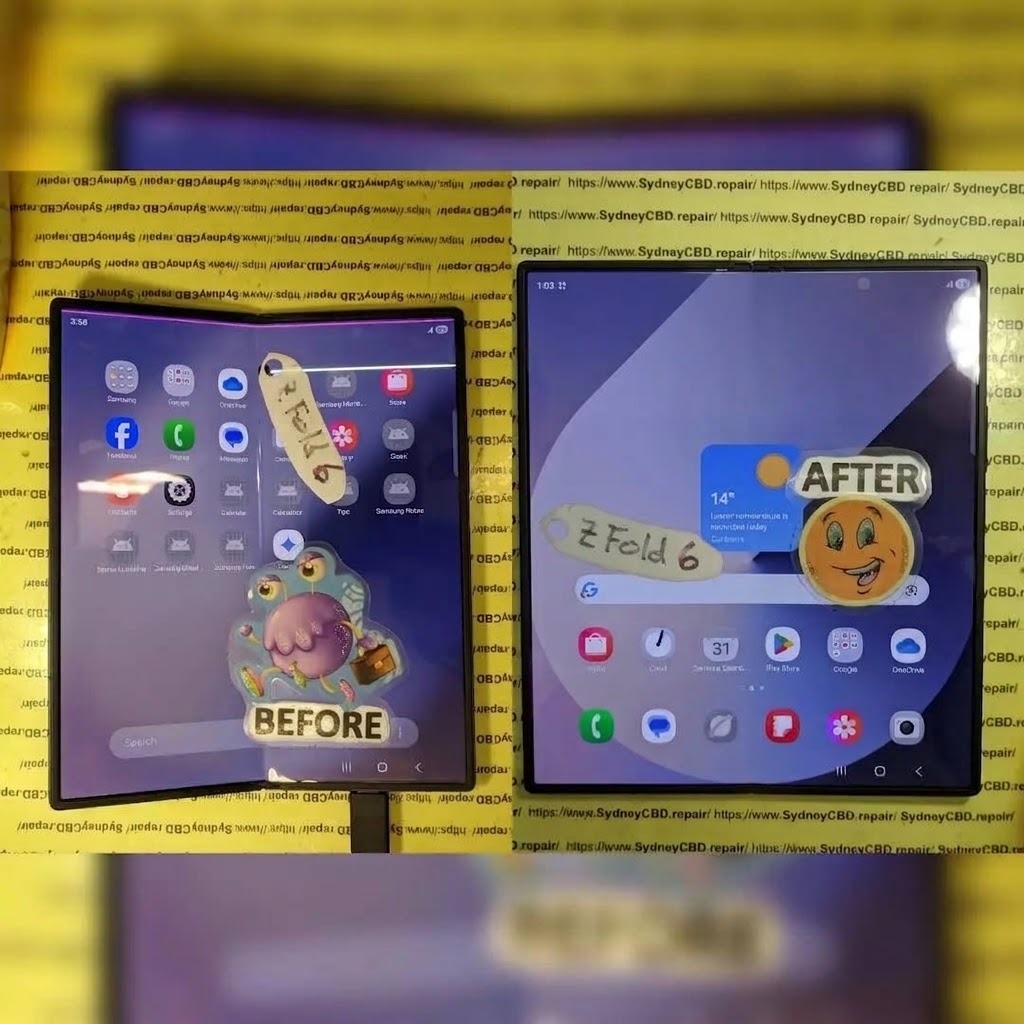
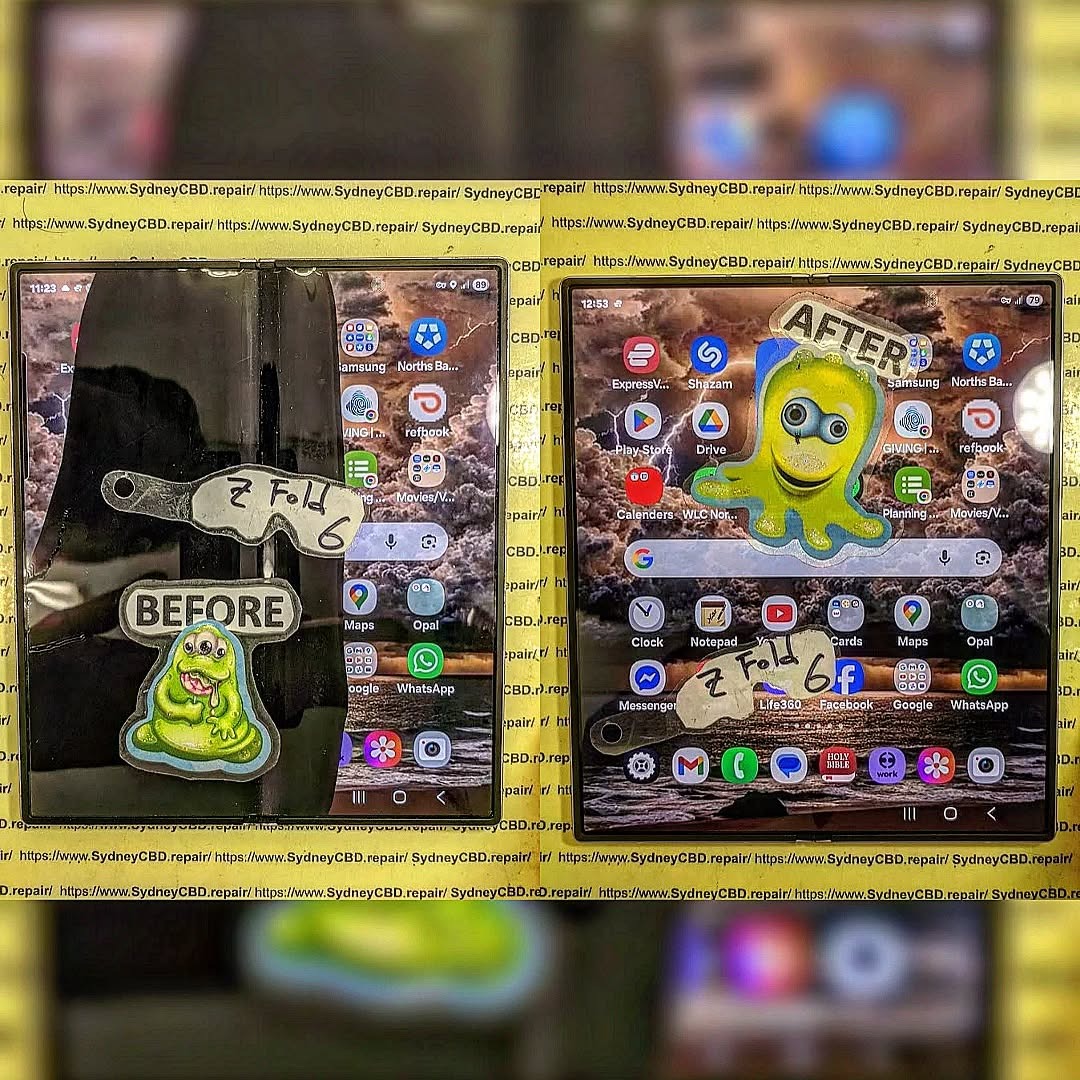
Is Your Hinge Gritty? The Deep Cleaning Of The Mechanism on the Samsung Galaxy Z Fold 6 + Ultimate Fix Guide 2026
Introduction to Samsung Galaxy Z Fold 6 Hinge Issues
The Samsung Galaxy Z Fold 6 represents cutting-edge innovation in foldable smartphone technology. However, like any mechanical system, its hinge can develop issues over time—especially if exposed to dust, lint, or moisture.
If you’ve noticed your hinge feels rough or “gritty,” you’re not alone. Many users eventually search for solutions related to Is Your Hinge Gritty? Deep Cleaning The Mechanism On Samsung Galaxy Z Fold 6. This issue isn’t just annoying—it can lead to long-term damage if ignored.
Fortunately, with proper knowledge and care, you can restore smooth operation and extend your device’s lifespan.
Foldable phones rely on precision-engineered hinges. Over time, tiny particles like dust, sand, and lint can enter the hinge system. Even though Samsung designs these hinges with protective brushes, they are not completely immune.
Every time you open and close your device, particles may get trapped and cause friction.
Environmental Factors
Living in humid or dusty environments accelerates hinge contamination. Coastal areas, construction zones, and even everyday pockets can introduce harmful debris.
Temperature changes also affect internal lubrication, making the hinge feel stiff or uneven.
Wear and Tear
Mechanical parts naturally degrade. After hundreds or thousands of folds, internal components can lose lubrication or alignment, leading to that gritty sensation.
If your phone no longer folds smoothly, this is a clear sign something is wrong. Increased resistance often indicates debris buildup.
Grinding Noise
Hearing a faint grinding or crunching sound? That’s usually particles interfering with hinge movement.
Uneven Folding
If one side feels tighter than the other, the hinge may have uneven contamination or wear.
Tools You Need for Deep Cleaning
Safe Cleaning Materials
To properly perform Is Your Hinge Gritty? Deep Cleaning The Mechanism On Samsung Galaxy Z Fold 6, gather the following:
Microfiber cloth
Soft-bristle brush
Compressed air (low pressure)
Isopropyl alcohol (90% or higher)
Cotton swabs
What to Avoid
Avoid these at all costs:
Water or liquid sprays
Sharp tools
High-pressure air compressors
Household cleaners
These can damage internal components or void your warranty.
Step-by-Step Deep Cleaning Process
Preparation
Before starting:
Power off your device
Remove any case or accessories
Work in a clean, well-lit area
External Cleaning
Start by wiping the hinge exterior using a microfiber cloth. This removes visible dust and prevents it from entering deeper parts during cleaning.
Internal Mechanism Cleaning
This is the most delicate step in Is Your Hinge Gritty?Deep Cleaning The Mechanism On Samsung Galaxy Z Fold 6:
Gently open the phone halfway
Use a soft brush to dislodge debris
Apply short bursts of compressed air at an angle
Lightly dampen a cotton swab with isopropyl alcohol and clean edges
⚠️ Never insert anything deep into the hinge.
Drying and Testing
Let the device air dry for 10–15 minutes. Then:
Slowly open and close the phone
Check for smoothness
Repeat if necessary
Preventing Future Hinge Problems
Daily Maintenance Tips
Keep your phone in a clean pocket
Avoid placing it on dusty surfaces
Regularly wipe the hinge area
Protective Accessories
Using a hinge-protecting case can significantly reduce debris entry. Look for cases specifically designed for foldable devices.
When to Seek Professional Help
Severe Damage Indicators
Stop DIY cleaning if you notice:
Loud grinding sounds
Visible hinge misalignment
Screen lifting near the fold
Sudden stiffness
Warranty Considerations
Opening or improperly cleaning your hinge may void your warranty. Always check Samsung’s official support page: https://www.samsung.com/support
Risks of DIY Hinge Cleaning
While DIY methods can help, they carry risks:
Internal damage
Loss of water resistance
Warranty voiding
If you’re unsure, it’s better to consult a professional technician.
Comparing DIY vs Professional Repair
Factor
DIY Cleaning
Professional Repair
Cost
Low
Moderate
Risk
High
Low
Effectiveness
Temporary
Long-term
Warranty Safety
Risky
Safe
Cost of Repair vs Replacement
Repairing a hinge is significantly cheaper than replacing the entire device. However, severe damage may require full hinge replacement, which can be costly.
FAQs
1. Can I fix a gritty hinge myself?
Yes, minor issues can be resolved using safe cleaning methods. However, deeper problems require professional repair.
2. How often should I clean my Fold 6 hinge?
Light cleaning every 2–4 weeks is recommended, depending on usage and environment.
3. Is compressed air safe?
Yes, but only at low pressure and from a distance.
4. Will cleaning restore original smoothness?
In many cases, yes. However, worn components may not fully recover.
5. Can water damage the hinge?
Absolutely. Water can cause corrosion and worsen internal friction.
6. Does Samsung cover hinge issues under warranty?
It depends on the cause. Manufacturing defects are usually covered, but physical damage is not.
Conclusion
Dealing with a gritty hinge can be frustrating, but it’s not the end of your foldable phone’s life. By following this guide on Is Your Hinge Gritty? Deep Cleaning The Mechanism On Samsung Galaxy Z Fold 6, you can restore smooth performance and prevent further damage.
Regular maintenance, proper handling, and knowing when to seek professional help are key. Treat your device carefully, and it’ll continue delivering that premium foldable experience.
David from Sydney CBD Repair Centre – The Best place to fix mobile phones as 7 Years In A Row! Top Mobile Phone Repair In Sydney. More than 2000 Positive Reviews on Google and Same Day Repairs.
We take pride in delivering exceptional repair services for all major phone brands including Apple, Samsung, Google, and more. Our expert technicians use only genuine parts and offer 90days warranty on repairs. Located in the heart of Sydney CBD, we’re your one-stop solution for all mobile device repairs.
Our commitment to excellence has earned us the trust of thousands of satisfied customers. Whether it’s a cracked screen, battery replacement, or water damage repair, we handle it all with professional care and expertise. Walk in today and experience why we’re Sydney’s #1 choice for mobile phone repairs.
Visit us for:
✓ Same Day Express Repairs
✓ Genuine Parts Guarantee
✓ Professional Technicians
✓ Competitive Pricing
✓ 2000+ 5-Star Google Reviews
✓ 7-Time Award Winner for Best Phone Repairs
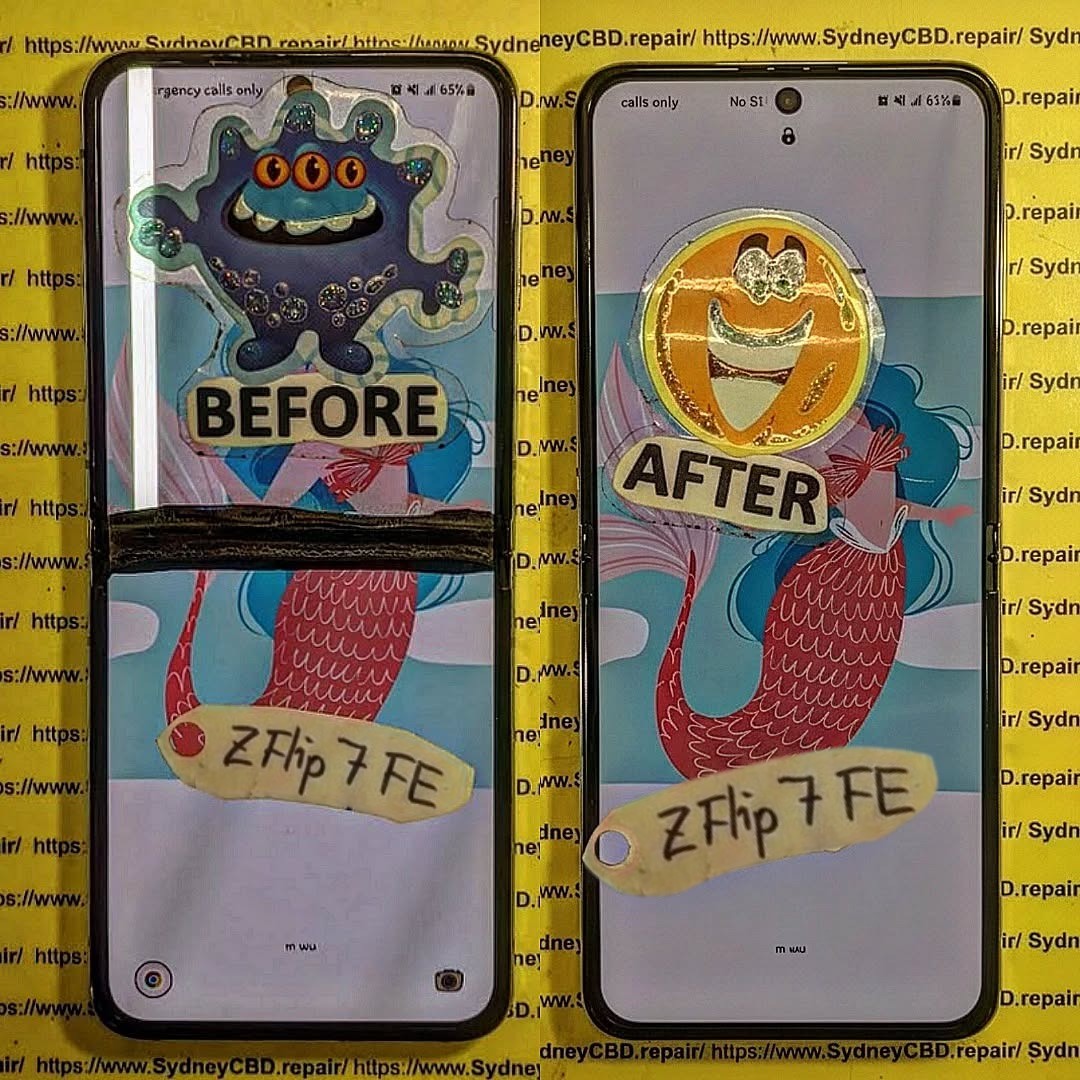
Top Five Critical Traps When Replacing a Galaxy Z Flip 7 FE Display: Ultimate Guide to 5 Costly Repair Mistakes
Introduction
Replacing a Galaxy Z Flip 7 FE display might seem like a straightforward repair, but one small mistake can lead to expensive damage. From choosing the wrong replacement screen to damaging delicate internal components, foldable phone repairs require specialist knowledge, careful handling, and the right tools. The Samsung Galaxy Z Flip 7 FE features an advanced folding display, a separate cover screen, and a precision-engineered hinge, making it important to understand the risks before starting any repair. Whether you’re dealing with a cracked inner screen, black spots, flickering, or a lifting protective film, identifying the real problem is the first step toward a reliable solution. In this guide, we’ll reveal the top five critical traps when replacing a Galaxy Z Flip 7 FE display, explain how to avoid common repair mistakes, and share practical tips for choosing suitable replacement parts and professional repair services. By understanding these risks, you can protect your device, avoid unnecessary expenses, and make a smarter decision about restoring your foldable phone.
The Samsung Galaxy Z Flip 7 FE is designed for people who want a powerful smartphone in a compact, foldable body. Its folding design makes it convenient to carry, but it also creates repair challenges that you wouldn’t usually face with a traditional smartphone.
Samsung lists two separate displays for the device. The main screen is a 6.7-inch Dynamic AMOLED 2X display with a 120Hz adaptive refresh rate, while the outer cover screen is a 3.4-inch Super AMOLED display. These screens serve different purposes and must not be confused when ordering a replacement.
The main display also needs special care because it bends repeatedly during normal use. The hinge, flexible connections, protective layers, and surrounding frame all play a role in how the phone operates.
A repair that looks simple from the outside can involve several delicate components. For instance, a phone that shows a black inner screen might have a damaged display assembly, a connection problem, or other internal damage caused by a drop. Replacing a screen without checking the underlying fault can lead to unnecessary costs.
Another important point is that visible damage doesn’t always tell the whole story. A cracked outer cover screen, a damaged inner display, and a lifting protective film are three different problems. Each requires a different assessment.
The best repair decision starts with accurate diagnosis. By understanding the five critical traps below, owners can avoid preventable damage and choose a repair service that protects their device.
One of the most expensive mistakes during foldable phone repair is ordering the wrong display assembly. This may sound obvious, but it can happen when someone searches for a replacement using only the phone’s marketing name.
The Galaxy Z Flip 7 FE has both an inner folding display and an outer cover display. Although both are screens, they are not interchangeable. They differ in size, display technology, physical shape, and function. A replacement intended for the wrong screen will not solve the problem.
Why Accurate Model Identification Matters
Smartphone manufacturers release several models within the same product family. Their names may look almost identical, yet the internal components can differ.
The Galaxy Z Flip 7 FE is also closely related in appearance to other Galaxy Z Flip models. However, a similar design doesn’t automatically mean that the replacement parts are compatible.
Before ordering a screen, a technician should confirm the exact model through the device information, service documentation, or appropriate identification markings.
The following details deserve attention:
Exact model: Confirm that the phone is a Galaxy Z Flip 7 FE, not a different Z Flip generation.
Screen location: Establish whether the damaged component is the inner folding display or outer cover display.
Part compatibility: Verify that the replacement is specifically listed for the device and intended assembly.
Component condition: Check whether the display is the only damaged part or whether the frame, hinge, or connectors also need attention.
Part history: Determine whether the replacement is new, refurbished, reclaimed, or otherwise used.
These checks may seem like extra work, but they reduce the risk of buying an expensive part that cannot be installed correctly.
The Danger of Misdiagnosing a Fault
Imagine that your phone opens normally, but the inner display suddenly turns black. You might assume that the display has failed completely.
That could be the case, but it shouldn’t be treated as a certainty before inspection. A technician needs to consider the history of the fault, any visible impact damage, the behaviour of the cover screen, and other relevant symptoms.
Samsung explains that physical impact can result in cracked glass, black spots, and unusual coloured or dark lines. Internal display damage can occur even when the visible surface doesn’t have an obvious crack.
For example, black ink-like areas spreading across the screen may indicate damage inside the display panel. A phone that flickers only when opening or closing may need a more detailed inspection of its display connections and folding mechanism.
Neither symptom should automatically lead to a screen order without further diagnosis.
Why Replacing Only the Visible Damage Can Be Risky
A foldable phone’s display is part of a larger assembly. Depending on the specific replacement design, other components, mounting points, or connected parts may need to be transferred or checked.
If the frame is bent or the hinge has suffered impact damage, installing a new display without addressing the underlying problem may create pressure on the replacement panel.
That pressure could contribute to further display damage or prevent the device from folding as intended.
A reliable technician therefore evaluates the surrounding hardware before recommending a repair. The goal isn’t simply to make the display turn on again. It is to restore normal use without introducing a new fault.
How to Avoid This Trap
Start by describing the symptoms clearly. Tell the repair technician whether the phone was dropped, exposed to liquid, or damaged while folded. Explain whether the inner screen, cover screen, or both are affected.
Ask the technician to confirm the exact replacement part before work begins. A written quotation should identify the component being replaced and explain whether any additional damage has been found.
Key lesson: The right diagnosis must come before the right replacement part. A few careful checks can prevent wasted money, unnecessary repairs, and avoidable damage.
Trap 2: Confusing Screen Protector Damage With Display Failure
Another common mistake is assuming that every mark, bubble, line, or crack on a foldable screen means the entire display needs replacement.
The Galaxy Z Flip 7 FE’s inner screen uses foldable display technology and requires more careful handling than an ordinary rigid smartphone panel. Its factory-fitted protective film serves a different purpose from the display itself.
Treating those layers as if they were the same can turn a minor problem into a major repair.
Understanding the Difference Between a Protector and a Display
The screen protector sits above the display panel. It helps protect the surface, but it is not the component that produces the image.
A damaged protector may develop lifting edges, bubbles, scratches, or other visible marks. A damaged display panel may produce dead pixels, black patches, coloured lines, flickering, or complete image failure.
These symptoms can overlap, so appearance alone isn’t always enough to identify the fault. A technician should inspect the screen carefully before deciding what needs to be replaced.
Symptom
Possible Explanation
Recommended Action
Small bubble near the folding crease
Protective film lifting or separating
Professional inspection of the film
Surface scratches
Damage to the film or display surface
Assess depth and location
Black patch spreading across the image
Internal display panel damage
Prompt professional assessment
Green or pink lines
Display damage or another display-related fault
Diagnose before ordering parts
Inner screen completely black
Panel, connection, or other internal fault
Full diagnostic inspection
Touch works inconsistently
Film, touch layer, software, or hardware issue
Test before replacing components
This table is a starting point, not a definitive diagnostic tool. Two phones with similar symptoms can have different underlying problems.
The Factory Protective Film Trap
The factory-fitted protective film on a foldable’s main screen is particularly important. Some owners try to remove it when it begins to lift or when bubbles appear along the crease.
That approach can be risky.
Samsung’s guidance for Galaxy foldable devices warns that removing the main-screen protective film or installing an unapproved alternative can cause touch abnormalities or screen damage. The company recommends seeking service assistance when the film needs replacement.
In other words, don’t assume that a lifting film is simply a standard phone screen protector that you can peel off and replace at home. The inner display is designed to fold repeatedly. Careless pressure or pulling can damage the delicate layers underneath.
Why the Folding Crease Needs Careful Assessment
A visible crease is a known characteristic of foldable display technology. Its presence alone doesn’t prove that the screen is faulty. The important question is whether the appearance has changed or whether new symptoms have developed.
For example, a normal crease is different from a crease accompanied by spreading black areas, unusual lines, loss of touch response, or visible structural damage. A sudden change deserves attention, especially following a drop or excessive pressure.
Owners should also avoid pressing hard on the crease to see whether the mark will disappear. Extra pressure isn’t a safe way to test a foldable display. Samsung specifically advises against applying excessive pressure to the main screen and warns that sharp objects can scratch or damage it.
What Should You Do If the Film Starts Lifting?
Avoid peeling the film, pushing trapped air toward the crease, or applying random adhesives.
Stop using any cleaning method that involves strong solvents or excessive moisture. These may affect the screen surface or damage surrounding materials.
Arrange an assessment with a technician familiar with foldable devices. Explain whether the problem appeared gradually or immediately after the phone was dropped.
If the screen still displays an image correctly and responds to touch, the issue may be different from a failed display panel. However, this should be confirmed rather than assumed.
Why Early Attention Can Save Money
A small protective-film issue might need a limited service rather than a complete display assembly. On the other hand, an ignored display crack may worsen during normal use.
Correctly identifying the problem helps prevent unnecessary replacement costs while reducing the risk of further damage.
Key lesson: Don’t peel, press, or puncture a foldable screen to investigate a problem. Have the protective film and display panel assessed separately before agreeing to a major repair.
Trap 3: Damaging Internal Components During Disassembly
The third trap is assuming that removing a foldable phone’s display is similar to opening an ordinary smartphone. It isn’t.
Foldable devices have compact internal layouts, flexible connections, a hinge assembly, and components positioned around moving sections of the body. An inexperienced repair attempt can damage parts that were working perfectly before the phone was opened.
Even if the original fault appears limited to the display, careless disassembly may introduce new problems.
Why Heat and Prying Require Special Care
Many smartphone assemblies use adhesives to hold components in place. Professional repair may involve controlled heating and specialist tools to separate bonded parts.
The difficulty lies in applying the right method to the correct area without stressing the display, frame, or nearby components.
Too much heat may affect sensitive materials. An incorrectly positioned prying tool may cut, bend, or puncture something that should remain untouched. Excessive force can also distort the frame or damage attachment points.
For the Galaxy Z Flip 7 FE, the repair approach must account for the folding structure and the exact assembly being removed. Model-specific instructions and appropriate tools matter more than speed.
The Flexible Connection Trap
Displays and other internal components may connect to the phone’s circuitry through delicate flexible cables and connectors. If a connector is pulled, twisted, or handled incorrectly, the phone may develop additional faults.
Depending on the component affected, symptoms may include an unresponsive display, no image, flickering, intermittent operation, or loss of another function.
This is one reason a phone should be tested and inspected before the technician begins removing components. The original symptoms need to be documented so that a new problem can be distinguished from the initial fault.
Small pieces of debris or misplaced screws can also cause punctures or display failure when the device is closed.
Don’t Ignore the Hinge and Folding Frame
The hinge is central to the phone’s everyday operation. It helps the device open and close while keeping the two halves aligned. A previous drop can affect the hinge or frame even when the screen appears to be the main problem.
Watch for symptoms such as:
The phone no longer opens or closes smoothly.
One side of the display appears raised or uneven.
The frame has visible dents or bends.
The hinge makes an unusual noise following impact.
The screen develops new problems when the phone is opened.
Samsung cautions owners against folding the device incorrectly or placing foreign objects between the two sides, as these actions can severely damage the main display.
Why DIY Repairs Can Become Expensive
Online videos can make a repair look straightforward because they show a prepared work area, suitable tools, and a device that may have been designed for demonstration. They may not show the full range of problems that can arise when a part resists removal or an internal component has suffered previous damage.
If the repair fails, the owner may then need to pay for both the original fault and the secondary damage created during the teardown.
How a Professional Repair Reduces Risk
A qualified technician inspects the phone, selects the correct repair method, handles delicate connections carefully, and checks the device throughout the process.
The technician will also stop if previously hidden damage changes the scope of the job—such as discovering a twisted frame or compromised hinge.
Key lesson: Precision matters more than speed. Protecting the hinge, frame, cables, and surrounding components is just as important as installing a working screen.
Trap 4: Buying Cheap or Incompatible Replacement Parts
The fourth trap is choosing a replacement display based on price alone.
It makes sense to compare repair costs. Nobody wants to spend more than necessary to restore a phone. However, the cheapest part isn’t automatically the best value, particularly when the replacement must work with a sophisticated foldable display system.
Not Every Replacement Screen Has the Same Quality
Replacement components may be sold as original service parts, refurbished assemblies, reclaimed components, or aftermarket parts. Their performance and condition should not be assumed to be identical.
Before agreeing to a repair, ask what kind of display will be installed and whether its origin can be verified. Compatibility and performance need to be confirmed, not judged solely from an online photograph.
Display Quality Is More Than Brightness
Samsung specifies a 6.7-inch Dynamic AMOLED 2X main display with a 120Hz adaptive refresh rate for the Galaxy Z Flip 7 FE, while its outer 3.4-inch screen uses Super AMOLED technology.
A poor-quality or incompatible component may introduce issues such as:
Uneven brightness or colour tinting.
Inconsistent touch responsiveness.
Visible lines, flickering, or image abnormalities.
Unexpected power consumption and increased battery drain.
Poor fit, thicker profile, or misalignment along the bezel.
Reduced operational lifespan and premature crease cracking.
The Hidden Cost of a Cheap Screen
The true cost of a repair includes more than the replacement component; it covers labour, diagnosis, reassembly, testing, and potential return visits if the part fails prematurely.
Factor
Questions to Ask
Part origin
Is it an original service part, refurbished component, or aftermarket replacement?
Compatibility
Has the part been confirmed for my exact model?
Condition
Is it new, used, or refurbished?
Display performance
What tests confirm brightness, image quality, and touch response?
Warranty
What coverage applies to the component and the labour?
Installation
Does the price include inspection, fitting, and final testing?
Additional damage
Will the technician explain any extra work needed?
Check the Warranty Before Paying
Ask how long the warranty lasts, what types of faults are included, and whether accidental damage or liquid damage is excluded. Always obtain these terms in writing rather than relying on a verbal guarantee.
Why Genuine Parts Can Be Worth Considering
Genuine parts ensure accurate compatibility, optimal refresh rate handling, and reliable fold cycles. Ensure your repairer provides transparent details regarding whether parts are OEM or third-party equivalents.
Key lesson: Choose a replacement based on verified compatibility and overall value, not on price alone. A clear quote and a meaningful warranty are vital parts of a dependable repair.
Trap 5: Ignoring Adhesive, Sealing, and Final Testing
The fifth trap occurs after the damaged screen has been removed.
A replacement can look perfect when the phone is switched on, yet still suffer from fitting issues, poor touch response, edge separation, or compromised ingress protection. Poor reassembly can undermine an otherwise successful repair.
Why Adhesive and Fit Matter
Smartphones use precise pre-cut adhesives and mounting brackets to hold components in position. Reusing damaged adhesive or applying generic liquid glue can cause uneven seating or create dangerous pressure points beneath a folding display.
A foldable display bends every time the phone opens and closes. If the panel is misaligned by even a fraction of a millimetre, repeated folding will quickly stress the substrate and result in panel failure.
Water Resistance Must Not Be Assumed
The Galaxy Z Flip 7 FE is built with an IP48 dust- and water-resistance rating. However, opening any sealed phone compromises original gaskets and factory seals.
Even when a repair shop uses fresh seals, reassembled phones should not be assumed to retain their original factory water resistance. After repair, avoid deliberately exposing the phone to liquids.
The Final Testing Trap
A properly completed repair requires comprehensive quality control beyond verifying that the screen turns on. Technicians should systematically assess:
Image quality: Checking for dead pixels, lines, flickering, and uniform backlighting.
Touch response: Testing digitizer tracking across the entire surface, including the crease area.
Folding behaviour: Verifying smooth hinge action without tension, popping noises, or display distortion.
Cover display: Ensuring the outer mini screen continues to synchronize and respond correctly.
Buttons and hardware: Confirming side sensors, cameras, microphones, and speakers operate properly.
Physical fit: Inspecting bezels, seams, and glass flushness for uniform adhesion.
Charging & connectivity: Validating wireless charging, NFC, and port integrity.
Compare Condition Before and After
Documenting faults before opening the device establishes a baseline. This ensures any pre-existing motherboard or camera issues are not confused with repair-related complications.
Key lesson: Proper reassembly and rigorous final testing are essential. Don’t judge a foldable screen repair solely by whether the screen lights up.
How to Prepare Your Phone for a Professional Repair
Back Up Important Data: Back up all personal photos, messages, documents, and accounts to the cloud or an external drive.
Record the Symptoms: Make detailed notes of how the issue began (e.g., following a drop, liquid contact, or spontaneous line appearance).
Check the Physical Condition: Inspect the frame, back glass, and hinge for dents or bends and report them upfront.
Ask for a Written Quote: Request an itemised breakdown covering part specifications, labour, turnaround time, and warranty terms.
Protect Your Personal Information: Enable Samsung Maintenance Mode where possible, or log out of sensitive accounts before handing over the device.
Is Professional Repair Better Than DIY?
For standard flat phones, DIY screen replacements are relatively common. However, for a dual-screen foldable phone like the Galaxy Z Flip 7 FE, the complexity increases significantly.
Consideration
DIY Repair
Professional Repair
Initial cost
May appear lower if tools are already available
Includes labour, equipment overhead, and service costs
Technical skill
Requires experience with flexible assemblies
Performed by trained technicians
Risk of extra damage
High if unfamiliar with fragile flex cables and hinges
Significantly lower with established workshop protocols
Part selection
Owner must independently source and verify parts
Repair provider verifies part source and functionality
Diagnosis
Limited to basic visual inspection
Includes dedicated bench diagnostic tools
Final testing
Limited to owner’s observation
Comprehensive multi-point functional check
Warranty
Typically restricted to individual part return policies
Written warranty covering both parts and labour
Water resistance
Difficult to recreate without dedicated press jigs
Applied using structured seals and adhesive kits
Samsung’s official guidance consistently recommends authorized or professional inspection for foldable screen damage. You can review the official Samsung screen-damage support guide for manufacturer recommendations.
Repair Checklist: Before and After Display Replacement
Before Repair
Confirm that the phone is a Galaxy Z Flip 7 FE.
Identify whether the inner display, outer display, or both are damaged.
Back up all essential files and photos.
Document symptoms, impact history, or liquid exposure.
Request hinge and frame alignment checks.
Verify part authenticity, tier (OEM vs. aftermarket), and model match.
Obtain a written quotation and service warranty terms.
After Repair
Inspect visual clarity, brightness, and refresh rate behaviour.
Perform a digitizer touch test across the entire display.
Test cover display operation and widget functionality.
Open and fold the phone repeatedly to ensure smooth hinge motion.
Examine edges and perimeter seams for flush adhesive bonding.
Test cameras, microphones, side buttons, and biometrics.
Verify normal cable and wireless charging speeds.
Collect your itemised invoice and warranty documentation.
Frequently Asked Questions
1. How do I know whether my Galaxy Z Flip 7 FE needs a new display?
Signs of display panel damage include black ink-like spots, permanent vertical or horizontal lines, complete blackout, display flickering, or touch dead-zones. A technician must inspect the handset to differentiate between panel damage, a loose flex connector, or a simple protective film detachment.
2. Can I replace the Galaxy Z Flip 7 FE display at home?
While possible with advanced repair skills, precision heat stations, and specific tools, it carries high risks. Damaging the hinge or tearing internal ribbon cables can quickly render the device unrepairable. Professional service is strongly advised for foldable devices.
3. Is the inner screen the same as the outer cover screen?
No. The inner folding screen is a flexible 6.7-inch Dynamic AMOLED 2X panel (120Hz), while the outer cover display is a rigid 3.4-inch Super AMOLED screen. They require completely different replacement parts.
4. Should I remove the protective film if it starts bubbling?
No. Do not peel off the factory-fitted protective film forcefully. Peeling it can pull against the ultra-thin glass layer and cause instant panel failure. Have it replaced by a professional using specialized alignment jigs.
5. Can a cheap replacement screen work as well as an original part?
Low-cost aftermarket foldable screens often suffer from diminished brightness, poor colour reproduction, fixed 60Hz refresh rates, and weaker folding endurance along the crease. Verified OEM or premium-grade replacements are critical for long-term reliability.
6. Will my phone remain water-resistant after a display replacement?
Factory ingress ratings (such as IP48) are difficult to fully guarantee once a phone has been opened. While quality technicians apply new seals and perimeter gaskets, you should always handle a repaired phone with care around liquids.
7. How long does a Galaxy Z Flip 7 FE screen repair take?
A standard display assembly swap typically takes between 1 to 3 hours if parts are in stock. If the repair requires hinge repairs, frame realignments, or adhesive curing, turnaround times may vary.
8. Is it worth repairing a damaged Galaxy Z Flip 7 FE?
Yes, provided the total repair quote is substantially less than purchasing a replacement device and the internal motherboard is undamaged. Getting an upfront diagnosis will clarify whether repair is the most economical path.
Conclusion: Avoid These Five Traps for a Safer Repair
The Galaxy Z Flip 7 FE offers the convenience of a foldable smartphone, but repairing its display requires careful planning and the right expertise.
The five biggest traps are choosing the wrong replacement part, confusing protective-film damage with display failure, damaging internal components during disassembly, buying unsuitable replacement parts, and overlooking adhesive, sealing, and final testing.
Each mistake can increase the cost of repair or create new problems that could have been prevented. The most effective way to avoid these issues is to start with an accurate diagnosis, confirm the replacement part’s compatibility, and choose a technician who understands foldable devices.
Why Galaxy Z Flip 7 Screen Replacement Always Demands a Full Frame Chassis Transfer? THE ULTIMATE GUIDE: 7 Critical Facts
Introduction
A cracked foldable screen is more than a cosmetic problem. Before choosing a replacement, it’s important to understand how the Galaxy Z Flip 7’s display, supporting frame, hinge, and internal connections work together. This guide explains why frame transfer can be a major part of the repair process, what professional technicians need to check, and how to choose a reliable screen replacement service.
Foldable smartphones offer a large display in a compact design, but that convenience comes with a more demanding repair process. The Galaxy Z Flip 7 combines a flexible inner display, a separate outer cover screen, a folding hinge, and a compact internal structure. Each component must work correctly with the others.
When a conventional smartphone has a cracked screen, a technician can often replace the display assembly without dealing with a moving hinge. With a foldable device, the display must also accommodate repeated folding and unfolding. Its supporting structure, protective layers, adhesive points, and flexible cables make the job more sensitive to poor handling.
Samsung publishes a dedicated repair guide for the Galaxy Z Flip 7, model family SM-F766, covering screen modules, main-screen replacement, hinge components, and other service procedures. This model-specific documentation highlights why technicians should follow the correct repair method rather than treat the device like an ordinary flat-screen phone.
1.1 Understanding the frame and chassis
The frame and chassis help support the phone’s internal components. Although people sometimes use these terms interchangeably, they don’t always refer to precisely the same part.
The frame may refer to the structure surrounding or supporting the display, while the chassis can describe a larger structural assembly. Depending on the replacement part and repair method, a technician may need to transfer components from the original phone into a replacement housing or install a display assembly designed to work with specific supporting parts.
Why does this matter?
A foldable display needs even support. If the supporting structure is bent, damaged, or incorrectly aligned, a replacement screen may not sit as intended. Pressure can become uneven, adhesive may fail to bond correctly, and the display could be exposed to unnecessary stress during normal use.
The problem isn’t simply making a new screen fit inside the phone. It’s restoring the relationship between the display, its supporting structure, and the folding mechanism.
1.2 Does every Galaxy Z Flip 7 screen replacement require a full chassis transfer?
Not necessarily. This is an important distinction.
The title describes a common concern in complex foldable repairs, but a complete frame or chassis transfer isn’t a universal requirement for every Galaxy Z Flip 7 screen replacement.
The correct method depends on the exact service part, the damage, the model variant, and the repair procedure being used. For example, Samsung’s self-repair parts website lists an original Galaxy Z Flip 7 display service assembly separately, identified as SVC SCREEN ASSY-MAIN UB(SVC/COM)SM-F766. This shows that display-specific replacement components exist; it doesn’t mean that every replacement part must include an entire chassis.
A technician must determine whether the selected replacement assembly includes the necessary support structure or whether existing components need to be transferred.
A transfer may be appropriate when:
The available replacement assembly requires reuse of compatible original components.
The original frame is in good condition and can be safely retained.
Certain brackets, connectors, or supporting parts aren’t included with the replacement.
The repair procedure specifies that particular components must be reused.
By contrast, a damaged or bent frame may require a different repair plan. Simply transferring components into a compromised structure wouldn’t address the underlying problem.
Before approving the job, ask the repair provider what the replacement includes and which original components will be reused.
1.3 Why the inner display needs special care
The Galaxy Z Flip 7’s inner screen is designed to flex repeatedly. That doesn’t make it immune to damage.
The display assembly contains delicate layers and connections that can be harmed by excessive bending, uneven pressure, improper separation, or careless handling. Damage can occur even when the outer surface appears relatively intact.
A teardown published by Android Authority in August 2025 demonstrated how delicate the inner display remains during removal. The teardown also highlighted the phone’s hinge complexity and its use of protective structures around the folding panel.
For a technician, this means the repair must be planned before the original display is disturbed. The appropriate tools, replacement components, work area, and assembly method should all be ready.
1.4 Why a cheap, quick repair can become an expensive mistake
A low initial quote may sound attractive, particularly when the damage seems limited to a single crack. However, an inexpensive repair isn’t necessarily good value if the replacement part is unsuitable or the installation creates additional faults.
Common risks include poor screen alignment, unreliable touch response, adhesive separation, damage to flexible cables, and problems that appear only after the phone has been folded repeatedly.
These outcomes aren’t inevitable, but they show why repair quality depends on more than the price of the screen.
A responsible repair service should explain what has failed, which components need attention, and why the recommended replacement method is appropriate for the device.
The most useful way to understand this repair is to examine the seven factors that influence the result. Each one helps explain why a foldable phone requires careful diagnosis and a repair plan tailored to its actual condition.
2.1 Fact 1: The display and frame must work together
The replacement screen must sit correctly within its intended support structure. Even a quality display can perform poorly if it is installed on a bent frame or positioned incorrectly.
A technician should inspect the frame for visible distortion, damaged mounting points, dents, and signs of impact. The hinge area deserves particular attention if the phone was dropped while open or partially folded.
If the original structure remains sound and is suitable for the selected part, retaining it may be reasonable. If it is damaged, the technician should explain whether structural replacement is needed.
The goal is to restore proper fit and support, not to replace every component automatically.
2.2 Fact 2: The inner and outer screens are different components
The Galaxy Z Flip 7 has an inner folding display and a separate cover display on the outside. They serve different purposes and have different physical arrangements.
A cracked outer screen doesn’t automatically mean the inner screen must be replaced. Likewise, an inner display that shows black patches, coloured lines, or touch failure needs a different diagnosis from a damaged cover screen.
Symptom
Possible cause
Recommended approach
Cracked inner display
Impact or pressure damage
Inspect the main folding display assembly
Cracked cover screen
Damage to the outer display
Assess the cover-screen assembly separately
Black areas on the inner screen
Damaged display layers or connections
Test the display and related connections
Touch works only in some areas
Panel or connection fault
Check touch response and assembly condition
Screen lifts around an edge
Adhesive failure or physical distortion
Inspect bonding surfaces and frame alignment
Display problems after a drop
Screen, connector, or internal damage
Perform a wider hardware assessment
These are possible explanations, not final diagnoses. Similar symptoms can have different causes.
A repair technician should test the phone before ordering parts whenever possible. That step helps prevent unnecessary replacements.
2.3 Fact 3: The hinge is a critical part of the repair
A folding phone relies on its hinge to guide the two halves through their normal movement. The Galaxy Z Flip 7 uses a complex hinge structure, so a screen repair must avoid placing unnecessary stress on nearby components.
If the phone no longer closes evenly, makes unusual noises, or feels different when opening, the technician should check for structural damage rather than assume that the screen is the only faulty part.
A hinge may continue to function even when nearby components have been affected by an impact. Equally, a stiff hinge doesn’t automatically prove that the display or chassis must be replaced.
The condition of the hinge, the frame, and the display needs to be considered together.
2.4 Fact 4: Genuine parts and compatible assemblies matter
A replacement screen should be suitable for the exact device model and regional variant. Parts that look similar aren’t automatically interchangeable.
A genuine service part may provide a better match for the intended design, but customers should still confirm precisely what the part includes. The phrase “original screen” can be used loosely in repair advertising, so request a clear description of the replacement assembly and its warranty.
Aftermarket components also vary in quality. Some may offer acceptable performance, while others can differ in brightness, colour, touch response, fit, or durability.
For a foldable display, compatibility is especially important because the assembly must tolerate the phone’s normal folding motion.
Ask the provider:
Is the part genuine, refurbished, or aftermarket?
Does the replacement include the frame or other supporting components?
Is the part intended for the exact Galaxy Z Flip 7 model?
What warranty applies to the screen and installation?
Clear answers are more valuable than broad claims about quality.
2.5 Fact 5: Adhesive work requires precision
Adhesives help secure components and maintain the intended fit between parts. Old adhesive may need to be removed and replaced with suitable material during the repair.
If bonding surfaces aren’t prepared correctly, a screen may not sit evenly. Too much pressure in the wrong area or incorrect placement during assembly can also introduce stress.
Foldable devices require special care because the display moves relative to the phone’s structure during use.
Professional repair procedures may specify dedicated pressing fixtures, positioning aids, or other tools for particular assemblies. Samsung’s self-repair materials list specialist tools alongside the Galaxy Z Flip 7 display service part, reinforcing that installation involves more than simply attaching a new panel.
A good repair must account for both the initial fit and the stresses that arise during regular opening and closing.
2.6 Fact 6: The correct procedure protects other components
A screen repair can involve access to nearby connectors, cameras, speakers, batteries, and other internal parts. Mishandling during disassembly or reassembly may cause additional faults.
The Galaxy Z Flip 7 repair documentation includes procedures for several internal modules, as well as its screen and hinge. This is why the technician should follow the procedure appropriate to the repair rather than removing components unnecessarily.
A professional should also account for battery safety, electrostatic discharge, and the risk of damaging delicate cables.
If a phone has been bent, exposed to liquid, or subjected to a severe impact, the technician may need to investigate beyond the visible crack. A screen replacement alone may not resolve all the problems.
2.7 Fact 7: Testing is part of a complete repair
A phone that displays an image immediately after installation hasn’t necessarily passed every relevant check.
The technician should evaluate screen appearance, touch response, folding function, and any other functions affected by the repair. Depending on the components disturbed, further checks may be appropriate.
The repair provider should also explain any limitations that remain. For example, opening a device can affect factory sealing, and water resistance shouldn’t be assumed merely because the phone looks normal after reassembly.
Samsung’s repair documentation describes quality tests and device diagnostics as part of post-repair evaluation.
These seven factors show why the best approach combines the right replacement component, a sound supporting structure, careful assembly, and thorough testing.
3. How Professional Technicians Approach a Galaxy Z Flip 7 Screen Replacement
A successful repair begins with an accurate diagnosis, not with immediately removing the damaged screen. This is especially important when a customer suspects that a full frame or chassis transfer is necessary.
The technician must first identify which components have failed and which parts can safely remain in place. That decision helps control costs, protect the original hardware, and reduce unnecessary handling.
3.1 Step 1: Inspect the phone before disassembly
The initial inspection should establish the condition of the device. The technician checks the visible cracks, display behaviour, folding movement, frame edges, and other signs of physical damage.
Where possible, the phone should be tested before work begins. The technician may record whether the touch screen responds across its surface, whether the display has lines or dark patches, and whether the cover screen operates normally.
If the device won’t power on, the technician should explain that the diagnosis may be more involved. A blank screen alone doesn’t establish that the display is the only failed component.
Photographs and written notes can also document pre-existing damage, helping both the customer and repairer understand the scope of the job.
3.2 Step 2: Choose the correct replacement assembly
Once the fault is understood, the technician can identify the appropriate replacement part.
This is where frame transfer becomes an important question. A screen assembly may arrive with certain supporting components already attached, while another configuration may require compatible parts from the original device to be transferred.
The quotation should explain what is included. Otherwise, the customer may compare two prices that cover different levels of work.
For example, one quote may include a display assembly and all necessary installation work, while another may cover only a component that requires additional labour. Those prices aren’t directly comparable.
A reliable repair provider should confirm model compatibility and explain the plan before starting the job.
3.3 Step 3: Protect the original components
Removing a foldable display can be delicate. The technician must work in a controlled environment with suitable tools and follow the correct service procedure.
The battery and internal connections require appropriate care, while nearby modules must be protected from accidental damage. Heat, pressure, and separation methods must also be suitable for the particular component.
This isn’t a good place to improvise. The inner display can be damaged during removal, even if the intention is to retain or reuse a supporting part.
The objective is to remove or separate components only as required by the selected repair method, minimising unnecessary risk to the rest of the phone.
3.4 Step 4: Inspect the frame and transferred components
After access has been gained, the technician can assess the supporting structure more closely.
A frame that appears acceptable from the outside may have damage around a mounting point or the hinge area. Conversely, cosmetic marks don’t necessarily mean the frame needs replacement.
Any reused component should be checked for damage, compatibility, and correct seating. Parts should not be transferred simply because they can physically be removed.
If the existing structure is bent or compromised, the technician should discuss the repair options before continuing. Fitting a new screen onto an unsuitable base can undermine the repair.
3.5 Step 5: Install the display using the appropriate method
The replacement should be positioned and secured according to the correct repair procedure for the selected assembly.
This includes suitable adhesive preparation, careful placement, connector handling, and any required pressing or bonding process. The screen must be supported correctly, with attention paid to the edges and areas around the folding mechanism.
The technician should avoid unnecessary pressure on the flexible display. A successful installation depends on accurate positioning rather than force.
Because component configurations and approved procedures can differ, this stage should follow the applicable service instructions rather than a generic smartphone screen-repair tutorial.
3.6 Step 6: Reassemble and test the device
Once the display has been installed, the technician completes reassembly and performs relevant functional checks.
These may include:
Display image, brightness, and colour uniformity.
Touch response across the usable screen area.
Normal opening and closing movement.
Operation of the cover screen.
Cameras, speakers, microphones, and buttons where relevant.
Charging and other functions affected by the repair.
A check for visible gaps, uneven seating, or adhesive problems.
The checks should reflect the work performed and any symptoms reported by the customer. A basic image test is not a substitute for checking the phone’s overall function.
3.7 Step 7: Explain the results and warranty
At handover, the customer should know what was replaced, whether original components were reused, and what warranty applies.
It’s also useful to ask whether the repair included any checks of the device’s sealing. Water resistance should never be guaranteed based only on the phone’s appearance, and a repaired device shouldn’t automatically be treated as having its original factory protection.
A professional handover provides a clear record of the repair and explains any relevant limitations.
The entire process demonstrates why a Galaxy Z Flip 7 screen replacement is best treated as a specialised repair rather than a simple screen swap.
4. Genuine Parts Versus Aftermarket Screens: Which Is Better?
Part quality plays a major role in the long-term value of a screen repair. However, customers need to understand the differences rather than rely on labels alone.
Genuine service parts are intended to meet the manufacturer’s specifications for the supported model. Depending on the assembly, they may provide a closer match for the original screen’s colour, touch response, fit, and intended folding behaviour.
Aftermarket parts are produced outside the original manufacturer’s service-parts channel. Their quality can vary between suppliers and products. A lower price doesn’t automatically mean a poor part, but compatibility and quality should be checked carefully.
Refurbished or reclaimed original displays are another category. Their condition depends on the part’s history, the quality of the refurbishment, and the tests performed before installation.
Part type
Potential advantage
What to check
Genuine service assembly
Designed for the supported model
Exact part specification and included components
Aftermarket display
May reduce the initial repair price
Supplier quality, compatibility, and warranty
Refurbished original display
May offer an alternative to a new assembly
Screen condition, refurbishment quality, and return terms
Used original part
May be less expensive
Previous damage, wear, and functional test results
When comparing quotes for a Galaxy Z Flip 7 screen replacement, confirm that both providers are quoting for comparable parts and labour.
Ask whether the screen is new or refurbished, whether the display comes with a supporting frame, and whether any original components need to be transferred. Those details can make a significant difference to the final cost.
Also, clarify what the warranty covers. A parts warranty and a workmanship warranty may have different terms, exclusions, and coverage periods.
A suitable replacement should deliver reliable performance without creating unnecessary risk for the folding mechanism or surrounding components. The lowest advertised price isn’t always the best measure of value.
5. DIY Repair Versus Professional Repair
Some smartphone owners are comfortable working with electronics, but foldable devices present additional challenges. A repair that seems manageable based on a standard smartphone tutorial may be unsuitable for the Galaxy Z Flip 7.
The device’s flexible display, adhesive arrangements, compact layout, and folding structure all require careful handling.
5.1 When DIY repair becomes risky
DIY work can be risky when the technician lacks experience with foldable displays or doesn’t have the correct tools and parts.
Common problems include damaging the inner display during removal, tearing a flex cable, damaging a connector, using unsuitable adhesive, and reassembling a frame incorrectly.
A mistake can turn one damaged component into a more extensive repair. The owner may also have difficulty determining whether a problem came from the original impact or the repair attempt.
Before attempting any work, consider the device’s value, your repair experience, the availability of proper instructions, and the consequences of damaging additional components.
Samsung’s model-specific repair documentation is an important reference, but having access to a guide alone doesn’t guarantee a safe or successful repair.
5.2 Why professional repair can offer better value
A specialist can assess the damage, identify the appropriate assembly, and determine whether a frame transfer is needed. They can also explain the options before parts are ordered.
This can reduce the chance of purchasing an incompatible screen or replacing a component that doesn’t need to be changed.
Professional service is particularly worth considering if the frame is bent, the screen is separating, the hinge has changed its behaviour, or the phone has suffered liquid exposure.
When choosing a repair provider, ask about experience with Samsung foldables, part quality, testing procedures, turnaround expectations, and written warranty terms.
A good service should be able to explain the repair in plain English without promising that every possible problem can be solved with a screen replacement alone.
6. Repair Cost, Time, and Value: What Should Customers Expect?
The cost of a Galaxy Z Flip 7 screen replacement depends on the condition of the phone and the exact repair required. A simple display fault may need a different solution from a damaged display combined with a bent frame or faulty hinge.
The replacement part itself is only one part of the quotation. Labour, adhesive materials, additional component transfers, diagnosis, and post-repair testing may also affect the price.
6.1 What can increase the repair cost?
Several factors may influence the final quote:
Replacement assembly: Different display and frame configurations can carry different parts costs.
Frame damage: A distorted frame may require additional structural work.
Hinge problems: An impact that affects both the display and folding mechanism may need a wider assessment.
Secondary damage: Damaged connectors or other internal parts can add to the scope of work.
Part availability: Availability and sourcing arrangements can influence price and turnaround time.
Warranty coverage: The original warranty or an applicable protection plan may affect your available options.
There isn’t one reliable price that applies to every Galaxy Z Flip 7 repair. Ask for a model-specific quotation after the device has been assessed.
6.2 How long does the repair take?
Repair time depends on parts availability, the extent of the damage, the repair method, and the tests required. A straightforward repair with the correct component in stock may take less time than a job involving frame damage or additional faults.
Ask the provider for an estimated turnaround before authorising the work. If the phone needs to be sent away or a particular assembly must be sourced, allow for that possibility.
6.3 Is repair better than replacement of the entire phone?
In many cases, repairing a phone can be a sensible alternative to buying another device. However, the decision depends on the repair cost, the phone’s overall condition, its expected remaining life, and any other faults it has.
If the motherboard, hinge, frame, and display all require expensive work, replacing the handset may deserve consideration.
A professional diagnosis helps you compare the actual cost of repair with the cost of replacement, instead of making the decision based on a cracked screen alone.
7. Post-Repair Checklist: Seven Things to Check Before Accepting Your Phone
After the repair, take a few minutes to check the device with the technician. This is a good opportunity to identify any issues and ask questions about the warranty.
Display quality: Look for abnormal lines, flickering, dark patches, or uneven brightness.
Touch response: Check that the screen responds consistently across its usable area.
Cover screen: Confirm that the outer display works as expected.
Folding movement: Check that the phone opens and closes normally without unusual resistance or new noises.
Physical fit: Look for unexpected gaps, uneven edges, or a screen that appears to be lifting.
Relevant functions: Test the camera, speakers, microphones, buttons, and charging where practical.
Repair documentation: Confirm which parts were replaced and obtain the applicable warranty details.
Don’t force the hinge or deliberately stress the screen to test it. Normal, careful operation is the right approach.
Also ask the technician whether any diagnostic checks or calibration procedures were required for the specific repair. The correct checks depend on the components involved and the work completed.
One final point matters: successful screen replacement doesn’t automatically restore every factory characteristic. If water resistance, dust protection, or a sealing test matters to you, ask specifically what was tested and what the result means for future use.
Frequently Asked Questions About Galaxy Z Flip 7 Screen Replacement
1. Does Galaxy Z Flip 7 screen replacement always require a full frame chassis transfer?
No. The requirement depends on the selected replacement assembly, the phone’s condition, and the applicable repair procedure. Some jobs may require transferring compatible components, while other service-part configurations may differ. Have the provider explain what the quoted replacement includes before approving the work.
2. Can the inner screen be replaced without replacing the hinge?
Potentially, yes. If the hinge is undamaged and the appropriate repair method allows it to be retained, a hinge replacement may not be necessary. However, a technician should inspect the hinge and surrounding structure, especially if the phone was dropped or no longer folds normally.
3. Why is the Galaxy Z Flip 7 inner screen so delicate?
The inner screen is designed to flex as the phone opens and closes. Its layered construction and delicate connections require careful handling during removal and installation. Excessive pressure, incorrect separation, or bending beyond the intended movement can damage the panel.
4. Should I choose an original Samsung display or an aftermarket screen?
Compare the exact parts, compatibility, warranty, and installation method. A genuine service part is a strong option when available and suitable, while aftermarket quality can vary. Ask whether the part is new, refurbished, or aftermarket and whether it includes a supporting frame.
5. How do I know whether my frame is damaged?
Warning signs may include visible bending, uneven edges, a screen that no longer sits flush, or folding behaviour that changes after an impact. However, some damage isn’t obvious from the outside. A technician should inspect the phone before deciding whether the frame needs to be replaced or retained.
6. Will a screen replacement restore water resistance?
Don’t assume that it will. Opening and reassembling a phone can affect its original sealing. Ask whether the repair includes appropriate sealing procedures and whether any relevant testing was completed. No claim of restored water resistance should be made without a sound basis.
7. How much does Galaxy Z Flip 7 screen replacement cost?
The price depends on the replacement part, labour, frame condition, and any additional damage. A quote should specify the part type, included components, labour, and warranty. The most useful comparison is between two quotes covering the same repair scope.
8. How can I protect my new screen after repair?
Handle the phone carefully, avoid pressing hard on the folding screen, and keep debris away from the hinge and display edges. Follow the technician’s advice about any newly installed protective film. Don’t peel off the inner-screen protector or apply an unapproved product without checking its suitability.
9. Is it worth repairing a Galaxy Z Flip 7 with a cracked inner display?
It can be, especially if the rest of the phone is in good condition and the repair cost is reasonable compared with replacement. However, a badly damaged frame or hinge may change the calculation. Obtain a clear assessment and compare the full repair quotation with the price of another device.
10. What should I ask a repair shop before booking?
Ask which display assembly will be used, whether a frame or chassis transfer is required, which original parts will be reused, how the phone will be tested, and what warranty applies. You should receive clear answers before authorising the repair.
Conclusion: Choose the Right Repair, Not Just the Cheapest Screen
The Galaxy Z Flip 7 combines a flexible display, a carefully designed frame, and a complex folding hinge. Replacing its screen requires more than fitting a new panel. The technician must understand how these parts work together and choose a replacement method that suits the phone’s actual condition.
Although a full frame or chassis transfer may be necessary for certain repair configurations, it isn’t a universal requirement for every screen replacement. The correct approach depends on the replacement assembly, the condition of the existing structure, and the applicable service procedure.
For the best outcome, choose a repair provider that uses compatible parts, explains the work clearly, handles foldable displays with care, and checks the device thoroughly before returning it.
Remember: A successful Galaxy Z Flip 7 screen replacement should restore reliable display performance while protecting the phone’s folding function and remaining components. Investing in the correct repair from the beginning can help you avoid unnecessary costs and enjoy your device for longer.
David from Sydney CBD Repair Centre – The Best place to fix mobile phones as 7 Years In A Row! Top Mobile Phone Repair In Sydney. More than 2000 Positive Reviews on Google and Same Day Repairs.
We take pride in delivering exceptional repair services for all major phone brands including Apple, Samsung, Google, and more. Our expert technicians use only genuine parts and offer 90days warranty on repairs. Located in the heart of Sydney CBD, we’re your one-stop solution for all mobile device repairs.
Our commitment to excellence has earned us the trust of thousands of satisfied customers. Whether it’s a cracked screen, battery replacement, or water damage repair, we handle it all with professional care and expertise. Walk in today and experience why we’re Sydney’s #1 choice for mobile phone repairs.
Visit us for:
✓ Same Day Express Repairs ✓ Genuine Parts Guarantee ✓ Professional Technicians ✓ Competitive Pricing ✓ 2000+ 5-Star Google Reviews ✓ 7-Time Award Winner for Best Phone Repairs
Sydney CBD Repair Centre – Where Quality Meets Reliability.
OEM vs Aftermarket Screens: Is Cheap Foldable Display Replacement Worth It? 7 Powerful Facts You Must Know
Introduction
A foldable phone is an impressive piece of technology, but repairing its flexible display can be expensive. When the inner screen cracks, develops a black spot, or stops responding to touch, a cheap replacement might seem like the smartest choice. However, the lowest repair price doesn’t always deliver the best value. In this guide, we’ll compare OEM and aftermarket screens, explain the risks of budget replacements, and help you make an informed decision.
Foldable smartphones offer a large screen in a compact design. Unlike traditional phones, they use a flexible display that bends around a carefully engineered hinge system. This design creates new repair challenges, especially when the inner screen suffers physical damage.
A standard smartphone screen replacement can already be costly. However, foldable displays often involve additional layers, specialised adhesives, delicate cables, and model-specific components. A repair that looks simple from the outside may require considerable technical skill.
This is why the choice between OEM and aftermarket screens matters. It’s not just a comparison of prices—it’s also about display performance, compatibility, durability, warranty terms, and repair quality.
Before approving a repair, ask yourself:
Does the replacement display meet the manufacturer’s technical specifications?
Does the repair provider offer a clear warranty covering the replacement assembly?
Will the total repair cost make sense compared with the actual value of the phone?
OEM stands for Original Equipment Manufacturer. In smartphone repairs, the term generally refers to components manufactured by the brand’s authorized production line or supplied through its official parts network.
Features of an OEM or Genuine Replacement Screen
Display characteristics calibrated specifically for the original device.
Digitizer sensitivity and multi-touch response suited to the device’s native software.
Full compatibility with onboard display drivers and motherboard ribbon connectors.
Calibrated folding mechanics and tensile tolerances for supported hinge radius.
Precise structural fit with the chassis frame and protective outer bezel.
A verified, model-compatible genuine part provides the highest probability of restoring factory display calibration and long-term folding reliability.
Aftermarket screens are replacement components produced or assembled outside the original manufacturer’s direct supply chain. Their quality, design, and manufacturing standards can vary widely.
Different Types of Aftermarket Displays
Type
Potential Advantages
Points to Check
Budget replacement
Lowest upfront cost
Material resilience, refresh rate, touch latency
Premium third-party replacement
Balances cost and performance
Supplier reliability, panel color accuracy
Refurbished original assembly
Retains original OLED panel with new glass
Delamination risk, quality of refurbishment bond
Used genuine assembly
Original factory specs at a reduced cost
Hinge wear, preexisting pixel burn-in, crease fatigue
Genuine manufacturer replacement
Engineered to factory specifications
Part number verification, authorized warranty
4. OEM vs Aftermarket Screens: The Key Differences
Feature
Verified Genuine OEM Replacement
Aftermarket Replacement
Source
Official manufacturer supply chain
Independent third-party fabricator
Compatibility
Engineered specifically for the device model
Variable; may require firmware workarounds
Display performance
Full HDR, dynamic refresh rate (1–120Hz)
Can range from washed out to acceptable
Folding behaviour
Optimized Ultra-Thin Glass (UTG) profile
Dependent on third-party laminate quality
Quality consistency
High factory-controlled standard
Varies widely across manufacturing batches
Upfront price
Higher investment
Lower initial cost
Warranty
Typically backed by explicit parts warranties
Subject to individual shop or supplier terms
5. Seven Powerful Facts You Must Know Before Choosing a Cheap Screen
The cheapest screen isn’t always the cheapest repair: A cheap panel that fails within 3 months requires paying for labour and teardown a second time.
Flexible OLED is fundamentally different from rigid displays: Foldable panels use micro-thin organic layers and specialized polymer substrates engineered to fold thousands of times without delaminating.
The folding area demands micro-tolerances: Inferior films or uneven adhesive in the center crease can cause panel separation, bubbling, or pixel death along the hinge.
Digitizer response must be tested across all zones: Cheap screens frequently show touch dropouts, erratic S-Pen recognition, or latency along display borders.
The protective outer layer is structural: Factory screen protectors are integrated into the display’s mechanical tension system; peeling them off without specialized gear damages the panel.
Installation skill is as critical as part quality: A genuine display installed on a slightly bent hinge or with incorrect adhesive curing will fail prematurely.
Your phone’s current residual value matters: If your foldable is relatively new, protecting its value with a genuine display makes far more financial sense than depreciating it with budget glass.
6. Why Flexible OLED Technology Makes Foldable Repairs Different
A foldable display is a dynamic multi-layered stack comprising a flexible OLED array, an embedded digitizer layer, ultra-thin flexible glass (UTG), optical clear adhesives (OCA), and backing support plates. Unlike rigid glass, these layers are under constant mechanical shear stress whenever the phone folds.
7. Common Problems With Cheap Foldable Display Replacements
Uneven Brightness or Color Casts: Substandard OLED dies often produce noticeable green or magenta tints and fail to achieve high peak brightness.
Touchscreen Dead Zones: Typing stutters and missed gestures frequently appear near the hinge crease on budget digitizers.
Crease Fatigue and Separation: Low-grade adhesives often fail under bending shear forces, causing the laminate to bubble or pop out.
Premature Panel Blackout: Micro-fractures within budget flex cables can sever display data lines, resulting in black lines or permanent display blackout.
Is Cheap Foldable Display Replacement Worth the Money?
Expense Consideration
Budget Aftermarket Repair
Genuine OEM Repair
Initial repair cost
Lower initial outlay
Higher initial outlay
Secondary replacement risk
Higher risk of early failure
Low failure rate under normal usage
Device resale value
Substantially diminished
Maintains factory resale condition
Warranty protection
Often limited or short duration
Comprehensive parts & labour warranty
How to Verify Genuine Parts and Screen Compatibility
Always demand transparency from your repair provider. Ask for the specific manufacturer part number, inquire whether the frame assembly is included, and ensure the part matches your precise regional device variant.
Why Professional Installation Matters
Initial Diagnostics: Checking hinge alignment, frame squareness, and mainboard communication lines.
Precision Thermal Teardown: Controlled softening of factory adhesives without overheating internal lithium batteries.
Debris Extraction: Cleaning micro-grit out of the internal hinge gears to prevent display puncture from behind.
Factory-Grade Alignment: Installing the replacement display using specialized alignment jigs.
DIY Foldable Screen Replacement vs Professional Repair
Consideration
DIY Repair
Professional Repair
Specialized tooling
Must purchase alignment jigs and heat pads
Industrial equipment on-site
Technical risk
High risk of tearing micro-coaxial cables
Risk mitigated by trained technicians
Warranty coverage
Self-installed parts usually void seller return
Includes comprehensive warranty on repair
How to Protect Your Foldable Screen After Replacement
Open and close smoothly: Avoid snapping the phone shut or pushing hard against the center crease with your thumbs.
Keep the hinge debris-free: Do not carry the phone loose in pockets or bags with sand, coins, or lint.
Use a hinge-protecting case: Choose protective covers that feature dedicated hinge shields.
Never pick at the surface film: Do not attempt to peel or replace the integrated top protective film yourself.
Frequently Asked Questions
1. Are OEM foldable screens better than aftermarket screens?
Yes. Given the tight mechanical tolerances of flexible OLEDs, genuine OEM displays offer significantly superior crease durability, touch accuracy, and color calibration.
2. Is cheap foldable display replacement worth it?
Rarely. Cheap aftermarket folding screens have high failure rates along the stress crease, often turning into an expensive double-repair scenario.
3. Can an aftermarket screen damage my foldable phone?
An ill-fitting aftermarket panel can put excessive strain on the mechanical hinge or cause voltage mismatches on the display power rails.
4. How can I tell whether a foldable screen is genuine?
Request verifiable documentation or part numbers, look for authentic factory frame integration, and avoid shops that refuse to explain their parts supply chain.
5. Will an aftermarket screen affect touch sensitivity?
Yes. Cheaper digitizers often suffer from dead spots along the center fold and poor digitizer sampling rates.
6. Will replacing a foldable screen remove the centre crease?
No. The crease is an inherent physical characteristic of folding panel technology, though a fresh panel will look cleaner and flatter than an old, fatigued one.
7. Does replacing the screen restore water resistance?
Opening any phone compromises its original factory seals. While quality service re-applies adhesive barriers, full factory water resistance cannot be unconditionally guaranteed.
8. How long should a replacement foldable screen last?
A properly installed genuine replacement should last hundreds of thousands of folds—equivalent to multiple years of normal everyday use.
9. Should I repair an older foldable phone?
If the estimated repair cost exceeds 60–70% of the phone’s current second-hand market value, upgrading to a newer model may be the wiser financial decision.
10. What should I test before leaving the repair centre?
Test brightness transitions, multi-touch across every quadrant, smooth hinge action without crunching sounds, and camera operation.
Conclusion: Make the Smart Choice for Your Foldable Display
A foldable smartphone is a premium device. When the flexible display is damaged, opting for an unverified budget screen carries high risks of premature failure, poor touch calibration, and repeat repair bills. Selecting a verified genuine display installed by an experienced technician ensures your device continues delivering the performance and durability you paid for.
Foldable Screen Protector Peeling: What Happens If You Remove It Yourself? + 7 Critical Risks to Avoid
Introduction: Why a Peeling Foldable Screen Protector Matters
A foldable phone screen protector that starts peeling might look like a small problem, but removing it incorrectly can lead to expensive display damage. This guide explains what happens when you remove a peeling foldable screen protector yourself, which warning signs to watch for, and when professional repair is the safer choice.
Foldable smartphones have changed how people use mobile devices. They combine a large display with a compact design, making phones such as the Samsung Galaxy Z Fold and Galaxy Z Flip attractive to people who want more screen space without carrying a tablet.
However, foldable phones have one important feature that traditional smartphones don’t: a flexible inner display that bends thousands of times throughout its life.
That flexibility creates unique maintenance challenges. One of the most common is foldable screen protector peeling, which may appear as a small bubble, a lifted edge, a thin line across the screen, or a growing gap near the centre crease.
When this happens, many owners consider removing the protector themselves. It seems simple enough. After all, ordinary tempered-glass protectors can often be removed at home with little difficulty.
Unfortunately, the inner display of a foldable phone is different.
Its protective film, flexible display layers, adhesives, and folding mechanism are designed to work together. Pulling at the wrong section, applying pressure, or using an unsuitable tool can create problems that go beyond a damaged protector.
The good news is that a peeling protector doesn’t automatically mean the screen underneath is damaged. In many cases, the issue can be addressed with an appropriate replacement. The key is knowing what to do, what to avoid, and when to ask a trained technician for help.
Before deciding whether to remove a protector, it helps to understand why it begins lifting in the first place.
The protector isn’t simply a decorative sheet. It helps protect the flexible display surface from everyday contact, minor scratches, and other forms of wear. Its adhesive must also accommodate the repeated bending of the phone. Over time, several factors can weaken the bond between the film and the display.
1. Repeated Folding and Unfolding
Every time you open and close a foldable phone, the inner display bends along a specific folding area. The centre crease experiences repeated mechanical stress. Even when the phone operates normally, the protective film must adapt to this movement. Eventually, the adhesive may begin to separate in the most stressed area.
You might notice:
A thin bubble forming along the centre crease.
A line that becomes more visible when the phone is opened.
Small areas of film lifting near the folding section.
A slight change in the way the screen protector looks under bright light.
Important: If the protector begins lifting along the crease, don’t press the bubble flat or repeatedly fold the phone to test it. Additional pressure can make the separation worse.
2. Heat, Humidity, and Adhesive Wear
Environmental conditions can affect the adhesive that holds a screen protector in place. High temperatures, repeated temperature changes, moisture exposure, and ordinary ageing may contribute to adhesion problems.
For example, leaving a foldable phone in a hot vehicle can expose it to temperatures beyond its recommended operating conditions. Over time, this can affect adhesives and other components. Humidity and moisture may also contribute to edge lifting, particularly when dirt has accumulated around the film.
3. Dust, Dirt, and Edge Separation
Small particles can collect around a protector’s edges, especially when the phone spends a lot of time in pockets, bags, or dusty environments. Once an edge begins lifting, the gap may allow more debris to accumulate. This can create a cycle in which the separation becomes more noticeable.
Avoid sliding a fingernail, card, or metal tool underneath the lifted section. Doing so can introduce additional particles or put pressure on the delicate display.
4. Age, Previous Repairs, and Installation Quality
A protector that has been installed incorrectly may develop bubbles or lift sooner than expected. Other contributing factors include:
An incompatible replacement film.
Poor surface preparation during installation.
Adhesive that doesn’t match the phone model.
Damage caused during a previous repair.
A replacement protector that has reached the end of its useful life.
Foldable screen protector peeling doesn’t always require a complete display replacement, but careless DIY removal can turn a minor maintenance issue into a serious repair. The level of risk depends on the phone model, the condition of the protector, the display construction, and the method used to remove it.
Risk 1: Damage to the Flexible Display
The inner display of a foldable smartphone is built differently from the rigid glass found on many conventional phones. Its flexible construction allows it to bend, but that doesn’t mean it’s designed to withstand uncontrolled pulling or prying. If a protector is strongly bonded to the display, pulling it away aggressively may place unnecessary stress on the surface beneath it.
Risk 2: Creases and Pressure Marks
Foldable screens already have a designed folding crease. Additional pressure can create unwanted marks or worsen an existing problem. Trying to flatten a bubble with a fingernail, pressing hard on the centre crease, or using a stiff card as a lever can put concentrated force on the display.
Risk 3: Damage to the Inner Display Layers
A foldable display contains multiple layers that perform different functions. Depending on the device, the display construction may include a flexible cover layer, optical adhesives, touch-sensing components, and the display panel itself. Using excessive pulling force or an inappropriate tool can damage these internal layers.
If the screen develops black spots, coloured lines, spreading discolouration, or unusual flickering, stop handling it immediately and arrange a professional inspection.
Risk 4: Touchscreen Problems
A damaged or stressed display assembly may develop touch-related problems, including dead zones, phantom touches, or input lag. If touch problems begin immediately after pulling at the film, further DIY attempts are unwise.
Risk 5: Dust and Debris Entering the Display Area
A peeling protector creates an exposed gap where foreign particles can enter. Never spray liquids directly onto the exposed display, and avoid household solvents, sharp tools, or compressed air.
Risk 6: Warranty or Repair Complications
Damage caused during an unsuccessful DIY attempt may complicate warranty assessments or paid repairs. For Samsung foldable owners, review the official guidance at the Samsung Support website.
Risk 7: Higher Repair Costs
A replacement protector is a small maintenance expense compared to replacing a damaged flexible display assembly.
Situation
Possible Outcome
Recommended Action
Small bubble, no display symptoms
Protector may need replacement
Check manufacturer guidance
Film lifting along the centre crease
Further separation may occur
Avoid pressing or pulling
Protector tears during removal
Remaining film may be difficult to handle
Stop and seek advice
Black spots or coloured lines appear
Possible display fault
Arrange prompt inspection
Touch stops working normally
Possible hardware or software issue
Obtain professional diagnosis
Screen separates or cracks
Potentially serious structural damage
Stop folding and seek repair
Can You Safely Remove a Peeling Foldable Screen Protector?
Sometimes a protector can be removed or replaced without damaging the phone. However, the correct approach depends on device construction and manufacturer instructions. Before attempting removal, verify:
Is the protector on the inner or outer display? The inner display has delicate flexible layers.
Does the manufacturer permit owner removal? Always follow official model documentation.
Is the film torn or split? Partial tears increase the risk of uneven peeling force.
Are display faults already present? Lines, black spots, or flickering mean you should stop immediately.
Do you have an OEM-grade replacement? Standard rigid films cannot bend along the crease.
What Should You Do When Your Foldable Screen Protector Peels?
Stop Pressing the Affected Area: Do not push the bubble flat or run your nail over it.
Avoid Repeated Folding: Minimize unnecessary folding cycles if peeling occurs on the crease.
Inspect Without Touching: Check visually for dead pixels, coloured lines, or lifting layers.
Check Manufacturer Instructions: Read support guidance specific to your exact model generation.
Back Up Important Data: Safeguard critical files in case diagnostics or hardware service are needed.
Arrange the Correct Replacement: Have a certified technician apply a factory-specified film.
Monitor the Phone After Service: Inspect touch response and hinge movement before normal use.
DIY Removal vs Professional Replacement
Factor
DIY Removal
Professional Replacement
Model-specific knowledge
Depends on the owner’s research
Technician can assess model requirements
Tools
May be improvised or unsuitable
Appropriate precision tools used
Display inspection
Usually limited visual check
Comprehensive functional diagnostics
Installation accuracy
Variable, risks trapped air/dust
Clean-room protocols and precision alignment jigs
Risk management
Owner assumes 100% of the financial risk
Standardized procedures reduce failure rate
Cost
May be lower initially
Service fee applies
How Professionals Replace Foldable Screen Protectors
Initial Device Assessment: Testing display integrity and hinge mechanism before work begins.
Model and Protector Verification: Matching exact part tolerances to the device generation.
Controlled Removal: Removing the film at controlled angles and speeds without pulling perpendicular to the panel.
Surface Preparation: Cleaning with approved antistatic, non-corrosive solvents.
Accurate Film Placement: Using alignment jigs to ensure crease flexibility.
Final Testing: Verifying uniform touch sensitivity and panel performance.
How to Prevent Future Foldable Screen Protector Peeling
Fold the Phone as Intended: Use standard opening motions without pressing fingers hard into the crease.
Keep the Screen Clean: Wipe gently with a dry, clean microfibre cloth; avoid spraying cleaners directly on the screen.
Keep Sharp Objects Away: Prevent keys, coins, and grit from coming into contact with the inner screen.
Avoid Extreme Temperatures: Keep the device out of hot cars or severe cold environments.
Don’t Pick at Lifted Edges: Avoid catching lifted edges with your fingertips.
Choose Compatible Replacement Materials: Avoid cheap third-party PET films that crack when bent.
Address Problems Early: Replace bubbling films before they trap abrasive dust beneath the crease.
Frequently Asked Questions
1. Is it safe to remove a peeling foldable screen protector myself?
It depends on your phone model and manufacturer instructions. Pulling or prying at the inner display carries high risk; checking model-specific guidance first is strongly recommended.
2. Will removing the protector damage my Samsung Galaxy Z Fold or Z Flip?
Not necessarily, but excessive pulling force or incorrect tools can easily separate the flexible ultra-thin glass (UTG) or OLED layers beneath it.
3. Should I remove a bubble from the centre crease?
No. Do not press, puncture, or pick at a bubble along the centre crease. Repeated folding will worsen the separation.
4. Can I keep using my phone if the protector is peeling?
Yes, temporarily, provided the display itself is functioning normally. Minimize folding cycles until the film can be inspected or replaced.
5. Does a peeling protector mean the foldable screen is broken?
No. Peeling is typically an adhesive or mechanical wear issue rather than a broken panel.
6. Can I use a regular tempered-glass protector on the inner display?
No. Rigid tempered glass cannot fold and will shatter or destroy the flexible panel upon closing.
7. Will removing the protector void my phone warranty?
Not automatically, but physical damage to the panel resulting from DIY removal is typically excluded from warranty coverage.
8. How much does foldable screen protector replacement cost?
Costs vary by model and provider, but replacing a protector is significantly less expensive than replacing the complete foldable display assembly.
9. Why does my new foldable screen protector peel again?
Common causes include poor surface degreasing during installation, non-flexible third-party films, or exposure to excessive heat and humidity.
10. What should I do if my display develops a black line after removing the protector?
Stop applying pressure immediately, back up your data if touch still works, and take the device to an authorized repair specialist for display diagnostics.
Conclusion: Protect Your Foldable Display Before a Small Problem Becomes a Big One
Foldable smartphones offer impressive flexibility, but their inner displays require careful handling. When foldable screen protector peeling occurs, pulling it away without checking manufacturer instructions can create unnecessary risks, including panel damage, touch failure, and costly repairs.
With accurate diagnosis and an approved replacement film, a peeling screen protector can be safely resolved without replacing the entire display.
Samsung Galaxy Z Fold 7 Teardown: What Hidden Repairs Await?
Samsung’s Galaxy Z Fold 7 is one of the most advanced foldable smartphones ever released, blending cutting-edge design with powerful performance. But like any intricate piece of technology, it hides a complex network of parts that can wear down, break, or require delicate repairs over time. A teardown not only reveals the device’s engineering marvels but also shows where hidden repair challenges might be lurking.
While Samsung has improved hinge durability, it’s still one of the first points of failure in foldables. Dust intrusion, drops, or wear can cause stiffness or misalignment. Repairing the hinge often means partial or full disassembly of the phone — a complex and time-consuming task.
2. Inner Display Vulnerabilities
The foldable screen is more delicate than traditional glass displays. Crease wear, dead pixels, and touch sensitivity issues may arise. Even replacing the inner screen demands careful handling to avoid damaging the folding mechanism.
3. Adhesive-Heavy Construction
Samsung uses strong adhesives to secure the Z Fold 7’s internal parts for water resistance. While this helps in daily use, it makes repairs trickier, requiring heat tools and precision to avoid breaking other components during disassembly.
4. Battery Placement and Risks
The Z Fold 7 houses two separate batteries — one in each half of the device. Replacing them involves disconnecting flex cables routed around the hinge, increasing the risk of accidental damage.
5. Under-Display Camera Repairs
The Z Fold 7’s under-display camera is hidden beneath the foldable screen. Accessing it requires removing the display, making even small repairs more complicated.
The Importance of Professional Repair for Foldables
DIY repair on a Z Fold 7 is risky. Without the right tools, you could damage the flexible OLED, snap ribbon cables, or compromise the hinge’s dust protection. That’s why Sydney CBD Repair Centre is the go-to choice in Sydney for delicate foldable repairs.
Our technicians:
Use genuine Samsung parts for reliable performance.
Follow manufacturer-recommended repair processes to preserve water resistance.
Offer same-day service for common Z Fold repairs where possible.
Sydney CBD Repair Centre – Your Foldable Experts
David and his expert team have years of experience repairing Samsung Galaxy Z Fold models, from early versions to the latest Z Fold 7. Whether it’s a screen replacement, hinge service, or camera repair, we deliver results that meet or exceed factory standards.
Final Thoughts – What to Expect in Z Fold 7 Repairs
The Samsung Z Fold 7 is a remarkable piece of technology — but its complexity makes professional repair essential. From the intricate hinge to the ultra-thin glass display, every component demands precision. Choosing a trusted repairer like Sydney CBD Repair Centre ensures your foldable stays in peak condition for years to come.
Foldable Screen Repair Reality Check: Genuine Replacement vs Cheap Aftermarket Displays — 9 Crucial Facts You MUST Know!
Introduction: Why Your Foldable Screen Deserves a Reality Check
Foldable phones have changed the way people use mobile technology. Devices such as the Samsung Galaxy Z Fold and Galaxy Z Flip combine compact designs with large, flexible displays. You can open a phone to enjoy a tablet-sized workspace or fold it to fit neatly into your pocket.
However, this technology comes with a challenge. A foldable display isn’t built like the ordinary glass screen found on most traditional smartphones. It uses specialised materials, flexible display layers, precision components, and a carefully designed hinge system.
When something goes wrong, the repair decision can be confusing. One repair shop may offer a genuine replacement assembly at a higher price, while another advertises a much cheaper aftermarket display. Both options might sound reasonable, but the parts, testing procedures, compatibility, and warranty terms can differ significantly.
That’s why foldable screen repair requires more than finding the lowest quote. The goal is to restore the phone’s functionality without creating new problems or paying for a repair that doesn’t meet your expectations.
In this guide, we’ll examine nine crucial facts about genuine and aftermarket displays, explain common warning signs, compare repair options, and show you how to make a more informed decision.
Traditional smartphones generally use a rigid display assembly protected by a glass layer. Foldable phones work differently because their displays must bend repeatedly without losing their ability to produce clear images or register touch accurately.
A foldable display may contain several specialised layers, including:
A flexible OLED panel that produces images.
A thin protective surface designed to bend with the display.
Touch-sensitive components that detect finger movements.
Adhesive layers that hold the display structure together.
Supporting layers that help distribute pressure and maintain the panel’s shape.
The exact construction varies by manufacturer and model. Some foldable phones also include a factory-installed protective film that shouldn’t be treated as ordinary screen glass.
These layers work together to create the folding experience. If one layer becomes damaged, the symptoms may appear in another part of the display.
For example, a phone might develop a black patch even though the outer protective surface appears intact. Another device might show flickering along the crease or stop responding to touch in a narrow section of the inner screen.
This is one reason a simple visual inspection isn’t always enough to determine which components need attention.
The hinge controls how the phone opens and closes. Its movement affects the position, support, and folding path of the flexible display.
If the hinge is damaged, obstructed, or no longer aligned correctly, the display may experience additional stress. Similarly, damage to the frame can affect how the screen sits inside the device.
A complete repair assessment should therefore consider more than the visible crack.
Component
Purpose
Potential Problem
Flexible OLED panel
Produces images
Black areas, lines, flickering
Protective film
Protects the flexible surface
Bubbles, peeling, scratches
Touch layer
Registers finger input
Dead zones or missed touches
Hinge assembly
Controls folding movement
Stiffness, uneven opening
Frame and support
Holds components in position
Misalignment or pressure damage
Display connectors
Carry power and display signals
Intermittent image or touch faults
Not every symptom means every component is damaged. A trained technician should diagnose the device before recommending a replacement.
Which Foldable Phones Need Specialised Repair?
Foldable devices such as the Samsung Galaxy Z Fold series, Galaxy Z Flip series, and other book-style or clamshell phones use different display assemblies and repair procedures.
Even two models from the same manufacturer may use different parts, adhesives, connectors, and calibration requirements.
For example, the inner display of a book-style foldable is not interchangeable with the smaller folding display of a clamshell phone. Parts compatibility must be confirmed using the exact model and, where appropriate, its regional variant.
The key takeaway: Foldable displays are specialised components. A suitable repair depends on accurate diagnosis, compatible replacement parts, and careful installation.
2. Genuine Replacement Screens vs Cheap Aftermarket Displays
What Is a Genuine Replacement Screen?
A genuine replacement screen is a part supplied through the device manufacturer’s authorised parts channels or another verifiable source that establishes its authenticity. Availability and terminology vary by manufacturer and model.
A replacement may be supplied as a display-only component or as part of a larger assembly containing supporting components. These differences can affect both the price and the repair procedure.
Genuine parts are often a sensible choice when maintaining the device’s intended display characteristics, compatibility, and service requirements is a priority.
However, genuine parts aren’t automatically proof of a perfect repair. Installation quality, the condition of the surrounding frame, correct adhesives, and appropriate testing still matter.
A genuine component can be damaged during installation, while a properly installed compatible replacement may perform well. The part’s origin and the technician’s workmanship should therefore be considered together.
What Does Aftermarket Mean?
An aftermarket display is manufactured or supplied outside the device manufacturer’s original parts supply chain. Aftermarket products vary widely in quality, and the term doesn’t automatically mean a part is defective or counterfeit.
Some third-party parts may provide acceptable performance at a lower price. Others may differ from the original specification in brightness, colour reproduction, touch response, folding behaviour, or long-term reliability.
The challenge is knowing which product you’re being offered.
A very low price doesn’t prove that a screen is poor quality, just as a high price doesn’t prove that a component is genuine. Ask the repairer to explain the part’s source, specification, warranty, and limitations.
Comparison: Genuine and Aftermarket Foldable Displays
Factor
Genuine Replacement
Aftermarket Replacement
Source
Manufacturer-linked or verifiable genuine supply
Independent third-party supply
Model compatibility
Designed for the specified device when correctly matched
Depends on the particular product
Display performance
Intended to match the relevant specification
May match closely or differ
Folding characteristics
Intended for the supported device design
Depends on materials and manufacturing quality
Price
Often higher
May be lower
Warranty
Depends on seller and repair arrangement
Depends on seller and repair arrangement
Documentation
Ask for source and part details
Ask for supplier and specification details
Long-term reliability
Depends on part condition and installation
Varies by product and installation
Why the Cheapest Quote Can Be Misleading
Imagine two repair shops quote different prices for the same model.
The first quote includes a documented genuine display assembly, professional installation, post-repair testing, and a written warranty.
The second quote is substantially cheaper but doesn’t specify the part’s origin, whether the hinge will be inspected, or what happens if the replacement develops a fault.
The lower quote might still represent a legitimate repair. However, you don’t yet have enough information to compare the two services fairly.
Before choosing, ask whether both quotes cover the same components, labour, testing, and warranty period.
A useful rule: Compare the complete repair package, not just the headline price.
3. Nine Crucial Facts You MUST Know Before Foldable Screen Repair
Fact 1: Genuine Parts Can Offer Greater Specification Confidence
When a genuine part can be verified for the exact model, you have a clearer basis for understanding the intended display characteristics and compatibility.
This is especially valuable for foldable phones, where the screen must work with the device’s touch system, frame, hinge, and software.
Still, genuine parts should be installed correctly and tested thoroughly. The part alone cannot guarantee the result.
Fact 2: Not All Aftermarket Screens Have the Same Quality
Aftermarket displays range from carefully manufactured alternatives to products with significant compromises.
Potential differences include brightness, colour accuracy, touch sensitivity, crease appearance, and mechanical durability.
Ask the repair provider to identify the specific part being offered instead of accepting a broad label such as “premium quality.”
Fact 3: The Inner Screen Is Not Ordinary Glass
The flexible inner display uses a specialised construction. Treating it like a conventional glass panel can lead to additional damage.
Avoid pressing hard on a black patch, pushing a crease flat, or attempting to lift a damaged protective layer. If the display is already compromised, extra pressure may make the problem worse.
Fact 4: A Black Screen Doesn’t Always Mean the Whole Phone Is Dead
A foldable phone may continue to vibrate, ring, or respond to notifications even when its internal display stops working.
Possible causes include panel damage, connector problems, or other hardware faults. Software issues may also affect display behaviour.
A proper diagnosis helps distinguish these possibilities before you pay for a replacement.
Fact 5: The Hinge Must Be Inspected
A screen replacement may not resolve problems caused by a damaged or misaligned hinge.
If the phone doesn’t open smoothly, sits unevenly, or makes unusual noises, mention these symptoms before the repair begins.
The technician can then determine whether the hinge, frame, display, or several components require attention.
Fact 6: Installation Quality Matters as Much as Part Quality
Foldable display assemblies require careful handling and accurate positioning.
Poor installation can affect adhesive coverage, connector seating, alignment, and the way the display behaves when opening and closing.
Experienced technicians should follow model-appropriate procedures and use suitable tools rather than relying on guesswork.
Fact 7: Water Resistance Must Not Be Assumed After Repair
Some foldable phones have water-resistance ratings, but a rating isn’t a guarantee against all water exposure. Resistance can also be affected by age, impact damage, and previous repairs.
After opening the phone, the technician should explain what seals were replaced and whether any appropriate testing was performed.
Don’t assume the phone has regained its original water resistance simply because the screen works.
Fact 8: Warranty Terms Need to Be Clear
A repair warranty can provide peace of mind, but its value depends on the written terms.
Ask whether the warranty covers display defects, touch failures, installation problems, or other relevant faults. Also clarify exclusions for accidental damage, pressure damage, and liquid exposure.
A warranty doesn’t eliminate every risk, but it helps establish what support you can expect if a covered problem develops.
Fact 9: Post-Repair Testing Is Essential
The repair isn’t complete just because an image appears on the screen.
A suitable final inspection should include image quality, touch response, folding behaviour, and other relevant functions.
Depending on the model and repair, technicians may also check the cameras, fingerprint reader, speakers, buttons, charging, and other features that could have been affected during disassembly.
These nine facts highlight a simple principle: a successful repair combines the right part, skilled workmanship, clear warranty terms, and appropriate testing.
4. Common Foldable Display Problems and Their Warning Signs
A foldable screen can fail in several ways. Understanding the symptoms can help you explain the problem to a repair technician and avoid unnecessary replacements.
Cracks Along the Folding Crease
The central crease is a moving part of the display’s surface. If a line becomes visibly cracked, or the screen develops a dark mark along the folding area, the flexible panel may be damaged.
Don’t repeatedly open and close the phone to see whether the crack gets worse. If the display is visibly damaged, minimise folding and arrange an assessment.
Black Spots, Green Lines, and Flickering
A black patch may indicate damaged OLED pixels. Green or pink lines can result from display panel damage or an electrical fault. Flickering may be associated with a damaged panel, connector issue, or other hardware problem.
These symptoms aren’t always enough to identify the precise cause.
Symptom
Possible Cause
Recommended Action
Black patch
OLED panel damage
Arrange a professional diagnosis
Green or pink line
Panel or electrical fault
Avoid pressing the affected area
Flickering image
Display or connection problem
Back up data if possible
Touch not responding
Touch layer or related fault
Request touch-system testing
Bubbles in protective film
Film lifting or surface damage
Ask whether professional film replacement is suitable
Uneven folding
Hinge, frame, or structural problem
Request a hinge and frame inspection
Entire inner display black
Panel, connector, or another hardware fault
Seek diagnosis before ordering parts
Touchscreen Dead Zones
If part of the display stops responding to touch, the cause could involve the touch-sensitive layer, the display assembly, or related circuitry.
Test the affected area gently without pressing hard. If the phone still works through its outer display, use that opportunity to back up important data.
Don’t assume a software reset will repair a physically damaged display.
Peeling or Bubbled Screen Protectors
A lifting factory-installed protective film isn’t necessarily the same as a damaged OLED panel.
However, foldable screen protectors are designed for a particular display and folding motion. Pulling the film off without understanding the manufacturer’s guidance can create additional problems.
Ask whether the issue can be resolved with an appropriate protective-film replacement or whether the underlying display is damaged.
When Should You Stop Using the Phone?
Stop folding or using the device if the screen is separating, the frame is bent, the battery appears swollen, or the phone becomes unusually hot.
A swollen battery is a safety concern. Don’t press the screen back into place, puncture the battery, or attempt to remove the assembly yourself. Arrange professional assistance.
5. Foldable Screen Repair Costs: What Are You Really Paying For?
The cost of foldable screen repair varies by device, replacement part, damage level, and repair method. Some foldable displays are expensive because the screen assembly is specialised and may be supplied with additional supporting components.
There isn’t one reliable price that applies to every Galaxy Z Fold, Galaxy Z Flip, or other folding phone.
The Main Factors That Affect the Quote
1. The phone model
Newer models and premium devices may have more expensive replacement assemblies. Even devices within the same product family can use different components.
2. Genuine versus aftermarket parts
A verified genuine part may cost more than an independent alternative. The difference depends on availability, supplier, region, and the particular product.
3. Display-only versus complete assembly
Some repair options involve a display component, while others include supporting parts or a frame. The scope of the work can substantially change the final quote.
4. Additional hinge or frame damage
A phone that’s been dropped may have more than a cracked display. If the hinge, frame, or connectors are damaged, additional work may be needed.
5. Labour and testing
Precision disassembly, careful adhesive removal, component transfer, reassembly, and functional checks all require time and expertise.
6. Warranty and aftercare
A repair package may include a written warranty, additional checks, or support if a covered fault develops. Compare these terms when reviewing prices.
Example Repair Quote Comparison
The following table is a comparison framework, not a list of current market prices.
Cost Factor
Quote A
Quote B
Replacement part
Verified genuine part
Specified aftermarket part
Hinge inspection
Included
Confirm before booking
Installation
Included
Confirm before booking
Functional testing
Documented
Confirm before booking
Warranty
Written terms provided
Written terms requested
Final price
Confirmed written quote
Confirmed written quote
A lower quote may be the better option for some owners, particularly when the part is well documented and the repairer stands behind the work. In other cases, the additional cost of a verified genuine assembly may be worth paying.
Should You Repair or Replace the Phone?
Compare the total repair cost with the phone’s current condition and replacement value.
Repair may make sense if the device is otherwise working well, your data matters, and the repair offers reasonable long-term value.
Replacing the phone may be worth considering if it has extensive structural damage, multiple failing components, or a repair cost that’s close to the price of a suitable replacement.
Before deciding, ask the technician to explain the likely outcome and any remaining risks.
6. How to Choose a Reliable Foldable Phone Repair Centre
Finding a repair provider is about more than selecting the first shop with an attractive price.
Foldable devices require specialised handling, and not every general phone repair service has experience with flexible inner displays.
Ask About Foldable Repair Experience
Ask whether the technician has worked on your exact model or a closely related device.
Useful questions include:
Have you replaced the inner display on this model before?
Will you inspect the hinge and frame before installing a new screen?
What type of replacement part will you use?
Can you explain the warranty in writing?
Which functions will you test after reassembly?
What happens if the phone has additional damage?
A professional repairer should be able to explain the process in clear, practical language.
Verify the Replacement Part
Ask for the part’s description, source, and compatibility information. If the provider advertises a genuine component, ask what documentation or supplier information supports that claim.
Be cautious if a seller promises an original screen at an unusually low price but refuses to identify the component.
Likewise, don’t assume that every aftermarket display is poor quality. Request clear information about the specific option rather than relying on marketing terms.
Check the Warranty Before Paying
Get the warranty period and coverage in writing. Clarify whether it covers defects in the replacement part and workmanship, and whether accidental damage or liquid exposure is excluded.
Also ask whether the repair could affect existing manufacturer coverage. The answer depends on the device, service provider, local consumer law, and circumstances.
Look for a Proper Diagnostic Process
A dependable repair centre should inspect the phone before quoting for a replacement. It should explain whether the problem appears limited to the screen or may involve other components.
A useful assessment should consider:
Display condition and visible damage.
Hinge movement and alignment.
Frame condition.
Touch and image behaviour.
Other reported faults.
Part availability and repair limitations.
Use Manufacturer Guidance Where Available
For Samsung devices, you can start with the official Samsung support website to locate device-specific guidance and available support options in Australia.
Manufacturer information can help you understand supported service routes, warranty terms, and care recommendations. Confirm that any repair provider and replacement part meet your needs before booking.
7. DIY Foldable Screen Repair vs Professional Service
Repair videos can make a screen replacement look straightforward. A technician opens the phone, removes the damaged assembly, installs a new part, and closes the device.
In practice, foldable phone repairs can involve delicate connectors, specialised adhesives, tightly fitted components, and fragile display layers.
Why DIY Repair Can Be Risky
A small mistake can damage the replacement screen or nearby components. Applying too much heat, using the wrong tool, or lifting the wrong layer may turn a display repair into a more expensive job.
Other potential problems include:
Damaged flex cables or connectors.
Incorrect adhesive placement.
Poor screen alignment.
Damage to the hinge or frame.
Loss of function in other components.
Uncertain water resistance after reassembly.
Before opening the device, also consider whether you have the correct tools, compatible parts, repair instructions, and a safe workspace.
When Is Professional Repair the Better Choice?
Professional service is generally the safer option when the inner OLED panel is cracked, the hinge is damaged, the phone has suffered liquid exposure, or the screen is completely black.
A technician can assess the device, source a compatible part, and perform the repair using appropriate procedures.
For owners who rely on their phone every day, professional repair can also reduce the time spent troubleshooting a failed DIY attempt.
What About Repairing Only the Protective Film?
A protective-film replacement may be a simpler service than replacing the complete inner display, but it isn’t suitable for every problem.
If the panel itself is cracked, showing black spots, or failing to display an image, changing the film won’t fix the underlying fault.
Ask the technician to distinguish cosmetic film damage from actual display damage before approving the work.
8. Post-Repair Testing and Long-Term Screen Care
Once the replacement is installed, testing helps confirm that the repair has addressed the original fault and that other important functions remain operational.
What Should a Technician Test?
A suitable post-repair checklist may include:
Foldable screen repair checklist
0 of 8
Reset checklist
Not every repair requires the same tests. The exact checks depend on the phone model and the work performed.
Ask whether the repairer has tested the functions relevant to your reported problem. If the original fault involved the hinge, for instance, display testing alone isn’t sufficient.
How to Protect Your New Foldable Display
Once the repair is complete, a few sensible habits can help reduce unnecessary wear.
Fold the phone gently. Use its normal opening and closing motion instead of forcing the hinge.
Keep the display clean. Use a soft, appropriate cloth and follow the manufacturer’s cleaning guidance.
Avoid pressing hard on the crease. The flexible display isn’t designed for forceful pressure.
Keep small objects away from the inner screen. Sand, grit, and debris can damage delicate surfaces.
Use suitable accessories. Choose cases and protective products designed for the exact model.
Avoid extreme heat. High temperatures can affect electronic components and adhesives.
Back up important data. Regular backups help protect your information if another fault develops.
Investigate new symptoms early. Lines, unusual noises, or uneven folding deserve attention before the problem worsens.
Does a Repaired Foldable Phone Have Its Original Water Resistance?
Don’t assume so. Water resistance depends on the device design, condition, replacement seals, and quality of the repair.
Some repair providers may perform specific sealing or pressure tests where appropriate, but the availability and meaning of those tests vary.
Ask what was tested and what the results establish. Until you have clear information, avoid deliberately exposing the repaired phone to water.
9. Frequently Asked Questions About Foldable Screen Repair
1. Is a genuine foldable screen better than a cheap aftermarket display?
A verified genuine replacement provides a clearer reference for the device’s intended specifications and compatibility. Aftermarket displays vary in quality, so the best choice depends on the specific part, installation quality, budget, and warranty. Ask the repairer to explain the differences before deciding.
2. How much does foldable screen repair cost in Sydney?
The cost depends on your phone model, display assembly, part availability, and whether the hinge or frame is also damaged. Genuine replacement assemblies may cost more than some aftermarket alternatives. Request a written quote that includes parts, labour, testing, and warranty terms.
3. Can I replace a foldable screen myself?
DIY repair is possible for people with suitable technical skills, tools, and model-specific instructions. However, flexible OLED panels and internal connectors can be delicate. Incorrect handling may cause additional damage, so professional repair is generally advisable for a cracked inner display.
4. Why is my foldable phone screen black but the phone still works?
The phone may still operate even when its internal display cannot show an image. Possible causes include OLED panel damage, connector faults, or other hardware problems. If the device responds to calls or notifications, back up your data if possible and arrange a professional diagnosis.
5. Can a cracked foldable screen be repaired without replacing the entire display?
It depends on the type and location of the damage. A problem limited to a replaceable protective film may not require a complete display assembly. However, damage to the flexible OLED panel often requires a display replacement. A technician should inspect the device before recommending a solution.
6. How long does foldable screen repair take?
Repair time varies with the model, part availability, damage, and repair centre’s workload. Some repairs may be completed the same day when suitable parts and technicians are available. More complicated jobs or special-order components can take longer. Confirm the estimated turnaround before booking.
7. Will replacing my foldable screen affect water resistance?
It can. Opening the device may affect its seals, and the original water-resistance rating shouldn’t automatically be assumed after repair. Ask whether the relevant seals were replaced, whether appropriate testing was performed, and what limitations apply after the service.
8. How can I tell whether an aftermarket screen is good quality?
Ask for the exact part specification, compatibility details, supplier information, warranty coverage, and available testing evidence. If possible, discuss expected brightness, touch response, folding behaviour, and any differences from the original display. Avoid relying on vague descriptions such as “premium” without supporting details.
9. Is it worth repairing an older Samsung Galaxy Z Fold or Z Flip?
It may be worth repairing if the phone is otherwise in good condition and the replacement cost is reasonable compared with its current value. Consider battery health, hinge condition, software support, and any other existing faults. Compare the complete repair quote with the cost of a suitable replacement device.
10. What should I do before taking my foldable phone for repair?
Back up your data if possible, record the symptoms, and photograph visible damage. Ask for a quote and confirm the replacement part, warranty, turnaround time, and testing procedure. Follow the manufacturer’s guidance for preparing your device and protecting personal information.
Conclusion: Make the Right Choice for Your Foldable Phone
Foldable phones are remarkable devices, but their flexible displays require specialised care. When the screen cracks, develops lines, or stops responding, choosing the cheapest repair isn’t always the best way to save money.
The most important factors are the quality and authenticity of the replacement part, the technician’s experience, the condition of the hinge and frame, and the checks performed after installation.
A verified genuine replacement may provide greater confidence in compatibility and intended specifications. A suitable aftermarket alternative may offer savings, but its actual quality, limitations, and warranty should be established before you agree to the repair.
Before making your decision, remember these nine essential points:
Genuine parts can offer greater confidence in intended specifications.
Aftermarket display quality varies between suppliers.
Flexible OLED screens require specialised handling.
Black screens and coloured lines need proper diagnosis.
Hinge and frame damage can affect repair outcomes.
Installation quality is critical to long-term performance.
Water resistance shouldn’t be assumed after repair.
Written warranty terms help you understand your protection.
Thorough post-repair testing is an important part of the service.
Ultimately, foldable screen repair should restore practical functionality while giving you a clear understanding of the parts, costs, and limitations involved.
If your Samsung Galaxy Z Fold, Galaxy Z Flip, or another foldable phone has a damaged display, seek an assessment from a repair provider experienced with folding devices. Ask questions, compare complete quotes, and choose a solution that balances cost, quality, and peace of mind.
Your foldable phone deserves more than a quick fix. It deserves a repair decision based on clear information, careful workmanship, and realistic expectations.
The Best Place to Fix Mobile Phones — 7 Years in a Row!
Top Mobile Phone Repair in Sydney
More than 2,000 positive reviews on Google and same-day repairs.
We take pride in delivering exceptional repair services for all major phone brands, including Apple, Samsung, Google, and more. Our expert technicians use genuine parts where available and offer a 90-day warranty on repairs, subject to the applicable terms.
Located in the heart of Sydney CBD, we’re your one-stop solution for mobile device repairs. Whether you need a cracked screen replacement, battery replacement, or water-damage assessment, our team is ready to help.
Visit us for:
Same-day express repairs
Genuine parts guarantee
Professional technicians
Competitive pricing
2,000+ five-star Google reviews
Seven-time award winner for best phone repairs
Sydney CBD Repair Centre — Where Quality Meets Reliability
Foldable Stress Test: Replacing a Samsung Galaxy Z Fold 6 Screen After 200k Folds – Ultimate Durability Guide #1
Introduction to Foldable Stress Testing
The phrase foldable stress test: replacing a Galaxy Z Fold 6 screen after 200k folds might sound like something straight out of a lab experiment—but in reality, it’s becoming increasingly relevant for everyday users. Foldable smartphones are no longer futuristic gadgets; they’re part of daily life. Still, with innovation comes curiosity—and concern.
People often ask: How long will a foldable screen really last? Manufacturers claim durability of up to 200,000 folds, but what happens after that threshold? Does the screen fail completely, or does it show gradual wear and tear?
This article dives deep into what happens when a device reaches that milestone. More importantly, it explains the process of replacing a foldable display, what challenges you might face, and how to extend the life of your device afterward.
Foldable displays are engineered with flexibility in mind. Unlike traditional rigid screens, these displays use ultra-thin glass layered with plastic polymers, allowing them to bend repeatedly without cracking—at least in theory.
What sets them apart is the hinge mechanism working in tandem with the display. Every fold introduces stress, and over time, that stress accumulates.
Materials Used in Foldable Displays
Modern foldables rely on:
Ultra-Thin Glass (UTG)
Flexible OLED panels
Protective polymer layers
Reinforced hinge systems
These materials are designed to withstand repeated folding. However, after extensive use—like the foldable stress test: replacing a Galaxy Z Fold 6 screen after 200k folds—even the best materials begin to show fatigue.
Most foldable phones are tested under controlled environments. Robots repeatedly fold and unfold the device at consistent speeds and angles. The goal? Reach 200,000 folds without catastrophic failure.
That translates to:
About 5 years of use (100 folds/day)
Controlled conditions (no dust, no pressure)
Real-World Usage vs Lab Testing
Here’s the catch—real life isn’t a lab.
In daily use:
Dust enters the hinge
Pressure varies
Users fold at different speeds
Temperature fluctuates
So while 200k folds is impressive, real-world performance may vary. That’s why many devices begin to show issues slightly before or after this mark.
Signs Your Foldable Screen Needs Replacement
Visual Damage Indicators
You might notice:
Crease deepening in the center
Dead pixels or black spots
Flickering display
Visible cracks along the fold
These are early warning signs that the screen is nearing the end of its lifespan.
Functional Issues
Beyond visuals, performance can degrade:
Touch sensitivity loss
Ghost touches
Screen unresponsiveness
Partial display failure
If you’re experiencing these after heavy use, you’re likely approaching a scenario similar to the foldable stress test: replacing a Galaxy Z Fold 6 screen after 200k folds.
Step-by-Step Replacement Process
Tools Required
Replacing a foldable screen isn’t your average DIY job. You’ll need:
Heat gun or separator machine
Precision screwdrivers
Plastic pry tools
Adhesive strips
Anti-static equipment
Screen Removal
This step is delicate:
Heat the device to soften adhesive
Carefully separate the display
Disconnect internal flex cables
Remove damaged panel
One wrong move, and you could damage the hinge or motherboard.
Installing the New Display
Once removed:
Align the new foldable display
Reconnect all cables
Apply adhesive precisely
Reassemble and test
It’s a meticulous process requiring skill and patience.
Cost of Replacing a Foldable Screen
Parts Pricing
Foldable screens are expensive—no sugarcoating it.
Typical price range:
Component
Cost Range
Foldable OLED Screen
$400 – $700
Protective Layers
$50 – $100
Labor Costs
Professional repair adds:
$100 – $300 depending on expertise
Total cost can easily exceed $800, making it one of the most expensive smartphone repairs today.
Risks and Challenges in Foldable Repairs
Repairing foldables isn’t just costly—it’s risky.
Challenges include:
Fragile internal components
Complex hinge mechanisms
Limited availability of genuine parts
High failure rate in DIY repairs
That’s why professional handling is strongly recommended.
Preventing Screen Damage After Replacement
Once you’ve gone through the foldable stress test: replacing a Galaxy Z Fold 6 screen after 200k folds, prevention becomes key.
Here’s how to protect your investment:
Avoid excessive folding
Keep the hinge clean
Use protective cases
Don’t press hard on the screen
Keep away from extreme temperatures
Small habits can significantly extend lifespan.
Expert Tips from Technicians
Experienced technicians often say:
“Treat it like a laptop, not a regular phone.”
“Fold gently, don’t snap it shut.”
“Regular cleaning prevents long-term damage.”
They’ve seen countless cases where minor care could’ve avoided major repairs.
Comparing Foldable vs Traditional Smartphone Repairs
Feature
Foldable Phones
Traditional Phones
Repair Cost
Very High
Moderate
Complexity
Advanced
متوسط
Durability
Improving
Stable
Repair Time
Longer
Faster
Foldables offer innovation—but at a price.
Environmental Impact of Screen Replacement
Replacing a foldable screen contributes to electronic waste. However, repairing instead of replacing the entire device still reduces environmental impact.
Consider:
Recycling old components
Using certified repair centers
Extending device lifespan
Sustainability matters more than ever.
FAQs
1. How long does a foldable screen last?
Typically up to 200,000 folds, but real-world usage may vary depending on care.
2. Can I replace a foldable screen myself?
It’s possible but not recommended due to complexity and risk.
3. Why are foldable screen repairs so expensive?
The technology is advanced, and parts are costly and delicate.
4. What happens after 200k folds?
The screen may show wear like creases, dead pixels, or reduced responsiveness.
5. Is it worth repairing a foldable phone?
Yes, if the device is still functional and valuable. Otherwise, replacement might be considered.
6. How can I extend my foldable screen’s lifespan?
Handle gently, keep it clean, and avoid extreme conditions.
Conclusion
The journey through the foldable stress test: replacing a Galaxy Z Fold 6 screen after 200k folds reveals both the brilliance and limitations of modern smartphone innovation. Foldable devices are engineering marvels—but they require care, patience, and sometimes a hefty repair budget.
Still, with proper handling and timely maintenance, you can enjoy the benefits of foldable technology without constantly worrying about durability. And if the time comes for a screen replacement, knowing what to expect makes all the difference.
🔗 External Resource
For more technical insights into foldable durability testing, visit: https://www.samsung.com
David from Sydney CBD Repair Centre – The Best place to fix mobile phones as 7 Years In A Row! Top Mobile Phone Repair In Sydney. More than 2000 Positive Reviews on Google and Same Day Repairs.
We take pride in delivering exceptional repair services for all major phone brands including Apple, Samsung, Google, and more. Our expert technicians use only genuine parts and offer 90days warranty on repairs. Located in the heart of Sydney CBD, we’re your one-stop solution for all mobile device repairs.
Our commitment to excellence has earned us the trust of thousands of satisfied customers. Whether it’s a cracked screen, battery replacement, or water damage repair, we handle it all with professional care and expertise. Walk in today and experience why we’re Sydney’s #1 choice for mobile phone repairs.
Visit us for:
✓ Same Day Express Repairs
✓ Genuine Parts Guarantee
✓ Professional Technicians
✓ Competitive Pricing
✓ 2000+ 5-Star Google Reviews
✓ 7-Time Award Winner for Best Phone Repairs
Why Your Foldable Hinge Grinds: Deep Cleaning the Samsung Galaxy Z Fold 6 Mechanism + 10 Expert Tips
Introduction: Understanding the Foldable Hinge
The Galaxy Z Fold 6 is a marvel of modern engineering, but its complex hinge mechanism is also its most delicate component. Over time, the foldable hinge may begin to grind, squeak, or resist smooth movement, which can be alarming for users. Understanding why this happens is the first step in preventing permanent damage. The hinge isn’t just a simple pivot—it’s a network of micro-gears, cams, and tension springs that allow the flexible display to open and close flawlessly. Even minor debris or lack of lubrication can disrupt its delicate balance, leading to grinding sounds and uneven folding.
To properly clean and maintain your foldable hinge, you need to understand what’s inside. The Galaxy Z Fold 6 hinge is engineered for precision, with multiple moving parts working in perfect harmony.
Key Components of the Hinge
Gears and Cams: These distribute folding force evenly across the hinge.
Micro-Springs: Maintain tension and help the fold “snap” into open or closed positions.
Protective Covers: Shield the hinge from dust and moisture while allowing airflow.
Lubricant Channels: Tiny grooves designed to hold factory-applied lubricants.
How the Hinge Mechanism Works
When you fold your Galaxy Z Fold 6, the cams rotate and compress the springs, guiding the screen along a controlled path. The gears synchronize the movement so that one side of the screen doesn’t fold faster than the other. Even a small speck of dust can disrupt this balance, causing grinding or resistance.
Several factors contribute to hinge grinding, and understanding them can prevent future issues.
Dust and Debris Accumulation
Tiny particles from pockets, bags, or the environment often accumulate inside the hinge. Over time, this buildup creates friction and leads to a noticeable grinding noise.
Lubrication Issues
The hinge is coated with a specialized lubricant at the factory. Frequent use, dust, or exposure to heat can degrade or dry out the lubricant, increasing resistance during folding.
Physical Damage and Misalignment
Dropping your foldable or applying excessive pressure can bend or misalign hinge components. Even small misalignments can produce grinding, and persistent damage may worsen over time.
Signs Your Foldable Hinge Needs Cleaning
Audible grinding or squeaking when folding/unfolding.
Uneven folding or resistance along the hinge.
Visible debris or dust along the hinge seam.
Slight misalignment of the flexible screen edges.
Stiff movement requiring extra force to open or close.
Safety Precautions Before Cleaning
Before attempting any cleaning, safety is crucial:
Power off your Galaxy Z Fold 6.
Remove any case or accessory that may obstruct access.
Work on a clean, static-free surface.
Avoid excessive pressure on the hinge to prevent damage.
Wear gloves or use anti-static measures if possible.
Tools and Materials Needed
Soft microfiber cloths
Soft-bristled brush (anti-static if available)
Compressed air canister
Isopropyl alcohol (90% or higher)
Precision lubricant recommended by Samsung
Tweezers or small picks (plastic recommended)
Cotton swabs
Step-by-Step Guide: Cleaning the Hinge
Cleaning your hinge properly requires patience and precision. Follow these steps carefully.
Removing Surface Debris
Use a soft brush to dislodge dust along the hinge.
Wipe gently with a microfiber cloth.
Avoid pushing debris deeper into the mechanism.
Using Compressed Air
Hold the can upright to avoid moisture spraying.
Blow air along the hinge from multiple angles.
Do not insert objects into the hinge.
Applying Lubricant Properly
Select a small amount of precision lubricant.
Apply along the hinge’s moving parts using a toothpick or fine applicator.
Open and close the hinge gently to distribute the lubricant.
Testing and Adjusting
Slowly fold and unfold the device multiple times.
Check for smooth motion and absence of grinding.
Repeat cleaning if necessary.
Maintenance Tips for Long-Term Hinge Health
Clean the hinge every 2-3 months or after heavy dust exposure.
Avoid folding the phone with wet or dirty hands.
Keep your device away from sand, food particles, or small debris.
Store the phone in a protective case when not in use.
Troubleshooting Persistent Grinding
If grinding persists despite cleaning:
Verify lubrication coverage.
Check for visible damage or bent components.
Ensure no debris is lodged deep inside.
Consider professional assessment to prevent further damage.
When to Seek Professional Repair
Some hinge issues are beyond DIY repair:
Persistent resistance or grinding after thorough cleaning.
Misalignment that affects the screen or causes damage.
Water or liquid exposure inside the hinge.
Warranty-covered repairs are preferable to prevent voiding.
Samsung official hinge maintenance guide: Samsung Care+
YouTube tutorials from certified repair centers
Forums for Galaxy Z Fold 6 users sharing hinge tips
FAQs
1. How often should I clean my Galaxy Z Fold 6 hinge?
Every 2-3 months, or immediately if you notice dust or grinding.
2. Can I use household lubricants on the hinge?
No, always use manufacturer-recommended or precision lubricants.
3. Will cleaning the hinge void my warranty?
Careful cleaning using non-invasive methods typically doesn’t void warranty; avoid disassembly.
4. What if my hinge still grinds after cleaning?
Persistent grinding may indicate misalignment or damage—consult a professional.
5. Can debris inside the hinge damage the screen?
Yes, prolonged friction can stress the foldable display over time.
6. Is it safe to clean the hinge with water?
No, never use water; use isopropyl alcohol and dry methods only.
Conclusion
Deep cleaning your Galaxy Z Fold 6 hinge not only restores smooth motion but also prolongs the lifespan of your foldable device. By understanding the mechanism, recognizing early signs, and following proper cleaning and maintenance routines, you can avoid costly repairs and enjoy a seamless folding experience. Regular maintenance combined with professional inspections when needed ensures your hinge remains reliable and quiet for years to come.
David from Sydney CBD Repair Centre – The Best place to fix mobile phones as 7 Years In A Row! Top Mobile Phone Repair In Sydney. More than 2000 Positive Reviews on Google and Same Day Repairs.
We take pride in delivering exceptional repair services for all major phone brands including Apple, Samsung, Google, and more. Our expert technicians use only genuine parts and offer 90days warranty on repairs. Located in the heart of Sydney CBD, we’re your one-stop solution for all mobile device repairs.
Our commitment to excellence has earned us the trust of thousands of satisfied customers. Whether it’s a cracked screen, battery replacement, or water damage repair, we handle it all with professional care and expertise. Walk in today and experience why we’re Sydney’s #1 choice for mobile phone repairs.
Visit us for:
✓ Same Day Express Repairs
✓ Genuine Parts Guarantee
✓ Professional Technicians
✓ Competitive Pricing
✓ 2000+ 5-Star Google Reviews
✓ 7-Time Award Winner for Best Phone Repairs