



Solving Ghost Touch: Why Your Replaced Screen Bugs Out!

Solving Ghost Touch: Why Your Replaced Screen Bugs Out! 7 Proven Fixes
Introduction
Imagine this: you just got your smartphone screen replaced, expecting everything to be smooth and flawless. But soon after, your phone starts behaving oddly—apps open on their own, text types itself, and swipes register without you touching the screen. This frustrating phenomenon is called ghost touch, and it can turn a simple repair into a nerve-wracking experience.
Ghost touch is more than just a minor annoyance. It can interfere with daily tasks, make your device almost unusable, and even lead to accidental data loss. While it’s commonly seen after screen replacements, understanding the causes, symptoms, and solutions can save you both time and money.
In this guide, we’ll explore why ghost touch happens after replacing a phone screen, how to diagnose it, and 7 proven solutions to fix it. We’ll also cover preventive tips for future repairs and answer frequently asked questions to ensure you can enjoy a smooth, reliable touchscreen experience.
By the end of this article, you’ll not only understand why your replaced screen bugs out but also how to tackle it effectively, keeping your device functioning perfectly for years to come.
If you recently replaced your smartphone screen and noticed random taps or erratic behaviour, you’re dealing with what’s called ghost touch. This frustrating issue can make your phone feel possessed—apps open on their own, typing becomes chaotic, and screen navigation turns into a guessing game. Understanding why this happens after a screen replacement is crucial to solving it.
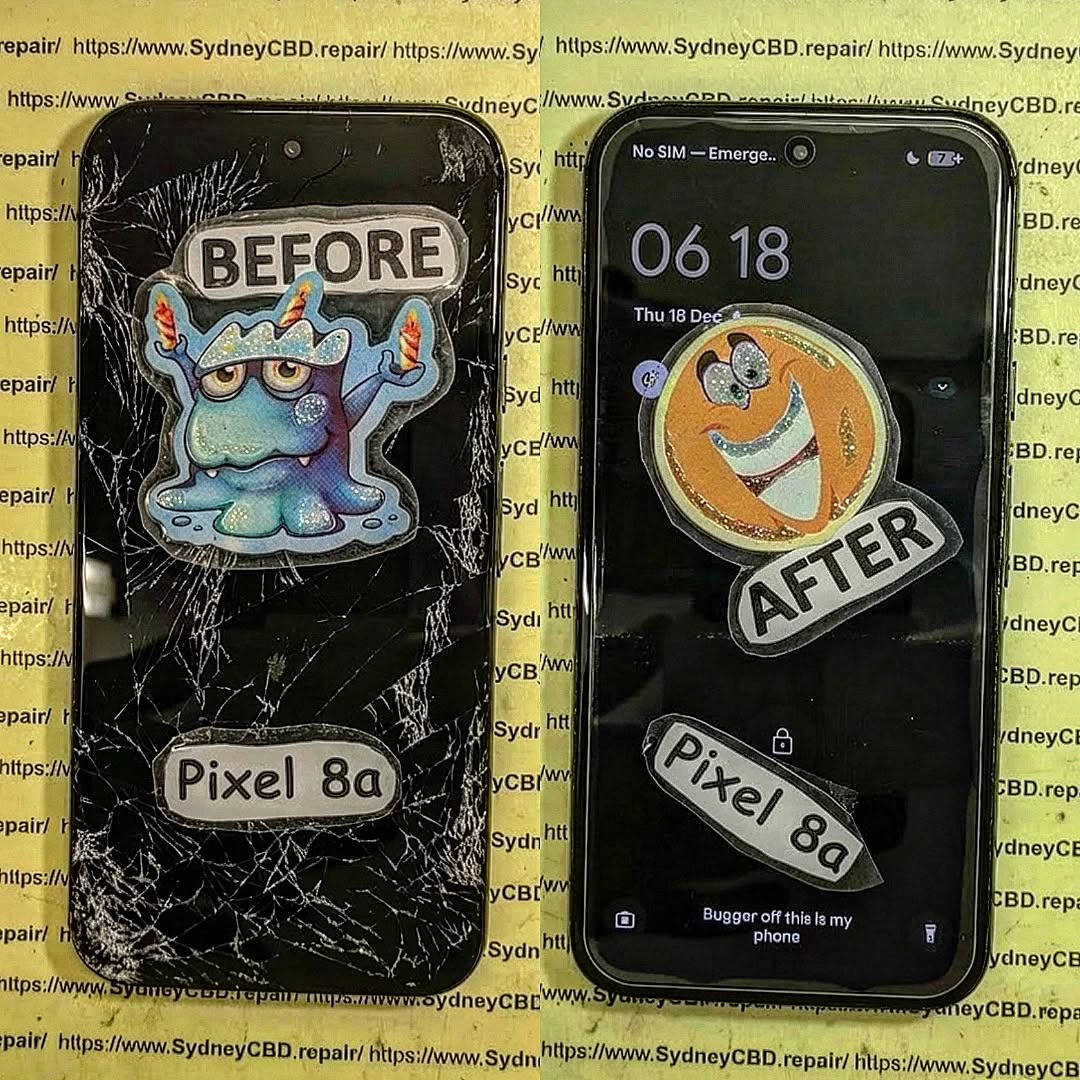
Understanding Ghost Touch
Ghost touch refers to a situation where a phone’s screen reacts as if it’s being touched, even when it isn’t. It’s a common problem in touchscreen devices, particularly after repairs.
Symptoms of Ghost Touch
- Random screen taps or swipes
- Apps opening without input
- Continuous scrolling or typing errors
- Intermittent lag or freezes
These symptoms can appear gradually or suddenly, often triggered by environmental factors like heat, moisture, or faulty components.
Causes of Ghost Touch After Screen Replacement
Ghost touch can be caused by multiple factors:
- Poor Installation: Loose cables or misaligned screens can trigger phantom touches.
- Faulty Replacement Parts: Low-quality screens or digitizers often malfunction.
- Software Glitches: Outdated firmware or incompatible updates may cause erratic touch input.
- Residual Damage: Water or previous hardware damage affecting the new screen.
Signs Your Phone Has Ghost Touch Issues
To confirm ghost touch, look for these indicators:
- Unprompted taps or swipes
- Apps opening unexpectedly
- Cursor moving without input
- Phone freezing intermittently
- Inconsistent screen sensitivity
Diagnosing the Problem

Proper diagnosis is key to effective solutions.
Physical Inspection
- Ensure all cables are securely connected.
- Verify screen alignment and pressure points.
- Check for cracks or physical defects on the new screen.
Software Diagnostics
- Calibrate the touch screen via settings.
- Update the OS to the latest version.
- Safe mode testing to rule out app conflicts.
Common Fixes for Ghost Touch
Here’s how you can solve ghost touch issues:
1. Reboot and Reset
- Soft reset: Power off, wait 30 seconds, then restart.
- Hard reset: For persistent problems, backup data and reset to factory settings.
- Clear cache: Helps fix software conflicts.
2. Update or Restore Software
- Install pending firmware updates.
- Perform a factory reset if updates fail.
- Use official manufacturer tools for software restoration.
3. Replace Faulty Components
- Replace the digitizer if it’s defective.
- Ensure the replacement screen is OEM-certified.
- Professional installation prevents misalignment.
4. Adjust Screen Sensitivity Settings
- Modify touch sensitivity in settings.
- Disable unnecessary gestures that may conflict.
5. Remove Screen Protectors or Cases
- Certain screen protectors can interfere with touch sensors.
- Check if ghost touch stops after removing accessories.
Preventive Measures for Future Screen Repairs
Choosing Quality Replacement Screens
- Opt for OEM parts or high-grade third-party screens.
- Verify warranty and authenticity before purchase.
Proper Handling During Repairs
- Avoid bending or pinching cables.
- Conduct repairs in a clean, dust-free environment.
- Professional installation minimizes risk.
When to Consult Professionals
If the above steps don’t resolve ghost touch, it’s time to seek expert help. Indicators include:
- Persistent phantom touches after software fixes
- Screen flickering or unresponsive areas
- Damage to internal components suspected
Visit reputable repair centres like Sydney CBD Repair Centre for professional diagnosis and repair.
External Resources and References
FAQs
Q1: Can a cheap screen replacement cause ghost touch?
A: Yes, low-quality screens often have defective digitizers that can trigger ghost touches. Always opt for OEM or certified parts.
Q2: How can I tell if ghost touch is hardware or software-related?
A: Use safe mode to disable third-party apps. If ghost touch persists, it’s likely hardware-related.
Q3: Will removing a screen protector fix ghost touch?
A: Sometimes, yes. Certain protectors interfere with touch sensors, especially tempered glass or thick cases.
Q4: Is ghost touch covered under warranty?
A: OEM replacements usually have warranties. Third-party repairs depend on the provider’s policy.
Q5: Can moisture inside the phone cause ghost touch?
A: Absolutely. Water can affect digitizers and internal circuits, causing erratic screen behavior.
Q6: How do I prevent ghost touch after future repairs?
A: Use certified parts, ensure professional installation, and avoid cheap, poorly aligned replacements.
Conclusion

Ghost touch after screen replacement is common but solvable. By understanding causes, performing careful diagnostics, and applying proven fixes, you can restore your phone’s performance. Remember, prevention is just as important as cure: always use quality parts and professional services. Don’t let ghost touch haunt your device—take proactive steps today.
David from Sydney CBD Repair Centre – The Best place to fix mobile phones as 6 Years In A Row! Top Mobile Phone Repair In Sydney. More than 2000 Positive Reviews on Google and Same Day Repairs.
Visit us for:
✓ Same Day Express Repairs
✓ Genuine Parts Guarantee
✓ Professional Technicians
✓ Competitive Pricing
✓ 2000+ 5-Star Google Reviews
✓ 6-Time Award Winner for Best Phone Repairs
Sydney CBD Repair Centre – Where Quality Meets Reliability.
Call : +61280114119
Website: https://SydneyCBD.repair/locate-us

