


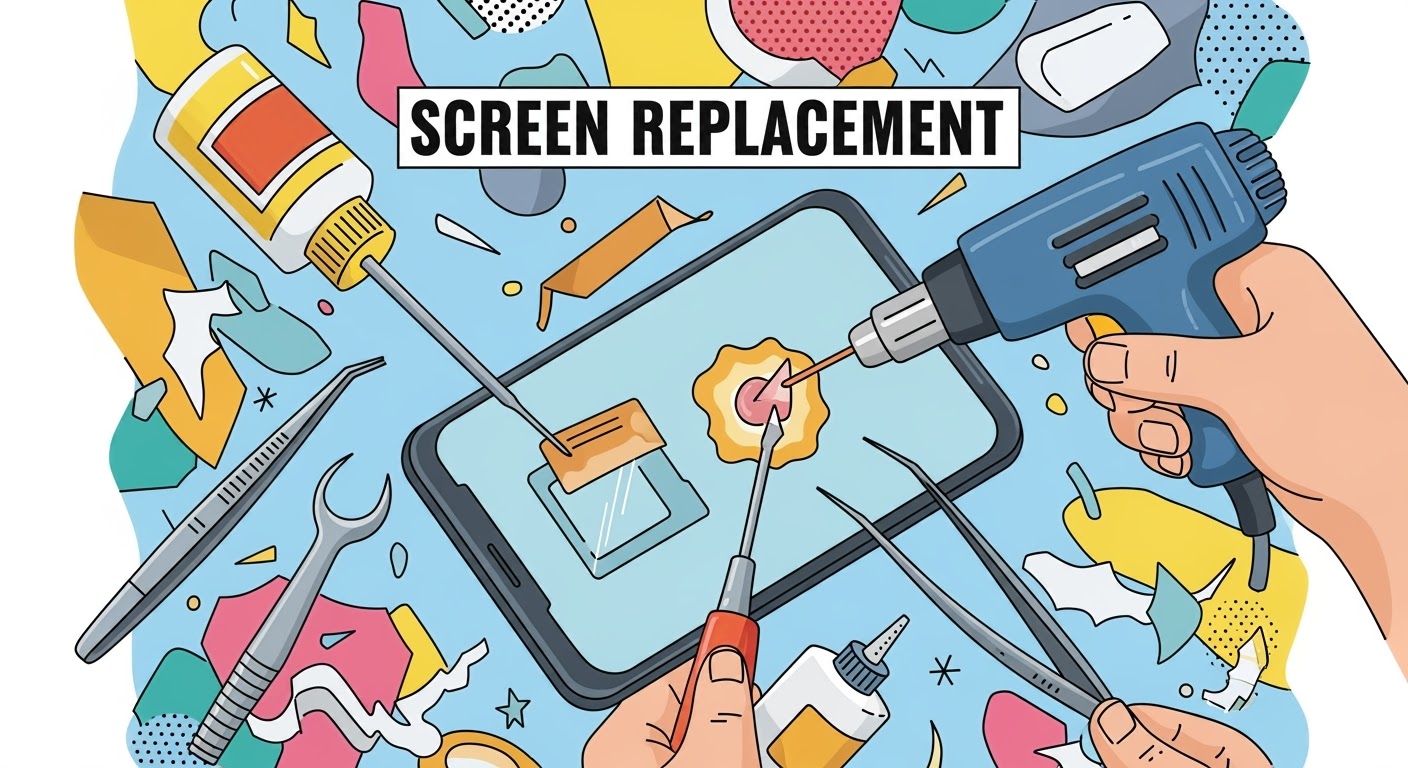
Screen Replacement: Heat, Glue, and Tools Explained

Screen Replacement: Heat, Glue, and Tools Explained
Replacing a smartphone screen might sound straightforward, but in reality, it’s a delicate process that requires the right tools, heat application, and adhesive techniques. Whether it’s a cracked display on your flagship device or a gaming powerhouse like the ASUS ROG Phone, understanding how heat, glue, and tools come into play will help you appreciate why professional repair is often the safest choice.
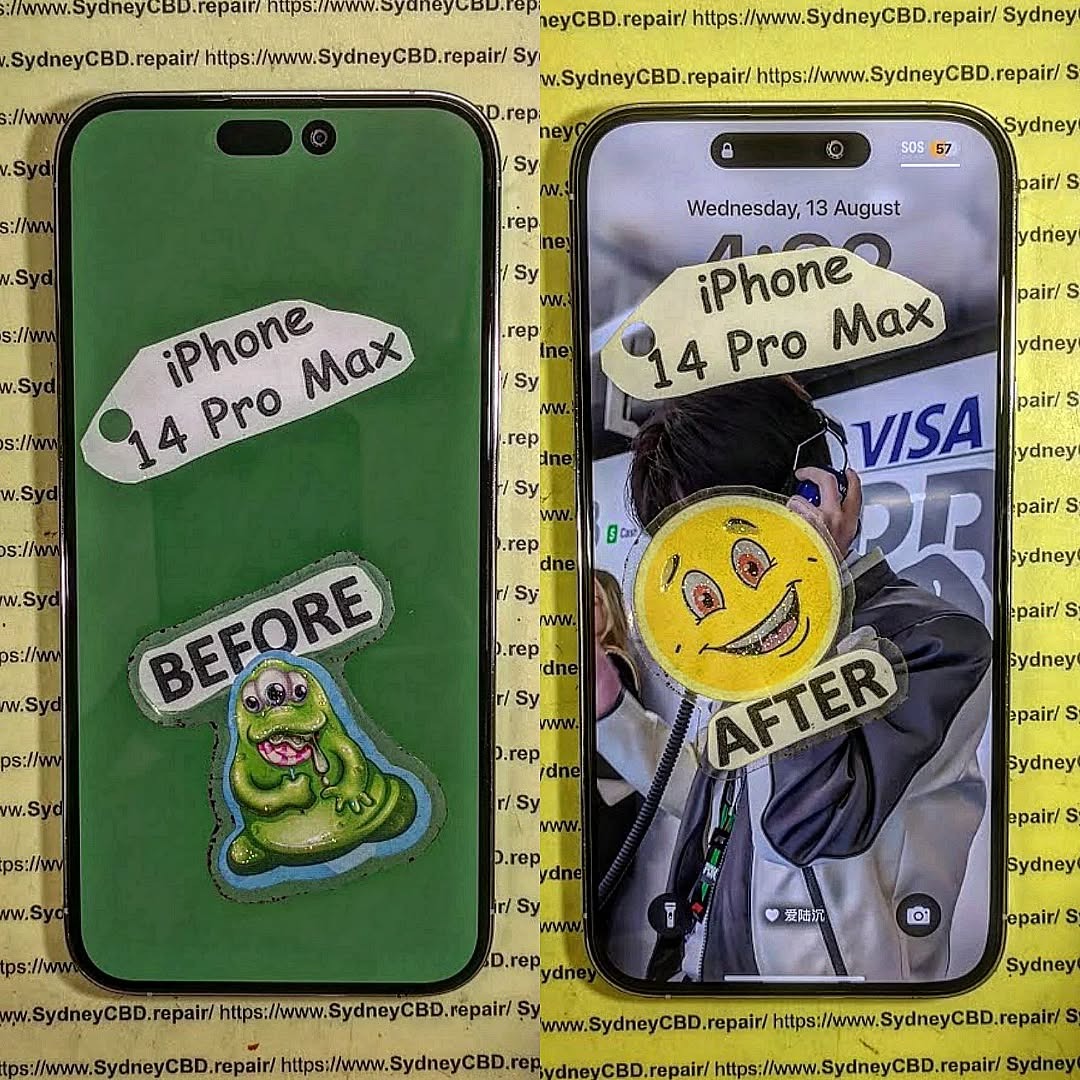
Why Heat Is Essential in Screen Replacement
Most modern smartphones are sealed together using strong industrial adhesive to make them durable and water-resistant. To remove the screen safely, this adhesive must be softened first.
- How it’s done: Technicians use a heat gun, hot air station, or specialized heating pad to gently warm the edges of the device.
- Why it matters: Without controlled heat, prying the screen can cause cracks or damage to internal components.
- Common mistake in DIY: Using a hairdryer unevenly can overheat some areas and leave others too sticky, making removal risky.
Glue: The Invisible Force Holding Your Screen
The glue or adhesive is not just about sticking the screen in place—it plays a critical role in structural integrity and dust resistance.
- Factory-grade adhesive: Manufacturers use precision-applied glues to ensure even sealing.
- During replacement: Professionals apply pre-cut adhesive strips or liquid adhesive to replicate factory standards.
- Risks of poor application: Too much glue can seep into delicate parts, while too little can cause the screen to lift or lose touch sensitivity.
Tools Every Technician Relies On
Replacing a screen isn’t possible without the proper toolkit. Here are the essentials:
- Precision screwdrivers – to remove tiny screws without stripping them
- Plastic pry tools and spudgers – to separate the glass without scratching
- Suction cups – to lift the display gently after heating
- ESD-safe tweezers – to handle tiny components safely
- Adhesive applicators and clamps – to ensure the screen bonds firmly during reassembly
For DIY repairs, missing even one of these tools can make the process much harder and riskier.
Why Professional Repair Makes a Difference

While DIY guides make screen replacement look simple, the reality is different. Professional repair centers like Sydney CBD Repair Centre have experience, advanced equipment, and access to genuine parts. This means:
- Faster turnaround times
- Proper sealing to maintain water resistance
- Warranty on both parts and labor
- Peace of mind knowing your device won’t fail due to a small mistake
✅ In short: Screen replacement is more than just swapping glass. It’s about balancing heat, glue, and tools with precision. Unless you’re highly skilled, professional repair ensures your device is restored to factory standards.
David from Sydney CBD Repair Centre – The Best place to fix mobile phones as 6 Years In A Row! Top Mobile Phone Repair In Sydney. More than 2000 Positive Reviews on Google and Same Day Repairs.
We take pride in delivering exceptional repair services for all major phone brands including Apple, Samsung, Google, and more. Our expert technicians use only genuine parts and offer 90 days warranty on repairs. Located in the heart of Sydney CBD, we’re your one-stop solution for all mobile device repairs.
Visit us for:
✓ Same Day Express Repairs
✓ Genuine Parts Guarantee
✓ Professional Technicians
✓ Competitive Pricing
✓ 2000+ 5-Star Google Reviews
✓ 6-Time Award Winner for Best Phone Repairs
📞 Call: +61280114119
🌐 Website: https://SydneyCBD.repair/locate-us

