


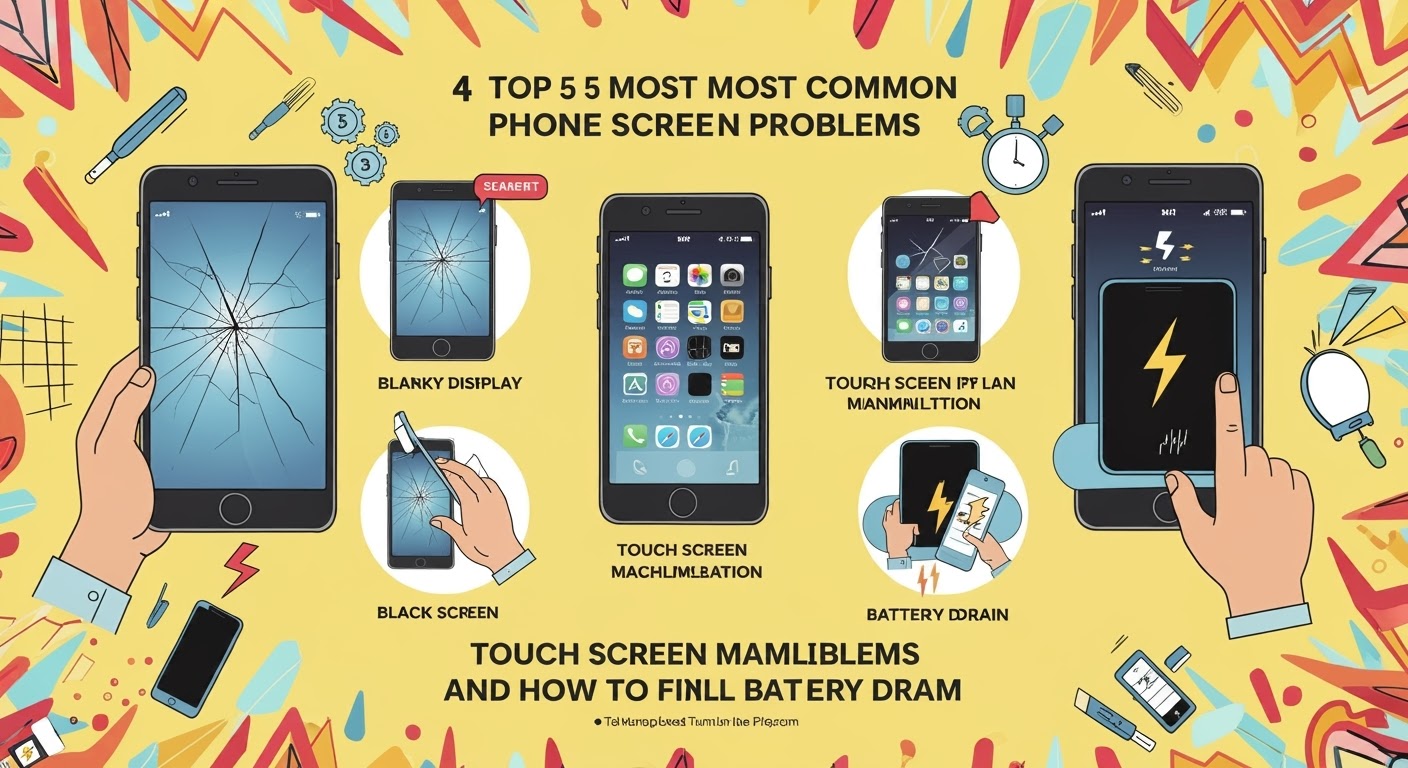
Top 5 Most COMMON Phone Screen Problems and How to Fix Them

📱 Top 5 Most COMMON Phone Screen Problems and How to Fix Them
🛠️ Introduction
Smartphones have become essential to our daily lives—but they’re far from indestructible. One accidental drop or glitch, and you’re dealing with a frustrating screen issue. At Sydney CBD Repair Centre, we’ve helped thousands of customers fix everything from shattered glass to dead pixels.
In this article, we’ll explore the five most common phone screen problems and guide you through how to fix them—or when it’s best to let the pros handle it.

1️⃣ Cracked or Shattered Screen
💥 What Causes It?
- Drops on hard surfaces
- Sitting on your phone
- Pressure in pockets or bags
🔧 Fix:
For minor cracks:
- Tempered glass screen protector can prevent further damage.
For major shattering:
- Professional screen replacement is the safest solution.
- Choose genuine parts to ensure touch sensitivity and display clarity.
🏆 At Sydney CBD Repair Centre, we offer same-day screen replacements using only OEM-quality parts for all major brands.
2️⃣ Unresponsive or Ghost Touch
👻 What Is It?
- Your phone starts reacting without you touching it (ghost touch)
- Delays or no response when you tap the screen
🧪 Causes:
- Screen damage
- Faulty digitizer (touch sensor)
- Software bugs
🔧 Fix:
- Restart your device to rule out temporary software issues
- Update your software
- If it persists, your digitizer likely needs replacing
✅ We diagnose touch issues accurately and replace damaged digitizers without affecting your phone’s data.
3️⃣ Display Issues (Black Screen, Flickering, Lines)
📉 What You’ll See:
- Screen turns black but phone is still working
- Vertical or horizontal lines across the display
- Screen flickers or flashes randomly
🧪 Causes:
- Internal LCD or OLED damage
- Loose screen connectors
- Hardware failure due to impact or moisture
🔧 Fix:
- Try a hard reset (Power + Volume Down for most devices)
- If unresolved, it’s likely an internal screen replacement job
- Avoid DIY—this needs expert tools and skill
💡 Our team performs screen replacements with precision to restore display quality and functionality.
4️⃣ Dead Pixels or Bright Spots
🔎 What Are They?
- Small black (dead) or white (stuck) dots on the screen
- Bright spots even when the screen is off
🧪 Causes:
- Defective screen components
- Pressure damage or aging LCDs
🔧 Fix:
- Use a pixel-fix app (sometimes works for stuck pixels)
- Persistent issues require screen module replacement
⚠️ Using aftermarket screens often leads to more dead pixels. We only use high-quality displays for lasting performance.
5️⃣ Screen Burn-In or Image Retention
🔥 What Is It?
- Ghost images remain on the screen even after switching apps
- Common on OLED screens (like Samsung or iPhones)
🧪 Causes:
- Prolonged display of static images (navigation bars, game interfaces)
- Brightness set to high for extended periods
🔧 Fix:
- Reduce screen brightness
- Use dark mode and enable screen savers
- Severe burn-in? Screen replacement is the only solution
🛡️ Our OLED screen replacements come with a 90-day warranty to protect your investment.
🧠 When to DIY vs When to Visit a Pro
| Problem Type | DIY-Friendly | Pro Repair Recommended |
|---|---|---|
| Minor Cracks | ✅ | ❌ |
| Ghost Touch | ❌ | ✅ |
| Display Flicker | ❌ | ✅ |
| Dead Pixels | 🔄 Maybe | ✅ |
| Burn-In | ❌ | ✅ |
DIY fixes can sometimes make things worse. Trusting a certified repair technician ensures a longer-lasting, safer solution.
🏆 Why Choose Sydney CBD Repair Centre?

- Same Day Express Repairs
- Genuine Parts Guarantee
- 2000+ 5-Star Google Reviews
- Certified Technicians
- 90-Day Warranty on All Repairs
- 6-Time Award Winner for Best Phone Repairs in Sydney
📍 Visit us today in the heart of Sydney CBD
📞 Call: +61280114119
🌐 Locate us here
❓ Frequently Asked Questions (FAQs)
Q1: Can I use my phone with a cracked screen?
A: You can, but it’s risky. Cracks can lead to deeper damage, unresponsive touch, or even injury from glass shards.
Q2: How much does a screen replacement cost?
A: It depends on your phone model and screen type (LCD vs OLED). Contact us for a free quote.
Q3: Will replacing my screen erase my data?
A: No, screen replacements do not affect your internal data. Still, we always recommend backing up just in case.
Q4: How long does a typical repair take?
A: Most screen repairs are done in under 1 hour at Sydney CBD Repair Centre.
Q5: Do you offer a warranty?
A: Yes, we offer a 90-day warranty on all parts and labour.
Q6: What if my screen issue returns after the repair?
A: Bring it back. We’ll recheck everything under warranty and fix it at no extra cost if the part is at fault.
🎯 Final Thoughts
Don’t let a screen problem ruin your mobile experience. Whether you’ve got a crack, dead pixel, ghost touch, or screen flicker, knowing the right solution—and choosing the right repair centre—makes all the difference.
Trust the experts at Sydney CBD Repair Centre to get your device back in perfect shape, fast.

