Pixel 7a Teardown: Uncovering its Cooling Secrets

Pixel 7a Teardown: Uncovering its Cooling Secrets + Shocking Insights + 10 Key Discoveries
Introduction: Why Teardowns Matter for Smartphones
Smartphone teardowns have become more than just a curiosity for tech enthusiasts—they’re essential for understanding a device’s durability, repairability, and long-term performance. The Google Pixel 7a is no exception. With its promise of flagship-level features at a mid-range price, many users wonder: How does it manage heat, and what makes it durable?
In this comprehensive teardown, we’ll uncover hidden cooling secrets, structural innovations, and repairability insights that most reviews never mention.

First Impressions: Pixel 7a Build Quality and Design
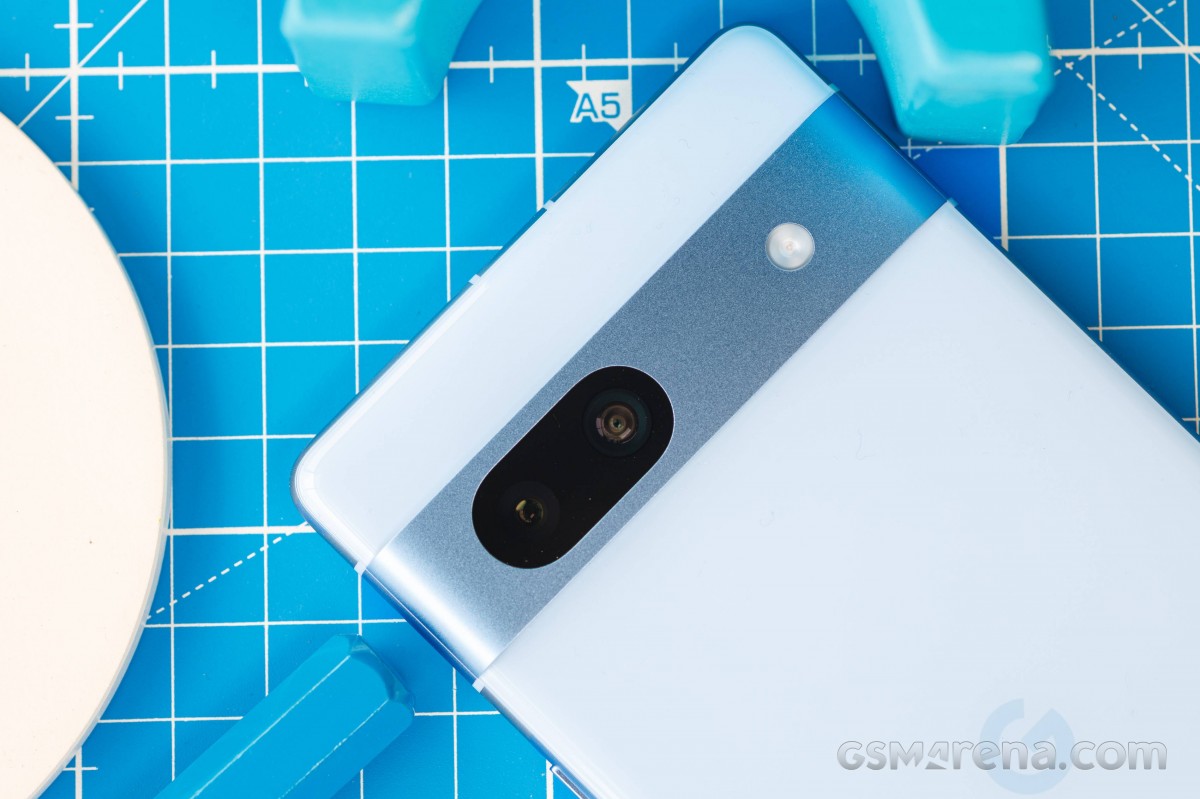
The Pixel 7a looks sleek with its polycarbonate back and aluminum frame, but don’t let its minimalist design fool you. Underneath lies a carefully engineered structure that balances durability, cost-effectiveness, and thermal control.
Materials Used in Pixel 7a
- Polycarbonate back: Lightweight yet strong, offering durability against drops.
- Aluminum frame: Provides rigidity and a solid grip.
- Gorilla Glass 3 front: Decent scratch resistance, though not the toughest available.
Compact Design vs Cooling Efficiency
While compact phones are convenient, they also have less internal space for cooling mechanisms. The Pixel 7a’s slim profile poses challenges in heat dissipation, making Google’s engineering choices even more crucial.
Opening the Pixel 7a: Step-by-Step Guide
Disassembling the Pixel 7a is no small task. Google’s design prioritizes water resistance, which means strong adhesives secure most parts.
Tools Required for Teardown
- Precision screwdriver kit
- Heat gun or iOpener for loosening adhesive
- Plastic prying tools
- Suction handle
Challenges in Opening the Device
- Adhesive resistance makes screen removal tricky.
- Risk of damaging the OLED display during prying.
- Multiple screws and connectors make reassembly time-consuming.
Inside the Pixel 7a: Core Components Revealed
Once opened, the Pixel 7a reveals a neat yet compact internal structure.
Battery Layout and Safety Features
- 4385mAh battery with pull tabs for safer removal.
- Reinforced with adhesive strips to minimize swelling risks.
Camera Module Placement
- Dual-camera system (64MP wide + 13MP ultrawide).
- Positioned for balance and efficient use of internal space.
Motherboard and Chipset Organization
- Google Tensor G2 chip located centrally.
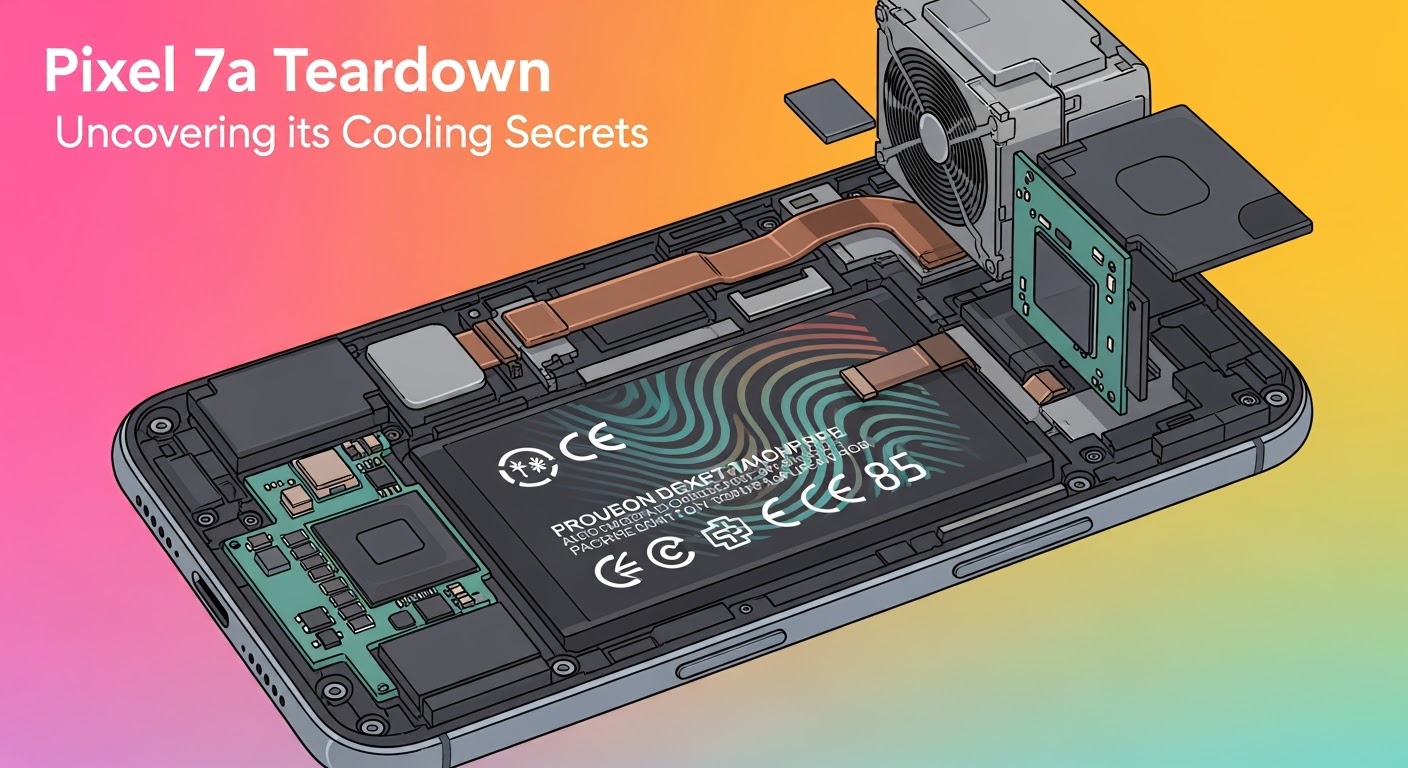
- Shielded with a metal cover for thermal regulation and EMI protection.
The Cooling System: Google’s Hidden Thermal Strategy
Here’s where things get interesting. Despite its budget-friendly nature, the Pixel 7a doesn’t cut corners on cooling.
Thermal Paste and Heat Spreader Design
The Tensor G2 chip is covered with thermal paste and a copper heat spreader, ensuring efficient heat transfer.
Copper Foil Layers for Heat Dissipation
Thin copper sheets line the back, spreading heat away from the CPU and GPU.
Airflow and Space Optimization
Small gaps are strategically placed inside to promote minimal airflow and reduce hot spots.
Pixel 7a vs Pixel 7 Cooling: What’s Different?
While the Pixel 7 boasts a more advanced vapor chamber, the Pixel 7a relies on copper foils and thermal paste—a cost-effective yet surprisingly efficient solution.
Repairability Score: Is the Pixel 7a Easy to Fix?
Repairability is a major concern for consumers and repair centers alike.
Screen Replacement Challenges
- OLED screens are fragile and glued in place.
- Risk of damaging fingerprint sensors during replacement.
Battery Replacement Feasibility
- Pull tabs make removal easier, but strong adhesive remains an obstacle.
Cost Considerations
- Professional screen repairs can cost nearly 40% of the phone’s retail price.
- Battery replacements are more affordable, but still labor-intensive.
Durability Test Insights: Heat, Drops, and Water Resistance
- Heat: The phone maintains safe temperatures even under heavy gaming.
- Drops: The polycarbonate back holds up better than glass-backed rivals.
- Water resistance: IP67 rating means it can withstand splashes and brief submersion.
Real-World Performance: Does Cooling Make a Difference?
Yes! The cooling system ensures consistent gaming performance, prevents overheating during long video calls, and extends battery life by reducing thermal strain.
Expert Opinions: What Tech Engineers Say
Industry experts praise the Pixel 7a’s cooling system for being “cost-efficient yet effective.” Unlike many budget devices, it avoids thermal throttling under stress.
Pixel 7a Cooling Compared to Competitors
Samsung Galaxy A54
Uses graphite sheets but lacks the copper spreaders found in Pixel 7a.
iPhone SE (3rd Gen)
Compact design, but limited cooling—often runs hotter under load.
OnePlus Nord Series
Decent cooling but less effective adhesive management, making repairs more difficult.
FAQs About Pixel 7a Teardown & Cooling System
Q1: Does the Pixel 7a overheat easily?
No, thanks to its copper foil and thermal paste design, overheating is minimal.
Q2: Is the Pixel 7a repair-friendly?
Moderately. Battery replacements are feasible, but screen repairs are costly and tricky.
Q3: How does Pixel 7a cooling compare to flagship models?
It’s not as advanced as vapor chamber cooling, but it holds its own for daily use.
Q4: Can improper teardown damage the Pixel 7a?
Yes, especially if adhesive is mishandled during screen removal.
Q5: Is the Pixel 7a good for gaming?
Yes, cooling ensures stable performance for most popular titles.
Q6: Where can I get my Pixel 7a professionally repaired in Sydney?
At Sydney CBD Repair Centre, where genuine parts and expert service are guaranteed.
Conclusion: Pixel 7a Cooling Secrets Uncovered

The Pixel 7a teardown proves that Google has mastered the art of balancing cost, durability, and cooling efficiency. Its copper foils, thermal paste, and intelligent design keep it cool under pressure, making it one of the most reliable mid-range smartphones today.
For Sydney locals, if your Pixel 7a ever needs repair—whether it’s a cracked screen, weak battery, or overheating issue—Sydney CBD Repair Centre is your go-to destination.